On this page
A remote team spends money in places the office never sees: cloud servers in three regions, software subscriptions on personal cards, and AI tools bought by individual engineers. Finance needs one view of all of it, and the team needs budgets that stop a bill before it doubles. Vantage leads this list because its $30-a-month Pro plan covers up to $7,500 of tracked cloud spend with a free Starter tier, and the other eight tools are judged on the same practical test: how quickly they turn a raw bill into a decision.
How we researched this
We checked every price on the vendor pricing page on November 28, 2026, and only included tools with a published US dollar list price and a free trial or free plan. The big FinOps names in this category, including Apptio, Flexera and ServiceNow, publish no prices, so they are not in this list. Prices change, so confirm the current figure on the vendor site before you buy.
Compare the tools
| Name | Best for | Starting price | Free plan | |
|---|---|---|---|---|
| Kubecost | Remote teams whose cloud bill is mostly Kubernetes | $449/month | Free tier for one cluster up to 250 cores | Visit |
| CloudZero | Remote teams that need cost per customer or per feature | $19 per $1,000 of monthly AWS spend | 14-day free trial; no free plan | Visit |
| Vantage | Remote teams that want fixed, published FinOps prices | $30/month | Free Starter plan up to $2,500 tracked spend | Visit |
| nOps | Remote teams on AWS that want automation to cut the bill | $199/month | Free Cloud Management Platform tier | Visit |
 Cledara | Remote teams that pay for dozens of software subscriptions | $75/month | No free plan; demo available | Visit |
 Torii | Remote teams that need shadow IT discovery and license automation | $2.50/employee/month | Free trial | Visit |
| Finout | Remote teams that need one bill across cloud, SaaS and AI spend | $1,000/month | Free trial; no free plan | Visit |
| Infracost | Remote teams that want cost checks in pull requests before deployment | $250/month | Free CI/CD plan with 1,000 runs a month | Visit |
| CAST AI | Remote teams that want Kubernetes costs cut automatically | $1,000/month | Free cost monitoring tier | Visit |
The IT financial management software for remote teams, compared
1. Kubecost
Best for: Remote teams whose cloud bill is mostly Kubernetes
Paid tool Starting price: $449/month · Business $449 a month; the free tier covers one cluster up to 250 cores; Enterprise self-hosted is $63.60 per core a year with a 250-core minimum; Enterprise Cloud is by quote
Free plan: Free tier for one cluster up to 250 cores
This Kubecost plan costs $449 a month for the Business tier, and it allocates Kubernetes spend to namespaces, workloads and pods, so a remote team sees which service costs what. Bill reconciliation factors in reserved instances, savings plans and spot pricing against real usage, and rightsizing recommendations cut the waste it finds. The free tier covers one cluster up to 250 cores, which suits a small team proving the value first.
What we like
- Deepest per-pod and per-namespace cost allocation
- Bill reconciliation includes savings plans and spot pricing
- Free tier covers one cluster up to 250 cores
Watch out for
- Kubernetes only, so non-cluster spend needs another tool
- Enterprise pricing is by quote or per core, not a flat rate
How to try it
- Connect Kubecost to your clusters and let it allocate costs by namespace
- Review rightsizing recommendations and apply the ones that save most
- Set budgets and alerts so a runaway workload is caught early
2. CloudZero
Best for: Remote teams that need cost per customer or per feature
Paid tool Starting price: $19 per $1,000 of monthly AWS spend · CloudZero's own site quotes by request; the only published rate is its AWS Marketplace list price of $19 per $1,000 of monthly AWS spend, with term savings up to 13% on longer contracts
Free plan: 14-day free trial; no free plan
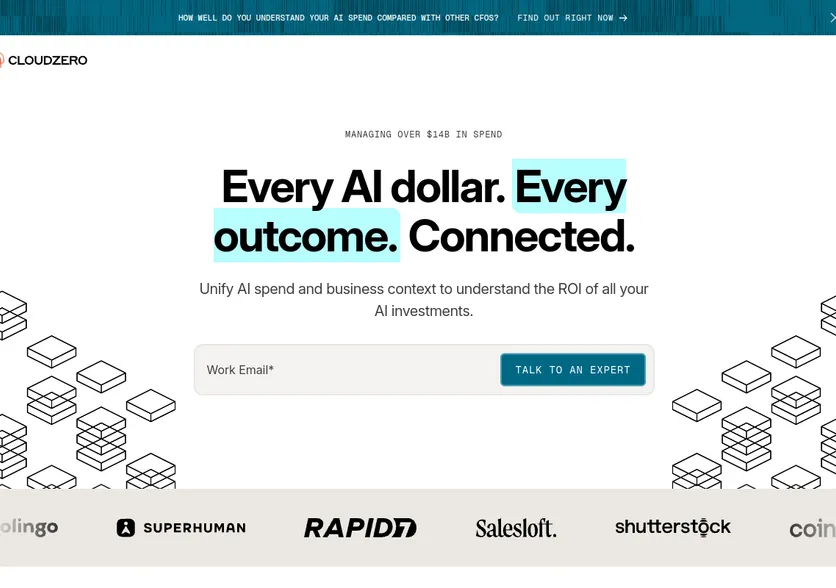
This CloudZero plan costs $19 per $1,000 of monthly AWS spend on its marketplace list price, and it maps cloud and Kubernetes spend to customers, features and products. A remote team can see whether a customer is profitable or a feature costs more than it earns, instead of staring at a single total. The vendor site quotes by request, so the marketplace rate is the only public number to plan around.
What we like
- Cost per customer and per feature, not just totals
- Covers AWS, Azure, Google Cloud and SaaS spend
- No tagging cleanup needed to get started
Watch out for
- No published price list on the vendor site
- The marketplace rate covers AWS spend only
How to try it
- Connect your cloud accounts and define cost dimensions by customer or feature
- Review unit costs weekly to spot unprofitable customers
- Use anomaly alerts to catch spend spikes before the bill lands
3. Vantage
Best for: Remote teams that want fixed, published FinOps prices
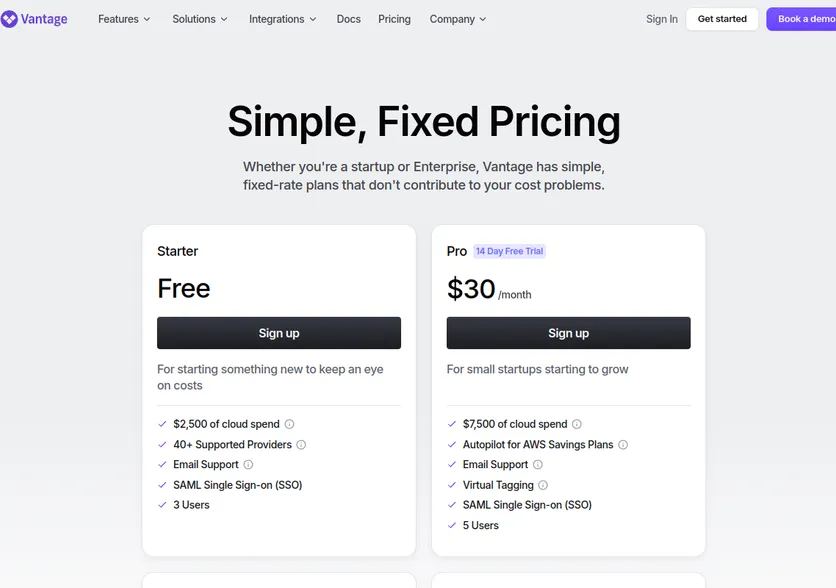
Paid tool Starting price: $30/month · Pro $30 a month for up to $7,500 of tracked cloud spend and 5 users; Business $200 a month for up to $20,000 and 10 users; Starter is free up to $2,500; Enterprise is custom
Free plan: Free Starter plan up to $2,500 tracked spend
This Vantage plan costs $30 a month on Pro, and it tracks cloud and AI spend across more than 40 providers for a flat fee gated by how much spend you monitor. Virtual tagging and Autopilot for AWS Savings Plans come on the paid tiers, and the Starter plan is free up to $2,500 of tracked spend. The step from Pro to Business is steep at $200 a month, so price the cliff before your spend crosses it.
What we like
- Fixed flat prices, no percentage of spend
- Free Starter tier up to $2,500 of tracked spend
- Covers 40-plus providers including AI spend
Watch out for
- The jump from Pro to Business is $170 a month
- Kubernetes data refreshes only once a day
How to try it
- Connect cloud accounts and let Vantage track spend across providers
- Set budgets and alerts for each team or project
- Use Autopilot to buy AWS Savings Plans automatically
4. nOps
Best for: Remote teams on AWS that want automation to cut the bill
Paid tool Starting price: $199/month · Basic $199 a month on a usage-based model; the Cloud Management Platform tier is free; paid automation is tied to verified savings, so the bill scales with spend
Free plan: Free Cloud Management Platform tier
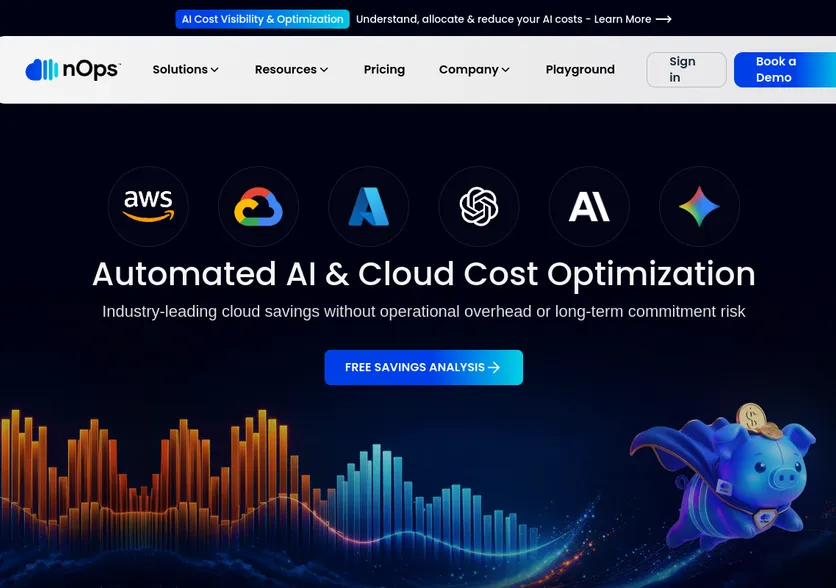
This nOps plan costs $199 a month on a usage-based model, and it automates AWS cost control: rightsizing, resource scheduling and commitment management for reserved instances and savings plans. Its Compute Copilot picks spot capacity in real time, and EKS container-level cost attribution shows what each pod costs. The deepest automation is AWS-focused, so teams mainly on Azure or Google Cloud get less value.
What we like
- Automates rightsizing, scheduling and commitments
- EKS container-level cost attribution included
- Pay-for-performance model ties cost to savings
Watch out for
- Deepest automation is AWS-focused
- Usage-based billing makes the exact cost hard to predict
How to try it
- Connect your AWS accounts and let nOps find idle resources
- Turn on Compute Copilot for automated spot and rightsizing
- Review savings reports monthly to check the automation pays
5. Cledara
Best for: Remote teams that pay for dozens of software subscriptions
Paid tool Starting price: $75/month · Basic $75 a month, or $750 a year, for up to 20 software applications; Premium $200; Pro from $500; Cledara Agent jobs cost $200 a month each; the pricing page shows pounds to some readers
Free plan: No free plan; demo available
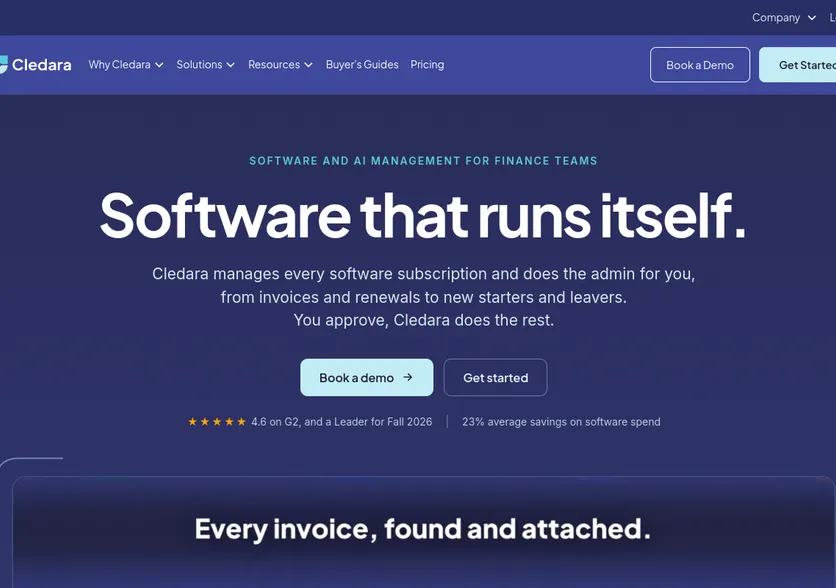
This Cledara plan costs $75 a month for Basic, and it keeps one list of every software subscription a remote team pays for, with owner, cost, renewal date and a virtual card per tool. Renewal alerts stop the surprise charge for a tool nobody uses, and spend limits keep each subscription inside its budget. The flat price suits a team with dozens of tools more than a tiny team with a handful.
What we like
- One list of every subscription with owner and renewal date
- Virtual card per tool keeps spending controlled
- Flat price suits teams with dozens of tools
Watch out for
- Software spend only, not cloud or infrastructure
- Agent jobs and modules cost extra per month
How to try it
- Import every software subscription with its owner and renewal date
- Set spend limits and budgets per tool or per team
- Review renewal alerts weekly and cancel what nobody uses
6. Torii
Best for: Remote teams that need shadow IT discovery and license automation
Paid tool Starting price: $2.50/employee/month · Basic $2.50 per employee a month billed annually, or $2.75 on monthly billing, with a $250 a month minimum; Professional and Enterprise are by quote
Free plan: Free trial
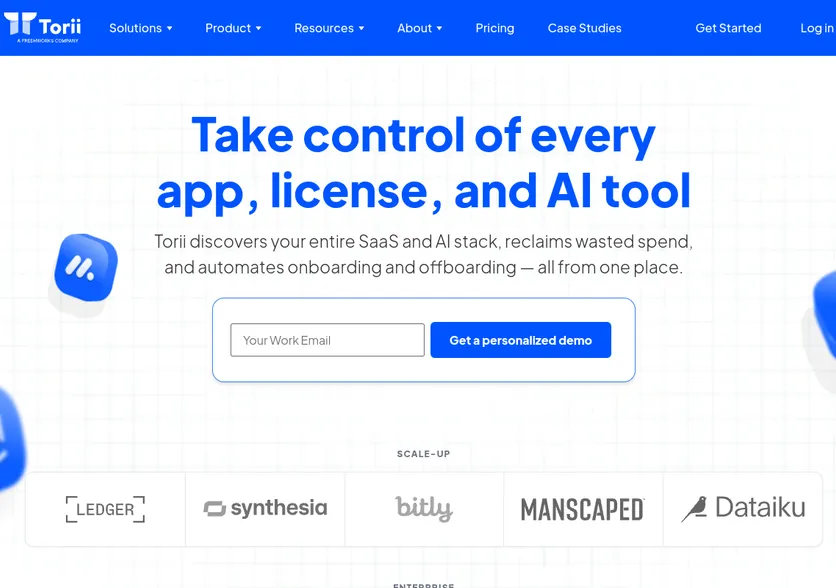
This Torii plan costs $2.50 per employee a month billed annually, and it discovers the SaaS and AI tools a remote team actually uses, including the ones nobody approved. Automated workflows reclaim unused licenses, reassign seats and run onboarding and offboarding, so leavers stop costing money the day they leave. The $250 a month minimum means the entry bill is fixed even for a small team.
What we like
- Shadow IT and Shadow AI discovery built in
- Automated license reclamation and offboarding
- Low per-employee rate for the Basic plan
Watch out for
- The $250 a month minimum sets the entry bill
- Professional and Enterprise are by quote only
How to try it
- Connect Torii to your identity provider and finance systems
- Review discovered apps and flag the ones nobody approved
- Turn on license reclamation for tools with unused seats
7. Finout
Best for: Remote teams that need one bill across cloud, SaaS and AI spend
Paid tool Starting price: $1,000/month · Business $1,000 a month for up to $500,000 of yearly cloud spend; Pro $2,000 a month for up to $2 million; Enterprise is custom; the vendor page now routes all tiers to a quote request, and these are the vendor-supplied rates on G2
Free plan: Free trial; no free plan
This Finout plan costs $1,000 a month on Business, and it fuses AWS, Azure, Google Cloud, Kubernetes, SaaS and AI spend into one MegaBill with allocation and chargeback. A remote team can split costs by team, product or customer without reconciling a dozen provider invoices. Kubernetes adds a 25% uplift on Business and Pro, so a team running clusters should price that in.
What we like
- One bill across cloud, SaaS, Kubernetes and AI
- Allocation and chargeback without reconciling invoices
- Flat fee with no per-seat charges
Watch out for
- $1,000 a month entry excludes small teams
- Kubernetes adds a 25% uplift on lower tiers
How to try it
- Connect cloud, SaaS and AI providers into the MegaBill
- Set up virtual tags to allocate costs by team or product
- Review chargeback reports monthly with engineering and finance
8. Infracost
Best for: Remote teams that want cost checks in pull requests before deployment
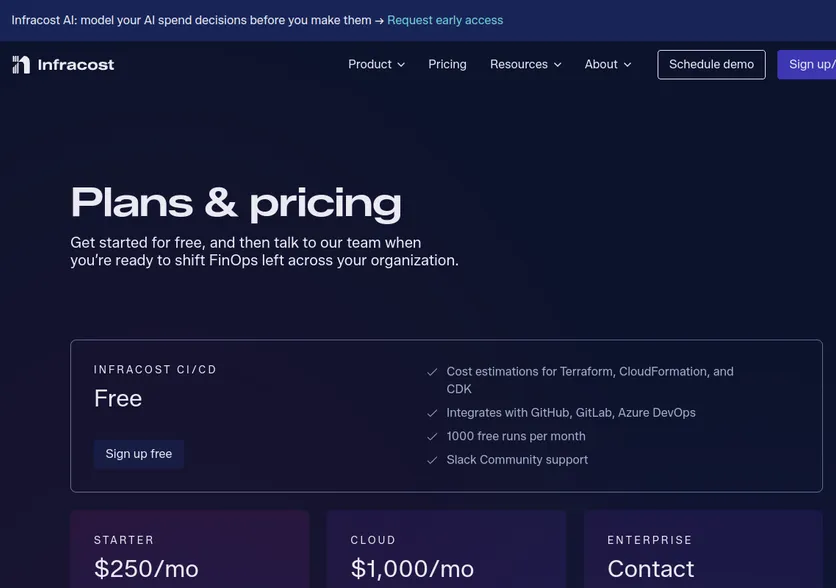
Paid tool Starting price: $250/month · Starter $250 a month for 10,000 runs; Cloud $1,000 a month with 10 admin seats; the free CI/CD plan includes 1,000 runs a month; Enterprise is by quote
Free plan: Free CI/CD plan with 1,000 runs a month
This Infracost plan costs $250 a month for Starter, and it estimates the cost of infrastructure changes in pull requests before they are deployed. A remote engineer sees the monthly delta on the change itself, and FinOps policies on the Cloud plan block changes that break the budget. The free CI/CD plan covers 1,000 runs a month, which suits a small team adding cost checks to its pipeline.
What we like
- Cost estimates appear on the pull request itself
- Free plan covers 1,000 runs a month
- Policies block over-budget changes before deployment
Watch out for
- Estimates are list prices, not the negotiated bill
- Cloud jumps to $1,000 a month with seat limits
How to try it
- Add Infracost to your Terraform or CloudFormation pipeline
- Review the cost delta on each pull request before merging
- Set FinOps policies on Cloud to block changes over budget
9. CAST AI
Best for: Remote teams that want Kubernetes costs cut automatically
Paid tool Starting price: $1,000/month · Growth $1,000 a month base for up to 4 managed clusters and 500 CPUs, plus about $5 per managed CPU a month; the free tier covers cost monitoring only; Enterprise starts at $5,000 a month base
Free plan: Free cost monitoring tier
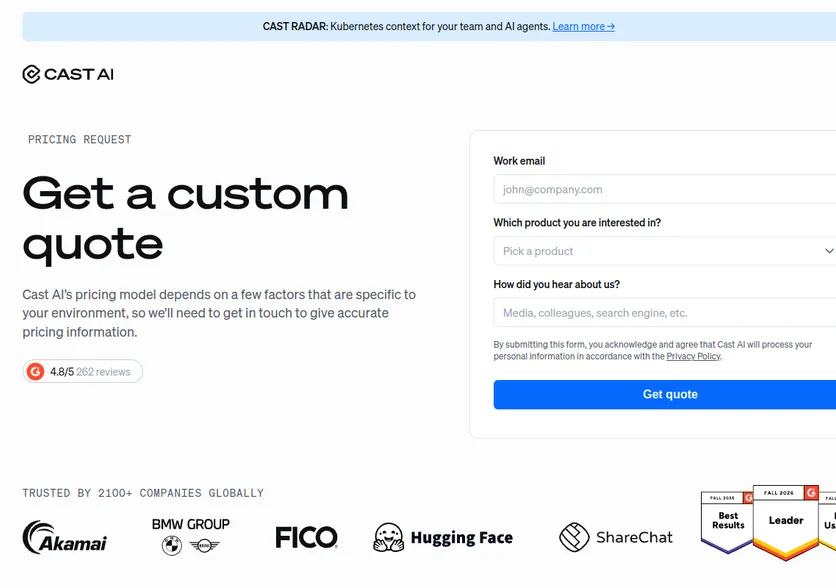
This CAST AI plan costs $1,000 a month on Growth, and it replaces the cluster autoscaler to rightsize requests, pack pods onto fewer nodes and move work to spot capacity. The platform flags at-risk spot nodes up to 30 minutes ahead, so workloads move before a node is reclaimed. The $1,000 base plus per-CPU charges is a serious budget hurdle, so it pays only when the cluster is big enough to save far more.
What we like
- Replaces the autoscaler with real bin-packing
- Spot interruption warnings up to 30 minutes ahead
- Automation typically saves 50 to 65% of compute cost
Watch out for
- $1,000 base plus per-CPU charges is a high entry
- The vendor pricing page itself is a quote form
How to try it
- Connect your clusters and let CAST AI analyze workloads
- Turn on automation for rightsizing and node selection
- Monitor savings reports to confirm the automation pays
Prices above were checked on each vendor’s own website on Nov 28, 2026 and can change — the vendor’s page is the final word. Vendor links are editorial: nobody paid to be listed or ranked here. Vendors who want a featured listing can see how it works on our Get listed page.
How a remote team should manage IT spending
Start with the subscriptions, not the cloud bill. A remote team loses money on software nobody uses, so list every subscription, its owner and its renewal date, and cancel the ones with no owner first. Then put the cloud bill on a budget with alerts at 50, 80 and 100 percent, because a bill that doubles overnight is a bill nobody was watching. Give each team its own cost view, since a shared total hides the team that overspends. Finally, review the numbers monthly with engineering and finance together, because a cost report nobody discusses is just another dashboard.
Before you buy
- Check that the tool covers your real spend: cloud, SaaS, AI or Kubernetes, not just one of them
- Confirm whether the price is flat, per user, per device or a share of your spend
- Ask how budgets and alerts work, and whether they can block spend before it happens
- Count the total at your real spend level, including minimums and per-CPU charges
- Run a trial on one month of real bills and see if the savings cover the subscription
Official websites
Official websites of the products reviewed above. Features and prices were checked against these sites when this guide was written, and they can change, so confirm on the vendor site before you buy.
Frequently asked questions
What is IT financial management software for remote teams?
It is software that tracks what a remote team spends on cloud, software and AI, and turns the raw bills into budgets, allocations and savings. The tools in this list cover cloud cost management, Kubernetes spend, SaaS subscriptions and pre-deployment cost checks. Remote teams need it because spending happens in many places at once, and without one view the bill grows quietly until finance notices.
How much does IT financial management software cost for a remote team?
The tools in this list start at $30 a month for Vantage Pro and $2.50 per employee a month for Torii Basic, with a $250 a month minimum. Kubecost Business is $449 a month, Infracost Starter $250, and Finout Business and CAST AI Growth both start at $1,000 a month. CloudZero is quote-based, with a published marketplace rate of $19 per $1,000 of monthly AWS spend.
Which tool is best for Kubernetes cost management?
Kubecost is the best pick for visibility, at $449 a month for Business, with the deepest per-pod and per-namespace allocation. CAST AI is the best pick for automation, since it rightsizes and repacks clusters itself, though Growth starts at $1,000 a month plus per-CPU charges. Vantage is the cheapest start at $30 a month, with Kubernetes cost data refreshed daily.
Can these tools find software subscriptions nobody uses?
Yes, Cledara and Torii are built for it. Cledara lists every subscription with its owner, cost and renewal date from $75 a month, and Torii discovers shadow IT and reclaims unused licenses automatically from $2.50 per employee a month. Both pay for themselves quickly when a remote team has dozens of tools, since the first cancelled subscription often covers the fee.
What is the difference between FinOps and SaaS management?
FinOps covers cloud and infrastructure spend: servers, Kubernetes, storage and AI, with allocation and forecasting. SaaS management covers software subscriptions: discovery, renewals, licenses and shadow IT. The tools in this list split both ways, with Vantage, Kubecost and Finout on the FinOps side and Cledara and Torii on the SaaS side. A remote team with both kinds of spend usually needs one of each.
Compare the nine tools above, then start with a free trial on the tool that matches where your team actually spends before you pay for a full year.
Browse Business Tools tools