On this page
A law firm runs on trust and deadlines, and both break when the technology fails: a laptop that will not boot on the morning of a hearing, a server outage during a filing deadline, or a lost device carrying client files. The IT team needs tools that fix problems fast. NinjaOne leads this list because it puts patching, monitoring, backup and remote access in one console for three dollars and seventy-five cents per device per month, and the other seven tools are judged on the same practical test: how quickly a lawyer gets back to work.
How we researched this
We checked every price on the vendor pricing page on November 28, 2026, and only included tools with a published US dollar list price and a free trial or free plan. The big remote monitoring names in this category, including Kaseya VSA, ConnectWise Automate, Datto RMM and N-able N-central, publish no prices, so they are not in this list. Prices change, so confirm the current figure on the vendor site before you buy.
Compare the tools
| Name | Best for | Starting price | Free plan | |
|---|---|---|---|---|
 NinjaOne | Law firms that want patching, monitoring, backup and remote access in one console | $3.75/device per month | 14-day free trial | Visit |
 Atera | Law firms that want unlimited endpoints for one flat per-technician price | $149/technician per month | 30-day free trial | Visit |
 Syncro | Small law firms that want monitoring, ticketing and billing in one system | $129/user per month | 14-day free trial | Visit |
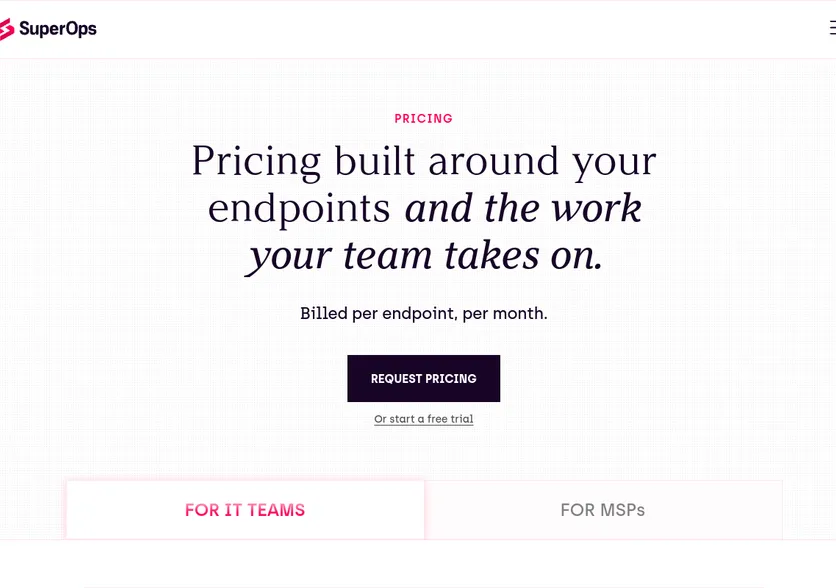
 SuperOps | Law firms working with a managed service provider or a small internal IT team | $129/technician per month | Free trial | Visit |
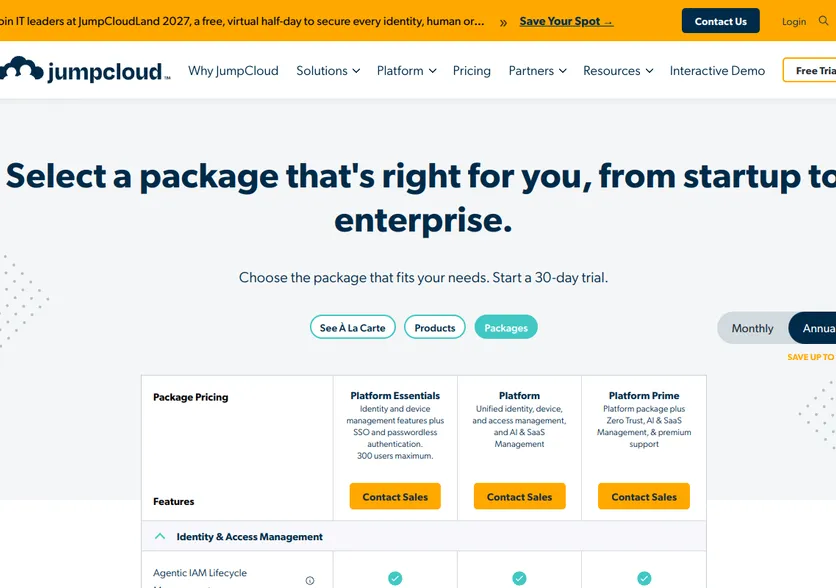
 JumpCloud | Law firms that need to control who can sign in to every system and device | $9/user per month | 30-day free trial | Visit |
 Freshservice | Law firms that want a proper service desk for staff IT requests | $19/agent per month | 14-day free trial | Visit |
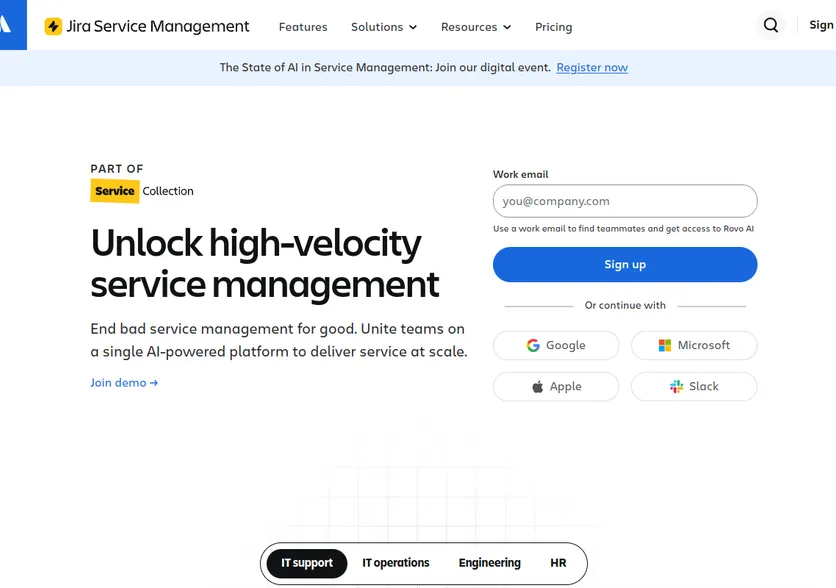
 Jira Service Management | Law firms whose IT team already uses Atlassian tools for projects | $21.50/agent per month | Free for up to 3 agents | Visit |
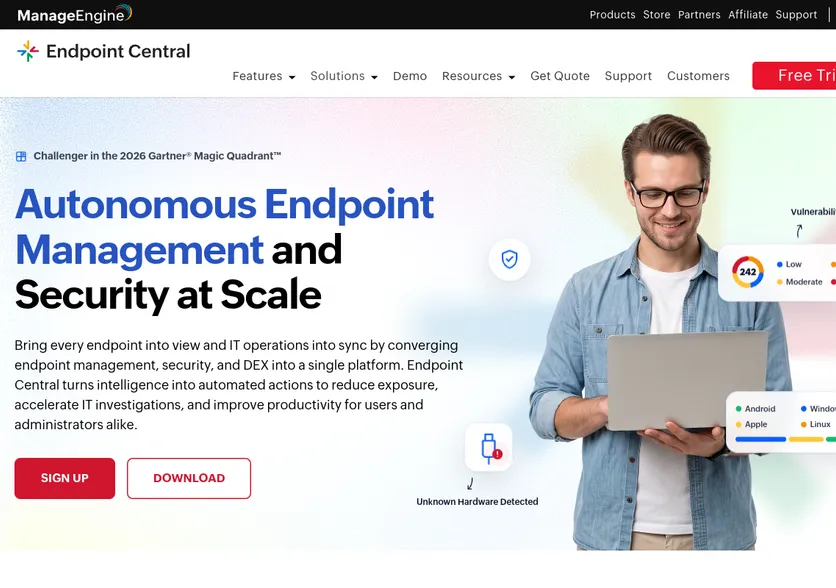
 ManageEngine Endpoint Central | Law firms that manage a mixed fleet of Windows, Mac and mobile devices | $1.32/device per month | Free for up to 25 endpoints | Visit |
The IT management software for law firms, compared
1. NinjaOne
Best for: Law firms that want patching, monitoring, backup and remote access in one console
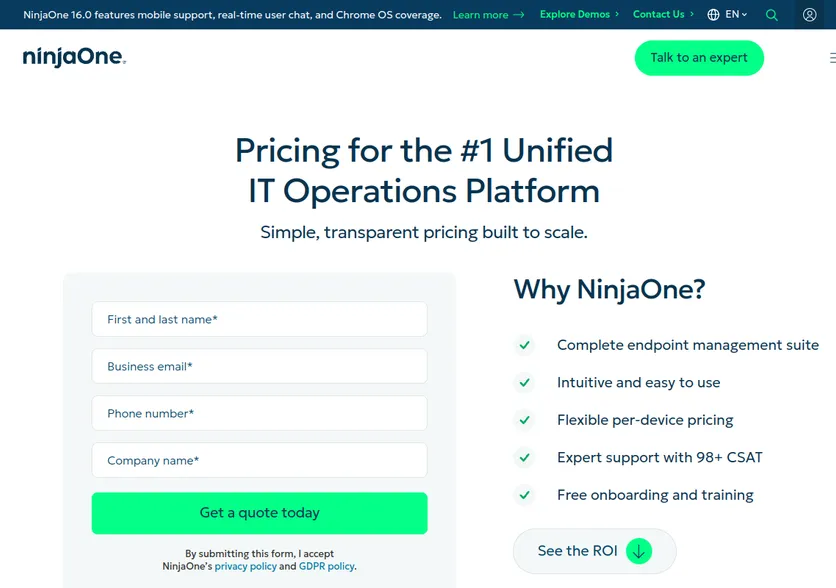
Paid tool Starting price: $3.75/device per month · Three dollars and seventy-five cents per device per month at fifty or fewer endpoints, falling to one dollar and fifty cents at ten thousand endpoints; the exact rate for a mid-size fleet is set by quote, and a fourteen-day free trial is included
Free plan: 14-day free trial
This NinjaOne plan gives a law firm one console for every device its lawyers and paralegals use, starting at three dollars and seventy-five cents per device per month for small fleets. Patching runs overnight so case systems are never down during the working day, and a technician can fix a lawyer's laptop remotely before a hearing instead of sending someone to the office. Backup is built in, so a failed machine can be restored from the image taken the night before.
What we like
- Patching, monitoring, backup and remote access share one console
- Overnight patch windows keep case systems up during work hours
- Scales from a solo practice to a multi-office firm
Watch out for
- The exact per-device rate for mid-size fleets is quote-only
- A fifty-endpoint minimum applies to new accounts
How to try it
- Enroll every lawyer and staff computer with the NinjaOne agent
- Schedule patching for the hours after the office closes
- Set up alerts for offline devices and failed backups
2. Atera
Best for: Law firms that want unlimited endpoints for one flat per-technician price
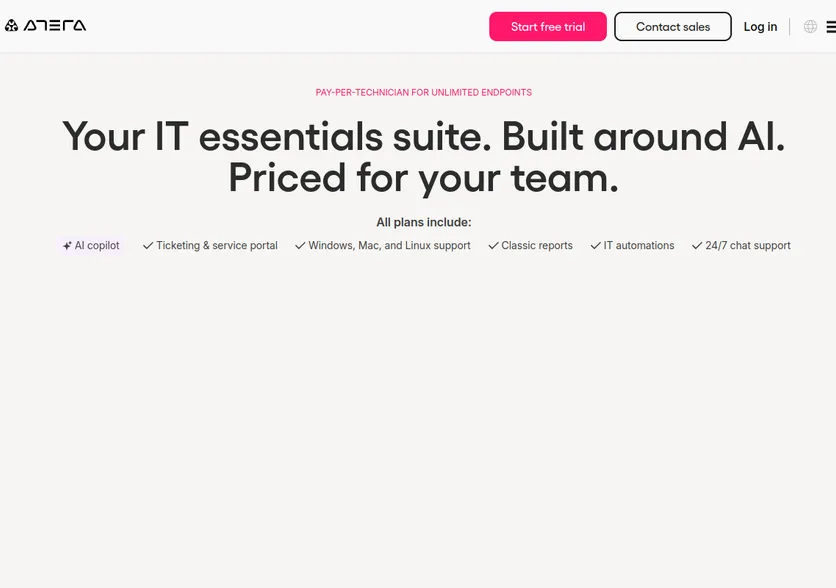
Paid tool Starting price: $149/technician per month · One hundred and forty-nine dollars per technician per month billed annually on the IT Department Professional plan (one hundred and sixty-nine dollars on monthly billing); Expert is one hundred and eighty-nine dollars and Master is two hundred and nineteen dollars, and a thirty-day free trial is included
Free plan: 30-day free trial
This Atera plan charges one hundred and forty-nine dollars per technician per month billed annually, with no limit on the number of endpoints covered. A firm with dozens of laptops, desktops and servers pays per technician rather than per device, which keeps the bill steady as new lawyers join. Patching, monitoring, remote access and a help desk all share one console, and the AI assistant is included on every plan to draft replies and summarize tickets.
What we like
- Unlimited endpoints for a flat per-technician price
- Patching, monitoring, remote access and help desk in one console
- AI assistant included free on all plans
Watch out for
- Per-technician pricing is expensive for a firm with one part-time IT person
- Backup is a paid add-on rather than part of the base plan
How to try it
- Install the Atera agent on every firm computer and server
- Build patch policies that run after office hours
- Use the help desk to track support requests from every practice group
3. Syncro
Best for: Small law firms that want monitoring, ticketing and billing in one system
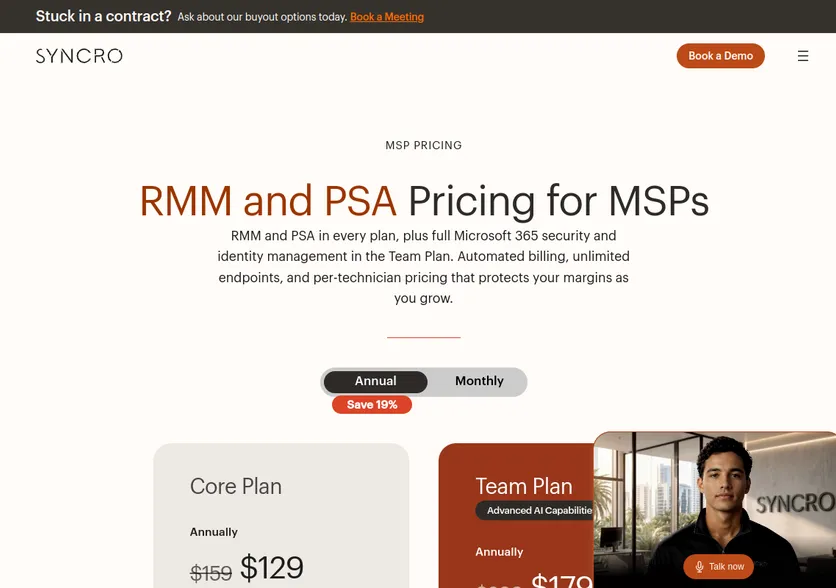
Paid tool Starting price: $129/user per month · One hundred and twenty-nine dollars per user per month billed annually on the Core plan (one hundred and fifty-nine dollars on monthly billing); Team is one hundred and seventy-nine dollars per user per month, and a fourteen-day free trial is included
Free plan: 14-day free trial
This Syncro plan costs one hundred and twenty-nine dollars per user per month billed annually, and combines remote monitoring with tickets and invoicing. A firm can watch every computer, raise a ticket when a machine goes offline, and bill the fix to the right matter from the same screen. Unlimited endpoints are included, so adding a new office does not change the per-user price, and the fourteen-day trial is long enough to run a real trial across the whole firm.
What we like
- Unlimited endpoints included in the per-user price
- Ticketing, invoicing and remote monitoring in one system
- Simple enough for a firm without a full IT department
Watch out for
- The per-user price climbs fast if several staff need access
- Reporting is lighter than on the bigger enterprise platforms
How to try it
- Deploy the Syncro agent to every device in each office
- Create ticket queues per practice group so requests stay organized
- Set up automated patching and alerting for offline machines
4. SuperOps
Best for: Law firms working with a managed service provider or a small internal IT team
Paid tool Starting price: $129/technician per month · One hundred and twenty-nine dollars per technician per month billed annually on the MSP Pro plan (one hundred and forty-nine dollars on monthly billing); Super is one hundred and fifty-nine dollars per technician per month, and an IT Prime plan for internal teams starts at one dollar and fifty cents per endpoint per month
Free plan: Free trial
This SuperOps plan costs one hundred and twenty-nine dollars per technician per month billed annually, and it is built for teams that manage many client environments at once. A firm with several offices can keep each office separate while the IT lead watches all of them from one dashboard. Remote monitoring, patching, ticketing and documentation sit together, and the automation engine can restart a failed service or install a patch without a technician touching the machine.
What we like
- One dashboard across multiple offices and client sites
- Strong automation for routine fixes and patching
- Documentation and ticketing share the same system
Watch out for
- Built for managed providers, so some features assume that model
- The lower plans lack the deeper automation on Super
How to try it
- Set up one site per office and enroll every device in it
- Build automation rules for common fixes like restarting services
- Use the built-in documentation to record each office network layout
5. JumpCloud
Best for: Law firms that need to control who can sign in to every system and device
Paid tool Starting price: $9/user per month · Nine dollars per user per month billed annually on the Device Management plan (eleven dollars on monthly billing); single sign-on is eleven dollars and Device Identity Management is thirteen dollars per user per month, and a thirty-day free trial is included
Free plan: 30-day free trial
This JumpCloud plan costs nine dollars per user per month billed annually, and it puts identity at the center of firm IT. One directory controls sign-in to laptops, servers, Wi-Fi and cloud apps, so a departing employee loses access everywhere at once instead of system by system. Device policies can require disk encryption and screen locks on every machine, which matters when laptops carry client files out of the office.
What we like
- One directory for devices, servers and cloud apps
- Access can be revoked everywhere at once
- Device policies enforce encryption on every machine
Watch out for
- No permanent free plan, only a thirty-day trial
- Full identity features need the higher-priced plans
How to try it
- Connect the firm directory to laptops, servers and cloud apps
- Set device policies that require encryption and screen locks
- Remove access in one place when a staff member leaves
6. Freshservice
Best for: Law firms that want a proper service desk for staff IT requests
Paid tool Starting price: $19/agent per month · Nineteen dollars per agent per month billed annually on the Starter plan (twenty-nine dollars on monthly billing); Growth is forty-nine dollars and Pro is ninety-nine dollars per agent per month, and a fourteen-day free trial is included
Free plan: 14-day free trial
This Freshservice plan costs nineteen dollars per agent per month billed annually, and it gives a firm a service desk where every request has an owner and a deadline. A paralegal can report a printer failure, a lawyer can request access to a case file, and the IT lead sees both in one queue instead of in email threads. Asset tracking keeps the serial numbers for every laptop and server beside the tickets, so a repeat failure on the same machine is visible before the third call.

What we like
- Ticketing, asset tracking and a knowledge base share one system
- Staff can raise requests from any device without IT training
- Automations route urgent requests ahead of routine work
Watch out for
- Advanced asset management features need the higher plans
- Small firms may find the full setup takes a week to tune
How to try it
- Create request categories for access, hardware, software and printers
- Import every firm device into the asset register with its owner
- Set up automations that route urgent requests to the on-call technician
7. Jira Service Management
Best for: Law firms whose IT team already uses Atlassian tools for projects
Paid tool Starting price: $21.50/agent per month · Twenty-one dollars and fifty cents per agent per month on the Standard plan of the Service Collection, which replaced Jira Service Management pricing on October 13, 2026; Premium is fifty-five dollars and twenty-eight cents, and annual per-agent rates vary by team size from seventeen dollars and fifty cents to twenty-two dollars and fifty cents
Free plan: Free for up to 3 agents
A law firm cannot afford a lost laptop on the morning of a hearing, and Jira Service Management at twenty-one dollars and fifty cents per agent per month on Standard brings structured incident and change workflows into firm IT. A server outage becomes an incident with a priority and a timeline, while a request for a new laptop follows an approval flow instead of a hallway chat. The free tier covers three agents, which is enough for a small firm to test the whole workflow before paying.
What we like
- Strong incident, problem and change management in one place
- Free tier covers up to three agents
- Deep integration with Jira and Confluence for firm IT teams
Watch out for
- Pricing moved to the Service Collection in October 2026, so old guides are out of date
- Annual per-agent rates vary by team size and need a quote to confirm
How to try it
- Set up a service portal where firm staff raise requests without email
- Connect incidents to the assets and services they affect
- Use change calendars to schedule system updates outside working hours
8. ManageEngine Endpoint Central
Best for: Law firms that manage a mixed fleet of Windows, Mac and mobile devices
Paid tool Starting price: $1.32/device per month · One dollar and thirty-two cents per device per month billed annually on the cloud Professional plan at fifty endpoints (one thousand and forty-five dollars a year); Enterprise is one dollar and fifty-seven cents and UEM is one dollar and eighty-two cents, and a free edition covers up to twenty-five endpoints
Free plan: Free for up to 25 endpoints
This ManageEngine Endpoint Central plan costs one dollar and thirty-two cents per device per month billed annually on the cloud Professional plan at fifty endpoints. It manages servers, desktops, laptops and mobile devices from one console, with patching, software deployment and security controls in the same place. A firm can push the same patch to every machine overnight, block USB drives on laptops that leave the office, and see which devices are missing updates before an audit.
What we like
- One console for servers, desktops, laptops and mobile devices
- Patching and software deployment are included at the entry price
- Free edition covers up to twenty-five endpoints
Watch out for
- The headline rate applies at fifty endpoints and changes with fleet size
- The console takes time to configure across mixed device types
How to try it
- Enroll every firm device, including phones and tablets, in one console
- Build patch policies that run after office hours
- Block removable storage on laptops that carry client files
Prices above were checked on each vendor’s own website on Nov 28, 2026 and can change — the vendor’s page is the final word. Vendor links are editorial: nobody paid to be listed or ranked here. Vendors who want a featured listing can see how it works on our Get listed page.
How a law firm should run IT with a small team
Start with access, because a law firm loses the most when the wrong person can open a file or the right person cannot. Give every lawyer and staff member one sign-in that works across laptops, servers and cloud apps, and remove it in one place when someone leaves. Next, patch after hours and restart machines before the morning, never during the working day when a deadline is running. Keep a list of every device and who owns it, so a lost laptop can be wiped within the hour. Finally, write down the incident process and rehearse it once a quarter, because a calm response to an outage is worth more than any tool.
Before you buy
- Check that remote access sessions are logged, since client files need an audit trail
- Confirm patching can run after hours so case systems stay up during the working day
- Ask whether the tool supports your document management and practice management systems
- Count every lawyer, paralegal and support computer before you compare per-device pricing
- Run a trial with one real incident, from a locked-out lawyer to a fixed device, before you commit
Official websites
Official websites of the products reviewed above. Features and prices were checked against these sites when this guide was written, and they can change, so confirm on the vendor site before you buy.
Frequently asked questions
What is IT management software for law firms?
It is software that keeps a law firm's computers, servers and mobile devices patched, monitored and secure. The tools in this list cover endpoint management, service desks for staff requests, identity control and remote access. A firm needs all of these, because a failed laptop on the morning of a hearing or a lost device carrying client files is a real risk, not a minor inconvenience.
Which tool is best for a small law firm?
NinjaOne is the best starting point at three dollars and seventy-five cents per device per month for small fleets, because it combines patching, monitoring, backup and remote access in one console. If the firm mainly needs a service desk, Freshservice at nineteen dollars per agent per month is the cheaper route. ManageEngine Endpoint Central is free for up to twenty-five endpoints, which suits a very small practice.
How much does Atera cost for law firms?
Atera costs one hundred and forty-nine dollars per technician per month billed annually on the IT Department Professional plan, or one hundred and sixty-nine dollars on monthly billing. Expert is one hundred and eighty-nine dollars and Master is two hundred and nineteen dollars per technician per month. The flat price covers unlimited endpoints, and a thirty-day free trial is included.
Can these tools protect client confidentiality?
Yes, in the practical sense. JumpCloud controls who can sign in to every laptop, server and cloud app, and can require disk encryption and screen locks on every machine. Endpoint tools like NinjaOne and Endpoint Central patch devices and can wipe a lost laptop remotely. No tool replaces the firm's own policies, but these give the controls that auditors and clients ask about.
Why are the big remote monitoring tools missing from this list?
The big names in remote monitoring, including Kaseya VSA, ConnectWise Automate, Datto RMM and N-able N-central, publish no prices on their websites, so there is no list price to compare. Every tool in this list publishes a US dollar price and offers a free trial or free plan, which is why they made the cut. If a vendor will not publish a price, budget on a quote, not on a roundup.
Compare the eight tools above, then start with a free trial on the tool that matches how your firm already handles support requests before you pay for a full year.
Browse Business Tools tools