On this page
When a system goes down, the difference between a quick fix and a long outage is usually the queue: who owns the incident, what changed last, and what the last fix was. The tools below run that queue the ITIL way. Jira Service Management leads the list because it ties incidents to the development work that caused them for twenty dollars an agent a month, and the other seven tools are judged on the same test: how fast a real incident moves from report to resolution.
How we researched this
We checked every price on the vendor pricing page on November 28, 2026, and only included tools with a published US dollar list price. ServiceNow and TOPdesk are quote-only, and HaloITSM publishes prices in pounds rather than dollars, so they are not in this list. Prices change, so confirm the current figure on the vendor site before you buy.
Compare the tools
| Name | Best for | Starting price | Free plan | |
|---|---|---|---|---|
 Jira Service Management | IT teams that already live in Atlassian tools | $20/agent/month | Free plan for up to 3 agents | Visit |
 Freshservice | IT teams that want the easiest ITSM desk to learn | $19/agent/month | Free trial | Visit |
 Zendesk | Teams that want the best-known support suite behind their IT desk | $19/agent/month | Free trial | Visit |
| ManageEngine ServiceDesk Plus | Teams that want the cheapest per-technician ITSM price | $13/technician/month | Free Standard plan for up to 5 technicians | Visit |
 SolarWinds Service Desk | Technical teams that want asset discovery beside the ticket queue | $39/technician/month | Free trial | Visit |
 HappyFox | Small IT teams that want a friendly desk with smart automations | $49/agent/month | Free trial | Visit |
 InvGate Service Management | Teams that want a low starting price with a small-agent minimum | $24.98/agent/month | Free trial | Visit |
 Freshdesk | Teams that want a free start with room to grow | $19/agent/month | Free plan for up to 2 agents | Visit |
The ITIL software for incident management, compared
1. Jira Service Management
Best for: IT teams that already live in Atlassian tools
Paid tool Starting price: $20/agent/month · Twenty dollars per agent per month billed annually on the Standard plan; Premium is fifty-one dollars and forty-two cents per agent per month, and the free plan covers up to three agents
Free plan: Free plan for up to 3 agents
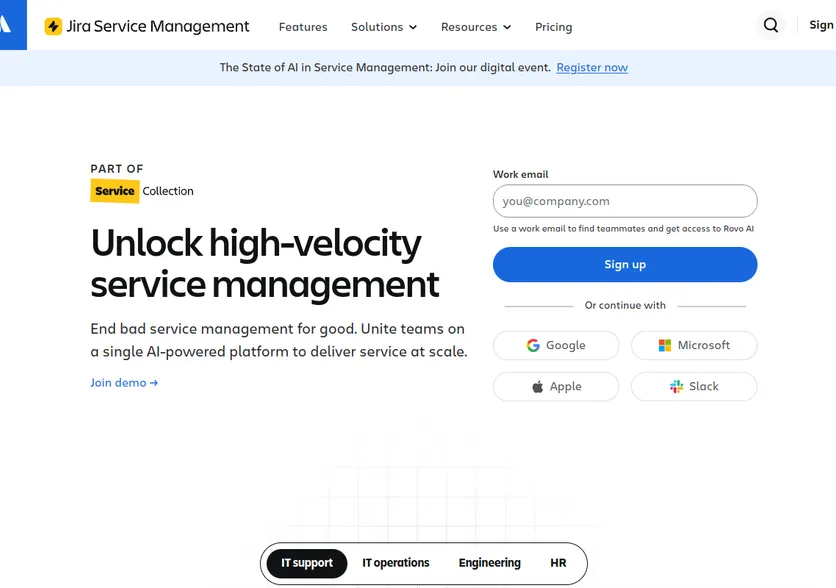
For an ITIL team that needs incidents, changes and requests on one queue, this Jira Service Management Standard plan costs twenty dollars per agent a month billed annually, and it fits naturally beside Jira software development work. Incidents link to the code that caused them, changes follow an approval path, and the free tier covers up to three agents. Premium at fifty-one dollars and forty-two cents adds asset management and deeper automation.
What we like
- Incidents link straight to the development work that caused them
- Free tier covers up to three agents
- Strong automation and SLA rules on Standard
Watch out for
- Asset management needs the Premium tier
- Per-agent pricing adds up fast for large desks
How to try it
- Set up request types for incidents, changes and service requests
- Link incidents to Jira issues so developers see the same problem
- Build SLAs and automation rules for routing and escalation
2. Freshservice
Best for: IT teams that want the easiest ITSM desk to learn
Paid tool Starting price: $19/agent/month · Nineteen dollars per agent per month billed annually on the Starter plan; Growth is forty-nine dollars and Pro is ninety-nine dollars per agent per month, with monthly billing at twenty-nine, fifty-nine and a hundred and nineteen dollars
Free plan: Free trial
Freshservice is the cleanest ITSM desk in this list to learn, and its Starter plan costs nineteen dollars per agent a month billed annually. Tickets, assets, changes and a service catalog share one tidy interface, and the built-in AI drafts replies and suggests fixes. Growth at forty-nine dollars and Pro at ninety-nine dollars add deeper automation and reporting for larger teams.

What we like
- Clean interface that new agents learn in days
- Asset tracking built into the same desk
- AI copilot drafts replies and suggests fixes
Watch out for
- Deeper automation needs the Growth or Pro tiers
- No free plan, only a fourteen-day trial
How to try it
- Set up the service catalog with the requests your team actually gets
- Link assets to tickets so agents see the machine behind the problem
- Turn on the AI copilot to draft replies and suggest fixes
3. Zendesk
Best for: Teams that want the best-known support suite behind their IT desk
Paid tool Starting price: $19/agent/month · Nineteen dollars per agent per month billed annually on the Support Team plan; broader Suite tiers start at fifty-five dollars per agent per month, and the Copilot AI add-on is fifty dollars per agent per month
Free plan: Free trial
Zendesk Support Team is the entry point into the best-known support suite in this list, at nineteen dollars per agent a month billed annually. Email, chat and voice tickets land in one agent workspace with macros, SLAs and a help center, and the wider Suite tiers add AI agents from fifty-five dollars. The Copilot AI add-on is fifty dollars per agent a month on top, so check the total before you commit.

What we like
- The support suite most customers already know
- Omnichannel tickets in one agent workspace
- Huge marketplace of integrations
Watch out for
- The full Suite costs far more than the entry tier
- AI features are a paid add-on, not included
How to try it
- Connect email, chat and voice channels to one ticket queue
- Build macros for the incidents your team sees most
- Add the help center so users solve the easy tickets themselves
4. ManageEngine ServiceDesk Plus
Best for: Teams that want the cheapest per-technician ITSM price
Paid tool Starting price: $13/technician/month · Cloud Standard from thirteen dollars per technician per month on the vendor pricing page; Professional is twenty-seven dollars and Enterprise is sixty-seven dollars, and Standard is free for up to five technicians. On-premises pricing runs in technician bands
Free plan: Free Standard plan for up to 5 technicians
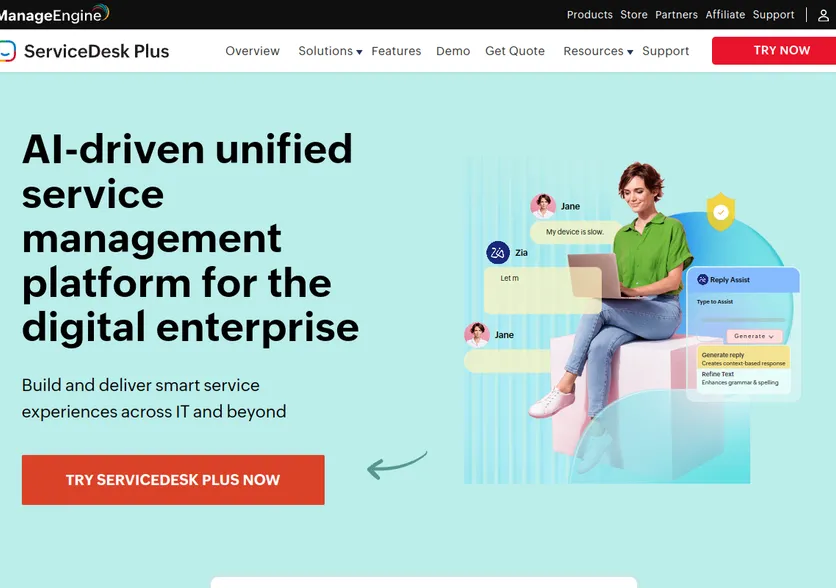
ManageEngine ServiceDesk Plus is the budget ITSM suite in this list for teams that want incident, asset and change management without a large per-agent bill. The cloud Standard plan starts at thirteen dollars per technician a month, and the Standard tier is free for up to five technicians. Professional at twenty-seven dollars and Enterprise at sixty-seven dollars add deeper automation and project tools, and on-premises pricing runs in technician bands instead.
What we like
- Cheapest per-technician price on this list
- Free Standard tier for up to five technicians
- Incident, asset and change management in one suite
Watch out for
- The interface feels dated next to newer desks
- Cloud pricing differs from on-premises bands, so check both before you buy
How to try it
- Start on the free Standard tier with up to five technicians
- Link assets to incidents so agents see the device history
- Add change and problem management as the team grows
5. SolarWinds Service Desk
Best for: Technical teams that want asset discovery beside the ticket queue
Paid tool Starting price: $39/technician/month · Thirty-nine dollars per technician per month billed annually on the Essentials plan; Advanced is ninety-nine dollars and Premier is a hundred and twenty-four dollars per technician per month, with a thirty-day trial
Free plan: Free trial
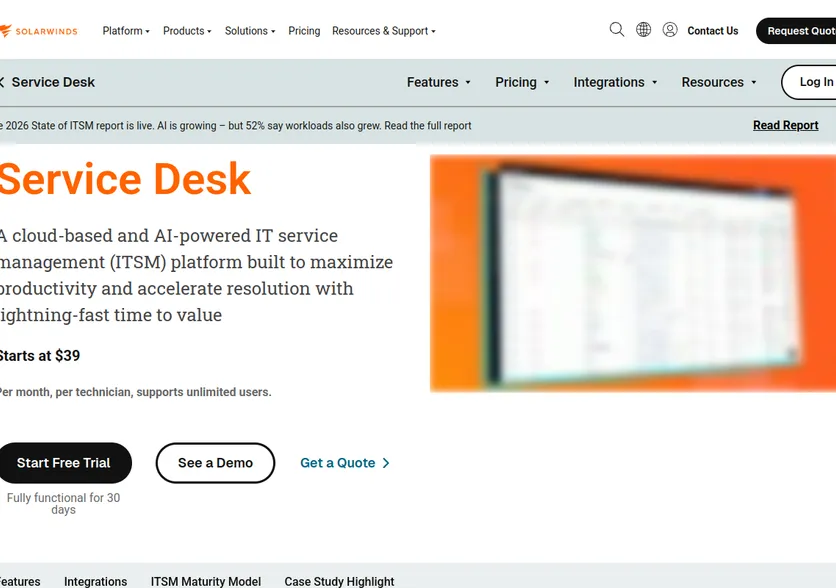
SolarWinds Service Desk prices per technician rather than per agent, and its Essentials plan costs thirty-nine dollars per technician a month billed annually. Automatic discovery maps the hardware and software on your network, so an incident ticket arrives with the device history attached. Advanced at ninety-nine dollars and Premier at a hundred and twenty-four dollars add service catalogs and deeper reporting.
What we like
- Automatic discovery maps assets without manual entry
- Per-technician pricing suits teams with many requesters
- Strong reporting on the higher tiers
Watch out for
- Asset pricing is available on request only
- The entry tier is pricier than the cheapest desks here
How to try it
- Let automatic discovery map the hardware and software on your network
- Link discovered assets to the incidents raised about them
- Build the service catalog for the requests your team gets most
6. HappyFox
Best for: Small IT teams that want a friendly desk with smart automations
Paid tool Starting price: $49/agent/month · Forty-nine dollars per agent per month billed annually on the Team plan (sixty-nine dollars monthly, thirty-nine dollars on two-year prepaid); Pro is ninety-nine dollars per agent per month, and Team covers up to twenty-five agents
Free plan: Free trial
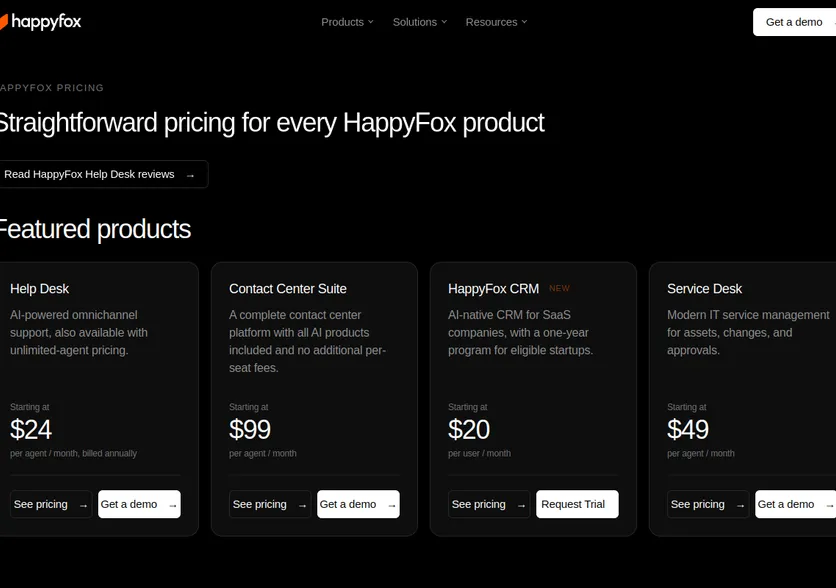
HappyFox Service Desk is the friendliest small-team desk on this list, and its Team plan costs forty-nine dollars per agent a month billed annually. Tickets, knowledge base and smart rules share one clean interface, and the Team plan covers up to twenty-five agents. Pro at ninety-nine dollars adds asset management and deeper workflows, while a two-year prepaid deal drops the Team price to thirty-nine dollars.
What we like
- Clean interface that small teams learn fast
- Smart rules automate routing and follow-ups
- Two-year prepaid deal drops the price to thirty-nine dollars
Watch out for
- Asset management needs the Pro tier
- Team plan caps at twenty-five agents
How to try it
- Set up ticket categories and smart rules for routing
- Build the knowledge base so users solve easy issues themselves
- Use the Team plan for up to twenty-five agents
7. InvGate Service Management
Best for: Teams that want a low starting price with a small-agent minimum
Paid tool Starting price: $24.98/agent/month · Twenty-four dollars and ninety-eight cents per agent per month billed annually on the Starter plan, with a five-agent minimum of one thousand four hundred and ninety-nine dollars a year; Pro is five hundred dollars per agent per year and Enterprise is custom, with a thirty-day trial
Free plan: Free trial
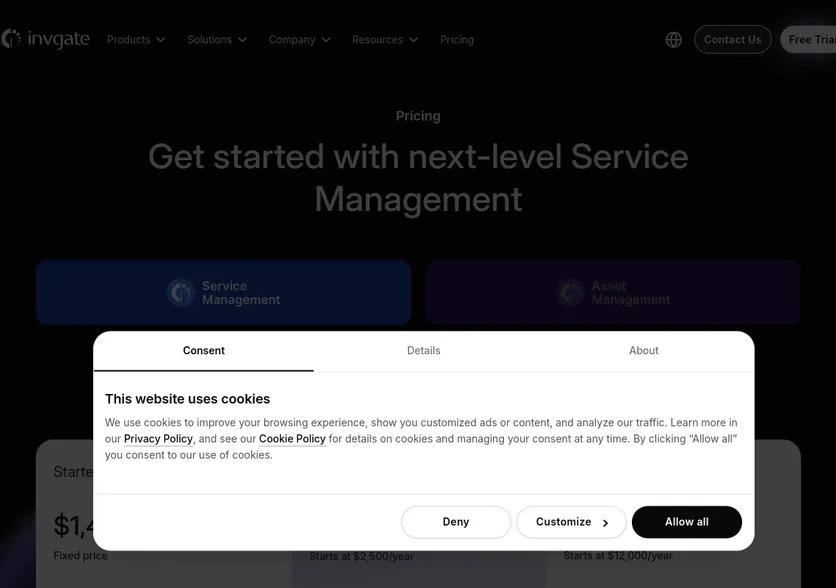
InvGate Service Management is the value pick for a small IT desk, and its Starter plan costs twenty-four dollars and ninety-eight cents per agent a month billed annually. The five-agent minimum works out to one thousand four hundred and ninety-nine dollars a year, and the plan covers incidents, requests and a self-service portal. Pro at five hundred dollars per agent a year adds gamification and deeper automation for teams of five to a hundred agents.
What we like
- Low starting price for a full ITSM desk
- Self-service portal included on Starter
- Gamification on Pro encourages ticket hygiene
Watch out for
- A five-agent minimum applies to Starter
- Deeper automation needs the Pro tier
How to try it
- Start with the five-agent Starter minimum and set up request types
- Build the self-service portal for common requests
- Add Pro when the team outgrows Starter automation
8. Freshdesk
Best for: Teams that want a free start with room to grow
Paid tool Starting price: $19/agent/month · Nineteen dollars per agent per month billed annually on the Growth plan; the free plan covers up to two agents, and Pro is fifty-five dollars and Enterprise is eighty-nine dollars per agent per month
Free plan: Free plan for up to 2 agents
Freshdesk Growth is the most generous free start in this list, and it costs nineteen dollars per agent a month billed annually once you pay. The free plan covers up to two agents with email, chat and social tickets, and Growth adds automation, collision detection and a thousand automations. Pro at fifty-five dollars and Enterprise at eighty-nine dollars add AI, custom objects and sandbox environments for larger desks.

What we like
- Free plan for up to two agents
- Growth adds a thousand automations a month
- Part of the Freshworks family, so it pairs with Freshservice
Watch out for
- AI features need the Pro or Enterprise tier
- The free plan covers only two agents
How to try it
- Start free with up to two agents on email and chat tickets
- Move to Growth when automation and collision detection matter
- Add the knowledge base and customer portal as volume grows
Prices above were checked on each vendor’s own website on Nov 28, 2026 and can change — the vendor’s page is the final word. Vendor links are editorial: nobody paid to be listed or ranked here. Vendors who want a featured listing can see how it works on our Get listed page.
How an IT team should run incidents with ITIL software
Start with the queue, not the tool. Define what counts as an incident, a problem and a change before you configure anything, because a desk that mixes them up produces reports nobody trusts. Put the knowledge base next to the ticket so agents solve repeat incidents in minutes, and review SLAs weekly rather than yearly. Finally, run one real outage through the tool during the trial, from the first report to the closed ticket, because that single run tells you more than any demo.
Before you buy
- Check whether the price is per agent or per technician, because the two count different people
- Confirm which plan includes SLAs, automation and the knowledge base before you compare prices
- Ask how many agents the free tier covers and what happens when you add the fourth
- Test the incident flow with one real outage, from report to resolution, before you commit
- Count the cost of any AI add-on separately, because it is rarely in the headline price
Official websites
Official websites of the products reviewed above. Features and prices were checked against these sites when this guide was written, and they can change, so confirm on the vendor site before you buy.
Frequently asked questions
What is ITIL software for incident management?
ITIL software is a service desk built around the ITIL framework: incidents, problems, changes and service requests managed in one queue with SLAs and a knowledge base. The tools in this list cover that job from different angles, from Atlassian's Jira Service Management to Freshworks' Freshservice. A team picks one when email and spreadsheets can no longer track who is fixing what, or when an audit asks for proof.
Which ITIL tool is cheapest?
Freshservice and Freshdesk both cost nineteen dollars per agent a month billed annually on their paid entry tiers, and ManageEngine ServiceDesk Plus is cheaper still at thirteen dollars per technician a month. Jira Service Management is twenty dollars per agent a month. Compare per-agent against per-technician pricing carefully, because a desk with many requesters and few agents pays very differently on the two models.
What does Jira Service Management cost?
Jira Service Management Standard costs twenty dollars per agent per month billed annually, and Premium is fifty-one dollars and forty-two cents. The free plan covers up to three agents. Standard adds user roles, permissions and automation, while Premium adds asset management and advanced change workflows. Teams that already use Jira for development get the most from it.
How should an IT team choose an ITIL tool?
Start with the free tier or trial on two or three tools and run one real incident through each: report, triage, fix and close. Check that SLAs, automation and the knowledge base are in the tier you can afford, not only on the top plan. And count the total for your actual agent number, because a cheap per-agent price on a fifty-person desk is not cheap at all.
Does ITIL software replace an ITIL process?
Yes, in the practical sense: the desk tracks the incident, links it to the change or asset that caused it, and keeps the audit trail. But ITIL is a way of working as much as a tool, so the software only helps if the team follows the process. The best tools make the process easy to follow, with request types, approvals and SLAs that guide agents rather than getting in their way.
Compare the eight tools above, then start with a free trial on the tool that matches how your team already handles incidents before you pay for a full year.
Browse Business Tools tools