On this page
A stopped line costs money every minute it sits idle, and the fix usually starts with a request someone filed badly or not at all. The tools below turn that request into a tracked job, from the first report to the restart. UpKeep leads the list because it is built for maintenance teams first, with work orders and asset records for twenty-four dollars a user a month, and the other seven tools are judged on the same test: how fast a real stoppage becomes a fixed machine.
How we researched this
We checked every price on the vendor pricing page on November 28, 2026, and only included tools with a published US dollar list price. Fiix is quote-based for most buyers and Limble publishes no verified list price, so they are not in this list. Prices change, so confirm the current figure on the vendor site before you buy.
Compare the tools
| Name | Best for | Starting price | Free plan | |
|---|---|---|---|---|
 Jira Service Management | Manufacturers that already run Jira for engineering work | $20/agent/month | Free plan for up to 3 agents | Visit |
 Freshservice | Plants that want IT tickets and maintenance requests in one desk | $19/agent/month | Free trial | Visit |
| ManageEngine ServiceDesk Plus | Plants that want the cheapest ITSM start with free technicians | $13/technician/month | Free Standard plan for up to 5 technicians | Visit |
 SolarWinds Service Desk | Plants that want asset discovery beside the ticket queue | $39/technician/month | Free trial | Visit |
 Zendesk | Manufacturers that already run Zendesk for customer support | $19/agent/month | Free trial | Visit |
 UpKeep | Plants that want maintenance work orders beside IT tickets | $24/user/month | Free Basic plan | Visit |
 MaintainX | Plants that want maintenance requests on a phone-first system | $20/user/month | Free Basic plan | Visit |
 InvGate Service Management | Small plants that want a low ITSM starting price | $24.98/agent/month | Free trial | Visit |
The ITSM software for manufacturing operations, compared
1. Jira Service Management
Best for: Manufacturers that already run Jira for engineering work
Paid tool Starting price: $20/agent/month · Twenty dollars per agent per month billed annually on the Standard plan; Premium is fifty-one dollars and forty-two cents per agent per month, and the free plan covers up to three agents
Free plan: Free plan for up to 3 agents
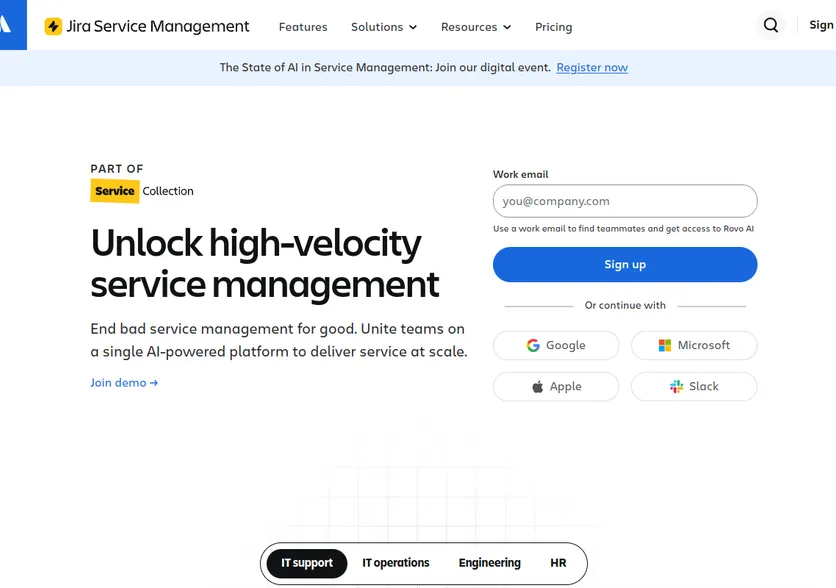
On a plant floor where a stopped line is an incident with a cost per minute, this Jira Service Management Standard plan costs twenty dollars per agent a month billed annually, and it ties the stoppage to the engineering work that fixes it. Maintenance requests, IT incidents and change approvals share one queue, and the free tier covers up to three agents. Premium at fifty-one dollars and forty-two cents adds asset management for the machines themselves.
What we like
- Stoppages link to the engineering work that fixes them
- Free tier covers up to three agents
- Change approvals built into the same queue
Watch out for
- Asset management needs the Premium tier
- Per-agent pricing adds up for large maintenance teams
How to try it
- Set up request types for line stoppages, IT incidents and changes
- Link a stoppage to the Jira issue tracking the fix
- Build SLAs that reflect the cost of a stopped line
2. Freshservice
Best for: Plants that want IT tickets and maintenance requests in one desk
Paid tool Starting price: $19/agent/month · Nineteen dollars per agent per month billed annually on the Starter plan; Growth is forty-nine dollars and Pro is ninety-nine dollars per agent per month, with monthly billing at twenty-nine, fifty-nine and a hundred and nineteen dollars
Free plan: Free trial
For a maintenance team that files as many tickets as the IT desk, this Freshservice Starter plan costs nineteen dollars per agent a month billed annually, and it treats a broken machine like any other incident. Tickets, assets and a service catalog share one clean interface, and the built-in AI drafts replies and suggests fixes. Growth at forty-nine dollars and Pro at ninety-nine dollars add deeper automation for larger operations.

What we like
- Maintenance and IT tickets share one clean desk
- Asset tracking built into the same system
- AI copilot drafts replies and suggests fixes
Watch out for
- Deeper automation needs the Growth or Pro tiers
- No free plan, only a fourteen-day trial
How to try it
- Set up the service catalog with maintenance and IT requests together
- Link each machine as an asset so tickets carry its history
- Turn on the AI copilot to draft replies and suggest fixes
3. ManageEngine ServiceDesk Plus
Best for: Plants that want the cheapest ITSM start with free technicians
Paid tool Starting price: $13/technician/month · Cloud Standard from thirteen dollars per technician per month on the vendor pricing page; Professional is twenty-seven dollars and Enterprise is sixty-seven dollars, and Standard is free for up to five technicians. On-premises pricing runs in technician bands
Free plan: Free Standard plan for up to 5 technicians
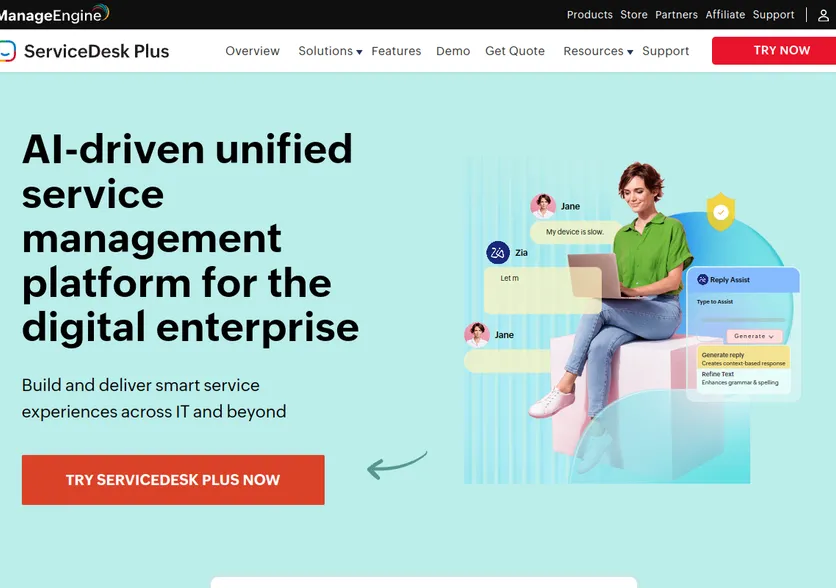
For a plant that already runs ManageEngine tools elsewhere, this ManageEngine ServiceDesk Plus cloud Standard plan starts at thirteen dollars per technician a month, and the Standard tier is free for up to five technicians. Incidents, assets and changes share one suite, so a small maintenance team can start without a budget meeting. Professional at twenty-seven dollars and Enterprise at sixty-seven dollars add automation and project tools as the operation grows.
What we like
- Free Standard tier for up to five technicians
- Cheapest per-technician price on this list
- Incident, asset and change management in one suite
Watch out for
- The interface feels dated next to newer desks
- Cloud pricing differs from on-premises bands, so check both before you buy
How to try it
- Start on the free Standard tier with up to five technicians
- Register each machine as an asset beside its tickets
- Add change and problem management as the plant grows
4. SolarWinds Service Desk
Best for: Plants that want asset discovery beside the ticket queue
Paid tool Starting price: $39/technician/month · Thirty-nine dollars per technician per month billed annually on the Essentials plan; Advanced is ninety-nine dollars and Premier is a hundred and twenty-four dollars per technician per month, with a thirty-day trial
Free plan: Free trial
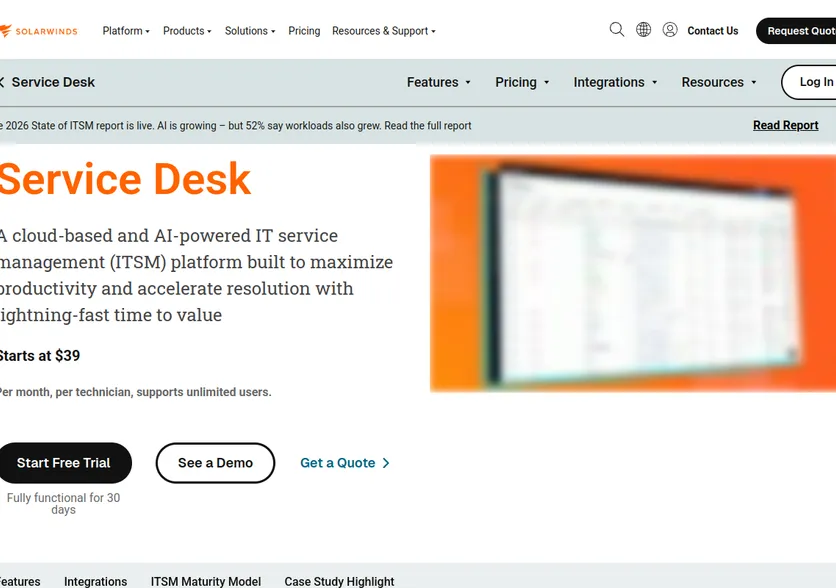
SolarWinds Service Desk suits a manufacturing IT team that wants asset discovery beside the ticket queue, and its Essentials plan costs thirty-nine dollars per technician a month billed annually. Automatic discovery maps the hardware and software on the plant network, so a stoppage ticket arrives with the machine history attached. Advanced at ninety-nine dollars and Premier at a hundred and twenty-four dollars add service catalogs and deeper reporting for larger operations.
What we like
- Automatic discovery maps plant assets without manual entry
- Per-technician pricing suits plants with many requesters
- Strong reporting on the higher tiers
Watch out for
- Asset pricing is available on request only
- The entry tier is pricier than the cheapest desks here
How to try it
- Let automatic discovery map the plant network hardware and software
- Link discovered machines to the stoppages raised about them
- Build the service catalog for maintenance and IT requests
5. Zendesk
Best for: Manufacturers that already run Zendesk for customer support
Paid tool Starting price: $19/agent/month · Nineteen dollars per agent per month billed annually on the Support Team plan; broader Suite tiers start at fifty-five dollars per agent per month, and the Copilot AI add-on is fifty dollars per agent per month
Free plan: Free trial
When a manufacturer already runs Zendesk for customer support, the same Suite can carry internal IT and maintenance tickets, and the Support Team plan costs nineteen dollars per agent a month billed annually. Email, chat and voice requests land in one agent workspace with macros, SLAs and a help center, and the wider Suite tiers add AI agents from fifty-five dollars. The Copilot AI add-on is fifty dollars per agent a month on top.

What we like
- One suite for customer support and internal IT tickets
- Omnichannel requests in one agent workspace
- Huge marketplace of integrations
Watch out for
- The full Suite costs far more than the entry tier
- AI features are a paid add-on, not included
How to try it
- Add an internal request form beside the existing customer channels
- Route maintenance and IT tickets to the right team with macros
- Build the help center for the questions the shop floor asks most
6. UpKeep
Best for: Plants that want maintenance work orders beside IT tickets
Paid tool Starting price: $24/user/month · Twenty-four dollars per user per month on the Essential plan; Premium is fifty-five dollars per user per month, and the Basic plan is free
Free plan: Free Basic plan
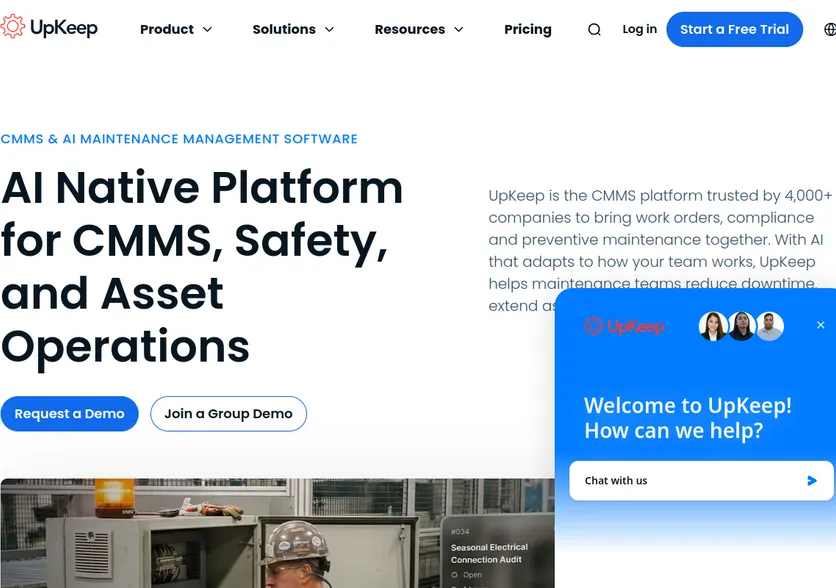
This UpKeep Essential plan costs twenty-four dollars per user a month, and it is the maintenance-first tool on this list. Work orders, preventive maintenance schedules and asset records are built for technicians, not adapted from an IT desk, and requesters are free on every plan. Premium at fifty-five dollars adds multi-site management and deeper reporting for plants with more than one location.
What we like
- Built for maintenance teams, not adapted from IT
- Requesters are free on every plan
- Phone-first work orders suit the shop floor
Watch out for
- Multi-site management needs the Premium tier
- It is a maintenance tool, not a full ITSM suite
How to try it
- Register machines and equipment as assets with their history
- Raise work orders from the shop floor on a phone
- Schedule preventive maintenance before machines fail
7. MaintainX
Best for: Plants that want maintenance requests on a phone-first system
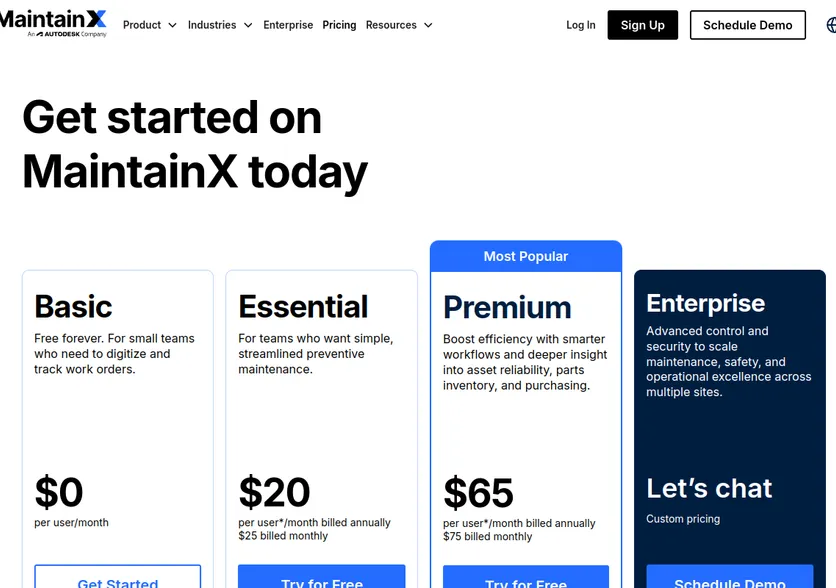
Paid tool Starting price: $20/user/month · Twenty dollars per user per month billed annually on the Essential plan (twenty-five dollars monthly); Premium is sixty-five dollars (seventy-five dollars monthly), Basic is free, Enterprise is custom, and requesters are free on all plans. Autodesk completed its acquisition of MaintainX in August 2026
Free plan: Free Basic plan
This MaintainX Essential plan costs twenty dollars per user a month billed annually, and it puts maintenance requests, work orders and asset history on a phone-first system. Technicians scan a QR code on a machine and see its full history before they touch it, and requesters are free on all plans. Autodesk completed its acquisition of MaintainX in August 2026, and the product still operates under the MaintainX name.
What we like
- QR codes link each machine to its full history
- Requesters are free on all plans
- Phone-first design suits technicians on the floor
Watch out for
- Deeper reporting needs the Premium tier
- It is a maintenance tool, not a full ITSM suite
How to try it
- Put a QR code on each machine linking to its asset record
- Let anyone on the floor raise a request by scanning the code
- Track the work order from request to completion on the phone
8. InvGate Service Management
Best for: Small plants that want a low ITSM starting price
Paid tool Starting price: $24.98/agent/month · Twenty-four dollars and ninety-eight cents per agent per month billed annually on the Starter plan, with a five-agent minimum of one thousand four hundred and ninety-nine dollars a year; Pro is five hundred dollars per agent per year and Enterprise is custom, with a thirty-day trial
Free plan: Free trial
InvGate Service Management is the value pick for a small plant IT desk, and its Starter plan costs twenty-four dollars and ninety-eight cents per agent a month billed annually. The five-agent minimum works out to one thousand four hundred and ninety-nine dollars a year, and the plan covers incidents, requests and a self-service portal the shop floor can use. Pro at five hundred dollars per agent a year adds gamification and deeper automation for teams of five to a hundred agents.
What we like
- Low starting price for a full ITSM desk
- Self-service portal the shop floor can actually use
- Gamification on Pro encourages ticket hygiene
Watch out for
- A five-agent minimum applies to Starter
- Deeper automation needs the Pro tier
How to try it
- Start with the five-agent Starter minimum and set up request types
- Build the self-service portal for shop-floor requests
- Add Pro when the team outgrows Starter automation
Prices above were checked on each vendor’s own website on Nov 28, 2026 and can change — the vendor’s page is the final word. Vendor links are editorial: nobody paid to be listed or ranked here. Vendors who want a featured listing can see how it works on our Get listed page.
How a plant should run ITSM and maintenance together
Start with one asset record per machine, because a stoppage ticket without the machine history is just a complaint. Let the shop floor raise requests from a phone, since a request that takes five minutes to file gets filed late or not at all. Run preventive maintenance on a schedule, not on memory, and review downtime weekly with the people who fixed it. The tool matters less than the habit: a plant that logs every stoppage will cut downtime faster than a plant with a better tool and no records.
Before you buy
- Check whether the price is per agent, per technician or per user, because a plant counts all three differently
- Confirm that maintenance work orders live beside IT tickets, not in a separate system
- Ask how the tool handles offline machines and shop-floor devices that cannot run an agent
- Test the incident flow with one real line stoppage, from report to restart, before you commit
- Count the cost of asset management separately, because it is often a higher-tier feature
Official websites
Official websites of the products reviewed above. Features and prices were checked against these sites when this guide was written, and they can change, so confirm on the vendor site before you buy.
Frequently asked questions
What is ITSM software for manufacturing operations?
ITSM software for manufacturing is a service desk that treats a stopped line like an incident: it is reported, owned, fixed and logged with the machine history attached. The tools in this list range from full ITSM suites like Jira Service Management to maintenance-first tools like UpKeep and MaintainX. A plant uses them to cut downtime, to prove what broke and why, and to plan preventive work instead of only reacting.
Which ITSM tool is cheapest for a manufacturing plant?
ManageEngine ServiceDesk Plus is cheapest at thirteen dollars per technician a month, and its Standard tier is free for up to five technicians. MaintainX Essential is twenty dollars per user a month billed annually, and UpKeep Essential is twenty-four dollars. Jira Service Management and Freshservice are nineteen to twenty dollars per agent a month. Compare per-agent, per-technician and per-user pricing carefully, because a plant counts all three.
What is the best maintenance tool for a plant?
UpKeep is built for maintenance first: work orders, preventive maintenance and asset records for technicians, at twenty-four dollars per user a month on Essential. MaintainX is similar at twenty dollars per user a month, with QR codes that link each machine to its history. Both let requesters use the system free. A plant that mostly needs maintenance should start with one of these rather than a general IT desk.
Can I use a maintenance tool alongside an ITSM suite?
Yes, and most plants should. The ITSM suite handles IT incidents, changes and approvals, while the maintenance tool handles work orders and preventive schedules. UpKeep and MaintainX both let requesters in free, so the shop floor can raise a request without another license. The key is one asset record per machine, shared or synced between the two systems.
How should a plant test ITSM software before buying?
Run one real line stoppage through the tool during the trial: report it, assign it, fix it and close it with the downtime logged. Check that the machine history is visible on the ticket and that the shop floor can raise a request from a phone. If the trial only covers IT tickets, it has not tested the job the plant actually needs the tool for.
Compare the eight tools above, then start with a free trial on the tool that matches how your plant already handles stoppages before you pay for a full year.
Browse Business Tools tools