On this page
HR answers the same questions every week: how leave works, where the form lives, what the policy says. Each answer is quick, and together they fill the day. A knowledge base gives employees those answers on their own, any hour, so HR spends time on people instead of paperwork. Trainual leads this list because it turns onboarding into tracked playbooks for two hundred and forty-nine dollars per month. The other seven tools are ranked on the same test: how easily HR can publish answers employees actually find.
How we researched this
We checked every price on the vendor pricing page on November 28, 2026, and only included tools with a published US dollar list price and a free plan or free trial. Every tool here fits HR work: simple writing, onboarding and policy handling, and pricing that works for a small team. Prices change, so confirm the current figure on the vendor site before you buy.
Compare the tools
| Name | Best for | Starting price | Free plan | |
|---|---|---|---|---|
 Trainual | HR teams that onboard with playbooks, quizzes and tracking | $249/month | 7-day free trial; no free plan | Visit |
 Scribe | HR teams that document processes as step-by-step guides | $29/user/month | Free Basic plan | Visit |
 Helpjuice | HR teams that need a searchable policy library with analytics | $120/month | 14-day free trial; no free plan | Visit |
 Freshdesk | HR teams that answer employee questions with a helpdesk | $15/agent/month | Free plan for up to 2 agents | Visit |
 Notion | HR teams that keep the handbook, policies and plans in one wiki | $10/user/month | Free plan for individuals with limited blocks | Visit |
 Tettra | HR teams that need internal answers searchable from Slack | $4/user/month | Free plan for up to 10 users | Visit |
 Help Scout | HR teams that answer employees by email and want simple Docs | $25/user/month | Free plan for up to 5 users | Visit |
 Confluence | HR teams already using Atlassian tools for their work | $7.15/user/month | Free plan for up to 10 users | Visit |
The knowledge base software for HR teams, compared
1. Trainual
Best for: HR teams that onboard with playbooks, quizzes and tracking
Paid tool Starting price: $249/month · Two hundred and forty-nine dollars per month billed annually on the Core plan for the first ten seats; Pro is three hundred and nineteen dollars and Premium is three hundred and ninety-nine dollars per month, plus a one-time one thousand dollar implementation fee. Trainual no longer publishes prices on its site, so confirm your quote before buying
Free plan: 7-day free trial; no free plan
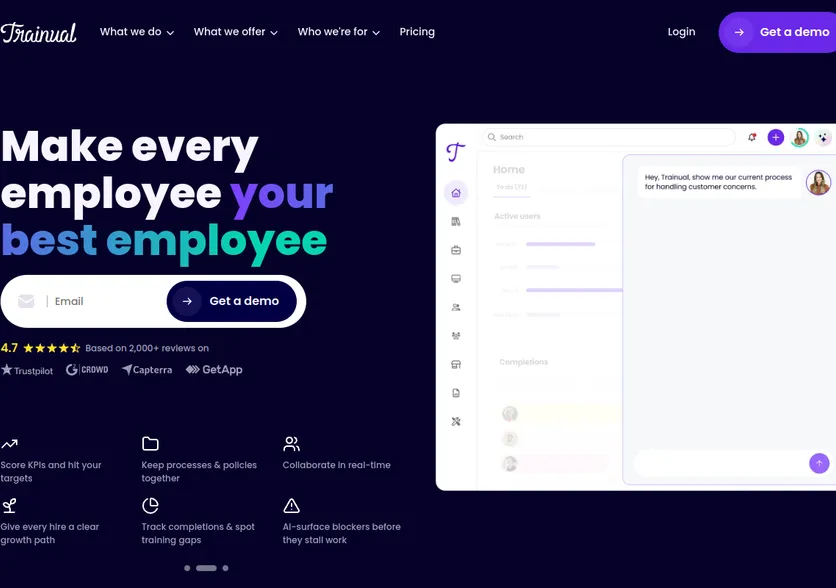
This Trainual plan costs two hundred and forty-nine dollars per month billed annually, and it turns onboarding into a training system. Playbooks hold the process, quizzes check the new hire understood it, and completion tracking shows who finished and who stalled. That structure suits HR teams that onboard every week, because the new hire follows a path instead of a pile of documents.
What we like
- Playbooks, quizzes and tracking in one system
- Completion reports show who actually finished
- Built for onboarding, not just reading
Watch out for
- The price is high for a small HR team
- Prices are no longer published, so confirm your quote
How to try it
- Write the onboarding program as a playbook with steps in order
- Add a quiz after each section to check understanding
- Check completion reports and follow up with stalled new hires
2. Scribe
Best for: HR teams that document processes as step-by-step guides
Paid tool Starting price: $29/user/month · Twenty-nine dollars per user per month on the Pro Personal plan billed monthly; annual billing drops it to about twenty-three to twenty-five dollars per user per month, and Pro Team for five or more seats runs about twelve to thirteen dollars per user per month on annual billing
Free plan: Free Basic plan
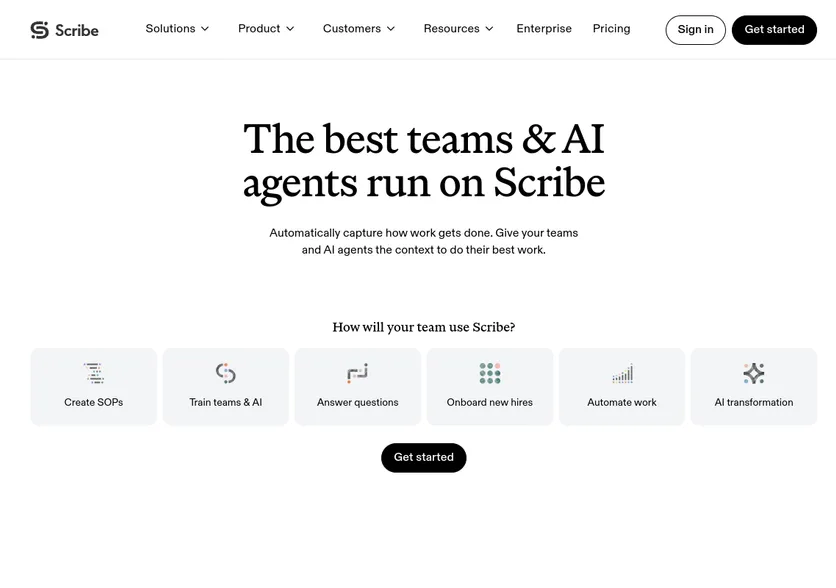
This Scribe plan costs twenty-nine dollars per user per month, and it turns an HR process into a written guide automatically. Record the leave request, the expense claim or the payroll check once on screen, and Scribe writes the guide with screenshots that employees can follow alone. That is ideal for the processes HR explains every week, because the guide answers the question before the ticket arrives.
What we like
- Guides write themselves from a screen recording
- Screenshots and steps stay in sync automatically
- Employees can follow the guide without asking HR
Watch out for
- Built for guides, not a full help center
- The free plan limits exports and branding
How to try it
- Record the HR process on screen while you do it once
- Edit the generated steps and screenshots in the guide
- Share the guide link with employees and pin it in the handbook
3. Helpjuice
Best for: HR teams that need a searchable policy library with analytics
Paid tool Starting price: $120/month · One hundred and twenty dollars per month flat on the Starter plan for up to four users; Run-Up is two hundred dollars and Premium is two hundred and eighty-nine dollars per month
Free plan: 14-day free trial; no free plan
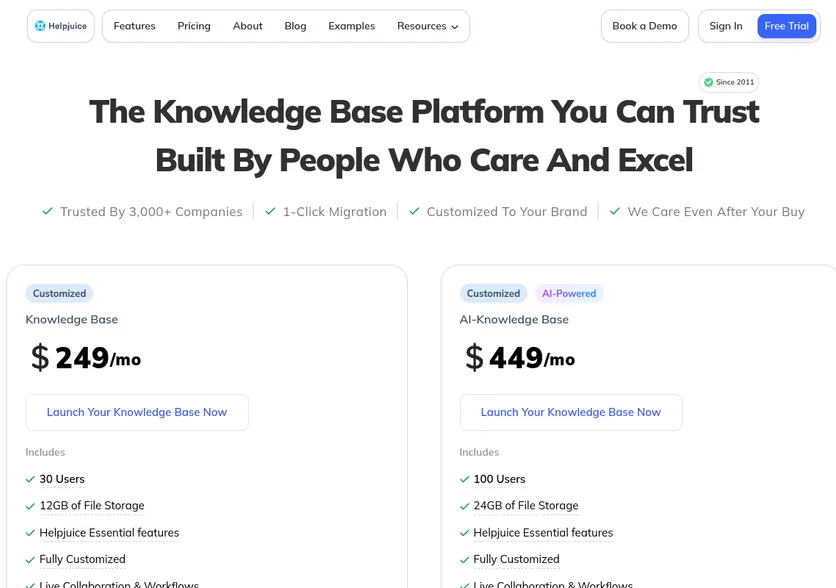
This Helpjuice plan costs one hundred and twenty dollars per month flat, and it is a knowledge base built around search. Analytics show what employees typed, what they found and what they missed, so HR can fix the gaps instead of guessing which policy needs rewriting. The flat price covers up to four users, which suits a small HR team that shares the writing.
What we like
- Search analytics show exactly what employees could not find
- Flat pricing covers up to four users
- Built only for knowledge bases, with no extra clutter
Watch out for
- No ticketing or chat is included
- The flat price is high for a very small team
How to try it
- Write the core policies and organize them by topic
- Read the search analytics to find the questions with no answer
- Rewrite the top missed articles each month
4. Freshdesk
Best for: HR teams that answer employee questions with a helpdesk
Paid tool Starting price: $15/agent/month · Fifteen dollars per agent per month billed annually on the Growth plan (nineteen dollars on monthly billing); Pro is forty-nine dollars and Enterprise is seventy-nine dollars per agent per month
Free plan: Free plan for up to 2 agents
For fifteen dollars per agent per month billed annually, this Freshdesk plan pairs a knowledge base with a helpdesk that catches the questions the articles miss. HR can publish leave, benefits and policy guides in the help center, and when an employee still writes in, the ticket lands beside the same articles. The free plan covers two agents, so a small HR team can start without paying anything.

What we like
- Knowledge base and tickets share one system
- Free plan covers a small HR team
- Reports show which articles employees actually read
Watch out for
- Advanced automation needs the Pro plan
- The interface carries more than HR may need
How to try it
- Create the help center and write the ten questions employees ask most
- Link the help center from the intranet and the onboarding email
- Check the ticket queue weekly and turn repeat questions into articles
5. Notion
Best for: HR teams that keep the handbook, policies and plans in one wiki
Paid tool Starting price: $10/user/month · Ten dollars per user per month billed annually on the Plus plan (twelve dollars on monthly billing); Business is twenty dollars per user per month and includes Notion AI
Free plan: Free plan for individuals with limited blocks
This Notion plan costs ten dollars per user per month billed annually, and it gives HR one workspace for the handbook, policies and onboarding plans. Pages link to databases, so a policy, its owner and its review date connect in one view, and the AI can draft and summarize inside the page. That flexibility suits HR teams whose docs mix policies, templates and checklists in one place.

What we like
- Pages, databases and wikis share one workspace
- The AI drafts and summarizes inside the page
- Flexible enough for handbooks, policies and checklists
Watch out for
- The published docs site is weaker than dedicated tools
- Large wikis need discipline to stay organized
How to try it
- Build the handbook wiki with a page per policy
- Link pages to a database that tracks owners and review dates
- Use the AI to draft the first version of each new policy
6. Tettra
Best for: HR teams that need internal answers searchable from Slack
Paid tool Starting price: $4/user/month · Four dollars per user per month billed annually on the Basic plan (five dollars on monthly billing); Scaling is eight dollars per user per month and Professional is seven thousand two hundred dollars per year. Paid plans have a ten-user minimum
Free plan: Free plan for up to 10 users
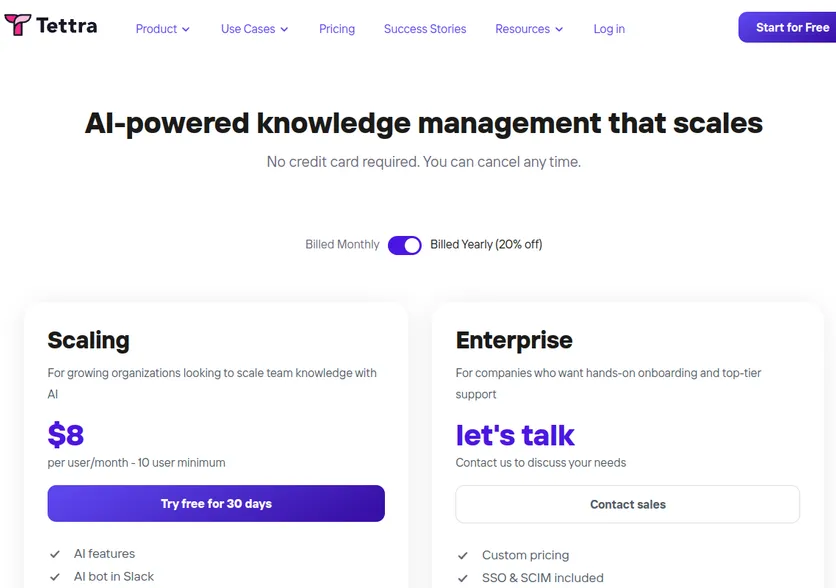
This Tettra plan costs four dollars per user per month billed annually, and it keeps an HR team's internal knowledge in one searchable place. Policies, scripts and answers live in a wiki that the AI bot can search from Slack, so an HR partner finds the right answer mid-call instead of after it. Verification reminders keep pages fresh, which matters when policies and benefits change every year.
What we like
- The AI bot answers from Slack in seconds
- Verification reminders keep pages accurate
- The lowest paid price in this list
Watch out for
- Built for internal teams, not public help centers
- Paid plans need at least ten users
How to try it
- Import policies and scripts into the wiki
- Connect Slack so the AI bot answers questions in the chat
- Set verification reminders on pages that change often
7. Help Scout
Best for: HR teams that answer employees by email and want simple Docs
Paid tool Starting price: $25/user/month · Twenty-five dollars per user per month billed annually on the Standard plan (thirty dollars on monthly billing); Plus is forty-five dollars and Pro is seventy-five dollars per user per month. Plus includes unlimited Docs, the knowledge base
Free plan: Free plan for up to 5 users
At twenty-five dollars per user per month billed annually, this Help Scout plan keeps the knowledge base close to the inbox. Docs articles answer the repeat questions, and when an employee still emails, the reply lands in a shared inbox the whole HR team can see. The Plus plan includes unlimited Docs, so a growing policy library never hits a page limit.
What we like
- Docs and the shared inbox work as one system
- Unlimited Docs on the Plus plan for growing libraries
- The editor is simple enough for non-technical HR teams
Watch out for
- Unlimited Docs need the Plus plan at forty-five dollars
- Reporting is lighter than enterprise HR systems
How to try it
- Write the first ten guides in Docs and group them by topic
- Add the Docs search to the intranet and onboarding pages
- Answer the remaining questions from the shared inbox
8. Confluence
Best for: HR teams already using Atlassian tools for their work
Paid tool Starting price: $7.15/user/month · Seven dollars and fifteen cents per user per month on the Standard plan for one to one hundred users on monthly billing (fourteen dollars and ten cents for Premium); annual billing runs lower at about six dollars per user per month on Standard for a ten-user workspace. Atlassian raised Cloud prices on October 13, 2026
Free plan: Free plan for up to 10 users
This Confluence plan costs seven dollars and fifteen cents per user per month, and it is the wiki most HR teams already have access to. Pages, templates and spaces organize the handbook, policies and onboarding checklists, and the link to Jira ties each doc to the work it describes. That fits an HR team that wants its knowledge base inside the same system as its projects, with the permissions a company expects.

What we like
- Deep integration with Jira and the Atlassian suite
- Templates keep policies and checklists consistent
- Spaces and permissions fit company-wide use
Watch out for
- Search is weaker than dedicated knowledge base tools
- Large spaces can become hard to navigate
How to try it
- Create a space for HR and add templates for policies
- Link each policy to its owner and review date
- Set page owners and check the handbook after every policy change
Prices above were checked on each vendor’s own website on Nov 28, 2026 and can change — the vendor’s page is the final word. Vendor links are editorial: nobody paid to be listed or ranked here. Vendors who want a featured listing can see how it works on our Get listed page.
How an HR team should build a knowledge base employees use
Start with the questions, not the software. List the twenty questions every employee asks in the first year, from leave to benefits to expenses, and write one short article for each, using the words employees use rather than legal language. Put the answers where employees already look: the intranet, the onboarding email and the link you send after hire. Version every policy with its effective date, because an employee who finds last year's rule will follow it. Then watch what happens: read the search report each month, write the articles for the questions that found nothing, and retire the ones nobody opens. A knowledge base that grows from real questions stays useful; one built from guesses goes stale.
Before you buy
- Check that policies are versioned, so employees see the current rule and not last year's
- Confirm new hires can read onboarding guides without a login or a licence
- Ask whether completion tracking shows who finished onboarding and who stalled
- Test the search with real employee questions, such as leave and benefits
- Publish one onboarding guide on the trial and watch a new hire use it before you pay
Official websites
Official websites of the products reviewed above. Features and prices were checked against these sites when this guide was written, and they can change, so confirm on the vendor site before you buy.
Frequently asked questions
What is the best knowledge base software for HR teams?
Trainual is the best pick for most HR teams because it turns onboarding into playbooks with quizzes and completion tracking, at two hundred and forty-nine dollars per month. Freshdesk is the cheapest entry at fifteen dollars per agent per month with a helpdesk included, while Scribe suits teams that document processes as step-by-step guides. The right choice depends on whether onboarding or answering questions matters more.
How much does knowledge base software for HR teams cost?
Paid plans in this list start at four dollars per user per month for Tettra Basic and seven dollars and fifteen cents for Confluence Standard, both billed annually. Notion Plus is ten dollars, Freshdesk Growth is fifteen dollars per agent per month, and Help Scout Standard is twenty-five dollars per user per month. Helpjuice is one hundred and twenty dollars per month flat, and Trainual starts at two hundred and forty-nine dollars per month.
Can an HR team use a free knowledge base plan?
Yes. Freshdesk is free for up to two agents, Help Scout is free for up to five users, and Scribe has a free Basic plan. The limits show up in branding, exports and advanced features, so a free plan is a good place to start writing policies. Move to a paid plan when employees rely on the library daily and you need search analytics or completion tracking.
What features matter most for an HR knowledge base?
Versioned policies matter most, because employees must see the current rule and not last year's. Completion tracking matters next, since HR needs to know who finished onboarding and who stalled. And search that finds leave, benefits and payroll answers matters always, because those are the questions employees ask most and the ones HR least wants to answer twice.
Should an HR team use Trainual or a knowledge base?
Trainual is better when the goal is structured onboarding with playbooks, quizzes and completion reports. A knowledge base is better when the goal is a searchable library of policies and answers that employees read on their own. Many HR teams use both: Trainual for the onboarding path and a knowledge base for the policies employees return to all year.
Pick the tool that fits how your team onboards and answers, publish one real onboarding guide on the trial, and only pay once new hires use it.
Browse Business Tools tools