On this page
A government contractor's knowledge base is a compliance asset as much as a productivity tool: proposal libraries, security plans and contract documentation have to be accurate, permissioned and auditable. We compared eight paid tools that fit a small or mid-sized contractor, checking every price on the vendor's own site on November 28, 2026, and weighing permissions, compliance and version history. Confluence leads because it costs $7.15 per user a month, has strong page-level permissions, and fits naturally with Jira.
How we researched this
We ranked each tool on five contractor-specific checks: page-level permissions and audit trails, compliance certifications that match federal and defense contracts, version history for documents that change with every contract, a public portal option for client-facing guides, and a price a small contract team can justify. We checked every price on the vendor's own site on November 28, 2026, and we dropped any vendor that had gone quote-only or stopped publishing prices.
Compare the tools
| Name | Best for | Starting price | Free plan | |
|---|---|---|---|---|
 Confluence | Government contractors already using Jira or other Atlassian tools. | $7.15/user/month | Free plan for up to 10 users | Visit |
 Notion | Contract teams that need one cheap wiki for proposals, SOPs and compliance notes. | $10/user/month | Free plan for individuals | Visit |
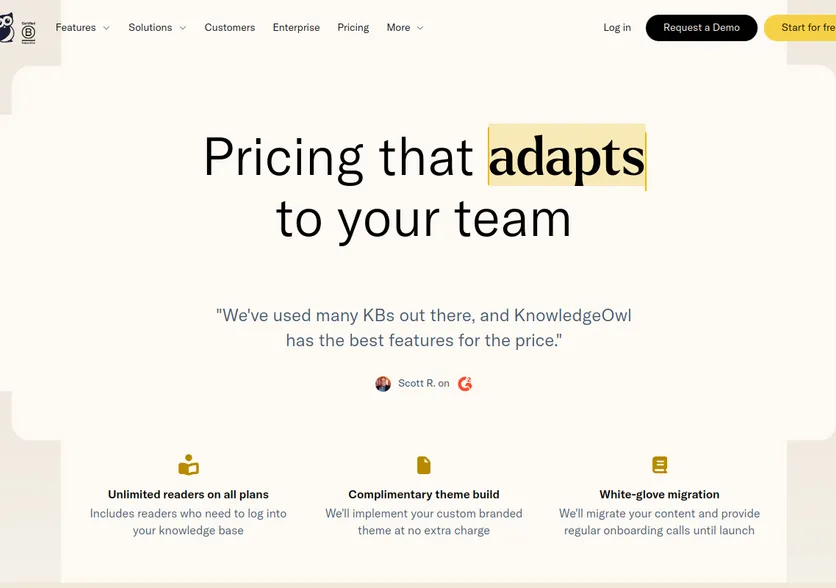
 KnowledgeOwl | Contractors that need a public help center or proposal library with free reader access. | $100/month | Free trial (30 days) | Visit |
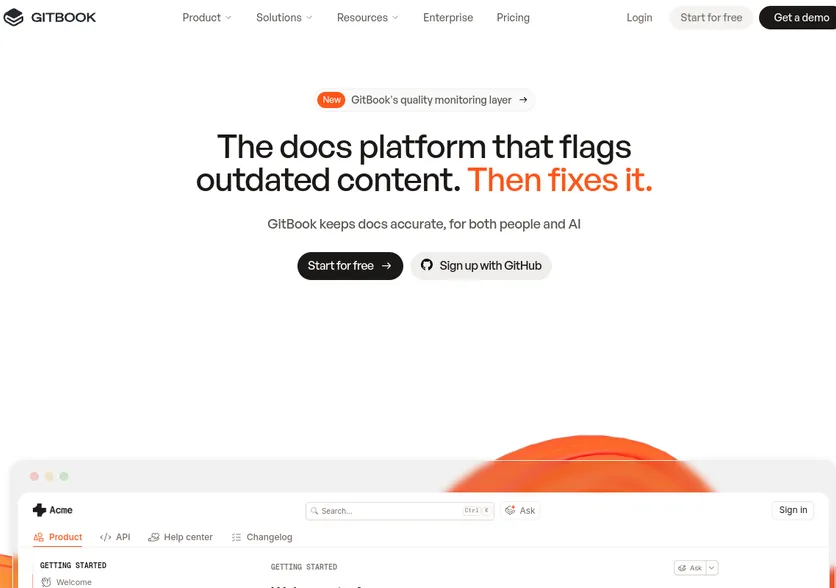
 GitBook | Contractors that publish polished public documentation, API guides and manuals. | $65/site/month + $12/user/month | Free plan for individuals | Visit |
 Zendesk | Contractors that need help center, chat and ticketing in one support system. | $55/agent/month | Free trial (14 days) | Visit |
 Salesforce Service Cloud | Large contractors that need a knowledge base inside a full CRM and service platform. | $25/user/month | Free trial | Visit |
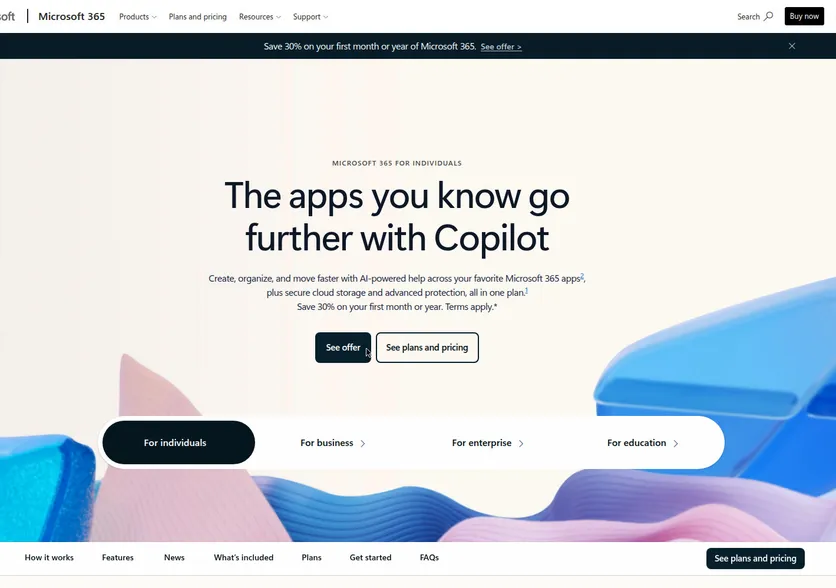
 Microsoft 365 | Contractors that need Office apps, Teams, SharePoint and storage in one bundle. | $7/user/month | Free trial | Visit |
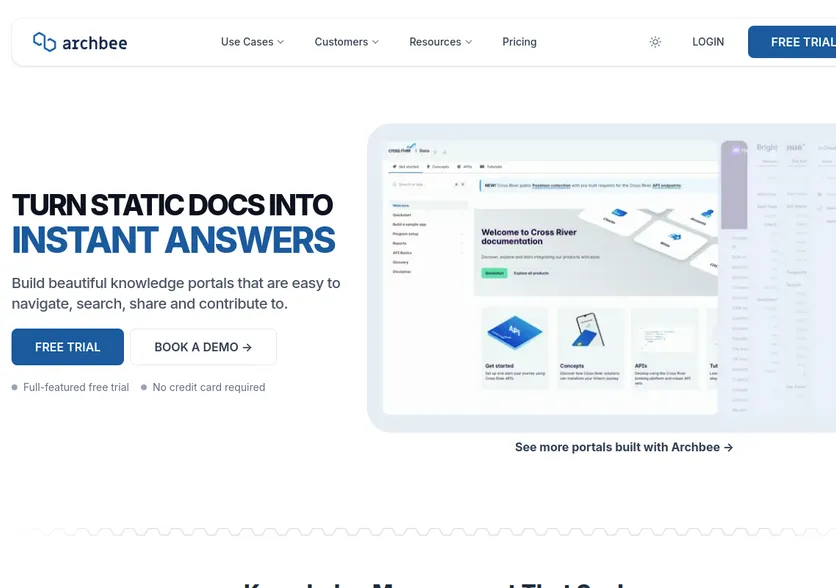
 Archbee | Contractors that publish versioned technical docs and API references. | $49/month | Free trial (14 days) | Visit |
The 8 best knowledge management tools for government contractors
1. Confluence
Best for: Government contractors already using Jira or other Atlassian tools.
Paid tool Starting price: $7.15/user/month · Seven dollars and fifteen cents per user per month on monthly billing for the first 100 users, after Atlassian's October 13, 2026 price rise; annual billing sells user tiers, starting at $720 a year for up to 10 users. Premium is $14.10 per user per month.
Free plan: Free plan for up to 10 users
This Confluence plan costs $7.15 per user a month on Standard, and it is the sensible pick for contractors already running Jira or other Atlassian software. Pages, templates and page-level permissions fit proposal libraries, compliance checklists and contract documentation, and the built-in whiteboards help a team map a new process before writing it up. The free tier covers up to 10 users, which is enough for a small contract team to try it properly before paying.

What we like
- Free for up to 10 users.
- Strong permissions for sensitive documents.
- Fits naturally with Jira and Atlassian tools.
Watch out for
- No public help center built in.
- Compliance certifications vary by plan — check before buying.
How to try it
- Build a space for proposals and one for compliance.
- Set page permissions so only cleared staff edit sensitive documents.
- Link Jira tasks to the pages they document.
2. Notion
Best for: Contract teams that need one cheap wiki for proposals, SOPs and compliance notes.
Paid tool Starting price: $10/user/month · Ten dollars per user per month on the Plus plan billed annually; monthly billing is twelve dollars. Business is twenty dollars per user per month billed annually.
Free plan: Free plan for individuals
This Notion plan costs $10 per user a month on Plus, and it is the cheapest way for a contractor to keep every procedure in one searchable place. Proposal templates, compliance checklists, subcontractor contacts and onboarding notes can all live in linked pages with databases that track contract deadlines and certification renewals. It is not a public documentation portal by design, so use it for the internal wiki and pair it with GitBook or KnowledgeOwl if clients or agencies need public-facing guides.

What we like
- Cheapest full wiki in this roundup.
- Databases track contracts and certifications.
- Templates cover SOPs and proposals.
Watch out for
- No built-in public documentation portal.
- Compliance certifications are limited on lower plans.
How to try it
- Create a wiki page for each core procedure.
- Add a database to track contract deadlines and certifications.
- Share the wiki with staff and set guest access for subcontractors.
3. KnowledgeOwl
Best for: Contractors that need a public help center or proposal library with free reader access.
Paid tool Starting price: $100/month · One hundred dollars a month on the Basic plan, including one author and one knowledge base with unlimited readers; extra authors are $25 a month and extra knowledge bases $50. Annual billing saves 10%, and nonprofits get a 25% discount.
Free plan: Free trial (30 days)
This KnowledgeOwl plan costs $100 a month on Basic, and it suits contractors that want a clean public portal without paying per reader. Only authors are billed, so every client, subcontractor and agency contact who reads the guides costs nothing, and the editor supports version history, roles and approval workflows that keep compliance documentation accurate. Higher plans add single sign-on, custom reporting and a dedicated success manager for larger teams.
What we like
- Author-based pricing keeps every reader free.
- Version history and approvals protect compliance docs.
- Clean, fast portal that works on phones.
Watch out for
- No free plan — only a 30-day trial.
- The cheapest plan allows just one author and one knowledge base.
How to try it
- Import your client FAQs and compliance guides as articles.
- Set one editor as author and give the rest of the team reader access.
- Publish the portal on your own domain and link it from proposals.
4. GitBook
Best for: Contractors that publish polished public documentation, API guides and manuals.
Paid tool Starting price: $65/site/month + $12/user/month · Essential is sixty-five dollars per site per month plus twelve dollars per user per month billed annually; monthly billing is seventy-nine dollars per site plus fifteen dollars per user. Readers of a published site are never charged.
Free plan: Free plan for individuals
This GitBook plan costs $65 per site a month plus $12 per user a month on Essential, and it is the best choice when your documentation is public-facing and needs to look professional. Version-controlled docs, AI search and a clean reading experience make it ideal for API references, user manuals and compliance guides that agencies and clients actually read. Readers of a published site are never charged, so the audience can be as large as the contract requires.
What we like
- Polished public docs that look professional.
- Version control for every release.
- Readers are never charged.
Watch out for
- Per-site plus per-user pricing adds up fast.
- The free plan is for individuals only.
How to try it
- Import your existing docs or write them in GitBook.
- Set up versioning so each contract release has its own docs.
- Publish to your own domain and share the link with clients.
5. Zendesk
Best for: Contractors that need help center, chat and ticketing in one support system.
Paid tool Starting price: $55/agent/month · Fifty-five dollars per agent per month on Suite Team billed annually; monthly billing is sixty-nine dollars. Suite Team includes the help center, messaging, live chat and AI agents. Support Team, without the help center, is $19 per agent per month billed annually.
Free plan: Free trial (14 days)
This Zendesk plan costs $55 per agent a month on Suite Team, and it is the most complete option when a contractor wants the help center, live chat, messaging and ticketing in one place. Clients can read a guide, start a chat or open a ticket without repeating themselves, and AI agents answer the routine questions while staff handle the complex ones. It is the priciest tool here per agent, so it only makes sense once client support volume justifies a shared inbox.

What we like
- Help center, chat and tickets in one system.
- AI agents handle routine client questions.
- Strong reporting across every channel.
Watch out for
- Priciest per-agent option in this list.
- Setup takes longer than a standalone KB.
How to try it
- Publish the help center with your top client FAQs.
- Turn on the AI agent for hours, status and billing questions.
- Route contract-specific questions to a dedicated team group.
6. Salesforce Service Cloud
Best for: Large contractors that need a knowledge base inside a full CRM and service platform.
Paid tool Starting price: $25/user/month · Twenty-five dollars per user per month on the Starter Suite, the only edition billed monthly; it includes cases and a knowledge base. Full service editions start at Core, $195 per user per month billed annually. Salesforce now sells Service Cloud as Agentforce Service.
Free plan: Free trial
This Salesforce Service Cloud plan costs $25 per user a month on Starter Suite, and it is the best fit when a contractor already runs Salesforce and wants the knowledge base inside the same system. Cases, knowledge articles and client records sit together, so a support agent can pull the right article without leaving the case, and the Starter Suite includes a knowledge base from day one. Salesforce now sells Service Cloud as Agentforce Service, so expect that name on new contracts and invoices.
What we like
- Knowledge base lives inside Salesforce.
- Cases and articles stay linked together.
- Starter Suite includes a knowledge base.
Watch out for
- No screenshot available for this tool.
- Full editions start at $195 per user a month.
How to try it
- Publish your client-facing knowledge articles in Salesforce.
- Link articles to the cases they solve.
- Use reports to find the articles that resolve cases fastest.
7. Microsoft 365
Best for: Contractors that need Office apps, Teams, SharePoint and storage in one bundle.
Paid tool Starting price: $7/user/month · Seven dollars per user per month on the Business Basic plan with an annual commitment; Microsoft raised it from $6 in July 2026. Basic includes web Office apps, Teams, SharePoint and 1 TB of OneDrive storage per user.
Free plan: Free trial
This Microsoft 365 plan costs $7 per user a month on Business Basic, and it is the cheapest way for a contractor to get the whole Microsoft stack: web Office apps, Teams, SharePoint and 1 TB of OneDrive storage per user. SharePoint becomes the document library, Teams the collaboration hub, and OneDrive the file store, which covers most knowledge management needs without a separate wiki. Microsoft raised Basic from $6 to $7 in July 2026, so older guides still quote the old figure.
What we like
- Whole Microsoft stack for $7 per user.
- SharePoint and Teams cover most KM needs.
- 1 TB of storage per user included.
Watch out for
- Web apps only on Basic — no desktop Office.
- SharePoint needs setup to work as a wiki.
How to try it
- Set up a SharePoint site as the document library.
- Create Teams channels for each contract or project.
- Store templates in OneDrive and link them from SharePoint.
8. Archbee
Best for: Contractors that publish versioned technical docs and API references.
Paid tool Starting price: $49/month · Forty-nine dollars a month on the Growing plan billed annually, including one team member; extra members are $5 a month. Monthly billing is $59. Scaling is $199 a month billed annually, and AI is a paid add-on.
Free plan: Free trial (14 days)
This Archbee plan costs $49 a month on Growing, and it is built for teams that publish technical documentation with versioning. API references, product manuals and compliance guides can each carry their own version, and the editor is simple enough for non-developers while the API keeps docs in sync with code. Archbee cut its price on November 23, 2026, from $80 to $49 a month, so older guides still quote the old figure.
What we like
- Versioning for every release.
- API references stay in sync with code.
- Simple editor for non-developers.
Watch out for
- Only one team member included on Growing.
- AI features are a paid add-on.
How to try it
- Import your technical docs or write them in Archbee.
- Set up versioning for each contract release.
- Publish the portal on your own domain.
Prices above were checked on each vendor’s own website on Nov 28, 2026 and can change — the vendor’s page is the final word. Vendor links are editorial: nobody paid to be listed or ranked here. Vendors who want a featured listing can see how it works on our Get listed page.
How to run a contractor knowledge base day to day
Start with the documents that cost the most time to recreate: proposal boilerplate, compliance checklists, security plans and past-performance narratives. Keep sensitive material behind page-level permissions and give one person ownership of each space, so nothing goes stale after a contract ends. Review the library after every proposal win or loss — the best material comes from what actually worked — and check each vendor's compliance page before buying, since certifications sometimes cover only the higher plans. Keep a change log for every document, so an auditor can see exactly what changed, when, and who approved it, and store the compliance letters from each vendor alongside the tools they cover.
Before you buy
- Does it meet the compliance standard your contracts require, such as FedRAMP or CMMC?
- Can you control exactly who sees each document, down to the page?
- Does it keep a full audit trail of who edited and viewed what?
- Can it work offline or in a restricted network when required?
- Does the price stay predictable as the team and contract count grow?
Official websites
Official websites of the products reviewed above. Features and prices were checked against these sites when this guide was written, and they can change, so confirm on the vendor site before you buy.
Frequently asked questions
What is the best knowledge management software for government contractors?
Confluence is the best overall pick for most government contractors: it costs $7.15 per user a month, has strong page-level permissions, and fits naturally with Jira, which many contractors already use. GitBook is the best choice for polished public documentation, and KnowledgeOwl is the best value for a help center, since readers are free. The right pick depends on whether your documentation is internal, public, or both.
How much does knowledge management software cost for government contractors?
Expect $7 to $100 a month for a small team, depending on the tool. Confluence starts at $7.15 per user a month, Microsoft 365 at $7, and Notion at $10, while dedicated portals like KnowledgeOwl ($100 a month) and GitBook ($65 per site plus $12 per user) cost more. Salesforce Service Cloud starts at $25 per user a month but rises to $195 for full editions.
Do government contractors need FedRAMP or CMMC certified tools?
It depends on the contract. FedRAMP authorization is required for cloud tools that store federal data, and CMMC applies to defense contractors handling controlled unclassified information. Check each vendor's compliance page and confirm the certification covers the specific plan you buy — lower tiers sometimes sit outside the certified scope. When in doubt, ask the vendor for its compliance letter before signing.
Can a knowledge base help win government contracts?
Yes, if it is built around the documents your team actually reuses: proposal templates, compliance checklists, past-performance write-ups and subcontractor contacts. A good knowledge base turns a two-week proposal into a three-day one, because the team starts from proven material instead of a blank page. Assign one person to keep the library current after every contract ends.
What should a government contractor put in a knowledge base first?
Start with the documents that cost the most time to recreate: proposal boilerplate, compliance checklists, security plans and past-performance narratives. Add subcontractor contacts and pricing rules next. Keep sensitive documents behind page-level permissions, and review them whenever a contract or regulation changes.
Pick the tool that matches your biggest pain: Confluence for a secure wiki that fits Atlassian shops, GitBook for polished public documentation, or KnowledgeOwl for a help center with free readers. Then compare the rest of the tools above before you buy.
Browse Business Tools tools