On this page
A nonprofit's knowledge base has to serve three audiences at once: donors who want answers before they give, volunteers who need to learn the job fast, and staff who keep the programs running. We compared eight paid tools that fit a small or mid-sized nonprofit, checking every price on the vendor's own site on November 28, 2026, and weighing nonprofit discounts, free reader access and ease of use. KnowledgeOwl leads because it prices by author, keeps readers free, and gives nonprofits a 25% discount.
How we researched this
We ranked each tool on five nonprofit-specific checks: a real nonprofit discount, free reader access for donors and volunteers, a price that stays affordable as volunteers come and go, an editor non-technical staff can use, and a free plan or trial long enough to test properly. We checked every price on the vendor's own site on November 28, 2026, and we dropped any vendor that had gone quote-only or stopped publishing prices.
Compare the tools
| Name | Best for | Starting price | Free plan | |
|---|---|---|---|---|
 KnowledgeOwl | Nonprofits that need a public help center with a real nonprofit discount. | $100/month | Free trial (30 days) | Visit |
 Slab | Nonprofits that want a fast, modern wiki — free for eligible nonprofits. | $6.67/user/month | Free plan for up to 10 users | Visit |
 GitBook | Nonprofits that publish polished public guides and program documentation. | $65/site/month + $12/user/month | Free plan for individuals | Visit |
 Notion | Nonprofits that need one cheap wiki for programs, volunteers and fundraising. | $10/user/month | Free plan for individuals | Visit |
 Nuclino | Nonprofits that want a fast, lightweight wiki for volunteers and staff. | $5/user/month | Free plan for up to 50 items | Visit |
 HelpDocs | Nonprofits that want a simple, fast help center without a learning curve. | $99/month | Free trial (14 days) | Visit |
 Tettra | Nonprofits that answer the same questions in Slack every day. | $8/user/month | Free trial (30 days) | Visit |
 Zoho Desk | Nonprofits that need a knowledge base plus live chat for donors and beneficiaries. | $14/agent/month | Free plan for up to 3 agents | Visit |
The 8 best knowledge management tools for nonprofits
1. KnowledgeOwl
Best for: Nonprofits that need a public help center with a real nonprofit discount.
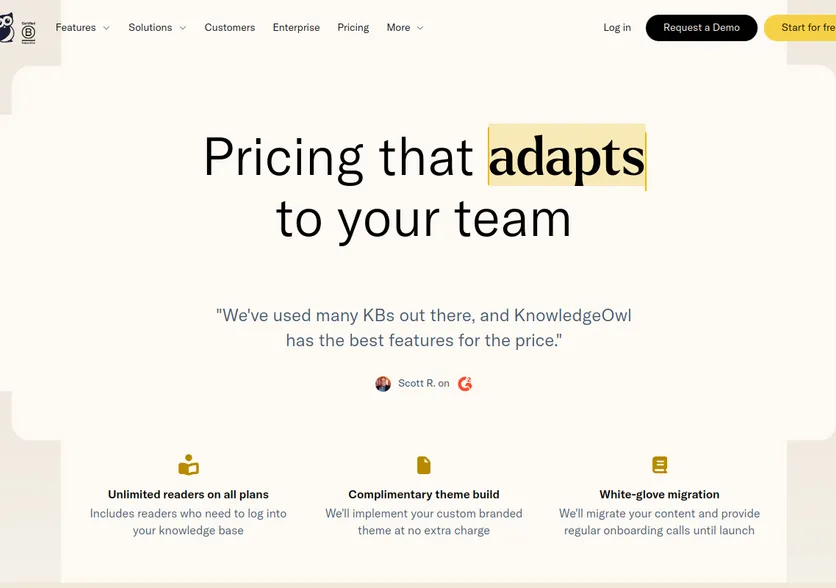
Paid tool Starting price: $100/month · One hundred dollars a month on the Basic plan, including one author and one knowledge base with unlimited readers; extra authors are $25 a month and extra knowledge bases $50. Annual billing saves 10%, and nonprofits get a 25% discount.
Free plan: Free trial (30 days)
This KnowledgeOwl plan costs $100 a month on Basic, and it is the best value for a nonprofit that wants a clean public help center. Only authors are billed, so every donor, volunteer and beneficiary who reads the guides costs nothing, and nonprofits get a 25% discount, which brings Basic down to $75 a month. The editor supports version history, roles and approval workflows that keep program and grant information accurate.
What we like
- 25% nonprofit discount on every plan.
- Author-based pricing keeps every reader free.
- Version history and approvals protect program info.
Watch out for
- No free plan — only a 30-day trial.
- The cheapest plan allows just one author and one knowledge base.
How to try it
- Import your program FAQs and volunteer guides as articles.
- Apply for the 25% nonprofit discount through KnowledgeOwl for Good.
- Publish the help center on your own domain and link it from your website.
2. Slab
Best for: Nonprofits that want a fast, modern wiki — free for eligible nonprofits.
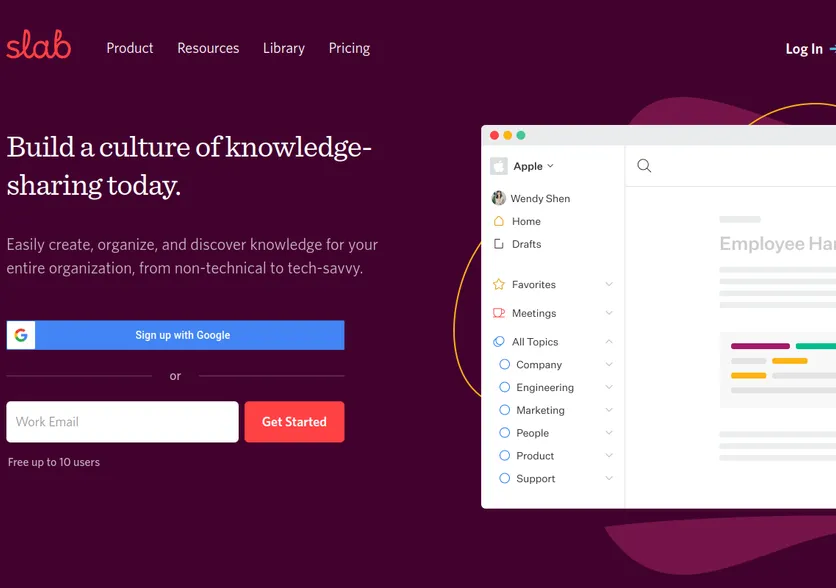
Paid tool Starting price: $6.67/user/month · Six dollars and sixty-seven cents per user per month on the Startup plan billed annually; monthly billing is eight dollars. Business, with SAML SSO and the API, is $12.50 per user per month billed annually.
Free plan: Free plan for up to 10 users
This Slab plan costs $6.67 per user a month on Startup, and it is the best fit for nonprofits that already live in Slack, Google Drive and their donor software. Its unified search pulls answers from every connected tool, so a volunteer can find the event protocol without remembering which app holds it, and eligible nonprofits get the Startup plan free. The editor is simple enough for anyone on the team, which matters when volunteers turn over fast.
What we like
- Startup plan is free for eligible nonprofits.
- Unified search across connected tools.
- Very fast, clean editor.
Watch out for
- No public help center for donors.
- Business tier needed for SSO and API access.
How to try it
- Connect Slack, Google Drive and your donor software.
- Create topics for programs, fundraising and volunteer guides.
- Apply for the nonprofit discount on the Startup plan.
3. GitBook
Best for: Nonprofits that publish polished public guides and program documentation.
Paid tool Starting price: $65/site/month + $12/user/month · Essential is sixty-five dollars per site per month plus twelve dollars per user per month billed annually; monthly billing is seventy-nine dollars per site plus fifteen dollars per user. Readers of a published site are never charged.
Free plan: Free plan for individuals
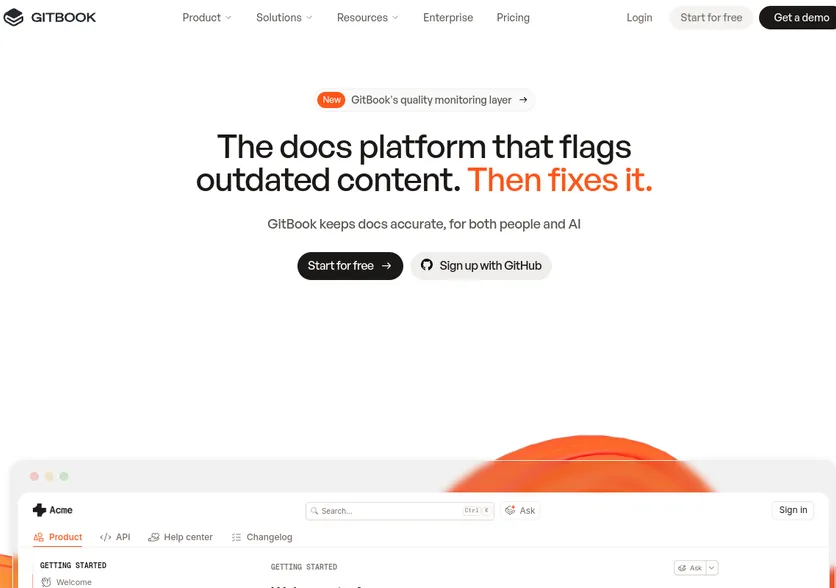
For a nonprofit whose program guides are public-facing, GitBook costs $65 per site a month plus $12 per user a month on Essential. Version-controlled docs, AI search and a clean reading experience make it ideal for program guides, volunteer handbooks and grant documentation that donors actually read. Readers of a published site are never charged, and GitBook offers a free Community plan for open-source and nonprofit projects.
What we like
- Polished public docs that look professional.
- Version control for every release.
- Community plan for nonprofits; readers free.
Watch out for
- Per-site plus per-user pricing adds up fast.
- The free plan is for individuals only.
How to try it
- Import your program guides or write them in GitBook.
- Set up versioning so each program year has its own docs.
- Publish to your own domain and share the link with donors.
4. Notion
Best for: Nonprofits that need one cheap wiki for programs, volunteers and fundraising.
Paid tool Starting price: $10/user/month · Ten dollars per user per month on the Plus plan billed annually; monthly billing is twelve dollars. Business is twenty dollars per user per month billed annually.
Free plan: Free plan for individuals
This Notion plan costs $10 per user a month on Plus, and it is the cheapest way for a nonprofit to keep every procedure in one searchable place. Program guides, volunteer handbooks, donor contacts and grant deadlines can all live in linked pages with databases that track volunteer hours and funding rounds. It is not a public help center by design, so use it for the internal wiki and pair it with KnowledgeOwl or GitBook if donors need self-service answers.

What we like
- Cheapest full wiki in this roundup.
- Databases track volunteers and grants.
- Templates cover SOPs and handbooks.
Watch out for
- No built-in public help center.
- Search is weaker than dedicated KB tools.
How to try it
- Create a wiki page for each program and process.
- Add a database to track volunteers and grant deadlines.
- Share the wiki with staff and set guest access for volunteers.
5. Nuclino
Best for: Nonprofits that want a fast, lightweight wiki for volunteers and staff.
Paid tool Starting price: $5/user/month · Five dollars per user per month on the Standard plan billed annually; monthly billing is six dollars. Premium, with SSO and audit logs, is $10 per user per month billed annually.
Free plan: Free plan for up to 50 items
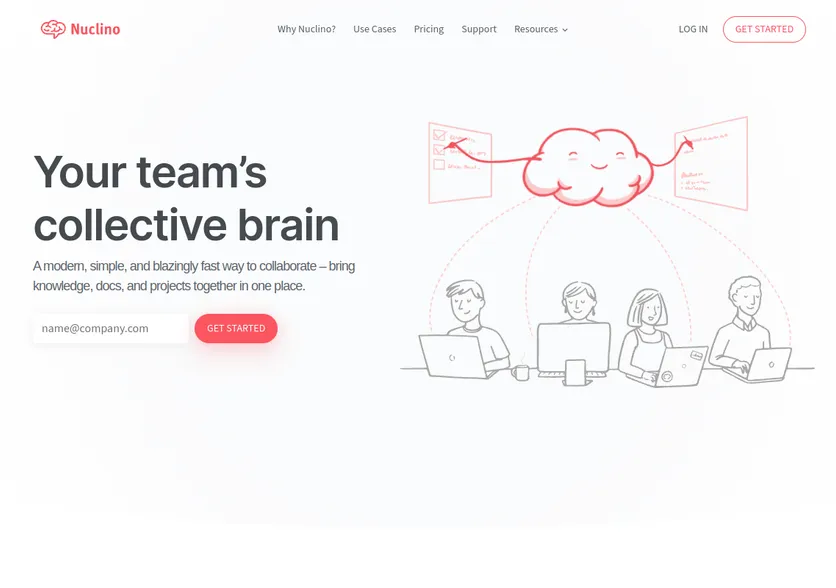
For a nonprofit that needs a fast, lightweight wiki, Nuclino costs $5 per user a month on Standard. Program guides, volunteer handbooks and team knowledge live in a visual board layout that new volunteers can navigate without training, and real-time editing means staff can update a guide while the team watches. The free plan covers up to 50 items, which is enough to test it with a real handbook before paying.
What we like
- Lightest and fastest wiki in this list.
- Very easy for non-technical volunteers.
- Real-time editing for guide updates.
Watch out for
- No public help center for donors.
- Free plan is limited to 50 items.
How to try it
- Create a board for programs and one for volunteers.
- Write the handbook in short, searchable pages.
- Share the wiki with all staff and set edit access for program leads.
6. HelpDocs
Best for: Nonprofits that want a simple, fast help center without a learning curve.
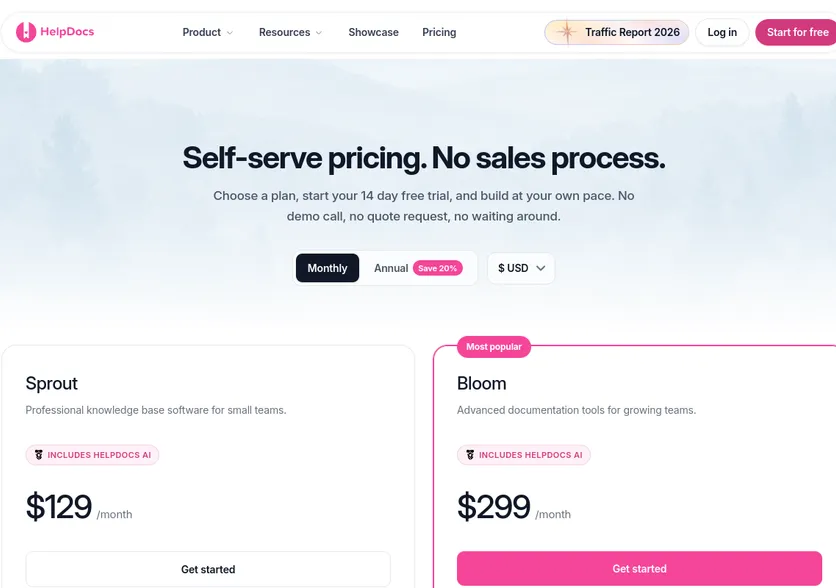
Paid tool Starting price: $99/month · Ninety-nine dollars a month on the Sprout plan billed annually, covering 5 editors; monthly billing is $129. Bloom is $239 and Harvest is $399 a month billed annually. Readers are always free.
Free plan: Free trial (14 days)
For a nonprofit that wants a help center up this week, HelpDocs costs $99 a month on Sprout, and its editor is deliberately plain. The editor is deliberately plain, AI drafting handles the first pass, and search analytics show exactly which questions donors and volunteers type but never find an answer for. Five editors are included, which covers the program lead, the volunteer coordinator and the communications manager, and every reader costs nothing.
What we like
- Very easy to learn — no training needed.
- Search analytics show unanswered questions.
- Five editors included on the entry plan.
Watch out for
- No free plan — only a 14-day trial.
- Fewer integrations than larger help desk suites.
How to try it
- List the questions donors and volunteers ask each week.
- Draft answers with the AI assistant and have the program lead approve them.
- Check the failed-searches report monthly and fill the gaps.
7. Tettra
Best for: Nonprofits that answer the same questions in Slack every day.
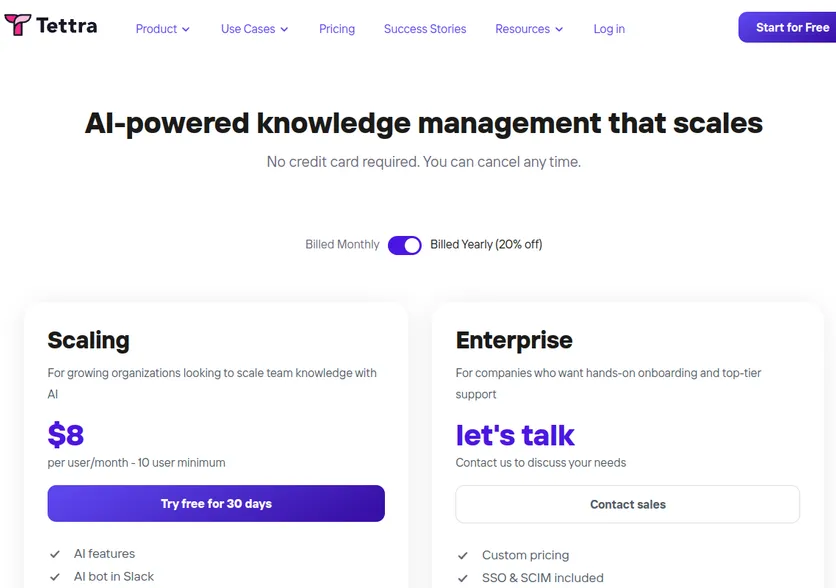
Paid tool Starting price: $8/user/month · Eight dollars per user per month on the Scaling plan billed annually, with a 10-user minimum, so the smallest bill is eighty dollars a month; monthly billing is ten dollars per user. Enterprise is custom priced.
Free plan: Free trial (30 days)
This Tettra plan costs $8 per user a month on Scaling, and it is the best fit when staff and volunteers live in Slack and keep asking the same questions about programs, events and expenses. Questions asked in Slack get answered once, saved to the wiki, and served by the AI the next time anyone asks, so the knowledge base grows from real questions instead of sitting unread. The ten-user minimum means the smallest bill is $80 a month, which suits teams of ten or more.
What we like
- Answers surface inside Slack automatically.
- AI answers repeat questions from the wiki.
- Knowledge base grows from real questions.
Watch out for
- Ten-user minimum on the Scaling plan.
- No free plan — only a 30-day trial.
How to try it
- Connect Tettra to your Slack workspace.
- Answer the questions staff ask most, and save them to the wiki.
- Let the AI answer repeat questions automatically.
8. Zoho Desk
Best for: Nonprofits that need a knowledge base plus live chat for donors and beneficiaries.
Paid tool Starting price: $14/agent/month · Fourteen dollars per agent per month on the Standard plan billed annually; monthly billing is twenty dollars. Standard adds a public knowledge base, live chat and the Answer Bot. Express is $7 per agent per month billed annually.
Free plan: Free plan for up to 3 agents
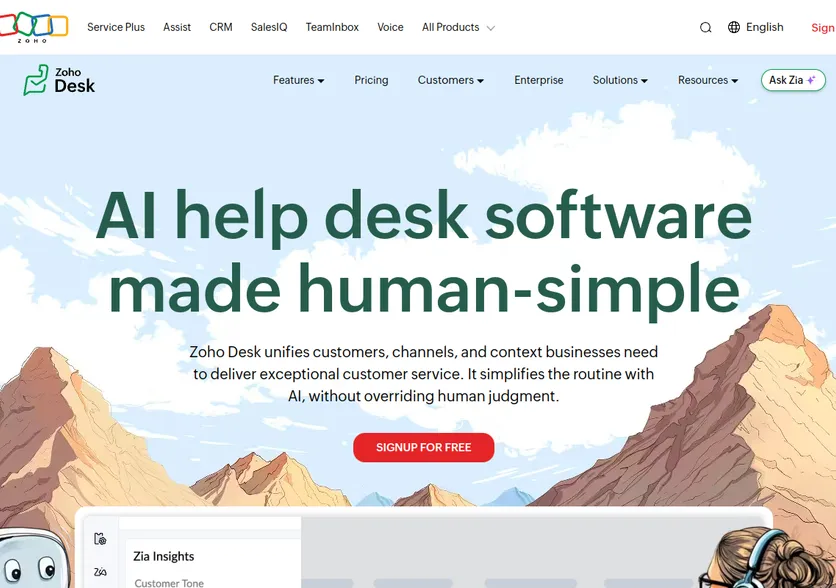
For a nonprofit that needs a knowledge base, live chat and ticketing in one cheap system, Zoho Desk costs $14 per agent a month on Standard. The public knowledge base starts on Standard, the Answer Bot deflects routine questions, and the free plan covers up to 3 agents, so a small nonprofit can try the whole setup before paying. It also fits naturally with Zoho's other tools, from CRM to invoicing, if the organization already uses them.
What we like
- Cheapest KB plus live chat combination here.
- Free plan covers up to 3 agents.
- Fits with Zoho CRM and invoicing.
Watch out for
- Knowledge base only starts on the Standard plan.
- The interface takes a while to learn.
How to try it
- Publish your most-asked donor and program questions in the knowledge base.
- Turn on live chat for donation and program questions.
- Use the Answer Bot to deflect routine queries after hours.
Prices above were checked on each vendor’s own website on Nov 28, 2026 and can change — the vendor’s page is the final word. Vendor links are editorial: nobody paid to be listed or ranked here. Vendors who want a featured listing can see how it works on our Get listed page.
How to run a nonprofit knowledge base day to day
Start with the questions your inbox answers ten times a week: how to donate, where the money goes, how to volunteer, and who qualifies for your programs. Write those first, in plain language, and keep each article short enough to read on a phone. Give one staff member ownership of the library and review it whenever a program changes. Apply for the nonprofit discounts before you pay — Slab's Startup plan is free for eligible nonprofits, and KnowledgeOwl gives 25% off — so the budget goes to programs, not software. Share the help center link in every volunteer welcome email and on the donation thank-you page, so the people who need answers find them without emailing the office.
Before you buy
- Is there a nonprofit discount, and does it apply to the plan you need?
- Can volunteers and donors read the content for free?
- Does the price stay affordable as volunteers come and go?
- Can non-technical staff update pages without IT help?
- Is there a free plan or trial long enough to test it properly?
Official websites
Official websites of the products reviewed above. Features and prices were checked against these sites when this guide was written, and they can change, so confirm on the vendor site before you buy.
Frequently asked questions
What is the best knowledge management software for nonprofits?
KnowledgeOwl is the best overall pick for most nonprofits: it prices by author, so donors and volunteers read for free, and its 25% nonprofit discount brings Basic down to $75 a month. Slab is the best free option, since eligible nonprofits get the Startup plan free, and Notion is the cheapest all-round wiki at $10 per user a month. Choose based on whether you need a public help center, a staff wiki, or both.
How much does knowledge management software cost for nonprofits?
Expect $0 to $100 a month for a small nonprofit, depending on the tool. Slab's Startup plan is free for eligible nonprofits, Nuclino starts at $5 per user a month and Notion at $10, while dedicated help centers like KnowledgeOwl cost $100 a month before its 25% nonprofit discount. Reader access is usually free, so donors and volunteers never add to the bill.
Do knowledge base tools offer nonprofit discounts?
Yes — several vendors offer one. Slab gives eligible nonprofits its Startup plan free, GitBook offers a Community plan for nonprofit projects, and KnowledgeOwl gives a 25% discount on every plan. Most vendors ask for proof of nonprofit status, such as a 501(c)(3) determination letter, so have that ready before you apply.
Can a knowledge base help a nonprofit work faster?
Yes, if it answers the questions donors and volunteers actually ask: how to donate, where the money goes, how to volunteer, and program eligibility. Publish those first, link the help center from your website and donation pages, and check the failed-searches report monthly. Nonprofits that do this see fewer routine emails and more time for program work.
What should a nonprofit put in a knowledge base first?
Start with the questions your inbox answers ten times a week: donations, volunteering, program eligibility and event details. Write those first, in plain language, and keep each article short enough to read on a phone. Give one staff member ownership of the library and review it whenever a program changes, so the information donors see is always current.
Pick the tool that matches your biggest pain: KnowledgeOwl for a public help center with a 25% nonprofit discount, Slab for a free wiki for nonprofits, or Notion for a cheap all-round workspace. Then compare the rest of the tools above before you buy.
Browse Business Tools tools