On this page
A restaurant's knowledge walks out the door with every departing cook and server: the recipe tweaks, the allergen steps, the opening routine that only one manager knows. The tools below pin that knowledge down so a new hire can cook the menu on day one. Scribe leads the list because it captures a procedure while someone does it and turns it into a step-by-step guide for thirteen dollars a seat a month, and the other seven tools are ranked on the same practical test: whether frontline staff can find the right answer during a shift.
How we researched this
We checked every price on the vendor pricing page on November 28, 2026, and only included tools with a published US dollar list price. Trainual and Process Street no longer publish prices on their sites, so they are not in this list even though they are well known in this category. Prices change, so confirm the current figure on the vendor site before you buy.
Compare the tools
| Name | Best for | Starting price | Free plan | |
|---|---|---|---|---|
 Scribe | Restaurants that want recipes and SOPs captured in minutes, not written from scratch | $13/seat/month | Free Basic plan | Visit |
 SweetProcess | Restaurants that need step-by-step procedures with sign-offs and version control | $99/month | 14-day free trial; no free plan | Visit |
 Connecteam | Restaurants with frontline staff who need procedures on their phones | $29/month | Free Small Business plan for up to 10 users | Visit |
 Notion | Restaurants that want one workspace for menus, specs and supplier notes | $10/user/month | Free plan for individuals and small teams | Visit |
 Confluence | Restaurant groups already using Jira that want docs beside their tickets | $7.15/user/month | Free plan for up to 10 users | Visit |
 Guru | Restaurant owners who want verified answers in Slack instead of repeated questions | $25/seat/month | 30-day free trial; no free plan | Visit |
 Whale | Restaurant teams that train new hires with step-by-step guides and video | $299/month | Free plan for one creator and up to 10 members | Visit |
 Slab | Small restaurants that want a simple wiki for recipes and shift notes | $6.67/user/month | Free plan for up to 10 users | Visit |
The knowledge management software for restaurants, compared
1. Scribe
Best for: Restaurants that want recipes and SOPs captured in minutes, not written from scratch
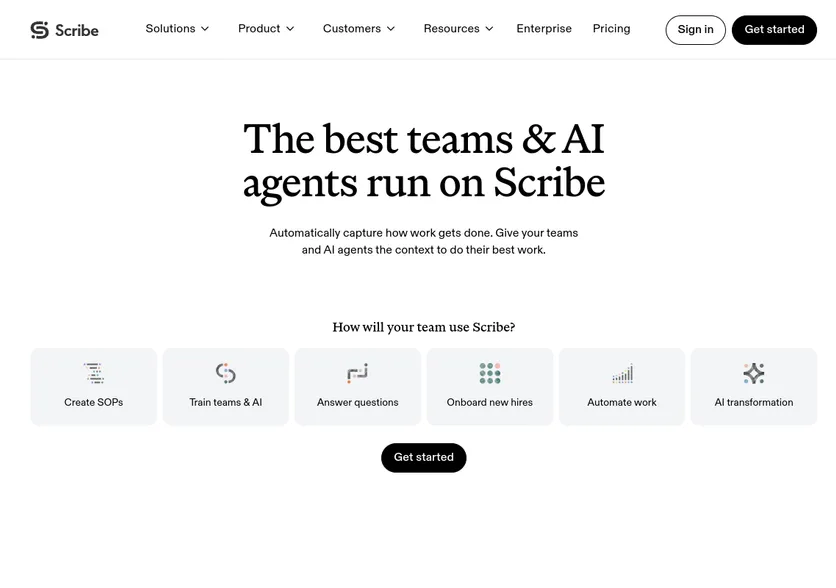
Paid tool Starting price: $13/seat/month · Thirteen dollars per seat per month billed annually on the Pro Team plan (seventeen dollars on monthly billing), with a five-seat minimum, so the smallest bill is sixty-five dollars a month; Pro Personal is twenty-five dollars a seat per month billed annually
Free plan: Free Basic plan
This Scribe plan costs thirteen dollars per seat per month billed annually, and it captures a procedure while someone does it. Record a screen or a phone walkthrough once, and Scribe turns it into a step-by-step guide with screenshots that a new hire can follow on the first shift. For a restaurant, that means the opening checklist, the plating steps and the closing routine all exist as guides instead of living in one manager's head.
What we like
- Guides are captured from real work, not written from scratch
- Step-by-step screenshots suit hands-on kitchen tasks
- New hires follow a guide on their first shift
Watch out for
- The five-seat minimum prices out a one-person operation
- Guides need a human edit before they are shift-ready
How to try it
- Record the opening routine once while a manager does it
- Edit the guide Scribe generates and add the photos that matter
- Share the guide with the team and pin it where the shift starts
2. SweetProcess
Best for: Restaurants that need step-by-step procedures with sign-offs and version control
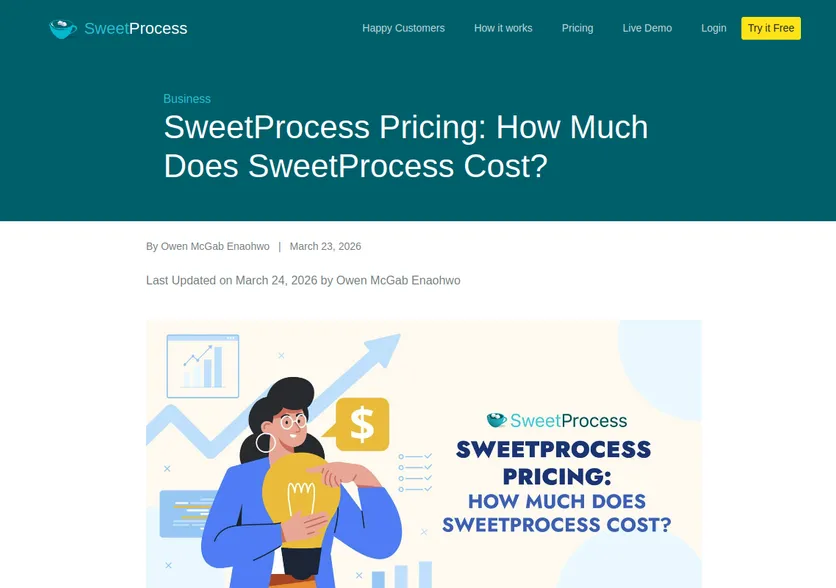
Paid tool Starting price: $99/month · Ninety-nine dollars a month for up to ten users on monthly billing, or eighty-two dollars and fifty cents a month billed annually; the Small Team plan is four hundred and ninety-five dollars a year for up to five users, and extra users are five dollars a month
Free plan: 14-day free trial; no free plan
This SweetProcess plan costs ninety-nine dollars a month for up to ten users, and it treats every restaurant procedure as a numbered process with a clear owner. A recipe, a cleaning routine or a supplier order becomes a checklist that staff tick off in order, and managers see who finished what. Version control means the printed recipe in the kitchen always matches the current one, which matters when an allergen step changes.
What we like
- Numbered procedures suit kitchen and service routines
- Managers see who completed each checklist
- Version control keeps printed recipes current
Watch out for
- The flat price is high for a single small restaurant
- It is a procedures tool, not a general wiki
How to try it
- Write the opening and closing routines as numbered procedures
- Assign each procedure an owner and a review date
- Check the completion log at the end of the week for missed steps
3. Connecteam
Best for: Restaurants with frontline staff who need procedures on their phones
Paid tool Starting price: $29/month · Twenty-nine dollars a month per hub billed annually on the Basic plan (thirty-five dollars on monthly billing), covering the first thirty users; Advanced is forty-nine dollars and Expert is ninety-nine dollars, and each hub is priced separately
Free plan: Free Small Business plan for up to 10 users
This Connecteam plan costs twenty-nine dollars a month per hub billed annually, and it puts the knowledge base in the same app as schedules, time tracking and chat. A server or cook opens the app, finds the recipe or the allergen sheet, and gets on with the shift without hunting through a shared drive. The first thirty users are included, which covers most single restaurants, but each hub is priced separately, so the bill grows if you add more hubs.

What we like
- Staff read procedures on the same app as their schedule
- The first thirty users are included on Basic
- Works well for teams that rarely sit at a desk
Watch out for
- Each hub is a separate charge, so costs add up
- The knowledge base is simpler than a dedicated wiki
How to try it
- Add the recipe and allergen sheets to the knowledge base hub
- Give every staff member the app and test it on one shift
- Pin the three most-used procedures to the top of the hub
4. Notion
Best for: Restaurants that want one workspace for menus, specs and supplier notes
Paid tool Starting price: $10/user/month · Ten dollars per user per month billed annually on the Plus plan (twelve dollars on monthly billing); Business is twenty dollars per user per month, and a free plan is available
Free plan: Free plan for individuals and small teams
This Notion plan costs ten dollars per user per month billed annually, and it gives a restaurant one searchable home for everything that is not on the menu board. Supplier contacts, menu specs, training notes and shift handover logs live in linked pages with databases, so the cost of a dish and the note about its allergen sit in the same place. It is more flexible than a procedures tool, but it needs someone to keep the structure tidy.

What we like
- Menus, suppliers and training share one workspace
- Databases link dishes to costs and allergen notes
- AI search answers questions from the team's own pages
Watch out for
- Needs a tidy structure or the workspace gets messy
- Frontline staff may prefer a phone-first app
How to try it
- Build a wiki with pages for menus, suppliers and training
- Link each menu item to its spec, cost and allergen note
- Write the shift handover log in the same workspace every day
5. Confluence
Best for: Restaurant groups already using Jira that want docs beside their tickets
Paid tool Starting price: $7.15/user/month · Seven dollars and fifteen cents per user per month on the Standard plan for teams of one to one hundred users, after the price rise effective 13 October 2026; annual billing is seven hundred and twenty dollars a year for up to ten users, and Premium is higher
Free plan: Free plan for up to 10 users
This Confluence plan costs seven dollars and fifteen cents per user per month, and it keeps restaurant group documentation in one place with clear ownership. Each location can keep its own pages under a shared space, while head office owns the core recipes and brand standards. Jira links tie a menu change to the ticket that requested it, which suits a group rolling out changes across several sites, though a single restaurant will find it heavier than it needs.

What we like
- One space can hold pages for every location
- Head office owns the core standards in one place
- Jira links tie menu changes to their tickets
Watch out for
- Heavier than a single restaurant needs
- The price rose in October 2026, so old quotes are stale
How to try it
- Create a space for the group with a page tree per location
- Put core recipes and brand standards under head-office ownership
- Link menu changes to Jira tickets so the reason stays visible
6. Guru
Best for: Restaurant owners who want verified answers in Slack instead of repeated questions
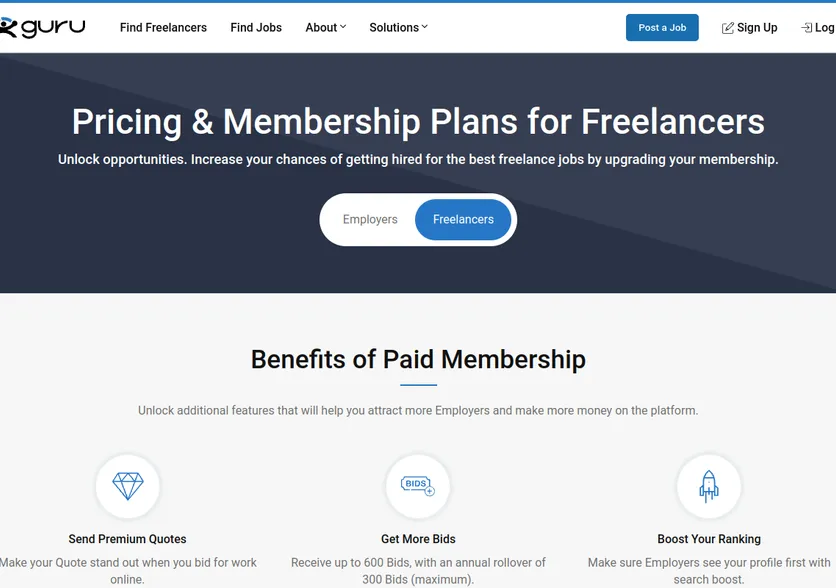
Paid tool Starting price: $25/seat/month · Twenty-five dollars per seat per month billed annually on the All-in-One plan (thirty dollars on monthly billing), with a ten-seat minimum, so the smallest bill is two hundred and fifty dollars a month
Free plan: 30-day free trial; no free plan
This Guru plan costs twenty-five dollars per seat per month billed annually, and it answers the questions a restaurant team asks every week. The allergen list, the supplier contact and the refund policy live as verified cards that surface in Slack and the browser, each with an owner and an expiry date. When the menu changes, the card gets flagged for review instead of going stale, which is the part a shared drive never does.
What we like
- Verified cards answer questions inside Slack
- Owners and expiry dates stop answers going stale
- Works where the team already chats
Watch out for
- The ten-seat minimum prices out small restaurants
- Writing and verifying cards is real ongoing work
How to try it
- Write the allergen list and refund policy as verified cards
- Connect Slack so staff get answers without leaving the channel
- Set a verification date on each card and review the ones that expire
7. Whale
Best for: Restaurant teams that train new hires with step-by-step guides and video
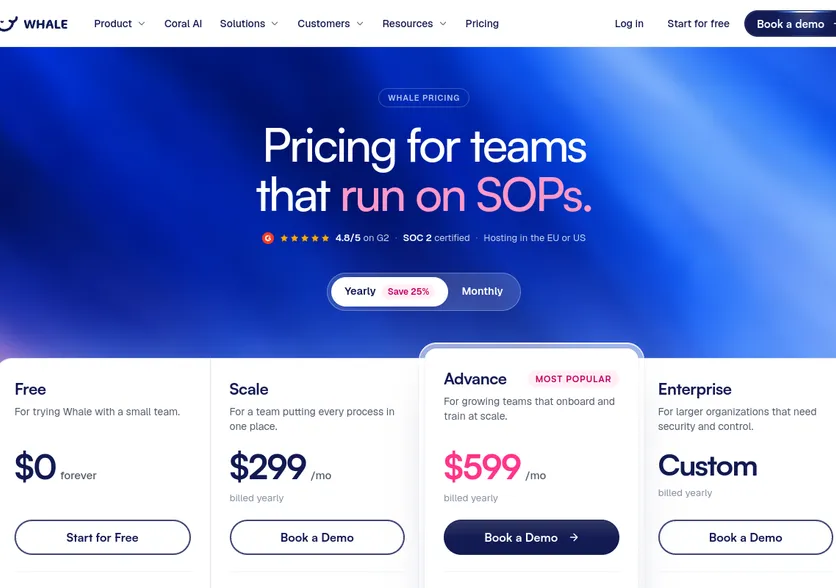
Paid tool Starting price: $299/month · Two hundred and ninety-nine dollars per month billed annually on the Scale plan (three hundred and ninety-nine dollars on monthly billing), including three creators, with extra creators at twenty-nine dollars a month; Advance is five hundred and ninety-nine dollars a month. The old per-user pricing from before May 2026 no longer applies
Free plan: Free plan for one creator and up to 10 members
This Whale plan costs two hundred and ninety-nine dollars per month billed annually, and it turns restaurant training into guides people actually finish. A procedure becomes a step-by-step guide with screen recordings, quizzes and checklists, and viewers are free, so every cook and server can read without a paid seat each. The flat price is steep for one restaurant, but for a group onboarding staff every week, the training shape is the point.
What we like
- Step-by-step guides with video and quizzes
- Viewers are free, so all staff can read
- Built for training, not just storage
Watch out for
- The flat monthly price is steep for one restaurant
- Only three creators are included on the Scale plan
How to try it
- Record the onboarding flow once with a screen recording
- Turn the recording into a guide with a short quiz at the end
- Share it with new hires and check who has finished it
8. Slab
Best for: Small restaurants that want a simple wiki for recipes and shift notes
Paid tool Starting price: $6.67/user/month · Six dollars and sixty-seven cents per user per month billed annually on the Startup plan (eight dollars on monthly billing); Business is twelve dollars and fifty cents per user per month
Free plan: Free plan for up to 10 users
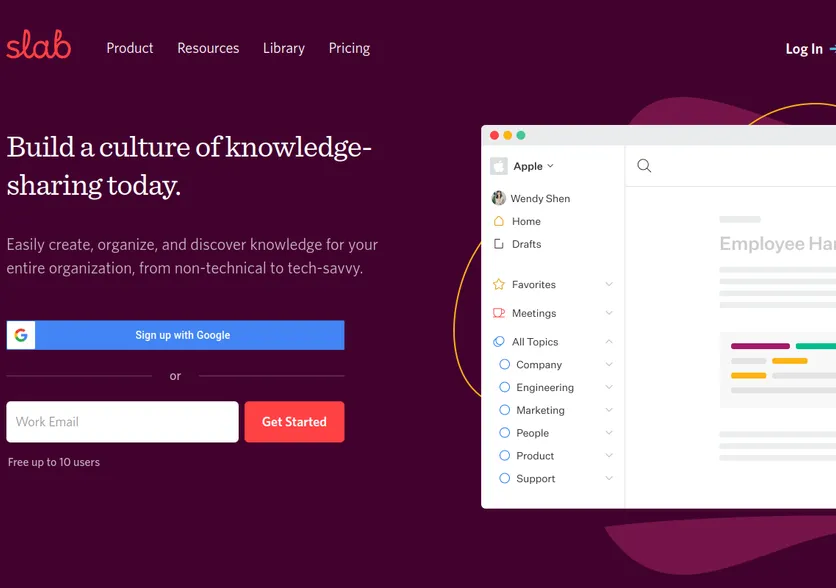
This Slab plan costs six dollars and sixty-seven cents per user per month billed annually, and a restaurant team can use it as the recipe book the whole kitchen trusts. Recipes, supplier notes and shift handover logs sit in topics that read like a handbook, and search finds answers across docs and connected tools. It does less than the bigger platforms on purpose, which is why a small restaurant can adopt it in a day instead of a quarter.
What we like
- A clean wiki a small team can adopt in a day
- Topics read like a handbook for new staff
- Free plan covers teams up to ten users
Watch out for
- No databases or checklists, so it stays a wiki only
- Frontline staff may prefer a phone-first app
How to try it
- Create topics for recipes, suppliers and shift notes
- Move the current recipes and handover logs into the topics
- Connect Slack so search covers conversations as well as pages
Prices above were checked on each vendor’s own website on Nov 28, 2026 and can change — the vendor’s page is the final word. Vendor links are editorial: nobody paid to be listed or ranked here. Vendors who want a featured listing can see how it works on our Get listed page.
How a restaurant should run its knowledge base
Start with the procedures that break when one person is away: the opening routine, the closing routine and the allergen steps. Capture those three first, give each one an owner and a review date, and let the rest grow around real use. Print from the tool, never from a saved copy, so the kitchen sheet always matches the current recipe. Put the knowledge where staff already look: on their phones during a shift, not in a shared drive they never open. Review the expiring procedures every week, because a recipe nobody maintains is worse than no recipe at all.
Before you buy
- Check that recipes and SOPs survive staff turnover with named owners and review dates
- Confirm frontline staff can read procedures on a phone without a paid seat
- Ask whether step-by-step guides include photos and video, not just text
- Count the real monthly floor, including seat minimums and per-hub charges
- Run a trial with one real recipe and one opening checklist before you commit
Official websites
Official websites of the products reviewed above. Features and prices were checked against these sites when this guide was written, and they can change, so confirm on the vendor site before you buy.
Frequently asked questions
What is knowledge management software for restaurants?
It is software that stores a restaurant's recipes, procedures, allergen sheets and training notes in one searchable place. Instead of knowledge living in one manager's head or in a binder nobody updates, it lives in pages with owners and review dates. The tools in this list range from step-by-step procedure tools like Scribe and SweetProcess to phone-first hubs like Connecteam and general wikis like Notion.
Which tool is best for writing restaurant SOPs?
Scribe is the fastest way to capture procedures, because it records the work once and turns it into a step-by-step guide with screenshots. SweetProcess is better when you need numbered checklists with sign-offs and version control. For a restaurant starting from scratch, capture the opening and closing routines in Scribe first, then move the recipes that need strict version control into SweetProcess.
How much does Connecteam cost for a restaurant?
Connecteam costs twenty-nine dollars a month per hub billed annually on the Basic plan, covering the first thirty users, with a free plan for up to ten users. Staff read procedures on the same phone app as their schedule and chat. Each hub is priced separately, so count the hubs you need before you compare it with a flat-priced wiki.
Does the knowledge base need to work on phones?
Yes, and it is the feature that matters most for frontline teams. A cook or server will read a procedure on a phone during a shift, not at a desk. Connecteam and Scribe are built for that, while Notion and Confluence work better for managers and office staff. Check the phone experience on a real shift before you buy, not just on a demo.
How do we keep recipes and procedures current?
Give every recipe and procedure an owner and a review date, and check the ones that expire each week. When the menu changes, update the recipe in the tool first and print from it, so the kitchen copy always matches the current version. Tools like SweetProcess and Guru flag content for review automatically, which stops an old allergen sheet from staying in use.
Compare the eight tools above, then capture your three most-repeated procedures in a free trial before you pay for a full year.
Browse Business Tools tools