
On this page
A freelancer forgets a client detail once and pays for it twice, so knowledge management has to make the right note appear before the call starts. The eight tools below run from about four dollars a user a month to sixty-five dollars a site a month, and every price was checked on the vendor site on November 26, 2026. Most offer a free plan or trial, so you can organise your real work before paying. Notion is our first pick — one workspace that holds everything a solo business needs.
How we researched this
We started with the knowledge management tools freelancers actually buy, then read each price on the vendor pricing page on November 26, 2026 and noted the free plan or trial each one carries. We judged them for a solo operator who captures, organises and reuses knowledge alone and needs AI search that finds the right note fast. We kept only tools with a published price, and we dropped Document360 because it no longer publishes prices and sells by quote only.
Compare the tools
| Name | Best for | Starting price | Free plan | |
|---|---|---|---|---|
 Notion | Freelancers who want one workspace for notes, clients and projects | $10/user/month | Free plan for individuals | Visit |
 Confluence | Freelancers who want a dependable wiki with templates and strong search | $7.15/user/month | Free plan for up to 10 users | Visit |
 Slab | Freelancers who want a wiki that stays tidy with almost no upkeep | $6.67/user/month | Free plan for up to 10 users | Visit |
 Tettra | Freelancers who answer the same questions from clients and collaborators | $8/user/month | No free tier published on the pricing page | Visit |
 GitBook | Freelancers who publish guides and docs that clients actually read | $65/site/month | Free plan for 1 user | Visit |
 Obsidian | Freelancers who want a private knowledge base they fully own | $4/user/month | Free for personal and commercial use | Visit |
 Slite | Freelancers who want AI search across their docs without setup | $8/user/month | No free tier published on the pricing page | Visit |
 Nuclino | Freelancers who want the fastest, simplest wiki that just works | $5/user/month | Free plan for up to 50 items and 2 GB of storage | Visit |
The knowledge management software for freelancers, compared
1. Notion
Best for: Freelancers who want one workspace for notes, clients and projects
Paid tool Starting price: $10/user/month · Plus plan, $10 a user a month billed annually or $12 billed monthly; Business is $20 a user a month
Free plan: Free plan for individuals
Notion holds a whole freelance business in one place, because pages, databases and tasks link together instead of living in separate apps. This Notion Plus plan adds unlimited file uploads, longer version history and guest access so clients can review shared pages. A freelancer can open one sidebar in the morning and see every client, deadline and note for the day.

What we like
- One workspace for notes, tasks and clients
- Linked databases keep facts connected
- Free plan for individuals
Watch out for
- Plus costs ten dollars a user a month billed annually
- Open structure needs discipline to stay tidy
How to try it
- Open the Notion pricing page and start the free plan
- Build a workspace with a page for each client
- Link tasks and notes so nothing falls through the cracks
2. Confluence
Best for: Freelancers who want a dependable wiki with templates and strong search
Paid tool Starting price: $7.15/user/month · Standard plan, $7.15 a user a month for 1 to 100 users on monthly billing; Atlassian raised prices on October 13, 2026
Free plan: Free plan for up to 10 users
Confluence gives a freelancer a wiki that grows with the business, because spaces, templates and search handle years of accumulated notes. This Confluence Standard plan adds unlimited pages, meeting and project templates, and permission controls for client sharing. A solo consultant can build a playbook for every service and reuse it on the next client without starting over.

What we like
- Templates turn repeat work into playbooks
- Search stays fast across years of notes
- Free plan for up to ten users
Watch out for
- Standard costs about seven dollars a user a month
- More setup than a simple notes app
How to try it
- Open the Confluence pricing page and start the free plan
- Create a space for your business playbook
- Turn your best process into a template and reuse it
3. Slab
Best for: Freelancers who want a wiki that stays tidy with almost no upkeep
Paid tool Starting price: $6.67/user/month · Startup plan, $6.67 a user a month billed annually or $8 billed monthly; Business is $12.50 a user a month
Free plan: Free plan for up to 10 users
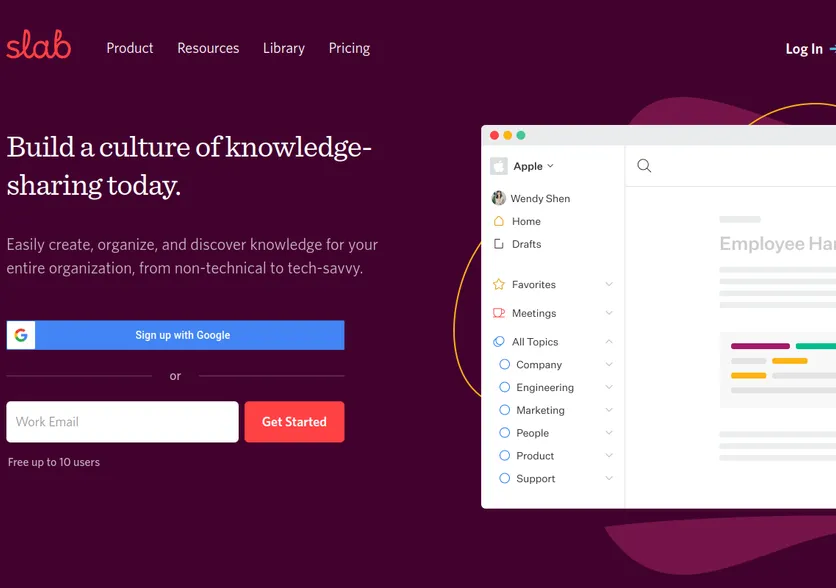
Slab suits a freelancer who would rather do client work than organise docs, because topics and collections keep everything in place by default. This Slab Startup plan adds unlimited docs, integrations with everyday tools, and analytics that show which pages matter. A solo operator can keep a whole knowledge base current with a few minutes of effort each week.
What we like
- Topics keep the wiki tidy by default
- Analytics show which pages get used
- Free plan for up to ten users
Watch out for
- Startup costs about six dollars and sixty-seven cents a user a month
- Fewer database features than Notion
How to try it
- Open the Slab pricing page and start the free plan
- Create a topic for each service you sell
- Write your core processes once and link them everywhere
4. Tettra
Best for: Freelancers who answer the same questions from clients and collaborators
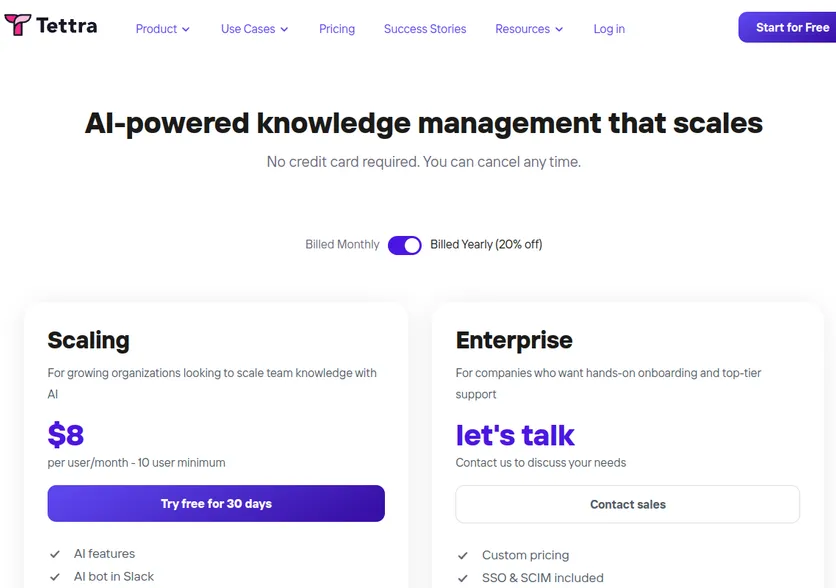
Paid tool Starting price: $8/user/month · Scaling plan, $8 a user a month billed annually or $10 billed monthly, with a 10-user minimum
Free plan: No free tier published on the pricing page
Tettra captures the answers a freelancer repeats most, so the same question never costs a second explanation. This Tettra Scaling plan adds Slack integration, verification reminders that catch stale pages, and suggestions that surface answers inside a chat. A solo operator can answer a repeat question by sending one link instead of typing the same reply again.
What we like
- Verified answers stop repeat explanations
- Verification reminders catch stale pages
- Slack integration answers where you chat
Watch out for
- Scaling costs eight dollars a user a month with a ten-user minimum
- Built for teams, so solo users pay for spare seats
How to try it
- Open the Tettra pricing page and start a trial
- List the questions you answer every week
- Write one verified page for each question
5. GitBook
Best for: Freelancers who publish guides and docs that clients actually read
Paid tool Starting price: $65/site/month · Essential plan, $65 a site a month plus $12 a user a month billed annually; monthly billing is $79 a site plus $15 a user
Free plan: Free plan for 1 user
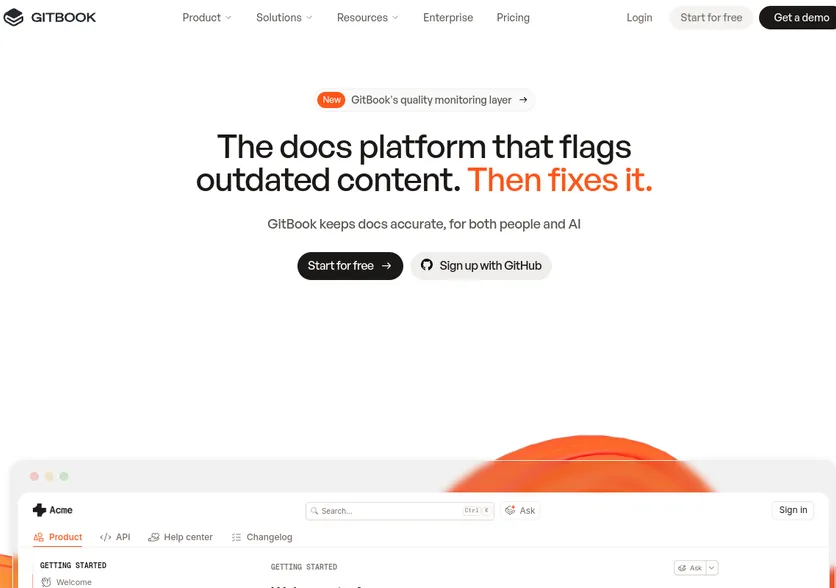
GitBook turns a freelancer's expertise into published guides that look professional enough to send to any client. This GitBook Essential plan adds custom domains, analytics and AI search across a whole site of documentation. A solo consultant can publish onboarding guides and process docs that clients read without a single support email.
What we like
- Published guides look genuinely professional
- AI search across the whole site
- Free plan for one user
Watch out for
- Essential costs sixty-five dollars a site a month plus twelve dollars a user
- Priced per site, so a second site doubles the base cost
How to try it
- Open the GitBook pricing page and start a trial
- Create a site for your client guides
- Publish your onboarding guide on your own domain
6. Obsidian
Best for: Freelancers who want a private knowledge base they fully own
Paid tool Starting price: $4/user/month · Sync plan, $4 a user a month billed annually or $5 billed monthly; the app itself is free, and Publish is $8 a site a month
Free plan: Free for personal and commercial use
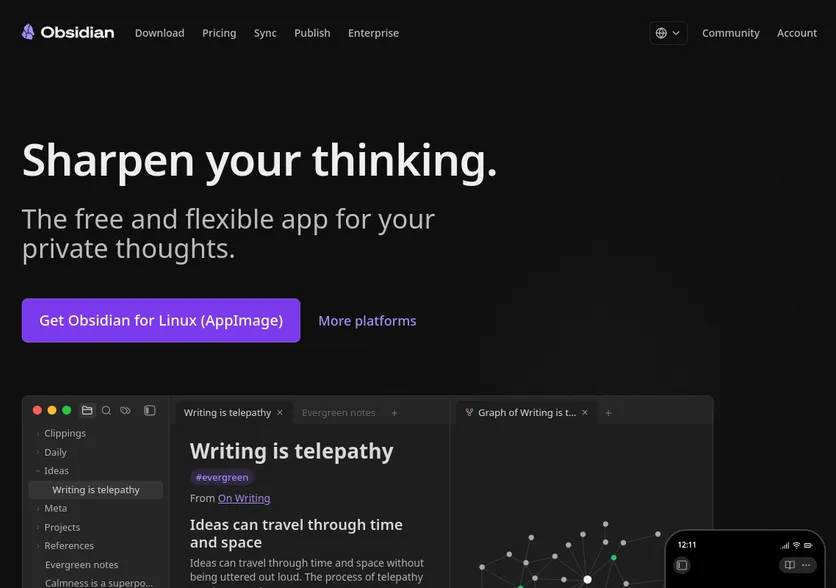
Obsidian keeps a freelancer's knowledge as plain files on their own device, so nothing is ever locked inside a vendor's cloud. This Obsidian Sync plan adds encrypted sync across devices and version history for every note. A writer or researcher can build a second brain over years and keep it working even if the company behind it disappears.
What we like
- Your knowledge lives as plain files you own
- Linked notes reveal connections between ideas
- App is free for personal and commercial use
Watch out for
- Sync costs four dollars a user a month billed annually
- No built-in sharing for client collaboration
How to try it
- Download Obsidian free and create your first vault
- Link notes together to build your second brain
- Add Sync to keep the vault on every device
7. Slite
Best for: Freelancers who want AI search across their docs without setup
Paid tool Starting price: $8/user/month · Standard plan, $8 a user a month billed annually or $10 billed monthly; Knowledge Suite is $20 a user a month
Free plan: No free tier published on the pricing page
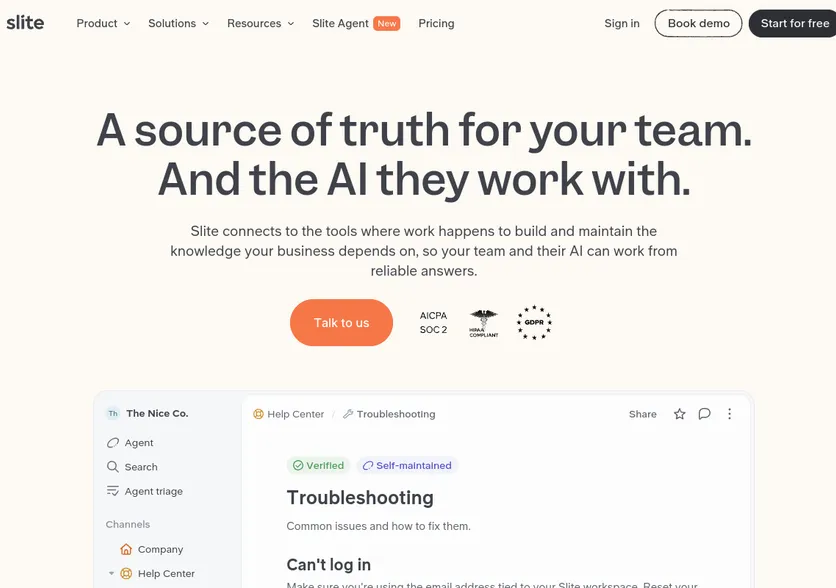
Slite puts AI search at the centre, so a freelancer can ask a question in plain words and get an answer drawn from their own docs. This Slite Standard plan adds unlimited docs, AI answers, document verification and analytics on what the team reads. A solo operator can find the one paragraph that matters without remembering where they filed it.
What we like
- AI search answers from your own docs
- Verification flags docs that need a review
- Clean editor with no learning curve
Watch out for
- Standard costs eight dollars a user a month billed annually
- AI answers are capped at thirty per user a month
How to try it
- Open the Slite pricing page and start a trial
- Import your docs into one workspace
- Ask the AI a question your notes should answer
8. Nuclino
Best for: Freelancers who want the fastest, simplest wiki that just works
Paid tool Starting price: $5/user/month · Standard plan, $5 a user a month billed annually or $6 billed monthly; Premium is $10 a user a month
Free plan: Free plan for up to 50 items and 2 GB of storage
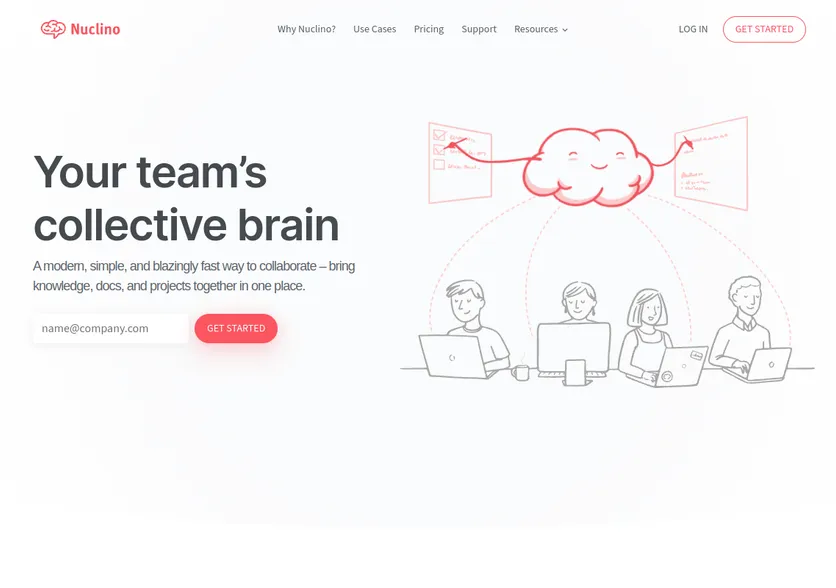
Nuclino is the lightest wiki here, a fast minimal workspace where a freelancer can capture an idea in seconds and find it just as fast. This Nuclino Standard plan adds unlimited items, version history and ten gigabytes of storage per user. A solo operator who hates heavy software will actually use this one every day.
What we like
- The fastest wiki on this list
- Minimal design with no learning curve
- Free plan for up to fifty items
Watch out for
- Standard costs five dollars a user a month billed annually
- Export options are limited
How to try it
- Open the Nuclino pricing page and start the free plan
- Create your first workspace and add a few notes
- Link related notes so the wiki grows naturally
Prices above were checked on each vendor’s own website on Nov 26, 2026 and can change — the vendor’s page is the final word. Vendor links are editorial: nobody paid to be listed or ranked here. Vendors who want a featured listing can see how it works on our Get listed page.
The knowledge management software for freelancers, compared
Knowledge management only works when capture is faster than forgetting, so the tool you open every day beats the powerful one you avoid. This list runs from about four dollars a user a month for a private vault to sixty-five dollars a site a month for published guides, and the right pick depends on whether your knowledge stays private or goes to clients. The headline plan each vendor shows on its own pricing page is the number in the table above, checked on November 26, 2026.
Start with the free plan on two tools and move thirty real notes into each. Compare how fast you find a fact a week later, then pick the tool that feels invisible. A system that needs willpower to maintain will be empty within a month.
Before you buy
- Count the seats first, because most plans here charge per user and a freelancer feels every extra seat.
- Check whether you can export your notes, because a tool that traps your knowledge costs far more than its monthly price.
- Test AI search on your own docs first, because a demo answer never proves the tool understands your real material.
- Ask whether clients can read shared pages, because a guide nobody can open never answers a question.
- Add up the hours saved, because a wiki that finds answers in seconds buys a freelancer a day back every month.
Official websites
Official websites of the products reviewed above. Features and prices were checked against these sites when this guide was written, and they can change, so confirm on the vendor site before you buy.
Frequently asked questions
What is the best knowledge management software for freelancers in 2026?
Notion, at ten dollars a user a month on Plus, is the best all-rounder because one workspace holds notes, clients and projects with linked databases. Obsidian is better for private research, since your notes live as plain files you own and sync costs only four dollars a user a month. Nuclino wins for speed, with the fastest minimal wiki from five dollars a user a month.
What is the cheapest knowledge management software for freelancers?
Obsidian Sync, at four dollars a user a month billed annually, is the cheapest paid plan here, and the app itself is free. Nuclino Standard follows at five dollars a user a month billed annually, and Slab Startup is about six dollars and sixty-seven cents a user a month. Notion, Confluence, Slab, Obsidian and Nuclino all offer free plans, so you can start without paying.
Can I manage knowledge for free as a freelancer?
Yes, several tools on this list offer free plans. Notion is free for individuals, Confluence is free for up to ten users, Slab is free for up to ten users, Obsidian is free for personal and commercial use, and Nuclino is free for up to fifty items. Start free, move your real notes in, and upgrade only when a limit blocks your work.
Which knowledge management tool has AI search for freelancers?
Slite puts AI search at the centre, answering questions in plain words from your own docs on its eight-dollar Standard plan. GitBook adds AI search across published sites, so clients can ask questions and find answers themselves. Notion also offers AI features, though its Plus plan focuses on workspace tools rather than AI answers. Test AI search on your own material before you pay for it.
How do I keep a knowledge base up to date as a freelancer?
Pick one tool and make capture part of every job, adding the note the moment you learn something instead of batching it later. Use verification features in Tettra or Slite to flag stale pages for review, and set a monthly hour to delete what no longer applies. A knowledge base with fifty current pages beats one with five hundred outdated ones every time.
Need more everyday help? Try Toolsvine's free productivity tools for freelancers right in your browser.
Browse Productivity Tools tools


