On this page
A B2B sales team lives or dies on its list: who the buyer is, whether the email is right, and how fast the rep follows up. The tools below do that work at published prices, from twenty to eighty dollars a seat a month, split across four jobs: finding buyers, verifying their details, sequencing the outreach and running the deal. Apollo.io leads the list because it does the first three jobs in one seat for forty-nine dollars a user a month, and the other six are judged on the same test: how many real meetings a rep books each week.
How we researched this
We checked every price on the vendor pricing page on November 28, 2026, and only included tools with a published US dollar list price and a free trial or free plan. The quote-only names in this category, including ZoomInfo, Outreach and Salesloft, publish no prices, so they are not in this list. The seven tools below cover finding, verifying, sequencing and closing at published prices, and prices change, so confirm the current figure on the vendor site before you buy.
Compare the tools
| Name | Best for | Starting price | Free plan | |
|---|---|---|---|---|
| Apollo.io | B2B teams that want database, sequences and dialer in one seat | $49/user/month | Free plan | Visit |
 LinkedIn Sales Navigator | B2B teams that need to find the decision maker right now | $79.99/month | No free plan; 1-month free trial | Visit |
 HubSpot Sales Hub | B2B teams already on HubSpot that want sales automation in the same CRM | $20/seat/month | Free plan | Visit |
| Salesforce Sales Cloud | B2B teams that want the CRM every other tool integrates with | $25/user/month | Free Suite for up to 2 users | Visit |
 Lusha | B2B teams that find buyers on LinkedIn first | $36/user/month | Free plan (5 credits/mo) | Visit |
 Hunter | B2B teams that need emails for a list of company domains | $34/month | Free plan (50 credits/mo) | Visit |
 Snov.io | B2B teams that want finding, verification and outreach in one budget tool | $29.25/month | Free trial (50 credits/mo) | Visit |
The lead generation software for B2B sales teams, compared
1. Apollo.io
Best for: B2B teams that want database, sequences and dialer in one seat
Paid tool Starting price: $49/user/month · Forty-nine dollars per user per month on the Basic plan billed annually, or sixty-five dollars month to month, with thirty thousand credits a year; Professional is seventy-nine dollars and Organization is one hundred and nineteen dollars with a three-seat minimum
Free plan: Free plan
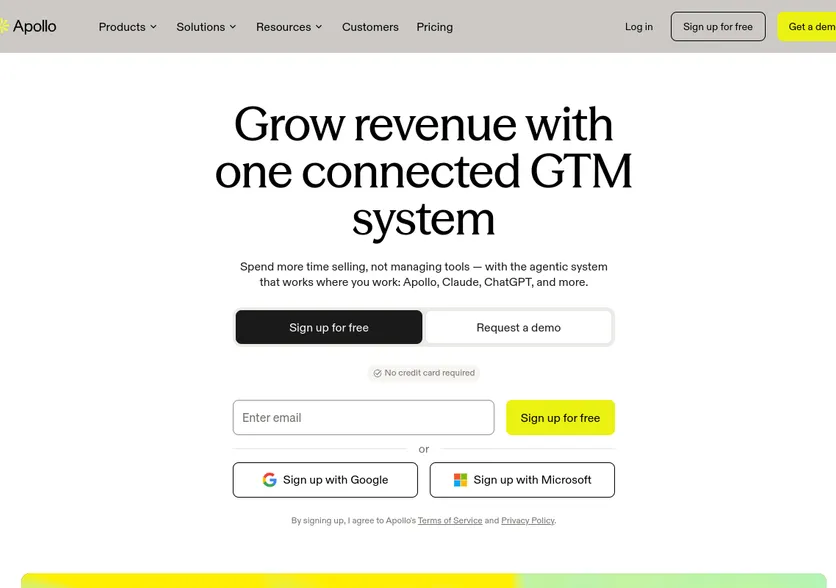
Apollo is the closest thing to a complete prospecting stack in this list, with a database of two hundred and forty million contacts, email sequences and a dialer for forty-nine dollars a user a month. A rep builds a list, enriches it, sequences it and calls it without leaving the tool, and the credits are the meter that sets the real cost. The Basic plan covers thirty thousand credits a year, and the higher tiers add the call recording and analytics a team buys when outbound becomes the motion.
What we like
- Database, sequences and dialer share one seat
- Thirty thousand credits a year on the Basic plan
- CRM integrations keep the pipeline in sync
Watch out for
- Credits expire each cycle and do not roll over
- Daily email sends are capped at two hundred and fifty on Basic
How to try it
- Build a list with the advanced search filters
- Enrich the list and start an email sequence
- Call the replies from the built-in dialer
2. LinkedIn Sales Navigator
Best for: B2B teams that need to find the decision maker right now
Paid tool Starting price: $79.99/month · Ninety-nine dollars and ninety-nine cents per month billed monthly on the Core plan, or seventy-nine dollars and ninety-nine cents a month on annual billing; Advanced is one hundred and seventy-nine dollars and ninety-nine cents a month
Free plan: No free plan; 1-month free trial
LinkedIn Sales Navigator is where most reps start, because it answers the first question better than any database: who holds the budget at the target account right now. LinkedIn Sales Navigator Core costs seventy-nine dollars and ninety-nine cents a month on annual billing, with advanced search, saved leads and job-change alerts. It shows no email addresses, so it pairs with a finder rather than replacing one, and the fifty InMail credits a month are the outreach it includes.
What we like
- Live titles and job changes on every saved lead
- More than forty search filters narrow any account
- Fifty InMail credits a month included
Watch out for
- It shows no email addresses, so a finder is still needed
- Advanced plan costs more than double the Core plan
How to try it
- Save the target accounts and build lead lists from them
- Set alerts for job changes on saved leads
- Reach out with InMail and track the replies
3. HubSpot Sales Hub
Best for: B2B teams already on HubSpot that want sales automation in the same CRM
Paid tool Starting price: $20/seat/month · Twenty dollars per seat per month on the Starter plan as the list price; new customers currently see a seven-dollar annual offer and a ten-dollar monthly offer, both promotions rather than list prices, and Professional is one hundred dollars
Free plan: Free plan
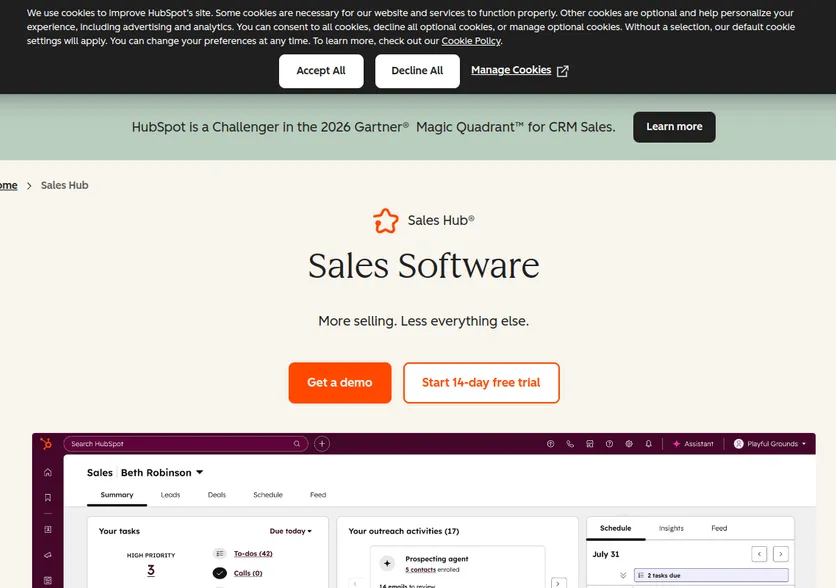
A B2B team already on HubSpot should not buy a second CRM for sales, and HubSpot Sales Hub keeps deals, sequences and reporting on the same contact record for twenty dollars a seat a month. The Starter plan covers the pipeline basics with email tracking and meeting scheduling, and the higher tiers add the playbooks and forecasting a team buys when the pipeline grows. The list price is twenty dollars, and the seven-dollar figure in some ads is a new-customer promotion.
What we like
- Deals, sequences and reporting share one CRM
- Email tracking and meeting scheduling included
- Free plan covers the CRM basics
Watch out for
- The price is per seat, so a growing team feels it
- Playbooks and forecasting need the higher tiers
How to try it
- Move deals into the HubSpot pipeline with stages
- Build a sequence for each stage of the deal
- Track email opens and schedule meetings from the record
4. Salesforce Sales Cloud
Best for: B2B teams that want the CRM every other tool integrates with
Paid tool Starting price: $25/user/month · Twenty-five dollars per user per month on the Starter Suite, billed monthly or annually; Pro Suite is one hundred dollars, Core is one hundred and ninety-five dollars, and the price is a starting price with transaction fees on top
Free plan: Free Suite for up to 2 users
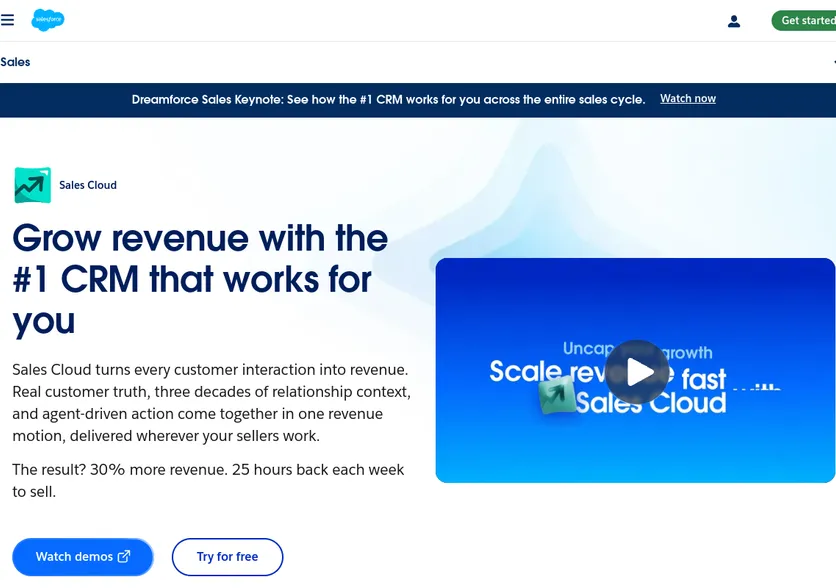
Salesforce Sales Cloud is the CRM every other tool in this list integrates with, and for a B2B team that matters, because the leads, the sequences and the reports all land in one system for twenty-five dollars a user a month. The Starter Suite covers lead, account and opportunity management with email sync and basic sales flows, and it is the only paid edition that can be billed month to month. Higher editions climb steeply, so a team should buy the Starter Suite only if the CRM is the system of record.
What we like
- Every prospecting tool integrates with it
- Starter Suite can be billed month to month
- Lead routing and sales flows included
Watch out for
- Higher editions climb steeply from one hundred dollars
- Some features need a higher plan or an add-on
How to try it
- Import leads and accounts into the Starter Suite
- Set up sales flows and lead routing
- Sync emails and events from Gmail or Outlook
5. Lusha
Best for: B2B teams that find buyers on LinkedIn first
Paid tool Starting price: $36/user/month · Thirty-six dollars per user per month on the Pro plan billed annually, with four hundred and eighty credits a year; Premium is fifty-nine dollars and Scale is custom-priced
Free plan: Free plan (5 credits/mo)
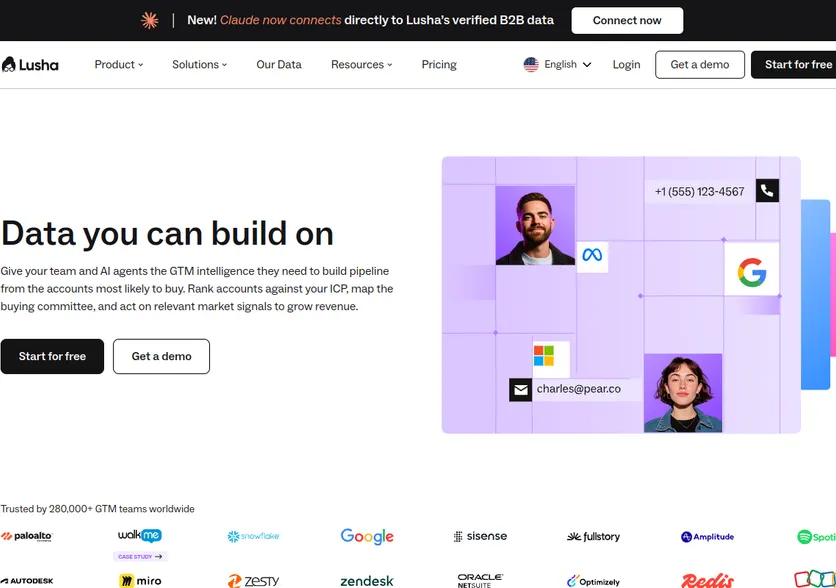
Lusha is the quickest way to turn a LinkedIn profile into a verified email and phone number, and for a B2B team that lives on LinkedIn that speed is the product, for thirty-six dollars a user a month. The Pro plan covers four hundred and eighty credits a year with the browser extension, bulk reveal and the core integrations. It is a finder, not a sequencer, so it pairs with an outreach tool rather than replacing one.
What we like
- Fastest reveal from a LinkedIn profile
- Verified emails and phones in one credit
- Browser extension works where reps already are
Watch out for
- It is a finder, not a sequencer
- The free plan covers only five credits a month
How to try it
- Install the Lusha browser extension
- Reveal verified emails and phones from LinkedIn profiles
- Export the contacts into the CRM or sequencer
6. Hunter
Best for: B2B teams that need emails for a list of company domains
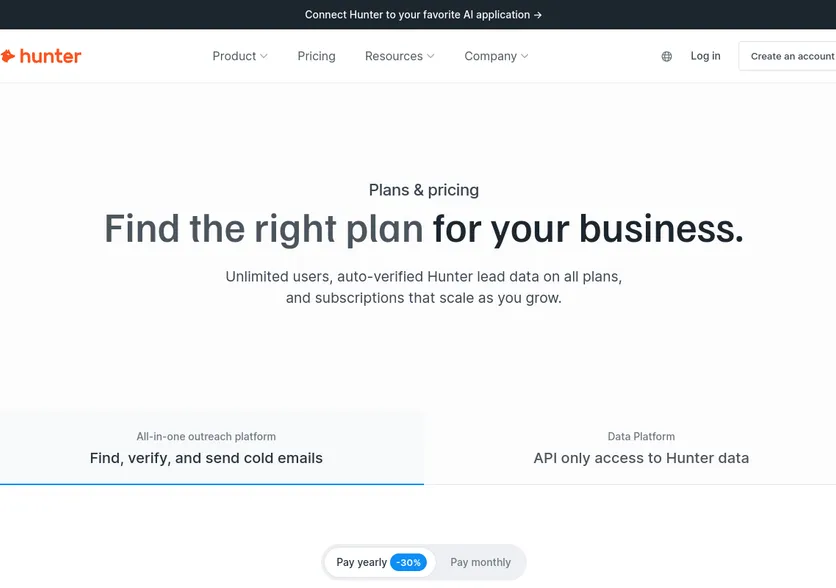
Paid tool Starting price: $34/month · Forty-nine dollars per month on the Starter plan billed monthly, or thirty-four dollars a month billed annually for two thousand credits a month; Growth is one hundred and forty-nine dollars and Scale is two hundred and ninety-nine dollars
Free plan: Free plan (50 credits/mo)
Hunter does one job well: it finds the email address behind a company domain, and for a B2B team with a list of target accounts that is the whole job, for thirty-four dollars a month. The Starter plan covers two thousand credits a month with verification, sequences and three mailboxes, and the credits are shared across unlimited users. It is the cheapest reliable finder in this list, and it stays that way because it does not try to be a CRM.
What we like
- Finds emails from a domain in seconds
- Credits are shared across unlimited users
- Verification is built in at half a credit
Watch out for
- It finds emails, not phone numbers
- Daily sends are capped on the Starter plan
How to try it
- Enter a company domain to find its email addresses
- Verify the addresses before adding them to a sequence
- Send the sequence from the connected mailboxes
7. Snov.io
Best for: B2B teams that want finding, verification and outreach in one budget tool
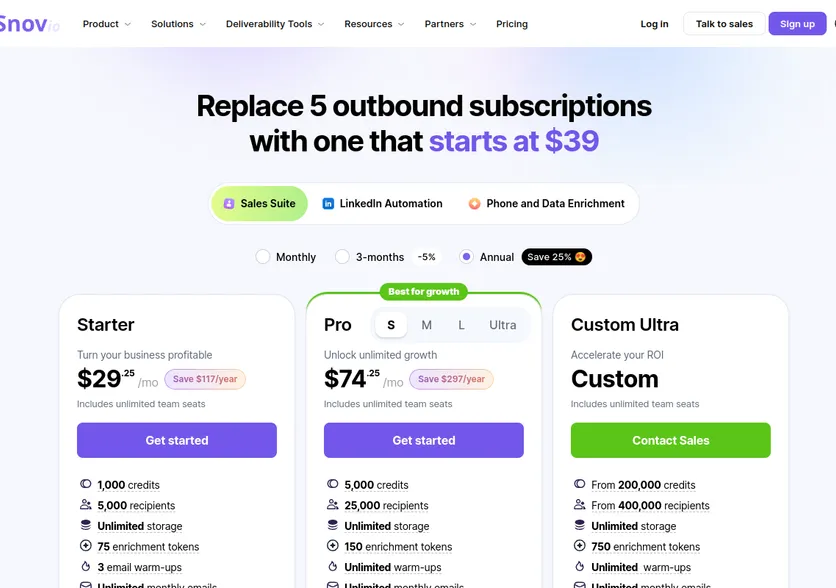
Paid tool Starting price: $29.25/month · Thirty-nine dollars per month on the Starter plan billed monthly, or twenty-nine dollars and twenty-five cents a month billed annually, for one thousand credits and five thousand recipients; Pro S is ninety-nine dollars and the price rises with volume
Free plan: Free trial (50 credits/mo)
Snov.io is the budget all-rounder in this list, bundling finding, verification, drip campaigns and a light CRM into one subscription for twenty-nine dollars and twenty-five cents a month. The Starter plan covers one thousand credits and five thousand recipients a month, with three mailbox warm-ups included, and the seats are unlimited. It is the cheapest way for a B2B team to run the whole outbound motion from one dashboard.
What we like
- Finding, verification and campaigns in one tool
- Unlimited seats share one credit pool
- Cheapest full outbound motion in this list
Watch out for
- LinkedIn automation is a separate paid slot
- Phone enrichment costs extra tokens
How to try it
- Find emails by domain or by name
- Verify the list and build a drip campaign
- Warm up mailboxes and send from the same dashboard
Prices above were checked on each vendor’s own website on Nov 28, 2026 and can change — the vendor’s page is the final word. Vendor links are editorial: nobody paid to be listed or ranked here. Vendors who want a featured listing can see how it works on our Get listed page.
How a B2B sales team should generate leads
Start with the territory, not the tool. Pick one segment, one buyer and one message, and give a single rep two weeks to work it with the new software. Count the meetings booked, because emails sent is a vanity metric and meetings are the only number that turns into revenue. Check the data quality on the first hundred contacts, since a database that is wrong half the time burns the rep's week. Finally, keep the list small and the follow-up fast, because a short list worked well beats a long list worked badly.
Before you buy
- Check that the database covers your buyers, since a tool with the wrong coverage wastes every seat
- Confirm the credit allowance against real usage, because credits are the true cost of these tools
- Ask whether phone numbers and emails cost the same credits or different ones
- Test the CRM sync with one real list, since a broken sync doubles the work
- Run a trial with one rep and one territory, and count meetings booked, before you commit
Official websites
Official websites of the products reviewed above. Features and prices were checked against these sites when this guide was written, and they can change, so confirm on the vendor site before you buy.
Frequently asked questions
What is lead generation software for B2B sales teams?
It is software that finds buyers, verifies their contact details and follows up with them: a contact database, an email finder, a sequencer or a CRM. The tools in this list cover all four jobs at published prices from twenty to eighty dollars a seat a month. For a B2B team, the point is the pipeline: a rep who can build a list, reach the buyer and track the deal without juggling five tools.
What does Apollo cost for a B2B sales team?
Apollo costs forty-nine dollars per user per month billed annually on the Basic plan, or sixty-five dollars month to month, with thirty thousand credits a year. The database, sequences and dialer share one seat, and the CRM integrations keep the pipeline in sync. Professional is seventy-nine dollars and Organization is one hundred and nineteen dollars with a three-seat minimum.
Which tool is best for finding decision makers?
LinkedIn Sales Navigator is the pick for finding the decision maker, since it shows live titles and job changes for seventy-nine dollars and ninety-nine cents a month on annual billing. Apollo is the pick for the whole motion, with database, sequences and dialer for forty-nine dollars. Hunter is the pick for the cheapest reliable email finding, at thirty-four dollars a month on annual billing.
Do these tools charge by credits?
Yes, and the credit model is the part to read before you buy. Apollo, Lusha, Hunter and Snov.io all sell credits, and the allowance sets how many contacts a rep can actually reach. A plan that looks cheap can cost more than a dearer one if the credits run out mid-month. Count the credits per rep per month, not just the headline price, before you commit.
How should a B2B team start with lead generation software?
Start with one rep and one territory, and give them a single list to work for two weeks. Count the meetings booked, not the emails sent, since a meeting is the only metric that turns into revenue. Check the data quality on the first hundred contacts, because a database that is wrong half the time burns the rep's week. Then scale the seats that earn their keep.
Compare the seven tools above, then start with a free trial on the tool that matches how your sales team already finds buyers before you pay for a full year.
Browse Marketing & Ads Calculators tools