On this page
A small business cannot afford to chase bad data: every wrong email is a wasted follow-up and every dead phone number is a wasted call. Lead intelligence software exists to stop that waste, by finding verified contacts and showing which companies are already interested. Apollo.io leads the list because it gives a small business a real database with outreach built in for forty-nine dollars a user a month, and the other six tools are judged on the same test: how many of the contacts on the list actually reply.
How we researched this
We checked every price on the vendor pricing page on November 28, 2026, and only included tools with a published US dollar list price and a free trial or free plan, except Seamless, whose in-app price is disclosed in its price note. The quote-only names in this category, including ZoomInfo and Cognism, publish no prices, and Clearbit is now sold inside HubSpot with no standalone price, so they are not in this list. The seven tools below cover finding, verifying and intent at published prices, and prices change, so confirm the current figure on the vendor site before you buy.
Compare the tools
| Name | Best for | Starting price | Free plan | |
|---|---|---|---|---|
| Apollo.io | Small businesses that want a real database with outreach built in | $49/user/month | Free plan | Visit |
 Lusha | Small teams that find contacts on LinkedIn first | $36/user/month | Free plan (5 credits/mo) | Visit |
 Hunter | Small businesses that need emails for a list of companies | $34/month | Free plan (50 credits/mo) | Visit |
| UpLead | Small businesses that want verified data with a refund behind it | $74/month | No free plan; 7-day free trial (5 credits) | Visit |
 Snov.io | Small businesses that want finding and outreach in one cheap subscription | $29.25/month | Free trial (50 credits/mo) | Visit |
| Seamless.AI | Small businesses that want contacts searched in real time | $147/user/month | Free plan (50 credits, one-time) | Visit |
| Leadfeeder | Small businesses that want to know which companies visit their website | $79/month | Free Lite plan (100 companies/mo) | Visit |
The lead intelligence software for small business, compared
1. Apollo.io
Best for: Small businesses that want a real database with outreach built in
Paid tool Starting price: $49/user/month · Forty-nine dollars per user per month on the Basic plan billed annually, or sixty-five dollars month to month, with thirty thousand credits a year; Professional is seventy-nine dollars and Organization is one hundred and nineteen dollars with a three-seat minimum
Free plan: Free plan
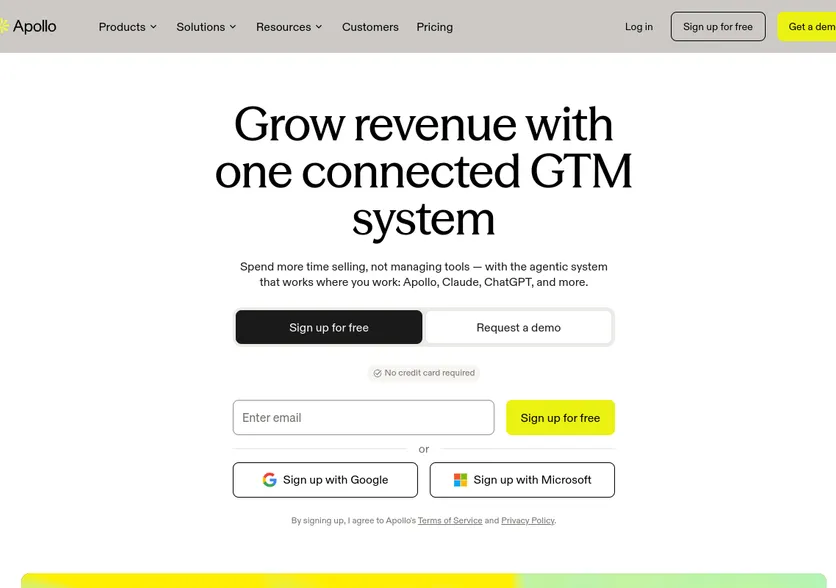
For a small business, Apollo.io is the cheapest way to get a real contact database with outreach built in, for forty-nine dollars a user a month. A team of one can build a list, enrich it, sequence it and call it from a single seat, with thirty thousand credits a year on the Basic plan. The free plan is enough to test the data quality on a small list before the business pays anything.
What we like
- Real database with outreach in one seat
- Thirty thousand credits a year on the Basic plan
- Free plan tests the data before paying
Watch out for
- Credits expire each cycle and do not roll over
- Daily email sends are capped at two hundred and fifty on Basic
How to try it
- Build a list with the advanced search filters
- Enrich the list and start an email sequence
- Call the replies from the built-in dialer
2. Lusha
Best for: Small teams that find contacts on LinkedIn first
Paid tool Starting price: $36/user/month · Thirty-six dollars per user per month on the Pro plan billed annually, with four hundred and eighty credits a year; Premium is fifty-nine dollars and Scale is custom-priced
Free plan: Free plan (5 credits/mo)
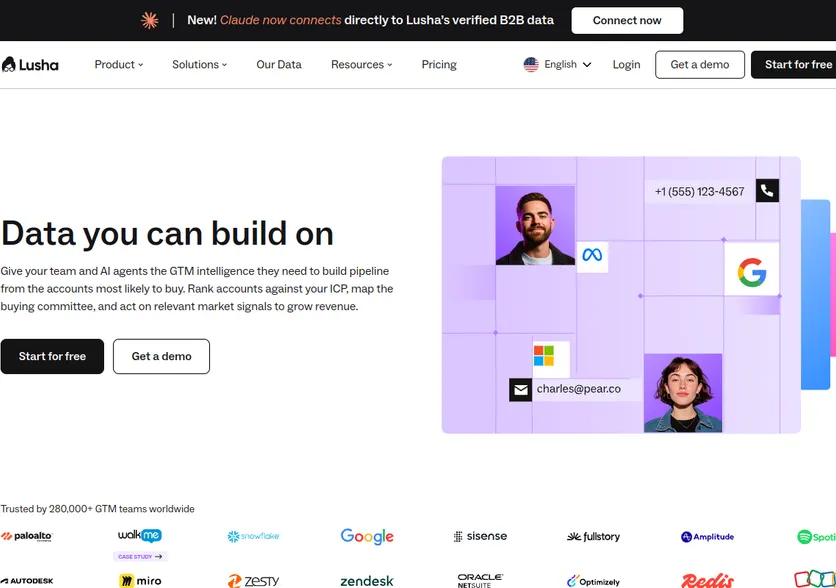
Small teams usually find contacts on LinkedIn first, and Lusha is built for exactly that moment, revealing verified emails and phones from a profile for thirty-six dollars a user a month. The Pro plan covers four hundred and eighty credits a year with the browser extension and bulk reveal, so a small team can work a list without a big contract. The free plan covers five credits a month, which is enough to test the accuracy on a handful of real prospects.
What we like
- Built for the LinkedIn-first workflow
- Verified emails and phones in one credit
- Browser extension works where the team already is
Watch out for
- It is a finder, not a sequencer
- The free plan covers only five credits a month
How to try it
- Install the Lusha browser extension
- Reveal verified emails and phones from LinkedIn profiles
- Export the contacts into the CRM or email tool
3. Hunter
Best for: Small businesses that need emails for a list of companies
Paid tool Starting price: $34/month · Forty-nine dollars per month on the Starter plan billed monthly, or thirty-four dollars a month billed annually for two thousand credits a month; Growth is one hundred and forty-nine dollars and Scale is two hundred and ninety-nine dollars
Free plan: Free plan (50 credits/mo)
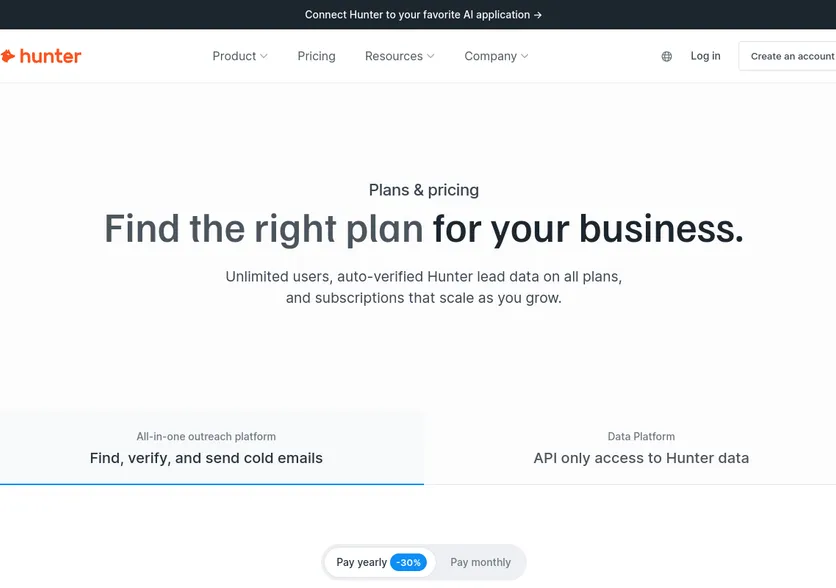
When a small business needs emails for a list of companies, Hunter is the cheapest reliable way to get them, for thirty-four dollars a month. The Starter plan covers two thousand credits a month with verification, sequences and three mailboxes, and the credits are shared across unlimited users, so the whole team works one pool. It does one job and does it well, which is why a small business can trust it without a big contract.
What we like
- Cheapest reliable email finder in this list
- Credits shared across unlimited users
- Verification is built in at half a credit
Watch out for
- It finds emails, not phone numbers
- Daily sends are capped on the Starter plan
How to try it
- Enter a company domain to find its email addresses
- Verify the addresses before adding them to a sequence
- Send the sequence from the connected mailboxes
4. UpLead
Best for: Small businesses that want verified data with a refund behind it
Paid tool Starting price: $74/month · Ninety-nine dollars per month on the Essentials plan billed monthly, or seventy-four dollars a month billed annually, for one hundred and seventy credits a month; Plus is one hundred and ninety-nine dollars and Professional is custom-priced, and Essentials is single-user
Free plan: No free plan; 7-day free trial (5 credits)
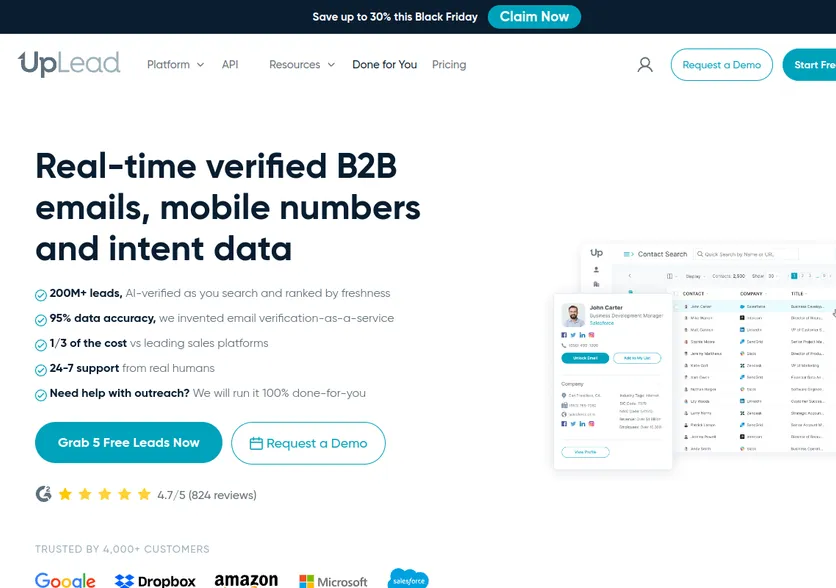
UpLead's pitch is accuracy with a refund behind it, and for a small business that matters, because every credit spent on a bad email is money lost. UpLead verifies every contact in real time as you search, and backs its ninety-five percent accuracy claim with a credit refund for bounced emails, for seventy-four dollars a month. The Essentials plan covers one hundred and seventy credits a month for a single user, which suits a small team working one list at a time.
What we like
- Ninety-five percent accuracy with a credit refund
- Real-time verification as you search
- One credit buys an email and a phone together
Watch out for
- Essentials and Plus are single-user plans
- No free plan, only a seven-day trial
How to try it
- Search the database with technographic and firmographic filters
- Verify contacts in real time as you search
- Export the list and claim refunds for any bounced emails
5. Snov.io
Best for: Small businesses that want finding and outreach in one cheap subscription
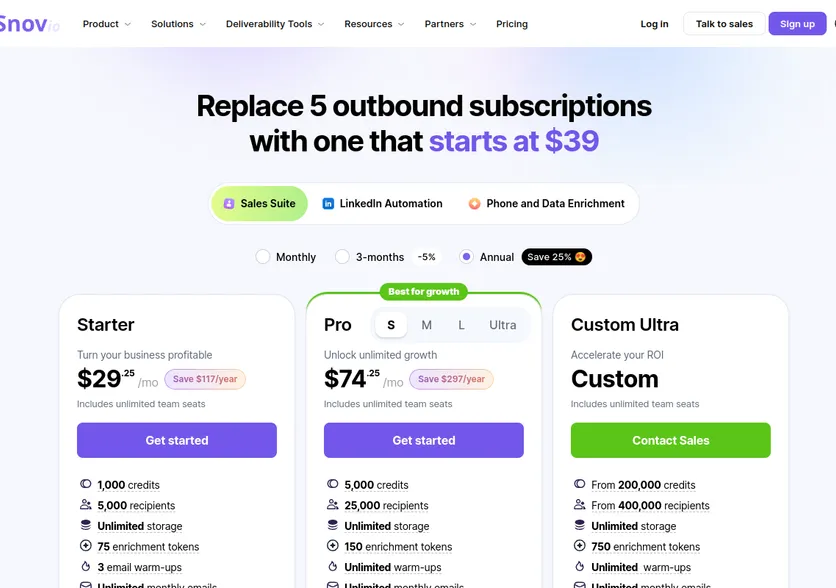
Paid tool Starting price: $29.25/month · Thirty-nine dollars per month on the Starter plan billed monthly, or twenty-nine dollars and twenty-five cents a month billed annually, for one thousand credits and five thousand recipients; Pro S is ninety-nine dollars and the price rises with volume
Free plan: Free trial (50 credits/mo)
A small business that wants finding and outreach in one subscription usually lands on Snov.io, which bundles the finder, the verifier, drip campaigns and a light CRM for twenty-nine dollars and twenty-five cents a month. The Starter plan covers one thousand credits and five thousand recipients a month with three mailbox warm-ups, and the seats are unlimited. It is the cheapest full outbound motion in this list, and for a small business that breadth beats depth.
What we like
- Finding, verification and campaigns in one tool
- Unlimited seats share one credit pool
- Cheapest full outbound motion in this list
Watch out for
- LinkedIn automation is a separate paid slot
- Phone enrichment costs extra tokens
How to try it
- Find emails by domain or by name
- Verify the list and build a drip campaign
- Warm up mailboxes and send from the same dashboard
6. Seamless.AI
Best for: Small businesses that want contacts searched in real time
Paid tool Starting price: $147/user/month · Seamless.AI no longer publishes prices on its public pricing page, which is now an inquiry form; the one hundred and forty-seven dollar Basic figure is the in-app price reported by multiple independent sources in November 2026, so confirm it before buying, and Pro and Enterprise are quoted
Free plan: Free plan (50 credits, one-time)
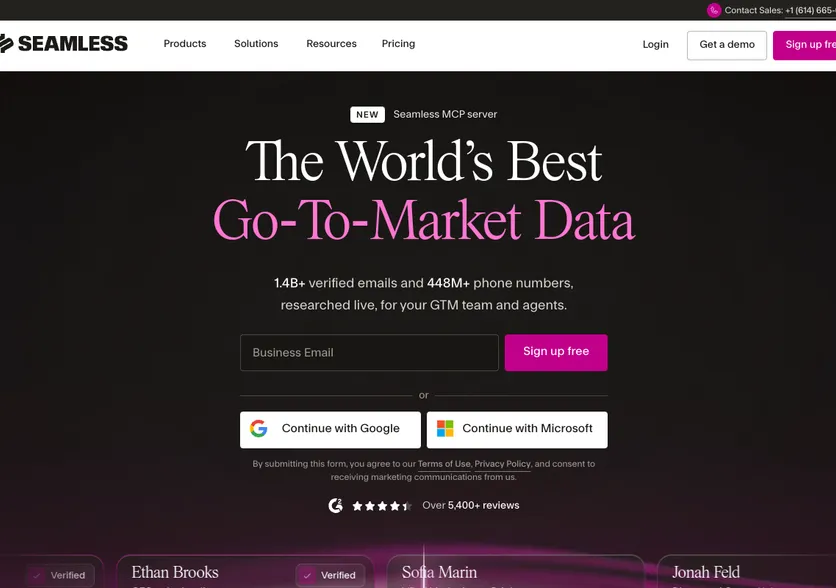
Seamless.AI searches for contacts in real time instead of serving cached records, assembling verified emails, phone numbers and company data live as you search, for one hundred and forty-seven dollars a user a month. The Basic plan covers two hundred and fifty credits a month for a single user, with CRM integrations and a LinkedIn extension included. It is the dearest tool in this list, and it earns the price only when the business needs fresh data rather than a stored list.
What we like
- Real-time search instead of cached records
- LinkedIn extension works where the team already is
- CRM integrations included on the Basic plan
Watch out for
- No published price, so the figure needs confirming
- Basic plan covers only two hundred and fifty credits a month
How to try it
- Search for contacts by company, title or keyword
- Verify the results in real time as they appear
- Push the contacts into the CRM or email tool
7. Leadfeeder
Best for: Small businesses that want to know which companies visit their website
Paid tool Starting price: $79/month · Seventy-nine dollars per month on the Discover plan billed annually, or one hundred and thirteen dollars month to month, for up to fifty identified companies; Activate is three hundred and sixty-nine dollars and the price rises with company volume
Free plan: Free Lite plan (100 companies/mo)
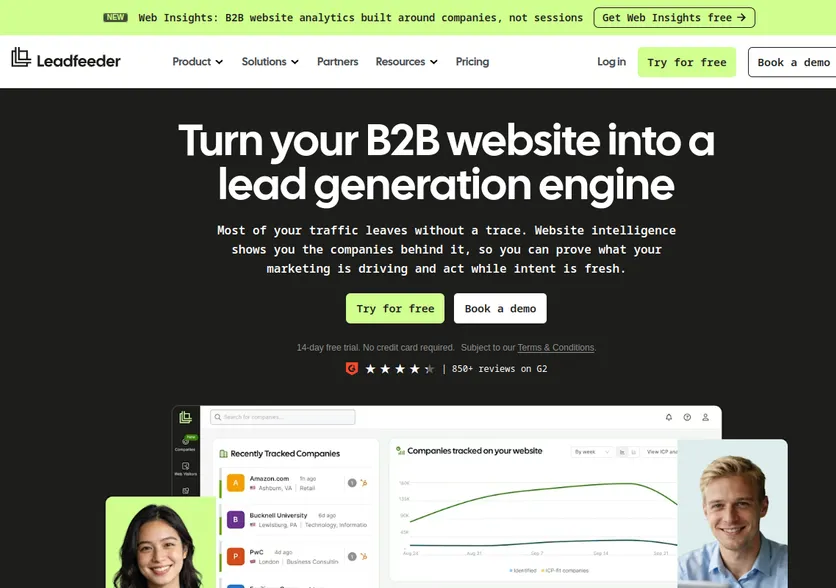
Leadfeeder turns anonymous website visits into named companies, which is the closest thing to intent data a small business can buy, for seventy-nine dollars a month. The Discover plan covers up to fifty companies a month with full profiles, ad reports and real-time alerts, and unlimited users can work the same feed. For a small business with a website that already gets traffic, it generates leads from visitors the business has already paid to attract.
What we like
- Turns anonymous website traffic into named companies
- Unlimited users can work the same feed
- Free Lite plan covers one hundred companies a month
Watch out for
- The price rises with the number of companies identified
- Contact emails and phones need the Activate plan
How to try it
- Install the Leadfeeder tracker on the website
- Review the identified companies each morning
- Sync the best fits to the CRM and assign follow-up
Prices above were checked on each vendor’s own website on Nov 28, 2026 and can change — the vendor’s page is the final word. Vendor links are editorial: nobody paid to be listed or ranked here. Vendors who want a featured listing can see how it works on our Get listed page.
How a small business should buy lead intelligence
Start with accuracy, not volume, because a list of ten thousand wrong contacts is worth less than a list of one hundred right ones. Test the tool on a hundred real prospects and count the verified emails, since that is the number the business actually pays for. Read the refund policy before the price, because a vendor that refunds bad credits is a vendor that trusts its own data. Finally, buy the plan that covers the list size you work each month, not the list size you hope to work next year.
Before you buy
- Check that the data covers your buyers, since a database with the wrong coverage wastes every dollar
- Confirm the credit allowance against real usage, because credits are the true cost of these tools
- Ask whether the vendor refunds credits for bad data or leaves you to pay for it
- Test the accuracy on one hundred real contacts before you buy a bigger plan
- Run a trial with one list and count verified emails, not total records, before you commit
Official websites
Official websites of the products reviewed above. Features and prices were checked against these sites when this guide was written, and they can change, so confirm on the vendor site before you buy.
Frequently asked questions
What is lead intelligence software for small business?
It is software that finds and verifies business contact details: who works at a target company, what their email and phone number are, and whether the data is current. The tools in this list cover databases, email finders, real-time search and website visitor identification. For a small business, the point is accuracy: a list that is half wrong wastes the week spent working it.
What does Apollo cost for a small business?
Apollo costs forty-nine dollars per user per month billed annually on the Basic plan, or sixty-five dollars month to month, with thirty thousand credits a year. The database, sequences and dialer share one seat, and the free plan is enough to test the data quality on a small list. Professional is seventy-nine dollars and Organization is one hundred and nineteen dollars with a three-seat minimum.
Which tool has the most accurate data?
UpLead is the pick for verified data, since it backs a ninety-five percent accuracy claim with a credit refund for bounced emails. Hunter is the pick for the cheapest reliable email finding, at thirty-four dollars a month on annual billing. Leadfeeder is the pick for intent, since it names the companies already visiting the website for seventy-nine dollars a month.
Do these tools refund credits for bad data?
Yes, and the refund policy is the part to read before you buy. UpLead refunds credits for bounced emails, which is the clearest guarantee in this list. Apollo and Hunter verify addresses before you pay the full credit, so a bad record costs less. Seamless.AI and Lusha do not publish a refund policy as clearly, so the business carries the risk there.
How should a small business test lead intelligence software?
Start with one list of one hundred real prospects and run it through the free plan or the trial. Count the verified emails, not the total records, since a record without a working email is not a lead. Check the phone numbers separately, because many tools find emails well and phones badly. Then buy the plan that covers the list size you actually work each month.
Compare the seven tools above, then start with a free trial on the tool that matches how your small business already finds contacts before you pay for a full year.
Browse Marketing & Ads Calculators tools