On this page
An enterprise legal team drafts the same documents hundreds of times a year, and every hour spent retyping is an hour not spent on the case. The tools below automate that work: templates, interviews and AI turn matter data into finished documents, then send them for signature. Gavel Workflows leads the list because it delivers no-code automation from eighty-three dollars a month with a published price, and the other eight tools are ranked on the same practical test: how much drafting a large team gets done without adding headcount.
How we researched this
We checked every price on the vendor pricing page on November 27, 2026, and only included tools with a published US dollar list price and a free trial or free demo. Lawyaw is not in this list because it became Clio Draft after Clio acquired it, and Spellbook is not here because it publishes no prices. Prices change, so confirm the current figure before you buy.
Compare the tools
| Name | Best for | Starting price | Free plan | |
|---|---|---|---|---|
 Gavel Workflows | Enterprise teams that want no-code document automation at a published price | $83/month | Free 7-day trial | Visit |
 Gavel Exec | Enterprise teams that want AI to draft from their own documents | $160/user/month | 25 free queries | Visit |
| Briefpoint | Enterprise litigation teams that draft discovery and pleadings at volume | $150/attorney/month | Free demo | Visit |
| Knackly | Enterprise teams converting HotDocs templates to modern automation | $250/month | No free trial; demo available | Visit |
 MyCase | Enterprise firms that want drafting inside practice management | $130/user/month | Free trial | Visit |
 PandaDoc | Enterprise teams that want proposals and contracts in one flow | $49/user/month | Free 14-day trial | Visit |
 DocuSign | Enterprise teams that need compliant e-signature at scale | $25/user/month | Free 30-day trial | Visit |
| Formstack | Enterprise teams that generate documents from data at scale | $250/month | Free 14-day trial | Visit |
| Docupilot | Enterprise teams that generate documents from CRM and spreadsheet data | $29/month | Free 14-day trial | Visit |
The legal document drafting software for enterprise, compared
1. Gavel Workflows
Best for: Enterprise teams that want no-code document automation at a published price
Paid tool Starting price: $83/month · Eighty-three dollars a month for the Lite plan; Standard is two hundred and ten dollars a month, Pro is two hundred and ninety dollars and Scale starts at four hundred and seventeen dollars, all billed annually, with two months free on annual plans. One section of Gavel's own pricing page shows Standard at one hundred and sixty-five dollars, so confirm the current price before buying
Free plan: Free 7-day trial
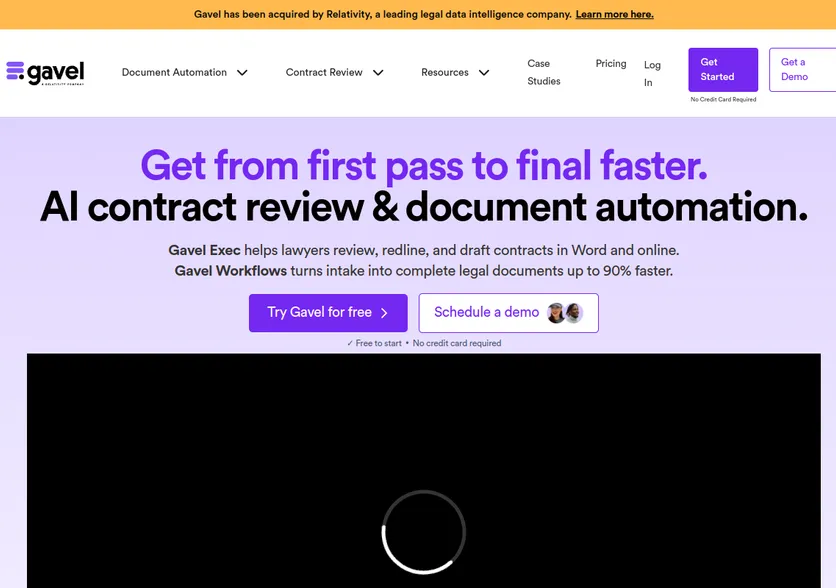
This Gavel Workflows plan costs eighty-three dollars a month for Lite, and it lets a legal team build document automation without a developer: guided interviews turn client answers into finished documents, with e-signature, payments and intake in the same platform. Standard at two hundred and ten dollars a month, Pro at two hundred and ninety dollars and Scale from four hundred and seventeen dollars add capacity and features.
What we like
- No-code automation a legal team can build without developers
- Intake, e-signature and payments share one platform
- Published prices from eighty-three dollars a month
Watch out for
- One section of Gavel's own page shows Standard at a different price
- Lite is the entry tier, so advanced features need higher plans
How to try it
- Build a guided interview for your most-used document type
- Connect the interview to your templates so answers fill the document
- Send the finished document for e-signature and payment in the same flow
2. Gavel Exec
Best for: Enterprise teams that want AI to draft from their own documents
Paid tool Starting price: $160/user/month · One hundred and sixty dollars per user a month, or one thousand seven hundred and forty dollars per user a year, with twenty-five free queries to start; Gavel Exec is a separate product from Gavel Workflows, built for document drafting with AI
Free plan: 25 free queries
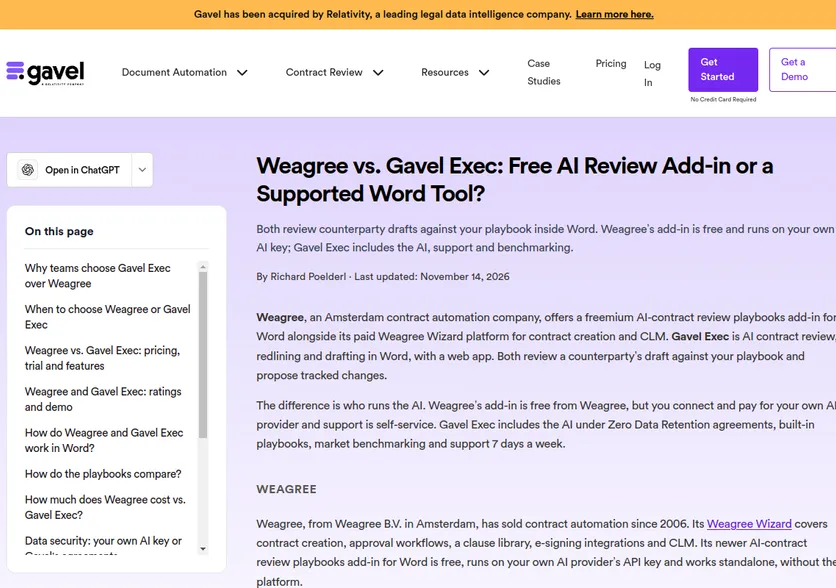
This Gavel Exec plan costs one hundred and sixty dollars per user a month, or one thousand seven hundred and forty dollars per user a year, and it is a separate product from Gavel Workflows: an AI drafting assistant that works from your firm's own documents and precedents. Twenty-five free queries let a team test it before paying. Exec suits a large team that already has a template library and wants AI to draft first versions from it, rather than building new automations from scratch.
What we like
- AI drafting built on your firm's own documents
- Separate from Workflows, so it fits teams that already automate
- Twenty-five free queries to test before paying
Watch out for
- Per-user pricing adds up fast across a large team
- Needs a good template library to work from
How to try it
- Connect Gavel Exec to your firm's document library and precedents
- Ask it to draft a first version from your own templates
- Review and edit the draft before it goes to a client
3. Briefpoint
Best for: Enterprise litigation teams that draft discovery and pleadings at volume
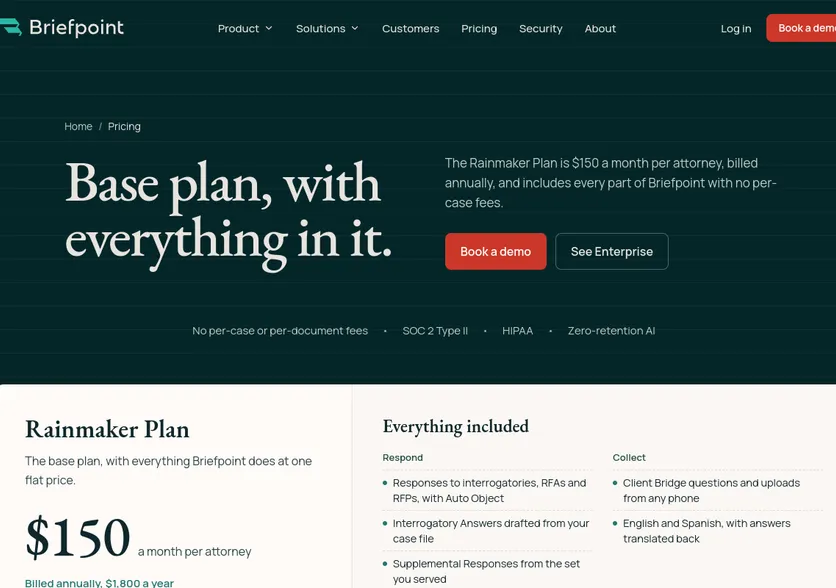
Paid tool Starting price: $150/attorney/month · One hundred and fifty dollars per attorney a month billed annually, or one thousand eight hundred dollars a year, on the Rainmaker plan with all features and no per-case fees; Enterprise is custom. Each seat includes twenty thousand credits a month for Find Answers, with extra use at one cent a credit
Free plan: Free demo
This Briefpoint plan costs one hundred and fifty dollars per attorney a month billed annually on Rainmaker, with all features and no per-case fees. Briefpoint automates discovery responses, pleadings and demand letters from your firm's templates, and each seat includes twenty thousand credits a month for Find Answers, with extra use at one cent a credit. Enterprise is custom for firms that need more capacity or controls.
What we like
- Built for discovery, pleadings and demand letters at volume
- No per-case fees on the Rainmaker plan
- Find Answers credits are included in every seat
Watch out for
- Focused on litigation documents, not general corporate drafting
- No free trial, only a demo
How to try it
- Upload your firm's templates for discovery and pleadings
- Generate first drafts from matter data and review them
- Send the finished documents for filing or service
4. Knackly
Best for: Enterprise teams converting HotDocs templates to modern automation
Paid tool Starting price: $250/month · Two hundred and fifty dollars a month for the Starter plan, or two hundred and nine dollars a month paid yearly, covering four users and four hundred new client records a month; Done For You is five hundred dollars a month and Professional is one thousand dollars a month for twelve users. All plans run month to month with no setup fees, and there is no free trial
Free plan: No free trial; demo available
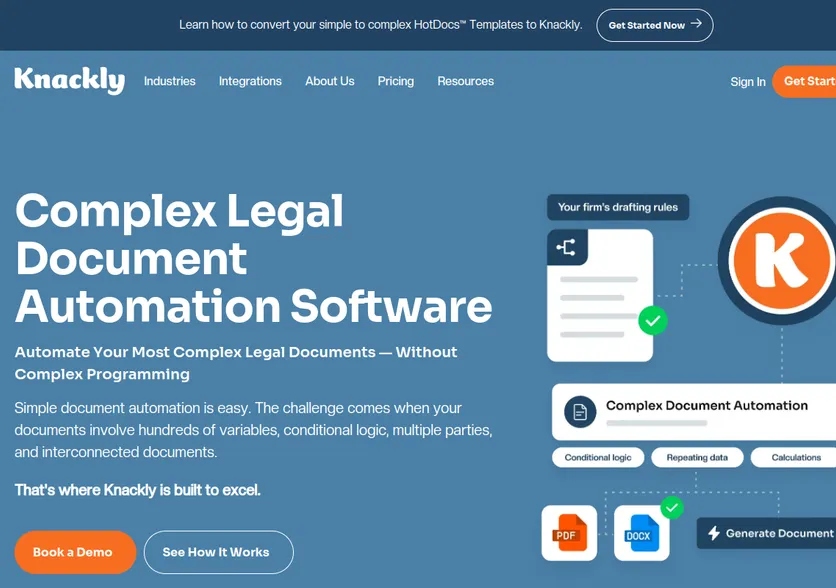
This Knackly plan costs two hundred and fifty dollars a month for Starter, or two hundred and nine dollars a month paid yearly, covering four users and four hundred new client records a month. Knackly is built by a team that worked with HotDocs for twenty years, and its conversion tool reads HotDocs component files and turns them into modern automations. Done For You at five hundred dollars a month adds three hours of automation work by Knackly's team, and Professional at one thousand dollars a month covers twelve users with API access.
What we like
- HotDocs conversion built by a team with twenty years on the platform
- Guided interviews collect client answers cleanly
- Month-to-month billing with no setup fees
Watch out for
- Four-user minimum on every plan
- No free trial, only a thirty-minute demo
How to try it
- Send your HotDocs templates to Knackly for conversion
- Build guided interviews that collect client answers for each document
- Generate finished documents from the interviews in Word or PDF
5. MyCase
Best for: Enterprise firms that want drafting inside practice management
Paid tool Starting price: $130/user/month · One hundred and thirty dollars per user a month billed annually on the Advanced plan, or one hundred and fifty dollars on monthly billing; Basic is fifty dollars and Pro is one hundred dollars. Advanced is the tier that includes Woodpecker document automation, which MyCase acquired and folded into the plan
Free plan: Free trial
This MyCase plan costs one hundred and thirty dollars per user a month billed annually on Advanced, and it is the tier that includes Woodpecker document automation, which MyCase acquired and folded into the plan. A firm on Advanced drafts documents from matter data, manages cases and bills clients in one system, without a separate drafting tool. Basic at fifty dollars and Pro at one hundred dollars cover firms that do not need the automation depth yet.

What we like
- Woodpecker document automation is included on Advanced
- Drafting, matters and billing share one system
- No separate drafting subscription to manage
Watch out for
- Automation depth arrives only on Advanced, not Basic or Pro
- Per-user pricing climbs fast across a large team
How to try it
- Build document templates from your matter fields in MyCase
- Generate documents from matter data with Woodpecker automation
- Send the finished document to the client portal for signature
6. PandaDoc
Best for: Enterprise teams that want proposals and contracts in one flow
Paid tool Starting price: $49/user/month · Forty-nine dollars per user a month billed annually on the Business plan; Starter is nineteen dollars per user a month billed annually
Free plan: Free 14-day trial
This PandaDoc plan costs forty-nine dollars per user a month billed annually on Business, and it covers the whole document flow: build a proposal or contract from templates, send it for e-signature, track when it is opened, and collect payment. Business is the tier for teams that need approval workflows, CRM integrations and content controls. Starter at nineteen dollars per user a month billed annually suits a small team that only needs the basics.

What we like
- Full flow from template to signature to payment
- Approval workflows and CRM integrations on Business
- Tracks when clients open and sign documents
Watch out for
- Built for business documents, not legal-specific drafting
- Approval workflows need the Business tier, not Starter
How to try it
- Build a template library for proposals and contracts
- Send documents for e-signature and track when clients open them
- Collect payment on the signed document in the same flow
7. DocuSign
Best for: Enterprise teams that need compliant e-signature at scale
Paid tool Starting price: $25/user/month · Twenty-five dollars per user a month billed annually on the Standard plan; Personal is ten dollars a month billed annually for one user with a five-envelope monthly cap, and Business Pro is forty dollars per user a month billed annually
Free plan: Free 30-day trial
This DocuSign plan costs twenty-five dollars per user a month billed annually on Standard, and it is the e-signature standard most clients and courts already accept. Standard covers sending and signing with templates and reminders, while Business Pro at forty dollars per user a month billed annually adds bulk sending, payment collection and advanced fields. Personal at ten dollars a month billed annually covers one user with a five-envelope monthly cap.

What we like
- The e-signature standard clients and courts already accept
- Templates and reminders keep signing on track
- Audit trail on every completed agreement
Watch out for
- Standard is e-signature only, not document automation
- Envelope limits apply on lower tiers
How to try it
- Upload a document and place signature and date fields
- Send it for signature with reminders for slow signers
- Store the completed agreement with its audit trail in your system
8. Formstack
Best for: Enterprise teams that generate documents from data at scale
Paid tool Starting price: $250/month · Two hundred and fifty dollars a month billed annually on the Suite plan, or two hundred and ninety-nine dollars on monthly billing, with three builder seats, two hundred and fifty document deliveries a month and unlimited eSignatures; the Suite is the tier that includes document generation alongside forms and e-signature. The eighty-three-dollar Forms plan does not include document generation
Free plan: Free 14-day trial
This Formstack plan costs two hundred and fifty dollars a month billed annually on Suite, with three builder seats, two hundred and fifty document deliveries a month and unlimited eSignatures. The Suite is the tier that includes document generation alongside forms and e-signature, so a team can collect data in a form, generate the document, and send it for signature in one flow. The eighty-three-dollar Forms plan does not include document generation.
What we like
- Forms, document generation and e-signature in one Suite
- Volume pricing suits teams that generate many documents
- Unlimited eSignatures on the Suite plan
Watch out for
- Document generation needs the two hundred and fifty dollar Suite, not Forms
- Only three builder seats are included on Suite
How to try it
- Build a form that collects the data your documents need
- Connect the form to a document template for automatic generation
- Send the generated document for e-signature from the same flow
9. Docupilot
Best for: Enterprise teams that generate documents from CRM and spreadsheet data
Paid tool Starting price: $29/month · Twenty-nine dollars a month for the Starter plan with one hundred documents a month and one seat; Plus is ninety-nine dollars, Pro is one hundred and forty-nine dollars, Premium is one hundred and ninety-nine dollars, Business is three hundred and ninety-nine dollars and Enterprise is six hundred and ninety-nine dollars. Extra seats are four dollars a month and the e-signature add-on starts at one dollar and fifty cents an envelope
Free plan: Free 14-day trial
This Docupilot plan costs twenty-nine dollars a month for Starter, with one hundred documents a month and one seat. Docupilot generates documents by merging templates with data from CRMs, spreadsheets and databases, which suits a team whose documents start in a system rather than a form. Plus at ninety-nine dollars, Pro at one hundred and forty-nine dollars and Premium at one hundred and ninety-nine dollars raise the volume, while Business at three hundred and ninety-nine dollars and Enterprise at six hundred and ninety-nine dollars cover large teams.
What we like
- Generates documents from CRM, spreadsheet and database data
- Volume pricing scales from one hundred to ten thousand documents a month
- Extra seats cost only four dollars a month
Watch out for
- Volume-priced, so heavy months cost more
- E-signature is an add-on, not included
How to try it
- Connect Docupilot to your CRM or spreadsheet as the data source
- Build a template with merge fields for the document
- Generate documents in bulk and send them for signature
Prices above were checked on each vendor’s own website on Nov 28, 2026 and can change — the vendor’s page is the final word. Vendor links are editorial: nobody paid to be listed or ranked here. Vendors who want a featured listing can see how it works on our Get listed page.
How an enterprise team should roll out drafting software
Start with one document set, not the whole library. Pick the documents your team drafts most, usually the ones with the highest volume and the clearest structure, and automate those first. Assign one person to own the templates, because templates rot when nobody maintains them and the law changes. Pilot with a small team for a month and measure the time saved per document before you roll out firm-wide. Finally, decide where e-signature fits before you buy, because a drafting tool without signature leaves half the workflow manual.
Before you buy
- Check that the tool automates your actual document types, not just generic templates
- Confirm whether e-signature is included or sold as a separate product
- Ask how templates are built and who maintains them when the law changes
- Make sure the tool connects to your case and document systems without custom work
- Run a pilot with one real document set before you roll it out firm-wide
Official websites
Official websites of the products reviewed above. Features and prices were checked against these sites when this guide was written, and they can change, so confirm on the vendor site before you buy.
Frequently asked questions
What is legal document drafting software for enterprise?
It is software that turns templates and matter data into finished legal documents without retyping: guided interviews collect the facts, the system fills the document, and the result goes for e-signature. Enterprise tools add volume, team controls, integrations and audit trails. The tools in this list cost twenty-five to two hundred and fifty dollars a month, with per-user plans on top for large teams.
How much does Gavel Workflows cost?
Gavel Workflows costs eighty-three dollars a month for the Lite plan. Standard is two hundred and ten dollars a month, Pro is two hundred and ninety dollars and Scale starts at four hundred and seventeen dollars, all billed annually with two months free. A seven-day free trial is available.
What is the difference between Gavel Workflows and Gavel Exec?
Gavel Workflows is no-code document automation: your team builds guided interviews and templates that generate documents from client answers. Gavel Exec is an AI drafting assistant that works from your firm's own documents and precedents, at one hundred and sixty dollars per user a month.
Which drafting tool is best for a large litigation team?
Briefpoint is the strongest pick for a litigation team that drafts discovery, pleadings and demand letters at volume, at one hundred and fifty dollars per attorney a month with no per-case fees. Gavel Workflows suits a team that wants no-code automation across many document types.
Do enterprise drafting tools include e-signature?
Most do, but not all at the entry price. PandaDoc Business and DocuSign Standard include e-signature, and Formstack Suite includes unlimited eSignatures. Gavel Workflows includes e-signature in the same platform, while Docupilot sells it as an add-on from one dollar and fifty cents an envelope.
Compare the nine tools above, then start with a free trial or demo on the tool that matches your firm's document types before you pay for a full year.
Browse Business Tools tools