On this page
An in-house team faces holds from every direction: litigation, regulators, internal investigations and audits, each with its own custodians and its own deadline. Legal hold software keeps those holds in one place, freezes the right data, and proves the freeze happened. GoldFynch leads because it costs twenty-seven dollars a case a month, searches the full text of every document, and includes unlimited users on every plan.
How we researched this
We checked every price on the vendor pricing page or pricing guide on November 28, 2026, and only included tools with a published US dollar list price and a free trial or demo. The big e-discovery names, including Everlaw, Logikcull, DISCO and Exterro, publish no prices, so they are not in this list. Prices change, so confirm the current figure on the vendor site before you buy.
Compare the tools
| Name | Best for | Starting price | Free plan | |
|---|---|---|---|---|
| GoldFynch | In-house teams that need cheap evidence preservation per matter | $27/case/month | Free 512 MB trial case for 90 days. | Visit |
| Nextpoint | In-house teams that review large evidence sets | $262.50/user/month | No free plan; demo available. | Visit |
| CloudNine LAW | In-house teams that want to pay only for data processed | $35/GB/month | 30-day free trial. | Visit |
| AgileLaw | In-house teams that take depositions and need exhibits in the session | $200/month | Free Starter plan (pay per session); 14-day free trial on paid plans | Visit |
 Clio | In-house teams that want matters, documents and billing in one platform | $49/user/month | Free trial available | Visit |
 CosmoLex | In-house teams that want accounting and matters in one system | $49/user/month | Free trial available | Visit |
 Actionstep | In-house teams that want workflow automation across matters | $49/user/month | No free plan; demo available | Visit |
| LEAP | In-house teams that want deep matter management with conflict checks | $129/user/month | No free plan; free trial available | Visit |
The legal hold software for in-house legal teams, compared
1. GoldFynch
Best for: In-house teams that need cheap evidence preservation per matter
Paid tool Starting price: $27/case/month · Twenty-seven dollars a case a month for a three gigabyte case; ten gigabyte cases cost seventy-six dollars a month. Unlimited users are included and a free five hundred and twelve megabyte trial case runs for ninety days
Free plan: Free 512 MB trial case for 90 days.
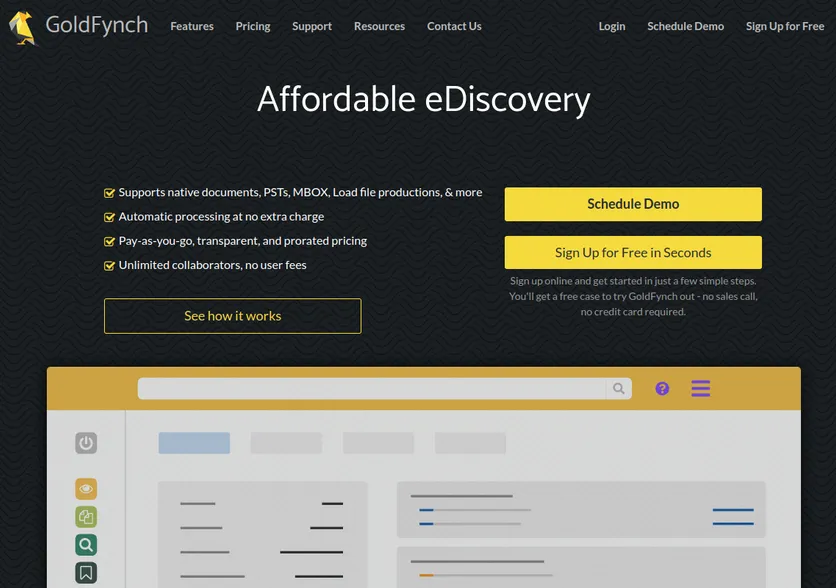
An in-house team that freezes the evidence for one matter and then needs to find every mention of a custodian or a contract will use this GoldFynch plan, which costs twenty-seven dollars a case a month for a three gigabyte case. An in-house team can freeze the evidence for one matter, index it, and find every mention of a custodian, a contract or a date without opening each file by hand. Unlimited users are included, and a free five hundred and twelve megabyte trial case runs for ninety days.
What we like
- Per-case pricing keeps small matters cheap
- Full-text search across every uploaded document
- Free trial case for ninety days
Watch out for
- Three gigabytes fills fast with email exports
- No built-in hold notices or custodian tracking
How to try it
- Upload the matter evidence and let the system index the full text
- Freeze the set so nothing is deleted or changed while the hold runs
- Search for a custodian or contract across the whole preserved file
2. Nextpoint
Best for: In-house teams that review large evidence sets
Paid tool Starting price: $262.50/user/month · Two hundred and sixty-two dollars and fifty cents per user a month is the starting rate from the vendor cost calculator; user minimums may apply
Free plan: No free plan; demo available.
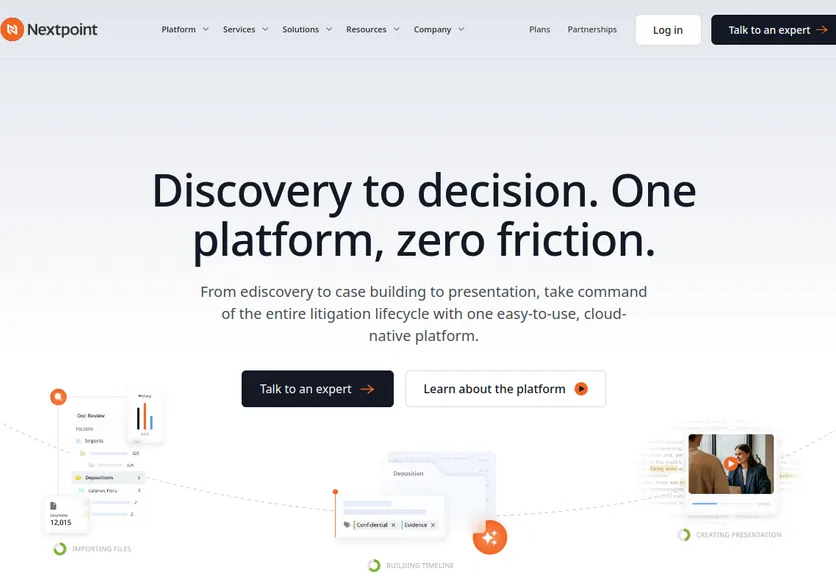
Collecting, processing, searching and reviewing the evidence in one system is what a large in-house matter demands, and this Nextpoint plan costs two hundred and sixty-two dollars and fifty cents per user a month from the vendor cost calculator. An in-house team can collect, process, search and review the evidence in one system, then produce the set for outside counsel without exporting to another tool. User minimums may apply, so a small team should confirm the minimum before budgeting.
What we like
- Full review platform in one system
- Starting rate is published by the vendor calculator
- Handles large evidence volumes
Watch out for
- Price is high for a small team
- User minimums may apply
How to try it
- Collect the evidence and process it into the review set
- Search and tag the documents that matter to the matter
- Produce the review set for outside counsel from the same system
3. CloudNine LAW
Best for: In-house teams that want to pay only for data processed
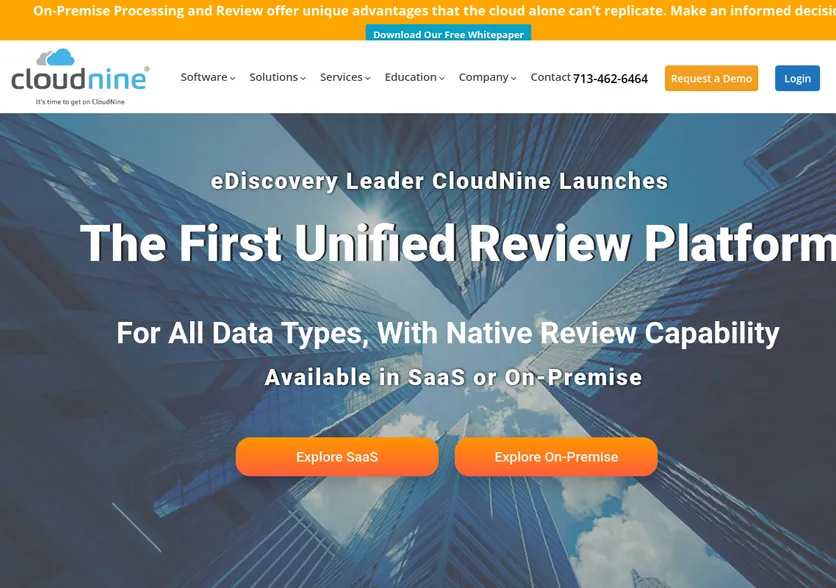
Paid tool Starting price: $35/GB/month · Thirty-five dollars per gigabyte a month on pay per use; subscriptions run from seventeen dollars and fifty cents down to twelve dollars per gigabyte a month. Thirty-day free trial
Free plan: 30-day free trial.
Paying for a few gigabytes on a small email export and more on a large data set is the fair way to price a hold, and this CloudNine LAW plan costs thirty-five dollars per gigabyte a month on pay per use. An in-house team that preserves a small email export pays for a few gigabytes, while a team with a large data set pays for more, so the cost follows the evidence instead of the headcount. A thirty-day free trial is included.
What we like
- Pay only for the gigabytes you process
- Subscription rates fall as volume grows
- Thirty-day free trial
Watch out for
- Costs rise with every gigabyte preserved
- No flat monthly price for budgeting
How to try it
- Upload the data and process it into the review set
- Search the processed data for the facts that matter
- Export the preserved set for outside counsel or the regulator
4. AgileLaw
Best for: In-house teams that take depositions and need exhibits in the session
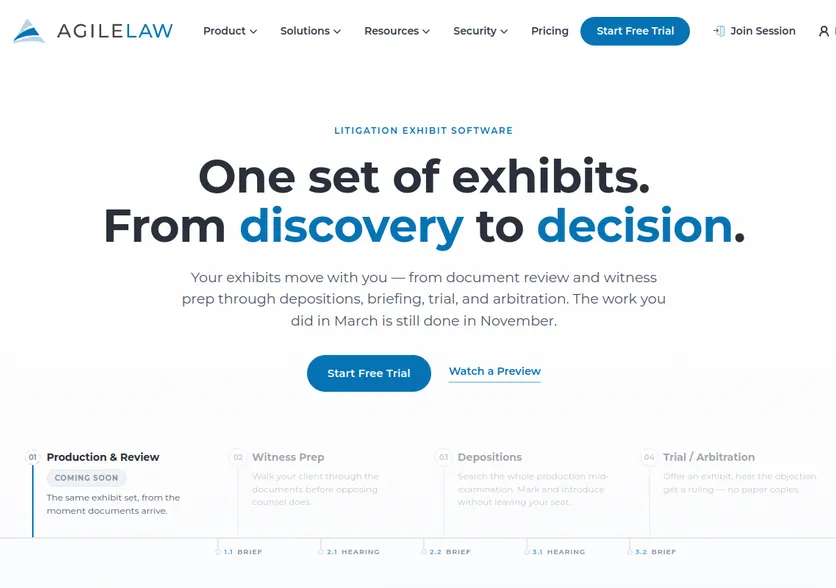
Paid tool Starting price: $200/month · Two hundred dollars a month for the Essentials plan with five host sessions; the Starter plan is pay per use at one hundred and ninety-five dollars per host session and Advantage costs five hundred dollars a month
Free plan: Free Starter plan (pay per session); 14-day free trial on paid plans
An in-house team questioning a witness while both sides see the same contract or email on screen needs the exhibits inside the session, and this AgileLaw plan costs two hundred dollars a month for the Essentials plan with five host sessions. An in-house team can question a witness while both sides see the same contract or email on screen, then keep the recording and the exhibits together as part of the preserved record. The Starter plan is pay per use at one hundred and ninety-five dollars per host session for teams that depose rarely.
What we like
- Exhibits and video share one session
- Pay-per-use Starter plan for occasional depositions
- Fourteen-day free trial on paid plans
Watch out for
- Five host sessions may be tight for a busy team
- No document review or search tools
How to try it
- Schedule the deposition and upload the exhibits in advance
- Share each exhibit on screen while questioning the witness
- Keep the recording and exhibits in the same matter record
5. Clio
Best for: In-house teams that want matters, documents and billing in one platform
Paid tool Starting price: $49/user/month · Manage Starter plan, starting at forty-nine dollars a user a month; Core, Signature and Elite tiers are quoted, not published
Free plan: Free trial available
Keeping the preserved evidence beside the matter record and the budget is what an in-house team needs from one system, and this Clio plan costs forty-nine dollars per user a month on the Starter plan. An in-house team can keep the preserved evidence beside the matter record and the budget, so nothing about a matter lives in a separate system. Higher tiers are quoted rather than published, so a growing team should confirm the upgrade price before it outgrows Starter.

What we like
- Matters, documents, calendar and billing share one system
- Large integration library for filing and e-signature tools
- Free trial available before paying
Watch out for
- Higher tiers are quoted, not published
- No dedicated hold notice workflow
How to try it
- Open the matter and upload the preserved evidence to the file
- Set deadlines for holds, productions and filings
- Track time and spend against the matter from the same record
6. CosmoLex
Best for: In-house teams that want accounting and matters in one system
Paid tool Starting price: $49/user/month · Launch plan, forty-nine dollars a user a month; Core at ninety-nine dollars and Pro at one hundred twenty-nine dollars sit above it
Free plan: Free trial available
This CosmoLex plan costs forty-nine dollars a user a month on the Launch plan, and it combines matter management with built-in accounting. An in-house team can track the matter, the documents and the legal spend in one place, which matters when the finance team asks what each hold costs. Core at ninety-nine dollars and Pro at one hundred twenty-nine dollars sit above Launch for teams that need more.

What we like
- Accounting and matters share one system
- Built for firms that bill and track spend
- Free trial available before paying
Watch out for
- Higher plans cost more per user
- No dedicated hold notice workflow
How to try it
- Open the matter and attach the preserved evidence
- Track legal spend against the matter budget
- Report the matter status and costs to finance from one system
7. Actionstep
Best for: In-house teams that want workflow automation across matters
Paid tool Starting price: $49/user/month · From forty-nine dollars per user a month; workflow suites with matter management, document automation and accounting
Free plan: No free plan; demo available
This Actionstep plan costs forty-nine dollars per user a month, and it automates workflows across matters, documents and billing. An in-house team can build a hold workflow that assigns tasks, tracks deadlines and files the evidence in the right place without manual chasing. The price is from forty-nine dollars per user a month, and the vendor offers a demo before a team commits.

What we like
- Workflows automate hold tasks and deadlines
- Matters, documents and billing in one system
- Demo available before buying
Watch out for
- No free plan, only a demo
- No dedicated e-discovery review tools
How to try it
- Build a hold workflow with tasks for each custodian
- Assign deadlines and track them from the matter dashboard
- File the preserved evidence in the workflow automatically
8. LEAP
Best for: In-house teams that want deep matter management with conflict checks
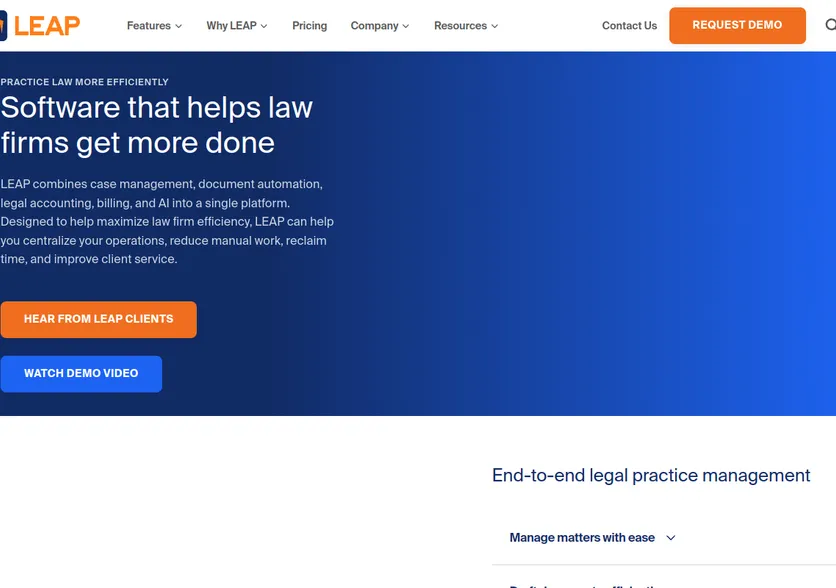
Paid tool Starting price: $129/user/month · One hundred twenty-nine dollars per user a month as the starting price; exact pricing varies by firm size and region, so confirm it with sales
Free plan: No free plan; free trial available
This LEAP plan costs one hundred twenty-nine dollars per user a month as the starting price, and it is built for firms that need deep matter management. An in-house team can run matters, documents, billing and conflict checks in one system, so a hold lands on a matter that already holds the full history. Exact pricing varies by firm size and region, so confirm it with sales, and a free trial is available.
What we like
- Deep matter management with conflict checks
- Documents, billing and matters in one system
- Free trial available before paying
Watch out for
- Starting price is high for a small team
- Exact price varies by firm size and region
How to try it
- Open the matter and attach the preserved evidence to the file
- Run conflict checks before assigning the matter to counsel
- Track deadlines and billing from the same matter record
Prices above were checked on each vendor’s own website on Nov 28, 2026 and can change — the vendor’s page is the final word. Vendor links are editorial: nobody paid to be listed or ranked here. Vendors who want a featured listing can see how it works on our Get listed page.
How an in-house legal team should run legal holds with software
Start with the list of custodians, not the data. A team that knows whose email and files are under hold can freeze the right data the same day, while a team that collects data first still spends weeks wondering what was missed. Pick one system as the home for every hold and make sure each hold lands there, even small ones, because a forgotten hold is the gap a regulator will find. Search the preserved set before briefing outside counsel, and keep the hold in place until the matter closes, because lifting it early is how evidence disappears. Finally, log who accessed the set, because the audit trail is the proof the hold worked.
Before you buy
- Check that the preserved set cannot be deleted or changed while the hold is active
- Confirm full-text search covers every file type in the evidence, including email and chats
- Ask how the preserved set exports for outside counsel, including format and chain of custody
- Count the data volume before you compare prices, since per-gigabyte plans scale with evidence
- Run one real matter through the hold and review workflow before you pay for a year
Official websites
Official websites of the products reviewed above. Features and prices were checked against these sites when this guide was written, and they can change, so confirm on the vendor site before you buy.
Frequently asked questions
What is legal hold software for in-house legal teams?
It is software that freezes, preserves and searches the evidence behind a legal matter, from email and chats to contracts and documents. The tools in this list do that through e-discovery review, document search, timelines and matter management. None of them replaces a lawyer, but a complete preserved file makes investigations faster and gives a team evidence when a regulator asks questions.
Which tool is cheapest for a small in-house team?
GoldFynch is cheapest at twenty-seven dollars a case a month for a three gigabyte case, and Casefleet follows at thirty dollars per user a month billed annually. Clio, CosmoLex and Actionstep all start at forty-nine dollars per user a month. Compare the total, including data volume, because a cheap subscription with a small storage limit can cost more than a higher flat fee.
Do I need a full e-discovery platform for an in-house hold?
A full platform matters when the evidence set is large, such as a company-wide email export or a long chat history. If the matter holds only a few documents, search and matter management are enough. A practical approach is to preserve everything in a cheap per-case tool and move to a review platform only when the evidence volume makes searching by hand too slow.
What does Nextpoint cost for an in-house team?
Nextpoint costs two hundred and sixty-two dollars and fifty cents per user a month from the vendor cost calculator, and user minimums may apply. It is a full review platform that collects, processes, searches and produces the evidence in one system. A demo is available before you pay, and a small team should confirm the minimum first.
Can these tools help with investigations and audits?
Yes, in the practical sense: they preserve the evidence, search it, and export the set for outside counsel or a regulator with a record of what was produced. The team still decides what is disclosable, but a complete preserved file shortens the process and supports the audit trail. Ask each vendor how exports work before you rely on it.
Compare the eight tools above, then start with a free trial on the tool that matches how your in-house team already preserves evidence before you pay for a full year.
Browse Business Tools tools