On this page
A solo attorney is the whole firm, so the knowledge that would live in colleagues heads has to live somewhere searchable instead. The tool a solo picks decides whether a past brief, a checklist or a clause is found in seconds or rewritten from scratch. Notion leads this list because it turns notes, templates and databases into one flexible workspace for ten dollars a user a month, and the other six tools are ranked on the same test: how fast an answer you already wrote comes back when you need it.
How we researched this
We checked every price on the vendor pricing page on November 28, 2026, and only included tools with a published US dollar list price and a free trial or free plan. Guru no longer publishes a price on its own site, so it is not in this list, and the big enterprise knowledge platforms publish no prices either. Prices change, so confirm the current figure on the vendor site before you buy.
Compare the tools
| Name | Best for | Starting price | Free plan | |
|---|---|---|---|---|
 Notion | Solo attorneys who want notes, templates and case databases in one flexible workspace | $10/user/month | Free plan for individuals and small teams | Visit |
 Confluence | Solo attorneys who want a structured wiki for firm procedures and templates | $7.15/user/month | Free plan for up to ten users | Visit |
 SharePoint | Solo attorneys already on Microsoft 365 who want documents and knowledge together | $7/user/month | Free trial | Visit |
 Evernote | Solo attorneys who want fast capture and search across notes and documents | $8.25/month | Free plan | Visit |
 Slab | Solo attorneys who want a verified wiki that stays current | $6.67/user/month | Free plan for up to ten users | Visit |
 Clio Manage | Solo attorneys who want practice knowledge inside their case system | $49/user/month | Free trial | Visit |
 MyCase | Solo attorneys who want client knowledge and case files in one place | $50/user/month | Free trial | Visit |
The legal knowledge management software for solo attorneys, compared
1. Notion
Best for: Solo attorneys who want notes, templates and case databases in one flexible workspace
Paid tool Starting price: $10/user/month · Ten dollars per user per month billed annually on the Plus plan (twelve dollars on monthly billing); Business is twenty dollars billed annually and Enterprise is a custom quote
Free plan: Free plan for individuals and small teams
A solo practice runs on reusable knowledge, and Notion gives it a home that bends to the way one attorney works. Briefs, checklists, clause libraries and client notes live in linked pages and databases, so a template found once is reused for years. Search finds any note instantly, and the workspace grows with the practice without a second system for documents or planning.

What we like
- One workspace holds notes, templates and databases
- Search finds any past brief or clause in seconds
- Free plan covers a solo getting started
Watch out for
- No legal-specific templates, so the structure is yours to build
- Offline access is limited compared with desktop tools
How to try it
- Create a page for each matter type with its checklist and templates
- Save your best clauses and letters as reusable blocks
- Search the workspace before drafting anything new
2. Confluence
Best for: Solo attorneys who want a structured wiki for firm procedures and templates
Paid tool Starting price: $7.15/user/month · Seven dollars and fifteen cents per user per month for teams of one to one hundred users on monthly billing, after the October 2026 rise from six dollars and seventy cents; Premium is fourteen dollars and ten cents, and annual billing is tier-based, with ten users at seven hundred twenty dollars a year
Free plan: Free plan for up to ten users
When a solo attorney wants firm knowledge organised like a manual rather than a pile of notes, Confluence provides the structure. Pages link into a wiki of procedures, templates and research, with version history showing what changed and when. The search covers every page, so a past answer is found instead of rewritten, and the free plan covers a solo practice with room to grow.

What we like
- Structured wiki keeps procedures and templates organised
- Version history shows exactly what changed
- Free plan covers up to ten users
Watch out for
- Setup takes longer than a simple notes app
- The per-user price rises on the Premium tier
How to try it
- Set up a space for procedures, one page per workflow
- Save templates for letters, filings and client updates
- Use version history to check when a procedure last changed
3. SharePoint
Best for: Solo attorneys already on Microsoft 365 who want documents and knowledge together
Paid tool Starting price: $7/user/month · Seven dollars per user per month billed annually through Microsoft 365 Business Basic (five dollars and forty cents without Teams), after the July 2026 rise from six dollars; Business Standard is fourteen dollars and Business Premium is twenty-two dollars
Free plan: Free trial
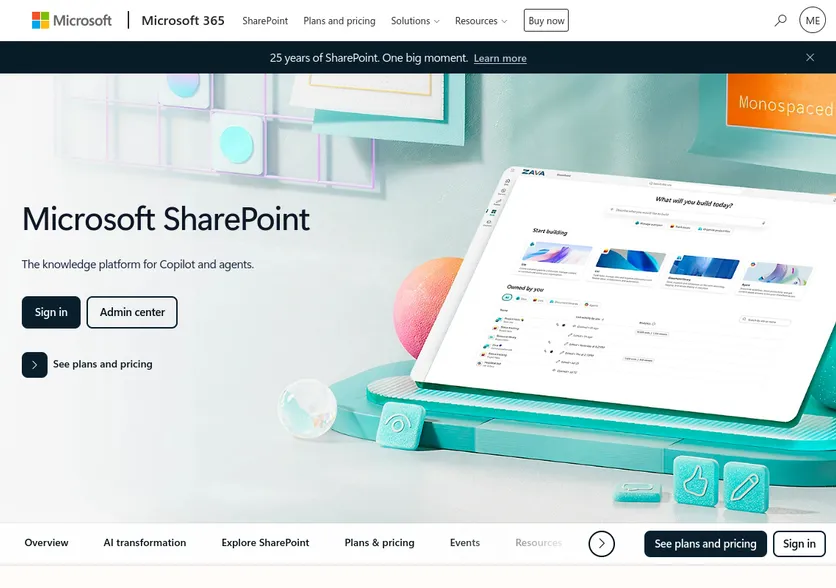
A solo attorney already paying for Microsoft 365 can keep firm knowledge beside the documents without buying another tool, because SharePoint is part of the subscription. Matter folders, templates and procedure pages live in the same document libraries the firm already uses, with search across files and pages. Version history and permissions keep client material safe, and the whole setup costs nothing beyond the Microsoft plan.
What we like
- Included with Microsoft 365, so no extra subscription
- Search covers documents and pages together
- Version history and permissions are built in
Watch out for
- Needs some setup before it feels like a knowledge base
- Best value only if the firm already uses Microsoft 365
How to try it
- Create a document library for each practice area
- Save templates and procedures beside the matter files
- Set permissions so client material stays private
4. Evernote
Best for: Solo attorneys who want fast capture and search across notes and documents
Paid tool Starting price: $8.25/month · Eight dollars and twenty-five cents a month billed yearly on the Starter plan (fourteen dollars and ninety-nine cents month to month); Advanced is twenty dollars and eighty-three cents billed yearly and Teams starts at ten dollars per user a month billed yearly. Older Personal and Professional plan names are retired
Free plan: Free plan
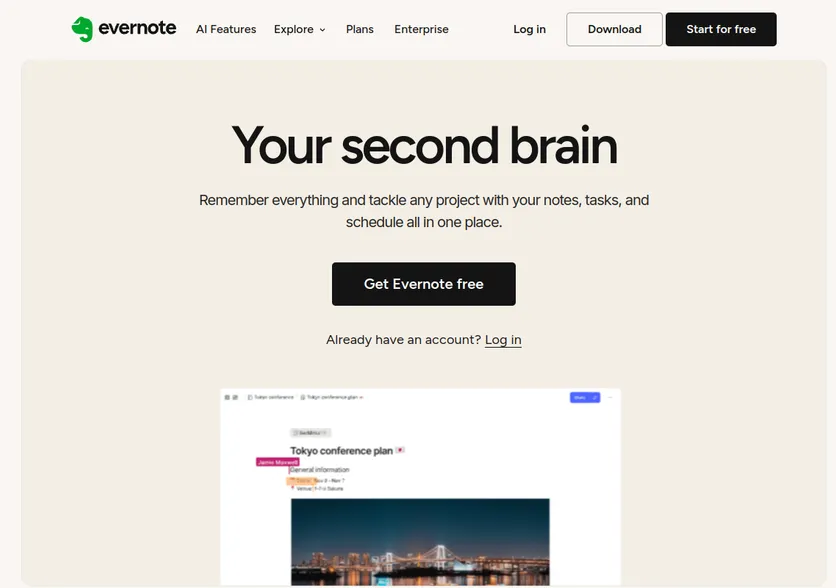
Good ideas and useful clauses arrive at odd moments, and Evernote is built to catch them and make them findable later. Notes, web clips, scans and documents land in notebooks that search can read, including text inside images and PDFs. Tags and shortcuts keep the collection organised, and the Starter plan costs less than a lunch a month for a system that remembers everything the attorney forgets.
What we like
- Search reads text inside images and PDFs
- Fast capture from any device, phone included
- Low price for a solo practice
Watch out for
- Plan names changed recently, so older price lists are stale
- No databases or linked pages like the newer workspaces
How to try it
- Clip useful clauses and research into a notebook as you find them
- Tag notes by matter type so the right ones surface together
- Search before drafting to reuse past work
5. Slab
Best for: Solo attorneys who want a verified wiki that stays current
Paid tool Starting price: $6.67/user/month · Six dollars and sixty-seven cents per user per month billed annually on the Startup plan (eight dollars on monthly billing); Business is twelve dollars and fifty cents billed annually and Enterprise is a custom quote for at least one hundred users
Free plan: Free plan for up to ten users
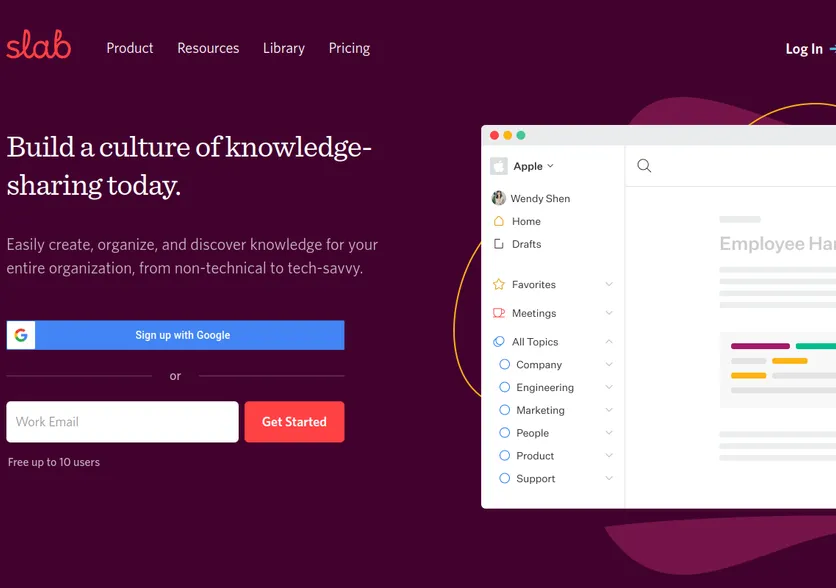
A knowledge base is only useful if it stays true, and Slab keeps it honest with scheduled verification that asks the owner to reconfirm each page. Topics organise the wiki by subject instead of folders, and unified search covers the wiki plus connected tools like Slack and Drive. The free plan covers up to ten users, which makes it the cheapest way for a solo to run a wiki that does not quietly go stale.
What we like
- Scheduled verification keeps pages current
- Free plan covers up to ten users
- Clean editor with strong search
Watch out for
- No browser extension for quick capture
- AI features need the Business plan
How to try it
- Organise the wiki by topic, one per practice area
- Set verification reminders on pages that change often
- Search the wiki and connected tools from one box
6. Clio Manage
Best for: Solo attorneys who want practice knowledge inside their case system
Paid tool Starting price: $49/user/month · Forty-nine dollars per user per month billed annually on the EasyStart plan (fifty-nine dollars on monthly billing); higher tiers are quoted on the vendor site, and third-party reads from November 2026 put Essentials near eighty-nine dollars and Advanced near one hundred nineteen dollars, so confirm before buying
Free plan: Free trial
For a solo attorney, the most useful knowledge is often the last matter like this one, and Clio Manage keeps that history inside the case system itself. Document templates, matter records and billing live together, so a past brief is found from the matter it belongs to. The client portal and calendar sit beside the file, which means the knowledge base and the practice run on the same system instead of two.

What we like
- Past matters are searchable from the case system
- Templates, billing and documents share one record
- Client portal keeps clients updated
Watch out for
- Higher tiers are quoted on the vendor site, so confirm the full price
- Knowledge features are matter-first, not wiki-first
How to try it
- Save your best documents as templates in the matter system
- Find the last similar matter before starting a new one
- Share updates with clients through the portal
7. MyCase
Best for: Solo attorneys who want client knowledge and case files in one place
Paid tool Starting price: $50/user/month · Fifty dollars per user per month billed annually on the Basic plan (sixty dollars on monthly billing); Pro is one hundred dollars and Advanced is one hundred thirty dollars per user per month
Free plan: Free trial
A solo attorney who answers every call personally needs the client history at hand, and MyCase keeps it beside the case file. Intake notes, messages, documents and billing share one matter record, so the full story of a client is one click away. The system is simple enough to run alone, and the price stays flat per user as the practice grows.

What we like
- Client history and case files share one record
- Simple enough for a one-person practice
- Messaging keeps clients informed without extra tools
Watch out for
- Advanced reporting and automation sit on the higher tiers
- No dedicated wiki or verification workflow
How to try it
- Record intake notes against the matter from the first call
- Keep client messages in the case file, not in email
- Reuse the matter record when the same client returns
Prices above were checked on each vendor’s own website on Nov 28, 2026 and can change — the vendor’s page is the final word. Vendor links are editorial: nobody paid to be listed or ranked here. Vendors who want a featured listing can see how it works on our Get listed page.
How a solo attorney should organise firm knowledge
Write it down once, then find it again. A solo who saves every good clause, checklist and procedure in one searchable place stops paying for the same work twice. Start with the five documents you reuse most, give each a home and a tag, and add to the collection as you work instead of in one big tidy-up. Review the most-used pages every quarter and delete what is out of date, because a knowledge base full of stale answers is worse than no base at all. Name every page clearly and tag it by matter type, because a search only works when the titles mean something.
Before you buy
- Check that search covers notes, documents and templates in one place
- Confirm whether the free plan is enough or the paid tier is needed
- Ask how pages are verified or reviewed so knowledge stays current
- Test capture on your phone, since ideas arrive away from the desk
- Run a trial with your five most-reused documents before you commit
Official websites
Official websites of the products reviewed above. Features and prices were checked against these sites when this guide was written, and they can change, so confirm on the vendor site before you buy.
Frequently asked questions
What is legal knowledge management software for solo attorneys?
It is software that stores the knowledge a solo attorney reuses: templates, clauses, checklists, procedures and past work, in a place that search can find. The tools in this list do that through wikis, notebooks, databases and matter records. None of them replaces the attorney's judgment, but a searchable collection means a past brief is reused in minutes instead of rewritten in hours.
How much does knowledge management software cost for a solo attorney?
The tools in this list start at four to forty-nine dollars per user per month billed annually, and several have free plans. Slab is cheapest at six dollars and sixty-seven cents, while Notion is ten dollars and Evernote is eight dollars and twenty-five cents. Clio Manage and MyCase cost forty-nine and fifty dollars, but they include full practice management beside the knowledge features.
Do I need a dedicated knowledge tool if I already use practice management software?
Not always. Practice management tools hold templates and past matters, which covers most of what a solo reuses. A dedicated wiki earns its place when the firm needs procedures, research and checklists that do not belong to any one matter. Start with the templates inside your current system, and add a wiki only when you keep rewriting the same non-matter documents.
How do I keep a knowledge base current as a solo?
Review the most-used pages once a quarter and delete or fix anything out of date. Slab automates this with verification reminders, while other tools need a calendar reminder and discipline. Keep the collection small on purpose: ten current pages beat a hundred stale ones. Every time you reuse a page, check it is still right before you send it.
Can these tools search inside documents and PDFs?
Yes, most of them can. Evernote searches text inside images and PDFs, Notion and Confluence search pages and attached files, and SharePoint searches across document libraries. Slab adds unified search across connected tools. Before you commit, test search with a real document from your own files, because search quality is the feature that decides whether the system gets used.
Compare the seven tools above, then start with a free plan or trial on the tool that matches how you already keep notes before you pay for a full year.
Browse Business Tools tools