On this page
Law firms need writing tools that handle research, drafting and document management without adding friction, and the cheapest tool is rarely the one that catches a bad citation. The seven tools below cover editing, consistency, paraphrasing, citation verification and document assembly at prices from a few dollars a month to three hundred. BriefCatch leads the list because it is the only editor built specifically for legal prose, at sixty dollars a seat a month, and the other six tools are judged on the same practical test: what each one actually improves in a draft.
How we researched this
We checked every price on the vendor pricing page on November 28, 2026, and only included tools with a published US dollar list price. Lexis+, Westlaw, CoCounsel, Harvey, Litera, iManage, NetDocuments and Spellbook publish no prices, so they are not in this list. Prices change, so confirm the current figure on the vendor site before you buy.
Compare the tools
| Name | Best for | Starting price | Free plan | |
|---|---|---|---|---|
| BriefCatch | Litigation teams that want legal-specific editing and citation checks | $60/seat/month | 7-day free trial | Visit |
| PerfectIt | Firms that need house-style consistency across long documents | $115/year | 14-day free trial | Visit |
 Grammarly | Firms that want one writing checker across every app | $12/member/month | Free plan | Visit |
 ProWritingAid | Firms that write long documents and want deep style analysis | $10/month | Free plan | Visit |
 QuillBot | Firms that need fast paraphrasing and plain-language rewrites | $4.17/month | Free plan | Visit |
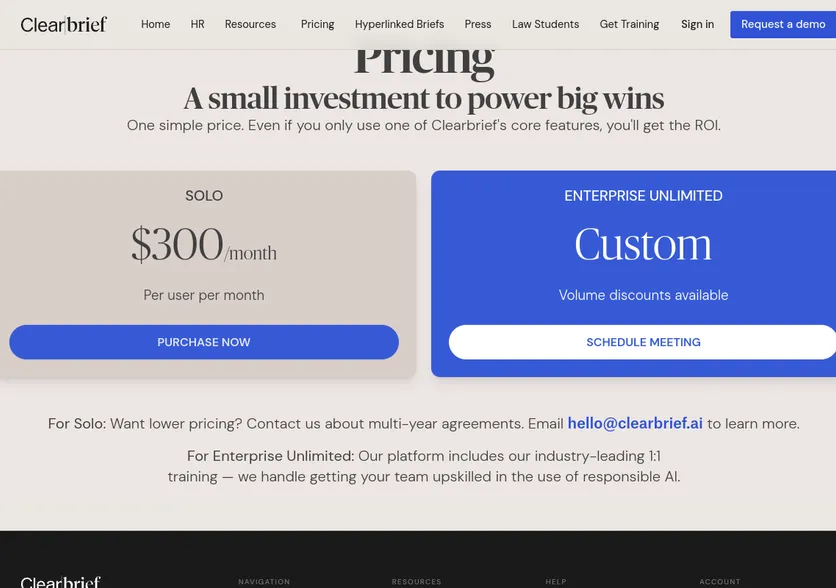
| Clearbrief | Litigation teams that must verify every citation before filing | $300/user/month | Free demo | Visit |
 Gavel | Firms that produce the same documents repeatedly from templates | $83/month | 7-day free trial | Visit |
The legal writing software for law firms, compared
1. BriefCatch
Best for: Litigation teams that want legal-specific editing and citation checks
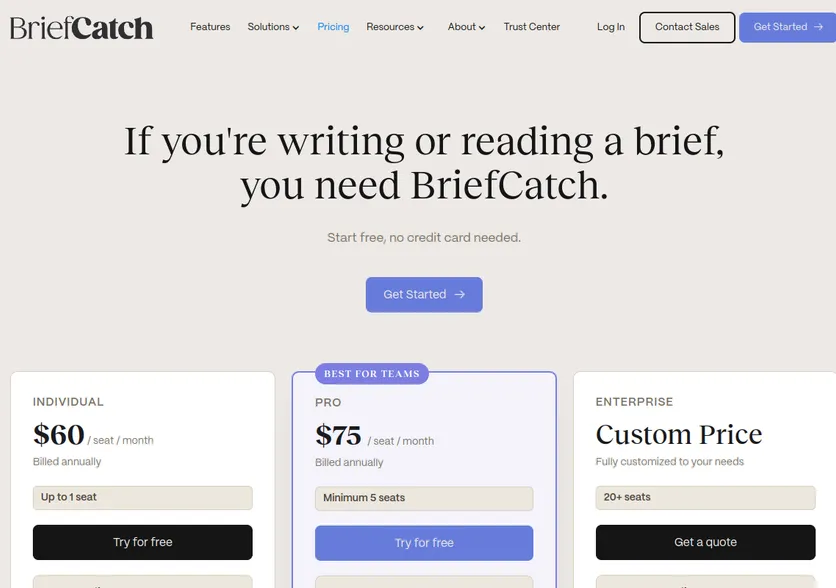
Paid tool Starting price: $60/seat/month · Sixty dollars per seat a month on the Individual plan billed annually, for one seat with six hundred and fifty AI credits a month; Pro is seventy-five dollars per seat a month with a five-seat minimum; Enterprise is quoted
Free plan: 7-day free trial
The BriefCatch Individual plan costs sixty dollars per seat a month billed annually, and it is the only tool in this list built specifically for legal prose. It revises a draft that already exists, suggesting edits for clarity, flow and concision, flagging wordy or vague phrasing, and checking citations with its RealityCheck tool. A litigation team that files briefs and motions and wants the writing to read cleanly will get the most from it.
What we like
- Built for legal writing by a legal writing expert
- Citation checking with RealityCheck
- Works as a Word add-in and web app
Watch out for
- It revises drafts rather than writing new ones
- AI credits cap heavy monthly use
How to try it
- Install the Word add-in and open a brief
- Run BriefCatch and review its clarity suggestions
- Check citations with RealityCheck before filing
2. PerfectIt
Best for: Firms that need house-style consistency across long documents
Paid tool Starting price: $115/year · One hundred and fifteen dollars a year on the Professional plan, shown as ten dollars a user a month billed annually; Elite is one hundred and forty-five dollars a year and Team is one hundred and fifty-five dollars; older listings showing seventy dollars a year are stale
Free plan: 14-day free trial
For one hundred and fifteen dollars a year, PerfectIt Professional checks a whole document for consistency instead of rewriting sentences. It catches inconsistent hyphenation, capitalization, undefined acronyms and deviations from a custom house style, which matters when several lawyers touch one brief. A firm that files long documents and needs every draft to match its style sheet will find it hard to replace.
What we like
- Whole-document consistency and style checks
- Custom house styles and Chicago Manual support
- No monthly fee, one annual subscription
Watch out for
- It does not rewrite sentences or check grammar
- No permanent free tier, only a trial
How to try it
- Install PerfectIt and load your house style
- Run the consistency checks on a draft
- Fix undefined acronyms and style deviations before filing
3. Grammarly
Best for: Firms that want one writing checker across every app
Paid tool Starting price: $12/member/month · Twelve dollars per member a month on the Pro plan billed annually, or one hundred and forty-four dollars a year; thirty dollars billed monthly; Pro replaced the old Premium and Business plans in 2026 and supports up to one hundred and forty-nine members
Free plan: Free plan
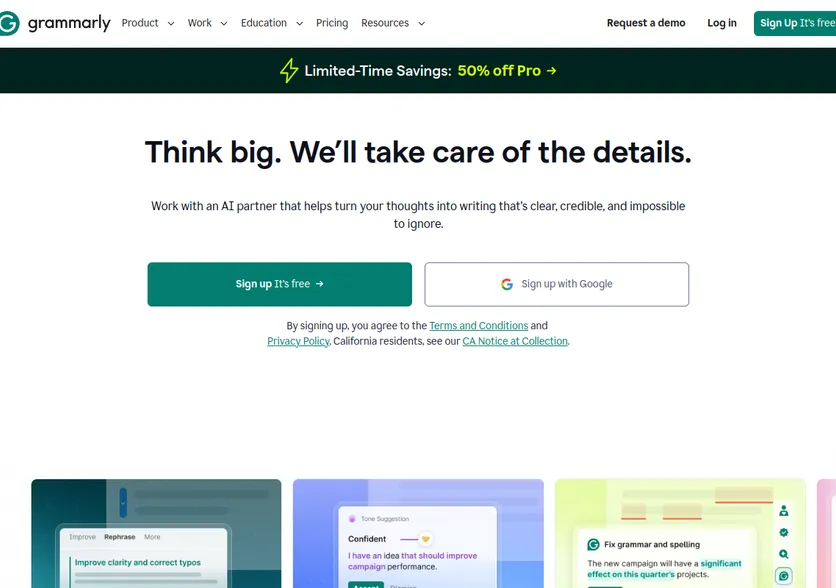
At twelve dollars per member a month billed annually, Grammarly Pro is the general-purpose editor most firms already know, now covering teams up to one hundred and forty-nine seats. It adds full-sentence rewrites, tone adjustment, plagiarism and AI-text detection, plus a style guide and brand tone for consistent firm writing. A firm that wants one writing checker working in every app its lawyers type in should start here.
What we like
- Works in Word, email, browsers and more
- Style guide and brand tone on Pro
- Plagiarism and AI-text detection included
Watch out for
- Not built specifically for legal writing
- Only one brand tone and style guide on Pro
How to try it
- Install Grammarly and connect it to Word and email
- Set the firm style guide and brand tone
- Review rewrites and tone suggestions on a real draft
4. ProWritingAid
Best for: Firms that write long documents and want deep style analysis
Paid tool Starting price: $10/month · Ten dollars a month on the Premium plan billed annually, or one hundred and twenty dollars a year; thirty dollars billed monthly; Premium Pro is twelve dollars a month billed annually and lifetime licences cost three hundred and ninety-nine dollars
Free plan: Free plan
Costing ten dollars a month billed annually, ProWritingAid Premium is the deep-analysis editor in this list, with more than twenty reports on pacing, sentence variety, overused words, clichés and readability. It suits firms that write long memos, opinions and filings and want to see why a draft reads badly, not just what to change. The free plan caps checks at five hundred words at a time, so the paid plan is the real test.

What we like
- More than twenty style and readability reports
- Rephrase and chapter critique tools
- Lifetime licence available for three hundred and ninety-nine dollars
Watch out for
- English only, no multilingual checking
- Free plan caps checks at five hundred words
How to try it
- Install ProWritingAid in Word or Google Docs
- Run the style reports on a long draft
- Apply rephrase suggestions and re-check readability
5. QuillBot
Best for: Firms that need fast paraphrasing and plain-language rewrites
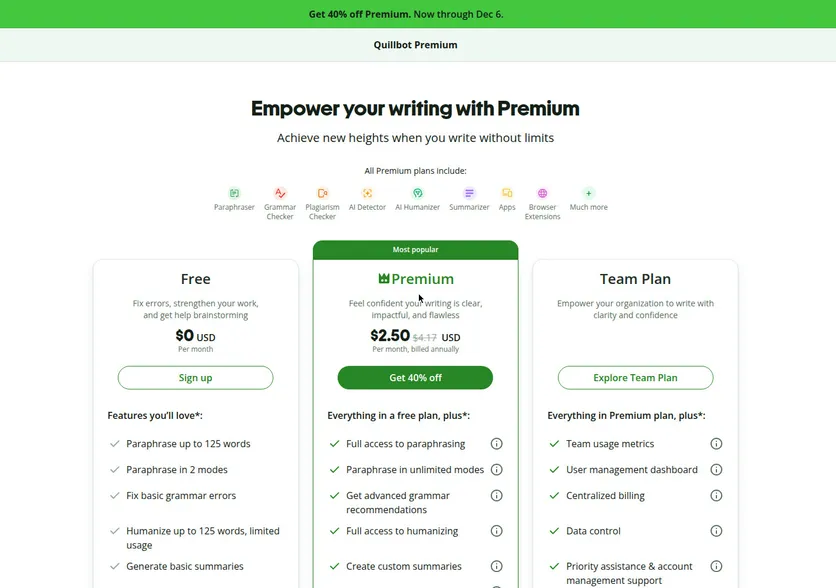
Paid tool Starting price: $4.17/month · Four dollars and seventeen cents a month on the Premium plan billed annually, or forty-nine dollars and ninety-five cents a year; nine dollars and ninety-five cents billed monthly; some older listings still show eight dollars and thirty-three cents a month, or ninety-nine dollars and ninety-five cents a year
Free plan: Free plan
The cheapest paid tool in this list is QuillBot Premium at four dollars and seventeen cents a month billed annually, and it is a paraphraser first and a grammar checker second. It rewrites passages in several modes, from more formal to simpler, and adds a summarizer, an AI detector and a plagiarism checker. A firm that needs to rework dense paragraphs into plain language quickly will find it the best value here.
What we like
- Cheapest paid plan in this list
- Paraphrasing in several modes and tones
- Summarizer, AI detector and plagiarism checker included
Watch out for
- Paraphrasing can over-rewrite legal meaning
- Free plan caps paraphrases at one hundred and twenty-five words
How to try it
- Paste a dense paragraph into the paraphraser
- Choose a mode such as formal or simple
- Review every rewrite for legal meaning before using it
6. Clearbrief
Best for: Litigation teams that must verify every citation before filing
Paid tool Starting price: $300/user/month · Three hundred dollars per user a month on the Solo plan, an annual licence-based subscription; Enterprise Unlimited is quoted with volume and multi-year discounts; a third-party directory listing of one hundred and fifty dollars is not the vendor price
Free plan: Free demo
At three hundred dollars per user a month, Clearbrief Solo is the most expensive tool here, and it does a job no other tool in this list attempts. Working inside Word, it verifies every citation and factual claim in a brief against the record, builds tables of authorities and evidence tables, and flags citations that do not exist or do not say what the brief claims. A litigation team filing high-stakes briefs buys it as insurance against a fabricated citation reaching a judge.
What we like
- Verifies citations against the record, not just style
- Builds tables of authorities automatically
- The only published price among legal AI drafting tools
Watch out for
- Three hundred dollars a user is steep for small firms
- Litigation-focused, not a general drafting tool
How to try it
- Install the Word add-in and open a brief
- Run the citation and fact verification checks
- Review flagged citations and fix them before filing
7. Gavel
Best for: Firms that produce the same documents repeatedly from templates
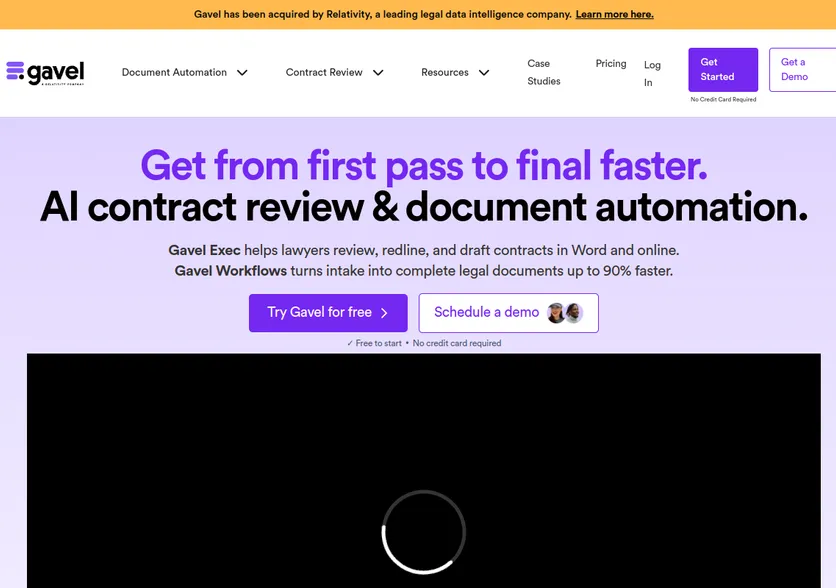
Paid tool Starting price: $83/month · Eighty-three dollars a month on the Workflows Lite plan billed annually, or ninety-nine dollars billed monthly; Standard is two hundred and ten dollars, Pro is two hundred and ninety dollars and Scale starts at four hundred and seventeen dollars; Gavel Exec for AI contract review is one hundred and sixty dollars per user a month
Free plan: 7-day free trial
For eighty-three dollars a month billed annually, Gavel Workflows Lite turns a firm's own templates into guided questionnaires that assemble finished documents. A client answers intake questions online and Gavel produces a correctly formatted Word document or PDF, with clauses added or removed by conditional logic. It fits firms that produce the same documents repeatedly and want the first draft assembled without a lawyer retyping it.
What we like
- No-code document assembly from your templates
- Guided client intake questionnaires included
- Conditional logic handles clause variations
Watch out for
- The Lite plan covers only one builder seat and ten templates
- Contract review needs the separate Exec product
How to try it
- Turn a Word template into a Gavel workflow
- Build the client intake questionnaire
- Test the assembled document end to end
Prices above were checked on each vendor’s own website on Nov 28, 2026 and can change — the vendor’s page is the final word. Vendor links are editorial: nobody paid to be listed or ranked here. Vendors who want a featured listing can see how it works on our Get listed page.
How to build a legal writing stack that catches errors
Start by separating the jobs: editing, consistency, citation verification and document assembly are different tasks, and no single tool in this list does all four well. Pair a legal-specific editor such as BriefCatch with a consistency checker such as PerfectIt, then add Clearbrief for filings where a wrong citation carries real risk. Test every tool on a real brief from your own practice area, because a checker tuned for general prose can miss legal phrasing entirely. Keep a human attorney in the loop for every AI suggestion, since AI tools can produce confident errors. Finally, confirm the tool integrates with Word and your document management system before you commit, or the writing help will sit unused.
Before you buy
- Check that the tool integrates with Word and your existing document management system
- Verify the level of AI assistance and how output is reviewed for accuracy
- Confirm support for your firm's practice areas and document types
- Review security and compliance features for handling client information
- Ask about training and support options for attorneys and staff
Official websites
Official websites of the products reviewed above. Features and prices were checked against these sites when this guide was written, and they can change, so confirm on the vendor site before you buy.
Frequently asked questions
What should a law firm look for in legal writing software?
Look for tools that support your research and drafting workflow, integrate with your document management, and include review features for accuracy. Security and compliance are also essential for client information. The strongest stacks pair a legal-specific editor with a consistency checker and, for litigation, a citation verification tool.
How much does BriefCatch cost for a law firm?
BriefCatch Individual costs sixty dollars per seat a month billed annually, for one seat with six hundred and fifty AI credits a month. Pro is seventy-five dollars per seat a month billed annually with a five-seat minimum, and Enterprise is quoted. A seven-day free trial is available without a credit card.
How do AI tools like Clearbrief fit into legal writing?
They can assist with drafting, contract analysis and document review, but attorney review remains necessary. Clearbrief verifies citations against the record, while BriefCatch checks clarity and citations with generative AI. They work best alongside research tools and document management platforms rather than as standalone solutions.
Can document assembly tools help with legal writing?
They help by turning templates into guided questionnaires that assemble finished documents, so attorneys stop retyping the same clauses. Gavel Workflows starts at eighty-three dollars a month billed annually for this job. They do not draft new arguments, so pair them with an editor for the writing itself.
Is it better to choose one platform or combine several?
Many firms combine a legal-specific editor, a consistency checker and a citation verification tool to cover all needs. Evaluate integration options to reduce friction between tools. A single general editor such as Grammarly can cover everyday writing, with specialist tools reserved for filings and long documents.
Compare the seven tools above, then start with a free trial on the tool that matches your biggest writing pain, editing, consistency or citations, before you pay for a full year.
Browse Text Tools tools