
On this page
A startup logo has to look funded before the funding arrives, and it has to cost almost nothing to make. Looka is the pick that fits that moment, with a one-time Premium package at $65 that buys vector files and full ownership without a subscription. This guide compares eight logo design tools for startups, with live 2026 prices, free plans and trials, so a founder can ship a credible brand this week on a pre-revenue budget.
How we researched this
We checked the pricing page of every vendor on this list on November 26, 2026, and kept only tools that publish a real dollar price. Each tool had to be usable by a founder with no design training, offer a free plan or free design with payment only at download, and produce a logo a startup can actually use, and we compared entry prices, free plans and how fast a team can ship with them.
Compare the tools
| Name | Best for | Starting price | Free plan | |
|---|---|---|---|---|
 Looka | Startups that want a one-time logo purchase with vector files and full ownership | $65 one-time | Free to design; pay to download | Visit |
| Designhill | Startups that want the cheapest DIY logo with an upgrade path to designers | $20 one-time | Free to design; pay to download | Visit |
 Canva | Startups that need a logo, a pitch deck and a brand kit in one tool | $12/month | Free plan | Visit |
 Brandmark | Startups that want a minimal one-time logo with unlimited revisions | $25 one-time | Free to design; pay to download | Visit |
 Adobe Express | Startups that want Adobe-quality templates and stock at the lowest price | $9.99/month | Free plan | Visit |
 VistaCreate | Startups that want one flat price for the whole founding team | $13/month | Free Starter plan | Visit |
 Kittl | Startups that need a typography-led wordmark and merch-ready artwork | $15/month | Free plan (personal use) | Visit |
 Figma | Technical startups that design the logo as part of their product system | $16/editor/month | Free Starter plan | Visit |
The tools, compared
1. Looka
Best for: Startups that want a one-time logo purchase with vector files and full ownership
Paid tool Starting price: $65 one-time · Premium logo package, $65 one-time with vector files; Basic is $20 one-time for a single PNG
Free plan: Free to design; pay to download
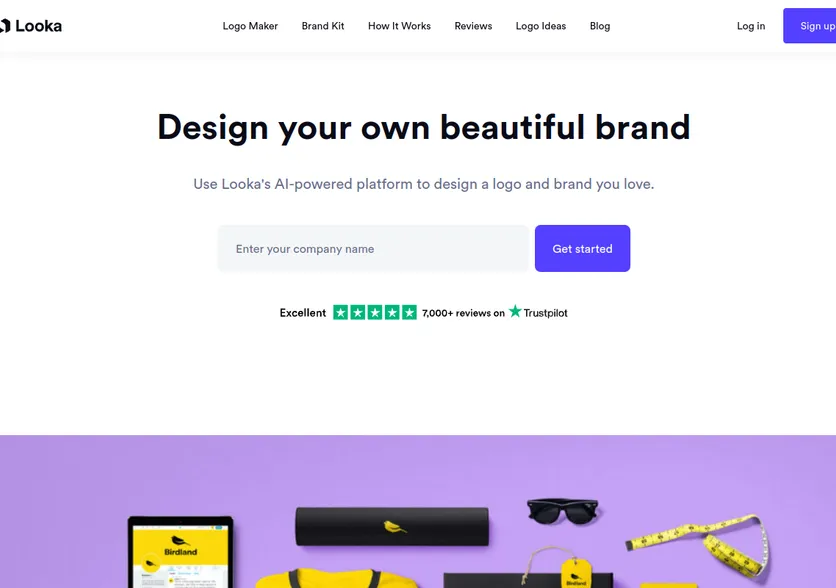
A startup should buy its logo once and move on, and Looka is built for exactly that purchase. Its Premium logo package costs $65 one-time and includes vector files, transparent variations and full ownership, with a Brand Kit subscription available for $96 a year. It is the best one-time buy on this list for a founder who wants a credible, usable logo without a monthly design bill.
What we like
- One-time purchase, no monthly fee for the logo
- Vector files included in Premium
- Full ownership with unlimited post-purchase changes
Watch out for
- Basic package is too limited for real use
- Editor is less flexible than Canva or Figma
How to try it
- Open the Looka pricing page and compare the packages
- Design the logo with the guided wizard
- Buy the Premium package and download the vector files
2. Designhill
Best for: Startups that want the cheapest DIY logo with an upgrade path to designers
Paid tool Starting price: $20 one-time · Basic logo package, $20 one-time; Premium is $65
Free plan: Free to design; pay to download
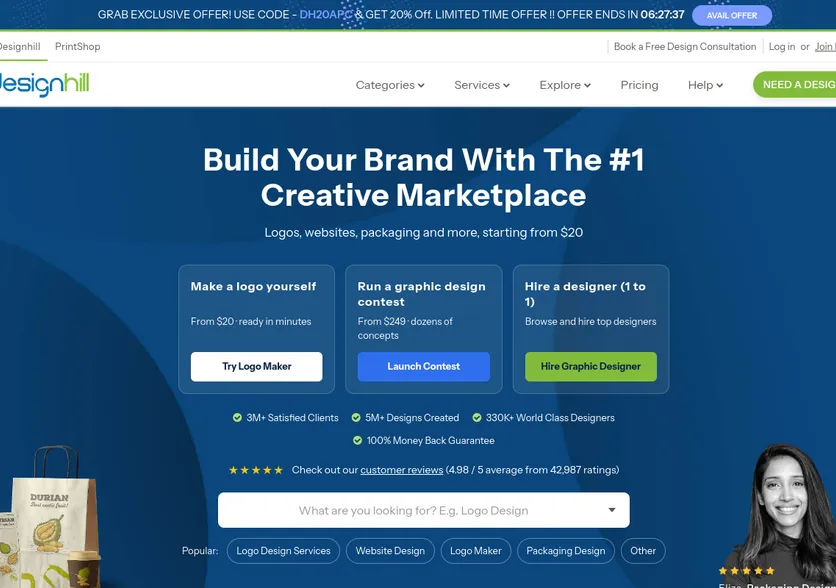
A pre-revenue startup needs a logo for twenty dollars, not two thousand, and Designhill sells the cheapest one-time logo on this list. Its Basic package costs $20 one-time, and the same platform runs design contests where freelance designers compete on a custom logo when the budget grows. It is the pick for a founder who wants to start cheap and upgrade to a designer-made mark later.
What we like
- Cheapest one-time logo on this list
- Upgrade path to designer contests on the same platform
- Full ownership of downloaded logos
Watch out for
- Basic package is a low-resolution file only
- Vectors and brand guides cost more
How to try it
- Open the Designhill logo maker and enter the company name
- Pick a style and customize the generated logos
- Buy the package and download the files
3. Canva
Best for: Startups that need a logo, a pitch deck and a brand kit in one tool
Paid tool Starting price: $12/month · Pro plan, $12 a month per person billed annually ($144 a year); $18 on monthly billing
Free plan: Free plan
A startup does not just need a logo, it needs the deck, the social posts and the one-pager that carry it, and Canva builds all of them in one editor. Its Pro plan costs $12 a month per person billed annually ($144 a year), and the brand kit keeps the logo, colors and fonts consistent across every template. It is the best all-round pick for a founder who wants the whole brand, not just the mark.

What we like
- Logo, deck and social posts in one editor
- Brand kits keep every asset consistent
- Huge template library a non-designer can use
Watch out for
- Per-person pricing adds up as the team grows
- Enterprise controls need the higher tier
How to try it
- Open the Canva pricing page and start the Pro trial
- Set up the brand kit with colors, fonts and logos
- Design the logo, then build the pitch deck in the same editor
4. Brandmark
Best for: Startups that want a minimal one-time logo with unlimited revisions
Paid tool Starting price: $25 one-time · Basic package, $25 one-time; Designer is $65
Free plan: Free to design; pay to download
A startup logo will change as the company finds its voice, and Brandmark allows unlimited revisions even after purchase. Its Basic package costs $25 one-time, and the purchase includes the logo files, a brand guide and business card designs on the higher tiers. It is the pick for a founder who wants a clean, minimal logo with a pay-once model and room to revise.
What we like
- One-time payment with unlimited revisions
- Full copyright included with purchase
- Minimal, modern logo styles
Watch out for
- Basic package is PNG only, vectors cost more
- Smaller template library than Canva
How to try it
- Open the Brandmark pricing page and compare the packages
- Generate logos from the company name and keywords
- Buy the package and revise the logo as the brand evolves
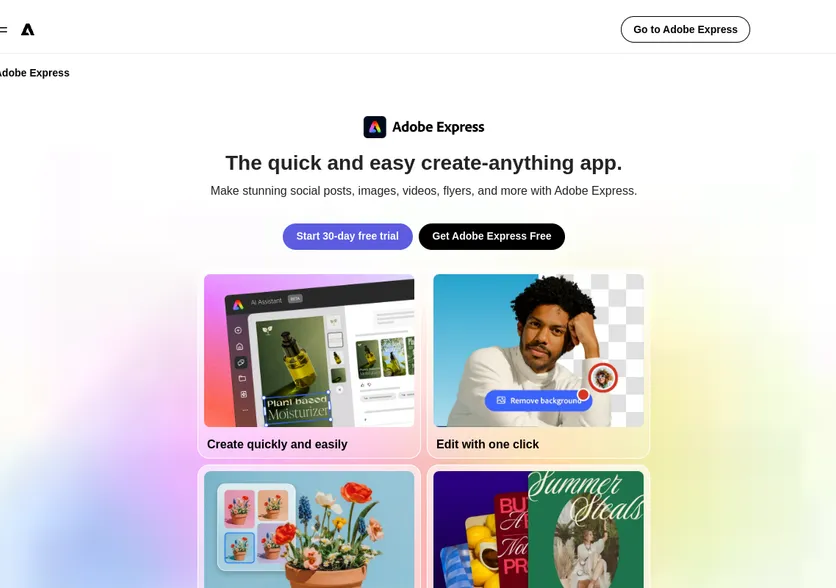
5. Adobe Express
Best for: Startups that want Adobe-quality templates and stock at the lowest price
Paid tool Starting price: $9.99/month · Premium plan, $9.99 a month per person
Free plan: Free plan
A startup that wants Adobe quality without the Adobe bill should look at Adobe Express first. Its Premium plan costs $9.99 a month per person, and the subscription unlocks premium templates, Adobe Stock assets and brand kits. It is the cheapest subscription on this list and the pick for a founder who wants polished templates and stock photography on a small budget.
What we like
- Cheapest subscription on this list
- Adobe Stock assets included in Premium
- Included free with paid Creative Cloud plans
Watch out for
- Template depth is smaller than Canva
- Team features need the Teams plan
How to try it
- Open the Adobe Express pricing page and compare the plans
- Set up a brand kit with the company colors and fonts
- Design the logo and export it in every size the startup needs
6. VistaCreate
Best for: Startups that want one flat price for the whole founding team
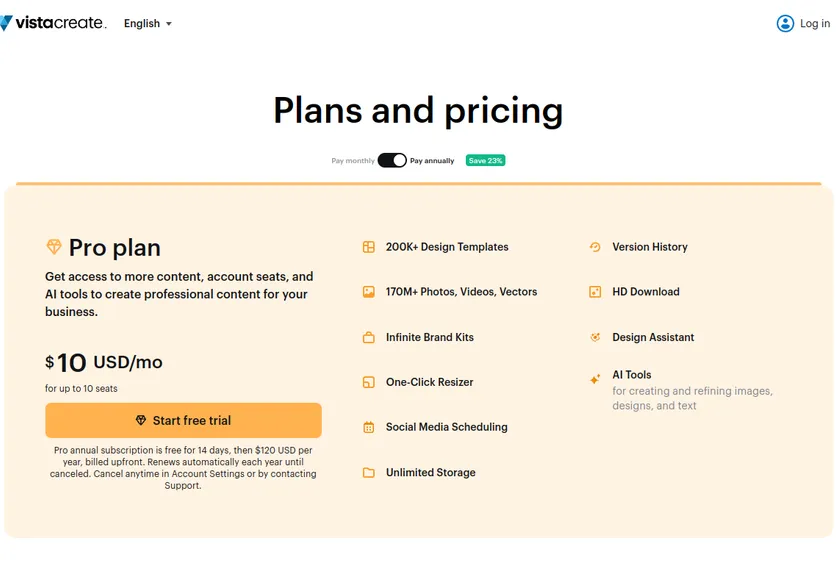
Paid tool Starting price: $13/month · Pro plan, $13 a month on monthly billing; $10 a month billed annually, covers up to 10 seats
Free plan: Free Starter plan
A startup team of five should not pay five seat fees for one logo tool, and VistaCreate charges one flat price for up to ten seats. Its Pro plan costs $13 a month on monthly billing, and the subscription covers premium templates, brand kits and AI tools for everyone. It is the pick for a founding team that wants a predictable bill while the headcount changes monthly.
What we like
- One flat price covers up to ten seats
- Unlimited brand kits on Pro
- Animation built into every plan
Watch out for
- Template library is smaller than Canva
- Fewer integrations than bigger platforms
How to try it
- Open the VistaCreate plans page and start the Pro trial
- Set up a brand kit for the startup
- Invite the founding team under the one subscription
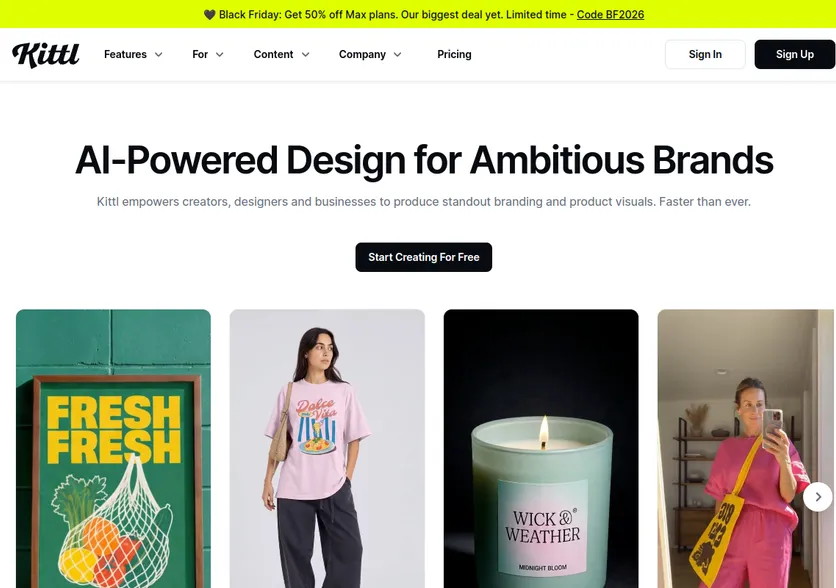
7. Kittl
Best for: Startups that need a typography-led wordmark and merch-ready artwork
Paid tool Starting price: $15/month · Pro plan, $15 a month on monthly billing; about $10 a month on annual billing
Free plan: Free plan (personal use)
A startup whose logo is mainly a wordmark needs lettering tools, not a generic generator, and Kittl is built for that job. Its Pro plan costs $15 a month on monthly billing, and the editor combines strong text effects, vector tools and a commercial license for merch and packaging. It is the pick for a founder whose brand lives on a wordmark, a shirt or a package.
What we like
- Best-in-class typography and text effects
- Commercial license included on Pro
- Vector exports for print and merch
Watch out for
- Smaller template library than Canva
- Annual price varies by source, check at checkout
How to try it
- Open the Kittl pricing page and start the Pro trial
- Build the wordmark with the typography tools
- Export vectors and test the logo on a mockup
8. Figma
Best for: Technical startups that design the logo as part of their product system
Paid tool Starting price: $16/editor/month · Professional full seat, $16 an editor a month billed annually; $20 on monthly billing
Free plan: Free Starter plan
A technical startup already designs its product in Figma, so the logo belongs there too, and Figma keeps it in the same system. Its Professional full seat costs $16 an editor a month billed annually, and the platform combines vector drawing, shared libraries and version history in one canvas. It is the pick for a founder team that treats the logo as one component of a product, not a separate purchase.

What we like
- Vector drawing with shared team libraries
- Version history tracks every change
- Viewers are free, only editors are billed
Watch out for
- Needs design skill, not a one-click generator
- Seat model confuses first-time buyers
How to try it
- Open the Figma pricing page and start the free Starter plan
- Draw the logo as vectors on a shared canvas
- Publish it to the team library so every file uses the same mark
Prices above were checked on each vendor’s own website on Nov 26, 2026 and can change — the vendor’s page is the final word. Vendor links are editorial: nobody paid to be listed or ranked here. Vendors who want a featured listing can see how it works on our Get listed page.
How to pick a logo tool on a startup budget
A startup should pay once for the logo it needs today, not rent a design tool it will barely use, so start with the one-time packages and check what the download actually includes. Favor tools that are free to design, because a founder should test ten directions before paying for one. Check the export formats before buying: a logo that only ships as a small image cannot go on a pitch deck, a website, a business card and a social profile. Finally, confirm the license grants full ownership, since a startup that cannot legally use its own logo has bought nothing.
Before you buy
- Start with the one-time packages and check what the download includes.
- Design for free first and pay only for the direction you keep.
- Confirm vector exports before buying, not after you have paid.
- Check the license grants full ownership of the logo.
- Pick the tool a non-designer founder can finish in an afternoon.
Official websites
Official websites of the products reviewed above. Features and prices were checked against these sites when this guide was written, and they can change, so confirm on the vendor site before you buy.
Frequently asked questions
What is the cheapest logo design tool for a startup?
Designhill is the cheapest one-time buy here, with a Basic package at $20. Brandmark Basic is $25 one-time and Looka Basic is $20 one-time for a single image. Among subscriptions, Adobe Express Premium is $9.99 a month. The right cheap pick depends on the need: Designhill suits a quick DIY logo, while Looka Premium at $65 is the cheapest usable vector package.
Can a startup get a usable logo without a designer?
Yes. Looka, Brandmark and Designhill all generate logos from a company name and a few style choices, and Canva and Adobe Express offer templates a non-designer can finish in an afternoon. The generated logo will not win design awards, but it will look credible on a pitch deck and a website. Upgrade to a designer contest on Designhill when the startup can afford a custom mark.
Which tool is best for a pitch deck logo?
Canva is the strongest pick for a pitch deck, since the logo, the deck and the brand kit live in one editor. Visme-style templates are not on this list, but Canva covers the same ground with better brand controls. For a one-off logo to drop into a deck, Looka Premium at $65 buys the vector files and full ownership in a single purchase.
Do I own the logo I make with these tools?
Yes, on the paid plans. Looka, Brandmark and Designhill all grant full ownership of downloaded logos, and Canva, Adobe Express, Kittl and VistaCreate grant commercial use rights on paid plans. Read the license for the exact plan before buying, since free plans sometimes restrict commercial use. Keep the purchase receipt and the license terms together for any future trademark filing.
Is there a free plan for a pre-revenue startup?
Yes. Canva, Adobe Express, Figma, Kittl and VistaCreate all have free plans, and Looka, Brandmark and Designhill are free to design with payment only at download. Start on the free plan to test ten logo directions, then pay once for the direction you keep.
Need a quick image fix? Try free image tools on Toolsvine right in your browser.
Browse Image Tools tools


