On this page
Enterprise marketing teams need analytics that tie spend to revenue across channels, regions and business units, with the governance to back it up. The seven tools below range from a full marketing cloud to specialist analytics platforms, and each one is judged on reporting depth, data trust and how much of the price is published. HubSpot Marketing Hub leads the list because its Professional plan costs eight hundred dollars a month and ties campaigns and reporting together in one platform, and the other six are ranked on the same test.
How we researched this
We checked every price on the vendor pricing page or in a vendor-published price disclosure on November 28, 2026, and only included tools with a published US dollar list price. Adobe Analytics, Oracle Marketing and SAS Customer Intelligence 360 sell by quote, while Contentsquare is enterprise quote-only, so they are not in this list. Prices change, so confirm the current figure on the vendor site before you buy.
Compare the tools
| Name | Best for | Starting price | Free plan | |
|---|---|---|---|---|
 HubSpot Marketing Hub | Large teams wanting campaigns and reporting together | $800/month | Free plan | Visit |
| Salesforce Marketing Cloud | Enterprise teams already running Salesforce | $1,500/org/month | Free trial | Visit |
| Google Analytics 360 | Large organisations already running GA4 | $50,000/year | Free plan | Visit |
 Mixpanel | Enterprise teams needing product analytics too | $25/month | Free plan | Visit |
 Amplitude | Enterprise teams tying behaviour to acquisition spend | $49/month | Free plan | Visit |
 Hotjar | Enterprise teams wanting heatmaps and recordings | $39/month | Free plan | Visit |
 Kissmetrics | Enterprise teams wanting customer-level analytics | $99/month | Free plan | Visit |
The marketing analytics software for enterprise, compared
1. HubSpot Marketing Hub
Best for: Large teams wanting campaigns and reporting together
Paid tool Starting price: $800/month · Eight hundred dollars a month on the Professional plan billed annually; Starter is $15 per seat a month and Enterprise is $3,600 a month
Free plan: Free plan
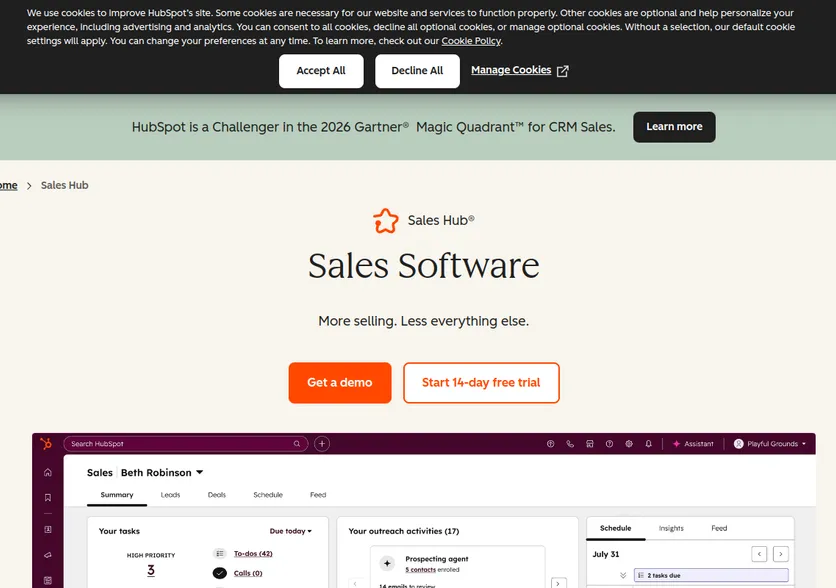
HubSpot Marketing Hub Professional costs eight hundred dollars a month, and it is the easiest enterprise analytics pick to explain to a boss because campaigns and reporting live together. Email, landing pages, automation and attribution share one CRM, so a report on revenue is built from the same data as the campaign that produced it. It suits large teams that want a connected platform rather than a separate analytics tool.
What we like
- Campaigns, automation and reporting in one CRM
- Attribution reports tied to real revenue
- Free plan and Starter plan for smaller teams
Watch out for
- Enterprise features need the top plan
- Costs grow with contacts and seats
How to try it
- Connect campaigns and the CRM in one workspace
- Build attribution reports for each channel
- Review revenue by campaign monthly
2. Salesforce Marketing Cloud
Best for: Enterprise teams already running Salesforce
Paid tool Starting price: $1,500/org/month · One thousand five hundred dollars per organisation a month on the Growth edition billed annually; Advanced is $3,250; Engagement+ editions start at $2,000; the old $400 Basic email entry point is being phased out
Free plan: Free trial
Salesforce Marketing Cloud Growth costs one thousand five hundred dollars per organisation a month on annual billing, and it pairs journeys and email with the deepest Salesforce integration available. Marketing and sales data share one platform, so campaigns can trigger on CRM changes and results flow back to the record automatically. It fits enterprise teams already running Salesforce who want marketing on the same system.
What we like
- Journeys and email inside the Salesforce platform
- Deep integration with Sales and Service Cloud
- Enterprise scale for high-volume sending
Watch out for
- Setup and training take real effort
- Entry price is high for mid-size teams
How to try it
- Connect Marketing Cloud to your Salesforce org
- Build a journey that triggers on CRM changes
- Review campaign revenue against the CRM
3. Google Analytics 360
Best for: Large organisations already running GA4
Paid tool Starting price: $50,000/year · Fifty thousand dollars a year as the reported suggested retail floor, covering 25 million events a month; Google publishes no price for Analytics 360 and sells it by quote through sales or a certified partner
Free plan: Free plan
Google Analytics 360 is reported from fifty thousand dollars a year, and it is the enterprise tier of the analytics tool most teams already use for free. It adds higher data limits, unsampled reports, BigQuery export and a service agreement on top of GA4. It suits large organisations that already run GA4 and need enterprise limits and support, not a new tool.
What we like
- Enterprise limits on top of familiar GA4
- Unsampled reports and BigQuery export
- Service agreement and dedicated support
Watch out for
- Price is reseller reported, not vendor published
- Sold by quote through sales or a partner
How to try it
- Confirm your event volume against the limits
- Set up BigQuery export for raw data
- Build unsampled reports for each channel
4. Mixpanel
Best for: Enterprise teams needing product analytics too
Paid tool Starting price: $25/month · Twenty-five dollars a month on the Growth plan; the first one million events a month are free, then $0.28 per 1,000 events; Enterprise is quoted
Free plan: Free plan
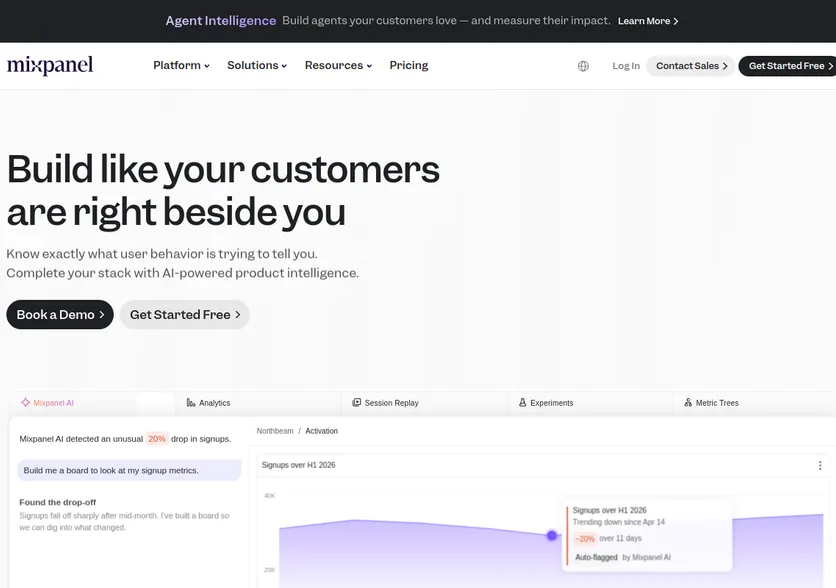
Mixpanel Growth starts at twenty-five dollars a month, and it tracks events, funnels and retention with a free tier that covers a million events. Product and marketing teams can see which campaigns bring users who actually stay, not only which ones bring clicks. It suits enterprise teams that need product analytics alongside marketing reporting.
What we like
- Event funnels and retention in one tool
- Free tier covers one million events a month
- Fast self-serve analysis without a data team
Watch out for
- Usage pricing can rise with event volume
- Marketing attribution is lighter than on HubSpot
How to try it
- Define the events that matter for your funnel
- Build funnels and retention reports
- Compare cohorts by acquisition channel
5. Amplitude
Best for: Enterprise teams tying behaviour to acquisition spend
Paid tool Starting price: $49/month · Forty-nine dollars a month on the Plus plan billed annually, covering up to 300,000 monthly tracked users or 25 million events; Starter is free; Growth and Enterprise are quoted
Free plan: Free plan
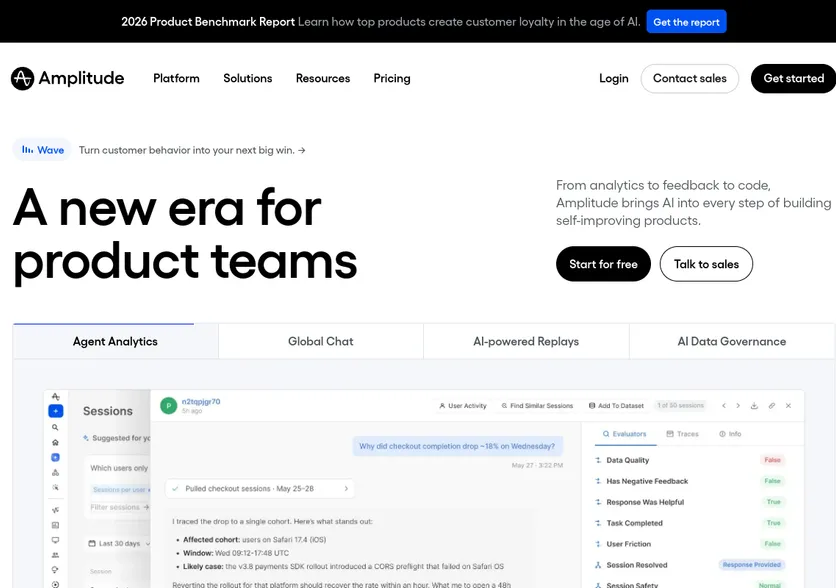
Amplitude Plus starts at forty-nine dollars a month on annual billing, and it turns product behaviour into cohorts, funnels and retention views without a data team. Marketing teams can see which channels bring users who convert and stay, then shift budget to the channels that work. It suits enterprise teams that want behaviour analytics tied to acquisition spend.
What we like
- Cohorts, funnels and retention without a data team
- Free Starter plan for testing
- Strong analysis for product-led growth
Watch out for
- Enterprise features need a quoted plan
- Learning curve for new analysts
How to try it
- Define conversion events for your funnel
- Build cohorts by acquisition channel
- Review retention by channel monthly
6. Hotjar
Best for: Enterprise teams wanting heatmaps and recordings
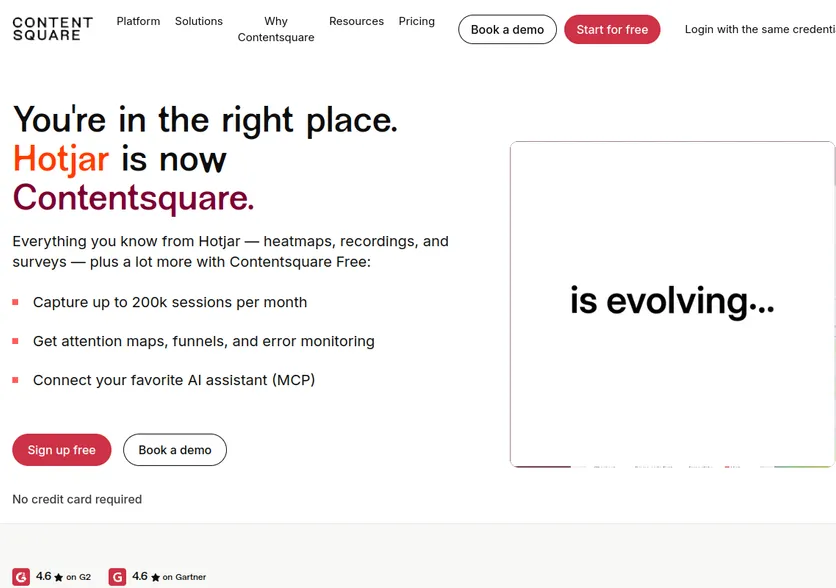
Paid tool Starting price: $39/month · Thirty-nine dollars a month on the Growth plan billed annually ($49 billed monthly) for 7,000 sessions; Hotjar is now sold as Contentsquare Experience Analytics and the old Plus $32 plan is gone; free plan included
Free plan: Free plan
Hotjar Growth costs thirty-nine dollars a month on annual billing, and it shows what visitors actually do through heatmaps, recordings and funnels. A marketing team can watch how a landing page performs, see where visitors drop off, and fix the page instead of guessing. It suits enterprise teams that want qualitative insight alongside their numbers.
What we like
- Heatmaps and session recordings built in
- Funnels show where visitors drop off
- Free plan for small sites
Watch out for
- Session limits decide the real price
- Now sold under the Contentsquare brand
How to try it
- Install the tracking script on your site
- Record sessions and review heatmaps weekly
- Fix the pages where visitors drop off
7. Kissmetrics
Best for: Enterprise teams wanting customer-level analytics
Paid tool Starting price: $99/month · Ninety-nine dollars a month on the Growth plan; a free plan covers 100,000 events a month; older guides quoting $299 a month for Starter are stale
Free plan: Free plan
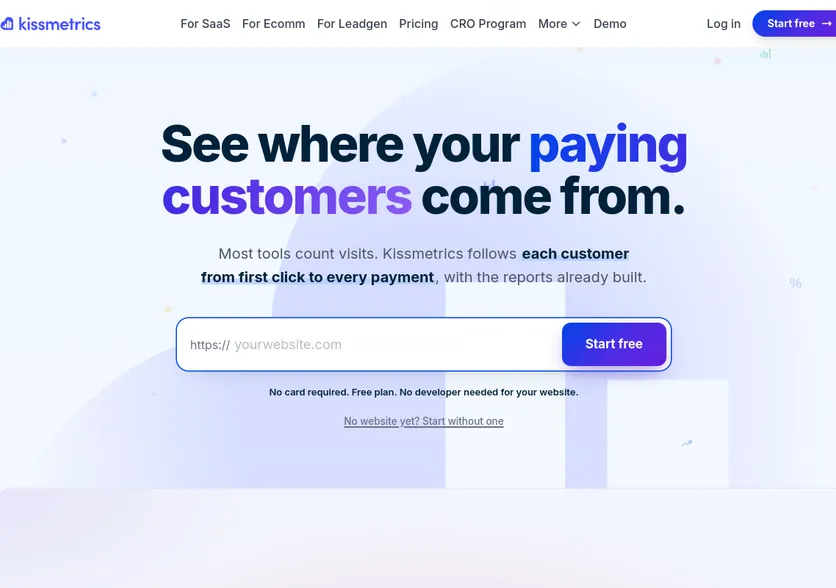
Kissmetrics Growth starts at ninety-nine dollars a month, and it ties every event to a named customer so revenue can be traced back to the campaign. Cohort reports, funnel analysis and email automation sit in one product, which suits teams that want customer-level analytics without a data warehouse. It is the most customer-focused analytics tool in this list.
What we like
- Every event tied to a named customer
- Cohort and funnel reports built in
- Free plan covers 100,000 events a month
Watch out for
- Smaller ecosystem than the big platforms
- Older guides quote a stale $299 price
How to try it
- Connect your site and define key events
- Build cohorts by first touch channel
- Trace revenue back to each campaign
Prices above were checked on each vendor’s own website on Nov 28, 2026 and can change — the vendor’s page is the final word. Vendor links are editorial: nobody paid to be listed or ranked here. Vendors who want a featured listing can see how it works on our Get listed page.
How enterprise teams choose analytics without buying twice
Start with the question, not the tool. List the five questions your team must answer every month, such as which channel brings customers who stay, and buy the tool that answers those five without custom work. Check data limits before price, because an enterprise plan that caps events will cost more than a cheaper tool with higher limits. Run a pilot on real data for a month and compare the reports against your current source of truth, since a tool that disagrees with finance will not survive the first quarterly review. Finally, agree who owns the data model, because enterprise analytics fails when five teams define the same event five ways.
Before you buy
- Confirm event and user limits on the plan you will actually buy
- Ask how attribution reports handle multi-touch journeys and offline conversions
- Check whether the tool exports raw data or locks reports inside its own dashboard
- Test the reports on your real data during the pilot, not on demo data
- Ask who owns setup, training and ongoing data governance
Official websites
Official websites of the products reviewed above. Features and prices were checked against these sites when this guide was written, and they can change, so confirm on the vendor site before you buy.
Frequently asked questions
What is the best marketing analytics software for enterprise?
HubSpot Marketing Hub leads this list because its Professional plan costs eight hundred dollars a month and ties campaigns and reporting together in one CRM. Salesforce Marketing Cloud suits teams already on Salesforce, while Mixpanel and Amplitude add product analytics. The right choice depends on whether you need campaign reporting, product analytics or both.
How much does enterprise marketing analytics cost?
Published prices in this list run from twenty-five dollars a month at Mixpanel to fifty thousand dollars a year reported for Google Analytics 360. HubSpot Professional costs eight hundred dollars a month and Salesforce Marketing Cloud one thousand five hundred dollars per organisation a month. Event volume and user counts decide the real bill, so price them on your usage.
Is Google Analytics 360 worth the price?
Google Analytics 360 suits large organisations already running GA4 that need higher data limits, unsampled reports, BigQuery export and a service agreement. Smaller teams get most of the value from free GA4. The reported price starts at fifty thousand dollars a year, so confirm the quote through sales or a certified partner.
Do I need product analytics as well as marketing analytics?
Marketing analytics shows which channels bring visitors and revenue, while product analytics shows what those visitors do after they arrive. Teams that sell software or subscriptions usually need both, which is why Mixpanel and Amplitude appear in this list. Teams that sell services may only need campaign reporting.
What should enterprise teams check before buying?
Check event and user limits first, then attribution depth, then raw data export. Run a pilot on real data and compare the reports against your current source of truth. Finally, agree who owns the data model and governance, because enterprise analytics fails when teams define the same event differently.
Compare the seven tools above, then pilot the enterprise analytics tool that answers your team's five hardest questions before you commit.
Browse Marketing & Ads Calculators tools