On this page
A law firm lives or dies on consultations, and most of them are lost in the gap between the first contact and the follow-up that never comes. The tools below close that gap with reminders, intake forms, and newsletters that keep the firm in front of clients. Lawmatics leads the list because it was built for legal intake, with matter pipelines and follow-ups that a generic CRM cannot match, for one hundred ninety-nine dollars a month. The other six tools are ranked on the same test: how well they turn a website visitor into a signed client for the price.
How we researched this
We checked every price on the vendor pricing page on November 28, 2026, and only included tools with a published US dollar list price. Lawmatics no longer shows figures on its pricing page, so its prices are the last published ones and are marked as such. Prices change, so confirm the current figure on the vendor site before you buy.
Compare the tools
| Name | Best for | Starting price | Free plan | |
|---|---|---|---|---|
 HubSpot Marketing Hub | Law firms that want a free CRM with paid marketing on top | $15/seat/month | Free plan | Visit |
 ActiveCampaign | Law firms that want multi-step follow-up sequences | $15/month | No free plan, 14-day free trial | Visit |
 Mailchimp | Small law firms that want simple newsletters and follow-ups | $13/month | Free plan up to 250 contacts | Visit |
 Keap | Established firms that want CRM, invoicing and payments together | $249/month | No free plan, 14-day free trial | Visit |
 Ortto | Firms that want journeys, email and reporting in one place | $199/month | No free plan, free trial | Visit |
| Lawmatics | Law firms that want intake built for legal work | $199/month | No free plan, free demo | Visit |
| Intaker | Law firms that want website visitors turned into booked consultations | $80/month | No free plan, 14-day free trial | Visit |
The marketing automation software for law firms, compared
1. HubSpot Marketing Hub
Best for: Law firms that want a free CRM with paid marketing on top
Paid tool Starting price: $15/seat/month · Fifteen dollars per seat per month on the Marketing Hub Starter plan billed annually; the monthly-billed rate is twenty dollars per seat
Free plan: Free plan
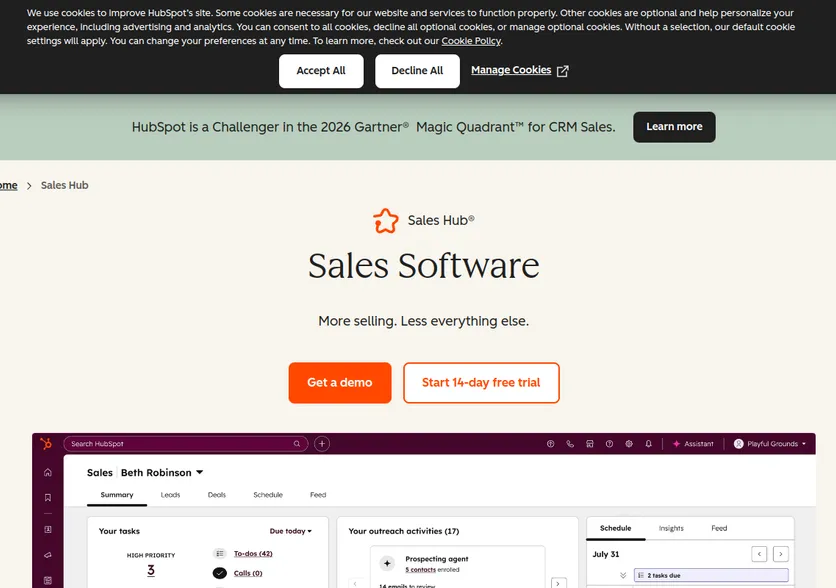
For a law firm, the HubSpot Marketing Hub Starter plan costs fifteen dollars per seat each month billed annually, and its value is the free CRM underneath it, which tracks every consultation request from first contact to signed client. A firm can run email follow-ups for consultation no-shows, send a newsletter with practice-area updates, and see which campaigns produced signed cases. The free CRM alone is enough for a solo practice to organize its pipeline before paying for the marketing seat.
What we like
- Free CRM tracks leads from first contact to signed client
- Email follow-ups pair with forms and landing pages
- Reporting shows which campaigns produced signed cases
Watch out for
- Paid marketing seats add up as the team grows
- Legal intake workflows must be built from scratch
How to try it
- Connect the free CRM and import past clients by practice area
- Build a consultation follow-up email for no-shows and unbooked leads
- Set a monthly newsletter with one update per practice area
2. ActiveCampaign
Best for: Law firms that want multi-step follow-up sequences
Paid tool Starting price: $15/month · Fifteen dollars per month on the Starter plan billed annually at one thousand contacts; the monthly-billed rate is nineteen dollars
Free plan: No free plan, 14-day free trial
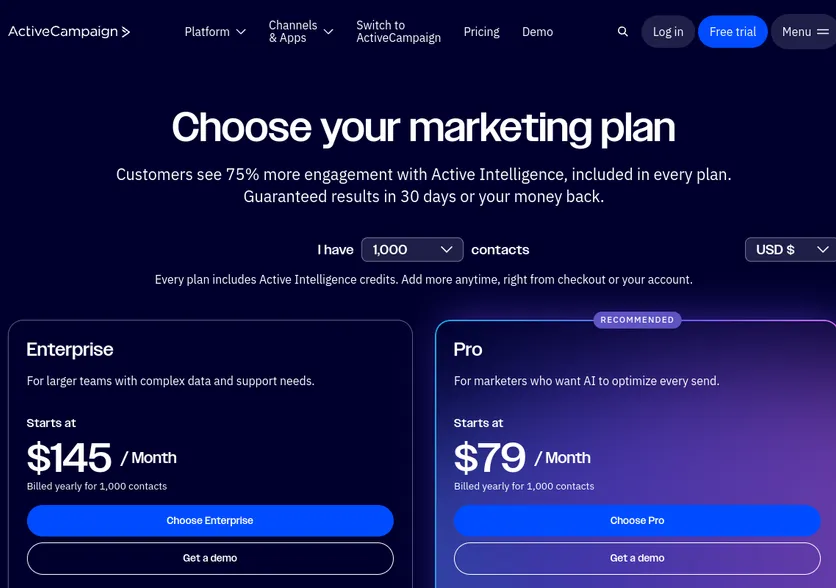
A law firm that needs real automation can run ActiveCampaign for fifteen dollars a month billed annually, and its visual workflow builder handles the follow-up sequences most firms forget, such as the second email after a consultation request and the check-in a month later. It can tag contacts by practice area, so a family law lead never gets a personal injury newsletter. The price rises with the contact count, so a firm with a large database should price the next tier before committing.
What we like
- Visual automation builder handles multi-step follow-ups
- Tagging keeps practice areas separate in one list
- CRM and sales pipeline included in the same plan
Watch out for
- Price rises with contact count, so large lists cost more
- Learning curve is steeper than simpler email tools
How to try it
- Import contacts and tag them by practice area and case status
- Build a workflow that follows up after a consultation request
- Add a check-in email one month after a case closes
3. Mailchimp
Best for: Small law firms that want simple newsletters and follow-ups
Paid tool Starting price: $13/month · Thirteen dollars per month on the Essentials plan at five hundred contacts; the annual-billed rate is about eleven dollars per month
Free plan: Free plan up to 250 contacts
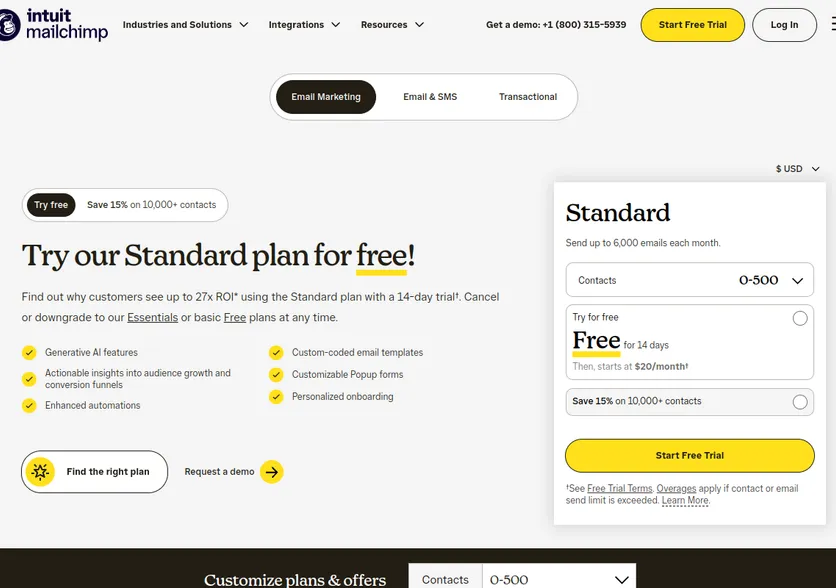
The Mailchimp Essentials plan costs thirteen dollars a month for five hundred contacts, and it is the simplest way for a small firm to send a monthly newsletter and a basic consultation follow-up. A practice can publish a landing page for a free guide, collect emails, and send practice-area updates without hiring a marketer. The free plan covers very small lists, but the price climbs quickly once the list grows past a few thousand contacts.
What we like
- Easy to learn and quick to send a first campaign
- Landing pages and signup forms included
- Free plan works for very small lists
Watch out for
- Price climbs steeply as the list grows
- Automation is simpler than dedicated automation tools
How to try it
- Import past clients and segment by practice area
- Create a landing page for a free legal guide
- Send a monthly newsletter with one update per practice area
4. Keap
Best for: Established firms that want CRM, invoicing and payments together
Paid tool Starting price: $249/month · Two hundred forty-nine dollars per month on the Pro plan billed annually for one thousand five hundred contacts and two users; the monthly-billed rate is two hundred ninety-nine dollars
Free plan: No free plan, 14-day free trial
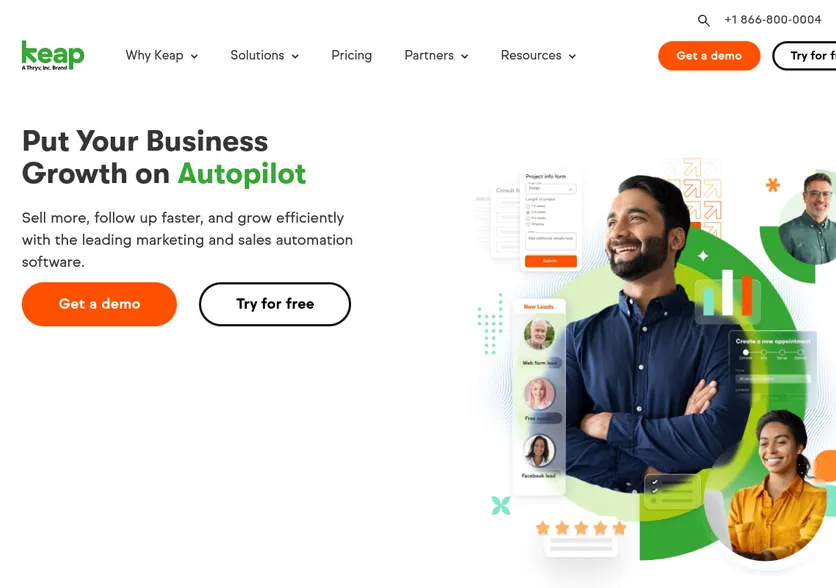
At two hundred forty-nine dollars a month billed annually, Keap combines a CRM with email automation, invoicing, and payments, which suits a firm that wants client intake and billing in the same system. A practice can capture a lead from a web form, send an automated consultation reminder, collect a retainer, and track the matter without switching apps. The onboarding fee and the price make it a better fit for an established firm than for a solo attorney just starting out.
What we like
- CRM, email, invoicing and payments in one system
- Automated follow-ups chase consultations and retainers
- Good fit for firms with steady case volume
Watch out for
- Mandatory onboarding adds a one-time fee from $499
- Highest starting price in this list
How to try it
- Import leads and set up a pipeline from consultation to signed retainer
- Build an automated consultation reminder with a retainer link
- Connect invoicing so retainers and reminders run in one place
5. Ortto
Best for: Firms that want journeys, email and reporting in one place
Paid tool Starting price: $199/month · One hundred ninety-nine dollars per month on the Starter plan at five thousand contacts; the annual-billed rate is one hundred sixty-nine dollars per month
Free plan: No free plan, free trial
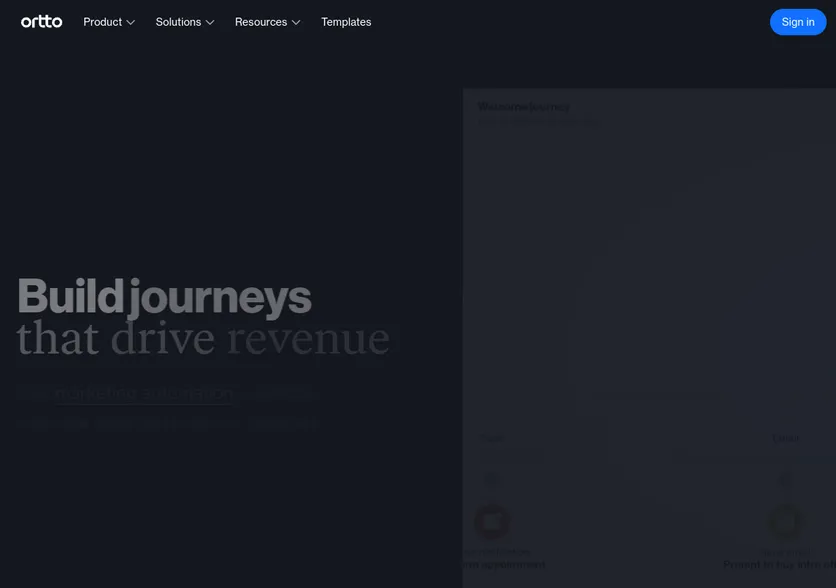
The Ortto Starter plan costs one hundred ninety-nine dollars a month for five thousand contacts, and it is built for firms that want their marketing data in one place, with journeys, email, and reporting connected. A firm can map the full path from first website visit to consultation booking and see where leads drop off. The price is high for a small practice, and the older low figures that still circulate online date from before the rebrand, so ignore them.
What we like
- Journeys, email and reporting connected in one platform
- Clear view of where leads drop off before booking
- Strong segmentation by practice area and behavior
Watch out for
- High starting price for a small practice
- Older low price figures online are stale and misleading
How to try it
- Connect the website and map the journey from visit to consultation
- Build an email sequence for unbooked consultation requests
- Review the drop-off report each month and fix the weakest step
6. Lawmatics
Best for: Law firms that want intake built for legal work
Paid tool Starting price: $199/month · One hundred ninety-nine dollars per month on the Lite plan and two hundred ninety-nine dollars on Pro, last published by the vendor; the pricing page no longer shows figures, so confirm before buying
Free plan: No free plan, free demo
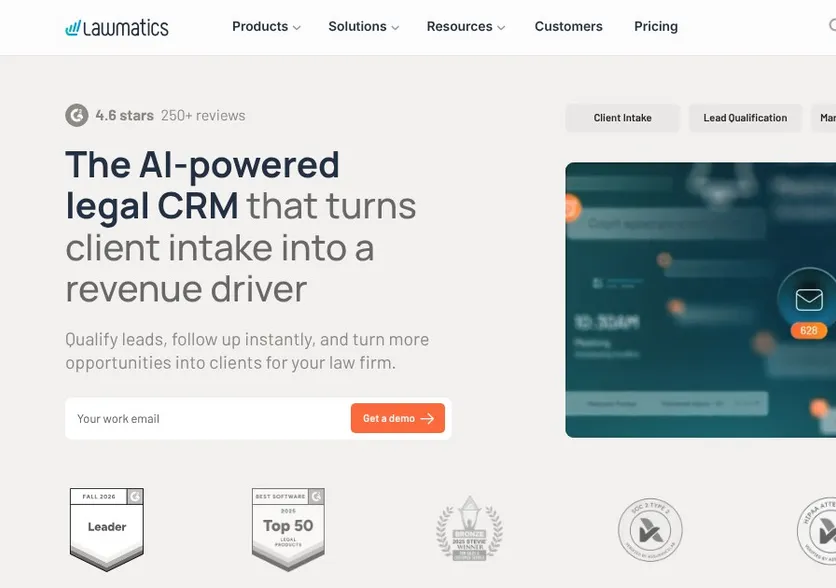
The Lawmatics Lite plan costs one hundred ninety-nine dollars a month, and it is the only tool on this list built specifically for law firm intake, with matter pipelines, automated follow-ups, and e-signature built for legal workflows. A firm can automate the consultation reminder, the retainer packet, and the check-in after a case closes, all without a generic CRM workaround. The vendor no longer shows prices on its pricing page, so the figures here are the last published ones and should be confirmed before buying.
What we like
- Built for legal intake, not adapted from a generic CRM
- Matter pipelines, follow-ups and e-signature included
- Automates the retainer packet and post-case check-in
Watch out for
- Prices are last published, not shown on the vendor page now
- Pro plan at $299 a month is a big step up from Lite
How to try it
- Set up a matter pipeline for each practice area
- Automate the consultation reminder and retainer packet
- Turn on the post-case check-in and review request
7. Intaker
Best for: Law firms that want website visitors turned into booked consultations
Paid tool Starting price: $80/month · Eighty dollars per month starting, per multiple November 2026 listings; setup and integration fees can be significant, so confirm the total before buying
Free plan: No free plan, 14-day free trial
Starting at eighty dollars a month, Intaker focuses on one job that matters to law firms: turning website visitors into booked consultations through chat, forms, and automated follow-up. It answers the visitor's first questions, captures the intake details, and books the call while the lead is still warm. Setup and integration fees can add a significant amount on top of the monthly price, so a firm should get the full quote before signing.

What we like
- Chat and forms capture leads while they are still warm
- Books consultations without a phone call
- Focused on intake, so setup is fast
Watch out for
- Setup and integration fees can be significant
- Does not replace a full CRM or email platform
How to try it
- Add the chat widget and intake forms to the firm website
- Set up automated follow-up for visitors who leave details
- Connect bookings so consultations land straight on the calendar
Prices above were checked on each vendor’s own website on Nov 28, 2026 and can change — the vendor’s page is the final word. Vendor links are editorial: nobody paid to be listed or ranked here. Vendors who want a featured listing can see how it works on our Get listed page.
How a law firm should set up marketing automation
Start with intake, not the newsletter. The highest-value automation for a firm is the sequence that follows a consultation request: a confirmation at once, a reminder the day before, and a check-in a week later if the client never booked. Next, automate the retainer packet, because a signed client who waits for paperwork is a client who can change their mind. Then add a simple newsletter for past clients, sent monthly, with one useful update per practice area and a clear way to book a review. Tag every contact by practice area and case status, so a divorce client never gets a business formation email. Finally, review the numbers monthly and cut the campaign that produces no consultations, because a list that never books is a cost, not an asset.
Before you buy
- Confirm the tool can tag contacts by practice area and case status
- Check whether intake forms, e-signature and retainer packets are included
- Make sure consultation reminders go out by text as well as email
- Ask if the price covers the contact count you actually have
- Test the intake flow as a client would, from the website form to the booked call
Official websites
Official websites of the products reviewed above. Features and prices were checked against these sites when this guide was written, and they can change, so confirm on the vendor site before you buy.
Frequently asked questions
What is the best marketing automation software for law firms?
Lawmatics is the best fit for most firms because it was built for legal intake, with matter pipelines, automated follow-ups, and e-signature for one hundred ninety-nine dollars a month on the Lite plan. A firm that wants a general platform with a free CRM can start with HubSpot Marketing Hub instead. The choice comes down to whether the firm wants legal-specific intake or a broader marketing tool.
How much does marketing automation cost for a law firm?
The tools in this list start at thirteen dollars a month for Mailchimp Essentials and run to two hundred forty-nine dollars a month for Keap Pro. A solo practice can run on Mailchimp or HubSpot for under twenty dollars a month and cover newsletters and basic follow-ups. A firm that wants dedicated intake automation pays eighty dollars a month for Intaker or one hundred ninety-nine dollars a month for Lawmatics.
Do law firms need a CRM or just email marketing?
A CRM matters because a law firm's value is its case pipeline, and email alone cannot track where a lead sits between first contact and signed retainer. A CRM records the practice area, the consultation date, and the follow-up history, so no lead falls through the cracks. Email can send a newsletter, but it cannot tell you which leads were never followed up after their first call.
Can marketing automation bring back past clients?
Yes, and the simplest win is a monthly newsletter to past clients with one useful update and a booking link. Clients who had a good experience often return for a new matter or refer a friend, but only if the firm stays in touch. A short automated check-in after a case closes, followed by a review request, keeps the relationship warm without anyone in the office remembering to send it.
Is Lawmatics or HubSpot better for a law firm?
Lawmatics is better for a firm that wants intake built for legal work, with matter pipelines and retainer workflows that need no customization. HubSpot is better for a firm that wants a broader marketing platform with a free CRM and is willing to build its own intake process. Lawmatics costs one hundred ninety-nine dollars a month while HubSpot Marketing Hub starts at fifteen dollars per seat per month, so the budget gap is large.
Compare the seven tools above, then start with the free plan or trial on the one that matches how your firm already handles intake before you pay for a full year.
Browse Marketing & Ads Calculators tools