
On this page
A 3D printer is only as good as the model you feed it, and the right modeling software turns an idea into a watertight mesh instead of a failed print. The eight tools below run from about fifteen dollars a month to fifteen hundred dollars a year, and every price was checked on the vendor site on November 26, 2026. Most export print-ready STL files directly, so compare the modeling workflow rather than the price alone. Shapr3D is our first pick — the fastest way from sketch to printable part.
How we researched this
We started with the modeling tools 3D printer owners actually buy, then read each price on the vendor pricing page on November 26, 2026 and noted the free plan or trial each one carries. We judged them for a maker who needs a watertight mesh, honest export options and a workflow that fits a home workshop or a small studio, and we kept only tools with a published price. We left out free-only modelers, because this comparison is about paid tools worth paying for.
Compare the tools
| Name | Best for | Starting price | Free plan | |
|---|---|---|---|---|
 Shapr3D | Makers who want fast CAD sketching on iPad and desktop with print-ready exports | $299/year | Free Basic plan with 2 projects | Visit |
 Autodesk Fusion | Engineers and small businesses that need parametric modeling plus CAM and simulation | $680/year | Free personal-use license for eligible noncommercial users | Visit |
 Onshape | Distributed teams that want cloud CAD with version control and no installs | $1,500/user/year | Free plan for noncommercial projects with public documents | Visit |
 ZBrush | Artists printing figurines, miniatures and detailed organic models | $399/year | Free iPad plan with limited brushes; 14-day free trial of the full app | Visit |
 Rhino 8 | Designers who need exact NURBS geometry and a license that never expires | $995 one-time | No free plan; 90-day free evaluation | Visit |
 SelfCAD | Beginners who want modeling and slicing in one easy app | $139.99/year | Free plan with basic modeling tools | Visit |
 Simplify3D | Print shops that need exact support control and multi-process prints | $129/year | No free plan; two-week money-back guarantee | Visit |
 SketchUp Pro | Makers designing furniture, enclosures and architectural models for print | $399/year | Free web modeler for noncommercial use | Visit |
The modeling software for 3D printing, compared
1. Shapr3D
Best for: Makers who want fast CAD sketching on iPad and desktop with print-ready exports
Paid tool Starting price: $299/year · Pro plan, $299 a year per Editor seat billed annually, excluding VAT; monthly billing also offered
Free plan: Free Basic plan with 2 projects
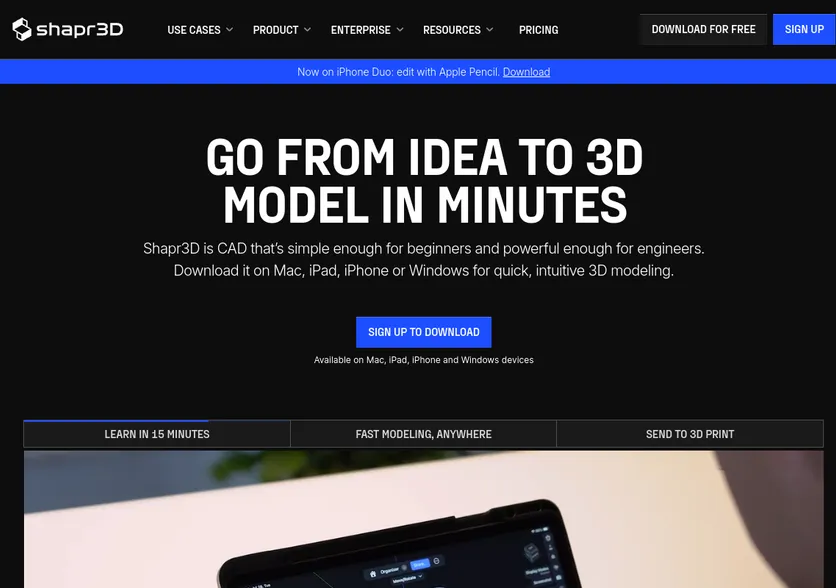
Shapr3D brings professional CAD to the iPad, Mac and Windows with a pencil-first sketching workflow that feels closer to drawing than to drafting. This Shapr3D Pro plan unlocks unlimited projects, high-resolution exports and technical drawings, so a maker can sketch a bracket on the couch and send it to the printer the same evening. A hobbyist printing functional parts or a small studio prototyping enclosures will find it the quickest route from idea to object.
What we like
- Sketching with a pencil feels natural and fast
- High-resolution STL and 3MF exports for printing
- Syncs projects across iPad, Mac and Windows
Watch out for
- Pro is priced per Editor seat, so teams pay for each maker
- Free Basic plan allows only two projects
How to try it
- Open the Shapr3D pricing page and start the 14-day trial
- Sketch a simple part and export it as an STL file
- Slice the export and print it to check the fit
2. Autodesk Fusion
Best for: Engineers and small businesses that need parametric modeling plus CAM and simulation
Paid tool Starting price: $680/year · Fusion subscription, $680 a year per user billed annually or $85 billed monthly; Manufacturing bundle $2,040 a year
Free plan: Free personal-use license for eligible noncommercial users
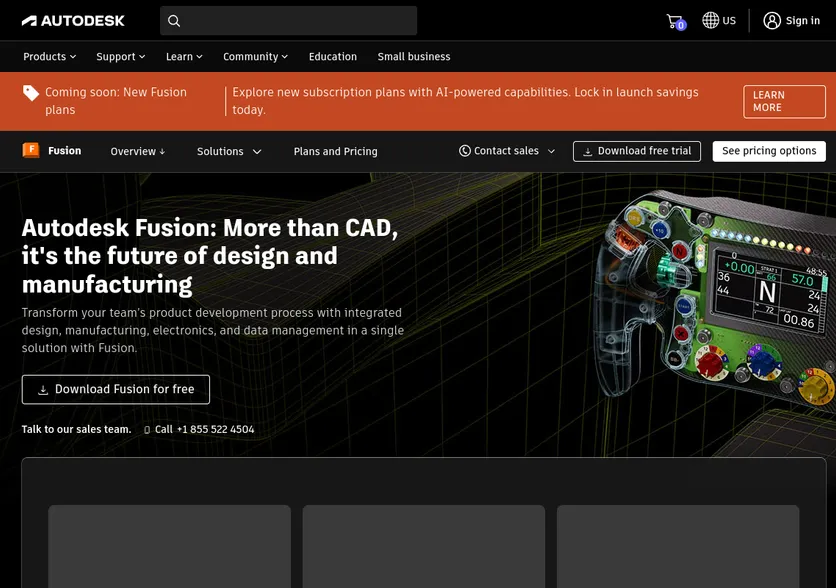
Autodesk Fusion is the full workshop in one subscription, combining parametric modeling, assemblies, simulation and machining preparation under one roof. This Autodesk Fusion subscription covers CAD, basic CAM and electronics, so an engineer can design a part, test it and prepare it for the printer or the mill without leaving the app. A small business making functional prototypes or production parts will get the most complete toolset in this comparison.
What we like
- Parametric modeling with assemblies and simulation built in
- Cloud collaboration keeps every version in one place
- Basic CAM and PCB design included in the base price
Watch out for
- Six hundred eighty dollars a year is the highest mid-range price here
- Advanced machining needs paid extensions on top
How to try it
- Start the free trial from the Autodesk Fusion buy page
- Model a part with parameters you can change later
- Export the mesh and check it in your slicer before printing
3. Onshape
Best for: Distributed teams that want cloud CAD with version control and no installs
Paid tool Starting price: $1,500/user/year · Standard plan, $1,500 per user a year billed annually; Professional $2,500 per user a year
Free plan: Free plan for noncommercial projects with public documents
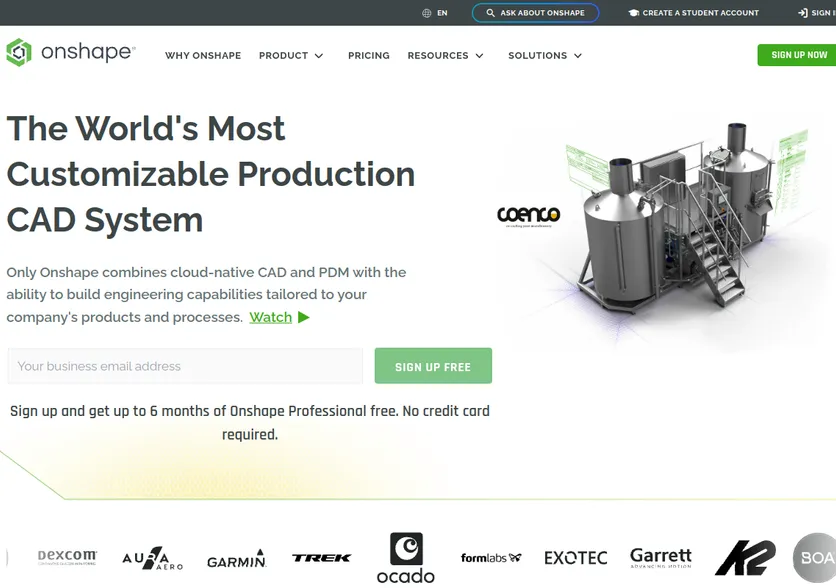
Onshape runs entirely in the browser, so there is nothing to install and every edit is saved the moment you make it. This Onshape Standard plan adds private documents and commercial use to the cloud CAD engine, so a team can model the same part together from different machines. A distributed team or a maker who works from more than one computer will like never losing a file to a crashed hard drive.
What we like
- Runs in the browser with nothing to install
- Built-in version control and real-time collaboration
- Private documents and direct support on Standard
Watch out for
- Fifteen hundred dollars a year per user is the dearest price here
- Needs an internet connection for full use
How to try it
- Open the Onshape pricing page and create a free account
- Model a part in the browser and share it with a teammate
- Export the finished part as an STL file for printing
4. ZBrush
Best for: Artists printing figurines, miniatures and detailed organic models
Paid tool Starting price: $399/year · Individuals plan, $399 a year billed annually or $49 billed monthly; includes ZBrush for iPad
Free plan: Free iPad plan with limited brushes; 14-day free trial of the full app
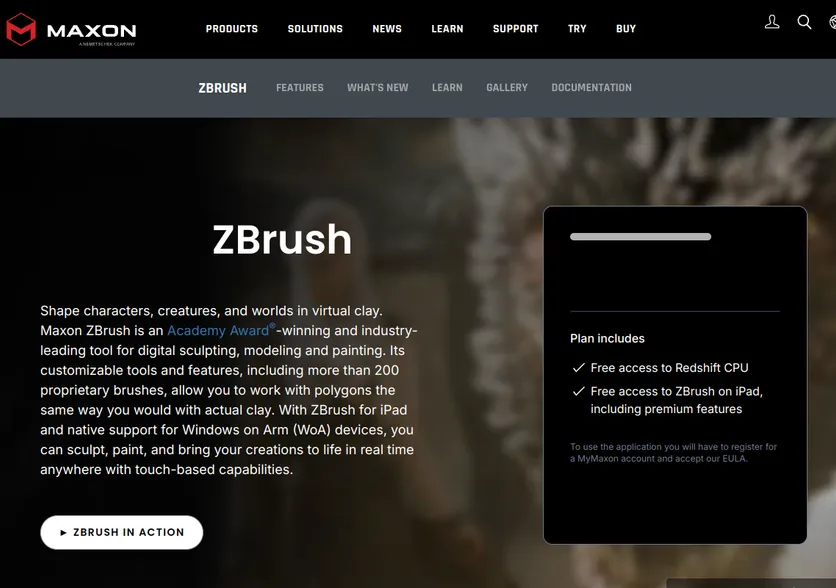
ZBrush is the sculpting studio of this list, built for organic shapes that polygon modelers struggle to make. This ZBrush subscription covers the desktop app plus ZBrush for iPad, with more than two hundred brushes for characters, creatures and collectibles. A maker printing figurines, miniatures or detailed organic parts will find nothing else here matches its sculpting depth.
What we like
- More than two hundred brushes for organic sculpting
- Handles very high polygon counts smoothly
- One subscription covers desktop and iPad
Watch out for
- Subscription only, with no perpetual license sold
- Steep learning curve for new sculptors
How to try it
- Start the 14-day trial from the Maxon ZBrush page
- Sculpt a small figure with the standard brushes
- Decimate the mesh and export it for printing
5. Rhino 8
Best for: Designers who need exact NURBS geometry and a license that never expires
Paid tool Starting price: $995 one-time · Commercial single-user license, $995 paid once with no subscription; upgrades to the next major version $595
Free plan: No free plan; 90-day free evaluation
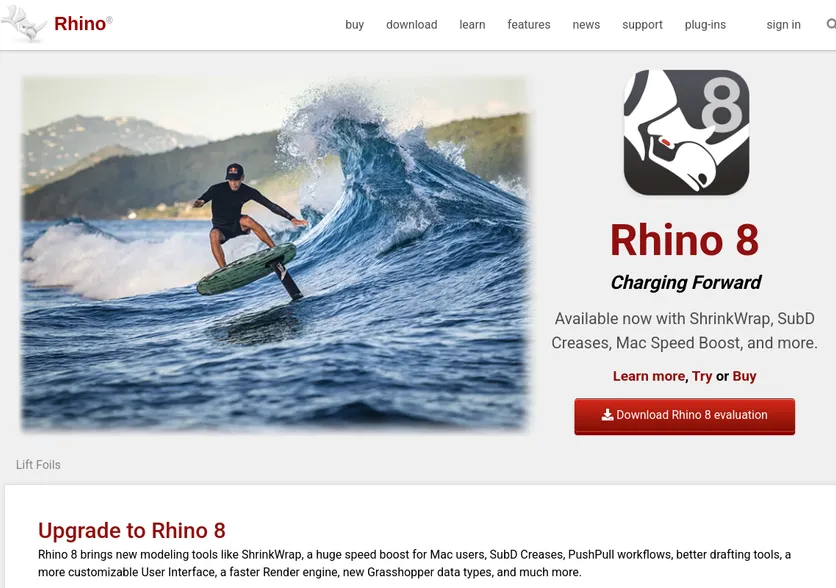
Rhino 8 is the precision modeler of this list, with a NURBS engine that draws mathematically exact curves instead of approximating them. This Rhino 8 license is a one-time purchase that never expires, and it includes Grasshopper for parametric design plus rendering and drafting tools. A jeweler, architect or product designer who needs exact geometry will value a license that stops costing money after day one.
What we like
- Exact NURBS geometry for precision parts
- One-time license with no subscription
- Grasshopper adds parametric design for free
Watch out for
- Nine hundred ninety-five dollars up front is a big single payment
- No built-in slicer, so export to a separate slicing app
How to try it
- Download the 90-day evaluation from the Rhino buy page
- Model a precise part with the NURBS tools
- Export the mesh and slice it for your printer
6. SelfCAD
Best for: Beginners who want modeling and slicing in one easy app
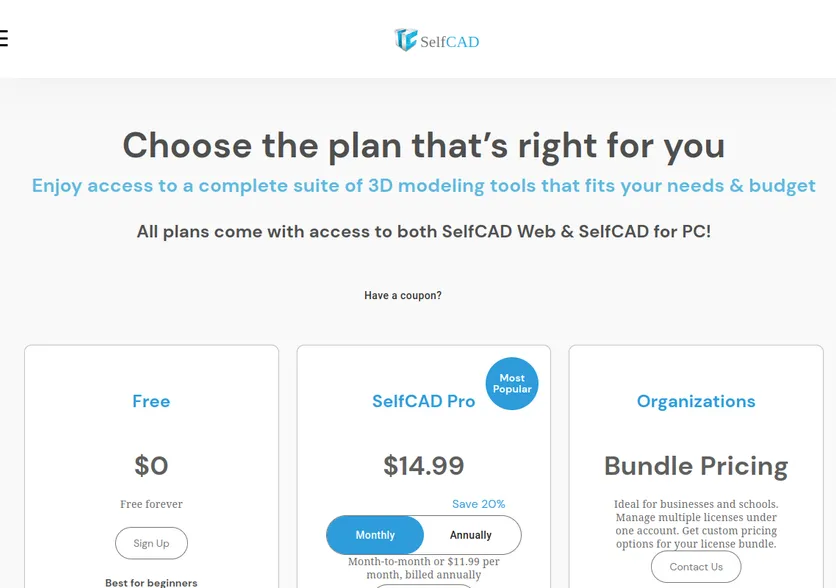
Paid tool Starting price: $139.99/year · Pro plan, $139.99 a year billed annually or $14.99 billed monthly; perpetual license $599 paid once
Free plan: Free plan with basic modeling tools
SelfCAD is the beginner-friendly all-in-one of this list, putting modeling, sculpting, rendering and slicing in a single window. This SelfCAD Pro plan adds the full toolset plus animation and image-to-3D conversion, so a new maker can design a part and prepare it for printing without learning a second app. A teacher, student or first-time maker will appreciate the interactive tutorials that sit beside the tools.
What we like
- Modeling plus a built-in slicer in one app
- Interactive tutorials guide new makers
- Cheapest paid plan in this comparison
Watch out for
- Fewer advanced engineering tools than Fusion or Onshape
- Rendering options are more limited than specialist tools
How to try it
- Open the SelfCAD pricing page and start the 10-day trial
- Follow a tutorial to model a simple part
- Slice the part in the same app and send it to print
7. Simplify3D
Best for: Print shops that need exact support control and multi-process prints
Paid tool Starting price: $129/year · Version 6 subscription, $129 a year billed annually or $12.99 billed monthly
Free plan: No free plan; two-week money-back guarantee
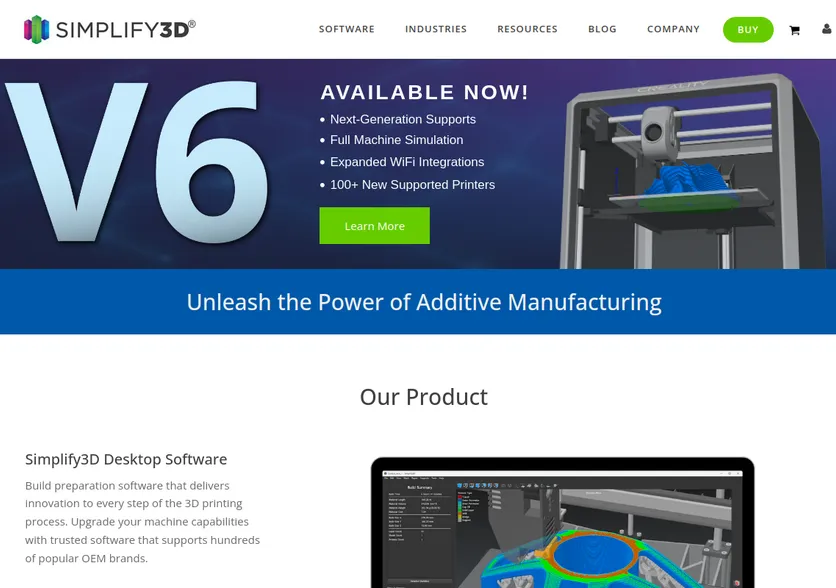
Simplify3D is the slicer that thinks like a modeler, giving production shops exact control over supports and processes. This Simplify3D subscription covers version 6 on Windows, Mac and Linux, with multiple processes per model and redesigned support structures. A print farm or a maker with tricky engineering prints will value the fine control over every layer.
What we like
- Precise manual support editing and placement
- Multiple processes per model for different height ranges
- Animated preview catches print problems early
Watch out for
- No free plan, so the subscription is the only way in
- Development pace lags the free open-source slicers
How to try it
- Open the Simplify3D buy page and start a subscription
- Import a model and paint supports where they are needed
- Preview the print layer by layer before sending it
8. SketchUp Pro
Best for: Makers designing furniture, enclosures and architectural models for print
Paid tool Starting price: $399/year · Pro plan, $399 a year billed annually; Go $129 a year and Studio $859 a year
Free plan: Free web modeler for noncommercial use
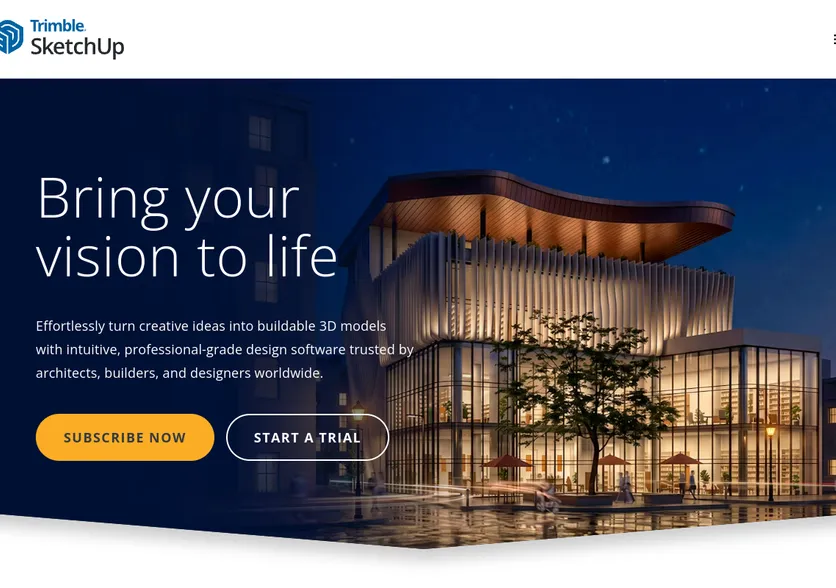
SketchUp Pro is the friendly face of 3D modeling, with a push-and-pull workflow that new makers learn in an afternoon. This SketchUp Pro plan adds the desktop modeler, LayOut documentation and more than a thousand extensions to the web and iPad tools. A maker designing furniture, enclosures or architectural models for the printer will find the extension library fills almost any gap.
What we like
- Push-and-pull modeling is quick to learn
- More than a thousand extensions add features
- LayOut turns models into clean documentation
Watch out for
- Pro costs about three times the Go plan for the desktop app
- Monthly billing is far dearer than the annual rate
How to try it
- Open the SketchUp plans page and start a trial
- Model a part with the push-and-pull tools
- Export the model and check it in your slicer
Prices above were checked on each vendor’s own website on Nov 26, 2026 and can change — the vendor’s page is the final word. Vendor links are editorial: nobody paid to be listed or ranked here. Vendors who want a featured listing can see how it works on our Get listed page.
What modeling software for 3D printing costs in 2026
Modeling software for 3D printing runs from about fifteen dollars a month to fifteen hundred dollars a year, and the spread is wider than it looks because the billing units differ. Shapr3D, Fusion and Onshape charge per user or per seat, so a two-person studio pays twice the headline price, while Rhino and Simplify3D charge once and stop. The headline plan each vendor shows on its own pricing page is the number in the table above, checked on November 26, 2026.
Start with the free plan or trial on two tools and print one real part from each, from sketch to finished object. Compare how the modeler feels after an hour, how clean the exported mesh is, and whether the slicer accepts it without repairs. Pick the tool you reach for first, because the best modeler is the one you actually open.
Before you buy
- Count the seats first, because Shapr3D, Fusion and Onshape all charge per user or per seat.
- Check the export formats, because a modeler without clean STL export is useless for printing.
- Try the free plan or trial first, because every tool here offers one except Simplify3D.
- Compare the annual price, because monthly billing costs far more on Fusion, SketchUp and SelfCAD.
- Confirm the license type, because Rhino sells once while the rest charge every year.
Official websites
Official websites of the products reviewed above. Features and prices were checked against these sites when this guide was written, and they can change, so confirm on the vendor site before you buy.
Frequently asked questions
Which modeling software is best for 3D printing in 2026?
Shapr3D, at two hundred ninety-nine dollars a year, is the safest default because it is fast to learn, runs on iPad and desktop, and exports print-ready files directly. Fusion suits engineers who need parametric modeling and simulation, while SelfCAD is the cheapest credible start at about fifteen dollars a month. Rhino wins for exact geometry and a license that never expires.
How much does modeling software for 3D printing cost?
Paid plans in this list run from about fifteen dollars a month for SelfCAD to fifteen hundred dollars a year for Onshape, with most tools between three hundred and seven hundred dollars a year. Rhino costs nine hundred ninety-five dollars once and never charges again, while Simplify3D is one hundred twenty-nine dollars a year. Expect to pay more once you add seats, because most tools here charge per user.
Is there a free modeling tool for 3D printing?
Yes, most tools here have a free tier or trial. Shapr3D, Onshape, SelfCAD and SketchUp all offer free plans with limits, while Fusion has a free personal-use license for eligible makers. ZBrush offers a limited free iPad plan, and Rhino and Simplify3D offer trials or evaluations instead of a permanent free plan.
What file format do I need for 3D printing?
Most printers take STL files, and every tool in this list exports them, with several also offering 3MF for richer print settings. Export the mesh from your modeler, open it in your slicer, and check that it is watertight before printing. A clean export saves failed prints, wasted filament and hours of repair work in a mesh editor.
Do I need a separate slicer with these tools?
Only SelfCAD and Simplify3D include slicing, so the rest need a separate slicer to turn a model into printer instructions. Free slicers like PrusaSlicer and Cura handle most prints well, while Simplify3D adds precise support control for tricky parts. Check that your modeler exports a clean mesh your slicer accepts before you commit.
Need more maker help too? Try Toolsvine's free science and engineering tools right in your browser.
Browse Science & Engineering tools


