On this page
A small brand that sells on three channels ends up with three order lists, three stock counts and three piles of labels. The eight tools below pull every order into one queue, print the labels, sync the stock and tell the customer where their parcel is. ShipStation leads the list because it runs that whole queue from fourteen dollars and ninety-nine cents a month, and the other seven are ranked on the same practical test: how much of the order-to-door job they cover for the price.
How we researched this
We checked every price on the vendor pricing page on November 28, 2026, and only included tools with a published US dollar list price. The enterprise platforms that sell by quote, including Extensiv and Logiwa, publish no list price, so they are not in this list. Prices change, so confirm the current figure on the vendor site before you buy.
Compare the tools
| Name | Best for | Starting price | Free plan | |
|---|---|---|---|---|
 ShipStation | Small brands that ship their own orders from one queue | $14.99/month | 30-day free trial | Visit |
 Veeqo | Brands that want free shipping tools with stock sync on top | $19/month | Free Shipping plan | Visit |
 Zoho Inventory | Small brands that want orders and stock in one cheap system | $29/month | Free plan up to 50 orders | Visit |
 Ordoro | Brands that pack their own orders and need pack verification | $59/month | Free trial | Visit |
 inFlow Inventory | Small brands that sell wholesale and retail from one stock count | $89/month | 14-day free trial | Visit |
| Webgility | Brands that need order accounting and payout reconciliation | $69/month | Free demo | Visit |
 SKULabs | Brands that run their own warehouse and ship in house | $299/month | No free plan; 30-day money-back guarantee | Visit |
 Cin7 Core | Brands that want inventory, orders and purchasing in one system | $349/month | Free demo | Visit |
The multichannel order management software for small brands, compared
1. ShipStation
Best for: Small brands that ship their own orders from one queue
Paid tool Starting price: $14.99/month · Fourteen dollars and ninety-nine cents a month on the Starter plan for fifty shipments, or eleven dollars and ninety-nine cents billed annually; Standard is twenty-nine dollars and ninety-nine cents and Premium is three hundred and forty-nine dollars and ninety-nine cents; there is no free plan
Free plan: 30-day free trial
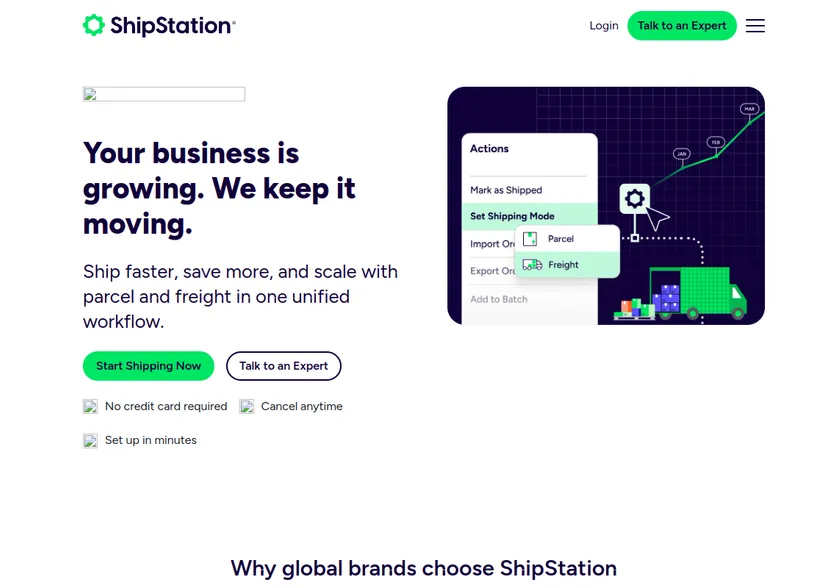
The cheapest paid start for a brand that ships its own orders, ShipStation costs fourteen dollars and ninety-nine cents a month on Starter for fifty shipments. It pulls orders from every channel into one queue, prints labels with discounted carrier rates, and sends tracking to customers automatically. The old Bronze, Silver and Growth tiers are gone, so the current ladder is Starter, Standard and Premium, with the price following shipment count rather than features.
What we like
- Cheapest paid start in this list
- Discounted carrier rates with automatic tracking emails
- One queue for orders from every channel
Watch out for
- No free plan, only a thirty-day trial
- The price rises with shipment count, not just features
How to try it
- Connect the channels and import the open orders
- Set the carrier rules and print the first batch
- Turn on automatic tracking emails for customers
2. Veeqo
Best for: Brands that want free shipping tools with stock sync on top
Paid tool Starting price: $19/month · Nineteen dollars a month from on the Inventory plan, priced by monthly order volume; the Shipping plan is free with unlimited shipments, and High Volume starts at three hundred and fifty dollars a month
Free plan: Free Shipping plan
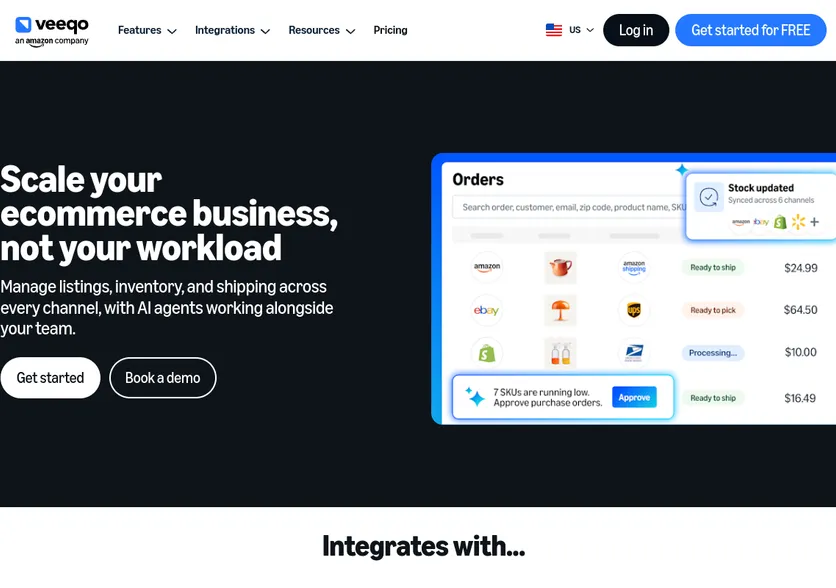
For a brand that wants shipping and stock in one place, Veeqo starts its Inventory plan at nineteen dollars a month, and the free Shipping plan already covers unlimited labels. The Inventory plan adds automated stock sync across channels, demand forecasting and digital picking, so the warehouse team picks the right item the first time. The volume pricing is the catch: nineteen dollars is the entry figure, and the bill rises with monthly orders.
What we like
- Free Shipping plan with unlimited shipments
- Demand forecasting and digital picking on Inventory
- Pre-negotiated carrier rates with cash back in credits
Watch out for
- Stock sync only starts on the paid Inventory plan
- Inventory price rises with monthly order volume
How to try it
- Start on the free Shipping plan and print labels
- Connect the channels and turn on stock sync
- Check the Inventory price at your monthly order volume
3. Zoho Inventory
Best for: Small brands that want orders and stock in one cheap system
Paid tool Starting price: $29/month · Twenty-nine dollars per organization a month billed annually on the Standard plan, or thirty-nine dollars month to month; Professional is seventy-nine dollars, Premium is one hundred and twenty-nine dollars and Enterprise is two hundred and forty-nine dollars billed annually
Free plan: Free plan up to 50 orders
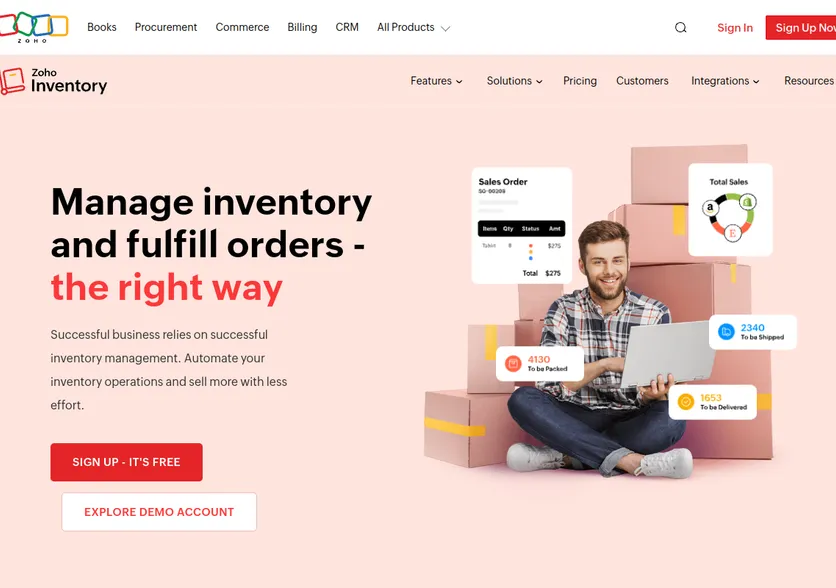
Priced per organization rather than per user, Zoho Inventory costs twenty-nine dollars a month on Standard billed annually, and it handles orders and stock together for a small brand. Standard covers five hundred orders, three users and two locations, with composite items, dropshipping and backordering, while the free plan covers fifty orders a month. The Zoho Books link keeps orders, stock and accounts in step without a separate connector.
What we like
- Free plan up to fifty orders a month
- Priced per organization, not per user
- Dropshipping and backordering on Standard
Watch out for
- Order, user and location caps need paid add-ons as volume grows
- Best inside the Zoho ecosystem, weaker outside it
How to try it
- Run the free plan up to fifty orders a month
- Connect the sales channels and sync the catalog
- Turn on backordering before the busy season
4. Ordoro
Best for: Brands that pack their own orders and need pack verification
Paid tool Starting price: $59/month · Fifty-nine dollars a month on the Express plan for shipping only; Pro is four hundred and ninety-nine dollars a month with inventory, and Enterprise is nine hundred and ninety-nine dollars; the older app tiers are no longer published
Free plan: Free trial
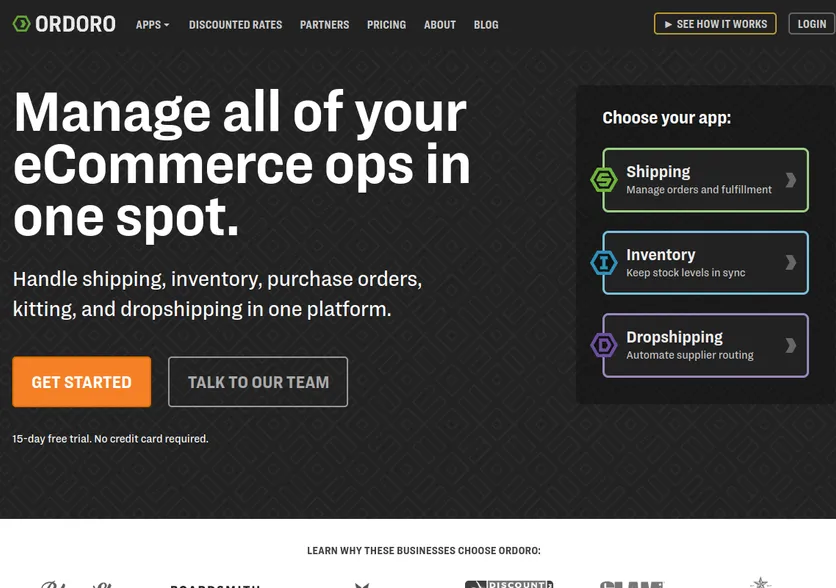
Built for sellers who pack their own boxes, Ordoro costs fifty-nine dollars a month on its Express plan, and it adds pack verification to the usual order queue. Express covers shipping, batch labels and carrier rates, while Pro at four hundred and ninety-nine dollars a month adds inventory, kitting and dropshipping. The gap between the two plans is wide, so a brand should only step up when inventory control, not just shipping, is the pain.
What we like
- Pack verification catches wrong items before shipping
- Batch labels and discounted carrier rates
- Kitting and dropshipping on the Pro plan
Watch out for
- The jump from Express to Pro is four hundred and forty dollars a month
- No free plan, only a trial
How to try it
- Connect the channels and import the open orders
- Set up pack verification for the top products
- Print the first batch and check the scan rate
5. inFlow Inventory
Best for: Small brands that sell wholesale and retail from one stock count
Paid tool Starting price: $89/month · Eighty-nine dollars a month billed annually on the Entrepreneur plan for two users and one location; Small Business is listed at two hundred and nineteen dollars a month in some reads and two hundred and forty-nine dollars in others, so confirm the tier at signup
Free plan: 14-day free trial
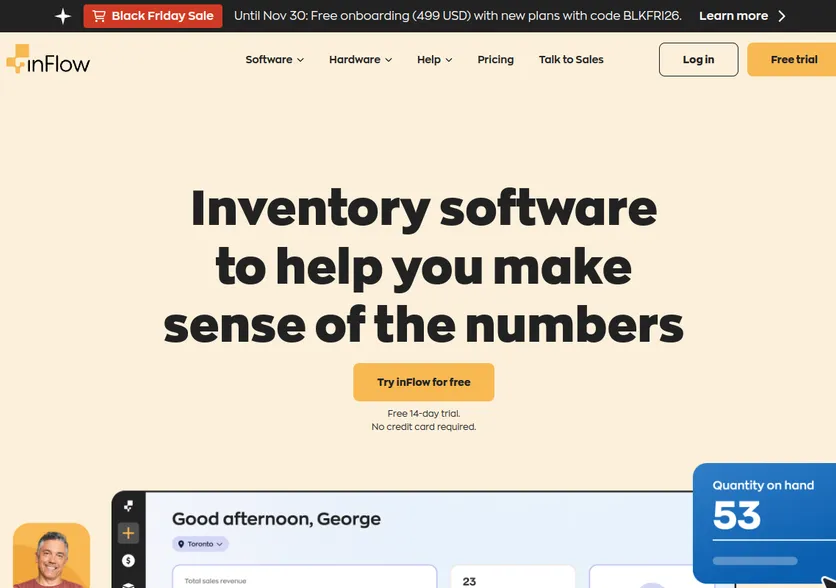
For a brand that sells wholesale as well as retail, inFlow Inventory costs eighty-nine dollars a month on Entrepreneur billed annually, and it treats orders and stock as one job. It covers sales orders, purchase orders, barcode scanning and assembly for firms that build what they sell, with a B2B portal on higher tiers. The Entrepreneur cap of one hundred orders a month, with twenty cents per extra order, is the number to watch before signing.
What we like
- Sales orders, purchase orders and barcode scanning together
- Assembly and manufacturing for firms that build products
- B2B portal for wholesale customers on higher tiers
Watch out for
- The entry plan caps orders at one hundred a month
- No free tier, only a fourteen-day trial
How to try it
- Start the trial with the real catalog and order list
- Set reorder points for the top twenty SKUs
- Connect the accounting system and check the values match
6. Webgility
Best for: Brands that need order accounting and payout reconciliation
Paid tool Starting price: $69/month · Sixty-nine dollars a month on the Pro plan billed annually ($79 month to month); Advanced is one hundred and twenty-nine dollars a month. The one hundred and nine dollar figure belongs to the QuickBooks Desktop Plus plan, not the Pro plan for QuickBooks Online.
Free plan: Free demo
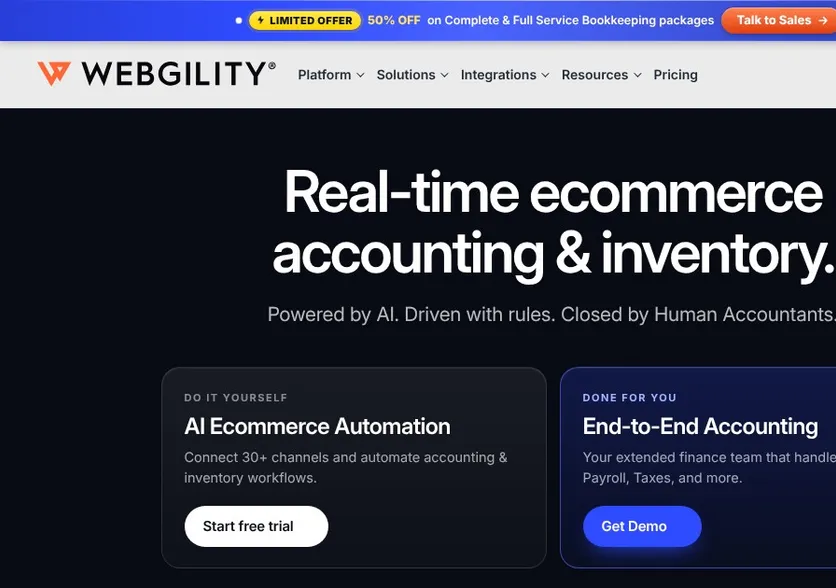
For a brand whose accounting never matches its payouts, Webgility costs sixty-nine dollars a month on its Pro plan, and it automates order-level accounting across channels. It syncs orders, fees, refunds and payouts into QuickBooks, reconciles them in real time and tracks true profit per channel and SKU. The human review on each month-end close is the differentiator: a specialist signs off the books rather than leaving the seller to spot the errors.
What we like
- Order-level accounting synced into QuickBooks
- Real-time reconciliation of fees, refunds and payouts
- Human specialist review on the month-end close
Watch out for
- No free plan, only a demo
- Desktop Plus is a separate plan at one hundred and nine dollars a month
How to try it
- Book a demo with the real channel and payout list
- Connect QuickBooks and the sales channels
- Check the first reconciled month against the bank
7. SKULabs
Best for: Brands that run their own warehouse and ship in house
Paid tool Starting price: $299/month · Two hundred and ninety-nine dollars a month on the Starter plan for one thousand orders, three users, two warehouses and ten thousand SKUs; Growth is seven hundred and ninety-nine dollars and Pro is nine hundred and ninety-nine dollars, with extra users at one hundred and twenty dollars each on Starter
Free plan: No free plan; 30-day money-back guarantee
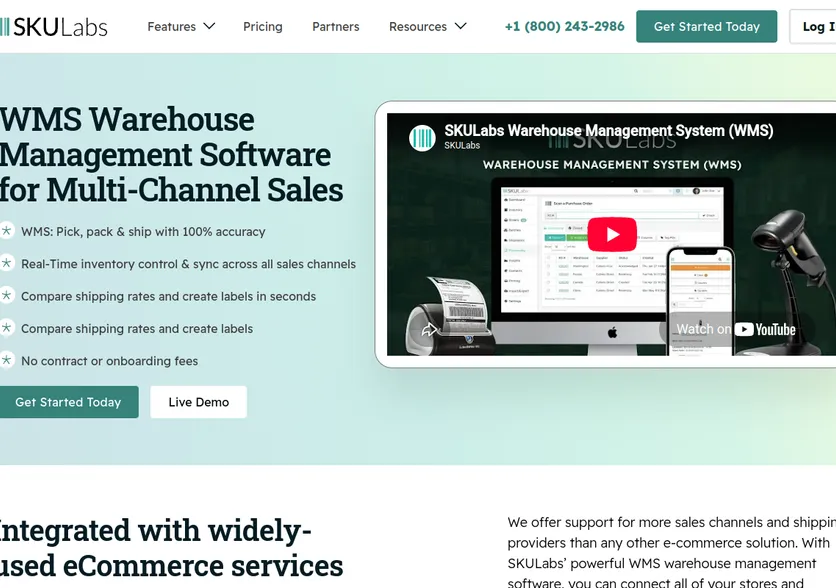
When a brand outgrows a shipping app and needs warehouse control, SKULabs costs two hundred and ninety-nine dollars a month on Starter, and it runs picking, packing and labels from the same queue as the orders. Guided barcode scanning, order routing, cartonization and multi-warehouse stock keep the pick rate honest, and the thirty-day money-back guarantee replaces a trial. Orders past the one-thousand cap cost twenty cents each, so the overage line matters at peak season.
What we like
- Guided barcode scanning on the entry plan
- Picking, packing and labels in one queue
- Thirty-day money-back guarantee
Watch out for
- No free plan or trial, only the guarantee
- Extra users cost one hundred and twenty dollars each a month
How to try it
- Count last month's orders against the one-thousand cap
- Map the warehouse bins and print barcode labels
- Run the first pick wave with guided scanning
8. Cin7 Core
Best for: Brands that want inventory, orders and purchasing in one system
Paid tool Starting price: $349/month · Three hundred and forty-nine dollars a month on the Core Standard plan; Pro and higher tiers are priced by quote and add advanced warehousing, manufacturing and B2B portal features
Free plan: Free demo
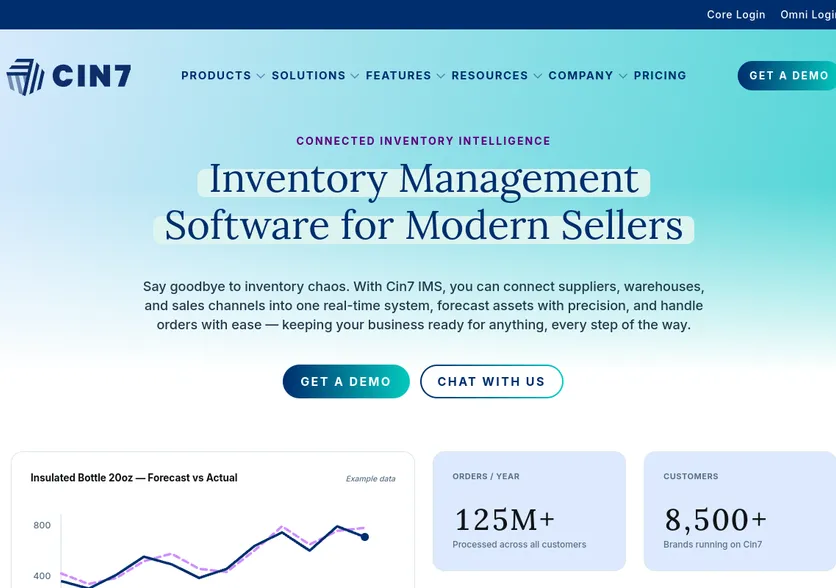
The most complete system in this list, Cin7 Core costs three hundred and forty-nine dollars a month on Standard, and it covers inventory, orders, purchasing and warehousing across every channel a brand sells on. Landed cost tracking, a B2B portal and dozens of channel and accounting integrations come with it, so a brand can stop stitching three tools together. The flat monthly price makes the total easy to forecast, even as order volume climbs.
What we like
- Flat monthly price, not order-based billing
- Landed cost tracking and purchasing in the same system
- B2B portal and dozens of integrations
Watch out for
- Higher tiers are quoted, not published
- Setup takes longer than on the cheaper tools
How to try it
- Book a demo with the real channel list
- Import the catalog and map the warehouses
- Turn on landed cost tracking for the top suppliers
Prices above were checked on each vendor’s own website on Nov 28, 2026 and can change — the vendor’s page is the final word. Vendor links are editorial: nobody paid to be listed or ranked here. Vendors who want a featured listing can see how it works on our Get listed page.
How to run every channel from one order queue
Start with the order, not the label. A good system pulls orders from every channel into one queue the moment they arrive, so nothing sits unnoticed in a marketplace dashboard. Check the shipment cap on the plan you would actually buy, because the cheapest tools stop at fifty shipments a month and the price follows volume after that. Next, check whether stock sync is included or a separate paid plan: some tools ship for free and charge for inventory, which changes the real monthly cost. Finally, run a busy week through the trial and count the mis-picks, the late labels and the customer messages about tracking.
Before you buy
- Pull every channel into one queue before you compare label prices
- Check the shipment or order cap on the plan you would actually buy
- Confirm whether stock sync is included or a separate paid plan
- Test pack verification or barcode scanning on a real batch
- Price the tool at your peak-season volume, not your quiet month
Official websites
Official websites of the products reviewed above. Features and prices were checked against these sites when this guide was written, and they can change, so confirm on the vendor site before you buy.
Frequently asked questions
What is multichannel order management software for small brands?
It is software that pulls orders from every sales channel into one queue, then helps a small brand pick, pack, label and ship them, while keeping the stock count true everywhere. The tools in this list also send tracking to customers and sync inventory after each sale, so an order never sits unnoticed in a marketplace dashboard. Without it, a brand that sells on three channels runs three separate workflows.
How much does ShipStation cost for a small brand?
ShipStation Starter costs fourteen dollars and ninety-nine cents a month for fifty shipments, or eleven dollars and ninety-nine cents billed annually. Standard costs twenty-nine dollars and ninety-nine cents a month and Premium costs three hundred and forty-nine dollars and ninety-nine cents. There is no free plan, only a thirty-day trial, and the old Bronze, Silver and Growth tiers are gone.
Which tool is best for a brand starting out?
ShipStation is the best start for a brand that ships its own orders, from fourteen dollars and ninety-nine cents a month with a thirty-day trial. Zoho Inventory suits a brand that needs orders and stock together, free up to fifty orders a month. Veeqo is the cheapest path when shipping labels are the main job, with a free Shipping plan.
Do I need inventory sync or just shipping labels?
Labels alone are enough when one person packs a few orders a day from a single stock pile. Inventory sync becomes essential the moment the same item sells on two channels, because the stock count must fall on both at once. Veeqo and Zoho Inventory both split the two jobs across plans, so check whether sync is included before you compare prices.
What is pack verification and is it worth paying for?
Pack verification scans each item as it goes into the box and flags a wrong item before the label prints, which stops the most expensive mistake a small brand makes: shipping the wrong product. Ordoro includes it from fifty-nine dollars a month on Express, and SKULabs builds it into guided barcode scanning from two hundred and ninety-nine dollars a month. It pays for itself when mis-picks cost refunds and reshipping.
Compare the eight tools above, then start with a free trial on the tool that matches how many orders you ship before you pay for a full year.
Browse Business Tools tools