On this page
A remote team cannot watch its network the way an office team can, so detection has to come from the traffic itself rather than from a wall of monitors. The seven tools below detect threats on the network and respond to them, from genuine NDR platforms to flow analysers and XDR consoles. Lumu leads the list because it is the one true NDR platform here with a published price, at six dollars per asset a month, and the other six are judged on the same practical test: how quickly each one turns a suspicious packet into an answer.
How we researched this
We checked every price on vendor pricing pages and November 2026 reads of vendor pages, and only included tools with a published US dollar list price. The pure-play NDR vendors that sell by quote, including Darktrace, Vectra AI, ExtraHop, Corelight and Fidelis, publish no prices, so they are not in this list. The tools below are the network detection options with published prices, plus XDR and SIEM platforms that detect threats on network traffic, and prices change, so confirm the current figure on the vendor site before you buy.
Compare the tools
| Name | Best for | Starting price | Free plan | |
|---|---|---|---|---|
| Lumu | Remote teams that want genuine NDR with a published price | $6/asset/month | Free plan | Visit |
| ManageEngine NetFlow Analyzer | Remote teams that want flow-based anomaly detection on a budget | $172/year | Free for 2 interfaces | Visit |
| Noction Flow Analyzer | Remote teams that want flow analysis without interface counting | $299/month | 30-day free trial | Visit |
 Huntress | Remote teams with no security analyst of their own | $8.99/endpoint/month | 21-day free trial | Visit |
| Microsoft Defender XDR | Remote teams already on Microsoft 365 | $12/user/month | 90-day free trial | Visit |
 CrowdStrike Falcon | Remote teams that want the deepest endpoint telemetry | $184.99/device/year | 15-day free trial | Visit |
| Blumira | Remote teams that want cloud SIEM detection without log-volume bills | $12/user/month | Free tier | Visit |
The network detection and response software for remote teams, compared
1. Lumu
Best for: Remote teams that want genuine NDR with a published price
Paid tool Starting price: $6/asset/month · Six dollars per asset per month on Insights, and nine dollars per asset per month on Defender, from the vendor's launch release and 2026 pricing directories; the Free plan is permanent, and enterprise pricing varies by volume
Free plan: Free plan
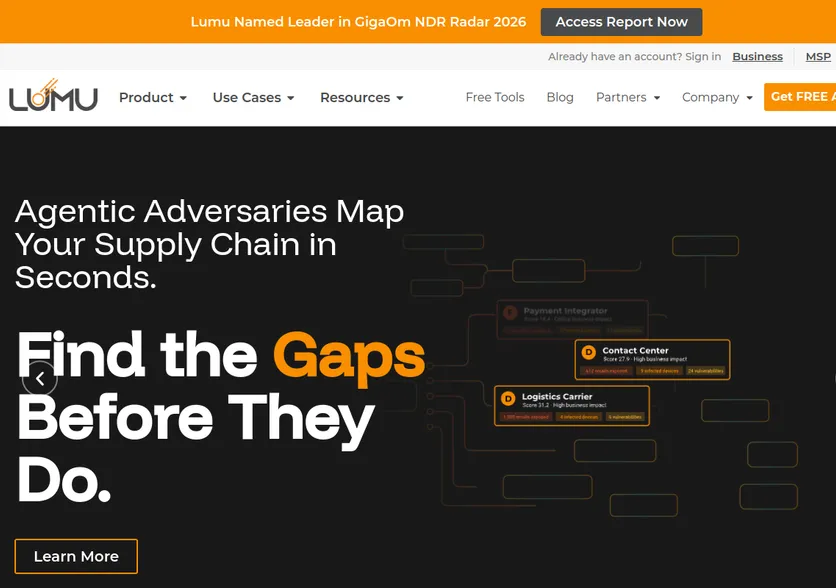
This Lumu plan costs six dollars per asset a month, and it is the one genuine network detection and response platform in this list with a published price. It collects DNS, NetFlow and proxy metadata, then isolates confirmed compromises instead of flooding the team with raw alerts. The Free plan is permanent rather than a trial, which lets a remote team see its real compromise level before spending anything, though the nine-dollar Defender figure still traces to a vendor release from 2021.
What we like
- Continuous compromise assessment from DNS, NetFlow and proxy metadata
- Confirmed compromise indicators, not raw alert noise
- A permanent Free plan for understanding your compromise level
Watch out for
- The nine-dollar Defender figure dates to a 2021 vendor release
- Enterprise and channel pricing can vary from the directory figures
How to try it
- Start with Lumu Free to see your current compromise level
- Connect DNS, NetFlow and proxy metadata collectors
- Upgrade to Insights when you need asset-level context
2. ManageEngine NetFlow Analyzer
Best for: Remote teams that want flow-based anomaly detection on a budget
Paid tool Starting price: $172/year · One hundred and seventy-two dollars per year for Standard covering ten interfaces, from the vendor editions page; Professional is $595 a year for ten interfaces and Enterprise is $1,045; free forever for two interfaces
Free plan: Free for 2 interfaces
This ManageEngine NetFlow Analyzer plan costs one hundred and seventy-two dollars a year for ten interfaces, and it watches traffic flows for the anomalies that betray a compromise. A sudden spike to an unknown destination shows up in the reports long before a user reports a problem, which is the detection half of the job at a fraction of an NDR price. The limit is the licence: ten interfaces cover a small office, and the per-interface price climbs steeply as the network grows.
What we like
- Flow analysis across NetFlow, sFlow, IPFIX and more
- Bandwidth reports and alerts that expose odd traffic patterns
- Free forever for two interfaces, with a thirty-day trial
Watch out for
- Standard may lack the full security analytics of Professional
- A per-interface licence that gets expensive as the network grows
How to try it
- Install the analyser and point flow exports at it
- Watch the top talkers and application breakdowns for a week
- Set alerts for traffic spikes and unusual destinations
3. Noction Flow Analyzer
Best for: Remote teams that want flow analysis without interface counting
Paid tool Starting price: $299/month · Two hundred and ninety-nine dollars per month for most installations, up to ten thousand flows per second, in a single edition with all features included
Free plan: 30-day free trial
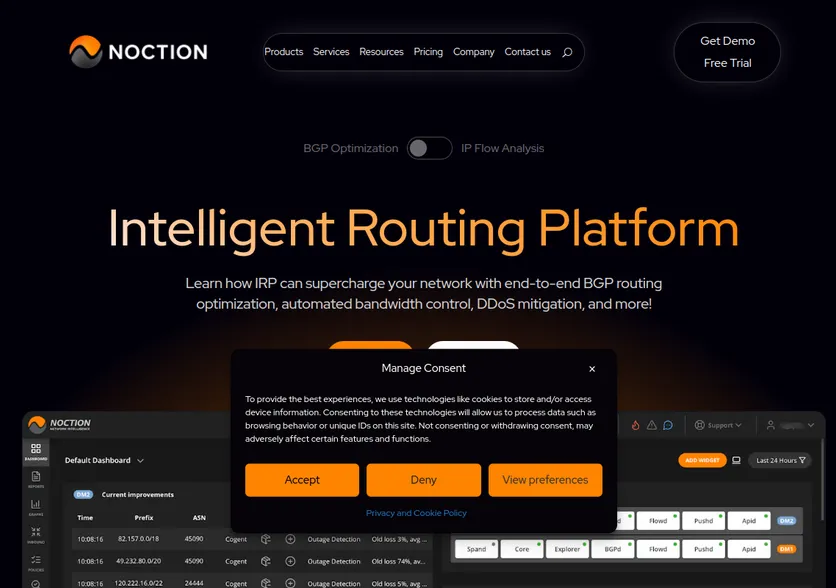
This Noction Flow Analyzer plan costs two hundred and ninety-nine dollars a month, and it prices flow analysis by traffic volume instead of by interface. That single change removes the counting exercise that makes the ManageEngine tool expensive at scale: one edition, all features, up to ten thousand flows a second. It is the cleanest flow-based detection pick for a growing remote team, though the monthly price is far above the entry tools in this list.
What we like
- A single edition with every feature, priced by flows per second
- BGP correlation and multi-site dashboards included
- No per-interface licence to count as the network grows
Watch out for
- Two hundred and ninety-nine dollars a month is steep for a small team
- No free tier, only a thirty-day trial
How to try it
- Point your routers at Noction and set the flow rate
- Review the traffic intelligence dashboards for a week
- Use BGP correlation to trace odd traffic to its source
4. Huntress
Best for: Remote teams with no security analyst of their own
Paid tool Starting price: $8.99/endpoint/month · Eight dollars and ninety-nine cents per endpoint per month on Managed EDR at the 50 to 99 endpoint tier on a 12-month agreement; the rate falls to $7.99 at 100 endpoints and $5.49 at 500 to 999 endpoints, with the 24/7 SOC included
Free plan: 21-day free trial
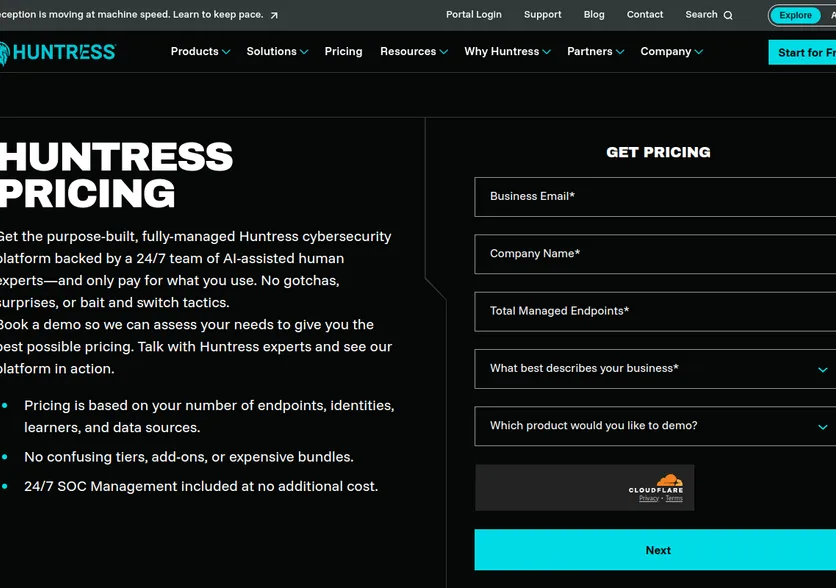
This Huntress plan costs eight dollars and ninety-nine cents per endpoint a month, and it pairs a lightweight agent with a human security team that works around the clock. The SOC triages detections and sends clear remediation steps, which is the closest thing to hiring analysts without adding headcount. It is endpoint detection rather than network detection, so it belongs here as the response half of the job: the team that watches the laptops while Lumu watches the network.
What we like
- A 24/7 human SOC that triages alerts and sends remediation steps
- Managed detection that needs no in-house analyst
- Coverage across Windows, macOS and Linux endpoints
Watch out for
- Endpoint-focused, so it does not watch the network itself
- The published rate applies at the 50 to 99 endpoint tier
How to try it
- Install the Huntress agent on every endpoint
- Let the SOC triage the first detections for a week
- Follow the remediation steps the SOC sends for each incident
5. Microsoft Defender XDR
Best for: Remote teams already on Microsoft 365
Paid tool Starting price: $12/user/month · Twelve dollars per user per month through the Defender Suite add-on for Microsoft 365 teams, with a 90-day free trial; the suite folds endpoint, identity, email and app signals into one console
Free plan: 90-day free trial
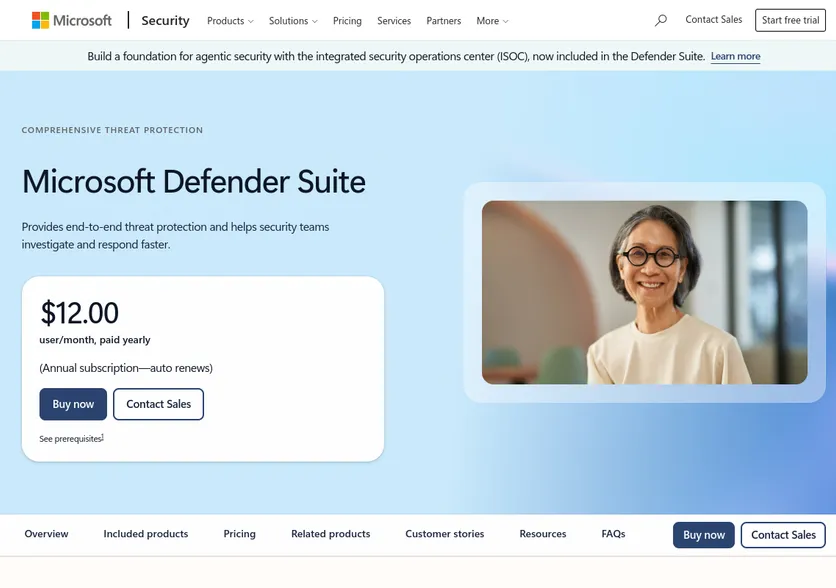
This Microsoft Defender XDR plan costs twelve dollars per user a month through the Defender Suite add-on, and it folds endpoint, identity, email and app signals into a single console. A remote team on Microsoft 365 gets correlated incidents instead of four separate alert streams, which is the detection job done the Microsoft way. The catch is the ecosystem: it only makes sense inside a Microsoft 365 tenant, and Linux and Mac coverage is thinner than Windows.
What we like
- Endpoint, identity, email and app signals in one console
- Ninety days to trial the suite before paying
- Fits naturally into a Microsoft 365 estate
Watch out for
- Linux and Mac coverage is thinner than Windows
- Only makes sense for teams already paying for Microsoft 365
How to try it
- Add the Defender Suite to your Microsoft 365 tenant
- Connect endpoint, identity and email signals to the console
- Triage the correlated incidents the suite surfaces each day
6. CrowdStrike Falcon
Best for: Remote teams that want the deepest endpoint telemetry
Paid tool Starting price: $184.99/device/year · One hundred and eighty-four dollars and ninety-nine cents per device per year on Falcon Enterprise, with a 15-day free trial; higher tiers add more response actions and threat hunting
Free plan: 15-day free trial
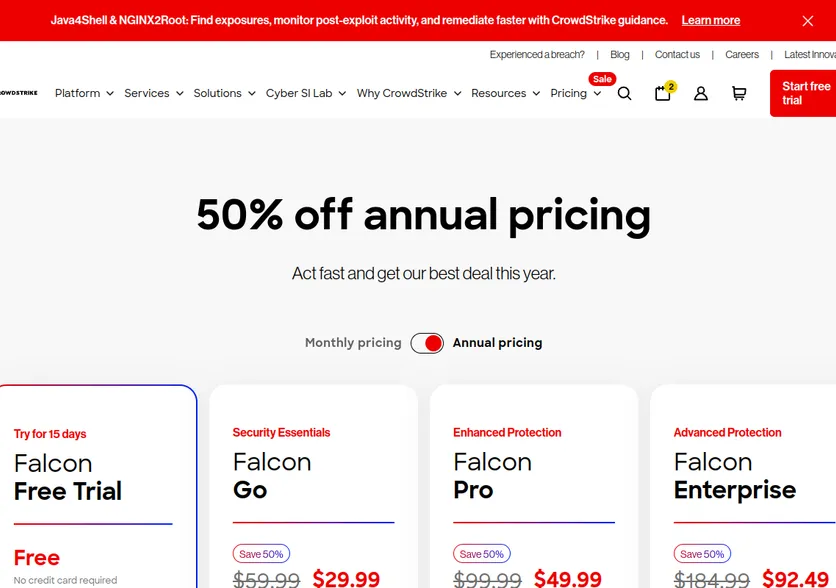
This CrowdStrike Falcon plan costs one hundred and eighty-four dollars and ninety-nine cents per device a year, and it is the deepest endpoint telemetry in this list. The cloud console sees process, network and file activity on every device, so an incident can be contained from the dashboard in minutes. It is the premium pick for a remote team that wants the most signal per endpoint, though the price is the highest here and some response actions sit on tiers above Enterprise.
What we like
- The deepest endpoint telemetry in this list
- Cloud-native console with no on-premises server to run
- Threat hunting and response actions on higher tiers
Watch out for
- Some response actions need the higher tiers
- The per-device price is the highest in this list
How to try it
- Install the Falcon sensor on every device
- Let the console build the telemetry baseline for a week
- Contain a suspect host from the console when an alert fires
7. Blumira
Best for: Remote teams that want cloud SIEM detection without log-volume bills
Paid tool Starting price: $12/user/month · Twelve dollars per user per month on SIEM Starter, with SIEM+ at $16 and the XDR Platform at $21 per user a month; a free tier covers basic Microsoft 365 monitoring, and the vendor does not charge by log volume
Free plan: Free tier
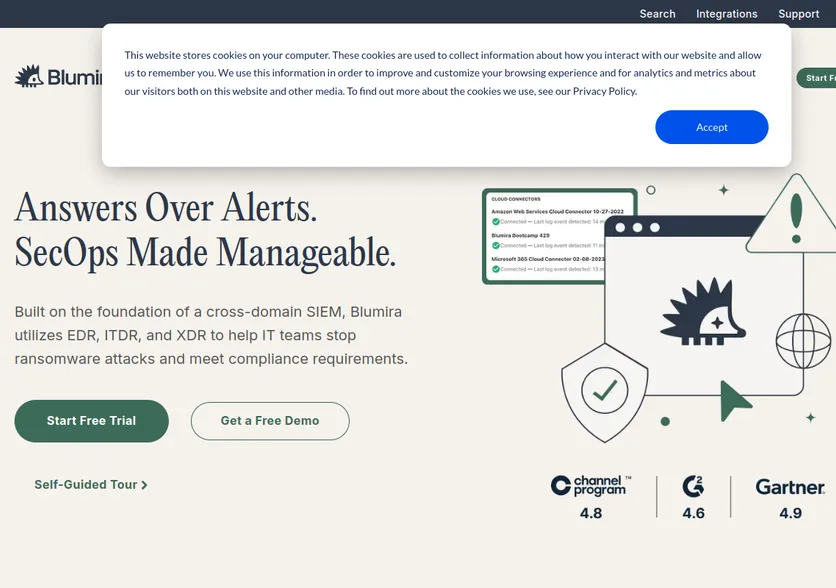
This Blumira plan costs twelve dollars per user a month, and it is a cloud SIEM with pre-tuned detections and no charge by log volume. A small remote team gets detection rules and compliance reports without an analyst to write them, and the bill stays predictable when logging grows. It watches logs rather than packets, so it is the SIEM-flavoured detection in this list rather than a true network sensor, and the full XDR platform costs twenty-one dollars a user a month.
What we like
- Pre-tuned detections with no log-volume pricing
- Compliance reports for small teams with no analyst
- A free tier for basic Microsoft 365 monitoring
Watch out for
- A SIEM, not a packet-level network detection tool
- The twelve-dollar tier is the starter, not the full XDR platform
How to try it
- Connect Microsoft 365 and your cloud apps to Blumira
- Let the pre-tuned detections run for a week
- Work the prioritised findings the console surfaces each day
Prices above were checked on each vendor’s own website on Nov 28, 2026 and can change — the vendor’s page is the final word. Vendor links are editorial: nobody paid to be listed or ranked here. Vendors who want a featured listing can see how it works on our Get listed page.
How to detect network threats with a small team and no SOC
Start with the free tier and learn what normal looks like before you buy detection. A week of baseline traffic tells you more than any demo, because an alert is only useful when you know what it is alerting against. Pair a network tool with an endpoint tool, since the network sees the traffic and the endpoint sees the process, and neither one alone tells the whole story. Do not chase every alert: pick the confirmed compromises first and let the low-confidence noise wait, because a small team that tries to investigate everything investigates nothing. Finally, write down the response for the three incidents you fear most before they happen, because a team that improvises under pressure makes its worst decisions at 3 a.m.
Before you buy
- Confirm whether the tool watches packets, flows or logs, since the three see different threats
- Check whether response actions are included or need a higher tier before you compare prices
- Ask if a human team triages alerts, since a small team cannot staff a SOC alone
- Make sure the tool covers the operating systems your team actually uses
- Test the free tier for a week to learn your normal traffic before you judge the alerts
Official websites
Official websites of the products reviewed above. Features and prices were checked against these sites when this guide was written, and they can change, so confirm on the vendor site before you buy.
Frequently asked questions
What is network detection and response software?
Network detection and response software watches network traffic for signs of compromise, then helps the team respond. Pure NDR inspects packets and flows to spot lateral movement and command-and-control traffic that endpoint tools miss. Related tools in this list include flow analysers, which read traffic summaries, and XDR platforms, which combine network, endpoint and identity signals in one console.
How much does Lumu cost?
Lumu costs six dollars per asset per month on Insights, and nine dollars per asset per month on Defender. The Free plan is permanent and shows your current compromise level without a trial clock. Enterprise and channel pricing can vary from the directory figures, so a large estate should ask for a written quote before budgeting.
Why are most NDR vendors missing from this list?
Most pure-play NDR vendors, including Darktrace, Vectra AI, ExtraHop, Corelight and Fidelis, sell by quote and publish no list price, so they cannot be compared on price. This list covers the network detection tools that do publish prices, plus XDR and SIEM platforms that detect threats on network traffic. A team that needs a quote-only vendor should still shortlist them, but it cannot budget them from a public page.
Can a small team run NDR without a security analyst?
Yes, if the tool does the triage for you. Huntress includes a 24/7 human SOC that reviews detections and sends remediation steps, which is the closest thing to hiring analysts. Lumu reduces the noise by reporting confirmed compromises rather than raw alerts. Blumira ships pre-tuned detections that need no analyst to write rules. Pick a tool that triages, not one that only alerts.
Do I need both NDR and endpoint detection?
A remote team is safer with both, since the network sees traffic and the endpoint sees processes. Lumu watches the network for confirmed compromises, while Huntress or CrowdStrike Falcon watches the laptops for malicious processes. Either one alone leaves a blind spot: the network cannot see an encrypted payload, and the endpoint cannot see a compromised device that never runs an agent.
Compare the seven tools above, then start with a free plan or trial on your own network before you pay for detection.
Browse Security & Privacy tools