On this page
A church network has to work on Sunday morning, when hundreds of people arrive at once and the live stream cannot fail. The eight tools below watch that network, from free monitors a volunteer can run to enterprise platforms for a whole campus. OpManager leads the list because it watches switches, Wi-Fi and servers from one readable screen for ninety-five dollars a year, and the other seven are judged on the same practical test: how simply each one keeps the service online.
How we researched this
We checked every price on vendor pricing pages and November 2026 reads of vendor pages, and only included tools with a published US dollar list price. The enterprise platforms that sell by quote, including Auvik and LogicMonitor, publish no prices, so they are not in this list. Prices change, so confirm the current figure on the vendor site before you buy.
Compare the tools
| Name | Best for | Starting price | Free plan | |
|---|---|---|---|---|
 SolarWinds NPM | Large networks that need hop-by-hop path analysis | $2,829/year | 30-day free trial | Visit |
 Nagios XI | Teams that want plugins and a one-time licence | $1,995 one-time | Free trial; Nagios Core free | Visit |
 Domotz | MSPs and IT teams that manage remote sites | $35/month | 14-day free trial | Visit |
| Pingdom | Teams that want simple enterprise-grade uptime checks | $10/month | 30-day free trial | Visit |
 UptimeRobot | Teams that want cheap monitoring for many sites | $7/month | Free tier | Visit |
| Zabbix | Technical teams that want free monitoring with no device limit | $0 | Free and open source | Visit |
 Site24x7 | Small businesses that want cloud monitoring at the lowest price | $9/month | Free plan | Visit |
 OpManager | Small teams that want real monitoring at the lowest price | $95/year | Free edition up to 3 devices | Visit |
The network monitoring software for churches, compared
1. SolarWinds NPM
Best for: Large networks that need hop-by-hop path analysis
Paid tool Starting price: $2,829/year · Two thousand eight hundred and twenty-nine dollars per year from a November 2026 vendor-page read; older listings show $2,955 and $2,995, and the subscription starts at $1,583 a year in some listings, so confirm the current figure
Free plan: 30-day free trial
This SolarWinds NPM plan costs two thousand eight hundred and twenty-nine dollars a year, and it is the enterprise monitor in this list for a church with a large campus network. Automated discovery maps every switch and access point, and hop-by-hop path analysis shows exactly where a stream to the sanctuary fails. The price is far above the rest of this list, so it only fits a church whose network is genuinely large enough to need it.
What we like
- NetPath hop-by-hop diagnostics for slow links
- Automated discovery across many vendors
- Capacity planning that flags links before they saturate
Watch out for
- The entry price is far above the cloud tools
- The subscription figure varies between listings
How to try it
- Install NPM and discover the network into the inventory
- Turn on NetPath for the critical paths between sites
- Set intelligent alerts and review capacity reports weekly
2. Nagios XI
Best for: Teams that want plugins and a one-time licence
Paid tool Starting price: $1,995 one-time · One thousand nine hundred and ninety-five dollars one time for the Standard licence with unlimited hosts; Nagios Core is free and open source, and the free XI trial covers seven hosts
Free plan: Free trial; Nagios Core free
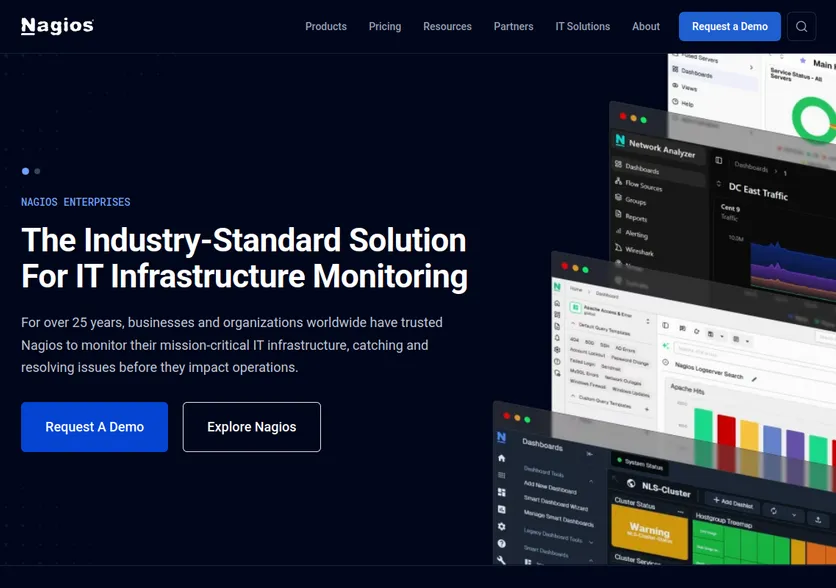
This Nagios XI licence costs one thousand nine hundred and ninety-five dollars once, and it is the customisable monitor for a church that wants plugins for everything. The commercial console adds wizards, dashboards and reporting on top of the free Nagios Core engine, with thousands of community plugins for unusual devices. The one-time price suits a church that would rather pay once than subscribe, though the free trial only covers seven hosts.
What we like
- Thousands of community plugins for unusual devices
- A one-time licence with unlimited hosts on Standard
- Nagios Core free underneath, so the engine is open
Watch out for
- The console takes time to learn well
- The free trial covers only seven hosts
How to try it
- Install Nagios XI and run the discovery wizard
- Add the plugins your devices need from the library
- Build dashboards and set alert contacts for the team
3. Domotz
Best for: MSPs and IT teams that manage remote sites
Paid tool Starting price: $35/month · Thirty-five dollars per month per collector with unlimited devices per site and a 14-day free trial; some vendor pages show the figure in pounds or euros, so confirm the dollar price before you buy
Free plan: 14-day free trial
This Domotz plan costs thirty-five dollars a month per site, and it is the multi-site monitor for a church with more than one building. A small collector in each building discovers devices, maps the topology and gives remote access to every switch and camera without a VPN. The flat price covers unlimited devices per site, which suits a campus, though the vendor page shows the figure in pounds or euros on some views, so confirm the dollar price.
What we like
- A flat price per site with unlimited devices
- Automatic discovery and topology maps for each site
- Built-in remote access without a VPN
Watch out for
- The dollar price needs confirming against the vendor page
- A collector is needed at every site
How to try it
- Place a collector at each site you manage
- Let it discover devices and draw the topology map
- Use remote access to reach any device from the office
4. Pingdom
Best for: Teams that want simple enterprise-grade uptime checks
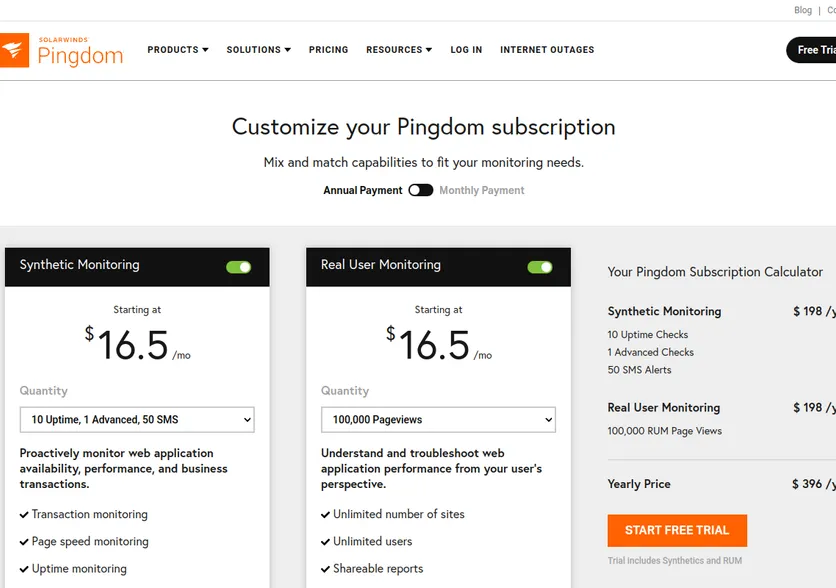
Paid tool Starting price: $10/month · Ten dollars per month for the entry plan, with some listings showing $16.50 a month billed annually for ten uptime checks; there is no free plan, only a 30-day trial
Free plan: 30-day free trial
This Pingdom plan costs ten dollars a month, and it is the simplest enterprise uptime tool for a church website and live stream. Synthetic checks from more than sixty locations catch a downed site before the congregation does, and real user monitoring shows how the site actually performs for visitors. There is no free plan, only a thirty-day trial, and some listings show sixteen dollars and fifty cents a month billed annually for ten checks.
What we like
- Synthetic checks from more than sixty locations
- Real user monitoring alongside uptime checks
- A product that has done this job since 2007
Watch out for
- No free plan, only a thirty-day trial
- The entry price buys only a few checks
How to try it
- Add your websites and set the check interval
- Turn on real user monitoring for visitor performance
- Set alerts and review the uptime reports weekly
5. UptimeRobot
Best for: Teams that want cheap monitoring for many sites
Paid tool Starting price: $7/month · Seven dollars per month on the paid plan, with a free tier covering 50 monitors at five-minute checks; paid plans cut intervals to one minute or thirty seconds and add status pages
Free plan: Free tier
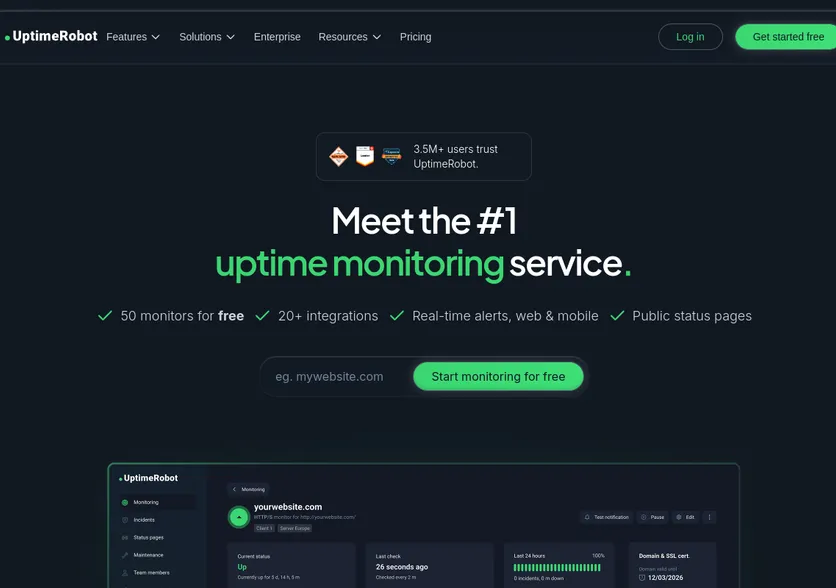
This UptimeRobot plan costs seven dollars a month, and it is the simplest uptime check in this list for a church website and giving portal. Fifty monitors are free at five-minute intervals, which covers the website, email and streaming pages a congregation actually uses. The paid plan only shortens the check interval and adds status pages, so a church that is happy with five-minute checks may never need to pay at all.
What we like
- Fifty monitors free at five-minute checks
- Alerts by email, SMS, Telegram, Slack and webhook
- The cheapest paid plan in this list at seven dollars
Watch out for
- No server metrics or self-healing at any price
- Five-minute checks on the free tier can miss short outages
How to try it
- Create the free account and add fifty monitors
- Set the alert channels your team actually reads
- Upgrade when you need one-minute checks or status pages
6. Zabbix
Best for: Technical teams that want free monitoring with no device limit
Paid tool Starting price: $0 · Free and open source, with no paid tier; commercial support and training are sold separately by Zabbix, and you host it yourself
Free plan: Free and open source
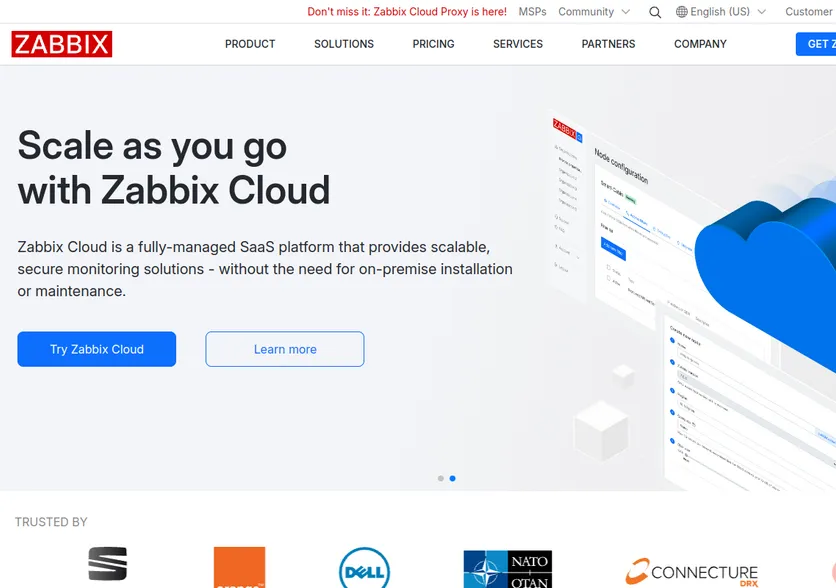
This Zabbix tool costs nothing, and it is the free option for a church that has a technically minded volunteer willing to run it. The open-source platform monitors servers, switches and services with no licence fee and no device limit, which is more than any paid tool in this list offers at the price. The catch is the setup: Zabbix needs a host, a database and someone who can keep both running, so it only suits a church with that volunteer already in place.
What we like
- No licence fee and no limit on monitored devices
- Templates that cover most devices out of the box
- Dashboards that can be shaped to any workflow
Watch out for
- Setup and upkeep fall entirely on your team
- The learning curve is steep for non-specialists
How to try it
- Install Zabbix with its database on your own host
- Apply the templates for your servers and switches
- Build dashboards and set triggers for the team
7. Site24x7
Best for: Small businesses that want cloud monitoring at the lowest price
Paid tool Starting price: $9/month · Nine dollars per month on Starter billed annually, or ten dollars billed monthly; Starter covers website checks, while network device monitoring is an add-on from $3 per device per month
Free plan: Free plan
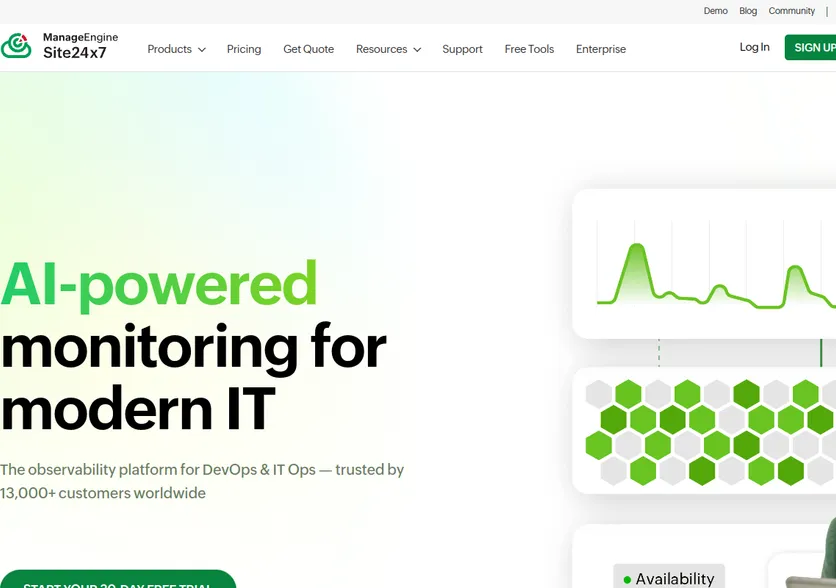
This Site24x7 plan costs nine dollars a month, and it suits a church that wants cloud monitoring with no server to maintain. The free tier watches up to fifty resources, and the paid Starter adds website and server checks that a volunteer can follow from a phone. Network device monitoring is a separate add-on from three dollars a device a month, which is the part to budget for the sanctuary and office switches.
What we like
- Website, server and application checks in one dashboard
- A free tier that watches up to fifty resources
- Network monitoring from three dollars a device a month
Watch out for
- The nine-dollar Starter covers website checks, not network devices
- Separate plan tracks for web and infrastructure monitoring
How to try it
- Create the account and add your websites and servers
- Add network devices with the per-device add-on
- Set alert contacts and review the dashboard each morning
8. OpManager
Best for: Small teams that want real monitoring at the lowest price
Paid tool Starting price: $95/year · Ninety-five dollars per year for Standard covering ten devices; the free edition covers three devices, and higher editions add application and virtualization monitoring
Free plan: Free edition up to 3 devices
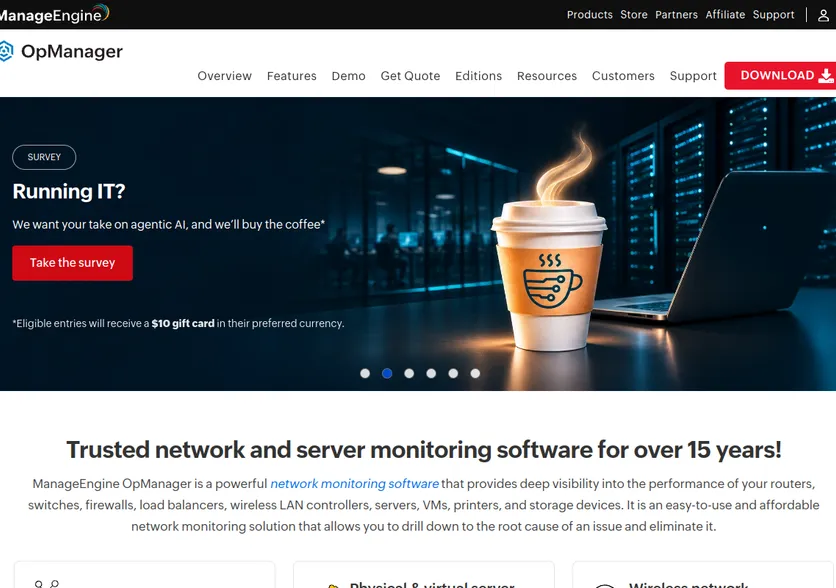
This OpManager plan costs ninety-five dollars a year, and it is the cheapest real network monitor in this list for a church with a volunteer IT team. It discovers the office, sanctuary and classroom networks automatically, then watches switches, Wi-Fi and servers from one screen that a non-specialist can read. The price covers ten devices, which fits most church buildings, and the free edition covers three devices for a trial run.
What we like
- Auto-discovery that maps the network in minutes
- Fault and bandwidth monitoring in one console
- A free edition that covers three devices
Watch out for
- The ninety-five dollar tier covers only ten devices
- Higher editions are needed for application monitoring
How to try it
- Install OpManager and let it discover the network
- Add the switches, servers and printers to monitoring
- Set alert profiles and check the dashboard daily
Prices above were checked on each vendor’s own website on Nov 28, 2026 and can change — the vendor’s page is the final word. Vendor links are editorial: nobody paid to be listed or ranked here. Vendors who want a featured listing can see how it works on our Get listed page.
How to keep a church network up on Sunday morning
Test everything on Saturday, because Sunday morning is the worst time to discover a dead access point. Walk the sanctuary, classrooms and office with a phone on the Wi-Fi and confirm the stream, the giving page and the check-in system all answer. Set alerts to reach the volunteer on duty, not an inbox nobody reads on Sunday, since an alert that arrives on Monday is a report, not a warning. Keep the monitoring simple enough that a volunteer can read it, because the person holding the laptop during the service is rarely the person who installed it. Finally, check the live stream from outside the building once a month, since a stream that works inside the church can still fail for the people watching from home.
Before you buy
- Confirm the free tier covers every building, since a campus needs more devices than one room
- Check whether the tool monitors the live stream and giving page, not just the office network
- Ask if alerts can reach a volunteer by phone, since email is too slow on Sunday
- Make sure the tool works without a server, if no volunteer can maintain one
- Test the monitoring on a Sunday rehearsal before you trust it with a live service
Official websites
Official websites of the products reviewed above. Features and prices were checked against these sites when this guide was written, and they can change, so confirm on the vendor site before you buy.
Frequently asked questions
What should a church monitor on its network?
A church should monitor its internet connection, Wi-Fi access points, live stream, website, giving portal and office servers. The live stream matters most, since hundreds of people watch it at once and a failure is visible immediately. The giving page matters next, since donations stop when it goes down, and the office network matters during the week for staff and volunteers.
How much does OpManager cost for a church?
OpManager costs ninety-five dollars a year for Standard, covering ten devices. The free edition covers three devices, which is enough to trial the tool on the office network. Ten devices covers most church buildings, including the sanctuary, classrooms and office, though a large campus will need a higher edition.
Is there free network monitoring software for churches?
Yes, Zabbix is free and open source with no device limit, and UptimeRobot watches fifty monitors free at five-minute checks. PRTG is free for the first one hundred sensors, and Site24x7 has a free tier for up to fifty resources. A church with a technically minded volunteer can monitor its whole network without paying, though the setup takes real effort.
Which tool is best for a church with several buildings?
Domotz is the best pick for a multi-site church, with one collector per building and a flat thirty-five dollars a month per site with unlimited devices. It discovers every device in each building, draws a topology map, and gives remote access without a VPN. A single-site church should start with OpManager or UptimeRobot instead, since Domotz earns its price across buildings.
Do I need to monitor the live stream separately?
Yes, the live stream deserves its own check, because the office network can be fine while the stream fails. UptimeRobot or Pingdom can watch the stream URL from outside the building, which is the view the congregation actually sees. Check it from a phone on mobile data once a month, since a stream that works on church Wi-Fi can still fail for viewers at home.
Compare the eight tools above, then start with a free tier or trial before the next Sunday service.
Browse Network & IP Tools tools