On this page
An architecture studio runs on its network: large files move between workstations and servers all day, and a dead file share an hour before a deadline is a crisis, not an inconvenience. The eight tools below watch that network, from free open-source monitors to hosted platforms that cover a whole practice. PRTG leads the list because it watches every device and link from one dashboard for two hundred dollars a month, and the other seven are judged on the same practical test: how quickly each one warns the studio before a deadline is missed.
How we researched this
We checked every price on vendor pricing pages and November 2026 reads of vendor pages, and only included tools with a published US dollar list price. The enterprise platforms that sell by quote, including Auvik and LogicMonitor, publish no prices, so they are not in this list. Prices change, so confirm the current figure on the vendor site before you buy.
Compare the tools
| Name | Best for | Starting price | Free plan | |
|---|---|---|---|---|
 PRTG | Teams that want broad multi-vendor visibility from one console | $200/month | Free up to 100 sensors | Visit |
 Datadog | Cloud-native teams that want everything in one console | $15/host/month | Free tier up to 5 hosts | Visit |
 OpManager | Small teams that want real monitoring at the lowest price | $95/year | Free edition up to 3 devices | Visit |
 Site24x7 | Small businesses that want cloud monitoring at the lowest price | $9/month | Free plan | Visit |
 Better Stack | Small teams that want uptime, incidents and status pages together | $24/month | Free tier | Visit |
 UptimeRobot | Teams that want cheap monitoring for many sites | $7/month | Free tier | Visit |
| Zabbix | Technical teams that want free monitoring with no device limit | $0 | Free and open source | Visit |
| Netdata | Teams that want per-second metrics without heavy setup | $7/node/month | Free Community tier up to 5 nodes | Visit |
The network monitoring software for architects, compared
1. PRTG
Best for: Teams that want broad multi-vendor visibility from one console
Paid tool Starting price: $200/month · Two hundred dollars per month for PRTG 500 billed annually, covering 500 sensors; PRTG 1000 is $358 a month and PRTG 2500 is $742 a month, and the first 100 sensors are free
Free plan: Free up to 100 sensors
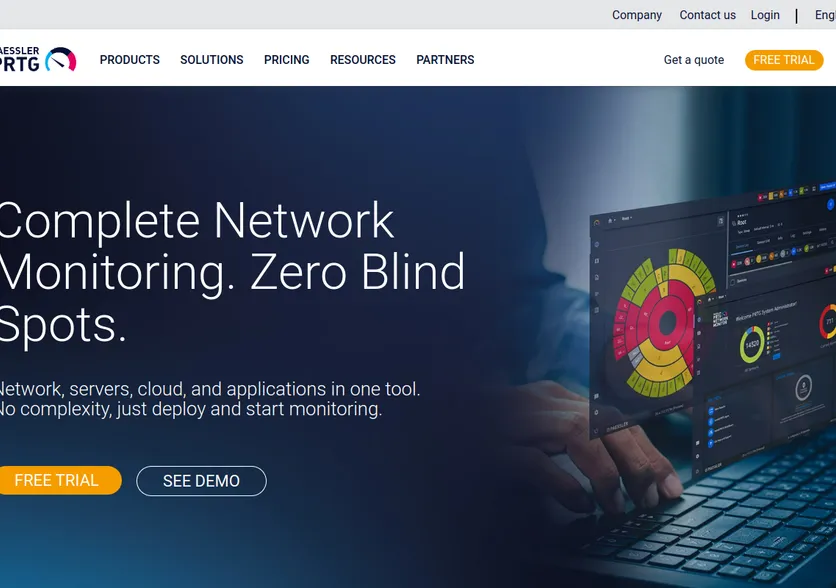
This PRTG plan costs two hundred dollars a month for five hundred sensors, and it watches every device, link and service in the studio from one dashboard. An architecture firm can track its file servers, plotters and internet links with sensors that alert the moment a share goes dark before a deadline. The first one hundred sensors are free, which covers a small studio outright, though sensor counts climb fast when every printer and switch is monitored.
What we like
- One hundred free sensors to trial the real product
- Sensor-based monitoring that covers almost any device
- Maps and custom dashboards for the operations wall
Watch out for
- Sensor counts climb fast on dense networks
- Subscription-only pricing since the one-time licences ended
How to try it
- Install the core server and add a probe for each site
- Let auto-discovery find devices and add sensors to them
- Set thresholds and alert channels for the team
2. Datadog
Best for: Cloud-native teams that want everything in one console
Paid tool Starting price: $15/host/month · Fifteen dollars per host per month for Infrastructure Monitoring billed annually; Network Performance Monitoring and other modules are billed separately, and a free tier covers five hosts
Free plan: Free tier up to 5 hosts
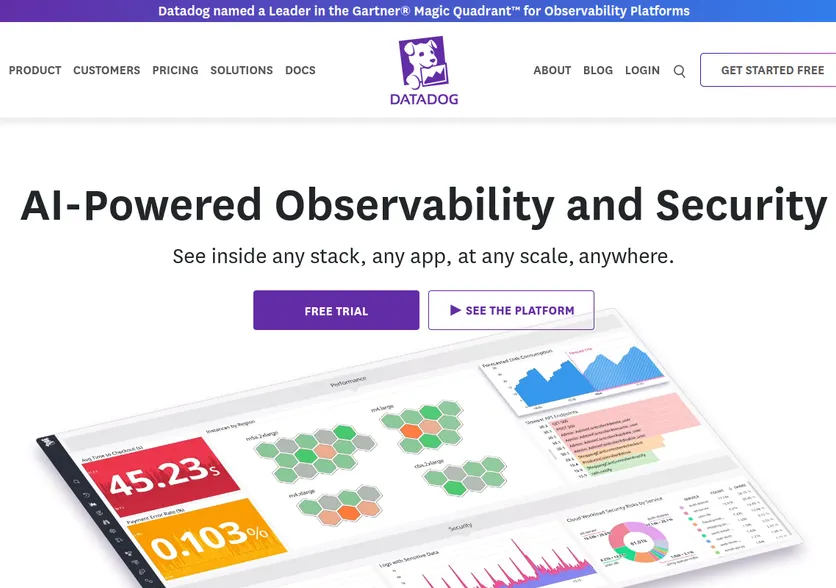
This Datadog plan costs fifteen dollars per host a month, and it is the cloud-native platform for a studio whose servers already live in the cloud. Infrastructure monitoring, logs and traces share one console, so a slow file sync can be traced from the server to the storage bucket in one view. The free tier covers five hosts, which suits a small practice, though network performance monitoring is billed separately from the base host price.
What we like
- More than four hundred integrations in one platform
- Logs, traces and metrics correlated in a single view
- A free tier that covers five hosts
Watch out for
- Network monitoring is billed separately from host monitoring
- Per-host pricing adds up fast on big estates
How to try it
- Install the Datadog agent on each host
- Turn on the integrations for your cloud and network
- Build a dashboard and set monitors for the key services
3. OpManager
Best for: Small teams that want real monitoring at the lowest price
Paid tool Starting price: $95/year · Ninety-five dollars per year for Standard covering ten devices; the free edition covers three devices, and higher editions add application and virtualization monitoring
Free plan: Free edition up to 3 devices
This OpManager plan costs ninety-five dollars a year, and it is the budget pick for a studio that needs real monitoring without a real budget. Auto-discovery maps the office network, and fault alerts arrive before staff notice the plotter is offline. The free edition covers three devices, which is enough to trial, though the ninety-five dollar tier only covers ten devices before the price steps up.
What we like
- Auto-discovery that maps the network in minutes
- Fault and bandwidth monitoring in one console
- A free edition that covers three devices
Watch out for
- The ninety-five dollar tier covers only ten devices
- Higher editions are needed for application monitoring
How to try it
- Install OpManager and let it discover the network
- Add the switches, servers and printers to monitoring
- Set alert profiles and check the dashboard daily
4. Site24x7
Best for: Small businesses that want cloud monitoring at the lowest price
Paid tool Starting price: $9/month · Nine dollars per month on Starter billed annually, or ten dollars billed monthly; Starter covers website checks, while network device monitoring is an add-on from $3 per device per month
Free plan: Free plan
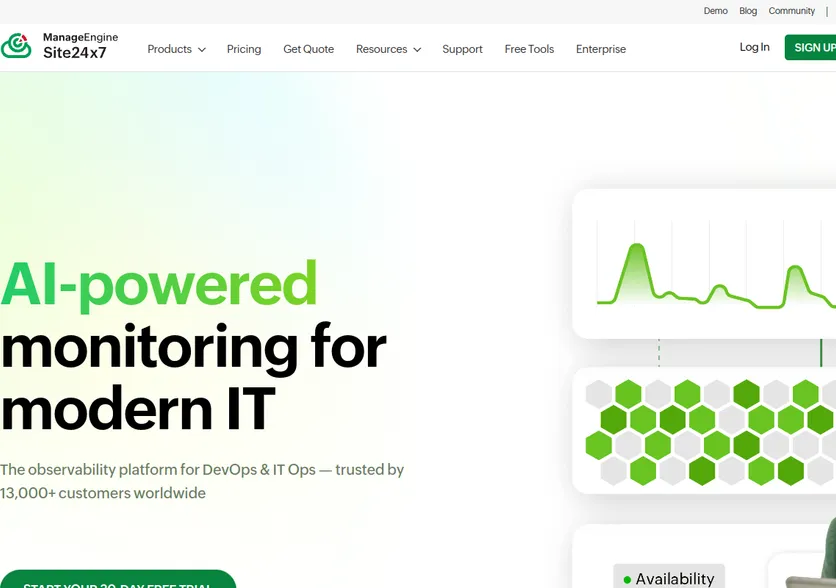
This Site24x7 plan costs nine dollars a month on annual billing, and it is the cheapest hosted monitoring in this list for a studio that lives in the cloud. Website, server and application checks share one dashboard, so a downed project portal and a slow server show up in the same place. The nine-dollar Starter covers website checks, so network device monitoring needs the three-dollar-per-device add-on on top.
What we like
- Website, server and application checks in one dashboard
- A free tier that watches up to fifty resources
- Network monitoring from three dollars a device a month
Watch out for
- The nine-dollar Starter covers website checks, not network devices
- Separate plan tracks for web and infrastructure monitoring
How to try it
- Create the account and add your websites and servers
- Add network devices with the per-device add-on
- Set alert contacts and review the dashboard each morning
5. Better Stack
Best for: Small teams that want uptime, incidents and status pages together
Paid tool Starting price: $24/month · Twenty-four dollars per month on the paid plan, with a free tier covering ten monitors at three-minute checks; paid plans cut intervals to thirty seconds and add on-call scheduling and Playwright browser checks
Free plan: Free tier
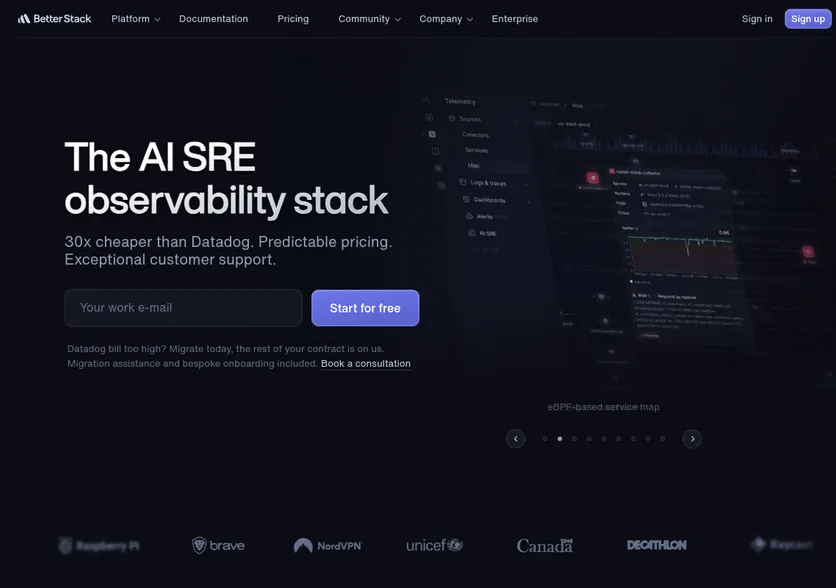
This Better Stack plan costs twenty-four dollars a month, and it combines uptime checks with incident management and status pages in one place. A studio can watch its client portals, route an outage to the right person, and publish a status page without three separate tools. The free tier covers ten monitors at three-minute checks, while paid plans cut intervals to thirty seconds and add on-call scheduling.
What we like
- Uptime checks plus incident management in one workflow
- Status pages that keep users informed during outages
- A free tier with ten monitors at three-minute checks
Watch out for
- Thirty-second checks and on-call schedules need the paid plan
- Heavier than a solo uptime checker for a tiny team
How to try it
- Add the monitors for your websites and APIs
- Set up on-call schedules and alert routing
- Publish a status page and link it from your site
6. UptimeRobot
Best for: Teams that want cheap monitoring for many sites
Paid tool Starting price: $7/month · Seven dollars per month on the paid plan, with a free tier covering 50 monitors at five-minute checks; paid plans cut intervals to one minute or thirty seconds and add status pages
Free plan: Free tier
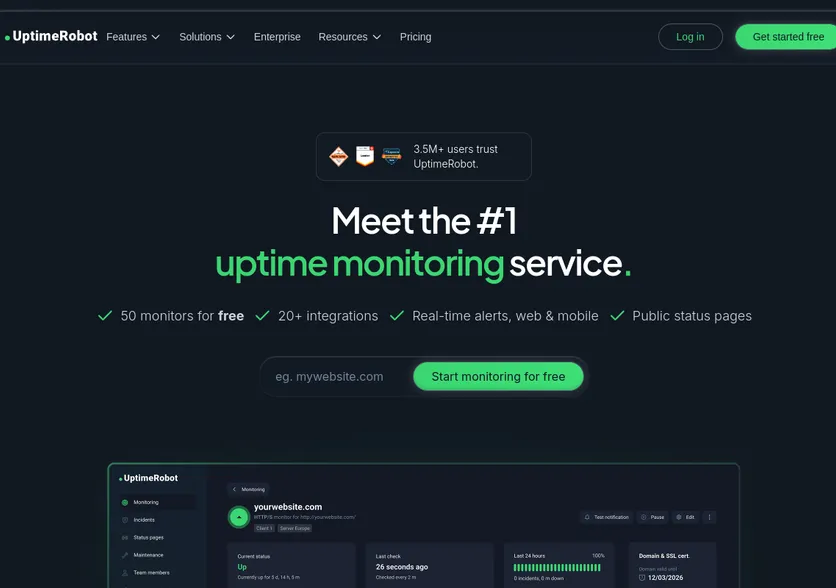
This UptimeRobot plan costs seven dollars a month, and it is the cheapest way to watch many sites at once. The free tier covers fifty monitors at five-minute checks, which is enough for a studio to watch every client portal and file service without paying. Paid plans cut checks to one minute or thirty seconds and add status pages, though there are no server metrics or self-healing features at any price.
What we like
- Fifty monitors free at five-minute checks
- Alerts by email, SMS, Telegram, Slack and webhook
- The cheapest paid plan in this list at seven dollars
Watch out for
- No server metrics or self-healing at any price
- Five-minute checks on the free tier can miss short outages
How to try it
- Create the free account and add fifty monitors
- Set the alert channels your team actually reads
- Upgrade when you need one-minute checks or status pages
7. Zabbix
Best for: Technical teams that want free monitoring with no device limit
Paid tool Starting price: $0 · Free and open source, with no paid tier; commercial support and training are sold separately by Zabbix, and you host it yourself
Free plan: Free and open source
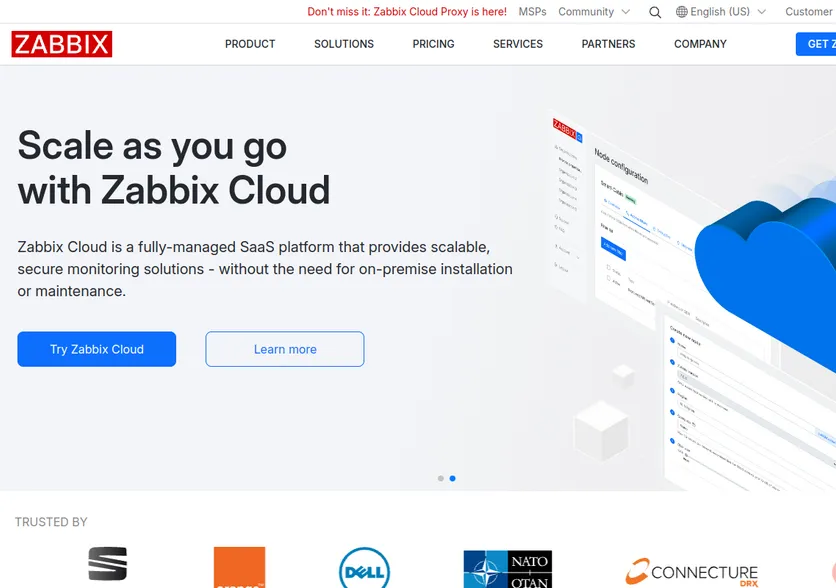
This Zabbix tool costs nothing, and it is the free open-source monitor for a studio with someone technical on staff. It watches servers, networks and services with templates that cover most devices out of the box, and the dashboards can be shaped to show exactly what the practice cares about. The price is the skill it needs: installation, templates and upkeep all fall on the team, with commercial support sold separately.
What we like
- No licence fee and no limit on monitored devices
- Templates that cover most devices out of the box
- Dashboards that can be shaped to any workflow
Watch out for
- Setup and upkeep fall entirely on your team
- The learning curve is steep for non-specialists
How to try it
- Install Zabbix with its database on your own host
- Apply the templates for your servers and switches
- Build dashboards and set triggers for the team
8. Netdata
Best for: Teams that want per-second metrics without heavy setup
Paid tool Starting price: $7/node/month · Seven dollars per node per month on the business plan, with a Homelab plan at $90 a year and a free Community tier covering five nodes
Free plan: Free Community tier up to 5 nodes
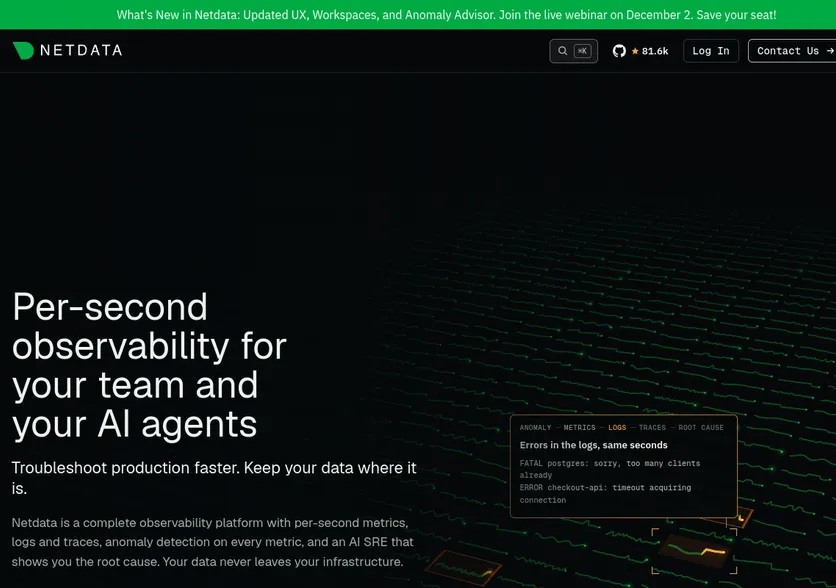
This Netdata plan costs seven dollars per node a month, and it shows per-second metrics that catch problems other monitors miss. A studio can watch CPU, memory, disk and network on every server in real time, with alerts that fire the moment a metric moves rather than a minute later. The free Community tier covers five nodes, which suits a small practice, and the Homelab plan costs ninety dollars a year for personal use.
What we like
- Per-second metrics that catch fast-moving problems
- Thousands of metrics per node with little configuration
- A free Community tier that covers five nodes
Watch out for
- Business pricing is per node, so big estates add up
- The Homelab plan is personal use only
How to try it
- Install the agent on each node you want to watch
- Open the cloud console and check the live dashboards
- Set alerts on the metrics that matter most
Prices above were checked on each vendor’s own website on Nov 28, 2026 and can change — the vendor’s page is the final word. Vendor links are editorial: nobody paid to be listed or ranked here. Vendors who want a featured listing can see how it works on our Get listed page.
How to keep an architecture studio online through a deadline week
Watch the file server first, because everything else in a studio depends on it. A plotter can wait an hour, but a file share that goes dark at 4 p.m. stops every workstation at once, so put your best monitoring on the storage and the links that feed it. Set alerts for disk space and bandwidth before the week of a deadline, not during it, since a full drive announces itself too late. Keep the monitoring simple enough that anyone in the studio can read it, because the person who notices the alert is rarely the IT specialist. Finally, test the alerts once a month by taking a non-critical device offline, since a monitor that has never fired is a monitor nobody trusts.
Before you buy
- Confirm how the tool counts devices, sensors or hosts, since the three bills differ widely
- Check whether the free tier covers your whole studio or only a handful of devices
- Ask if the tool monitors plotters and printers, not just servers and switches
- Make sure alerts reach a phone, since nobody watches a dashboard all day
- Test the tool on your file server first, because that is the device that matters most
Official websites
Official websites of the products reviewed above. Features and prices were checked against these sites when this guide was written, and they can change, so confirm on the vendor site before you buy.
Frequently asked questions
What is network monitoring software?
Network monitoring software watches the devices, links and services on a network and alerts the team when something slows down or stops. It tracks servers, switches, Wi-Fi, printers and internet links from one dashboard, so a problem is found before staff start complaining. For an architecture studio it means the file server, plotters and cloud storage are watched around the clock.
How much does PRTG cost for an architecture studio?
PRTG costs two hundred dollars a month for PRTG 500 billed annually, covering five hundred sensors. The first one hundred sensors are free, which covers a small studio outright. PRTG 1000 is three hundred and fifty-eight dollars a month and PRTG 2500 is seven hundred and forty-two dollars a month for larger practices.
Is there free network monitoring software for architects?
Yes, Zabbix is free and open source with no device limit, and UptimeRobot watches fifty monitors free at five-minute checks. PRTG is free for the first one hundred sensors, Datadog is free for five hosts, and Netdata is free for five nodes. A small studio can often monitor everything it owns without paying, though the free tools need more setup than the paid ones.
Which tool is best for a studio with no IT staff?
OpManager is the best budget pick for a studio with no IT staff, with auto-discovery and a readable dashboard for ninety-five dollars a year. Site24x7 is the best cloud option, with no server to maintain and a nine-dollar monthly plan. UptimeRobot is the simplest of all, watching fifty sites free with alerts by email, SMS or Slack.
Do I need to monitor plotters and printers too?
Yes, plotters and large-format printers are the devices a studio notices first when they fail, and most tools in this list can watch them. PRTG and OpManager discover printers automatically and alert when one goes offline or runs out of toner. A monitor that only watches servers will miss the device that actually stops work on deadline day.
Compare the eight tools above, then start with a free tier or trial on your file server before you pay for monitoring.
Browse Network & IP Tools tools