On this page
A contractor runs two networks at once: the office that holds the project files, and every job site that needs to reach them. The eight tools below watch both, from cheap uptime checkers to multi-site monitors that cover a whole fleet of trailers. Domotz leads the list because it puts a collector on each site and watches every device there for thirty-five dollars a month, and the other seven are judged on the same practical test: how well each one keeps the field connected to the office.
How we researched this
We checked every price on vendor pricing pages and November 2026 reads of vendor pages, and only included tools with a published US dollar list price. The enterprise platforms that sell by quote, including Auvik and LogicMonitor, publish no prices, so they are not in this list. Prices change, so confirm the current figure on the vendor site before you buy.
Compare the tools
| Name | Best for | Starting price | Free plan | |
|---|---|---|---|---|
 PRTG | Teams that want broad multi-vendor visibility from one console | $200/month | Free up to 100 sensors | Visit |
 Datadog | Cloud-native teams that want everything in one console | $15/host/month | Free tier up to 5 hosts | Visit |
 Domotz | MSPs and IT teams that manage remote sites | $35/month | 14-day free trial | Visit |
 Better Stack | Small teams that want uptime, incidents and status pages together | $24/month | Free tier | Visit |
| Pingdom | Teams that want simple enterprise-grade uptime checks | $10/month | 30-day free trial | Visit |
| WhatsUp Gold | Windows teams that want on-premises monitoring | $1,229/year | Free trial | Visit |
| ManageEngine NetFlow Analyzer | Remote teams that want flow-based anomaly detection on a budget | $172/year | Free for 2 interfaces | Visit |
 UptimeRobot | Teams that want cheap monitoring for many sites | $7/month | Free tier | Visit |
The network monitoring software for contractors, compared
1. PRTG
Best for: Teams that want broad multi-vendor visibility from one console
Paid tool Starting price: $200/month · Two hundred dollars per month for PRTG 500 billed annually, covering 500 sensors; PRTG 1000 is $358 a month and PRTG 2500 is $742 a month, and the first 100 sensors are free
Free plan: Free up to 100 sensors
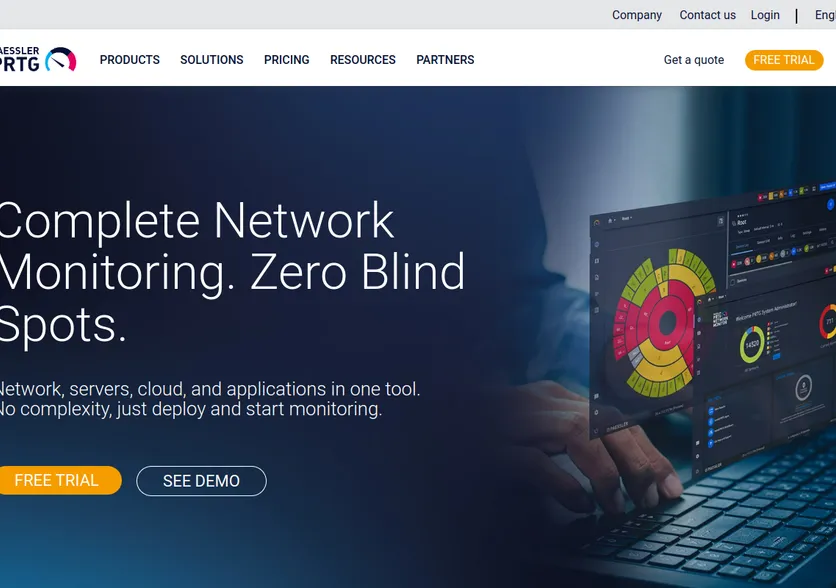
This PRTG plan costs two hundred dollars a month, and it is the sensor-based workhorse that suits a contractor with several job sites. One core server watches the office network while remote probes cover each site, so a foreman can see whether the trailer Wi-Fi or the office server is the problem. The five hundred sensors in the entry plan cover roughly fifty devices, which fits a mid-size contractor, though dense monitoring eats sensors quickly.
What we like
- One hundred free sensors to trial the real product
- Sensor-based monitoring that covers almost any device
- Maps and custom dashboards for the operations wall
Watch out for
- Sensor counts climb fast on dense networks
- Subscription-only pricing since the one-time licences ended
How to try it
- Install the core server and add a probe for each site
- Let auto-discovery find devices and add sensors to them
- Set thresholds and alert channels for the team
2. Datadog
Best for: Cloud-native teams that want everything in one console
Paid tool Starting price: $15/host/month · Fifteen dollars per host per month for Infrastructure Monitoring billed annually; Network Performance Monitoring and other modules are billed separately, and a free tier covers five hosts
Free plan: Free tier up to 5 hosts
This Datadog plan costs fifteen dollars per host a month, and it gives a contractor one hosted console for servers, cloud and network traffic without an on-premises box. Crews in the field and the office share the same dashboards, and alerts route to phones before a site loses its connection to the office. The per-host bill is the thing to watch: every monitored machine adds fifteen dollars, so a contractor with many small servers pays more than the headline suggests.

What we like
- More than four hundred integrations in one platform
- Logs, traces and metrics correlated in a single view
- A free tier that covers five hosts
Watch out for
- Network monitoring is billed separately from host monitoring
- Per-host pricing adds up fast on big estates
How to try it
- Install the Datadog agent on each host
- Turn on the integrations for your cloud and network
- Build a dashboard and set monitors for the key services
3. Domotz
Best for: MSPs and IT teams that manage remote sites
Paid tool Starting price: $35/month · Thirty-five dollars per month per collector with unlimited devices per site and a 14-day free trial; some vendor pages show the figure in pounds or euros, so confirm the dollar price before you buy
Free plan: 14-day free trial
This Domotz plan costs thirty-five dollars a month per site, and it is built for a contractor whose sites each need watching. One collector per location discovers every device, draws the topology map, and lets the office reach a site switch remotely without driving out to it. Unlimited devices per site means the price stays flat as a site grows, which is the opposite of the per-device tools in this list.
What we like
- A flat price per site with unlimited devices
- Automatic discovery and topology maps for each site
- Built-in remote access without a VPN
Watch out for
- The dollar price needs confirming against the vendor page
- A collector is needed at every site
How to try it
- Place a collector at each site you manage
- Let it discover devices and draw the topology map
- Use remote access to reach any device from the office
4. Better Stack
Best for: Small teams that want uptime, incidents and status pages together
Paid tool Starting price: $24/month · Twenty-four dollars per month on the paid plan, with a free tier covering ten monitors at three-minute checks; paid plans cut intervals to thirty seconds and add on-call scheduling and Playwright browser checks
Free plan: Free tier
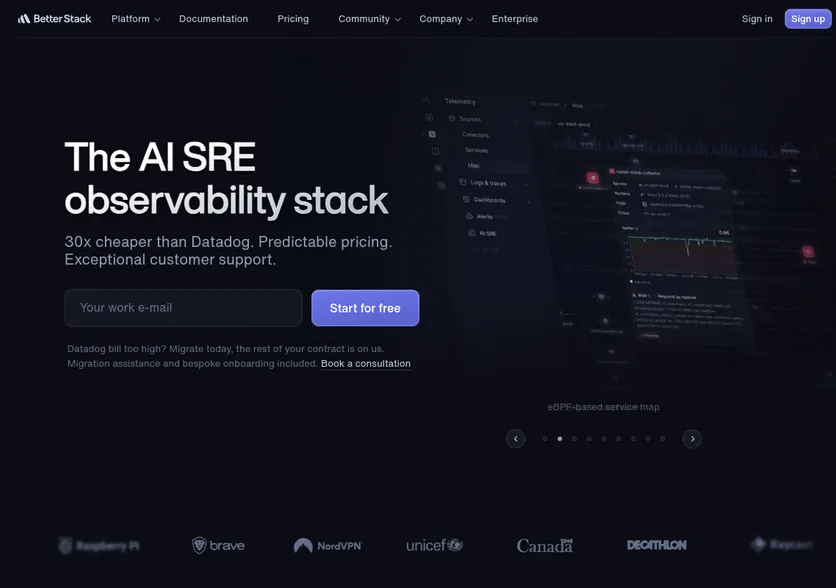
This Better Stack plan costs twenty-four dollars a month, and it is the all-rounder for a contractor whose crews depend on web tools from the field. Uptime monitoring, incident routing and status pages share one workflow, so a downed project system pages the right person instead of everyone. The free tier covers ten monitors, which is enough to trial, though the thirty-second checks and on-call schedules need the paid plan.
What we like
- Uptime checks plus incident management in one workflow
- Status pages that keep users informed during outages
- A free tier with ten monitors at three-minute checks
Watch out for
- Thirty-second checks and on-call schedules need the paid plan
- Heavier than a solo uptime checker for a tiny team
How to try it
- Add the monitors for your websites and APIs
- Set up on-call schedules and alert routing
- Publish a status page and link it from your site
5. Pingdom
Best for: Teams that want simple enterprise-grade uptime checks
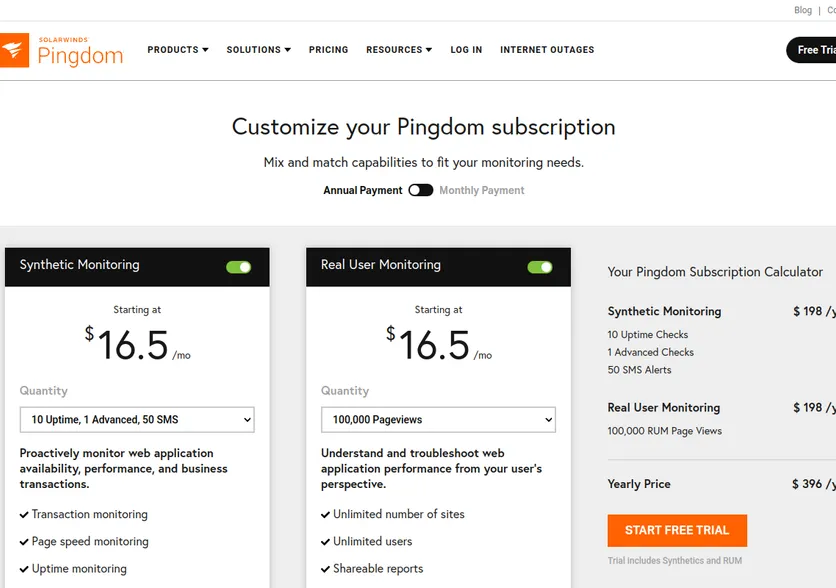
Paid tool Starting price: $10/month · Ten dollars per month for the entry plan, with some listings showing $16.50 a month billed annually for ten uptime checks; there is no free plan, only a 30-day trial
Free plan: 30-day free trial
This Pingdom plan costs ten dollars a month, and it watches the web tools a contractor relies on from more than sixty check locations around the world. Uptime checks, transaction monitoring and real user monitoring sit in one long-running product that has been doing this job since 2007. The entry price buys only a few checks, so a contractor watching many systems pays more, and there is no free tier to fall back on.
What we like
- Synthetic checks from more than sixty locations
- Real user monitoring alongside uptime checks
- A product that has done this job since 2007
Watch out for
- No free plan, only a thirty-day trial
- The entry price buys only a few checks
How to try it
- Add your websites and set the check interval
- Turn on real user monitoring for visitor performance
- Set alerts and review the uptime reports weekly
6. WhatsUp Gold
Best for: Windows teams that want on-premises monitoring
Paid tool Starting price: $1,229/year · One thousand two hundred and twenty-nine dollars per year for the Business plan covering 50 devices, from October 2026 vendor-page reads; a free trial is available
Free plan: Free trial
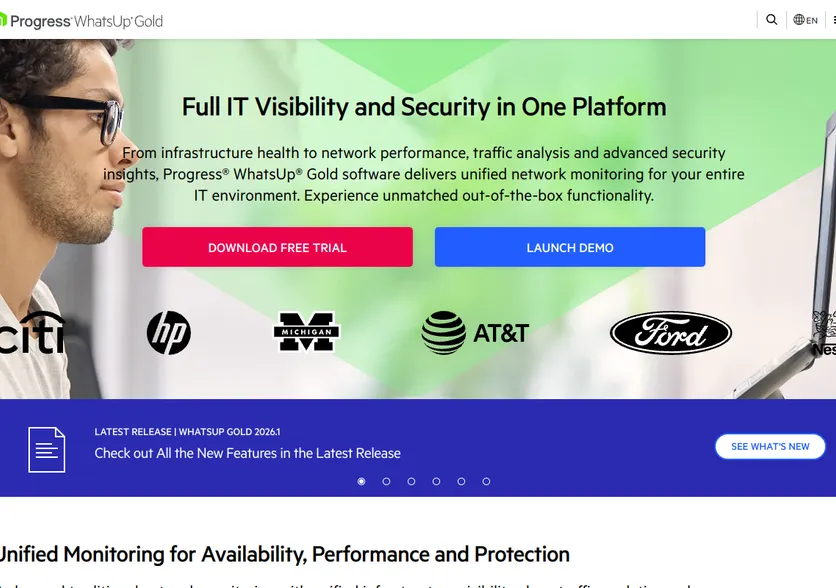
This WhatsUp Gold plan costs one thousand two hundred and twenty-nine dollars a year for fifty devices, and it is the Windows-friendly monitor for a contractor office network. It discovers devices, maps the network, and alerts on traffic thresholds with a console that a Windows team will find familiar. The Business plan covers fifty devices, which fits a mid-size contractor, though the price is far above the cloud tools in this list.
What we like
- Network mapping and discovery in a familiar Windows console
- Traffic threshold alerts with CBQoS and NBAR data
- Config backup included alongside monitoring
Watch out for
- The Business plan covers only fifty devices
- On-premises only, with no cloud console
How to try it
- Install WhatsUp Gold and discover the network
- Map the topology and set traffic thresholds
- Review alerts and config backups each morning
7. ManageEngine NetFlow Analyzer
Best for: Remote teams that want flow-based anomaly detection on a budget
Paid tool Starting price: $172/year · One hundred and seventy-two dollars per year for Standard covering ten interfaces, from the vendor editions page; Professional is $595 a year for ten interfaces and Enterprise is $1,045; free forever for two interfaces
Free plan: Free for 2 interfaces
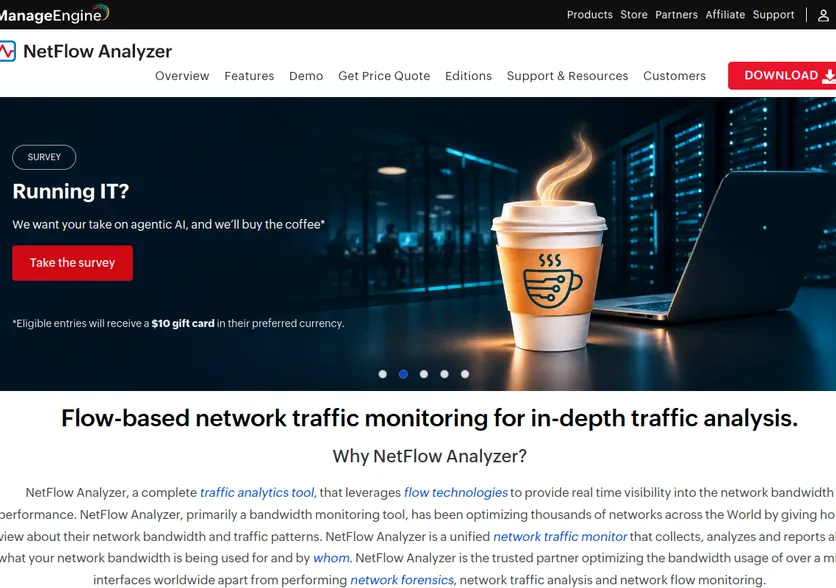
This ManageEngine NetFlow Analyzer plan costs one hundred and seventy-two dollars a year for ten interfaces, and it shows a contractor which site is eating the bandwidth. Flow data from routers reveals the top talkers and applications, so a slow office link can be blamed on a backup job rather than the provider. Ten interfaces cover a small office, and the Professional tier at five hundred and ninety-five dollars a year adds the full analytics.
What we like
- Flow analysis across NetFlow, sFlow, IPFIX and more
- Bandwidth reports and alerts that expose odd traffic patterns
- Free forever for two interfaces, with a thirty-day trial
Watch out for
- Standard may lack the full security analytics of Professional
- A per-interface licence that gets expensive as the network grows
How to try it
- Install the analyser and point flow exports at it
- Watch the top talkers and application breakdowns for a week
- Set alerts for traffic spikes and unusual destinations
8. UptimeRobot
Best for: Teams that want cheap monitoring for many sites
Paid tool Starting price: $7/month · Seven dollars per month on the paid plan, with a free tier covering 50 monitors at five-minute checks; paid plans cut intervals to one minute or thirty seconds and add status pages
Free plan: Free tier
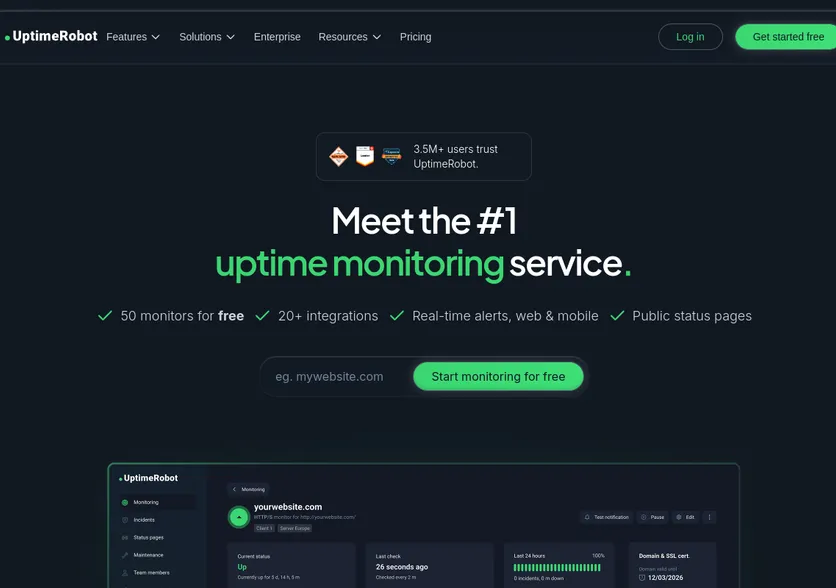
This UptimeRobot plan costs seven dollars a month, and it is the low-cost way for a contractor to watch every web tool the field crews rely on. HTTP, ping, port and keyword checks cover the project system, email and supplier portals from one dashboard, with alerts by email, SMS, Telegram or Slack. It only watches availability, so a slow server looks fine to UptimeRobot as long as it answers.
What we like
- Fifty monitors free at five-minute checks
- Alerts by email, SMS, Telegram, Slack and webhook
- The cheapest paid plan in this list at seven dollars
Watch out for
- No server metrics or self-healing at any price
- Five-minute checks on the free tier can miss short outages
How to try it
- Create the free account and add fifty monitors
- Set the alert channels your team actually reads
- Upgrade when you need one-minute checks or status pages
Prices above were checked on each vendor’s own website on Nov 28, 2026 and can change — the vendor’s page is the final word. Vendor links are editorial: nobody paid to be listed or ranked here. Vendors who want a featured listing can see how it works on our Get listed page.
How to keep job sites connected to the office
Treat the job site connection as a utility, because a trailer that cannot reach the office cannot file a report, order material or check a drawing. Put a monitor on every site link and set alerts for the foreman, not just the office, since the person on site is the one who can reboot the router. Keep a spare hotspot in each trailer, because the cheapest backup for a dead site link is a phone that still works. Watch the office network just as closely, since a dead file server stops every site at once. Finally, review the alerts every Friday and fix the sites that cried wolf, because a monitor the team ignores is worse than no monitor at all.
Before you buy
- Confirm the tool can watch remote sites, since an office-only monitor misses the field
- Check whether alerts reach the foreman on site, not just the office inbox
- Ask how the tool handles a site that loses its connection for hours at a time
- Make sure the price covers every site, since per-device billing grows with each trailer
- Test the tool on one live job site before you roll it out to the whole fleet
Official websites
Official websites of the products reviewed above. Features and prices were checked against these sites when this guide was written, and they can change, so confirm on the vendor site before you buy.
Frequently asked questions
What is network monitoring software for contractors?
Network monitoring software for contractors watches the office network and every job site connection from one place. It tracks servers, switches, Wi-Fi and internet links, and alerts the team when a site goes offline or a service slows down. For a contractor it means the field crews stay connected to the project files, drawings and systems they need all day.
How much does Domotz cost for a contractor?
Domotz costs thirty-five dollars a month per site, with unlimited devices at each location and a fourteen-day free trial. One collector per site discovers every device, draws the topology map, and gives the office remote access without a VPN. The price stays flat as a site grows, though the dollar figure should be confirmed against the vendor page.
Is there free network monitoring software for contractors?
Yes, UptimeRobot watches fifty monitors free at five-minute checks, which covers the web tools every crew relies on. Zabbix is free and open source with no device limit, and Netdata is free for five nodes. A contractor with a small office and a few sites can often monitor everything without paying, though multi-site tools like Domotz earn their price once the fleet grows.
Which tool is best for a contractor with many job sites?
Domotz is the best pick for many job sites, with one collector per location and a flat price that does not grow with device counts. PRTG is the best office-network pick, with remote probes that cover each site from one core server. UptimeRobot is the best free start for watching the web tools the crews use, with fifty monitors at no cost.
Do I need to monitor bandwidth at each job site?
Yes, bandwidth is usually the first thing to fail at a job site, since a trailer connection is shared by the whole crew. A flow tool like NetFlow Analyzer shows which device or application is eating the link, so a backup job can be blamed instead of the provider. Without bandwidth monitoring, every slow day looks like a provider outage and the real cause never gets found.
Compare the eight tools above, then start with a free tier or trial on one live job site before you roll monitoring out to the fleet.
Browse Network & IP Tools tools