On this page
A gym lives or dies by its booking site, its Wi-Fi and its front-desk systems, and when any of them fails the members notice immediately. The eight tools below cover that job for gyms of different sizes, from a single studio to a chain of branches. Site24x7 leads the list because it watches the website, the servers and the network from nine dollars a month, and the rest are ranked on the same practical test: how fast they tell you something members care about has stopped working.
How we researched this
We checked every price on the vendor pricing page on November 28, 2026, and only included tools with a published US dollar list price. Quote-only tools such as Cisco ThousandEyes, Auvik, NinjaOne and LogicMonitor publish no prices, so they are not in this list. Prices change, so confirm the current figure on the vendor site before you buy.
Compare the tools
| Name | Best for | Starting price | Free plan | |
|---|---|---|---|---|
 Site24x7 | Teams that want website, server and network checks together | $9/month | Free plan (50 resources) | Visit |
 Domotz | Gym chains that want one flat price per branch | $35/site/month | 14-day free trial | Visit |
 UptimeRobot | Teams that mainly need to know when a site goes down | $12/month | Free plan (50 monitors) | Visit |
 Better Stack | Small teams that want uptime checks with on-call paging | $29/month | Free plan (10 monitors) | Visit |
| Pingdom | Sites where uptime and page speed both matter | $16.50/month | No free plan; 30-day free trial | Visit |
 PRTG Network Monitor | Teams that want one install for the whole infrastructure | $200/month | Free plan (100 sensors) | Visit |
 ManageEngine OpManager | Small estates that need simple device monitoring | $95/year | Free plan | Visit |
| Zabbix | Gyms with a technical owner who prefers open source | $0/month | Free open source | Visit |
The network monitoring software for gyms, compared
1. Site24x7
Best for: Teams that want website, server and network checks together
Paid tool Starting price: $9/month · Nine dollars per month billed annually for the Lite infrastructure plan covering two servers and five websites, or for Web Uptime covering twenty-five websites; Professional is forty-two dollars a month billed annually and adds network components
Free plan: Free plan (50 resources)
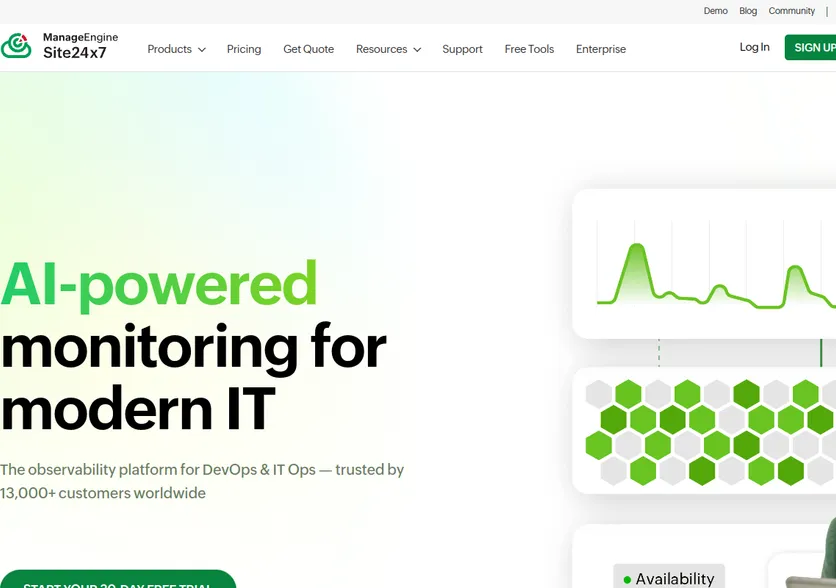
Most gyms need their booking site and Wi-Fi watched, not a full network operations centre, and Site24x7 starts at nine dollars a month billed annually for the Lite plan. Two servers and five websites fit a single-location gym, and the free plan watches uptime on fifty resources for nothing. When the chain grows, Professional at forty-two dollars a month adds network components and more capacity.
What we like
- One account covers websites, servers and network devices
- Free plan monitors uptime on fifty resources
- Thirty-day trial needs no credit card
Watch out for
- Entry plans cap servers and resources tightly
- Website and infrastructure plans are sold separately
How to try it
- Create an account and add your websites and servers
- Enable network monitoring for routers and switches
- Set alert thresholds and notification channels
2. Domotz
Best for: Gym chains that want one flat price per branch
Paid tool Starting price: $35/site/month · Thirty-five dollars per site per month with unlimited devices and every feature included, per the vendor blog and September 2026 pricing update; volume pricing drops to seventeen dollars and fifty cents per site for MSPs on a twelve-month term, and the vendor pricing page lists thirty-five euros per collector
Free plan: 14-day free trial
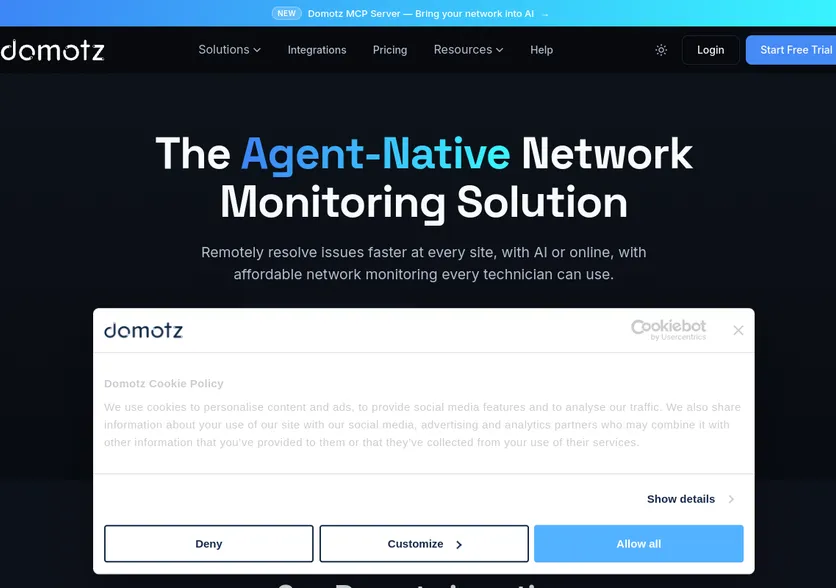
A gym chain with several branches pays the same flat rate everywhere, because Domotz costs thirty-five dollars per site per month with unlimited devices included. One collector per branch discovers the front-desk computers, the Wi-Fi access points and the smart equipment, then shows them all on one cloud map. Remote access is built in, so a technician can reboot a stuck device without driving to the branch.
What we like
- Flat per-site price with unlimited devices
- Automatic network maps with device identification
- Remote access to devices without a VPN
Watch out for
- One collector needed at every site
- No free plan, only a fourteen-day trial
How to try it
- Deploy a collector at each site you manage
- Let Domotz discover and map every device
- Set alerts and remote-access rules per site
3. UptimeRobot
Best for: Teams that mainly need to know when a site goes down
Paid tool Starting price: $12/month · Twelve dollars per month billed annually on the Solo plan, or thirteen dollars month to month, for ten monitors at sixty-second checks; Team is thirty-nine dollars a month billed annually for one hundred monitors, and prices rose from nine dollars in late 2026
Free plan: Free plan (50 monitors)
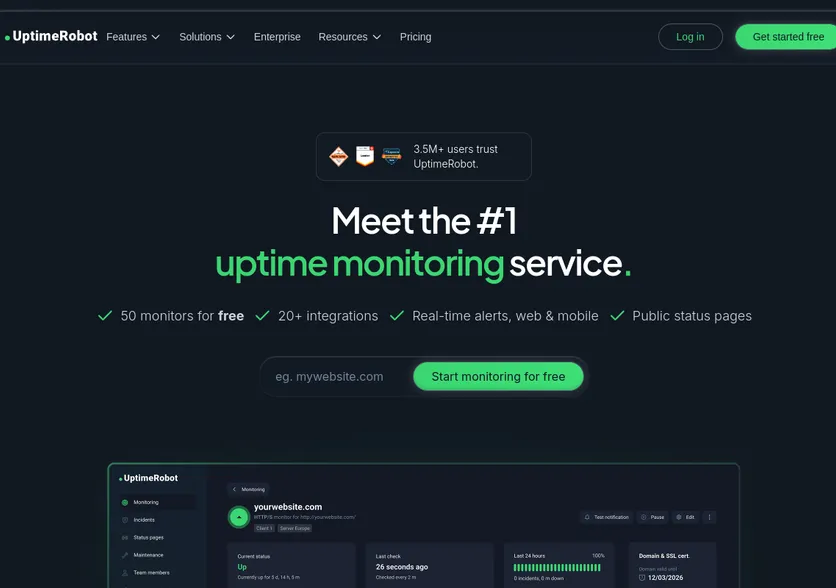
For a gym whose members book classes online, UptimeRobot costs twelve dollars a month billed annually on the Solo plan, covering ten monitors at sixty-second checks. It pings the booking site and the payment page and alerts the owner the moment either stops answering. It does not watch the in-gym network, so it works best as a cheap companion to a device monitor.
What we like
- Free plan covers fifty monitors at no cost
- Simple setup with no agent to install
- Status pages included on paid plans
Watch out for
- Solo covers only ten monitors, fewer than the free plan
- Checks only uptime, not deep device health
How to try it
- Add each website or service as a monitor
- Set alert contacts for email, SMS or chat
- Publish a status page for your users
4. Better Stack
Best for: Small teams that want uptime checks with on-call paging
Paid tool Starting price: $29/month · Twenty-nine dollars per responder per month billed annually, or thirty-four dollars month to month, for on-call, uptime monitoring and status pages; extra monitors come in packs of fifty for twenty-one dollars a month billed annually
Free plan: Free plan (10 monitors)
Gyms that want one person woken when the site goes down can use Better Stack from twenty-nine dollars per responder per month billed annually. The same licence covers uptime checks, on-call schedules and a status page, so members see a clear notice instead of a broken booking page. The free plan already includes ten monitors, which is enough to trial it on a single gym.

What we like
- Uptime, on-call and status pages on one bill
- Free plan includes ten monitors and a status page
- Phone and SMS alerts included with the responder licence
Watch out for
- Being paged costs at least one responder licence
- Telemetry bundles add cost for heavy log volumes
How to try it
- Add monitors for each endpoint and heartbeats for cron jobs
- Create an on-call schedule with escalation rules
- Publish a status page and link it from your site
5. Pingdom
Best for: Sites where uptime and page speed both matter
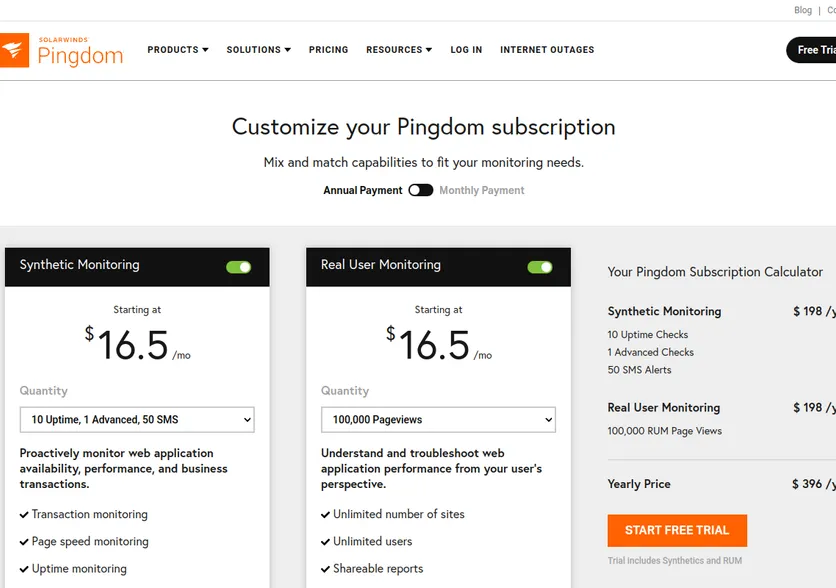
Paid tool Starting price: $16.50/month · Sixteen dollars and fifty cents a month billed annually for Synthetic Monitoring with ten uptime checks, one advanced check and fifty SMS alerts, or eighteen dollars month to month; the page localizes currency and shows fourteen euros and thirty-three cents from European visitors, and real user monitoring is priced separately
Free plan: No free plan; 30-day free trial
A gym website that must load fast on phones benefits from Pingdom at sixteen dollars and fifty cents a month billed annually for Synthetic Monitoring with ten uptime checks. Probe servers around the world test the site every minute, and transaction checks can walk the class-booking flow the way a member would. There is no free plan, only a trial, and real user monitoring is billed separately.
What we like
- Over one hundred probe locations worldwide
- Transaction and page-speed checks alongside uptime
- Unlimited users on every plan
Watch out for
- No free plan, only a trial
- Synthetic and real-user monitoring are billed separately
How to try it
- Add uptime checks for each site or service
- Create a transaction check for the critical user journey
- Set alert rules and maintenance windows
6. PRTG Network Monitor
Best for: Teams that want one install for the whole infrastructure
Paid tool Starting price: $200/month · Two hundred dollars per month billed annually for PRTG 500, covering five hundred sensors or about fifty devices; PRTG 1000 is three hundred and fifty-eight dollars a month, and the Freeware Edition covers one hundred sensors at no cost
Free plan: Free plan (100 sensors)
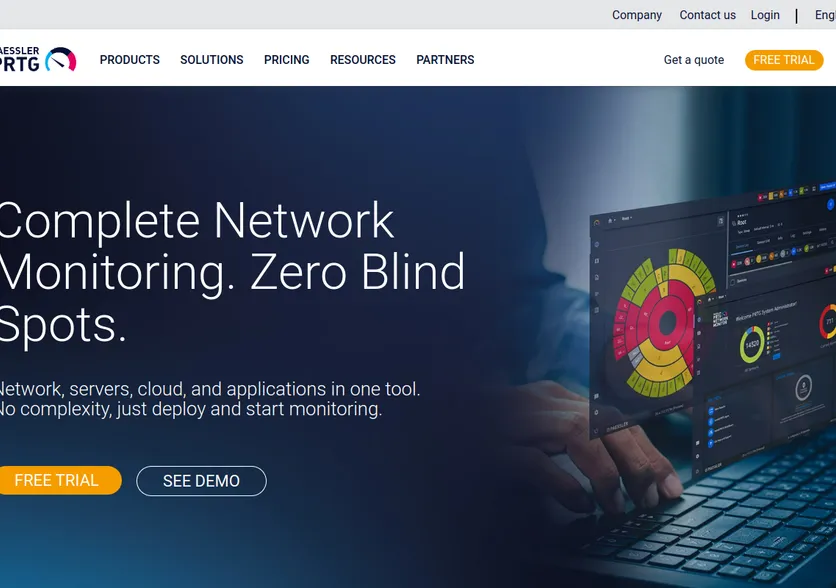
A gym group with its own IT generalist can run PRTG Network Monitor at two hundred dollars a month billed annually for five hundred sensors, covering about fifty devices. Auto-discovery finds the routers, switches and servers at each branch, and the sensor model keeps the bill predictable as branches are added. The server install is Windows-only, and sensor counts climb on busy devices.
What we like
- Sensor model makes the bill easy to count before you buy
- Auto-discovery maps a new site in minutes
- One install covers routers, switches, servers and applications
Watch out for
- Windows-only server install
- Sensor counts climb fast on busy devices
How to try it
- Install PRTG on a Windows server and run auto-discovery
- Group sensors by site so each location has its own view
- Set sensor thresholds and notification triggers per group
7. ManageEngine OpManager
Best for: Small estates that need simple device monitoring
Paid tool Starting price: $95/year · Ninety-five dollars per year for the Standard edition covering ten devices, per the vendor store; larger device bundles and the Professional and Enterprise editions cost more
Free plan: Free plan
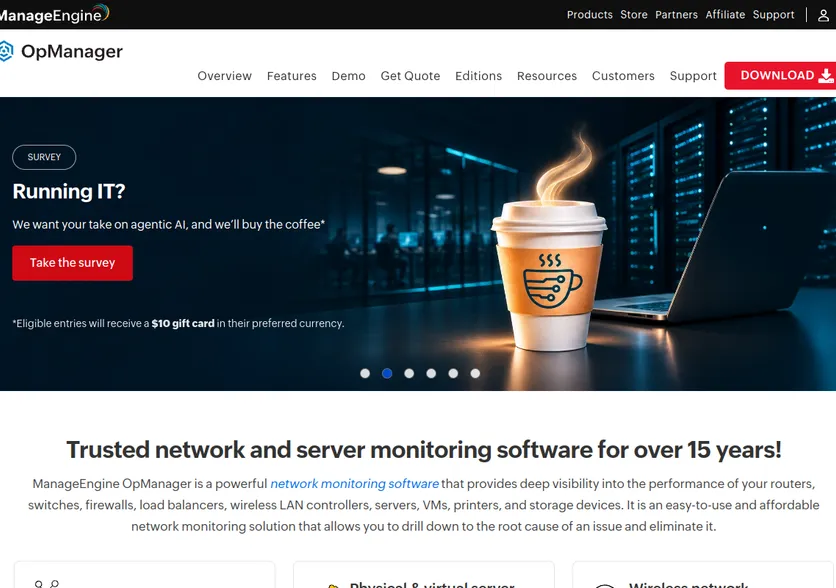
For a single gym with a handful of network devices, ManageEngine OpManager costs ninety-five dollars a year for the Standard edition covering ten devices. It is the cheapest paid device monitor in this list, and it covers routers, switches and servers with simple alarms. A growing chain will outgrow ten devices quickly, so treat the entry edition as a starting point.
What we like
- Straightforward device monitoring with little setup
- Affordable entry price for small estates
- Maps, workflows and alarms included in the base product
Watch out for
- Entry edition covers only ten devices
- Advanced features sit in higher editions
How to try it
- Install OpManager and discover devices on the network
- Apply device templates for routers, switches and servers
- Configure alarms and escalation rules for critical devices
8. Zabbix
Best for: Gyms with a technical owner who prefers open source
Paid tool Starting price: $0/month · Zero dollars per month for the open-source software, which is free to download and run with no licence fee; paid support starts from three hundred and twenty-five dollars a month, and Zabbix Cloud is priced separately
Free plan: Free open source
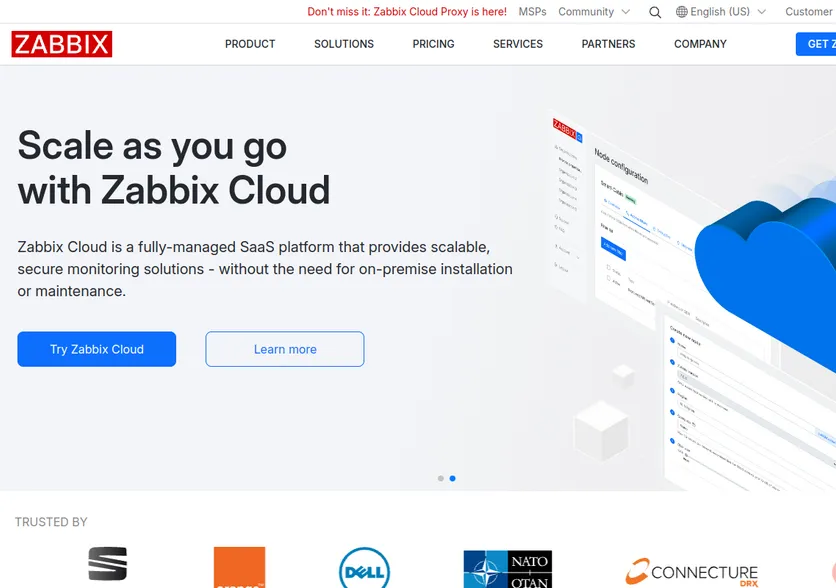
A gym with a technical owner can skip licence fees entirely, since Zabbix costs zero dollars per month as free open-source software. Templates cover network devices, servers and applications, and the owner keeps full control of the data and the deployment. The catch is the work: the gym runs the servers, the upgrades and the tuning, with paid support as a separate contract.
What we like
- No licence fee for the full monitoring platform
- Templates cover networks, servers and applications
- You own the data and the deployment
Watch out for
- You run the servers, upgrades and tuning yourself
- Paid support is a separate contract
How to try it
- Install Zabbix server and database on your host
- Add hosts and link the network device templates
- Set triggers and actions for alerts
Prices above were checked on each vendor’s own website on Nov 28, 2026 and can change — the vendor’s page is the final word. Vendor links are editorial: nobody paid to be listed or ranked here. Vendors who want a featured listing can see how it works on our Get listed page.
How to keep a gym online without hiring a network team
Start with what members touch first: the booking site, the payment page and the Wi-Fi. Put uptime checks on those before you worry about the back office, because a failed booking page costs money the moment it goes down. Then add device monitoring for the routers and access points at each branch, using per-site pricing if you run more than one gym. Route alerts to the manager on duty, not to an inbox nobody reads, and publish a status page so members see a clear message instead of a broken site.
Before you buy
- Put uptime checks on the booking site and payment page first
- Check whether pricing is per site, per device or per sensor for each branch
- Make sure alerts reach the manager on duty, not an unread inbox
- Add device monitoring for routers and Wi-Fi access points at each branch
- Publish a status page so members see a clear message during an outage
Official websites
Official websites of the products reviewed above. Features and prices were checked against these sites when this guide was written, and they can change, so confirm on the vendor site before you buy.
Frequently asked questions
What should gyms look for in network monitoring software?
Prioritise uptime checks on the booking site and payment page, plus Wi-Fi and front-desk device monitoring. Per-site pricing suits chains, since each branch costs the same flat rate. Keep the tool simple enough for a manager to use, and make sure alerts reach the person on duty rather than an inbox nobody reads.
How much does Site24x7 cost for a gym?
Site24x7 starts at nine dollars a month billed annually for the Lite plan, covering two servers and five websites. The free plan monitors uptime on fifty resources at no cost. Professional is forty-two dollars a month billed annually and adds network components, which suits a gym chain with several branches to watch.
Is there a free network monitoring tool for gyms?
Yes. UptimeRobot has a free plan covering fifty monitors, Site24x7 has a free plan for fifty resources, and Zabbix is free open-source software with no licence fee. PRTG has a Freeware Edition covering one hundred sensors. Free tools cover uptime and basic checks well, while deeper device monitoring needs a paid plan.
Which tool is best for a gym chain with several branches?
Domotz is the strongest fit for a chain, because it charges thirty-five dollars per site per month with unlimited devices, so each branch costs the same flat rate. A collector at every branch maps the network and reports to one cloud dashboard, with remote access built in for fixing devices without a visit.
Do gyms need device monitoring or just uptime checks?
Uptime checks cover the booking site and payment page, which matter most, but they will not tell you when a branch router or access point fails. Device monitoring adds that view, so members are not the first to report dead Wi-Fi. Most gyms should start with uptime checks and add device monitoring as they grow.
Compare the eight tools above, then start with the free plan or trial on the tool that matches how many branches you run.
Browse Network & IP Tools tools