On this page
Enterprise sandboxing means detonating suspicious files somewhere safe and watching what they do before they reach the network. The six tools below cover that job for security teams of different sizes, from a single analyst to a full SOC. ANY.RUN leads the list because its interactive sandbox lets you click through malware in a real virtual machine for free on the Community plan, and the rest are ranked on the same practical test: how much they reveal about a sample, and how safely they reveal it.
How we researched this
We checked every price on the vendor pricing page on November 28, 2026, and only included tools with a published price or a free plan. The big enterprise sandboxes, including Palo Alto Prisma Access, Fortinet FortiSandbox, Check Point SandBlast, Zscaler Cloud Sandbox, VMware NSX and Juniper ATP, publish no prices, so they are not in this list. Prices change, so confirm the current figure on the vendor site before you buy.
Compare the tools
| Name | Best for | Starting price | Free plan | |
|---|---|---|---|---|
| ANY.RUN | Analysts who need to watch malware run interactively | $0/month | Free Community plan | Visit |
| Joe Sandbox | Enterprises that need deep automated behaviour reports | $0/month | Free Cloud Basic plan | Visit |
| Hybrid Analysis | Enterprises that want a fast free first verdict | $0/month | Free public service | Visit |
| Hatching Triage | Teams that want a scored verdict with configuration extraction | $0/month | Free public cloud | Visit |
| CAPE Sandbox | Teams that must keep samples on their own hardware | $0/month | Free open source | Visit |
| Filescan.io | Analysts who need a fast free triage check | $0/month | Free public service | Visit |
The network sandboxing software for enterprise, compared
1. ANY.RUN
Best for: Analysts who need to watch malware run interactively
Paid tool Starting price: $0/month · Zero dollars per month for the Community plan, with public analyses, a sixty-second session limit and sixteen-megabyte files; the paid Hunter and Enterprise Suite plans are billed yearly and priced by sales, with no published fixed price
Free plan: Free Community plan
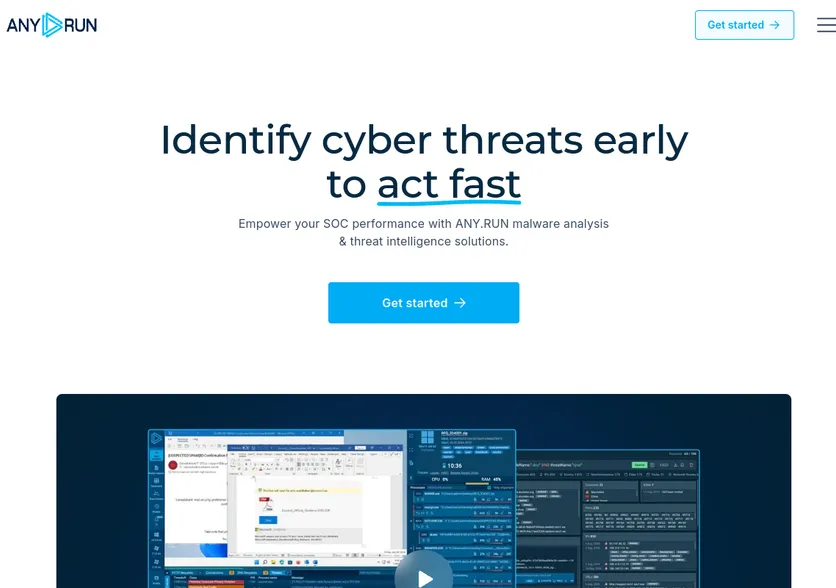
Enterprise analysts who need to watch malware run can start with ANY.RUN at zero dollars per month on the Community plan, which offers interactive analysis in a real virtual machine. The analyst clicks through dialogs and password prompts that stop automated sandboxes, watching processes and network calls as they happen. Free analyses are public, so sensitive samples need a paid plan, and paid Hunter and Enterprise Suite prices are quoted by sales.
What we like
- Interactive sessions let you click through the malware yourself
- Real-time process, network and registry visibility
- Public sample database for research and training
Watch out for
- Free analyses are public, never submit sensitive files
- Private analysis needs a paid plan
How to try it
- Upload the suspicious file or paste the URL
- Interact with the virtual machine while the sample runs
- Export indicators and the report for your team
2. Joe Sandbox
Best for: Enterprises that need deep automated behaviour reports
Paid tool Starting price: $0/month · Zero dollars per month for Cloud Basic, with fifteen analyses a month and publicly shared results; Cloud Light is five thousand two hundred Swiss francs per user per year for private analysis, and higher tiers are quoted
Free plan: Free Cloud Basic plan
For deep automated analysis, Joe Sandbox Cloud Basic costs zero dollars per month and includes fifteen analyses a month. It executes files and URLs in controlled Windows, macOS and Linux environments and produces detailed behaviour reports with hundreds of signatures. The free tier shares samples and results publicly, while private analysis starts with Cloud Light at five thousand two hundred Swiss francs per user per year.
What we like
- Deep behavioural reports across Windows, macOS and Linux
- Hundreds of signatures and YARA rules built in
- Live interaction with the sample during analysis
Watch out for
- Free tier shares samples and results publicly
- Paid Light tier covers Windows analysis only
How to try it
- Submit the file or URL through the web console
- Choose the operating system and analysis profile
- Review the behaviour report and export indicators
3. Hybrid Analysis
Best for: Enterprises that want a fast free first verdict
Paid tool Starting price: $0/month · Zero dollars per month for the public service, which is CrowdStrike Falcon Sandbox made available to the community; private and enterprise use runs through Falcon, which is priced by sales
Free plan: Free public service
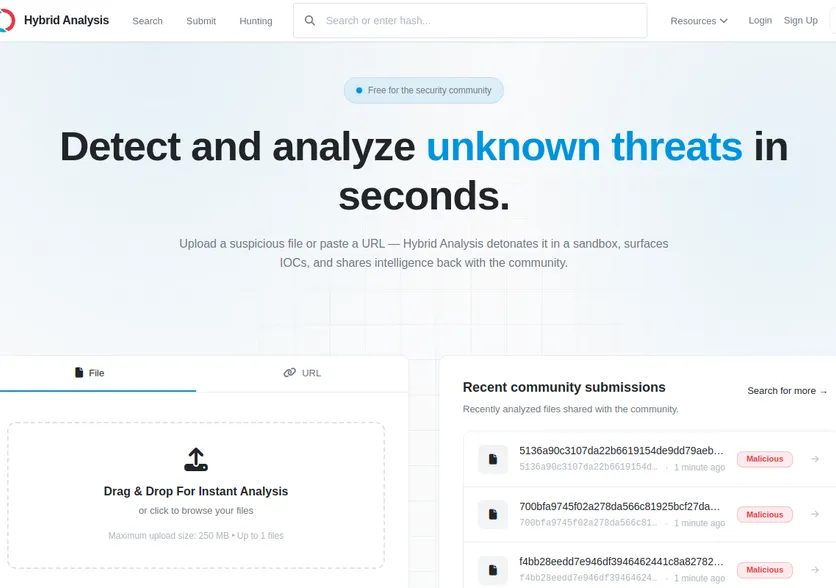
As a free first check, Hybrid Analysis costs zero dollars per month for the public service, which is CrowdStrike Falcon Sandbox opened to the community. It detonates files and URLs and returns a threat score with extracted indicators, backed by a large public sample database. Public submissions are visible to others, so confidential samples need a private Falcon deployment priced by sales.
What we like
- Free detonation with detailed behaviour reports
- Large public sample database to compare against
- No account needed for basic submissions
Watch out for
- Public service shares submissions with the community
- No private analysis on the free tier
How to try it
- Search the hash before uploading anything
- Submit the file or URL for automated analysis
- Read the threat score and extracted indicators
4. Hatching Triage
Best for: Teams that want a scored verdict with configuration extraction
Paid tool Starting price: $0/month · Zero dollars per month for the public cloud, which individual researchers can use free; commercial packages start at five hundred analyses a day and are priced on request
Free plan: Free public cloud
Enterprise teams that want a scored verdict can use Hatching Triage free on the public cloud, which costs zero dollars per month for individual researchers. It scores samples out of ten, extracts malware configuration and captures full network traffic for review. Commercial packages start at five hundred analyses a day and are priced on request, so enterprise buyers should expect a sales conversation.
What we like
- Scores samples out of ten with extracted configuration
- Multi-operating-system detonation including Android and macOS
- PCAP capture and live virtual machine access
Watch out for
- Paid packages start at high daily volumes
- Commercial pricing needs a sales conversation
How to try it
- Submit the file or URL to the public cloud
- Open the report to see the score and behaviour
- Download the PCAP and indicators for deeper work
5. CAPE Sandbox
Best for: Teams that must keep samples on their own hardware
Paid tool Starting price: $0/month · Zero dollars per month, as CAPE Sandbox is open-source software you run on your own hardware; there is no paid plan and no licence fee, and you pay only for the servers it runs on
Free plan: Free open source
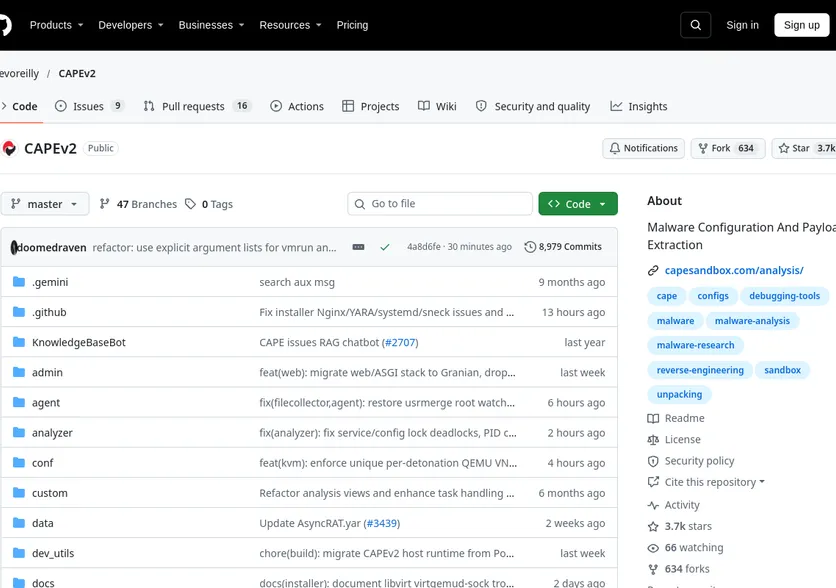
For enterprises that must keep samples in house, CAPE Sandbox costs zero dollars per month as free open-source software run on your own hardware. It unpacks malware and extracts hidden configuration, and because you run it, no sample ever leaves your network. The trade-off is ownership: the team builds, maintains and secures the whole sandbox itself.
What we like
- Unpacks malware and extracts hidden configuration
- You control the hardware and keep samples private
- Built on an open-source engine with active development
Watch out for
- You build and maintain the whole sandbox yourself
- Needs real setup skill and dedicated hardware
How to try it
- Install CAPE on a dedicated Linux host
- Submit samples through the web interface or API
- Read the extracted configuration and network traffic
6. Filescan.io
Best for: Analysts who need a fast free triage check
Paid tool Starting price: $0/month · Zero dollars per month for the free public service, which emulates files and extracts indicators without a full virtual machine boot; paid OPSWAT MetaDefender plans are quoted by sales
Free plan: Free public service
For fast triage without booting a virtual machine, Filescan.io costs zero dollars per month for the free public service from OPSWAT. It emulates files and extracts indicators quickly, which suits an analyst who needs a first verdict in minutes. Public submissions are visible to others, and deeper MetaDefender plans are quoted by sales.
What we like
- Fast emulation without booting a full virtual machine
- Clear indicator extraction for triage
- No account needed for a quick check
Watch out for
- Public submissions are visible to others
- Emulation is lighter than full detonation
How to try it
- Upload the file or paste the URL
- Wait for the emulation report to finish
- Copy the indicators into your investigation notes
Prices above were checked on each vendor’s own website on Nov 28, 2026 and can change — the vendor’s page is the final word. Vendor links are editorial: nobody paid to be listed or ranked here. Vendors who want a featured listing can see how it works on our Get listed page.
How an enterprise team runs a sandbox safely
Start with the rule that no sample ever touches a production machine, and make the sandbox the only place suspicious files are opened. Use the free public services only for samples with no sensitive data, since public analyses are visible to others. Keep a private sandbox for anything confidential, whether that means a paid plan or an open-source tool on your own hardware. Route every detonation through one queue so the SOC sees the same reports, and store the indicators from each analysis in your threat intelligence platform for the next incident. Test the sandbox with a known sample first, so the team trusts the verdicts before real incidents arrive.
Before you buy
- Never open a suspicious file outside the sandbox, on any machine
- Use public free sandboxes only for samples with no sensitive data
- Keep a private sandbox for confidential files, paid or self-hosted
- Route every detonation through one queue so the SOC sees the same reports
- Store extracted indicators in your threat intelligence platform for reuse
Official websites
Official websites of the products reviewed above. Features and prices were checked against these sites when this guide was written, and they can change, so confirm on the vendor site before you buy.
Frequently asked questions
What is network sandboxing software?
Network sandboxing software isolates and analyses suspicious files or traffic in a controlled environment to detect and prevent advanced threats. It helps enterprises protect against zero-day attacks and unknown malware. The sandbox detonates the file safely, watches what it does, and reports the behaviour before the file reaches the network.
How does cloud sandboxing differ from on-premises?
Cloud sandboxing offloads analysis to vendor infrastructure, offering scalability and ease of management. On-premises sandboxing provides more control and data locality but requires hardware and maintenance. Enterprises with strict data rules often run open-source sandboxes such as CAPE on their own hardware.
Which sandbox is best for interactive malware analysis?
ANY.RUN is the strongest fit for interactive analysis, because its Community plan is free and lets an analyst click through the malware inside a real virtual machine. That defeats evasion tricks that wait for user interaction. Free analyses are public, so sensitive samples need a paid Hunter or Enterprise Suite plan, priced by sales.
Can these tools integrate with existing firewalls?
Many enterprise sandboxes integrate with specific firewall vendors, such as Fortinet FortiSandbox with FortiGate and Check Point SandBlast with Check Point gateways. The free and open-source tools in this list are analysis platforms rather than inline controls, so they export indicators for your firewall instead of blocking traffic directly.
Is there a free sandbox for enterprise use?
Yes. ANY.RUN, Joe Sandbox, Hybrid Analysis, Hatching Triage and Filescan.io all have free public tiers, and CAPE Sandbox is a free open-source tool. The free tiers are public, so they suit non-sensitive samples, while confidential files need a private deployment or a paid plan.
Compare the six tools above, then start with the free tier that matches your sample volume and keep sensitive files in a private sandbox.
Browse Security & Privacy tools