On this page
Technical freelancers use no-code platforms differently than beginners do: the goal is not to avoid code, but to ship client work faster and bill for the result instead of the hours. The right platform handles hosting, databases and auth, so a freelancer can deliver a working app in days. The eight tools below all publish a US dollar price. Bubble leads the list because its Starter plan starts at thirty-two dollars a month billed annually and covers full web apps, and the rest are ranked on the same test: how much billable work you can ship for the price.
How we researched this
We checked every price on the vendor pricing page on November 28, 2026, and only included tools with a published US dollar list price. Glide publishes conflicting Maker prices across sources, so it is not in this list. Prices change, so confirm the current figure on the vendor site before you buy.
Compare the tools
| Name | Best for | Starting price | Free plan | |
|---|---|---|---|---|
 Bubble | Freelancers shipping full client web apps | $32/month | Free plan | Visit |
 Webflow | Freelancers building design-led client websites | $15/month | Free Starter plan | Visit |
| Xano | Freelancers who need a real backend behind a no-code front end | $85/month | Free plan | Visit |
 Softr | Freelancers turning spreadsheets into client portals | $49/month | Free plan | Visit |
 FlutterFlow | Freelancers shipping mobile and web apps for clients | $30/month | Free plan | Visit |
 Retool | Freelancers building internal tools and admin dashboards | $10/user/month | Free plan up to 5 users | Visit |
 Adalo | Freelancers shipping simple mobile apps for clients | $36/month | Free plan | Visit |
 Airtable | Freelancers who model client data and build on top of it | $20/user/month | Free plan | Visit |
The no code platforms for technical freelancers, compared
1. Bubble
Best for: Freelancers shipping full client web apps
Paid tool Starting price: $32/month · Thirty-two dollars per month billed annually on the Starter plan for web apps, or $39 month to month; Web plus Mobile Starter is $59 billed annually; Growth is $119 billed annually for web-only apps; prices changed on October 20, 2026, when Starter rose from $29
Free plan: Free plan
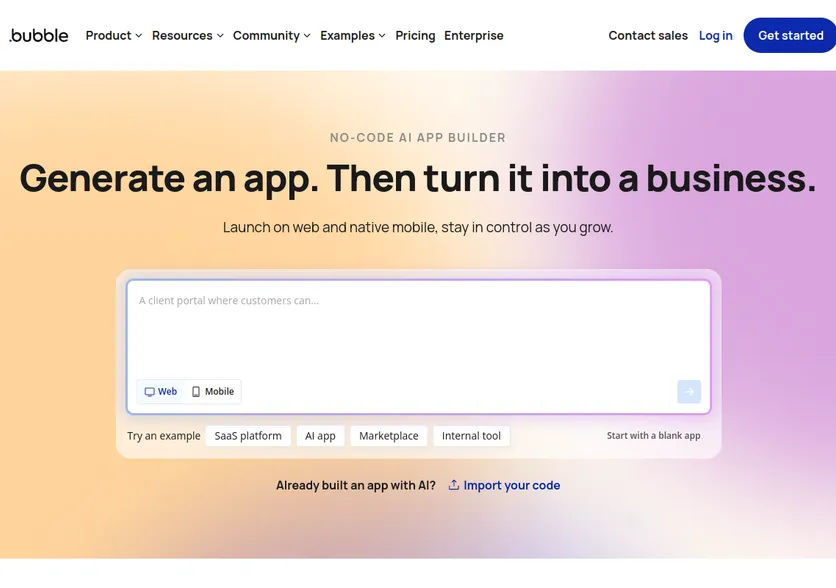
This Bubble plan costs thirty-two dollars a month billed annually, and it builds full web apps with databases, workflows and user accounts. A technical freelancer can ship a client app without writing a backend, then add custom code where the visual builder stops. The October 2026 reprice raised Starter from twenty-nine dollars, so older reviews quote the old figure.
What we like
- Full apps with databases, workflows and user accounts
- Custom code and plugins where the builder stops
- A large template and plugin marketplace
Watch out for
- The price rose in October 2026
- Complex apps can get slow without careful design
How to try it
- Start a new app from a template or a blank canvas
- Build the data model and the workflows
- Connect a custom domain and launch the app
2. Webflow
Best for: Freelancers building design-led client websites
Paid tool Starting price: $15/month · Fifteen dollars per month billed annually on the Basic plan, or $25 month to month; Premium is $25 billed annually and is the first CMS tier after the May 2026 restructure, when the old CMS and Business plans merged into Premium
Free plan: Free Starter plan
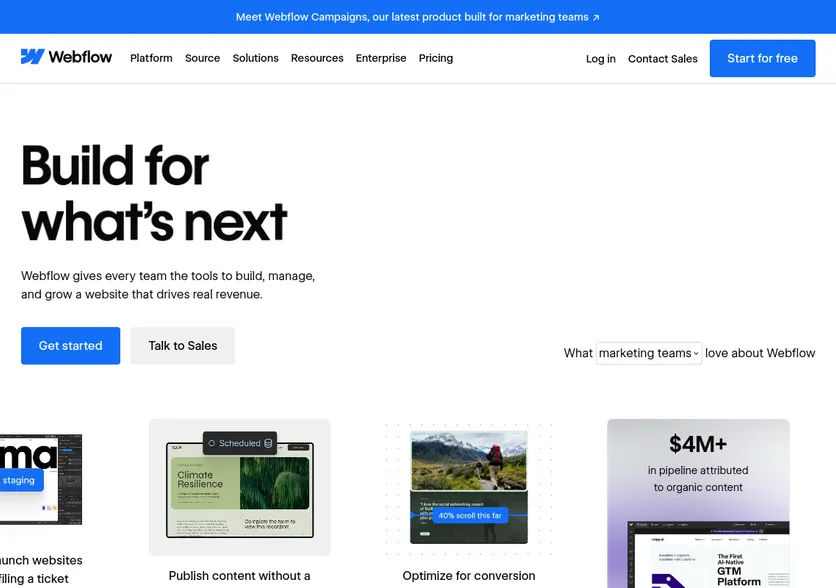
This Webflow plan costs fifteen dollars a month billed annually, and it is the design-led choice for client websites. A technical freelancer can build a pixel-perfect site, add CMS content and hand the finished site to the client. The May 2026 restructure merged the old CMS and Business plans into Premium, so older plan names no longer match the pricing page.
What we like
- Pixel-perfect design control in a visual builder
- A CMS that clients can edit themselves
- Clean code export and easy client handover
Watch out for
- App logic needs third-party tools
- The learning curve is steeper than simpler builders
How to try it
- Design the site in the visual canvas
- Add CMS collections for the content
- Publish and hand the site to the client
3. Xano
Best for: Freelancers who need a real backend behind a no-code front end
Paid tool Starting price: $85/month · Eighty-five dollars per month billed annually on the Essential plan, or $99 month to month; the plan was renamed from Launch, and one source claims a $29 Starter tier from a June 2026 announcement, which conflicts with the vendor pricing page and is not used here
Free plan: Free plan
This Xano plan costs eighty-five dollars a month billed annually, and it is the backend that no-code front ends plug into. A technical freelancer can build APIs, databases and business logic once, then connect any front end a client prefers. The plan was renamed from Launch to Essential, and a claimed twenty-nine dollar Starter tier conflicts with the vendor pricing page.
What we like
- A scalable backend with APIs and business logic
- Connects to any front end or mobile app
- Built-in auth, file storage and scheduled tasks
Watch out for
- The price is high for a solo freelancer
- A claimed cheaper Starter tier conflicts with the pricing page
How to try it
- Create a workspace and model your database
- Build API endpoints with the visual logic builder
- Connect your front end to the Xano API
4. Softr
Best for: Freelancers turning spreadsheets into client portals
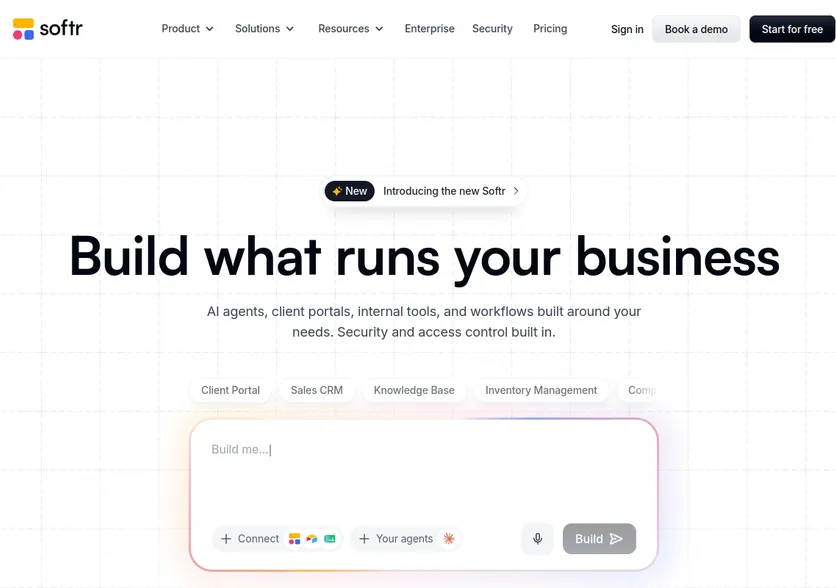
Paid tool Starting price: $49/month · Forty-nine dollars per month billed annually on the Basic plan, covering 20 app users; Professional is $139 billed annually and Business is $269 billed annually; some older sources list Professional at $167, which is stale
Free plan: Free plan
This Softr plan costs forty-nine dollars a month billed annually, and it turns Airtable or Google Sheets into a working client app. A technical freelancer can build a portal, directory or membership site in days, with user logins and payments included. The Basic plan covers twenty app users, so it suits a client app with a small audience.
What we like
- Turns Airtable or Sheets into a working app
- User logins, memberships and payments included
- Fast to ship for portals and directories
Watch out for
- Tied to a spreadsheet or Airtable as the database
- Older sources quote a higher Professional price
How to try it
- Connect your Airtable base or Google Sheet
- Pick a template and map the data blocks
- Add user logins and publish the app
5. FlutterFlow
Best for: Freelancers shipping mobile and web apps for clients
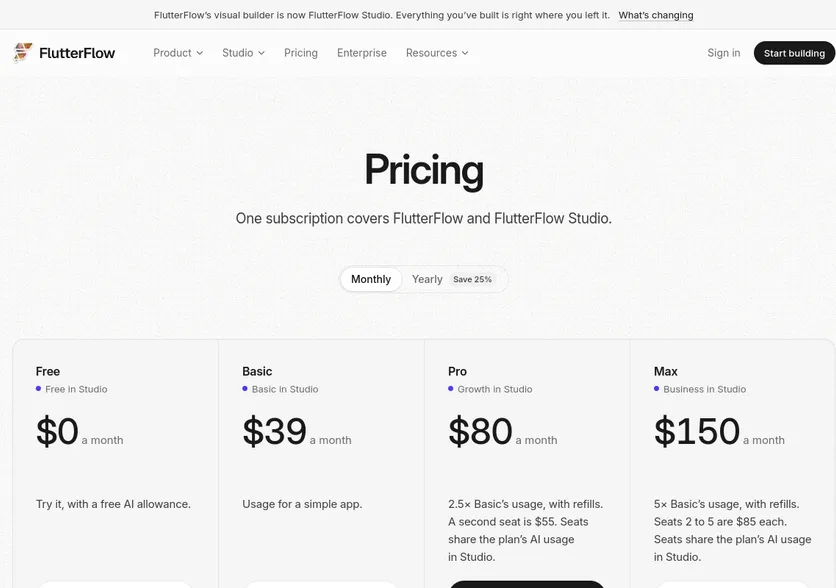
Paid tool Starting price: $30/month · Thirty dollars per month billed annually on the Standard plan, or $38 month to month; Pro is $70 billed annually and Teams is $140 billed annually
Free plan: Free plan
This FlutterFlow plan costs thirty dollars a month billed annually, and it builds real mobile and web apps from one project. A technical freelancer can ship an iOS, Android and web app for a client without maintaining three codebases. The visual builder generates Flutter code, so a developer can read and extend what the tool produces.
What we like
- One project that ships to iOS, Android and web
- Generates real Flutter code you can extend
- Firebase integration for auth and data
Watch out for
- The learning curve is steeper than web-only builders
- Custom features still need Flutter knowledge
How to try it
- Design the app screens in the visual builder
- Connect Firebase for auth and data
- Build and publish to the app stores
6. Retool
Best for: Freelancers building internal tools and admin dashboards
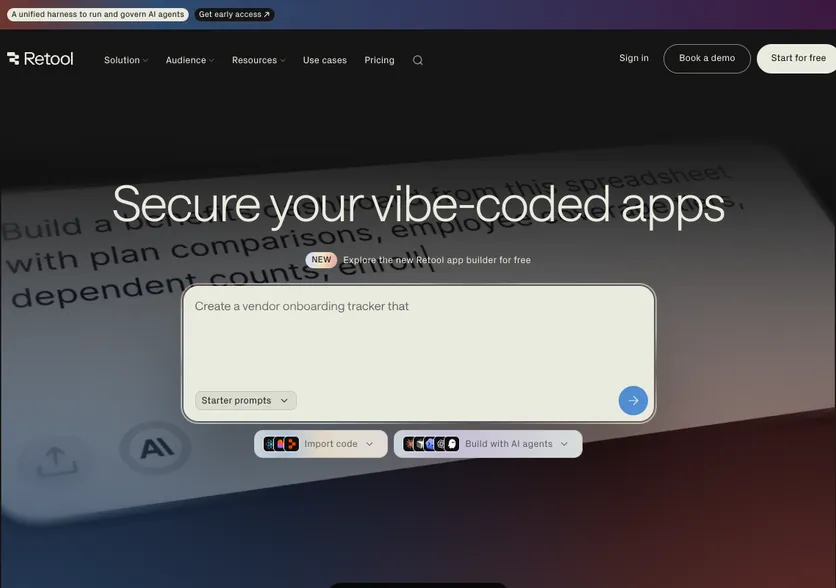
Paid tool Starting price: $10/user/month · Ten dollars per user per month billed annually on the Team plan for standard users, or $12 month to month, plus $5 per end user; Business is $50 per user plus $15 per end user; the free tier covers 5 users
Free plan: Free plan up to 5 users
This Retool plan costs ten dollars per user a month billed annually, and it builds internal tools from your client data. A technical freelancer can ship an admin dashboard, a support tool or a reporting app in days, connected to almost any database or API. The free tier covers five users, so a small client tool can start at no cost.
What we like
- Connects to almost any database or API
- Fast to ship for admin and support tools
- A free tier for up to five users
Watch out for
- End users cost extra on top of the seat price
- Not built for customer-facing marketing sites
How to try it
- Connect the database or API the tool will use
- Drag tables and forms onto the canvas
- Set permissions and share the tool with the client team
7. Adalo
Best for: Freelancers shipping simple mobile apps for clients
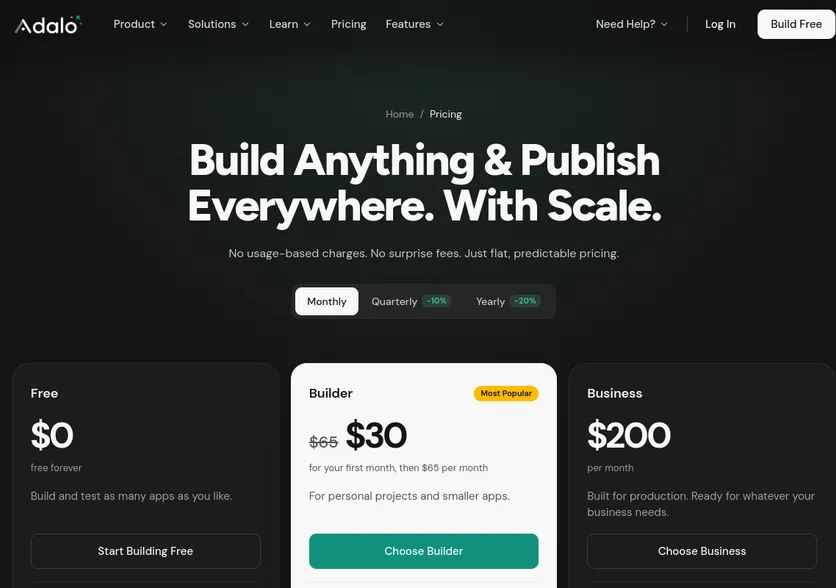
Paid tool Starting price: $36/month · Thirty-six dollars per month billed annually on the Starter plan, or $45 month to month; Professional is $52 billed annually and Team is $160 billed annually
Free plan: Free plan
This Adalo plan costs thirty-six dollars a month billed annually, and it builds mobile apps with a drag-and-drop builder. A technical freelancer can prototype and ship a client app for iOS and Android without native code. The Starter plan suits a first client app, with higher tiers adding more published apps and team seats.
What we like
- Mobile apps for iOS and Android from one builder
- A gentle learning curve for first-time app builders
- App publishing handled from the platform
Watch out for
- Less flexible than code for complex apps
- Performance can suffer on data-heavy screens
How to try it
- Design the app screens with the drag-and-drop builder
- Connect a database or external API
- Publish to the app stores from Adalo
8. Airtable
Best for: Freelancers who model client data and build on top of it
Paid tool Starting price: $20/user/month · Twenty dollars per user per month billed annually on the Team plan, or $24 month to month; Business is $45 billed annually; Bending Spoons acquired Airtable in September 2026 and no price change was announced
Free plan: Free plan
This Airtable plan costs twenty dollars per user a month billed annually, and it is the spreadsheet-database hybrid behind many freelancer builds. A technical freelancer can model client data, build interfaces and automate workflows, then pair it with Softr or another front end. Bending Spoons acquired Airtable in September 2026, with no price change announced since.

What we like
- A flexible database with views, forms and interfaces
- Automations that replace manual admin work
- A huge template library for common workflows
Watch out for
- The price is per user, so large teams cost more
- Not a full app builder on its own
How to try it
- Create a base and model the client data
- Build an interface for the team that uses it
- Add automations for the repetitive steps
Prices above were checked on each vendor’s own website on Nov 28, 2026 and can change — the vendor’s page is the final word. Vendor links are editorial: nobody paid to be listed or ranked here. Vendors who want a featured listing can see how it works on our Get listed page.
How to pick a no-code platform that pays for itself in client work
Start with the work you actually sell, because a platform built for marketing sites will fight you on databases, and a platform built for apps will fight you on pixel-perfect design. Match the tool to the deliverable before you compare prices. Next, check the limits that bite freelancers first: monthly visitors, database rows and workflow runs, since a client launch that passes a limit can double your bill overnight. Finally, confirm you can hand the finished project to the client, because a platform that locks the app to your account makes every handover a negotiation.
Before you buy
- Match the platform to the deliverable, since app builders and site builders are different tools
- Check the visitor, row and workflow limits that bite first after a client launch
- Confirm you can transfer the finished project to the client account
- Ask whether client seats are billed per user or included in your plan
- Test the export options before you build anything a client will own
Official websites
Official websites of the products reviewed above. Features and prices were checked against these sites when this guide was written, and they can change, so confirm on the vendor site before you buy.
Frequently asked questions
What is a no-code platform for a technical freelancer?
It is a platform that lets you build a working app or website with visual tools instead of writing every line by hand, while still letting you add code where it matters. A technical freelancer uses it to ship faster: the platform handles hosting, databases and authentication, and the freelancer focuses on the logic and design the client pays for. Most tools in this list also allow custom code, APIs and plugins.
How much does Bubble cost for freelance work?
Bubble Starter for the web costs thirty-two dollars a month billed annually, or thirty-nine dollars month to month, after a reprice in October 2026. Web plus mobile Starter is fifty-nine dollars a month billed annually, and Growth is one hundred and nineteen dollars a month billed annually for web-only apps. The free plan covers learning and prototypes.
Can I build client apps and hand them over?
Yes, most tools in this list support transferring a project to a client account, though the details differ. Bubble, Webflow and Softr all let you move a project to the client, who then pays their own subscription. Check the transfer rules before you build, because a platform that locks the app to your account turns every handover into a manual rebuild.
Do no-code platforms really save time for developers?
Yes, when the job matches the platform: a client dashboard, a booking app or a marketing site ships in days instead of weeks. The savings shrink when the app needs custom logic the platform cannot express, because workarounds cost more time than writing the code. Pick the platform per project, and write code for the parts the platform cannot do well.
Which platform is best for internal tools and dashboards?
Retool is the strongest fit for internal tools, because its Team plan starts at ten dollars per user a month billed annually and it connects to almost any database or API. Bubble works when the dashboard is customer-facing and needs a polished interface. Pick Retool when the users are your client staff, and Bubble when the users are the client customers.
Compare the eight tools above, then start with a free plan on the tool that matches the client work you take before you pay for a full year.
Browse Developer Tools tools