On this page
Enterprise teams waste months when every internal app needs a developer, a ticket and a release window. The eight tools below let business teams build portals, approval flows and data apps with drag-and-drop builders, while IT keeps control over security and data. Every price was checked on the vendor site on November 27, 2026, and the list runs from five dollars per user a month to two hundred and seventy dollars a month. Microsoft Power Apps is our first pick — the builder that sits inside the Microsoft stack enterprises pay for, with governance IT teams can enforce.
How we researched this
We started with the app builders enterprises actually deploy, then read each price on the vendor pricing page on November 27, 2026 and noted the trial or free plan each one carries. We judged them for an enterprise that needs governed app building, with role-based access, audit logs and data connectors that IT can control. We dropped Mendix and OutSystems because neither publishes a list price, so a buyer cannot compare them without a sales call.
Compare the tools
| Name | Best for | Starting price | Free plan | |
|---|---|---|---|---|
 Microsoft Power Apps | Enterprises that build internal apps inside the Microsoft stack | $20/user/month | Free plan available for individual use | Visit |
 Retool | Teams that need internal tools with real database access and custom code | $10/builder/month | Free plan for up to five users | Visit |
| Caspio | Enterprises that want database apps without a development team | $270/month | No free plan; 14-day free trial | Visit |
 Bubble | Enterprise teams that want to ship full web apps without writing code | $32/month | Free plan for learning and prototyping | Visit |
 Budibase | Enterprises that want to self-host internal apps on their own servers | $19/month | Free open-source self-hosted plan | Visit |
| BuildFire | Enterprises that need native mobile apps for staff and customers | $165/month | No free plan; book a demo to start | Visit |
 Zoho Creator | Enterprise teams already on Zoho that want forms turned into apps | $8/user/month | Free plan available | Visit |
 AppSheet | Enterprises that want a spreadsheet turned into a mobile app fast | $5/user/month | Free plan for prototypes with up to ten test users | Visit |
The drag and drop app builder software for enterprise, compared
1. Microsoft Power Apps
Best for: Enterprises that build internal apps inside the Microsoft stack
Paid tool Starting price: $20/user/month · Twenty dollars per user a month paid yearly for the Premium plan; volume pricing drops to twelve dollars per user a month at two thousand seats and pay-as-you-go costs ten dollars per active user per app per month
Free plan: Free plan available for individual use
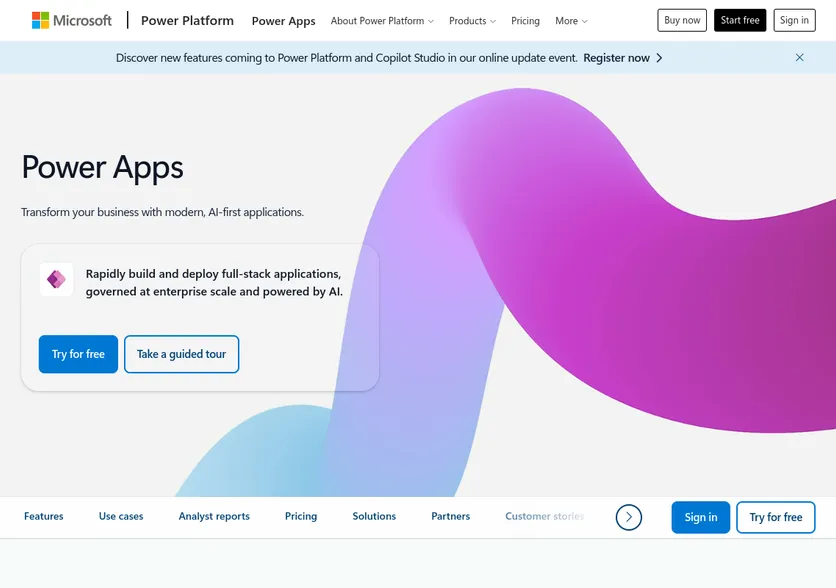
Microsoft Power Apps is the enterprise builder that turns spreadsheets and SharePoint lists into working apps. This Microsoft Power Apps Premium plan costs twenty dollars per user a month paid yearly and connects to hundreds of data sources. An enterprise gets drag-and-drop app building inside the Microsoft stack, with security and governance that IT teams can enforce.
What we like
- Hundreds of data connectors built in
- Governance and security IT teams can enforce
- Sits inside the Microsoft stack most firms already run
Watch out for
- Premium features need the paid plan per user
- Best value only for teams already on Microsoft
How to try it
- Open the Microsoft Power Apps page and start a trial
- Connect a spreadsheet or SharePoint list as the data source
- Build a form and an approval flow, then share it with the team
2. Retool
Best for: Teams that need internal tools with real database access and custom code
Paid tool Starting price: $10/builder/month · Ten dollars per builder a month billed annually for the Team plan, plus five dollars per internal user; Business costs fifty dollars per builder and fifteen dollars per internal user a month
Free plan: Free plan for up to five users
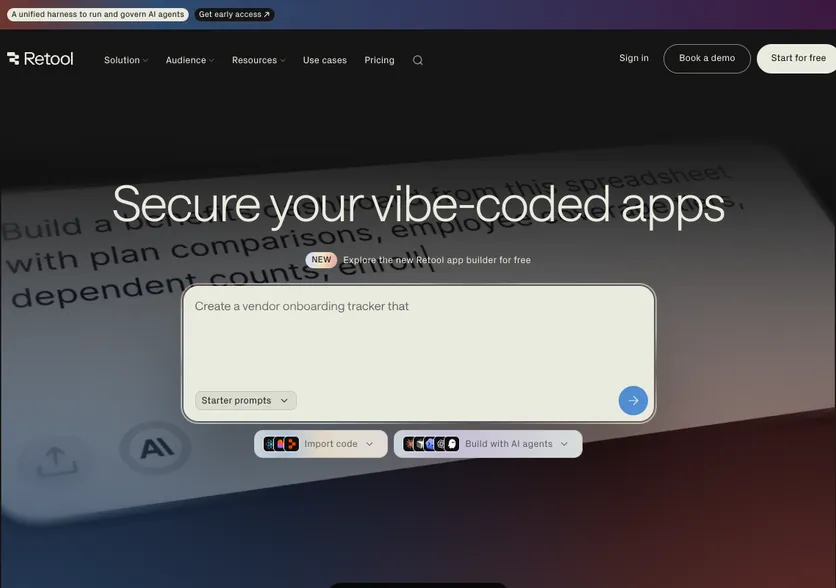
Retool is the builder for teams that need internal tools with real database access and custom code when drag-and-drop runs out. This Retool Team plan costs ten dollars per builder a month billed annually, plus five dollars per internal user. An enterprise gets admin panels, dashboards and workflows that read and write to its own databases, with permissions IT can audit.
What we like
- Real read and write access to your own databases
- Custom code when drag-and-drop runs out
- Per-builder pricing that stays cheap as usage grows
Watch out for
- Builders pay more than viewers, so count them first
- Advanced features need the Business plan
How to try it
- Open the Retool site and start with the free plan
- Connect your database and drag in a table
- Add a form and set permissions for the team
3. Caspio
Best for: Enterprises that want database apps without a development team
Paid tool Starting price: $270/month · Two hundred and seventy dollars a month billed annually for the Team plan, or three hundred dollars month to month; Business costs five hundred and forty dollars a month billed annually and Enterprise is custom-priced
Free plan: No free plan; 14-day free trial
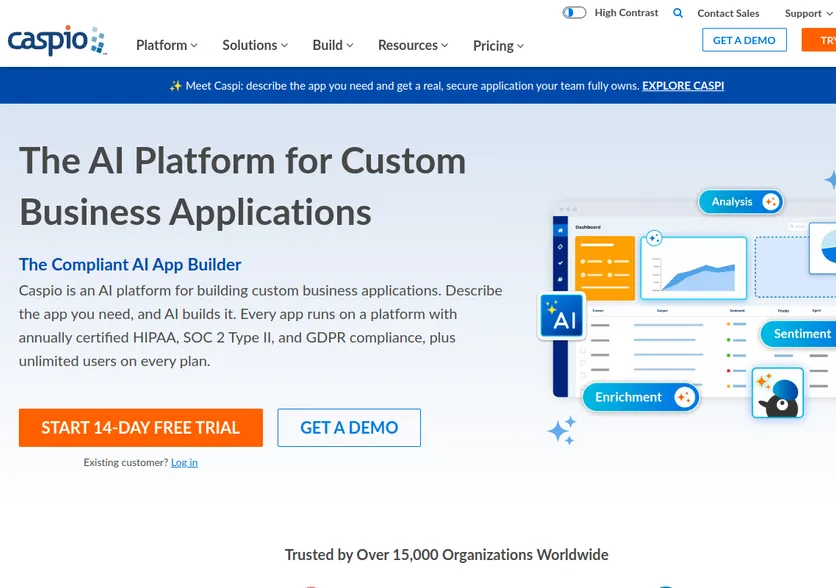
Caspio is the low-code platform that builds database apps for enterprises without a development team. This Caspio Team plan costs two hundred and seventy dollars a month billed annually and covers unlimited users on the apps it builds. An enterprise gets online forms, reports and portals backed by a hosted database, with no code to maintain.
What we like
- Unlimited users on the apps it builds
- Hosted database with no code to maintain
- Forms, reports and portals in one platform
Watch out for
- Highest flat price in this comparison
- No free plan beyond the fourteen-day trial
How to try it
- Open the Caspio site and start the free trial
- Build a table for your data and import a spreadsheet
- Create a form and a report, then publish the app
4. Bubble
Best for: Enterprise teams that want to ship full web apps without writing code
Paid tool Starting price: $32/month · Thirty-two dollars a month billed annually for the Starter Web plan, or thirty-nine dollars month to month; Growth costs one hundred and nineteen dollars and Team costs three hundred and forty-nine dollars a month billed annually
Free plan: Free plan for learning and prototyping
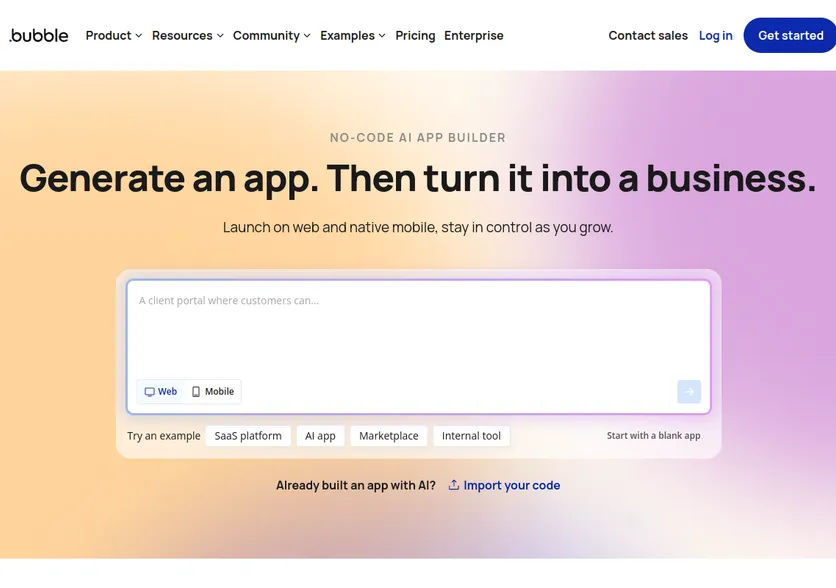
Bubble is the no-code platform that builds full web apps, from the database to the user interface, without writing code. This Bubble Starter Web plan costs thirty-two dollars a month billed annually and covers one live app with a custom domain. An enterprise team gets a visual builder that ships real products, with plugins and API connectors for the systems it already runs.
What we like
- Builds full web apps, not just forms
- Plugins and API connectors for existing systems
- Visual workflows that replace backend code
Watch out for
- Starter covers only one live app
- Complex apps need the Growth plan to scale
How to try it
- Open the Bubble site and start with the free plan
- Design a page and build the database visually
- Connect an API and publish the app on a custom domain
5. Budibase
Best for: Enterprises that want to self-host internal apps on their own servers
Paid tool Starting price: $19/month · Nineteen dollars a month billed annually for the Pro plan, or twenty-three dollars month to month; Premium costs forty-nine dollars and Business costs two hundred and ninety-nine dollars a month billed annually
Free plan: Free open-source self-hosted plan
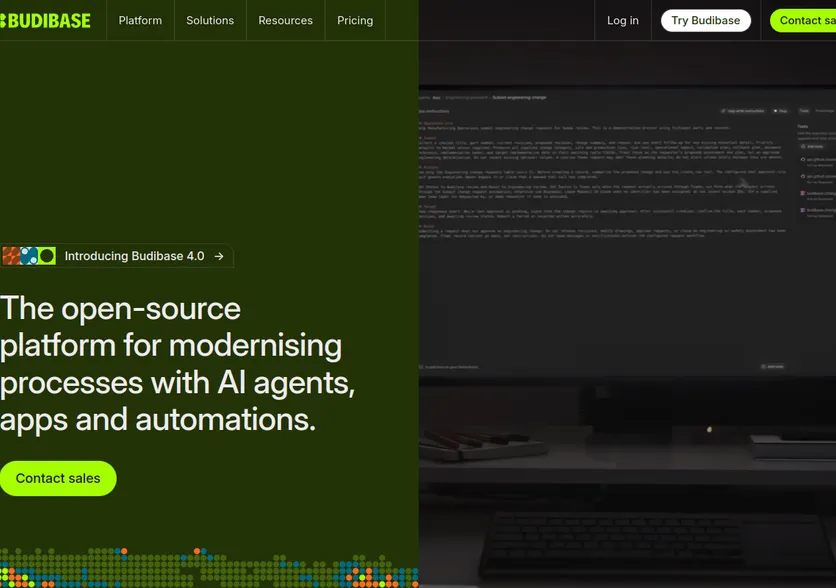
Budibase is the open-source builder that lets enterprises self-host internal apps on their own servers. This Budibase Pro plan costs nineteen dollars a month billed annually and adds role-based access and automation. An enterprise gets dashboards, forms and admin panels it fully controls, with a free self-hosted plan for teams that want no vendor lock-in.
What we like
- Free open-source plan with no vendor lock-in
- Self-hosting keeps data on your own servers
- Role-based access on the Pro plan
Watch out for
- Self-hosting means your team runs the servers
- Support and hosting cost extra on the free plan
How to try it
- Open the Budibase site and start the free self-hosted plan
- Connect a database and build a dashboard
- Turn on Pro for role-based access and automation
6. BuildFire
Best for: Enterprises that need native mobile apps for staff and customers
Paid tool Starting price: $165/month · One hundred and sixty-five dollars a month billed annually for the Standard plan, or two hundred and nine dollars month to month; Growth costs three hundred and fifteen dollars and Scale costs four hundred and forty dollars a month billed annually
Free plan: No free plan; book a demo to start
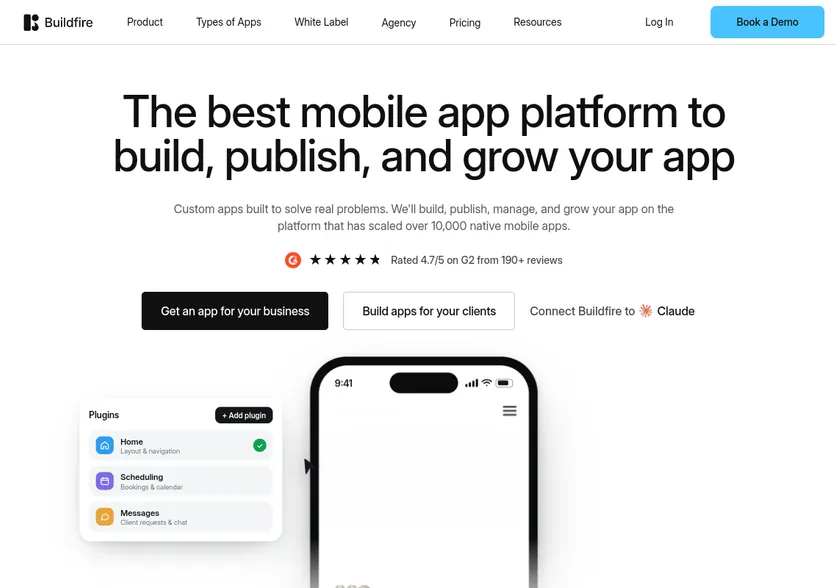
BuildFire is the app builder that ships native mobile apps for enterprises that need to reach staff and customers on phones. This BuildFire Standard plan costs one hundred and sixty-five dollars a month billed annually and covers one app with unlimited users. An enterprise gets a drag-and-drop mobile builder with push notifications and plugins, without hiring a mobile team.
What we like
- Native mobile apps without a mobile team
- Push notifications and plugins built in
- Unlimited users on the Standard plan
Watch out for
- Standard covers only one app
- No free plan, so the demo is the only way to test it
How to try it
- Open the BuildFire site and book a product demo
- Pick a template and drag in your content
- Add push notifications and publish to the app stores
7. Zoho Creator
Best for: Enterprise teams already on Zoho that want forms turned into apps
Paid tool Starting price: $8/user/month · Eight dollars per user a month billed annually for the Standard plan, or twelve dollars month to month; Professional costs twenty dollars and Enterprise costs twenty-five dollars per user a month billed annually
Free plan: Free plan available
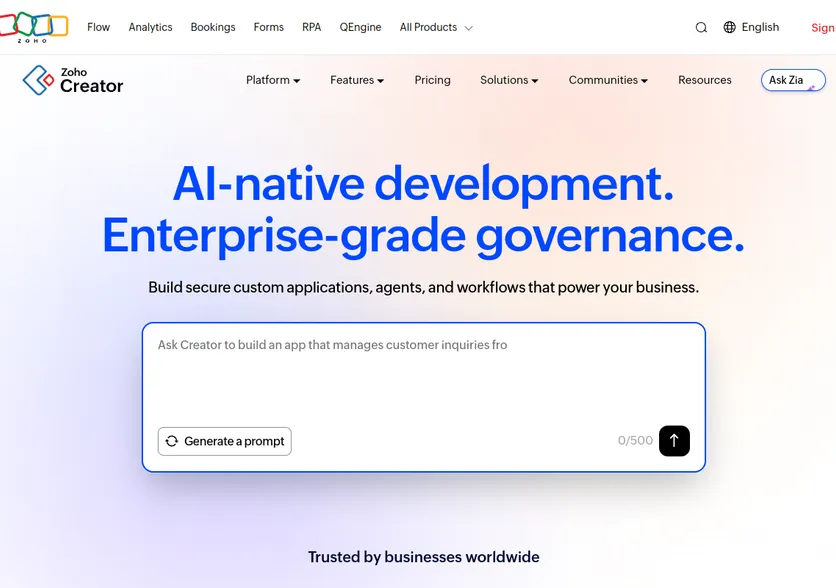
Zoho Creator is the low-code builder inside the Zoho suite that turns forms into apps for enterprise teams. This Zoho Creator Standard plan costs eight dollars per user a month billed annually and covers three apps per user. An enterprise gets workflow automation, reports and mobile apps that share data with the rest of Zoho.
What we like
- Cheapest paid plan in this comparison
- Shares data with the rest of the Zoho suite
- Workflow automation and mobile apps included
Watch out for
- Standard covers only three apps per user
- Best value only for teams already on Zoho
How to try it
- Open the Zoho Creator page and start with the free plan
- Build a form and turn it into an app
- Add a workflow and share the app with the team
8. AppSheet
Best for: Enterprises that want a spreadsheet turned into a mobile app fast
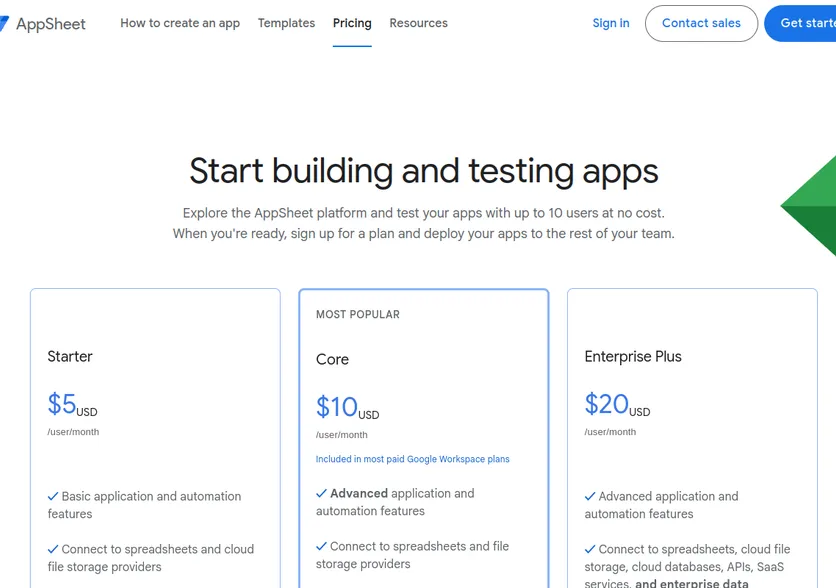
Paid tool Starting price: $5/user/month · Five dollars per user a month for the Starter plan; Core costs ten dollars and Enterprise Plus costs twenty dollars per user a month, while Publisher Pro costs fifty dollars per app a month
Free plan: Free plan for prototypes with up to ten test users
AppSheet is the Google builder that turns a spreadsheet into a mobile app in an afternoon. This AppSheet Starter plan costs five dollars per user a month and covers one app per user with core automation. An enterprise gets apps that read from Google Sheets and Workspace data, with no coding and no new database to manage.
What we like
- Cheapest entry price in this comparison
- Turns a spreadsheet into a working app fast
- Included in most paid Google Workspace plans
Watch out for
- Starter covers only one app per user
- Tied closely to Google Sheets and Workspace
How to try it
- Open the AppSheet site and start with the free plan
- Point it at a Google Sheet and generate the app
- Add an automation and share the app with the team
Prices above were checked on each vendor’s own website on Nov 27, 2026 and can change — the vendor’s page is the final word. Vendor links are editorial: nobody paid to be listed or ranked here. Vendors who want a featured listing can see how it works on our Get listed page.
What enterprise app builders cost in 2026
Enterprise app builders charge in one of three ways, per user, per builder or per app, and the difference decides the bill. Per-user pricing suits an enterprise where everyone opens the apps, while per-builder pricing suits a team where a few people build and hundreds only use. The cheapest plan here costs five dollars per user a month, while the most expensive costs two hundred and seventy dollars a month for the whole team.
Start with a trial on two tools and rebuild one real internal app in each, with the same form, approval step and report. Time the build, test the permissions and check how the app handles your data source. Pick the builder whose governance fits your IT policy, because an app nobody is allowed to deploy is just a demo.
Before you buy
- Check whether the price is per user, per builder or per app, because the same plan can cost ten times more under the wrong model.
- Confirm role-based access is included, because an enterprise builder without permissions cannot pass an IT review.
- Test the data connectors on your own systems, because a builder that cannot read your database is a dead end.
- Ask where the apps are hosted, because a self-hosted option matters when data cannot leave your servers.
- Check the export terms before you sign, because apps you cannot move lock you into the builder forever.
Official websites
Official websites of the products reviewed above. Features and prices were checked against these sites when this guide was written, and they can change, so confirm on the vendor site before you buy.
Frequently asked questions
Which drag-and-drop app builder is best for enterprise in 2026?
Microsoft Power Apps is the best overall pick at twenty dollars per user a month, sitting inside the Microsoft stack most enterprises already pay for with governance IT can enforce. Retool is the best pick for internal tools at ten dollars per builder a month with real database access. Zoho Creator is the best budget pick at eight dollars per user a month for enterprises that already run Zoho.
How much does enterprise app builder software cost?
Prices in this list run from five dollars per user a month for AppSheet Starter to two hundred and seventy dollars a month for Caspio Team, with most tools landing between eight and thirty-two dollars a month. Per-builder pricing suits a team where a few people build and hundreds only use, while per-user pricing suits an enterprise where everyone opens the apps. Add data connector and hosting fees to the subscription before you compare totals.
Do enterprise app builders need coding?
No, every tool here builds apps with drag-and-drop, and most teams ship a working app without writing code. Retool and Budibase let developers add custom code when a workflow needs it, but the core builder stays visual. An enterprise should pick the builder its business team can use alone, because an app that waits for a developer is no faster than the ticket queue it replaces.
What should IT check before approving an app builder?
Start with role-based access and audit logs, because a builder without permissions cannot pass an enterprise security review. Then check where data lives and which connectors it supports, because an app that cannot read your database is a dead end. IT should run a pilot with one real app and one real data source, because a demo with sample data hides the integration problems.
Can an enterprise app builder replace custom development?
Yes, for internal tools, portals and approval flows, which are the apps enterprises build most often. Bubble and Caspio even ship customer-facing apps, while Power Apps and Retool focus on the internal tools a business runs every day. A team should keep custom development for products that need unique performance or design, and use a builder for everything that looks like a form, a list and an approval.
Need everyday developer help too? Try Toolsvine's free developer tools right in your browser.
Browse Developer Tools tools