On this page
A Node.js startup needs three things from its tooling: a place to run the app, a way to ship code without a DevOps hire, and a safety net that catches vulnerable dependencies before they reach production. The eight tools below all publish a US dollar price, and they cover hosting, deployment and code security for a small team. Vercel leads the list because its Pro plan starts at twenty dollars a month and fits Next.js apps best, and the rest are ranked on the same test: how much of the deploy and security work they remove for the money.
How we researched this
We checked every price on the vendor pricing page on November 28, 2026, and only included tools with a published US dollar list price. Enterprise-only platforms that sell by quote are not in this list. Prices change, so confirm the current figure on the vendor site before you buy.
Compare the tools
| Name | Best for | Starting price | Free plan | |
|---|---|---|---|---|
| Vercel | Startups building Next.js apps who want the deepest integration | $20/month | Free Hobby plan | Visit |
| Netlify | Small teams that want one flat price for unlimited members | $20/month | Free plan | Visit |
| Heroku | Startups that want the simplest managed Node hosting | $7/month | No free plan | Visit |
| Railway | Startups that want the fastest setup with usage-based billing | $5/month | Free plan | Visit |
| Render | Startups leaving Heroku that want a fixed monthly price | $7/month | Free plan | Visit |
| DigitalOcean | Startups that want a cheap server they control themselves | $4/month | Free $200 credit for new accounts | Visit |
 Snyk | Small teams that want dependency and code scanning in the pipeline | $25/developer/month | Free plan | Visit |
| Fly.io | Startups that want cheap global deployment with no seat fee | $2.19/month | Free plan | Visit |
The Node.js developers software for startups, compared
1. Vercel
Best for: Startups building Next.js apps who want the deepest integration
Paid tool Starting price: $20/month · Twenty dollars per month per deploying seat on the Pro plan, including one deploying seat and $20 of monthly usage credit; extra deploying seats cost $20 each and viewer seats are free; the Hobby plan is free for personal, non-commercial use only
Free plan: Free Hobby plan
This Vercel plan costs twenty dollars a month per deploying seat, and it is the best home for a Next.js app. A startup gets instant deploys from Git, global CDN delivery and serverless functions that scale without a server to manage. The Pro fee includes twenty dollars of usage credit, and viewer seats are free, so only the developers who deploy count toward the bill.
What we like
- The deepest Next.js integration of any host
- Deploys from Git with instant previews
- Twenty dollars of usage credit included each month
Watch out for
- Per-seat pricing grows with every deploying developer
- The free Hobby plan is non-commercial only
How to try it
- Connect your Git repository to Vercel
- Deploy the app and check the preview URL
- Add a custom domain and set environment variables
2. Netlify
Best for: Small teams that want one flat price for unlimited members
Paid tool Starting price: $20/month · Twenty dollars per month on the Pro plan with unlimited members and 3,000 credits a month; Personal is $9 per month for one member and 1,000 credits; extra credits cost $10 per 1,500; the credit system replaced bandwidth billing in September 2025
Free plan: Free plan
This Netlify plan costs twenty dollars a month, and it covers unlimited team members for that one flat fee. A startup gets deploys from Git, serverless functions and a global CDN, with usage metered in credits rather than bandwidth. The flat price makes Netlify cheaper than Vercel once more than one developer deploys.
What we like
- One flat price covers unlimited team members
- Deploys, functions and CDN in one platform
- A credit system that caps runaway spend
Watch out for
- Credits can run out on a busy month
- Less Next.js depth than Vercel
How to try it
- Connect your Git repository to Netlify
- Set the build command and publish directory
- Deploy and add a custom domain
3. Heroku
Best for: Startups that want the simplest managed Node hosting
Paid tool Starting price: $7/month · Seven dollars per month for a Basic dyno with 0.5 GB of RAM, always on; Eco is $5 per month but sleeps after 30 minutes without traffic; the smallest Postgres plan, Essential-0, is $5 per month; there is no free tier
Free plan: No free plan
This Heroku plan costs seven dollars a month for a Basic dyno, and it is the original platform for running a Node app without managing servers. A startup can push code with Git and get a running app, a database and scheduled jobs in minutes. The free tier is gone, so every always-on app now starts at the Basic price.
What we like
- The simplest deploy flow in this list
- Add-ons for databases, caching and jobs
- A long track record with Node apps
Watch out for
- No free tier any more
- The database costs extra on top of the dyno
How to try it
- Create an app and connect your Git repository
- Add the Basic dyno and a Postgres add-on
- Push code and check the running app
4. Railway
Best for: Startups that want the fastest setup with usage-based billing
Paid tool Starting price: $5/month · Five dollars per month on the Hobby plan, including $5 of usage; Pro is $20 per month including $20 of usage; usage is billed per second at $10 per GB of RAM and $20 per vCPU per month, so a quiet app can stay near the plan fee
Free plan: Free plan
This Railway plan costs five dollars a month, and it is the fastest way to deploy a Node app with a database. A startup can ship an app, a Postgres database and a Redis cache in a few clicks, paying only for the CPU and memory the services actually use. The Hobby plan includes five dollars of usage, so a quiet app costs the plan fee and nothing more.
What we like
- An app, database and cache deployed in minutes
- Usage-based billing that stays low for quiet apps
- A clean developer experience with little config
Watch out for
- A busy app can cost more than a fixed-price host
- Fewer enterprise features than the bigger platforms
How to try it
- Create a project and connect your repository
- Add a Postgres database from the Railway catalogue
- Deploy and watch the usage meter
5. Render
Best for: Startups leaving Heroku that want a fixed monthly price
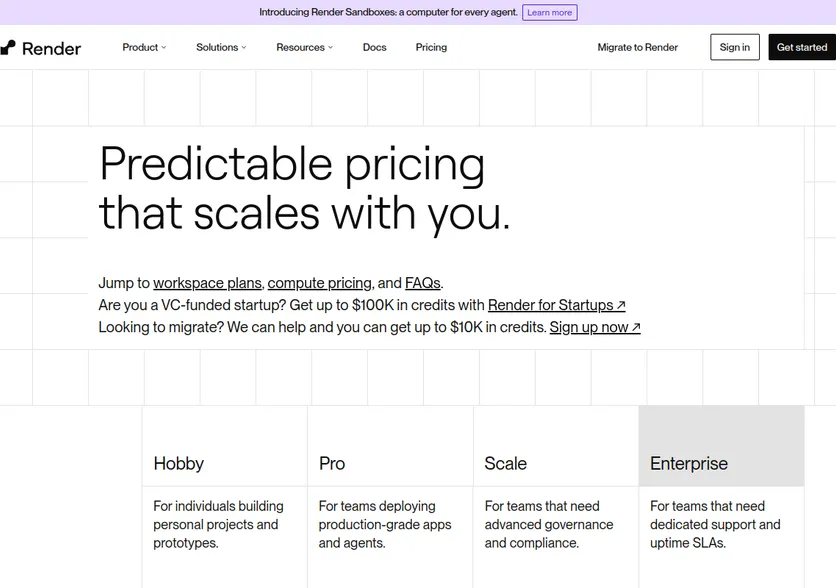
Paid tool Starting price: $7/month · Seven dollars per month for a 0.5 CPU and 512 MB web service, always on; managed Postgres starts at $6 per month; the Hobby workspace is free and the Pro workspace is $25 per month for teams
Free plan: Free plan
This Render plan costs seven dollars a month, and it is the closest match to Heroku in this list. A startup gets a fixed-price web service, a managed Postgres database from six dollars a month, and background workers and cron jobs in the same account. The fixed price makes the monthly bill easy to predict, which is why teams leaving Heroku land here first.
What we like
- Fixed prices that make the bill predictable
- Web services, Postgres and cron jobs in one place
- A free tier for static sites and small tests
Watch out for
- The Pro workspace costs extra for teams
- Fewer add-ons than Heroku
How to try it
- Connect your repository and create a web service
- Add a managed Postgres database
- Deploy and set up a background worker if needed
6. DigitalOcean
Best for: Startups that want a cheap server they control themselves
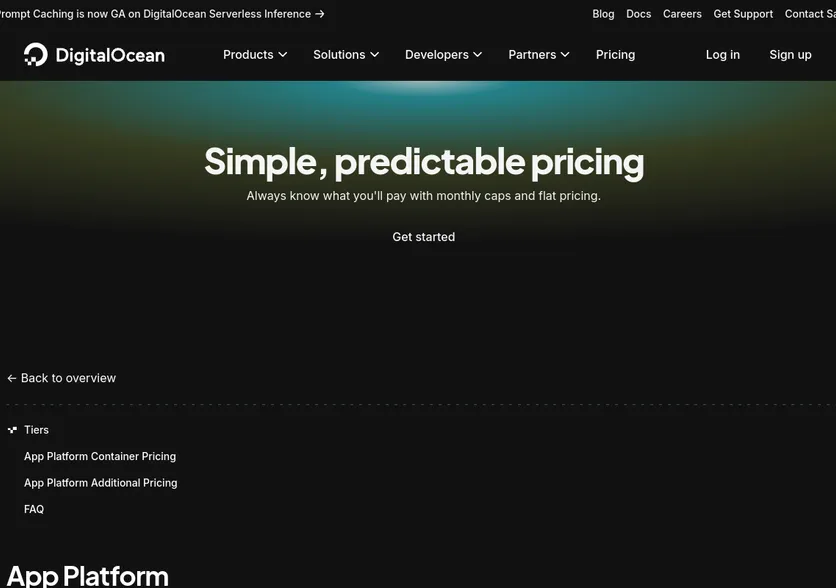
Paid tool Starting price: $4/month · Four dollars per month for a Basic Droplet with per-second billing and a monthly cap; new accounts get a $200 credit for 60 days; larger Droplets and managed databases cost more
Free plan: Free $200 credit for new accounts
This DigitalOcean plan costs four dollars a month for a Basic Droplet, and it is the cheapest way to run a Node app on your own server. A startup gets a virtual machine with a fixed price, plus managed databases, object storage and Kubernetes when the app grows. New accounts get a two hundred dollar credit for sixty days, so the first server is effectively free.
What we like
- The cheapest entry price in this list
- A two hundred dollar credit for new accounts
- Managed databases and storage when you outgrow a Droplet
Watch out for
- You manage the server yourself
- No platform deploy flow like the PaaS tools
How to try it
- Create a Droplet and pick your region
- Install Node and deploy your app
- Add a managed database when traffic grows
7. Snyk
Best for: Small teams that want dependency and code scanning in the pipeline
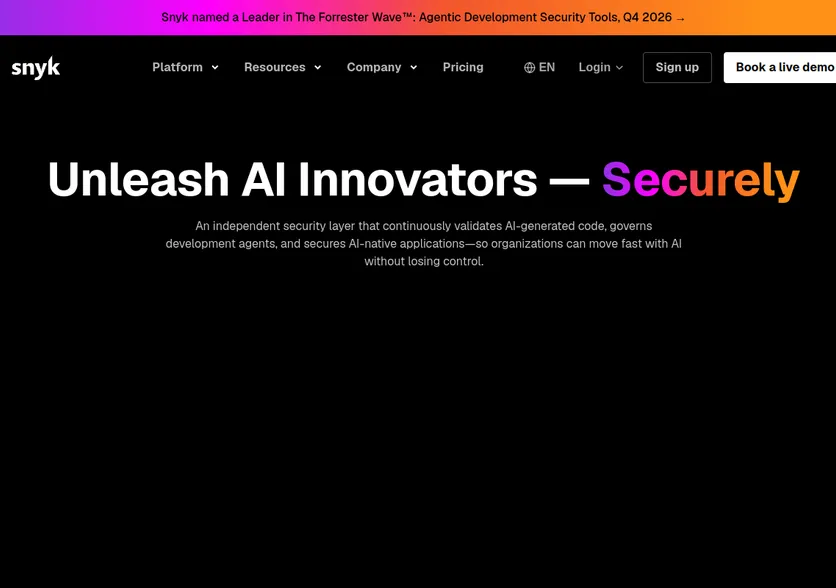
Paid tool Starting price: $25/developer/month · Twenty-five dollars per contributing developer per month on the Team plan, with a minimum of 5 and a maximum of 10 developers; five developers on annual billing pay $1,375 a year; the free plan covers 100 code tests per billing period
Free plan: Free plan
This Snyk plan costs twenty-five dollars per contributing developer a month, and it scans your code and dependencies for known vulnerabilities. A startup can catch a risky package before it ships, with fixes suggested in the same report. The Team plan needs at least five developers and stops at ten, so the smallest bill is one hundred and twenty-five dollars a month.
What we like
- Scans code, dependencies, containers and IaC in one tool
- Fix suggestions attached to each finding
- A free plan for small projects
Watch out for
- The Team plan needs at least five developers
- Enterprise pricing above ten seats is credit-based and opaque
How to try it
- Connect your repository to Snyk
- Run a scan and review the findings
- Fix the flagged dependencies and rescan
8. Fly.io
Best for: Startups that want cheap global deployment with no seat fee
Paid tool Starting price: $2.19/month · Two dollars and nineteen cents per month for the smallest shared-CPU Machine with 256 MB of RAM; usage is billed per second with no seat fee, and managed Postgres is billed separately
Free plan: Free plan
This Fly.io plan costs two dollars and nineteen cents a month for the smallest Machine, and it runs your Node app close to your users around the world. A startup can deploy to many regions from one command, with machines that scale up and down as traffic changes. The usage-based bill has no seat fee, so a solo developer pays only for the machines that run.
What we like
- The lowest starting price in this list
- Deploy to many regions from one command
- No seat fee, so solo developers pay only for machines
Watch out for
- The platform expects more DevOps comfort than a PaaS
- Managed Postgres costs extra and adds up fast
How to try it
- Install the Fly CLI and launch your app
- Pick the regions your users live in
- Scale machines up or down as traffic changes
Prices above were checked on each vendor’s own website on Nov 28, 2026 and can change — the vendor’s page is the final word. Vendor links are editorial: nobody paid to be listed or ranked here. Vendors who want a featured listing can see how it works on our Get listed page.
How to pick Node.js hosting and tooling on a startup budget
Start with how your app actually runs, because a static front end, a serverless API and a long-lived Node server are three different hosting jobs. Pick the platform that matches the shape of your app before you compare prices. Next, count the developers who deploy, because Vercel charges per deploying seat while Netlify and Render charge a flat workspace fee. Finally, budget for the database separately, since the hosting price in this list rarely includes Postgres or Redis, and the database can cost more than the app itself. Keep the security scan in the same pipeline as the deploy, so a vulnerable dependency fails the build instead of reaching users.
Before you buy
- Match the platform to your app shape, since servers, serverless and static sites price differently
- Count deploying developers, because per-seat pricing grows with the team
- Budget for the database separately, since hosting rarely includes it
- Check the free tier limits before your first traffic spike
- Confirm where your data lives if your customers need a region guarantee
Official websites
Official websites of the products reviewed above. Features and prices were checked against these sites when this guide was written, and they can change, so confirm on the vendor site before you buy.
Frequently asked questions
What is the best hosting for a Node.js startup?
Vercel is the best fit for a Next.js startup at twenty dollars a month per deploying seat on Pro, with twenty dollars of usage credit included. Render is the best fixed-price choice at seven dollars a month for a small always-on instance. Railway is the best for fast setup at five dollars a month for the Hobby plan, with usage billed per second after that.
How much does Vercel Pro cost for a small team?
Vercel Pro costs twenty dollars a month per deploying seat, and the fee includes one deploying seat and twenty dollars of monthly usage credit. Viewer seats are free and unlimited. A team of three developers who all deploy pays sixty dollars a month before usage, while a solo developer pays twenty dollars.
Is Netlify or Vercel cheaper for a small team?
They cost the same for one developer, at twenty dollars a month on Pro, but Netlify is cheaper once the team grows, because its Pro plan covers unlimited members for the same twenty dollars. Vercel charges twenty dollars per deploying seat, so a team of five pays one hundred dollars a month before usage. Pick Netlify when many developers deploy, and Vercel when you need the deepest Next.js support.
Do I still need Heroku for Node.js apps?
No, Heroku is one option among several, and Render is the closest match at seven dollars a month for a small always-on web service. Heroku Basic costs seven dollars a month per dyno, with the smallest Postgres plan adding five dollars a month. Render and Railway both offer a simpler bill for the same shape of app.
How do I keep Node.js dependencies secure on a budget?
Snyk Team costs twenty-five dollars per contributing developer a month, with a minimum of five developers and a maximum of ten, and it scans code, dependencies, containers and infrastructure as code. The free plan covers one hundred code tests per billing period. Start on the free plan and move to Team when the test limit blocks your pipeline.
Compare the eight tools above, then start with a free plan on the platform that matches your deploy flow before you pay for a full year.
Browse Developer Tools tools