
On this page
A developer's day is meetings, code reviews, tickets and focus time, and the tools below keep all four from colliding. The seven apps here cover notes, tasks, calendars and time tracking, and every one of them has a free plan or a free trial to try first. Prices run from $5 to $19 a month, and each tool below was checked on its vendor site on November 26, 2026. Notion Plus is our first pick — the workspace where notes, tasks and docs live together, and the one most teams start with.
How we researched this
We started with the productivity tools developers actually pay for, then read each price on the vendor pricing page on November 26, 2026 and noted the free plan or trial each one carries. We judged them for daily developer work: planning, focus time, task tracking and time reporting, with speed and ease of use as the tie-breakers. We kept the list to tools with a published monthly price and a real free plan or trial, and we dropped any tool whose price we could not verify.
Compare the tools
| Name | Best for | Starting price | Free plan | |
|---|---|---|---|---|
 Notion Plus | Teams that want notes, tasks and docs in one workspace | $10/month | Free plan | Visit |
 Linear | Engineering teams that want the fastest issue tracker | $10/month | Free plan | Visit |
 Motion | Developers whose calendar is the problem, not the task list | $19/month | Free trial | Visit |
 Reclaim | People who want focus time defended automatically | $10/month | Free plan | Visit |
 Todoist Pro | People who want a simple task list that stays simple | $5/month | Free plan | Visit |
 ClickUp Core | Teams that want tasks, docs, chat and goals in one workspace | $9/user/month | Free plan | Visit |
 Toggl Track | Freelancers and teams who bill by the hour | $9/month | Free plan | Visit |
The developer productivity tools, compared
1. Notion Plus
Best for: Teams that want notes, tasks and docs in one workspace
Paid tool Starting price: $10/month · Plus plan, $10 per user a month billed annually; Business $20 a month billed annually
Free plan: Free plan
Notion Plus costs $10 a month, and that buys the workspace where a developer's notes, tasks and docs live together instead of scattered across four apps. This Notion Plus plan adds unlimited file uploads, 30-day page history, custom domains for sites and automation, plus AI features on a trial basis. It is the pick when your team writes everything down and wants one place to find it, and the free plan covers personal use with unlimited pages.

What we like
- Notes, tasks and docs in one workspace
- Flexible databases for any workflow
- Free plan covers personal use well
Watch out for
- Takes setup work before it feels fast
- AI features cost extra on top of Plus
How to try it
- Open the Notion pricing page and start Plus
- Build one project page with tasks, notes and docs
- Share it with your team and try the database views
2. Linear
Best for: Engineering teams that want the fastest issue tracker
Paid tool Starting price: $10/month · Basic plan, $10 a user a month billed annually ($12 billed monthly); Business $16 a user a month billed annually
Free plan: Free plan
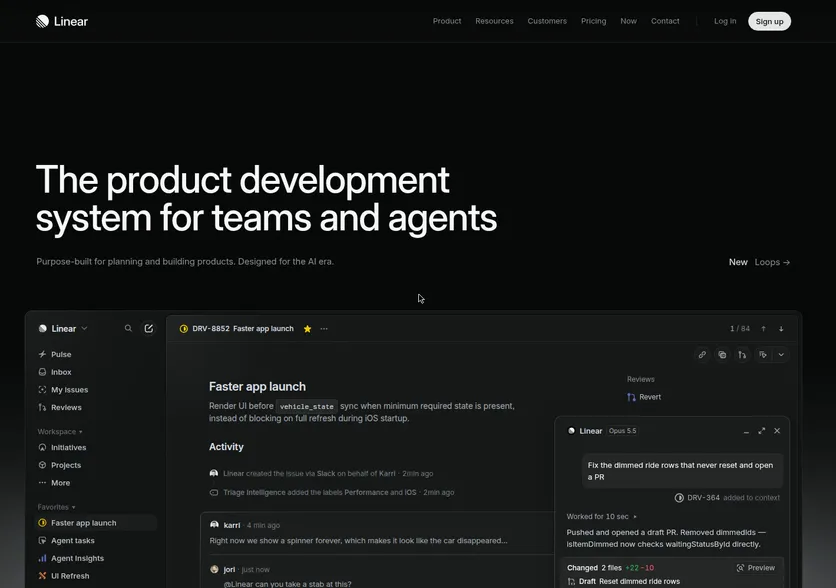
Linear Basic costs $10 a month, and it is the fastest issue tracker on this list by a clear margin, with keyboard shortcuts for almost everything. This Linear plan turns issues into cycles and roadmaps, with unlimited issues, projects and integrations, plus automations and insights. It is the pick when your team lives in issues all day and wants the tracker to keep up, and the free plan covers up to 250 issues.
What we like
- Fastest issue tracker on this list
- Cycles and roadmaps built in
- Keyboard shortcuts for almost everything
Watch out for
- No free tier past 250 issues
- Fewer integrations than older trackers
How to try it
- Open the Linear pricing page and start Standard
- Create a cycle and add your current issues
- Try the keyboard shortcuts for a full day
3. Motion
Best for: Developers whose calendar is the problem, not the task list
Paid tool Starting price: $19/month · Individual plan, $19 a month billed annually
Free plan: Free trial
Motion charges $19 a month to plan your calendar for you, placing tasks around meetings instead of the other way round. This Motion plan adds automatic scheduling, deadline alerts, project management and an AI assistant that re-plans the day when meetings move. It is the pick when your week is a puzzle of deadlines and meetings and a plain list cannot solve it, and the 7-day free trial covers the full product.
What we like
- Plans the calendar automatically around meetings
- Re-plans the day when meetings move
- Deadline alerts keep work on track
Watch out for
- Most expensive tool on this list
- No permanent free plan, only a 7-day trial
How to try it
- Open the Motion pricing page and start the 7-day trial
- Add your tasks with deadlines and priorities
- Let Motion schedule them and check the plan each morning
4. Reclaim
Best for: People who want focus time defended automatically
Paid tool Starting price: $10/month · Pro plan, $10 per seat a month
Free plan: Free plan
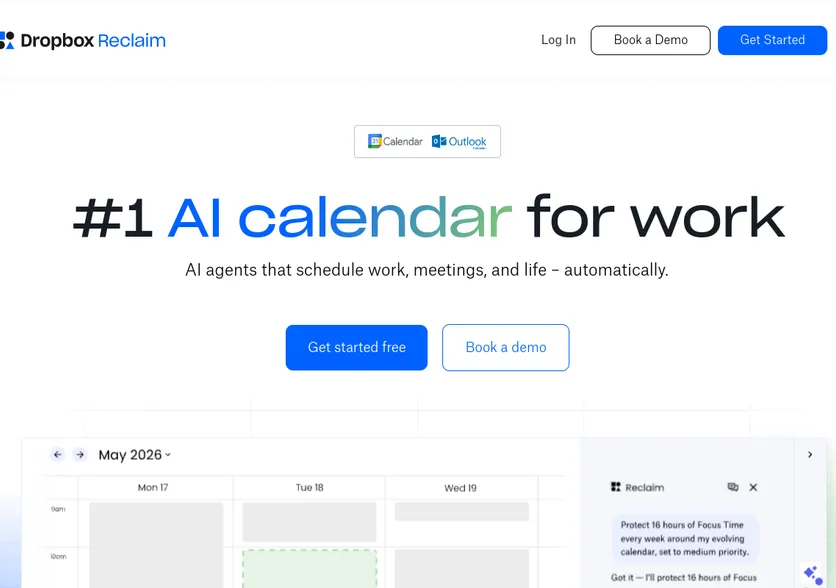
Reclaim Pro costs $10 a month, and it defends your calendar the way a good assistant would, booking focus time, habits and breaks around the meetings. This Reclaim plan adds unlimited habits, smart scheduling links, calendar sync and priority support, with AI that re-books when plans change. It is the pick when meetings keep eating your deep work and you want the calendar to fight back, and the free Starter plan covers basic focus time.
What we like
- Books focus time automatically around meetings
- Re-books habits when plans change
- Scheduling links included on Pro
Watch out for
- Needs access to your calendar to work
- Habit limits are tight on the free Starter plan
How to try it
- Open the Reclaim pricing page and start Pro
- Set your focus-time habits and working hours
- Let Reclaim book the week and review it on Monday
5. Todoist Pro
Best for: People who want a simple task list that stays simple
Paid tool Starting price: $5/month · Pro plan, $5 a month billed annually ($60 a year); $7 a month month-to-month; Business $8 a month billed annually
Free plan: Free plan
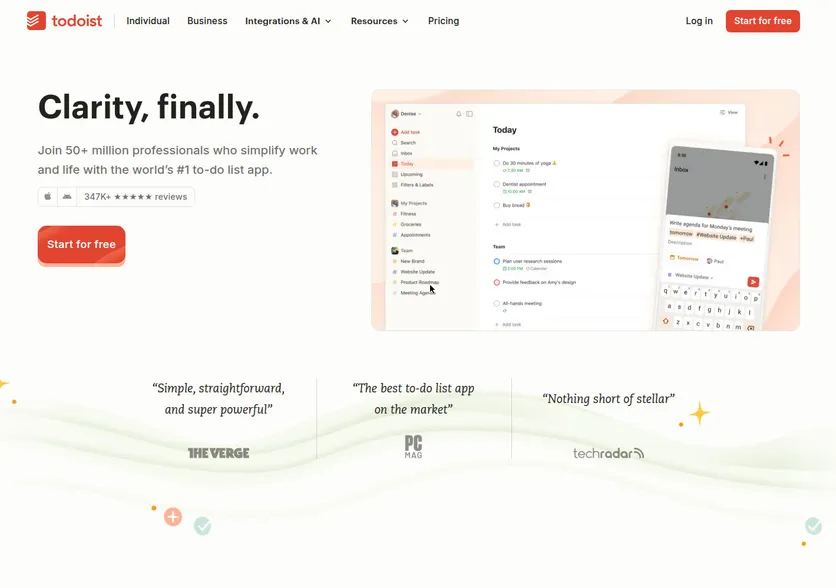
Todoist Pro costs $5 a month, the cheapest paid plan on this list, and it stays a simple task list on purpose, with no project management bloat. This Todoist Pro plan adds up to 300 projects, reminders, calendar layout, task duration, 150 filters and an AI assistant. It is the pick when you want to capture tasks fast and check them off faster, and the free plan covers up to five projects.
What we like
- Cheapest paid plan here at $5 a month
- Fastest task capture on this list
- Calendar layout and reminders included
Watch out for
- No built-in time tracking
- Team features need the $8 Business tier
How to try it
- Open the Todoist pricing page and start Pro
- Capture tasks with natural-language quick-add
- Set reminders and check the calendar layout
6. ClickUp Core
Best for: Teams that want tasks, docs, chat and goals in one workspace
Paid tool Starting price: $9/user/month · Core plan, $9 per user a month billed annually; $12 a month month-to-month; Business $17 a month billed annually
Free plan: Free plan
ClickUp Core costs $9 a month, and it tries to be the only workspace a developer team needs, with tasks, docs, whiteboards, chat and goals under one bill. This ClickUp Core plan adds unlimited storage, Gantt charts, custom fields, native time tracking and integrations. It is the pick when you hate paying for five apps and want one workspace for everything, and the free plan covers unlimited users.

What we like
- Most features per dollar on this list
- Free plan covers unlimited users
- Native time tracking included
Watch out for
- So many features it takes weeks to learn
- AI tools cost extra on top of the plan
How to try it
- Open the ClickUp pricing page and start Core
- Set up a Space for your current sprint
- Connect your email and try the built-in chat
7. Toggl Track
Best for: Freelancers and teams who bill by the hour
Paid tool Starting price: $9/month · Starter plan, $9 per user a month billed annually
Free plan: Free plan
Toggl Track Starter costs $9 a month, and it answers the one question every developer team asks: where did the hours go. This Toggl Track plan adds unlimited time entries, billable rates, project estimates and reports, with a timer that starts in one click. It is the pick when you bill clients by the hour and need clean reports to back the invoice, and the free plan covers up to five users.

What we like
- One-click timer, the fastest here
- Clean reports for client invoicing
- Free plan covers up to five users
Watch out for
- No task management beyond time entries
- Advanced reporting needs the Premium tier
How to try it
- Open the Toggl Track pricing page and start Starter
- Start the timer on your next task
- Check the weekly report and export it for invoicing
Prices above were checked on each vendor’s own website on Nov 26, 2026 and can change — the vendor’s page is the final word. Vendor links are editorial: nobody paid to be listed or ranked here. Vendors who want a featured listing can see how it works on our Get listed page.
What developer productivity costs in 2026
Prices here run from $5 to $19 a month, and the spread maps neatly onto the job each tool does. Todoist Pro at $5 and ClickUp Core at $9 cover tasks and projects for the least money, while Toggl Track Starter at $9 adds honest time reporting for client work. Notion Plus and Linear Basic both cost $10 a month and suit opposite halves of the job: Notion for notes and docs, Linear for issues and cycles. Reclaim Pro at $10 defends focus time automatically, and Motion at $19 is the only one here that plans the whole calendar for you. Start on a free plan, run your real week through two tools, and keep the one that leaves you with more focus time at the end of it.
Before you buy
- Count how many hours you lose to meetings each week, then check whether the tool protects focus time or just lists tasks.
- Pick the tool that fits your workflow: Linear for issue tracking, Notion for docs, Motion for calendar planning.
- Compare the annual price too: Todoist Pro drops to $5 a month and ClickUp Core to $9, while Motion stays $19.
- Test the calendar features on a real week: Motion plans tasks for you, while Reclaim only defends the time you book.
- Try the free plan with real work first: every tool here offers one, and a week of real deadlines beats any feature list.
Official websites
Official websites of the products reviewed above. Features and prices were checked against these sites when this guide was written, and they can change, so confirm on the vendor site before you buy.
Frequently asked questions
Which productivity tool is best for software developers in 2026?
Notion Plus, at $10 a month, is the best overall pick because it covers notes, tasks and docs in one workspace that most teams already use. Linear is better for issue tracking, Motion wins for calendar planning, and Todoist Pro is the cheapest at $5 a month. Pick by the job that eats your day: planning, tracking, focus or time reporting.
What is the cheapest productivity tool for developers?
Todoist Pro, at $5 a month on annual billing, is the cheapest paid plan here, and its free plan covers up to five projects. ClickUp Core is next at $9 a month with a free plan for unlimited users. Every tool on this list also has a free plan or a free trial, so you can start without paying and upgrade only when the free limits slow you down.
Can I use these productivity tools for free?
Yes, Notion, Linear, Reclaim, Todoist, ClickUp and Toggl Track all offer a free plan, and Motion offers a 7-day free trial. The free plans cover personal use and small teams, but automation, reporting and AI features usually need a paid tier. The free options are good for testing, but heavy daily use will hit the caps.
Which tool is best for time tracking?
Toggl Track Starter, at $9 a month, is the best pick for time tracking because starting the timer takes one click and the weekly reports show where every hour went. ClickUp Core also includes native time tracking at $9 a month. If you bill clients by the hour, Toggl Track is the tool built for that job.
Do these tools work for solo developers?
Yes, all seven work for a solo developer, and most have a free plan that covers one person well. Todoist Pro at $5 a month and Notion Plus at $10 a month are the best solo picks, while Motion at $19 a month earns its price if your calendar is the problem. Start free, track one real week, and pay only for the tool that saves you time.
Want more productivity help in the browser? Try Toolsvine's free productivity tools — timers, planners and converters without installing anything.
Browse Productivity Tools tools


