
On this page
A developer's day is won or lost by the tools around the editor, and the seven below cover AI coding, hosting, APIs, containers and the IDE itself. They all have a free plan or a free trial, and prices run from $10 a month to $20 a month for the core picks. Each tool below was checked on its vendor site on November 26, 2026. GitHub Copilot is our first pick — the AI assistant that suggests whole lines as you type, right inside VS Code.
How we researched this
We started with the developer tools software teams actually pay for, then read each price on the vendor pricing page on November 26, 2026 and noted the free plan or trial each one carries. We judged them for daily development: AI coding help, hosting, API work, containers and the IDE itself, with ease of setup and billing clarity as the tie-breakers. We kept the list to tools with a published price and a real free plan or trial, and we dropped any tool whose price we could not verify.
Compare the tools
| Name | Best for | Starting price | Free plan | |
|---|---|---|---|---|
 GitHub Copilot | Developers who code in VS Code every day | $10/month | Free plan | Visit |
 Cursor | Developers who want an AI-native editor with agent mode | $20/month | Free plan | Visit |
 Replit | Developers who want to build and ship from the browser | $20/month | Free plan | Visit |
 Postman | Teams that build, test and document APIs | $19/month | Free plan | Visit |
 Docker | Developers who ship containers from a laptop | $11/month | Free plan | Visit |
 IntelliJ IDEA Ultimate | Java and Kotlin developers on large projects | $19.90/month | Free plan | Visit |
| Windsurf | Developers who want the cheapest full-featured AI editor | $15/month | Free plan | Visit |
The developer tools, compared
1. GitHub Copilot
Best for: Developers who code in VS Code every day
Paid tool Starting price: $10/month · Pro plan, $10 a month ($100 a year); Pro+ $39; Max $100; Business $19 per seat; 1,500 AI credits a month on Pro; extra credits $0.01 each
Free plan: Free plan
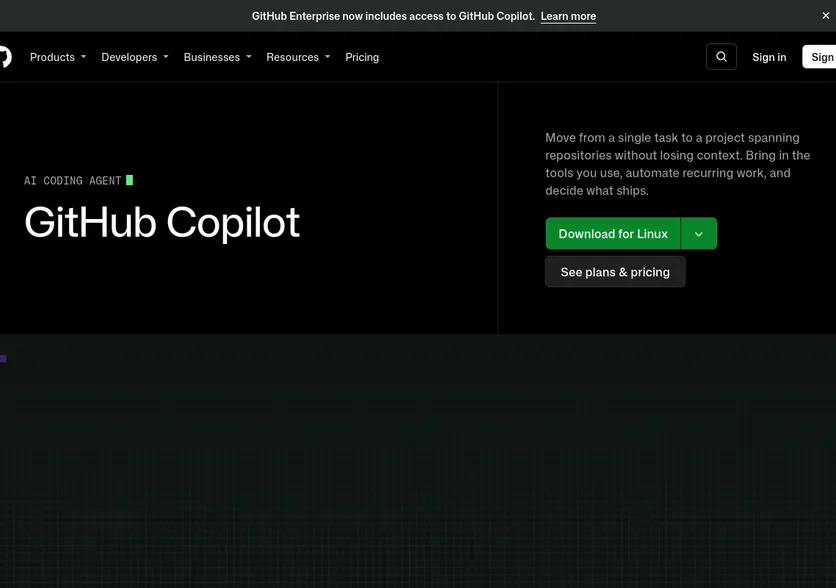
GitHub Copilot Pro costs $10 a month, and it is the cheapest AI coding assistant here, with unlimited completions and 1,500 AI credits for chat and agent work. This GitHub Copilot plan adds the cloud agent that opens pull requests, code review and third-party agents in preview, with Pro+ at $39 a month for heavier use. It is the pick when your code already lives on GitHub and you want the assistant inside the editor you use, and the free plan covers 2,000 completions a month.
What we like
- Cheapest AI assistant here at $10 a month
- Unlimited completions on every paid plan
- Cloud agent opens pull requests for you
Watch out for
- Chat and agent work draw down credits
- Pro+ at $39 is a big step up
How to try it
- Open the GitHub Copilot page and start Pro
- Install the extension in VS Code
- Accept a completion, then ask the agent to fix a bug
2. Cursor
Best for: Developers who want an AI-native editor with agent mode
Paid tool Starting price: $20/month · Pro plan, $20 a month ($16 billed annually); Pro+ $60; Ultra $200; Teams from $40 per user a month; $20 monthly credit pool on Pro
Free plan: Free plan
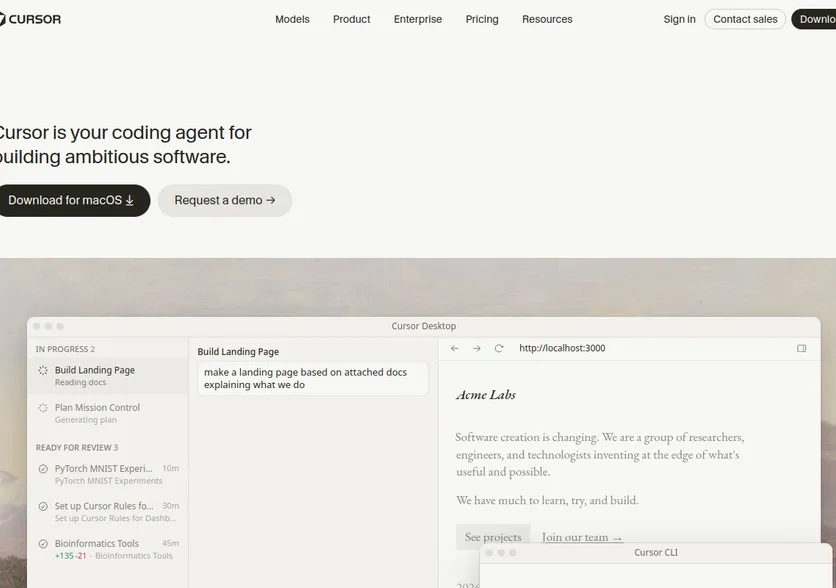
Cursor Pro costs $20 a month, and it is a code editor with AI built into every step rather than a plugin on top of one. This Cursor plan adds unlimited Tab completions, unlimited Auto mode, extended Agent limits, frontier models and a $20 monthly credit pool. It is the pick when you want the editor itself to write, edit and review whole files, and the free Hobby plan covers the basics with a 7-day Pro trial.
What we like
- Agent mode edits whole files for you
- Unlimited Tab completions on Pro
- Frontier models included in Auto mode
Watch out for
- Premium model picks draw down the credit pool
- You must move to the Cursor editor
How to try it
- Open the Cursor pricing page and start Pro
- Open your codebase in Cursor
- Ask the agent to build a feature across files
3. Replit
Best for: Developers who want to build and ship from the browser
Paid tool Starting price: $20/month · Core plan, $20 a month ($18 billed annually) with $20 of monthly credits; Pro $100 a month; Enterprise custom; agent work billed by effort
Free plan: Free plan
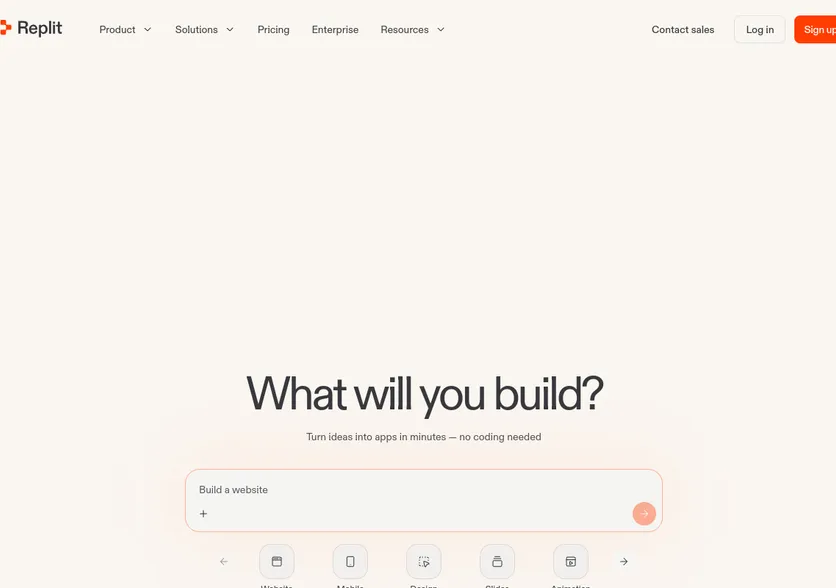
Replit Core costs $20 a month, and it is the only tool here where the editor, the hosting, the database and the auth live in one browser tab. This Replit plan adds $20 of monthly credits, up to five builders, unlimited published apps and two parallel agents, with Pro at $100 a month for teams. It is the pick when you want to describe an app in chat and publish it the same day, and the free Starter plan covers your first app.
What we like
- Editor, hosting, database and auth in one tab
- One $20 subscription covers five builders
- Publish an app the same day you start
Watch out for
- Agent work and hosting draw down the same credits
- Heavy use can push the bill past $20
How to try it
- Open the Replit pricing page and start Core
- Describe an app to the Replit Agent
- Publish it and share the link
4. Postman
Best for: Teams that build, test and document APIs
Paid tool Starting price: $19/month · Team plan, $19 per user a month billed annually ($23 month-to-month); Basic $14 closed to new customers March 1, 2026; Enterprise custom
Free plan: Free plan
Postman Team costs $19 per user a month on annual billing, and it is the workspace where APIs get built, tested and documented. This Postman plan adds unlimited collections, shared workspaces, API testing, mock servers and monitors, with Enterprise for teams that need SSO and audit logs. It is the pick when your team ships APIs and needs one place for requests, tests and docs, and the free plan covers individual API work.
What we like
- Best API workspace here: requests, tests, docs
- Mock servers and monitors included
- Free plan for individual API work
Watch out for
- Basic $14 plan is closed to new customers
- Enterprise features need a sales call
How to try it
- Open the Postman pricing page and start Team
- Save your first request in a collection
- Write a test and run the collection
5. Docker
Best for: Developers who ship containers from a laptop
Paid tool Starting price: $11/month · Pro plan, $11 per user a month billed monthly ($9 billed annually); Team $16; Business $24; Personal free for eligible small teams
Free plan: Free plan
Docker Pro costs $11 per user a month on monthly billing, and it is the plan that makes Docker Desktop legal for commercial use. This Docker plan adds unlimited private repositories, unlimited Hub pulls, Docker Build Cloud, Scout health scores and 100 Testcontainers Cloud minutes a month. It is the pick when your app ships as a container and the same image must run on a laptop, a test server and production, and the free Personal plan covers eligible small teams.
What we like
- Same container runs everywhere
- Unlimited private repos and Hub pulls
- Build Cloud and Scout included
Watch out for
- Desktop needs a paid plan for commercial use
- Team and Business jump to $16 and $24
How to try it
- Open the Docker pricing page and start Pro
- Build your first image
- Run the same container on a test server
6. IntelliJ IDEA Ultimate
Best for: Java and Kotlin developers on large projects
Paid tool Starting price: $19.90/month · Ultimate subscription for individual use, $19.90 a month ($16.58 billed annually; $199 first year, $159 year two, $119 from year three); organizations $71.90 per user a month
Free plan: Free plan
For Java and Kotlin work at scale, IntelliJ IDEA Ultimate at $19.90 a month for individual use is the IDE that handles large projects without slowing down. This IntelliJ IDEA subscription adds advanced web tools, JavaScript and TypeScript support, database tools and profiling, with AI Free included. It is the pick when the project is large and the IDE must keep up, and the free core covers Java and Kotlin with a 30-day Ultimate trial.

What we like
- Best Java and Kotlin IDE here
- Free core covers real work
- Price drops to $119 a year from year three
Watch out for
- Organizations pay $71.90 per user a month
- Needs 8 GB of RAM minimum
How to try it
- Open the JetBrains store and start Ultimate
- Open your largest project
- Run the profiler on a slow method
7. Windsurf
Best for: Developers who want the cheapest full-featured AI editor
Paid tool Starting price: $15/month · Pro plan, $15 a month ($10 billed annually) with 500 premium Cascade prompts; Teams $35 per user a month; Ultimate $60; free tier with unlimited autocomplete
Free plan: Free plan
Windsurf Pro costs $15 a month, and it is the cheapest full-featured AI editor here, with Cascade agent flows and unlimited autocomplete. This Windsurf plan adds 500 premium Cascade prompts a month, all frontier models, priority support and zero data retention, with Teams at $35 per user a month for admin controls. It is the pick when you want agent work without credit anxiety, and the free tier covers unlimited autocomplete with 25 Cascade credits a month.

What we like
- Cheapest full-featured AI editor at $15
- 500 Cascade prompts a month on Pro
- Zero data retention on Pro
Watch out for
- Smaller community than Cursor or Copilot
- Cascade works only in the Windsurf IDE
How to try it
- Open the Windsurf pricing page and start Pro
- Open your project in Windsurf
- Ask Cascade to plan and build a feature
Prices above were checked on each vendor’s own website on Nov 26, 2026 and can change — the vendor’s page is the final word. Vendor links are editorial: nobody paid to be listed or ranked here. Vendors who want a featured listing can see how it works on our Get listed page.
What developer tools cost in 2026
Per-user pricing is the fairest way to compare these tools, so count your seats before you count the price. GitHub Copilot Pro at $10 a month and Windsurf Pro at $15 a month are the cheapest AI assistants here, while Cursor Pro at $20 a month adds a $20 credit pool for frontier models. Replit Core at $20 a month covers up to five builders on one subscription, Postman Team at $19 a user a month and Docker Pro at $11 a user a month bill per seat, and IntelliJ IDEA Ultimate at $19.90 a month drops to $16.58 on annual billing. Start on a free plan or trial, build one real feature, and keep the tool that saves you the most time.
Before you buy
- Count your seats first: Copilot, Cursor, Postman, Docker and IntelliJ all bill per user, while Replit Core covers five builders.
- Pick the tool that fits your workflow: Copilot for VS Code, Cursor for agent work, Replit for browser builds, Windsurf for value.
- Test AI coding on one real feature: the assistant that saves you the most time is the one to keep.
- Check the usage meter too: Copilot and Cursor add credits on top, and Replit bills agent work by effort.
- Try the free plan or trial with a real project first: every tool here offers one, and one shipped feature beats any feature list.
Official websites
Official websites of the products reviewed above. Features and prices were checked against these sites when this guide was written, and they can change, so confirm on the vendor site before you buy.
Frequently asked questions
Which developer tool is best for software development in 2026?
GitHub Copilot Pro, at $10 a month, is the best overall pick because it works inside VS Code with unlimited completions and 1,500 AI credits. Cursor is better for agent work, Replit wins for browser builds, and Windsurf is the cheapest full-featured AI editor at $15 a month. Pick by where you code: VS Code, a dedicated editor or the browser.
What is the cheapest AI coding assistant?
GitHub Copilot Pro, at $10 a month, is the cheapest AI coding assistant here, with unlimited completions and $15 of AI credits for chat and agent work. Windsurf Pro is next at $15 a month with 500 Cascade prompts. Every tool on this list also has a free plan or a free trial, so you can start without paying and upgrade only when the free limits slow you down.
Can I use these developer tools for free?
Yes, all seven offer a free plan: Copilot Free, Cursor Hobby, Replit Starter, Postman Free, Docker Personal, IntelliJ IDEA free core and Windsurf Free. The free plans cover real work with limits on credits, collaborators or features, but paid tiers add more. The free options are good for testing, but a daily developer will hit the caps.
Which tool is best for building apps in the browser?
Replit Core, at $20 a month, is the best pick for building apps in the browser because the editor, hosting, database and auth all live in one tab. It covers up to five builders on one subscription with $20 of monthly credits. If you want to ship without installing anything, Replit is the tool built for that job.
Do these AI coding tools train on my code?
No, the AI coding tools here do not train on your code by default: GitHub Copilot, Cursor and Windsurf all state that your code is not used for training, and Windsurf Pro adds zero data retention. Replit, Postman, Docker and IntelliJ IDEA do not train models on your work either. Check each vendor's privacy page before you commit, because data policies vary by plan and region.
Want more developer help in the browser? Try Toolsvine's free developer tools — code formatters, converters and testers without installing anything.
Browse Developer Tools tools


