On this page
Invoice OCR only pays off when the extracted data lands in your accounting system without retyping, so accuracy and integrations matter more than raw speed. The eight tools below were compared on capture quality, export paths and price for teams that process supplier invoices every month. Docparser leads because its rule-based parsing handles recurring layouts reliably for thirty-nine dollars a month, while Dext leads for bookkeepers who post straight to the ledger.
How we researched this
We checked every price on the vendor pricing page on November 28, 2026, and only included tools with a published US dollar list price. ABBYY FlexiCapture and Doxis publish no usable starting price, so they are not in this list. Prices change, so confirm the current figure on the vendor site before you buy.
Compare the tools
| Name | Best for | Starting price | Free plan | |
|---|---|---|---|---|
 Docparser | Operations teams with stable, recurring invoice layouts | $39/month | 14-day free trial | Visit |
 Dext | Bookkeepers feeding invoices into QuickBooks or Xero | $25.21/month | 14-day free trial | Visit |
 Nanonets | Finance teams automating invoice extraction inside AI workflows | $100/month | Free credits | Visit |
 Veryfi | Developers embedding invoice capture into their own app | $500/month | Free plan | Visit |
 Parseur | Teams that receive invoices by email and need them parsed automatically | $49/month | Free plan | Visit |
| Rossum | Enterprise AP teams with complex, multilingual invoice volumes | $18,000/year | 14-day free trial | Visit |
| Mindee | Developers building invoice features into their product | $44/month | 14-day free trial | Visit |
| DocuClipper | Bookkeepers extracting invoices and bank statements into accounting software | $20.30/month | 14-day free trial | Visit |
The ocr software for invoice processing, compared
1. Docparser
Best for: Operations teams with stable, recurring invoice layouts
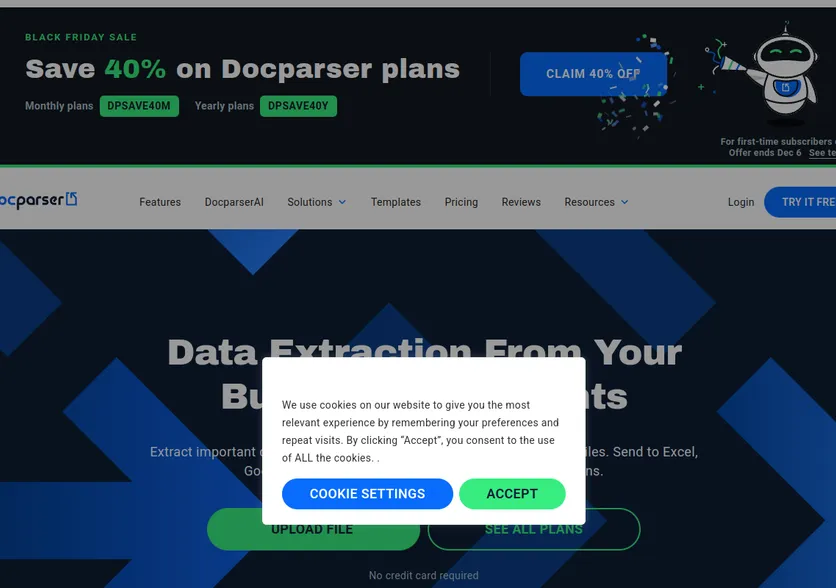
Paid tool Starting price: $39/month · Thirty-nine dollars a month on the Starter plan, or thirty-two dollars and fifty cents billed annually, for one hundred documents of up to five pages; Professional is seventy-four dollars and Business is one hundred and fifty-nine dollars a month
Free plan: 14-day free trial
For teams with the same invoice layouts every month, Docparser Starter plan costs thirty-nine dollars a month. It lets teams set up rule-based parsers for their document types and export to Excel, CSV, JSON or XML, Google Sheets or hundreds of other apps. Pre-built vendor templates handle common suppliers, and the rule-based approach stays accurate when the same layout arrives every month.
What we like
- Rule-based parsers for recurring layouts
- Exports to sheets, CSV and hundreds of apps
- Pre-built vendor templates
Watch out for
- Zone templates break on new vendor formats
- No full AP approval workflow
How to try it
- Upload a sample invoice and define zones
- Map fields to your spreadsheet or app
- Test the parser on a month of invoices
2. Dext
Best for: Bookkeepers feeding invoices into QuickBooks or Xero
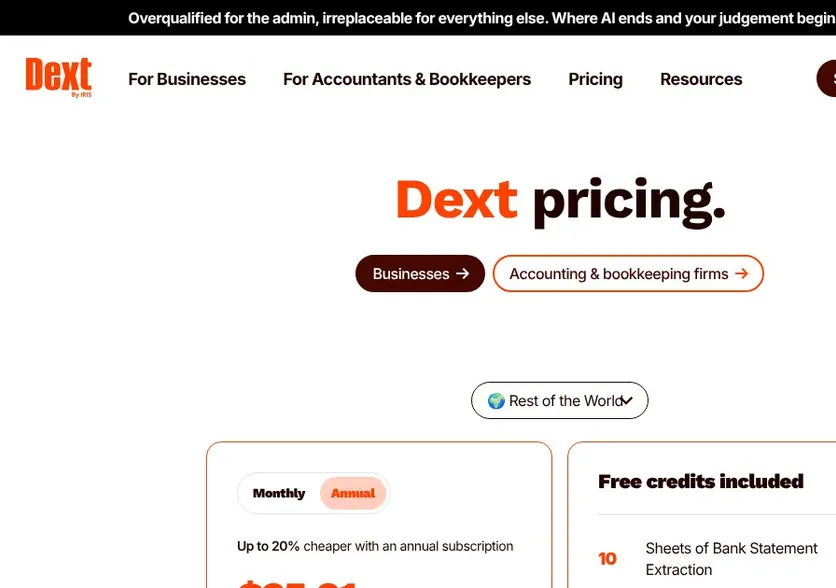
Paid tool Starting price: $25.21/month · Twenty-five dollars and twenty-one cents a month on the Business plan billed annually for two hundred and fifty documents and five users, or thirty-one dollars and fifty cents billed monthly; line items are an add-on from twenty dollars and fifty cents a month
Free plan: 14-day free trial
For bookkeepers who post bills to the ledger, Dext Business plan costs twenty-five dollars and twenty-one cents a month on annual billing. It adds expense claims, supplier and bank statements, document storage and practice tools to invoice capture, so a bookkeeping practice runs on one platform. Capture by phone, email, WhatsApp and desktop posts coded data straight to the ledger, with supplier rules that learn how each vendor should be coded.
What we like
- Phone, email and WhatsApp capture
- Supplier rules that post to the ledger
- Practice tools for bookkeeping firms
Watch out for
- Line items cost extra as an add-on
- A bookkeeping suite, not raw bulk export
How to try it
- Connect Dext to your accounting software
- Set supplier rules for your top vendors
- Review captured invoices before they post
3. Nanonets
Best for: Finance teams automating invoice extraction inside AI workflows
Paid tool Starting price: $100/month · One hundred dollars a month on the Starter plan for one hundred credits after fifty dollars in free credits; block runs cost two cents to thirty cents each and Growth and Enterprise go through sales
Free plan: Free credits
For finance teams automating document workflows, Nanonets Starter plan costs one hundred dollars a month. It builds document workflows out of AI blocks, so an invoice moves from capture to extraction to ERP posting without manual steps. Its own example puts a typical invoice workflow under two dollars end to end, and native connections cover QuickBooks, Xero, Sage, NetSuite and SAP.
What we like
- Custom AI document workflows
- Native connections to major ERPs
- Tables captured automatically
Watch out for
- Usage-based pricing is hard to forecast
- Complex for small, simple jobs
How to try it
- Build an invoice workflow from AI blocks
- Connect your ERP for posting
- Test the workflow on varied supplier layouts
4. Veryfi
Best for: Developers embedding invoice capture into their own app
Paid tool Starting price: $500/month · Five hundred dollars a month as the Starter minimum, with invoices at sixteen cents each and receipts at eight cents each; the free tier covers one hundred documents a month
Free plan: Free plan
For developers embedding capture in an app, Veryfi Starter plan costs five hundred dollars a month as a minimum. It is an OCR API that returns structured data from receipts and invoices, with line-item detail through a Product Intelligence add-on. The API reads a document in three to five seconds and ships SDKs for iOS, Android, Python, Node, PHP, C, Java and Go, so mobile capture fits inside your own app.
What we like
- Per-document API pricing with a free tier
- Fast reads with line-item detail
- Mobile capture SDKs for major platforms
Watch out for
- High entry price for small teams
- Developer and SDK oriented, not a full AP tool
How to try it
- Create an API key and test the free tier
- Send a sample invoice and check the fields
- Add the mobile SDK to your app
5. Parseur
Best for: Teams that receive invoices by email and need them parsed automatically
Paid tool Starting price: $49/month · Forty-nine dollars a month on the Micro plan for one hundred pages; the free tier covers twenty pages a month and higher tiers add volume
Free plan: Free plan
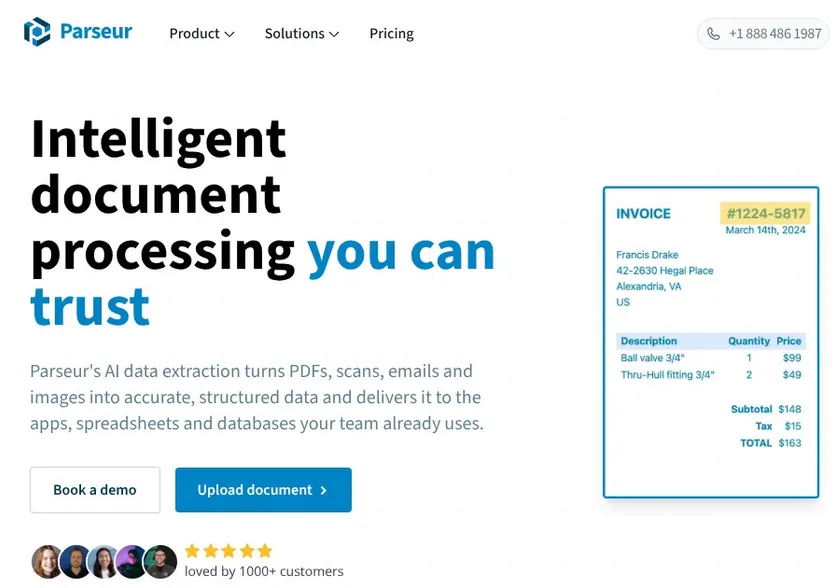
For teams whose invoices arrive by email, Parseur Micro plan costs forty-nine dollars a month. It parses emailed invoices and PDFs into spreadsheets, accounting tools and APIs, so an invoice that arrives in the inbox lands in the system without retyping. Templates learn common layouts, and the free tier of twenty pages a month lets a team test the parser on real supplier mail before paying.
What we like
- Email and PDF parsing into apps
- Free tier with twenty pages a month
- Templates for common invoice layouts
Watch out for
- Limited AP workflow depth
- Volume tiers rise quickly with page counts
How to try it
- Forward supplier invoices to your Parseur mailbox
- Map fields to your spreadsheet or accounting tool
- Test on a month of real invoices
6. Rossum
Best for: Enterprise AP teams with complex, multilingual invoice volumes
Paid tool Starting price: $18,000/year · Eighteen thousand dollars a year on the Starter plan; Business, Enterprise and Ultimate plans are quoted. Rossum was acquired by Coupa in May 2026
Free plan: 14-day free trial
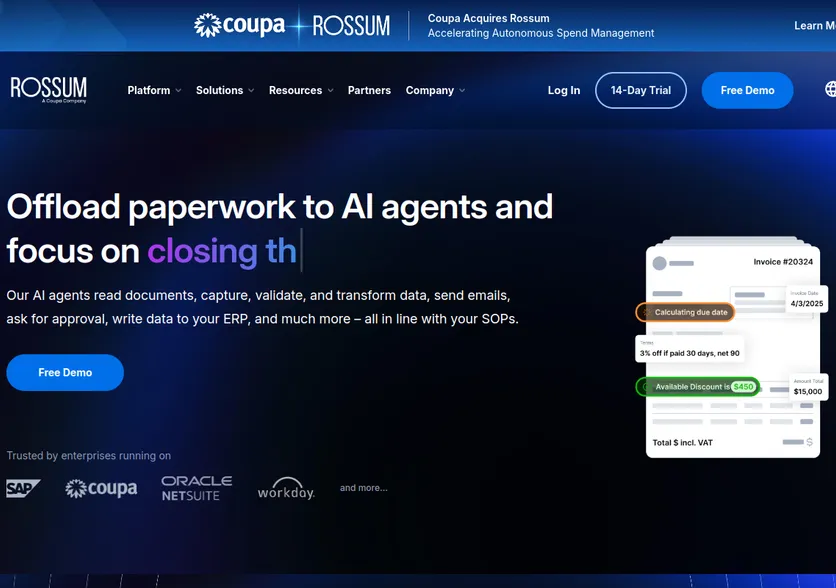
For enterprise AP teams with huge volumes, Rossum Starter plan costs eighteen thousand dollars a year. It offers template-free capture that learns new layouts from about twenty documents, which suits shared service teams with many languages and ERP targets. The platform handles high volumes of diverse vendor invoices, and the learning approach means a new supplier layout needs no manual template.
What we like
- Template-free capture that learns layouts
- Built for high volumes and many languages
- ERP connectors for enterprise finance
Watch out for
- Starter price only fits serious volume
- Enterprise tiers are quoted, not published
How to try it
- Book a demo with your invoice samples
- Test capture on your hardest layouts
- Connect the ERP target before rollout
7. Mindee
Best for: Developers building invoice features into their product
Paid tool Starting price: $44/month · Forty-four dollars a month billed annually on the entry plan; higher tiers add volume and features at published rates
Free plan: 14-day free trial
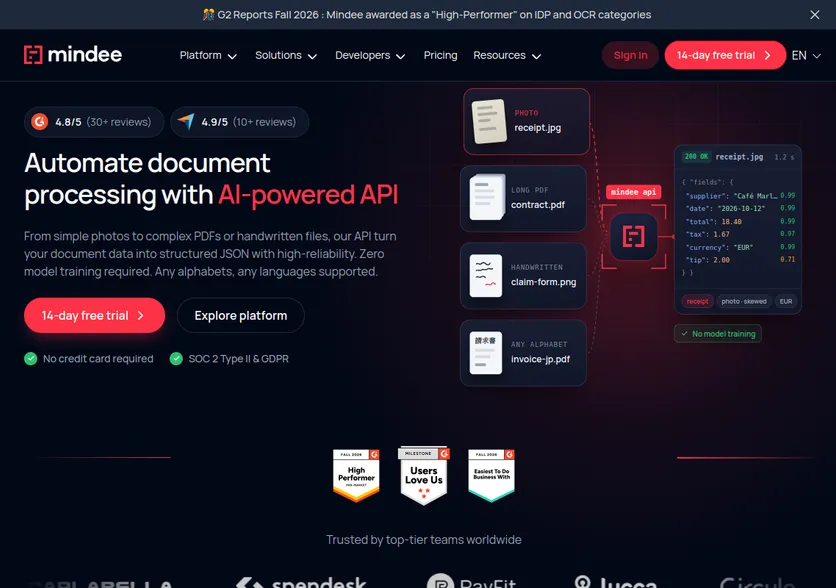
For developers building invoice features, Mindee plan costs forty-four dollars a month on annual billing. It is a template-free invoice API for developers, so an application can extract invoice fields without building OCR in house. The API handles varied supplier layouts, which matters when a product serves many businesses with different invoice formats.
What we like
- Template-free invoice API
- Handles varied supplier layouts
- Simple integration for developers
Watch out for
- No full AP workflow or approval tools
- Volume pricing rises with document counts
How to try it
- Create an API key in the dashboard
- Send a sample invoice and check the fields
- Wire the extraction into your product
8. DocuClipper
Best for: Bookkeepers extracting invoices and bank statements into accounting software
Paid tool Starting price: $20.30/month · Twenty dollars and thirty cents a month on the Starter plan billed annually for sixty pages a month; higher tiers add volume and features
Free plan: 14-day free trial
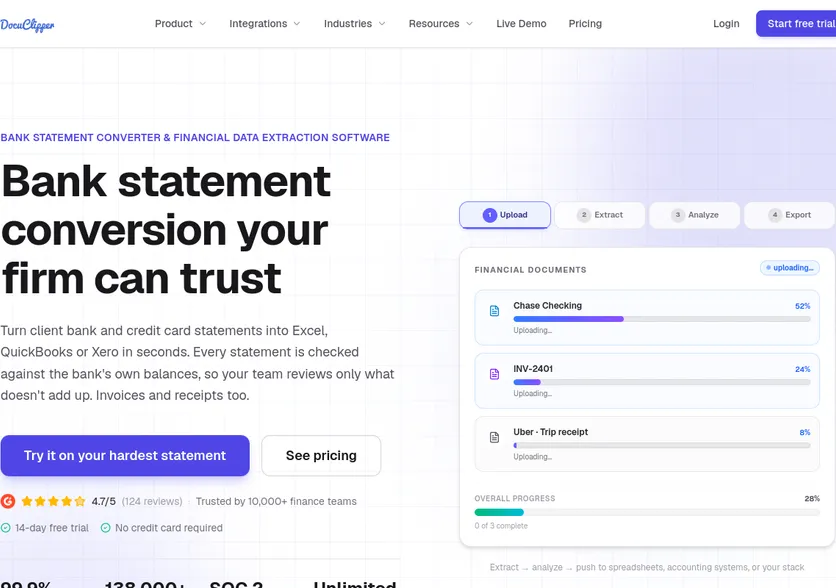
For small bookkeeping firms on a budget, DocuClipper Starter plan costs twenty dollars and thirty cents a month on annual billing. It extracts invoices, bank statements and receipts into accounting software, so a bookkeeper can move client documents to the ledger without retyping. The low entry price suits small firms, and the focus on statements as well as invoices covers the documents that arrive together each month.
What we like
- Extracts invoices, statements and receipts
- Low entry price for small firms
- Direct export to accounting software
Watch out for
- No free plan beyond a trial
- Limited workflow depth for large teams
How to try it
- Upload a sample invoice and statement
- Map fields to your accounting software
- Test the export on a client month
Prices above were checked on each vendor’s own website on Nov 28, 2026 and can change — the vendor’s page is the final word. Vendor links are editorial: nobody paid to be listed or ranked here. Vendors who want a featured listing can see how it works on our Get listed page.
How to pick invoice OCR that your accountant will trust
Test with your hardest invoices first, not your cleanest, because a tool that only reads perfect PDFs will fail on the scanned, skewed and handwritten ones. Check line-item capture separately from header fields, since totals are easy and line items are where errors hide. Confirm the export path into your accounting software and test a full month end to end before you commit. Count documents per month honestly, including statements and receipts, since volume tiers are where the bill jumps. Finally, keep a human review step for the first month, because even the best OCR needs a check while supplier rules settle.
Before you buy
- Test capture on your hardest invoices, including scanned and skewed pages
- Confirm line-item capture, not only header fields like total and date
- Verify the export path into your accounting software end to end
- Count monthly document volume honestly, including statements and receipts
- Keep a human review step for the first month while rules settle
Official websites
Official websites of the products reviewed above. Features and prices were checked against these sites when this guide was written, and they can change, so confirm on the vendor site before you buy.
Frequently asked questions
What is the best OCR software for invoice processing?
Docparser is the best pick for teams with stable, recurring invoice layouts, at thirty-nine dollars a month for one hundred documents. Dext is best for bookkeepers who post to QuickBooks or Xero, from twenty-five dollars and twenty-one cents a month billed annually. Nanonets is best for varied layouts inside AI workflows, from one hundred dollars a month.
How much does Docparser cost for invoice processing?
Docparser Starter costs thirty-nine dollars a month, or thirty-two dollars and fifty cents billed annually, for one hundred documents of up to five pages. Professional is seventy-four dollars and Business is one hundred and fifty-nine dollars a month. A fourteen-day free trial lets a team test the parser on real invoices before paying.
Is there a free invoice OCR tool?
Yes. Parseur covers twenty pages a month free, Veryfi covers one hundred documents a month free, and Nanonets starts with fifty dollars in free credits. Free tiers cap volume, so check the limits against your monthly invoice count. A free tier is a fair way to test extraction quality on your own suppliers.
Do I need line-item capture or just header fields?
Header fields like total, date and vendor are enough when you only need to record a bill. Line-item capture matters when you need to code costs to projects, departments or stock, and Dext charges extra for it as an add-on. Check whether line items are included before you compare prices, since the add-on changes the real cost.
How do I choose between a parser and an AP platform?
Pick a parser like Docparser or Parseur when the job is turning invoices into spreadsheets or accounting entries. Pick an AP platform like Dext or Rossum when you also need approvals, payments and practice tools. Many teams start with a parser and move to a platform when volume and approval needs grow.
Compare the eight tools above, then start with a free trial on the tool that handles your hardest invoices before you pay for a full year.
Browse Business Tools tools