On this page
A consultant who trains every client by hand will run out of hours long before the client list stops growing, so the onboarding has to teach the product itself. The seven tools below were picked because each one publishes a real price and builds guided onboarding for software products. UserGuiding leads the list because its Basic plan costs eighty-nine dollars a month and builds tours, checklists and surveys without code, and the rest are ranked on the same test: how much of the first week they automate for the price.
How we researched this
We checked every price on the vendor pricing page on November 28, 2026, and only included tools with a published US dollar list price. The enterprise platforms that sell by quote, including Pendo, WalkMe, Whatfix, ChurnZero and Gainsight, publish no prices, so they are not in this list. Prices change, so confirm the current figure on the vendor site before you buy.
Compare the tools
| Name | Best for | Starting price | Free plan | |
|---|---|---|---|---|
 Intercom | Consultants who onboard clients through live chat and messaging | $29/seat/month | Free trial | Visit |
 UserGuiding | Consultants who want the cheapest no-code onboarding tool | $89/month | Free trial | Visit |
| Product Fruits | Consultants who want onboarding plus a knowledge base in one tool | $111/month | Free trial | Visit |
 Userflow | Consultants who want polished flows with AI-assisted building | $240/month | 14-day free trial | Visit |
 Appcues | Consultants who want a mature onboarding tool with a long track record | $249/month | Free demo | Visit |
| Chameleon | Consultants who need deep targeting for different user groups | $279/month | Free trial | Visit |
 Userpilot | Consultants who want onboarding driven by product analytics | $299/month | 14-day free trial | Visit |
The onboarding software for consultants, compared
1. Intercom
Best for: Consultants who onboard clients through live chat and messaging
Paid tool Starting price: $29/seat/month · Twenty-nine dollars per seat per month on the Essential plan billed annually; higher tiers are quoted by sales and the Fin AI agent is charged per resolved conversation
Free plan: Free trial
This Intercom plan costs twenty-nine dollars a seat a month, and it onboards clients through live chat and guided help inside the product. A consultant can answer questions in context, send targeted messages and hand a client to the right article at the right moment. It suits a consultancy that onboards clients with conversation rather than canned tours.

What we like
- Live chat and help inside the product
- Targeted messages based on client behaviour
- Help centre that answers repeat questions
Watch out for
- No dedicated product tour builder
- Higher tiers are quoted rather than published
How to try it
- Install the messenger on the client product
- Set up targeted messages for new users
- Answer questions live and point to help articles
2. UserGuiding
Best for: Consultants who want the cheapest no-code onboarding tool
Paid tool Starting price: $89/month · Eighty-nine dollars per month billed annually on the Basic plan for up to two thousand five hundred monthly active users; Professional is three hundred and eighty-nine dollars and Corporate is quoted; some older sources cite sixty-nine dollars, which is stale
Free plan: Free trial
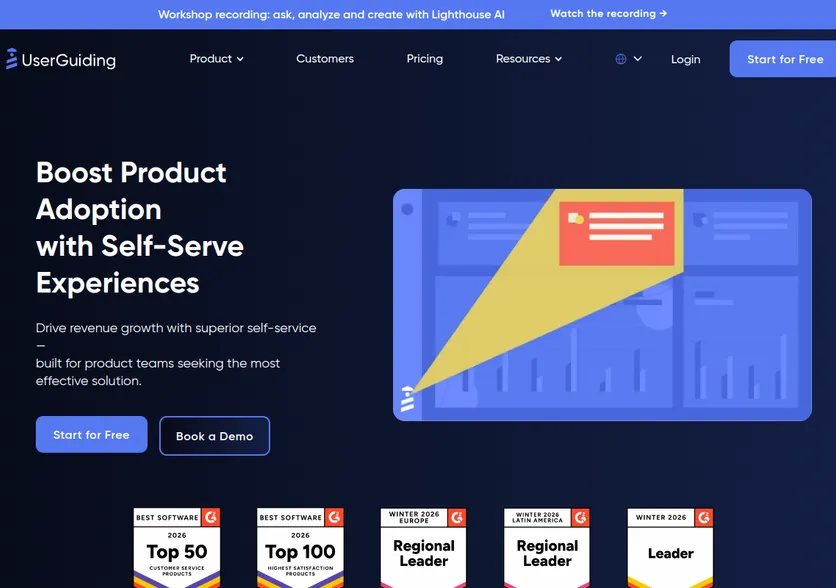
This UserGuiding plan costs eighty-nine dollars a month on annual billing, and it is the cheapest product onboarding tool in this list. A consultant can build guided tours, checklists and surveys without code, then watch where clients drop off. It leads this list for a consultancy that needs real onboarding flows at the lowest published price.
What we like
- Lowest price in this list for product onboarding
- No-code builder for tours and checklists
- Surveys and analytics included in the plan
Watch out for
- Advanced targeting needs a higher tier
- Fewer enterprise controls than the bigger platforms
How to try it
- Install the snippet on the client product
- Build a guided tour for the first week
- Add a checklist and watch completion rates
3. Product Fruits
Best for: Consultants who want onboarding plus a knowledge base in one tool
Paid tool Starting price: $111/month · One hundred and eleven dollars per month billed annually on the Starter plan for one thousand five hundred monthly active users, from the vendor comparison page; directories list older per-user figures of fifty-nine and seventy-nine dollars, which do not match the current vendor pricing
Free plan: Free trial
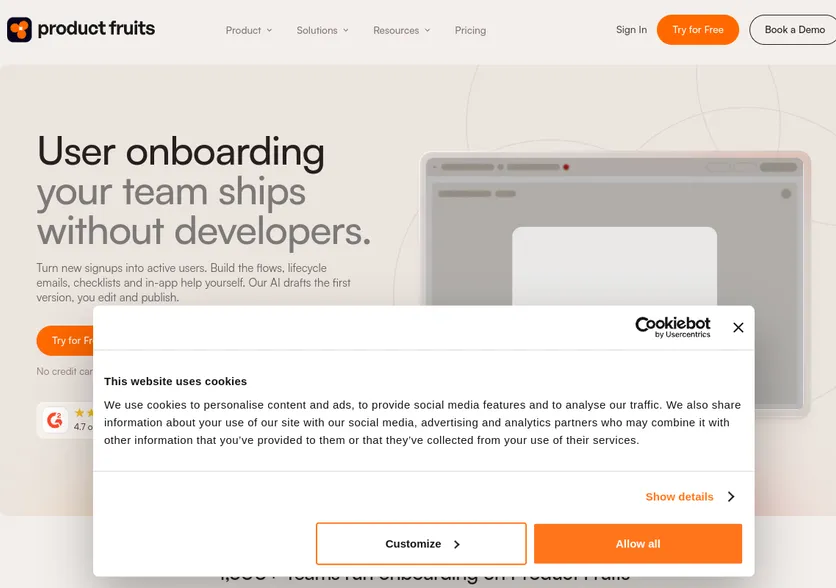
This Product Fruits plan costs one hundred and eleven dollars a month on annual billing, and it combines onboarding tours with a knowledge base and feedback tools. A consultant can guide new users, answer questions and collect feedback from the same account. It suits a consultancy that wants onboarding plus self-service help in one tool.
What we like
- Tours, knowledge base and feedback in one tool
- AI assistant that answers user questions
- Good value for a small consultancy
Watch out for
- Older directory prices do not match current vendor pricing
- Fewer integrations than the larger platforms
How to try it
- Install the snippet on the client product
- Build a tour and a checklist for new users
- Add help articles and collect feedback
4. Userflow
Best for: Consultants who want polished flows with AI-assisted building
Paid tool Starting price: $240/month · Two hundred and forty dollars per month billed annually on the Essentials plan; the vendor has listed the same price with different user limits across plan renames, so confirm the current allowance; Studio is four hundred dollars and Pro is six hundred and eighty dollars
Free plan: 14-day free trial
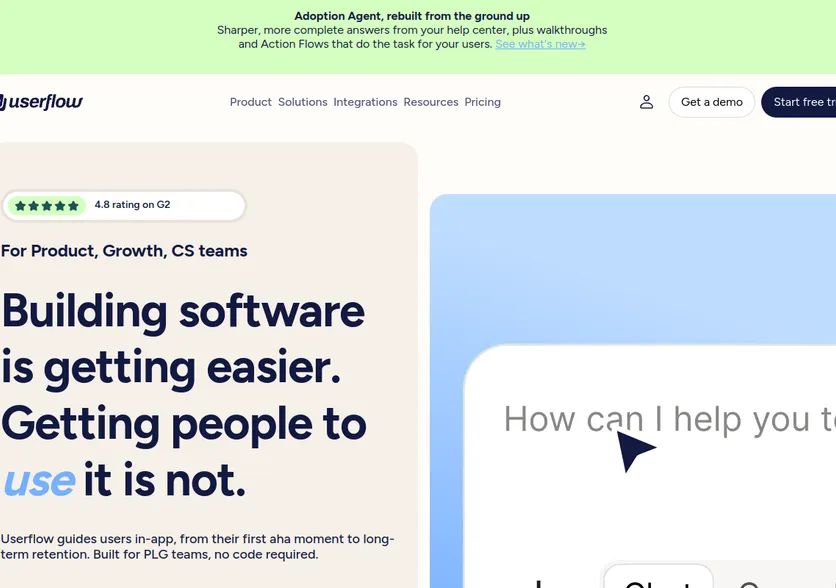
This Userflow plan costs two hundred and forty dollars a month on annual billing, and it is built for teams that want polished flows without engineering help. A consultant can build checklists, tooltips and surveys in a visual builder, then use the AI builder to draft flows from a recording. It suits a consultancy that values clean design and fast setup.
What we like
- Visual builder that needs no engineering help
- AI builder that drafts flows from recordings
- Unlimited seats and flows on every plan
Watch out for
- The user allowance has changed across plan renames
- No native mobile software development kit
How to try it
- Install the script on the client product
- Build a checklist and tooltips in the visual builder
- Generate a flow with the AI builder and publish it
5. Appcues
Best for: Consultants who want a mature onboarding tool with a long track record
Paid tool Starting price: $249/month · Two hundred and forty-nine dollars per month billed annually on the Essentials plan, or two hundred and ninety-nine dollars month to month, for up to two thousand five hundred monthly active users; Growth is eight hundred and seventy-nine dollars and Enterprise is quoted
Free plan: Free demo
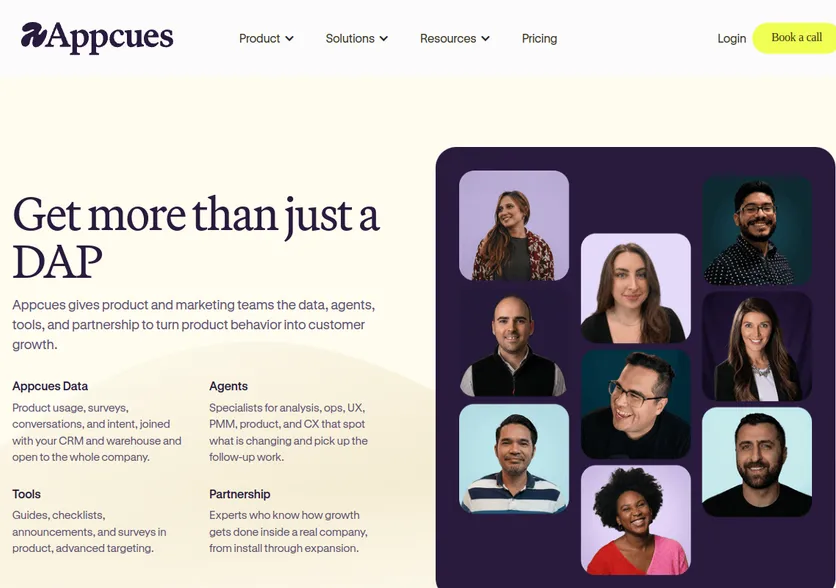
This Appcues plan costs two hundred and forty-nine dollars a month on annual billing, and it is one of the longest-running onboarding tools on the market. A consultant can build flows, checklists and surveys with a proven builder, then measure adoption across client accounts. It suits a consultancy that wants a mature tool with a long track record.
What we like
- Proven builder used by many SaaS teams
- Flows, checklists and surveys in one place
- Adoption analytics across client accounts
Watch out for
- Higher price than the newer competitors
- Growth tier costs far more than the entry plan
How to try it
- Install the snippet on the client product
- Build an onboarding flow for new users
- Measure adoption and adjust the flow
6. Chameleon
Best for: Consultants who need deep targeting for different user groups
Paid tool Starting price: $279/month · Two hundred and seventy-nine dollars per month on the Startup plan for two thousand monthly tracked users; Pro is seven hundred and fifty dollars and Growth is one thousand two hundred and fifty dollars billed annually; an older figure of three hundred and forty-nine dollars is stale
Free plan: Free trial
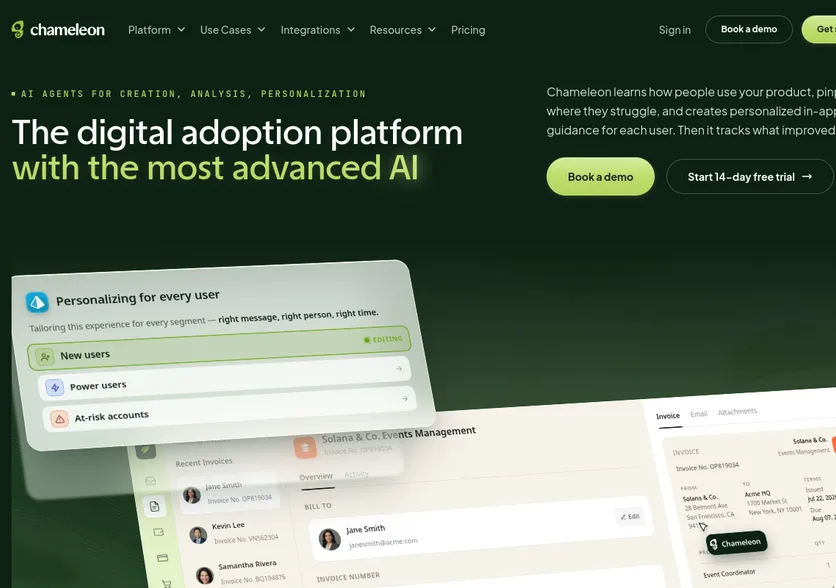
This Chameleon plan costs two hundred and seventy-nine dollars a month, and it is built for teams that want deep targeting in their onboarding. A consultant can show different tours to different user segments and test which flow converts better. It suits a consultancy that onboards varied client groups and needs each one to see a different path.
What we like
- Strong segmentation and targeting for tours
- Testing to compare onboarding flows
- Good analytics on where users drop off
Watch out for
- Entry plan covers only two thousand tracked users
- Costs more than the simpler builders
How to try it
- Install the snippet on the client product
- Segment users and build a tour for each group
- Test flows and keep the one that converts best
7. Userpilot
Best for: Consultants who want onboarding driven by product analytics
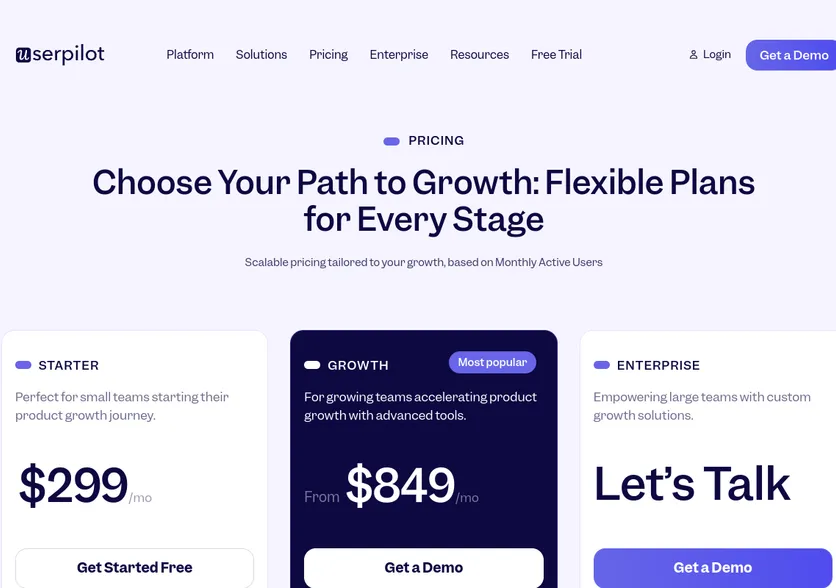
Paid tool Starting price: $299/month · Two hundred and ninety-nine dollars per month billed annually on the Starter plan for up to two thousand monthly active users; Growth starts at eight hundred and forty-nine dollars and Enterprise is quoted; one directory lists two hundred and forty-nine dollars, which is stale
Free plan: 14-day free trial
This Userpilot plan costs two hundred and ninety-nine dollars a month on annual billing, and it pairs onboarding flows with product analytics. A consultant can see which features new users adopt, then trigger the next guide at the right moment. It suits a consultancy that wants onboarding driven by real usage data rather than guesswork.
What we like
- Onboarding flows linked to product analytics
- Event-based triggers for guides and checklists
- Strong fit for data-driven SaaS teams
Watch out for
- Entry plan covers only two thousand monthly active users
- Higher price than the simpler builders
How to try it
- Install the snippet and define key events
- Build a flow triggered by real user behaviour
- Review adoption data and refine the flow
Prices above were checked on each vendor’s own website on Nov 28, 2026 and can change — the vendor’s page is the final word. Vendor links are editorial: nobody paid to be listed or ranked here. Vendors who want a featured listing can see how it works on our Get listed page.
How to onboard a client without training them by hand
Start with the one task a new user must complete to get value, not a tour of every feature, because a long tour gets skipped and a short win gets remembered. Build a checklist around that task with no more than five steps, then add tooltips only where users actually get stuck. Watch the analytics for the step where most users drop off, and fix that step before adding new guides. Finally, retire any tour that nobody completes, since a guide that only exists is worse than no guide at all.
Before you buy
- Confirm the tool counts active users the way your clients do, since pricing follows that number
- Check whether guides work on the product your clients actually use, web or mobile
- Ask if checklists, tooltips and surveys are included or sold as separate add-ons
- Make sure analytics show where clients get stuck, not just how many saw a tour
- Test a full onboarding flow on a real client account before signing a yearly plan
Official websites
Official websites of the products reviewed above. Features and prices were checked against these sites when this guide was written, and they can change, so confirm on the vendor site before you buy.
Frequently asked questions
What is onboarding software for consultants?
It is software that guides a new user through a product with tours, checklists, tooltips and surveys, so a consultant does not have to train every client by hand. The tools in this list range from simple tour builders to platforms that also run analytics and help centres. The best fit depends on whether clients need a guided path or a conversation.
How much does UserGuiding cost for onboarding?
UserGuiding charges eighty-nine dollars a month billed annually on the Basic plan, covering up to two thousand five hundred monthly active users. Professional costs three hundred and eighty-nine dollars and Corporate is quoted. It is the cheapest product onboarding tool in this list at a published price.
Can I try onboarding software for free?
Yes, most tools in this list offer a free trial. Userpilot and Userflow offer fourteen day trials, and UserGuiding, Chameleon and Intercom offer free trials as well. The trials are enough to build a real onboarding flow on a client product and watch a few users complete it before paying.
What matters most in onboarding software for consultants?
The checklist is the part that matters most. A tour that only shows screens gets skipped, while a checklist with a clear end state keeps a new user moving. Pick a tool where the checklist is visible inside the product, where progress is saved, and where you can see which step loses the most users.
Do I need a tour builder or a chat tool?
A tour builder shows a new user around the product with step-by-step guides, while a chat tool answers questions as they come up. Many consultancies use both: tours for the standard path and chat for the exceptions. Intercom in this list covers the chat side, while the other six tools cover guided tours and checklists.
Compare the seven tools above, then start with a free trial on the one that matches how your clients learn a product before you commit to a full year.
Browse Business Tools tools