On this page
An MSP does not onboard employees, it onboards client environments: endpoints, users, tickets and contracts, all of which have to work from the first day of service. The seven tools below handle that onboarding, from remote monitoring to PSA billing, and every one of them publishes a price you can check before you commit. NinjaOne leads the list because it is a cloud-native RMM with a published per-device price from three dollars and seventy-five cents a month, and the rest are ranked on the same test: how much of the MSP onboarding job they cover for the price.
How we researched this
We checked every price on the vendor pricing page on November 28, 2026, and only included tools with a published US dollar list price. The big RMM and PSA suites that usually serve MSPs, including Kaseya VSA, Datto RMM, ConnectWise Automate and N-able, publish no prices and sell by quote, so they are not in this list, and Pulseway was excluded too because its pricing page redirects to the homepage and the vendor publishes no plan prices. Prices change, so confirm the current figure on the vendor site before you buy.
Compare the tools
| Name | Best for | Starting price | Free plan | |
|---|---|---|---|---|
 NinjaOne | MSPs that want cloud RMM with a published per-device price | $3.75/device/month | No free plan; 14-day free trial | Visit |
 SuperOps | Smaller MSPs that want PSA and RMM on one codebase | $79/user/month | Free plan | Visit |
 Atera | MSPs that want RMM and PSA with unlimited endpoints per technician | $129/technician/month | No free plan; 30-day free trial | Visit |
 Syncro | Small MSPs that want RMM and PSA in one subscription | $129/user/month | Free trial | Visit |
| HaloPSA | MSPs that want every PSA module in one per-agent price | $99/agent/month | No free plan; 30-day free trial | Visit |
| Level | MSPs that want one flat per-device price with no contract | $2/device/month | Free up to 10 devices | Visit |
 ManageEngine Endpoint Central | MSPs that want the deepest endpoint platform with a published price | $795/year | Free edition up to 25 endpoints | Visit |
The onboarding software for MSPs, compared
1. NinjaOne
Best for: MSPs that want cloud RMM with a published per-device price
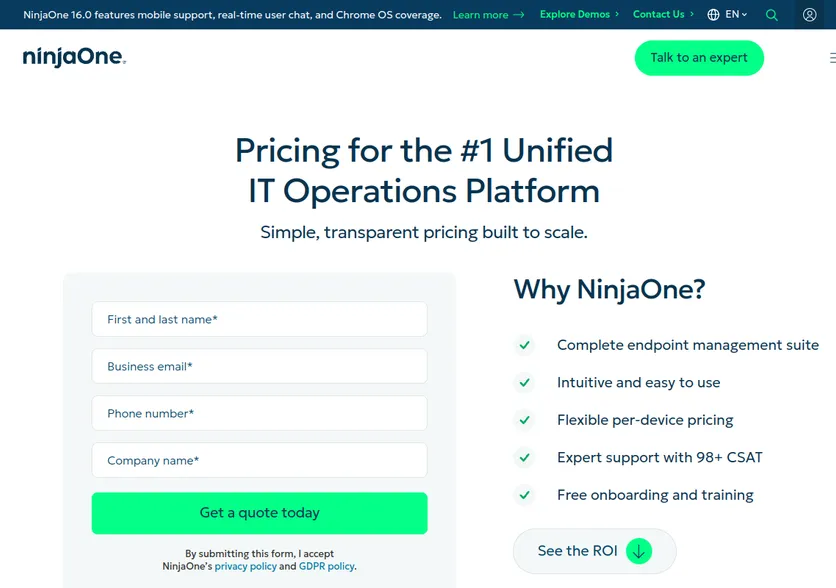
Paid tool Starting price: $3.75/device/month · Three dollars and seventy-five cents per device a month at fifty or fewer endpoints, falling to one dollar and fifty cents per device a month at ten thousand endpoints; middle tiers are priced by quote and the rate varies by region and products. A fourteen-day free trial is available and there is no free plan
Free plan: No free plan; 14-day free trial
Three dollars and seventy-five cents per device a month is NinjaOne's published rate for fleets of fifty endpoints or fewer, and the cloud RMM is the standard for MSPs that want monitoring, patching and remote access in one console. NinjaOne covers Windows, macOS and Linux endpoints with automation, software deployment and backup add-ons. The rate falls to one dollar and fifty cents at ten thousand endpoints, although the middle tiers are quote-only.
What we like
- Cloud RMM with monitoring, patching and remote access
- Automation that cuts repetitive technician work
- Published price range with no hidden modules
Watch out for
- Middle tiers are quote-only with no published price
- Backup and other modules cost extra
How to try it
- Deploy the agent to client endpoints from the console
- Set up monitoring policies and patch schedules
- Automate alerts and remote access for technicians
2. SuperOps
Best for: Smaller MSPs that want PSA and RMM on one codebase
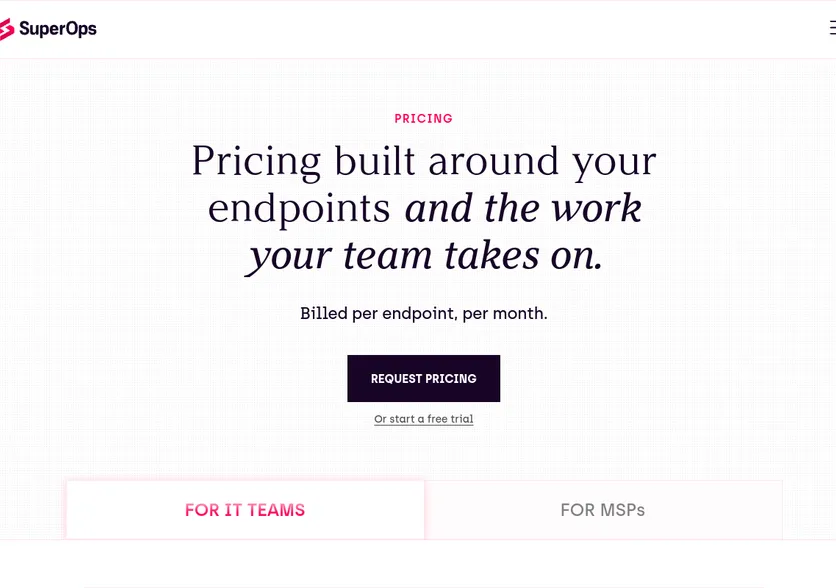
Paid tool Starting price: $79/user/month · Seventy-nine dollars per user a month billed annually on the PSA-only plan; RMM-only is ninety-nine dollars per user a month, Unified is one hundred and twenty-nine dollars and Advanced is one hundred and fifty-nine dollars. One directory lists a fifty-nine dollar starting price, a stale figure against the vendor's own published seventy-nine dollars. A free plan and a free trial are available
Free plan: Free plan
Seventy-nine dollars per user a month on annual billing buys SuperOps PSA-only, and the unified platform combines professional services automation with remote monitoring on one codebase. SuperOps runs service desk, contracts, invoicing and endpoint monitoring together, with AI-assisted ticket handling built in. The entry price covers PSA only: RMM-only starts at ninety-nine dollars a user a month and the unified plan at one hundred and twenty-nine dollars.
What we like
- PSA and RMM built on one codebase
- AI-assisted ticket handling included
- Transparent per-technician pricing published
Watch out for
- Entry price covers PSA only, not RMM
- Newer platform with a smaller integration library
How to try it
- Set up the service desk, contracts and billing
- Add endpoints for monitoring and patching
- Automate ticket routing and invoicing workflows
3. Atera
Best for: MSPs that want RMM and PSA with unlimited endpoints per technician
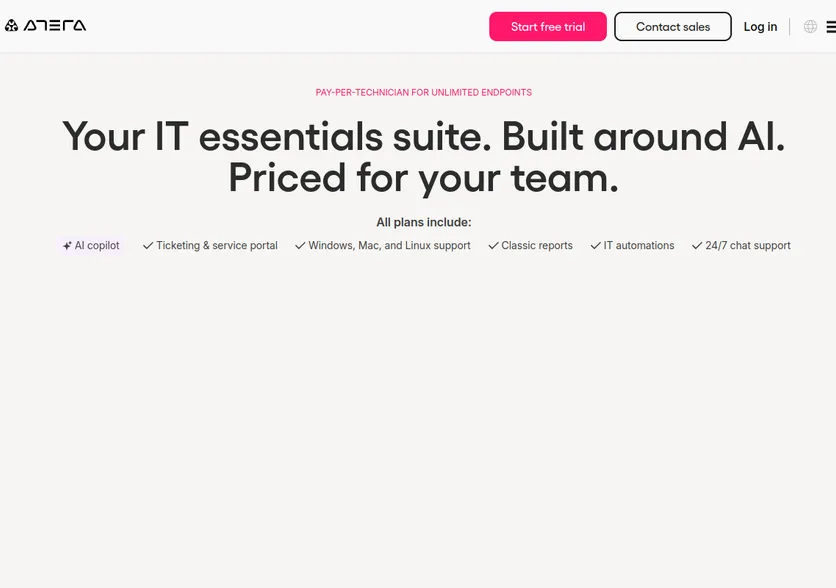
Paid tool Starting price: $129/technician/month · One hundred and twenty-nine dollars per technician a month billed annually on the Pro plan, or one hundred and fifty-nine dollars month to month; Growth is one hundred and seventy-nine dollars a month billed annually and Power is two hundred and nine dollars. A thirty-day free trial is available and there is no free plan
Free plan: No free plan; 30-day free trial
One hundred and twenty-nine dollars per technician a month on annual billing buys Atera Pro, and the all-in-one platform bundles RMM and PSA with unlimited endpoints per technician. Atera covers monitoring, patching, remote access, ticketing and billing, so a small team avoids per-endpoint fees entirely. The Growth plan runs to one hundred and seventy-nine dollars a technician a month, although the Pro plan is where most small MSPs land.
What we like
- Per-technician pricing with unlimited endpoints
- RMM and PSA in one subscription
- AI-assisted ticketing and scripting built in
Watch out for
- Per-technician price is high for a one-person shop
- Advanced automation needs Growth or Power
How to try it
- Deploy agents to client endpoints in bulk
- Set up ticketing, contracts and billing
- Automate patching and monitoring policies
4. Syncro
Best for: Small MSPs that want RMM and PSA in one subscription
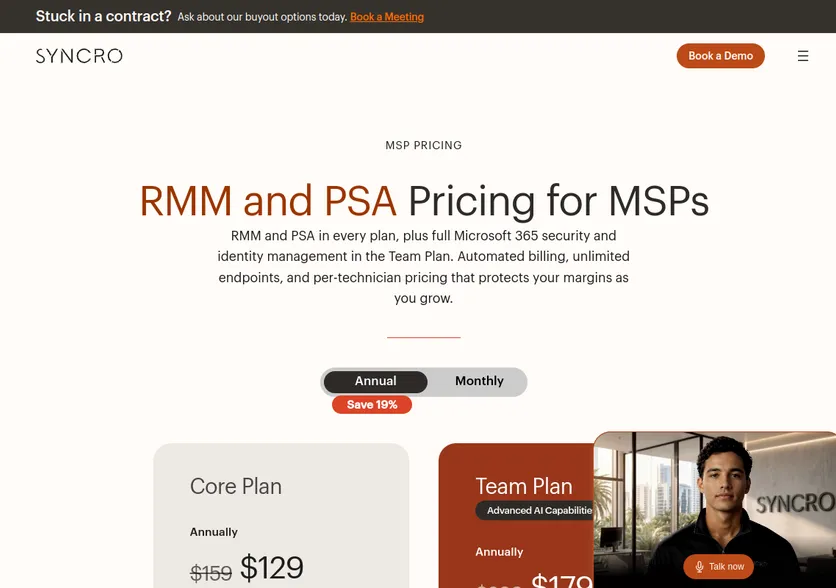
Paid tool Starting price: $129/user/month · One hundred and twenty-nine dollars per user a month billed annually on the Core plan, or one hundred and fifty-nine dollars month to month; higher plans run to one hundred and seventy-nine dollars per user a month on annual billing. A free trial is available and there is no free plan
Free plan: Free trial
One hundred and twenty-nine dollars per user a month on annual billing buys Syncro Core, and the combined RMM and PSA platform is built for small MSPs that want one subscription. Syncro pairs endpoint monitoring and patching with ticketing, contracts and invoicing, with unlimited endpoints on every plan. Higher plans run to one hundred and seventy-nine dollars per user a month on annual billing, although Core covers the essentials for a small team.
What we like
- RMM and PSA in one subscription
- Unlimited endpoints on every plan
- Built for small MSPs from the ground up
Watch out for
- Higher plans climb to one hundred and seventy-nine dollars
- Smaller integration library than the big suites
How to try it
- Deploy agents to client endpoints from the console
- Set up ticketing, contracts and invoicing
- Automate patching and monitor endpoints daily
5. HaloPSA
Best for: MSPs that want every PSA module in one per-agent price
Paid tool Starting price: $99/agent/month · Ninety-nine dollars per named agent a month billed annually for one to twenty-four agents; the rate falls to ninety-five dollars at twenty-five to forty-nine agents, eighty-nine dollars at fifty to ninety-nine and eighty-five dollars at one hundred to two hundred and forty-nine. The vendor page defaults to UK pricing at sixty-six pounds, and the ninety-nine dollar figure is the US list. An onboarding package is required with every purchase at a bespoke cost, the calculator starts at five agents, and a thirty-day free trial is available with no free plan
Free plan: No free plan; 30-day free trial
Ninety-nine dollars per named agent a month on annual billing buys HaloPSA, and the dedicated PSA packs every module into one price for MSPs that configure everything. HaloPSA covers service desk, CRM, sales, projects, billing and asset management, with deep configuration for teams that shape the tool around their processes. The catch is setup: every purchase needs an onboarding package priced by scope, and the price calculator starts at five agents.
What we like
- Every PSA module in one per-agent price
- Deep configuration for complex processes
- Built-in migration tool for Autotask users
Watch out for
- Onboarding package required with every purchase
- No RMM included, so it pairs with a separate tool
How to try it
- Configure the service desk, CRM and billing modules
- Import clients, contracts and tickets from your old PSA
- Train agents on the configured workflows
6. Level
Best for: MSPs that want one flat per-device price with no contract
Paid tool Starting price: $2/device/month · Two dollars per device a month, with the first ten devices free; the rate applies to every device once you pass ten, so eleven devices cost twenty-two dollars a month. Billing is month to month on the peak device count, with no setup fee, and fleets above two thousand devices are priced by quote. There is no PSA or ticketing included
Free plan: Free up to 10 devices
Two dollars per device a month buys Level, and the flat rate with the first ten devices free is the simplest published RMM price in this list. Level covers monitoring, automation, patching and remote access with every feature on every account, billed month to month with no annual commitment. The trade-off is scope: there is no PSA or ticketing, so billing and service desk need another tool.
What we like
- One flat rate with no tiers or negotiation
- First ten devices free with no time limit
- Month-to-month billing with no annual commitment
Watch out for
- No PSA or ticketing included
- Rate ends above two thousand devices
How to try it
- Deploy the agent to devices from the browser console
- Set up monitoring and patch automation
- Take remote control when a device needs attention
7. ManageEngine Endpoint Central
Best for: MSPs that want the deepest endpoint platform with a published price
Paid tool Starting price: $795/year · Seven hundred and ninety-five dollars a year for the Professional edition covering fifty endpoints on premises, or one thousand and forty-five dollars a year in the cloud; Enterprise is nine hundred and forty-five dollars a year on premises, UEM is one thousand and ninety-five dollars and Security is one thousand and six hundred and ninety-five dollars. Servers and technician seats are priced separately, and a free edition covers up to twenty-five endpoints with a thirty-day trial
Free plan: Free edition up to 25 endpoints
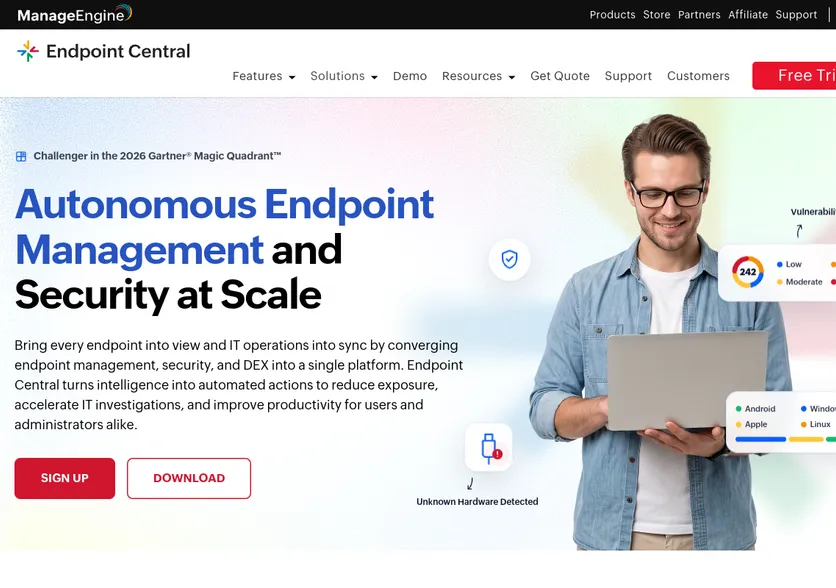
Seven hundred and ninety-five dollars a year buys ManageEngine Endpoint Central Professional for fifty endpoints on premises, and the suite is the deepest endpoint platform in this list. ManageEngine Endpoint Central covers patching, software deployment, asset inventory and remote troubleshooting, with on-premises or cloud deployment. The cloud edition costs one thousand and forty-five dollars a year for the same fifty endpoints, and servers and technician seats are priced separately.
What we like
- Deepest endpoint feature set in this list
- On-premises or cloud deployment options
- Free edition up to twenty-five endpoints
Watch out for
- Servers and technician seats cost extra
- Pricing varies by deployment and endpoint count
How to try it
- Choose on-premises or cloud deployment for the console
- Enrol endpoints and set patch and deployment policies
- Monitor compliance and troubleshoot remotely
Prices above were checked on each vendor’s own website on Nov 28, 2026 and can change — the vendor’s page is the final word. Vendor links are editorial: nobody paid to be listed or ranked here. Vendors who want a featured listing can see how it works on our Get listed page.
How to onboard a new MSP client without missing an endpoint
Start with a full inventory before you deploy anything. A new client always has more endpoints than the contract lists, and the ones you miss are the ones that fail first. Deploy agents in waves, starting with servers and the machines that run the business, then workstations and mobiles. Document every credential, contract and renewal date in the PSA on day one, because the information you skip at onboarding is the information you will hunt for during an outage.
Before you buy
- Confirm whether the price is per device or per technician, because the two models scale very differently
- Check whether PSA features are included or sold separately from the RMM
- Ask if onboarding a new client needs a paid package, since some vendors charge for setup
- Make sure the tool covers the operating systems your clients actually run
- Test the remote access and patching on a real endpoint before you roll it out
Official websites
Official websites of the products reviewed above. Features and prices were checked against these sites when this guide was written, and they can change, so confirm on the vendor site before you buy.
Frequently asked questions
What is the best onboarding software for MSPs?
NinjaOne leads for most MSPs because it is a cloud-native RMM with a published price range from one dollar and fifty cents to three dollars and seventy-five cents per device a month, covering monitoring, patching and remote access. Level is the best value at a flat two dollars per device a month with the first ten devices free. Atera fits a small team that wants RMM and PSA together for one hundred and twenty-nine dollars per technician a month.
How much does NinjaOne cost for an MSP?
NinjaOne costs three dollars and seventy-five cents per device a month at fifty or fewer endpoints, falling to one dollar and fifty cents per device a month at ten thousand endpoints. The middle tiers are priced by quote and the rate varies by region and products. A fourteen-day free trial is available, and the per-device model suits an MSP whose endpoint count grows steadily with each new client.
Why are Kaseya and Datto not in this list?
Kaseya VSA, Datto RMM, ConnectWise Automate and N-able all sell by quote and publish no prices on their websites, so they cannot be compared on price in a list like this one. They are strong RMM platforms, and a larger MSP should still request quotes from them. Pulseway was excluded too: its pricing page redirects to the homepage and the vendor publishes no plan prices since joining Kaseya in May 2025.
How do I choose an RMM for a new MSP client?
Confirm whether the price is per device or per technician first, because the two models scale very differently as you add clients. Then check whether PSA features are included or sold separately, and ask if onboarding a new client needs a paid setup package. Finally, test remote access and patching on a real endpoint, because a demo console never shows how the agent behaves on a slow client network.
Can an MSP start onboarding clients for free?
Yes, and Level is the cheapest way in: the first ten devices are free with no time limit, and every device after that costs two dollars a month with no annual commitment. ManageEngine Endpoint Central offers a free edition up to twenty-five endpoints, and SuperOps offers a free plan. A free start covers the first client, and a paid plan makes sense once endpoints grow past a handful.
Compare the seven tools above, then start with a free trial on the tool that fits your client base before you commit to a yearly plan.
Browse Business Tools tools