
On this page
Teams lose hours to password resets, and every shared password is a breach waiting to happen. Password-free login replaces passwords with passkeys, magic links and one-time codes, so staff sign in with a fingerprint, a face scan or a tap on their phone. The seven tools below cover both sides of the job: vaults that store passkeys for your own team, and platforms that add password-free login to your product. Auth0 is our first pick — passkey login with a free tier covering twenty five thousand users a month.
How we researched this
We started with the password-free login tools teams actually buy, then read each price on the vendor pricing page on November 26, 2026 and noted the free tier each one carries. We judged them for a team that wants staff signing in without passwords, whether that means a vault for employees or passkeys inside a customer app. We kept only tools with a published price, and we dropped any tool whose price we could not verify; Passage was dropped because it was retired in January 2026, and Frontegg was dropped because it publishes no price.
Compare the tools
| Name | Best for | Starting price | Free plan | |
|---|---|---|---|---|
 Auth0 | Teams that want passkey login inside a customer app at scale | $35/month | Free plan up to 25,000 monthly active users | Visit |
 Clerk | Small teams shipping a web app with polished login | $25/month | Hobby plan free up to 50,000 monthly retained users | Visit |
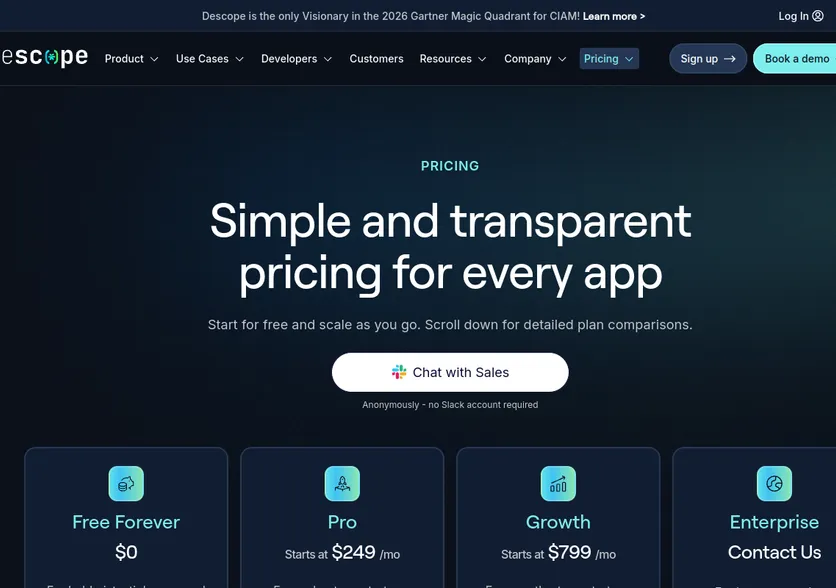
 Descope | Product teams that want visual login flows without code | $249/month | Free plan up to 7,500 monthly active users | Visit |
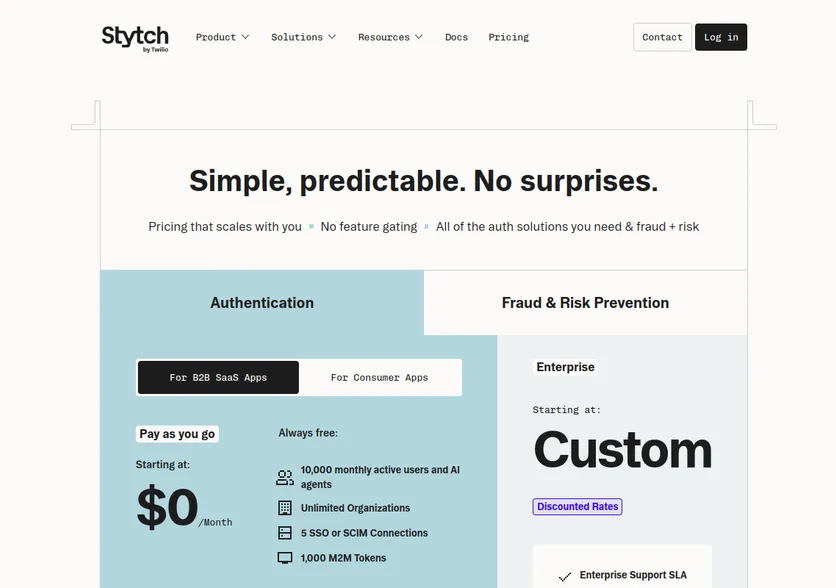
 Stytch | Developer teams that need customer auth plus business SSO | $249/month | Free plan up to 5,000 monthly active users | Visit |
 1Password Business | Growing teams that need shared vaults and audit logs | $7.99/user/month | 14-day free trial; no free plan | Visit |
 Bitwarden | Budget teams that want an open-source vault | $4/user/month | Free organization plan; Teams trial available | Visit |
 Dashlane | Teams that want a vault plus breach monitoring | $8/user/month | 14-day free trial; no free plan | Visit |
The password free login software for teams, compared
1. Auth0
Best for: Teams that want passkey login inside a customer app at scale
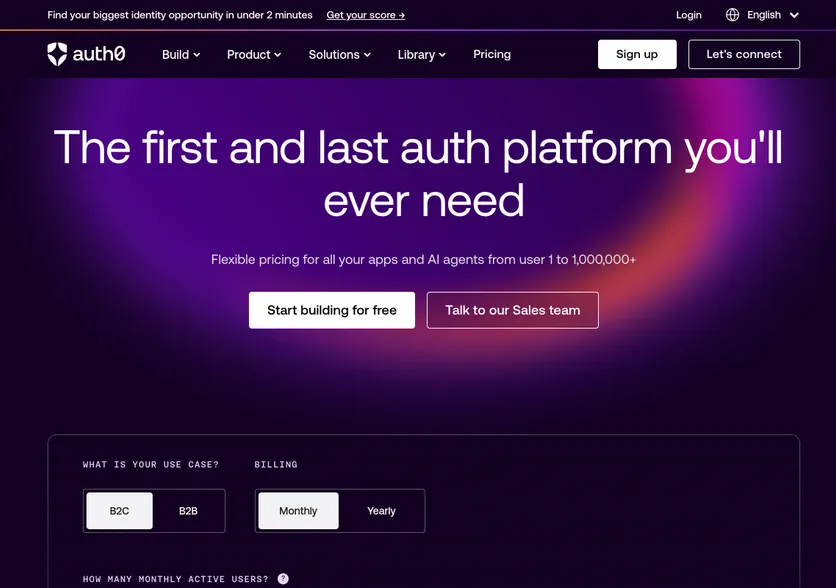
Paid tool Starting price: $35/month · B2C Essentials plan, $35 a month for up to 500 monthly active users; the free plan covers 25,000 monthly active users
Free plan: Free plan up to 25,000 monthly active users
Auth0 is the broadest identity platform on this list, and it treats passkeys as one login method among many. This Auth0 Essentials plan covers passkeys, magic links, social login and multi-factor authentication for up to five hundred monthly active users. A team shipping a customer app can offer fingerprint login on day one and add enterprise connections later without rebuilding auth.
What we like
- Largest free tier here at twenty five thousand users
- Passkeys included on every plan
- Enterprise connections without rebuilding auth
Watch out for
- Essentials covers only five hundred users at thirty five dollars
- The bill climbs fast through user-count tiers
How to try it
- Open the Auth0 pricing page and create a free account
- Enable passkeys and passwordless login in the dashboard
- Test a fingerprint sign-in on your own app
2. Clerk
Best for: Small teams shipping a web app with polished login
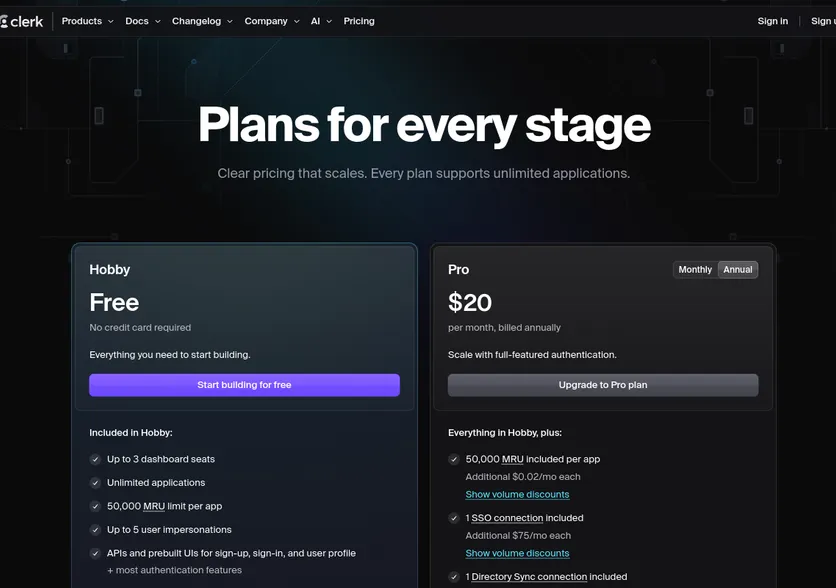
Paid tool Starting price: $25/month · Pro plan, $25 a month billed monthly or $20 a month billed annually; includes 50,000 monthly retained users
Free plan: Hobby plan free up to 50,000 monthly retained users
Clerk is the fastest way to add polished password-free login to a modern web app. This Clerk Pro plan covers passkeys, multi-factor authentication, organizations and your own branding for fifty thousand retained users per app. A small team can ship sign-up, sign-in and user management in an afternoon instead of building auth from scratch.
What we like
- Fifty thousand retained users included on Pro
- Passkeys and multi-factor authentication on Pro
- Prebuilt sign-in components save days of work
Watch out for
- Pro costs twenty five dollars a month billed monthly
- Overage charges apply past fifty thousand users
How to try it
- Open the Clerk pricing page and create a free account
- Add the sign-in component to your app
- Turn on passkeys and test a login
3. Descope
Best for: Product teams that want visual login flows without code
Paid tool Starting price: $249/month · Pro plan, $249 a month billed annually for 10,000 monthly active users and 5 SSO connections
Free plan: Free plan up to 7,500 monthly active users
Descope is the no-code identity platform for teams that want to design login flows visually instead of writing auth code. This Descope Pro plan covers passkeys, magic links, one-time codes and multi-factor authentication for ten thousand monthly active users. A product team can drag together a sign-up journey, add step-up checks for sensitive actions, and ship it without a backend change.
What we like
- Visual flow builder needs no auth code
- Passkeys, magic links and codes in one place
- Free plan covers seven thousand five hundred users
Watch out for
- Pro costs two hundred and forty nine dollars a month
- Growth features like SCIM need the higher plan
How to try it
- Open the Descope pricing page and create a free account
- Build a passkey login flow in the drag-and-drop editor
- Connect the flow to your app and test sign-in
4. Stytch
Best for: Developer teams that need customer auth plus business SSO
Paid tool Starting price: $249/month · Standard plan, $249 a month; the free tier covers 5,000 monthly active users
Free plan: Free plan up to 5,000 monthly active users
Stytch is the developer-first auth platform that covers both customer login and business single sign-on. This Stytch Standard plan covers passkeys, magic links, one-time codes and fraud tools for growing apps. A team selling to business customers can add SAML single sign-on and directory sync alongside password-free login for end users.
What we like
- Passkeys and magic links with clean APIs
- Business single sign-on in the same platform
- Fraud tools included on paid plans
Watch out for
- Standard costs two hundred and forty nine dollars a month
- Now owned by Twilio, with pricing tied to its bundles
How to try it
- Open the Stytch pricing page and create a free account
- Add passkey login with the SDK
- Test a magic link sign-in end to end
5. 1Password Business
Best for: Growing teams that need shared vaults and audit logs
Paid tool Starting price: $7.99/user/month · Business plan, $7.99 a user a month billed annually
Free plan: 14-day free trial; no free plan
1Password Business is the vault that gets a whole team off shared passwords and onto passkeys. This 1Password Business plan stores passkeys and passwords in shared vaults, enforces policies and logs every access for audit. A growing team can share credentials safely, remove access in one click when someone leaves, and stop reusing passwords across services.
What we like
- Shared vaults with granular access control
- Passkeys stored alongside passwords
- Watchtower flags weak and breached credentials
Watch out for
- Business costs about eight dollars a user a month
- Annual billing only on business plans
How to try it
- Open the 1Password pricing page and start the 14-day trial
- Create a shared vault and invite your team
- Save a passkey and sign in with it
6. Bitwarden
Best for: Budget teams that want an open-source vault
Paid tool Starting price: $4/user/month · Teams plan, $4 a user a month billed annually; Enterprise is $6 a user a month
Free plan: Free organization plan; Teams trial available
Bitwarden is the open-source vault that gives a team secure credential sharing at the lowest published price here. This Bitwarden Teams plan covers unlimited collections, event logs, directory sync and SCIM provisioning. A budget-conscious team can self-host it or use the cloud, and the code is open for anyone to audit.
What we like
- Cheapest team vault here at four dollars a user
- Open-source code anyone can audit
- Self-hosting option for full control
Watch out for
- Teams costs four dollars a user a month billed annually
- Single sign-on needs the Enterprise plan
How to try it
- Open the Bitwarden pricing page and start a free trial
- Create a collection and share it with your team
- Save a passkey and test a login
7. Dashlane
Best for: Teams that want a vault plus breach monitoring
Paid tool Starting price: $8/user/month · Omnix Password Management, $8 a user a month billed annually; formerly Dashlane Business
Free plan: 14-day free trial; no free plan
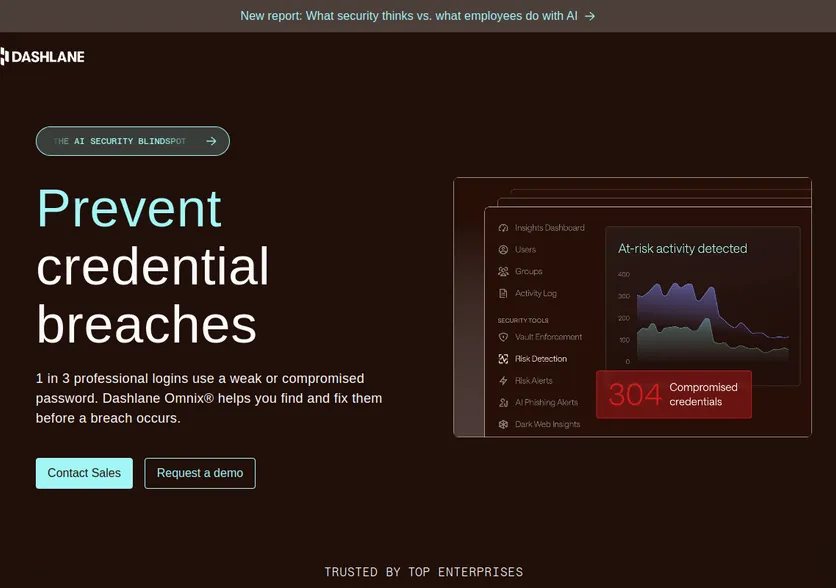
Dashlane is the credential-security platform that pairs a team vault with breach and phishing monitoring. This Dashlane Omnix Password Management plan covers unlimited passkeys and passwords, single sign-on, SCIM and a VPN for Wi-Fi protection. A team that worries about logins outside the vault gets real-time alerts when credentials appear in a breach.
What we like
- Breach and phishing alerts built in
- Single sign-on and SCIM included
- VPN for Wi-Fi protection included
Watch out for
- Password Management costs eight dollars a user a month
- Annual billing only, no monthly option
How to try it
- Open the Dashlane pricing page and start the 14-day trial
- Import your existing passwords into a shared vault
- Check the health dashboard and fix weak credentials
Prices above were checked on each vendor’s own website on Nov 26, 2026 and can change — the vendor’s page is the final word. Vendor links are editorial: nobody paid to be listed or ranked here. Vendors who want a featured listing can see how it works on our Get listed page.
What password-free login costs a team in 2026
Password-free login splits into two bills, and mixing them up is the expensive mistake. Vaults for your own staff charge per user, from four dollars a month on Bitwarden to about eight on Dashlane and 1Password, so a ten-person team pays between forty and eighty dollars a month. Platforms that add login to your product charge by monthly active users instead, and the range is wide: Clerk Pro covers fifty thousand users for twenty five dollars a month, while Auth0 Essentials covers five hundred for thirty five.
Start with the free tier on two tools and test the login flow your users will actually see. A vault that your team opens every day beats a platform whose free tier you outgrow in a month.
Before you buy
- Count the users first, because vaults charge per seat and login platforms charge per active user.
- Check the free tier ceiling, because Auth0 covers twenty five thousand users free while Essentials covers five hundred.
- Test passkey recovery, because a lost phone should not lock a user out of every account.
- Ask whether single sign-on is included, because some tools gate it behind a higher plan.
- Confirm the vault works on every device your team uses, because a password manager nobody opens is worthless.
Official websites
Official websites of the products reviewed above. Features and prices were checked against these sites when this guide was written, and they can change, so confirm on the vendor site before you buy.
Frequently asked questions
What is password-free login?
Password-free login lets people sign in without typing a password, usually with a passkey, a magic link sent by email, or a one-time code. A passkey uses the fingerprint or face scan already on the device, so there is nothing to remember and nothing to phish. Teams adopt it to cut password resets and to stop credential reuse across services.
Which password-free login tool is best for a team in 2026?
Auth0, at thirty five dollars a month, is the safest default for a customer app because it covers passkeys on every plan and its free tier reaches twenty five thousand users. 1Password Business is the best pick when the job is your own team, since it stores passkeys in shared vaults for about eight dollars a user a month. Clerk wins for small web apps that want polished login fast.
Are passkeys safer than passwords?
Yes, in most cases. A passkey is a cryptographic credential bound to the site it was created for, so a fake login page cannot reuse it the way it can reuse a typed password. The private key never leaves the device, and signing in needs the fingerprint or face scan on that device. Recovery still matters, so set up a backup sign-in method before you need it.
What is the cheapest password-free login for a small team?
Bitwarden Teams, at four dollars a user a month billed annually, is the cheapest vault for your own staff, and its free organization plan covers the basics at no cost. For login inside your own product, Clerk Hobby is free up to fifty thousand retained users, and Auth0 is free up to twenty five thousand monthly active users. Both let a small team ship password-free login before paying anything.
Can my team keep using passwords and passkeys together?
Yes, and most teams should run both during the switch. Vaults like 1Password and Bitwarden store passkeys next to passwords, so staff adopt passkeys one service at a time. Login platforms like Auth0 and Clerk offer passwordless methods alongside passwords, so you can turn passwords off for a group once passkeys work reliably for them.
Need more security help? Try Toolsvine's free security tools for teams right in your browser.
Browse Security & Privacy tools


