On this page
A remote care team cannot check a patient identity at a front desk, so sign-in, multi-factor authentication and access control have to work from anywhere without letting the wrong person into the record. The seven tools below cover that job with published per-user prices. Okta leads because its Workforce Identity suites start at six dollars per user a month with single sign-on and multi-factor authentication included.
How we researched this
We checked every price on vendor pricing pages or multiple agreeing November 2026 reads of vendor pages, and only included tools with a published US dollar list price. The dedicated patient identity vendors, including Verato, Imprivata PatientSecure, NextGate, Experian Health and LexisNexis, all sell by quote with no published prices, so this list compares the identity platforms remote teams actually buy for patient-facing access. Prices change, so confirm the current figure on the vendor site before you buy.
Compare the tools
| Name | Best for | Starting price | Free plan | |
|---|---|---|---|---|
 Okta | Remote teams that want a published per-user identity suite | $6/user/month | No free plan; 30-day free trial | Visit |
| Microsoft Entra ID | Remote teams already standardised on Microsoft 365 | $6/user/month | Free plan (free tier with SSO and basic MFA) | Visit |
 JumpCloud | Small remote teams without an on-premises directory | $11/user/month | No free plan; 30-day free trial | Visit |
 Cisco Duo | Remote teams that want strong authentication at a low price | $3/user/month | Free plan (up to 10 users) | Visit |
 OneLogin | Mid-size remote teams that want published per-user identity prices | $3/user/month | No free plan; 30-day free trial | Visit |
| Google Cloud Identity | Remote teams already standardised on Google Workspace | $6/user/month | Free plan (Cloud Identity Free with SSO and MFA) | Visit |
 Bitwarden | Remote teams that need shared credentials in an audited vault | $4/user/month | Free plan (free organisation tier, unlimited passwords for one user) | Visit |
The patient identity resolution software for remote teams, compared
1. Okta
Best for: Remote teams that want a published per-user identity suite
Paid tool Starting price: $6/user/month · Six dollars per user a month on Starter billed annually, or fourteen dollars on Core Essentials and seventeen dollars on Essentials; every suite carries a one thousand five hundred dollar annual contract minimum, and Professional and Enterprise are quote-only
Free plan: No free plan; 30-day free trial
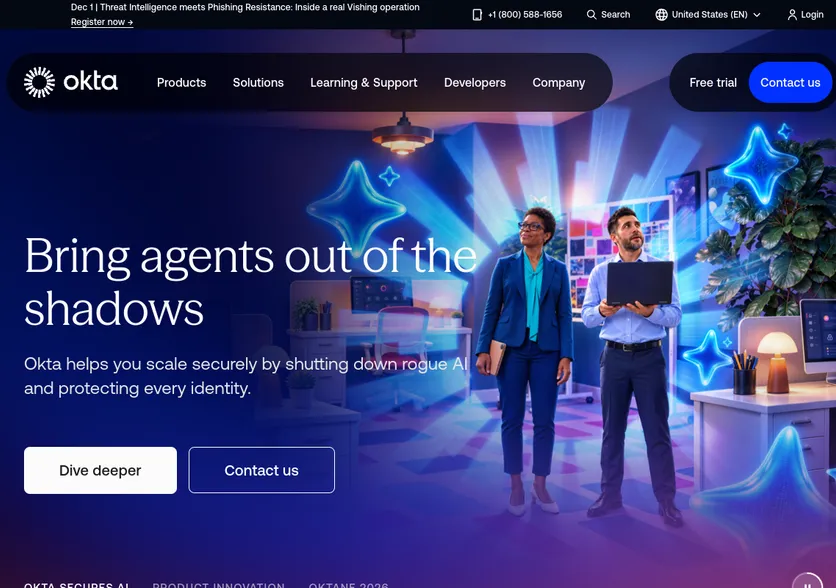
For a remote team that wants a published per-user identity suite, this Okta plan costs six dollars per user a month. It secures employee and partner access with single sign-on, multi-factor authentication, a universal directory and lifecycle automation. The Starter suite covers the core identity work, and the higher suites add adaptive authentication, privileged access and access governance.
What we like
- Published per-user suites from six dollars a month
- Single sign-on and multi-factor authentication in the entry suite
- Large integration catalogue for SaaS apps
Watch out for
- A one thousand five hundred dollar annual minimum applies to every suite
- Professional and Enterprise tiers are quote-only
How to try it
- Start the trial and connect the first SaaS apps
- Enrol users and turn on multi-factor authentication
- Set lifecycle rules so leavers lose access automatically
2. Microsoft Entra ID
Best for: Remote teams already standardised on Microsoft 365
Paid tool Starting price: $6/user/month · Six dollars per user a month on Premium P1 paid yearly, or nine dollars on P2 and twelve dollars on the Entra Suite; P1 is included in Microsoft 365 Business Premium and E3, so many teams already own it
Free plan: Free plan (free tier with SSO and basic MFA)
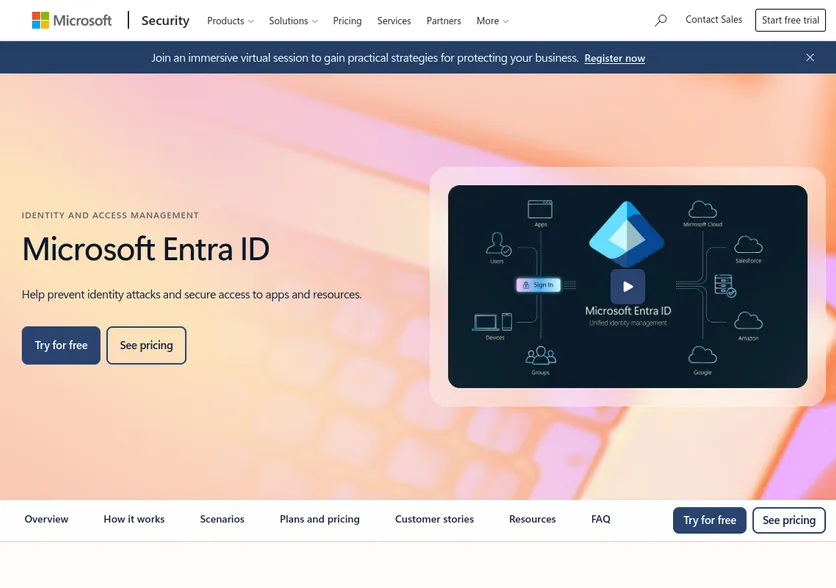
For a remote team already standardised on Microsoft 365, this Microsoft Entra ID plan costs six dollars per user a month. It is the identity layer for the Microsoft world, with conditional access, dynamic groups, self-service password reset and hybrid identity for teams on Microsoft 365. The free tier covers single sign-on and basic multi-factor authentication, and P1 adds the controls a remote team actually needs.
What we like
- P1 is included in Microsoft 365 Business Premium and E3
- Conditional access and dynamic groups on P1
- Free tier covers single sign-on and basic MFA
Watch out for
- Advanced features commonly assume Microsoft 365 E5 licensing
- Admin portals sprawl across several consoles
How to try it
- Check whether the team already owns P1 through Microsoft 365
- Turn on conditional access for remote sign-ins
- Set dynamic groups so new joiners get the right apps automatically
3. JumpCloud
Best for: Small remote teams without an on-premises directory
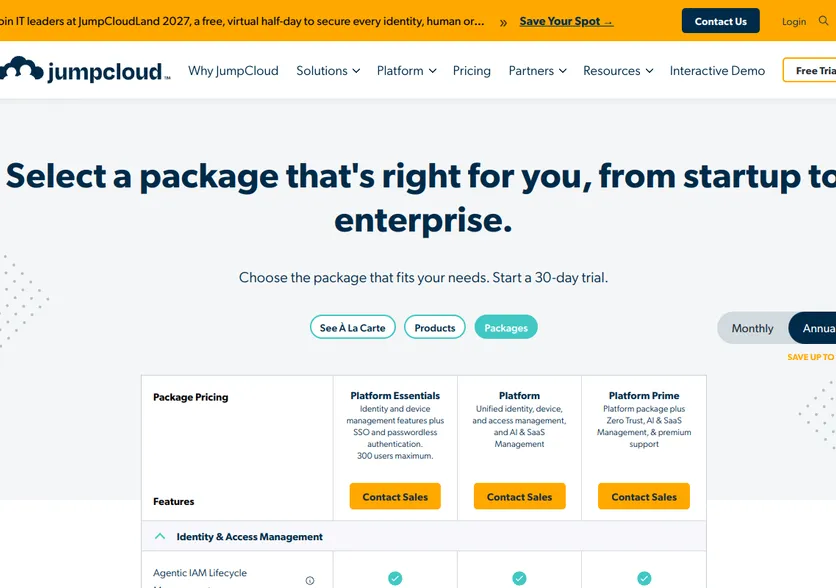
Paid tool Starting price: $11/user/month · Eleven dollars per user a month on the SSO plan billed annually, or thirteen dollars billed monthly; Device Management is nine dollars billed annually and Device Identity Management is thirteen dollars, with add-ons for SSO, MFA, LDAP and RADIUS at three dollars each
Free plan: No free plan; 30-day free trial
For a small remote team without an on-premises directory, this JumpCloud plan costs eleven dollars per user a month. It is a cloud directory platform that unifies identity, access and device management across Windows, macOS and Linux from one console. The SSO plan covers single sign-on, multi-factor authentication, password management, a cloud directory and lifecycle management.
What we like
- One cloud directory across Windows, macOS and Linux
- SSO, MFA, password management and lifecycle in one plan
- No on-premises directory hardware to maintain
Watch out for
- The free tier for up to 10 users was removed for new accounts
- The full platform bundle is quote-only
How to try it
- Start the trial and import users into the cloud directory
- Connect the SaaS apps with single sign-on
- Turn on multi-factor authentication and device policies
4. Cisco Duo
Best for: Remote teams that want strong authentication at a low price
Paid tool Starting price: $3/user/month · Three dollars per user a month on Essentials, or six dollars on Advantage and nine dollars on Premier, for accounts under 1,000 users; volume bands above 1,000 users lower the rate, and the pricing page does not state whether the rate is billed monthly or annually
Free plan: Free plan (up to 10 users)
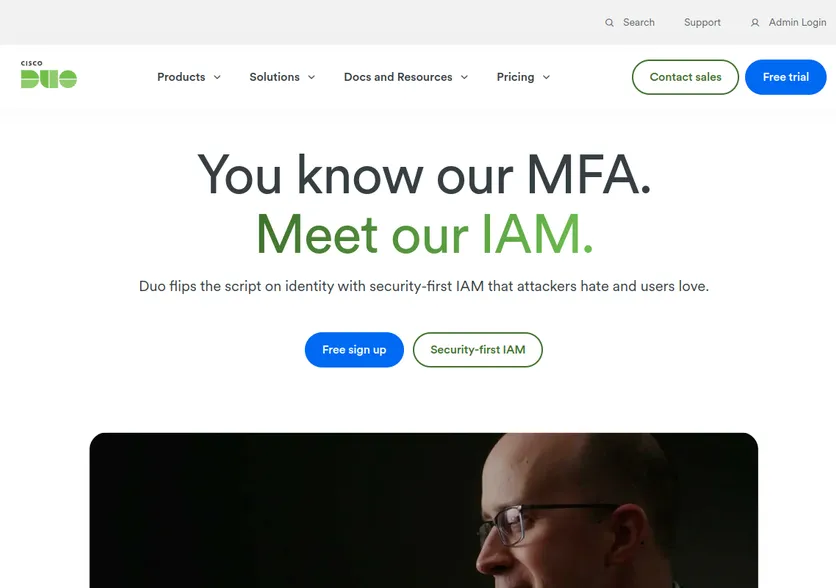
For a remote team that wants strong authentication at a low price, this Cisco Duo plan costs three dollars per user a month. It is a cloud multi-factor authentication service from Cisco, known for the Duo Mobile app and a long list of ready-made integrations. Essentials adds a directory, single sign-on, passwordless sign-in, trusted endpoints and unlimited applications on top of the free tier.
What we like
- Free for up to 10 users with MFA and the authenticator app
- Essentials at three dollars covers SSO, passwordless and trusted endpoints
- Broad integration list including VPN and Windows login
Watch out for
- No full identity governance or lifecycle management on the entry tier
- Licences are sold in blocks of 10 below 100 users
How to try it
- Create the account and enrol the first 10 users free
- Connect the apps and turn on Duo Push
- Set trusted endpoints so only managed devices sign in
5. OneLogin
Best for: Mid-size remote teams that want published per-user identity prices
Paid tool Starting price: $3/user/month · Three dollars per user a month on Basic, or six dollars on Essentials and ten dollars on Business; Enterprise and customer identity plans are quote-only, and the Basic tier covers five applications
Free plan: No free plan; 30-day free trial
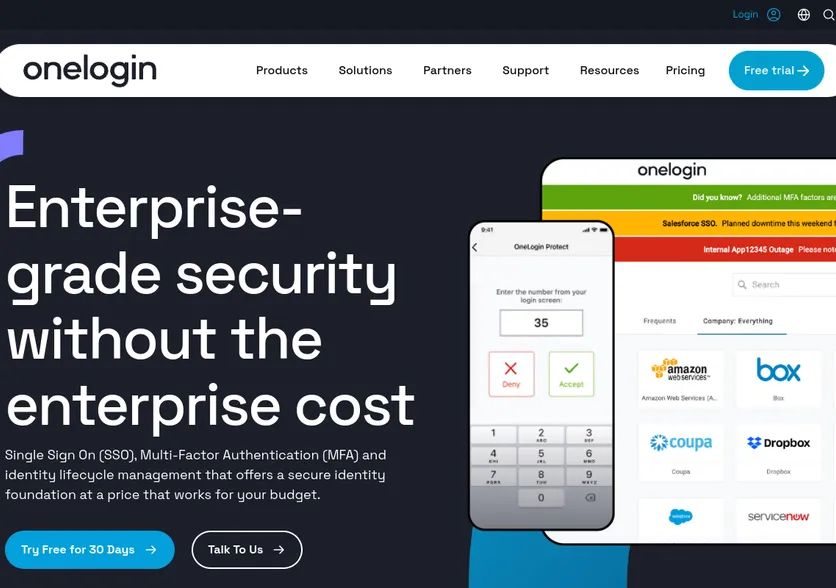
For a mid-size remote team that wants published per-user identity prices, this OneLogin plan costs three dollars per user a month. It is a cloud identity platform that gives employees one login for the business apps they use, with single sign-on, multi-factor authentication and provisioning from a catalogue of more than two thousand five hundred integrations. Basic covers authentication with limited user management, and Essentials adds the full lifecycle.
What we like
- Lowest published paid identity price in this list at three dollars
- Catalogue of more than 2,500 integrations
- Windows domain authentication included in every pack
Watch out for
- Basic covers only five applications, so larger stacks need Essentials
- No free tier, so every user is paid from day one
How to try it
- Start the trial and connect the first five applications
- Enrol users and turn on multi-factor authentication
- Upgrade to Essentials when the app count passes five
6. Google Cloud Identity
Best for: Remote teams already standardised on Google Workspace
Paid tool Starting price: $6/user/month · Six dollars per user a month for Cloud Identity Premium, from third-party reads of the vendor pricing page; the free tier covers single sign-on and multi-factor authentication, and Premium is included in Google Workspace Business and Enterprise editions
Free plan: Free plan (Cloud Identity Free with SSO and MFA)
For a remote team already standardised on Google Workspace, this Google Cloud Identity plan costs six dollars per user a month. It is Google identity for teams on Google Workspace, with single sign-on, multi-factor authentication, device management and endpoint verification in the same console. Premium adds advanced endpoint management and security controls, and it is included in the higher Workspace editions.
What we like
- Free tier covers single sign-on and multi-factor authentication
- Premium is included in Google Workspace Business and Enterprise
- Endpoint verification ties device trust to sign-in
Watch out for
- The six dollar figure is third-party reported, not vendor-confirmed here
- Deepest value only for teams already on Google Workspace
How to try it
- Check whether the team already owns Premium through Workspace
- Turn on single sign-on for the SaaS apps
- Set endpoint verification rules for remote devices
7. Bitwarden
Best for: Remote teams that need shared credentials in an audited vault
Paid tool Starting price: $4/user/month · Four dollars per user a month on Teams billed annually, or six dollars on Enterprise; personal Premium is one dollar and sixty-five cents a month, and the open source codebase is audited annually
Free plan: Free plan (free organisation tier, unlimited passwords for one user)
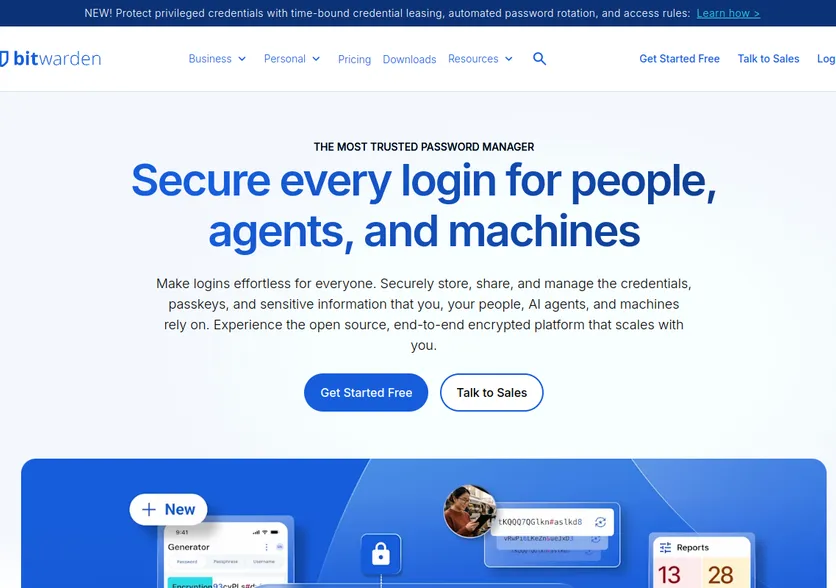
For a remote team that needs shared credentials in an audited vault, this Bitwarden plan costs four dollars per user a month. It is an open source password manager with end-to-end encryption, and the Teams plan adds unlimited collections, event logs, directory sync and SCIM provisioning. Enterprise adds single sign-on, enterprise policies and self-hosting, so a remote team can keep shared credentials in one audited vault.
What we like
- Open source codebase audited annually
- Teams at four dollars with event logs and directory sync
- Free tier covers a solo operator sharing with one user
Watch out for
- It manages credentials, not full identity lifecycle or device management
- Single sign-on needs the Enterprise tier
How to try it
- Create the organisation and invite the team
- Move shared logins into collections by role
- Turn on event logs and directory sync for the team
Prices above were checked on each vendor’s own website on Nov 28, 2026 and can change — the vendor’s page is the final word. Vendor links are editorial: nobody paid to be listed or ranked here. Vendors who want a featured listing can see how it works on our Get listed page.
How to prove who is signing in without slowing the team down
Turn on multi-factor authentication for every account first, because a password alone is not enough when nobody works in the office. Give each person one login for every app, so a leaver loses access in one place instead of twelve. Review the access list every month, and remove the accounts that no longer belong to anyone on the team, because an ex-employee account that still signs in is the easiest way for a patient record to end up in the wrong hands, and the audit log will show exactly who opened it.
Before you buy
- Confirm the tool covers single sign-on and multi-factor authentication at the entry price
- Check whether the price is per user and what the annual minimum contract is
- Ask how quickly a leaver loses access across every connected app
- Make sure the vendor signs a HIPAA business associate agreement before go-live
- Test the tool with the whole remote team before paying for a full year
Official websites
Official websites of the products reviewed above. Features and prices were checked against these sites when this guide was written, and they can change, so confirm on the vendor site before you buy.
Frequently asked questions
What is patient identity resolution software for remote teams?
It is software that proves who is signing in and controls what they can see, so the right clinician or staff member reaches the right patient record from anywhere. The dedicated patient identity vendors sell by quote, so this list compares the identity platforms remote teams actually buy: single sign-on, multi-factor authentication, directories and access control.
How much does Okta cost for a remote team?
Okta Workforce Identity starts at six dollars per user a month on Starter billed annually, with single sign-on, multi-factor authentication and a universal directory. Core Essentials is fourteen dollars and Essentials is seventeen dollars, and every suite carries a one thousand five hundred dollar annual contract minimum.
Can a remote team get identity software for free?
Yes, in part. Duo is free for up to 10 users, Microsoft Entra ID has a free tier with single sign-on and basic multi-factor authentication, Google Cloud Identity has a free tier, and Bitwarden has a free organisation tier. The paid tiers add the controls a growing team needs, such as conditional access and lifecycle management.
Is Okta or Microsoft Entra ID better for a remote team?
It depends on the stack the team already pays for. Microsoft Entra ID P1 costs six dollars per user a month and is included in Microsoft 365 Business Premium and E3, so many teams already own it. Okta Starter also costs six dollars a user a month and has the larger integration catalogue for teams outside the Microsoft world.
Which tool is best for a small remote team?
Duo is the best start for a small team, because it is free for up to 10 users and Essentials costs three dollars per user a month. OneLogin is the cheapest full identity suite at three dollars per user a month. Okta suits a team that wants the broadest integration catalogue as it grows.
Compare the seven tools above, then start with a free tier or trial on the tool that matches the stack the team already runs before paying for a full year.
Browse Security & Privacy tools