On this page
When three technicians are on three routes, a paper diary and a phone call are not a schedule. The eight tools below run scheduling, routing, dispatch and invoicing for pest control teams, from twenty-nine dollars a month to a system built for a thousand customers. Jobber leads on value because its Core plan costs twenty-nine dollars a month billed annually, and the rest are ranked on how much of the technician's day they organise for the price.
How we researched this
We checked every price on the vendor pricing page on November 28, 2026, and only included tools with a published US dollar list price. PestPac, Briostack and ServiceTitan publish no clean price, so they are not in this list, while FieldRoutes publishes no price either and its figure is a vendor-supplied directory listing, which its entry discloses, and Workiz shows older, much lower prices in some guides, so its entry discloses the current figure. Prices change, so confirm the current figure on the vendor site before you buy.
Compare the tools
| Name | Best for | Starting price | Free plan | |
|---|---|---|---|---|
 GorillaDesk | Pest control companies that bill by the route | $49/month | No free plan; free demo | Visit |
| Fieldwork | Multi-technician teams with a big office staff | $59/month | No free plan; 14-day free trial | Visit |
 Jobber | Small pest control businesses starting out | $29/month | No free plan; 14-day free trial | Visit |
 Housecall Pro | Pest control teams that take bookings online | $59/month | No free plan; 14-day free trial | Visit |
 Service Fusion | Larger pest control operations with fleets | $192/month | No free plan; free demo | Visit |
 Workiz | Pest control teams that want AI-assisted scheduling | $225/month | No free plan; free demo | Visit |
| Pocomos | Pest control firms that need chemical usage records | $99/month | No free plan; free demo | Visit |
| FieldRoutes | Large multi-branch pest control companies | $350/month | No free plan; free demo | Visit |
The pest control scheduling software for multi-technician teams, compared
1. GorillaDesk
Best for: Pest control companies that bill by the route
Paid tool Starting price: $49/month · Forty-nine dollars a month per route on Basic (five hundred and thirty-nine dollars a year); Pro is ninety-nine dollars a month and Growth is one hundred and forty-nine dollars a month
Free plan: No free plan; free demo
A pest control company that bills by the route will find the maths simple here, since this GorillaDesk plan costs forty-nine dollars a month per route. Basic covers scheduling, routing, customer management and invoicing for a single route, with extra routes on the higher tiers. It is built for pest control first, so the workflow fits a technician's day rather than a generic field job.

What we like
- Built for pest control, not generic field service
- Per-route pricing that matches how crews are organised
- Scheduling, routing and invoicing in one app
Watch out for
- No free plan, only a demo
- SMS reminders cost extra on top of the plan
How to try it
- Set up routes and assign technicians to each one
- Schedule jobs and send customers their appointment details
- Invoice the job and take payment when the work is done
2. Fieldwork
Best for: Multi-technician teams with a big office staff
Paid tool Starting price: $59/month · Fifty-nine dollars a month per field technician on Startup (Business is seventy-nine dollars, Pro is ninety-nine dollars); office users are free
Free plan: No free plan; 14-day free trial
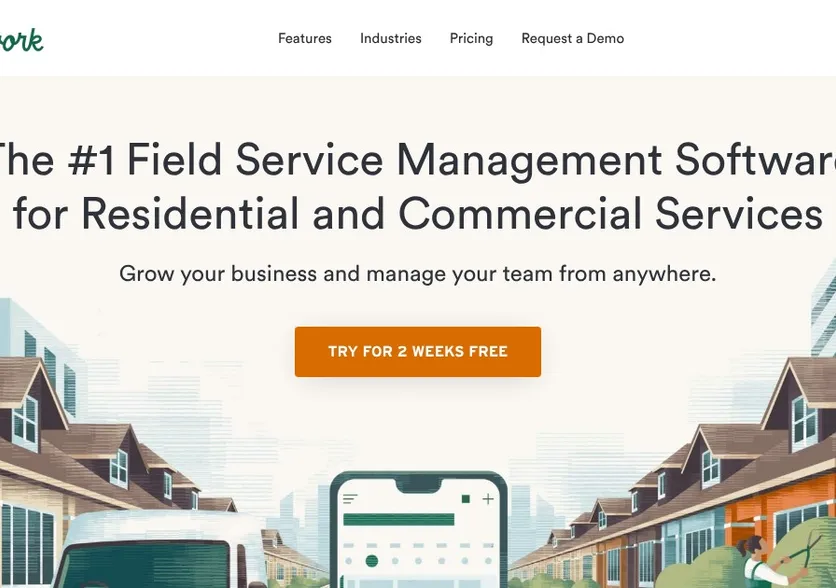
For a pest control firm that wants the office team on the system for free, this Fieldwork plan costs fifty-nine dollars a month per field technician. Startup covers scheduling, routing, customer records and invoicing, and only the technicians in the field are billed. It is a clean fit for a multi-technician team where the office staff outnumber the crews.
What we like
- Only field technicians are billed, office users are free
- Scheduling, routing and invoicing in one place
- Built around the daily route, not the office desk
Watch out for
- No free plan, only a fourteen-day trial
- The unpriced Solo plan is not listed on the vendor page
How to try it
- Add technicians and build their routes
- Schedule jobs and dispatch them to the field
- Invoice completed jobs from the same dashboard
3. Jobber
Best for: Small pest control businesses starting out
Paid tool Starting price: $29/month · Twenty-nine dollars a month billed annually on Core (Connect is ninety-nine dollars, Grow is one hundred and forty-nine dollars billed annually)
Free plan: No free plan; 14-day free trial
A small pest control business that wants the most widely used field service app will find this Jobber plan costs twenty-nine dollars a month billed annually. Core covers quoting, scheduling, invoicing and payments, with a mobile app the technicians actually use in the field. It is the cheapest entry on this list and the easiest to learn.

What we like
- Cheapest entry on this list at twenty-nine dollars a month
- Mobile app that technicians use happily in the field
- Quoting, scheduling, invoicing and payments in one place
Watch out for
- Pest-specific features are thinner than the specialist tools
- The best features sit on the dearer Connect and Grow tiers
How to try it
- Create the business profile and add technicians
- Build quotes and schedule the first jobs
- Send invoices and take card payments in the app
4. Housecall Pro
Best for: Pest control teams that take bookings online
Paid tool Starting price: $59/month · Fifty-nine dollars a month billed annually on Basic (some trade views show seventy-nine dollars); higher tiers add dispatch, marketing and larger teams
Free plan: No free plan; 14-day free trial
For a pest control company that wants online booking alongside scheduling, this Housecall Pro plan costs fifty-nine dollars a month billed annually. Basic covers scheduling, dispatch, invoicing and payments, and customers can book and pay online without calling the office. It suits a team that wins jobs from the website as well as from repeat routes.

What we like
- Online booking and payments cut office phone time
- Scheduling, dispatch and invoicing in one app
- Strong mobile app for technicians in the field
Watch out for
- Some trade views show a seventy-nine dollar Basic price, so verify at checkout
- Marketing tools cost extra on the higher tiers
How to try it
- Set up services, prices and technician schedules
- Turn on online booking for customers
- Dispatch jobs and collect payments in the app
5. Service Fusion
Best for: Larger pest control operations with fleets
Paid tool Starting price: $192/month · One hundred and ninety-two dollars a month billed annually on Starter (two hundred and twenty-five dollars billed monthly); higher tiers add more users and features
Free plan: No free plan; free demo
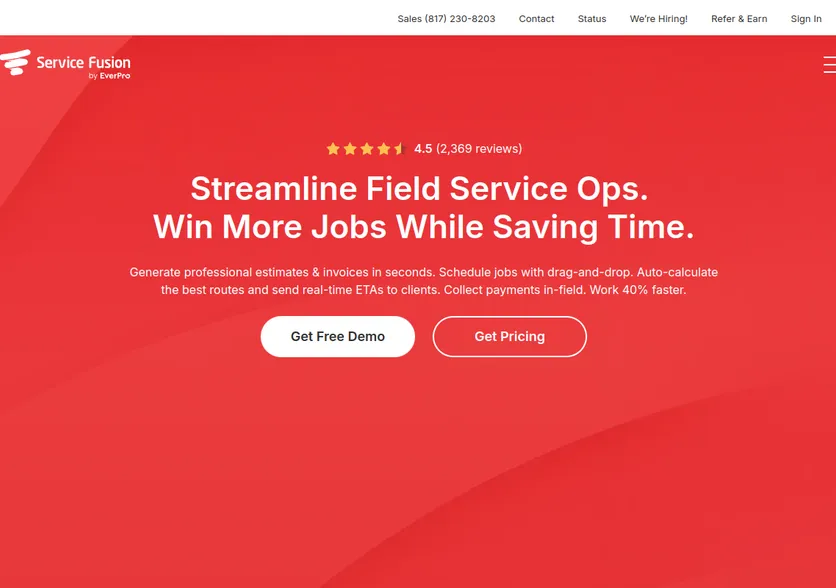
A larger pest control operation that needs dispatch, fleet tracking and accounting in one system should look here, because this Service Fusion plan costs one hundred and ninety-two dollars a month billed annually. Starter covers scheduling, dispatch, invoicing, payments and GPS fleet tracking for the whole team. It is the most complete tool on this list, and the price reflects that.
What we like
- Scheduling, dispatch, fleet tracking and accounting in one system
- GPS tracking shows where every truck is
- Handles large multi-technician teams without workarounds
Watch out for
- The highest starting price on this list
- More setup work than the simpler scheduling tools
How to try it
- Add technicians, trucks and service areas
- Build the schedule and dispatch jobs to the field
- Track the fleet and invoice jobs from one dashboard
6. Workiz
Best for: Pest control teams that want AI-assisted scheduling
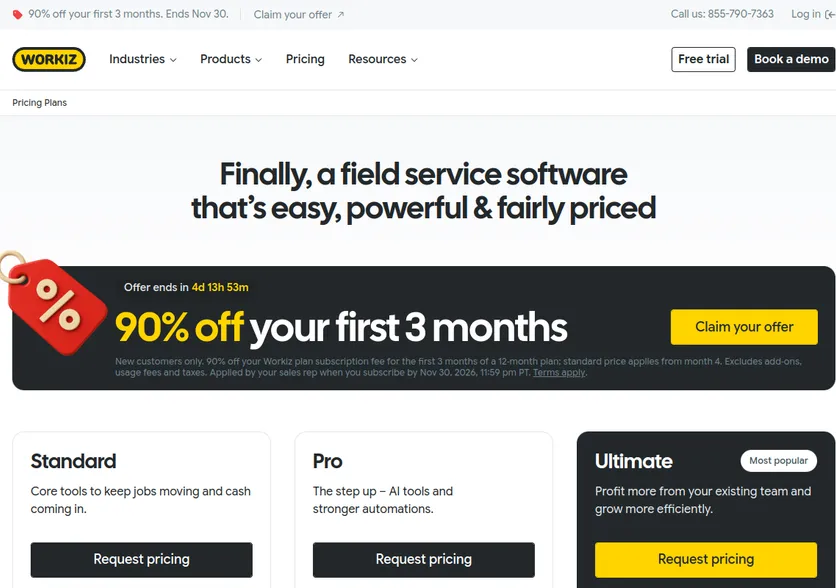
Paid tool Starting price: $225/month · Two hundred and twenty-five dollars a month starting; older reads show sixty-five and one hundred and fifty-nine dollars, which are stale against the November 2026 vendor figures, and Standard and Pro were listed at two hundred and seventy-five and three hundred and twenty-five dollars in mid-2026
Free plan: No free plan; free demo
For a pest control team that wants smart scheduling and customer messaging built in, this Workiz plan starts at two hundred and twenty-five dollars a month. It covers scheduling, dispatch, invoicing, payments and automated customer messages, with AI tools that fill gaps in the route. Older guides show much lower prices, so check the current figure before budgeting.
What we like
- AI scheduling fills gaps and reduces drive time
- Automated customer messages cut no-shows
- Scheduling, dispatch and payments in one app
Watch out for
- Older guides show stale prices far below the current figure
- The entry price is high for a small team
How to try it
- Set up services and technician schedules
- Let the scheduler fill gaps in the route
- Send automated reminders and collect payments
7. Pocomos
Best for: Pest control firms that need chemical usage records
Paid tool Starting price: $99/month · Ninety-nine dollars a month on Starter for up to twenty active customers; higher tiers are one hundred and fifty-nine, two hundred and nine and two hundred and seventy-five dollars a month
Free plan: No free plan; free demo
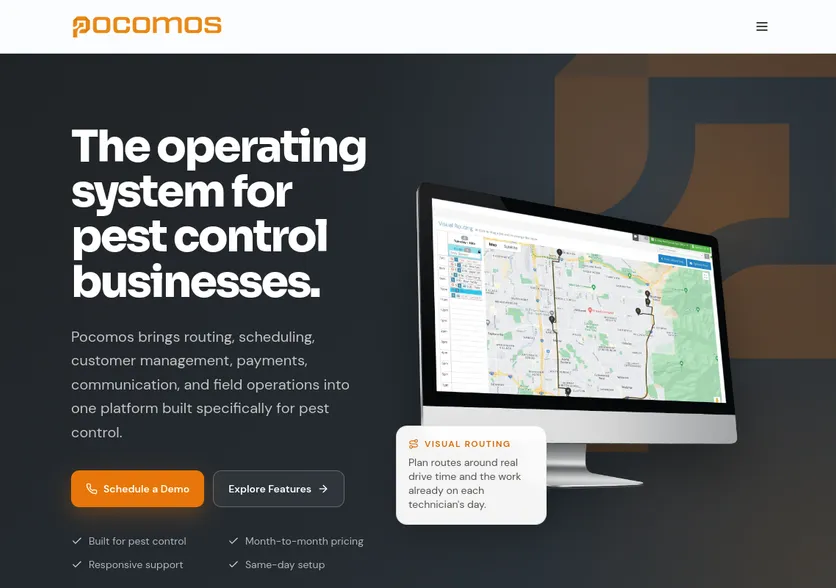
A pest control company that wants software built only for pest control will find this Pocomos plan costs ninety-nine dollars a month on Starter. It covers scheduling, routing, chemical usage records, customer management and invoicing, with the price stepping up by active customer count. The pest-specific records, including chemical tracking, set it apart from generic field service apps.
What we like
- Built only for pest control, with chemical usage tracking
- Price steps up by active customers, not by seats
- Scheduling, routing and invoicing in one system
Watch out for
- The Starter tier caps at twenty active customers
- Smaller vendor than the big field service platforms
How to try it
- Add customers and set up service routes
- Schedule jobs and record chemical usage
- Invoice customers and track renewals
8. FieldRoutes
Best for: Large multi-branch pest control companies
Paid tool Starting price: $350/month · Around three hundred and fifty dollars a month reported, per one thousand active customers, from vendor-supplied directory listings; the vendor publishes no price on its own site, so confirm the figure in a sales quote
Free plan: No free plan; free demo
A large pest control company with a thousand customers needs software built for that scale, and this FieldRoutes plan is reported at around three hundred and fifty dollars a month per one thousand active customers. It covers scheduling, routing, sales, marketing and reporting for big multi-branch operations. The vendor publishes no price, so treat the figure as a guide and get a written quote.

What we like
- Built for large operations with thousands of customers
- Scheduling, sales, marketing and reporting in one platform
- Handles multi-branch teams and complex routes
Watch out for
- The vendor publishes no price, so the figure is reported not listed
- Far more tool than a small team needs
How to try it
- Book a demo and get a written quote for your customer count
- Set up branches, routes and technicians
- Run scheduling, sales and reporting from one platform
Prices above were checked on each vendor’s own website on Nov 28, 2026 and can change — the vendor’s page is the final word. Vendor links are editorial: nobody paid to be listed or ranked here. Vendors who want a featured listing can see how it works on our Get listed page.
How to schedule a multi-technician pest control day without double-booking
Build the routes the night before, not in the morning, because a route planned calmly wastes less drive time than one built under pressure. Put travel time between jobs on the schedule, since a technician who is always late is usually a technician with no travel time. Send the customer a text with the arrival window, and let the technician mark the job done from the field so the office can invoice the same day. Review the routes every month, since a route that made sense in summer may waste hours in winter.
Before you buy
- Confirm the price is per route, per technician or per customer, since the billing unit changes the total
- Check whether routing, chemical records and customer messaging are included or paid add-ons
- Ask if technicians can see and update jobs from a mobile app in the field
- Make sure the tool handles recurring routes and seasonal treatments without manual re-entry
- Test the schedule with a real week of jobs before committing to an annual contract
Official websites
Official websites of the products reviewed above. Features and prices were checked against these sites when this guide was written, and they can change, so confirm on the vendor site before you buy.
Frequently asked questions
What is pest control scheduling software for multi-technician teams?
It is software that schedules, routes and dispatches several pest control technicians, then invoices the jobs they complete. Good tools also track chemical usage, send customer reminders, take payments and show where each truck is. Most tools here charge per month, per route or per technician, starting at twenty-nine dollars.
How much does pest control scheduling software cost?
Prices on this list start at twenty-nine dollars a month billed annually for Jobber Core, and forty-nine dollars a month per route for GorillaDesk Basic. Fieldwork costs fifty-nine dollars a month per technician, Housecall Pro fifty-nine dollars, and Service Fusion one hundred and ninety-two dollars. FieldRoutes is reported at around three hundred and fifty dollars a month per thousand customers.
Can I use pest control scheduling software for free?
None of the eight tools here offers a free plan, though most offer a free demo or a fourteen-day trial. Jobber and Housecall Pro both offer fourteen-day trials, Fieldwork offers the same, and TeamUp-style free tiers do not exist in this category. A trial is the right way to test the schedule on a real week before paying.
Which tool is best for a small pest control business?
Jobber is the best value for a small business, at twenty-nine dollars a month billed annually for quoting, scheduling, invoicing and payments. GorillaDesk is the better pick if the business bills by the route, at forty-nine dollars a month per route. Larger teams with fleets should look at Service Fusion, which adds dispatch and GPS tracking.
Do these tools track chemical usage?
Pocomos does, since it is built only for pest control and records chemical usage on every job. The general field service tools here, including Jobber, Housecall Pro and Service Fusion, cover scheduling and invoicing but do not track chemicals as a core feature. A company that must prove chemical records for compliance should shortlist Pocomos first.
Compare the eight tools above, then start with a free trial or demo on the tool that matches how your technicians work before paying for a full year.
Browse Business Tools tools