On this page
How we researched this
We compared recording, editing and mastering tools with a published dollar price in November 2026 and a real fit for podcast sound quality. Every tool below either records remote guests in high quality, edits audio precisely, or masters a rough recording automatically. Prices were checked against vendor pages and November 2026 reads, and conflicting figures are disclosed in the price notes.
Compare the tools
| Name | Best for | Starting price | Free plan | |
|---|---|---|---|---|
 Descript | Podcasters who want the fastest editing workflow for spoken word. | $16/person/month | $0 (free plan) | Visit |
 Riverside | Shows that record remote guests and need reliable high-quality audio. | $15/month | $0 (free plan) | Visit |
 Adobe Audition | Podcasters who want professional multitrack editing and noise reduction. | $22.99/month | No free plan (7-day trial) | Visit |
| Audacity | Podcasters on a zero budget who want capable free editing. | $0 | $0 (free, open source) | Visit |
 Hindenburg PRO | Podcasters who want a spoken-word workflow with automatic loudness levelling. | $99/year | No free plan (30-day trial) | Visit |
| Zencastr | Shows that record remote guests and want AI editing built in. | $18/month | $0 (free Hobbyist tier) | Visit |
 Auphonic | Podcasters who want automatic mastering without manual editing. | $11/month | $0 (free, 2 hours/month) | Visit |
 Alitu | Beginners who want a guided path from recording to published episode. | $32/month | No free plan (7-day trial) | Visit |
 REAPER | Podcasters who want a full audio workstation for a one-time price. | $60 one-time | $0 (60-day free trial) | Visit |
The 9 podcast sound quality tools, compared
1. Descript
Best for: Podcasters who want the fastest editing workflow for spoken word.
Paid tool Starting price: $16/person/month · Hobbyist is $16 per person per month billed annually or $24 monthly; Creator is $24 billed annually and Business is $50.
Free plan: $0 (free plan)
Descript costs sixteen dollars per person per month on the Hobbyist plan when billed annually, or twenty four dollars month to month. It edits audio by editing a transcript, which makes cutting filler words and mistakes far faster than working on a waveform. The Creator and Business tiers add more transcription hours and collaboration for teams that publish often.

What we like
- Edit audio by editing the transcript
- Cut filler words and mistakes in minutes
- Free plan to try the workflow
Watch out for
- Transcription hours cap on the Hobbyist plan
- Creator price reads vary between $22 and $24
How to try it
- Start the free plan and import a recording
- Delete a filler word from the transcript
- Export the edited episode and check the sound
2. Riverside
Best for: Shows that record remote guests and need reliable high-quality audio.
Paid tool Starting price: $15/month · Standard is $15 a month billed annually or $19 monthly, with Pro at $24 billed annually and Business at $58.
Free plan: $0 (free plan)
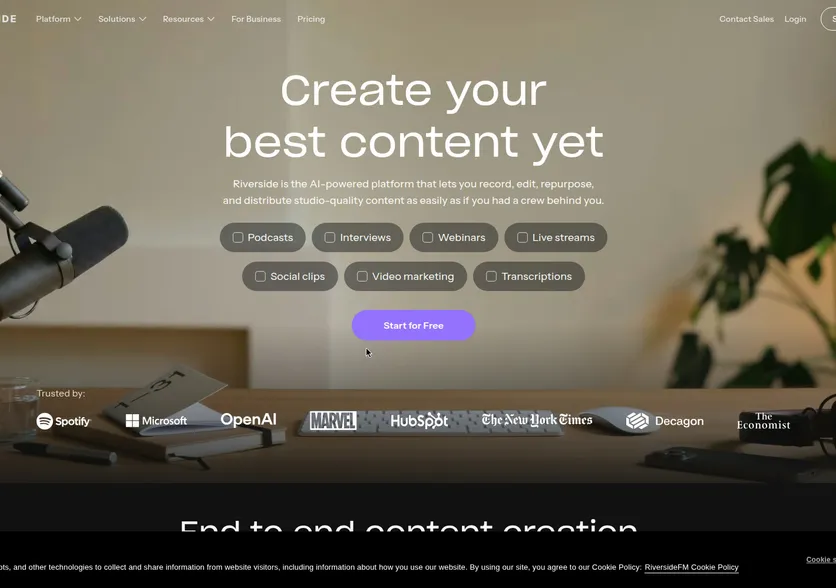
Riverside starts at fifteen dollars a month on the Standard plan when billed annually, or nineteen dollars month to month. It records remote guests in high quality by capturing each voice locally, so a bad connection never ruins the audio. Pro and Business add more recording hours and production features for shows with regular guests.
What we like
- Local recording protects audio from bad connections
- Separate tracks for each guest
- Free plan to test the recording quality
Watch out for
- Recording hours cap on the Standard plan
- Video features add cost if you only need audio
How to try it
- Start the free plan and invite a guest
- Record a test episode and listen to the tracks
- Upgrade to Standard when you need more hours
3. Adobe Audition
Best for: Podcasters who want professional multitrack editing and noise reduction.
Paid tool Starting price: $22.99/month · A single app is $22.99 a month on the annual plan billed monthly; month-to-month is $34.49. Creative Cloud Pro with all apps is $69.99 a month.
Free plan: No free plan (7-day trial)
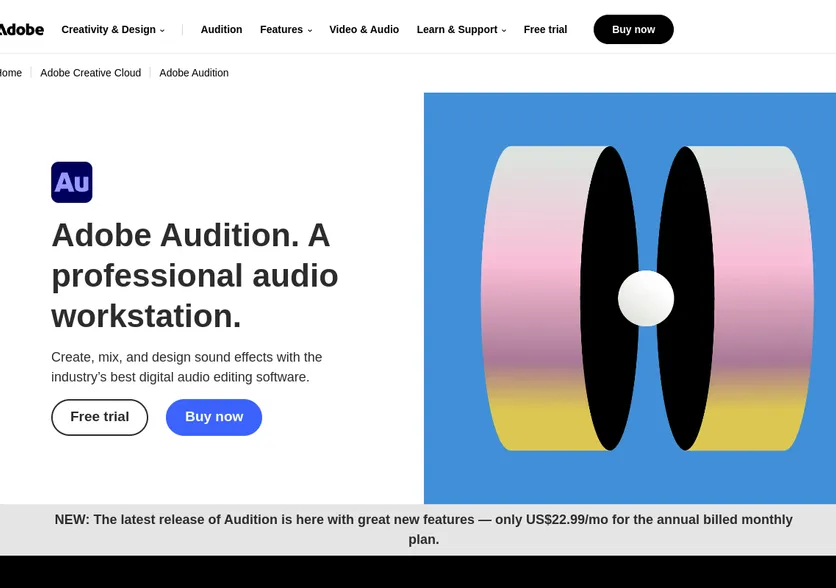
Adobe Audition costs twenty two dollars and ninety nine cents a month as a single app on the annual plan billed monthly. It is a professional audio editor with multitrack mixing, noise reduction and loudness tools that broadcast engineers rely on. The month-to-month rate is higher, and the full Creative Cloud plan costs sixty nine dollars and ninety nine cents a month.
What we like
- Professional multitrack editing and mixing
- Strong noise reduction and loudness tools
- Industry standard for broadcast audio
Watch out for
- Month-to-month rate jumps to $34.49
- Steep learning curve for beginners
How to try it
- Start the 7-day trial and import an episode
- Try the noise reduction on a noisy recording
- Compare the annual plan against month-to-month
4. Audacity
Best for: Podcasters on a zero budget who want capable free editing.
Paid tool Starting price: $0 · Audacity is free and open source on every platform, with no paid tier at all.
Free plan: $0 (free, open source)
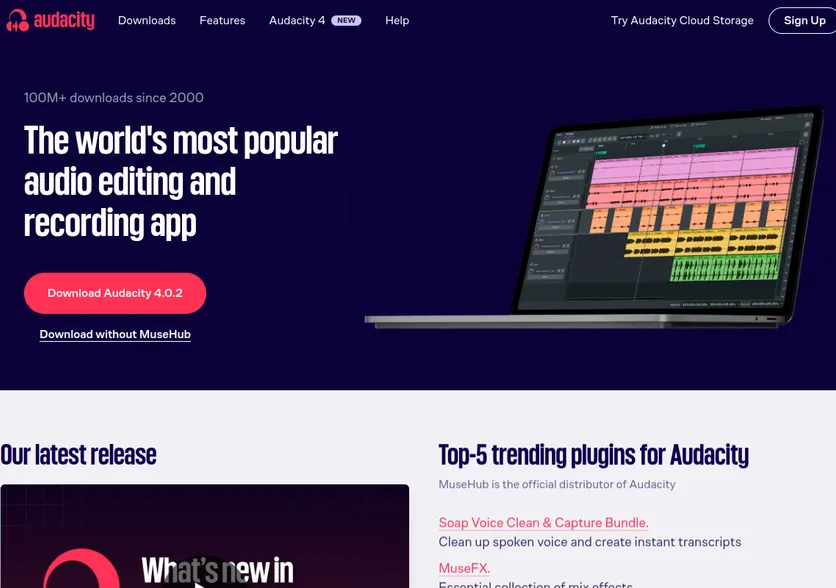
Audacity costs nothing at all, since it is free and open source on every major platform. It is a capable audio editor for recording and cleaning up podcast episodes, with effects and multitrack support included. The interface looks dated next to the paid tools, but the price and the community support are hard to beat.
What we like
- Completely free with no paid tier
- Capable editing, effects and multitrack support
- Works on every major platform
Watch out for
- Interface looks dated next to paid tools
- No cloud features or AI editing
How to try it
- Download Audacity and import a recording
- Try the noise reduction and compression effects
- Export the episode and compare the sound
5. Hindenburg PRO
Best for: Podcasters who want a spoken-word workflow with automatic loudness levelling.
Paid tool Starting price: $99/year · PRO is $99 a year, or $8.25 a month billed annually and $12 month-to-month; a perpetual licence is $399.
Free plan: No free plan (30-day trial)
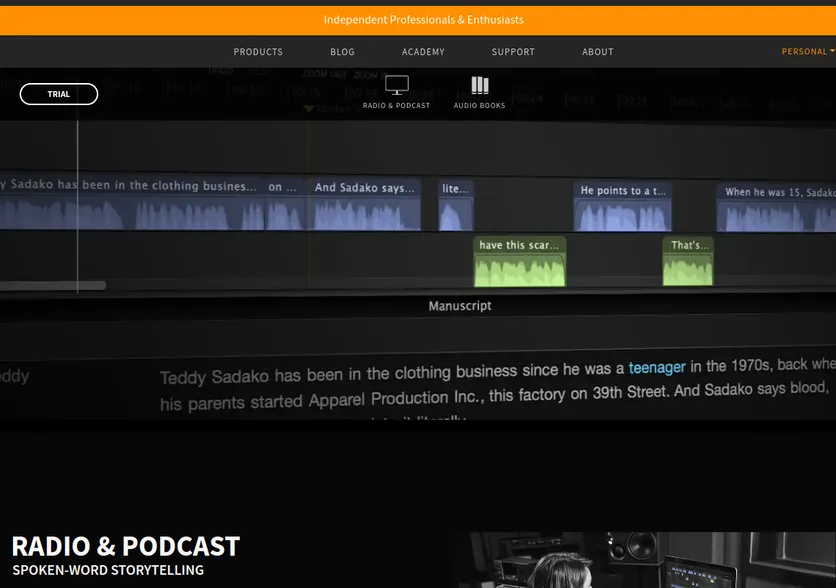
Hindenburg PRO costs ninety nine dollars a year, or eight dollars and twenty five cents a month billed annually. It is built for spoken word, with automatic loudness levelling and a workflow that moves from recording to published episode quickly. A perpetual licence costs three hundred and ninety nine dollars for creators who prefer to own their tools.
What we like
- Built for spoken word, not music production
- Automatic loudness levelling included
- Perpetual licence option at $399
Watch out for
- No free plan, only a 30-day trial
- Fewer effects than a full audio workstation
How to try it
- Start the 30-day trial and record an episode
- Let the loudness levelling run and listen back
- Compare the subscription against the perpetual licence
6. Zencastr
Best for: Shows that record remote guests and want AI editing built in.
Paid tool Starting price: $18/month · Professional is $18 a month billed annually or $20 monthly, with Grow at $24 billed annually and Business at $80. The rendered pricing page currently shows no paid prices, so these figures come from the page's catalogue data.
Free plan: $0 (free Hobbyist tier)
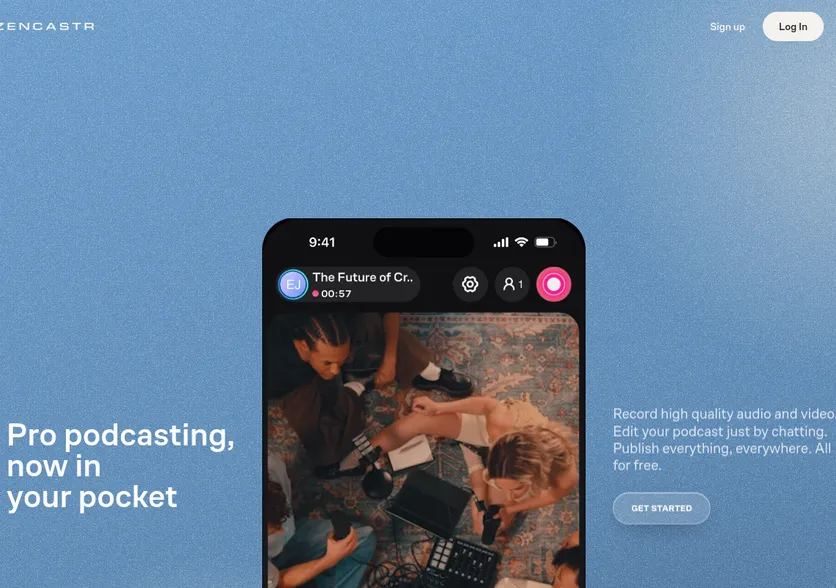
Zencastr costs eighteen dollars a month on the Professional plan when billed annually, or twenty dollars month to month. It records remote guests locally in high quality and adds AI editing and distribution tools for podcasters who publish regularly. The rendered pricing page currently shows no paid prices, so these figures come from the page catalogue data rather than the visible page.
What we like
- Local recording for every guest
- AI editing and distribution tools included
- Free Hobbyist tier to start
Watch out for
- Paid prices are hidden on the rendered pricing page
- Business tier at $80 is a big jump from Grow
How to try it
- Start the free tier and record a test episode
- Try the AI editing on a rough recording
- Confirm the Professional price with the sales team
7. Auphonic
Best for: Podcasters who want automatic mastering without manual editing.
Paid tool Starting price: $11/month · The S plan is $11 a month billed annually or $13 monthly, with M at $30 and L at $90.
Free plan: $0 (free, 2 hours/month)
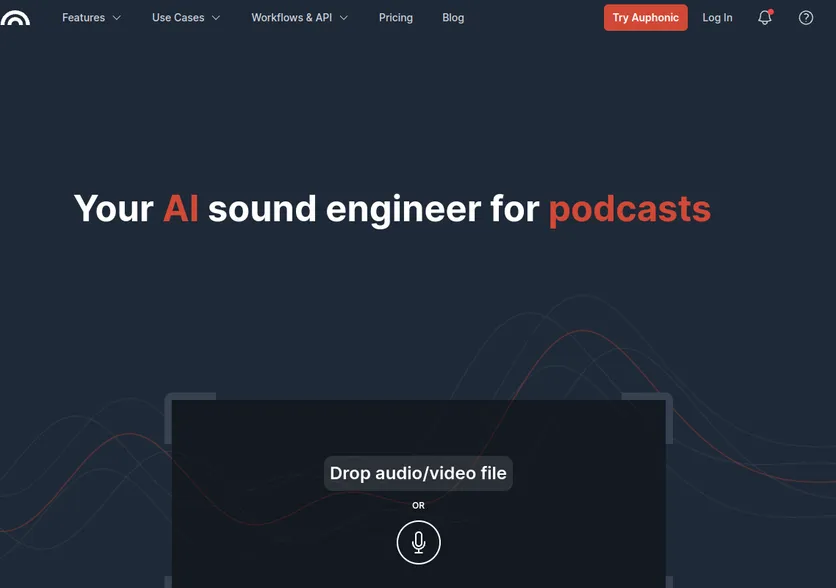
Auphonic costs eleven dollars a month on the S plan when billed annually, or thirteen dollars month to month. It automatically levels loudness, removes noise and adds metadata, which turns a rough recording into a polished episode without manual editing. The free tier covers two hours a month, which is enough for a short weekly show.
What we like
- Automatic loudness levelling and noise removal
- Adds metadata and chapter marks automatically
- Free tier covers two hours a month
Watch out for
- No recording or editing, so it pairs with another tool
- Hourly limits mean long shows cost more
How to try it
- Use the free tier on your next episode
- Compare the mastered file with the raw recording
- Upgrade to S when you pass two hours a month
8. Alitu
Best for: Beginners who want a guided path from recording to published episode.
Paid tool Starting price: $32/month · Alitu is $32 a month billed annually or $38 month-to-month; done-for-you editing is $295 a month.
Free plan: No free plan (7-day trial)
Alitu costs thirty two dollars a month billed annually, or thirty eight dollars month to month. It is built for beginners, guiding you from raw recording to published episode with automatic cleanup and music handling. The done-for-you editing service costs two hundred and ninety five dollars a month for creators who want to hand the whole job over.
What we like
- Guided workflow from recording to publishing
- Automatic cleanup and music handling
- Done-for-you editing service available
Watch out for
- Most expensive monthly plan on this list
- Only a 7-day trial before you pay
How to try it
- Start the 7-day trial and record an episode
- Follow the guided workflow to a published file
- Listen to the result before the trial ends
9. REAPER
Best for: Podcasters who want a full audio workstation for a one-time price.
Paid tool Starting price: $60 one-time · A discounted licence is a $60 one-time purchase with a 60-day free trial; the commercial licence is $225.
Free plan: $0 (60-day free trial)
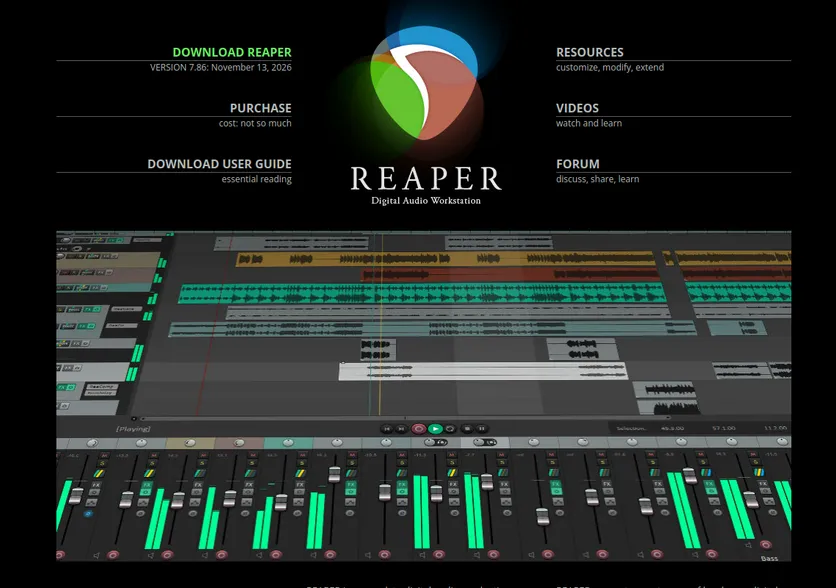
REAPER costs sixty dollars as a one time discounted licence, with a sixty day free trial included. It is a full digital audio workstation with multitrack recording, effects and scripting, used by podcasters and musicians alike. The commercial licence costs two hundred and twenty five dollars, which still undercuts most subscription audio tools over time.
What we like
- Full audio workstation for a $60 one-time licence
- 60-day free trial, the longest here
- Deep effects, scripting and customisation
Watch out for
- Steeper learning curve than the podcast-specific tools
- Interface is dense for a first-time editor
How to try it
- Use the 60-day trial on your next episodes
- Set up a podcast template with your effects chain
- Buy the discounted licence before the trial ends
Prices above were checked on each vendor’s own website on Nov 28, 2026 and can change — the vendor’s page is the final word. Vendor links are editorial: nobody paid to be listed or ranked here. Vendors who want a featured listing can see how it works on our Get listed page.
How to get studio-quality podcast sound at home
Before you buy
- Record in a quiet room with soft furnishings, because no software fully fixes echo and background noise.
- Capture remote guests locally with Riverside or Zencastr, so a bad connection never ruins the take.
- Level the loudness with Auphonic or Hindenburg, since consistent volume is what listeners notice first.
- Edit in Descript for speed or Audacity and REAPER for control, depending on your budget and patience.
- Listen to the finished episode on cheap earbuds, since that is how most of your audience will hear it.
Official websites
Official websites of the products reviewed above. Features and prices were checked against these sites when this guide was written, and they can change, so confirm on the vendor site before you buy.
Frequently asked questions
What is the best free podcast software for sound quality?
Audacity is the best free option, with capable editing, effects and multitrack support on every platform. Pair it with Auphonic, whose free tier masters two hours a month, and you can get a polished episode without spending anything. The combination covers recording, editing and mastering, though it takes more manual work than the paid all-in-one tools.
How do I record remote guests in high quality?
Use a tool that records each guest locally on their own device, so a bad internet connection never degrades the audio. Riverside starts at $15 a month billed annually and Zencastr at $18, and both capture separate tracks per guest. Record a test call first, since local recording only helps if each guest has a decent microphone and a quiet room.
Is Descript better than Audacity for podcast editing?
Descript is faster for spoken word, because you edit audio by editing a transcript and can delete filler words in seconds. Audacity is free and gives you precise control over waveforms, effects and multitrack mixing. Choose Descript if you publish often and value speed, and Audacity if you publish occasionally and want to spend nothing.
What does loudness levelling do for a podcast?
Loudness levelling evens out the volume across speakers and episodes, so listeners never reach for the volume knob. Hindenburg and Auphonic both do it automatically, and it is one of the biggest quality improvements you can make. Streaming platforms also normalise loudness, so a levelled episode sounds consistent wherever it is played.
Do I need Adobe Audition for a good sounding podcast?
No, since Audition is a professional tool built for broadcast engineers and costs $22.99 a month. Most podcasters get excellent results from Descript, Hindenburg or the free Audacity paired with Auphonic. Buy Audition only if you need multitrack mixing, advanced noise reduction or the wider Creative Cloud apps for video and design work.
Record clean, capture guests locally, then level and master — the software matters less than the chain.
Browse Business Tools tools