
On this page
A great podcast is made in the edit, and AI has turned that edit from hours into minutes. Descript leads this list because it lets you edit audio like a document, but the best AI podcast tool for your show depends on whether you record, edit, write, or promote. We checked eight paid tools on their own pricing pages and compared free plans, voices, and the real cost per episode.
How we researched this
We read each vendor pricing page on November 26, 2026 and kept only tools with a published starting price. We then weighed recording quality, editing speed, voice quality, and how much of the podcast workflow each tool covers on its own.
Compare the tools
| Name | Best for | Starting price | Free plan | |
|---|---|---|---|---|
 Descript | Podcasters who edit by transcript | $24/person/month | Free plan with 1 hour of transcription | Visit |
 Riverside | Remote recording with studio quality | $24/month | Free plan with 2 hours of recording | Visit |
 Auphonic | Making any recording sound professional | $11/month | Free plan with 2 hours of processing | Visit |
 Podcastle | All-in-one recording, editing, and AI voices | $11.99/month | Free plan with limited recording hours | Visit |
 Castmagic | Turning episodes into show notes and clips | $19/month | Free trial, no free plan | Visit |
 Wondercraft | Scripted shows with AI voice hosts | $25/month | Free plan with limited voice hours | Visit |
 Murf | AI narration and voiceovers | $19/month | Free plan with limited voice generation | Visit |
 ElevenLabs | The most lifelike AI voices at the lowest price | $5/month | Free plan with 10,000 credits | Visit |
The 8 best AI podcast tools
1. Descript
Best for: Podcasters who edit by transcript
Paid tool Starting price: $24/person/month · Creator plan billed annually; $35 a person on monthly billing
Free plan: Free plan with 1 hour of transcription
Descript lets you edit a podcast by editing its transcript, cutting filler words with a keystroke. This Descript Creator plan adds more transcription hours, Studio Sound, and AI voices for twenty-four dollars a person each month. It is the fastest editor here, though the per-person price climbs quickly for a team.

What we like
- Edit audio by editing text
- Studio Sound fixes bad recordings
- Strong AI voices and filler removal
Watch out for
- Per-person pricing adds up fast
- Learning curve for new editors
How to try it
- Upload your recording and wait for the transcript
- Delete filler words and dead air from the text
- Export the finished audio or video
2. Riverside
Best for: Remote recording with studio quality
Paid tool Starting price: $24/month · Pro plan billed annually; $29 a month on monthly billing
Free plan: Free plan with 2 hours of recording
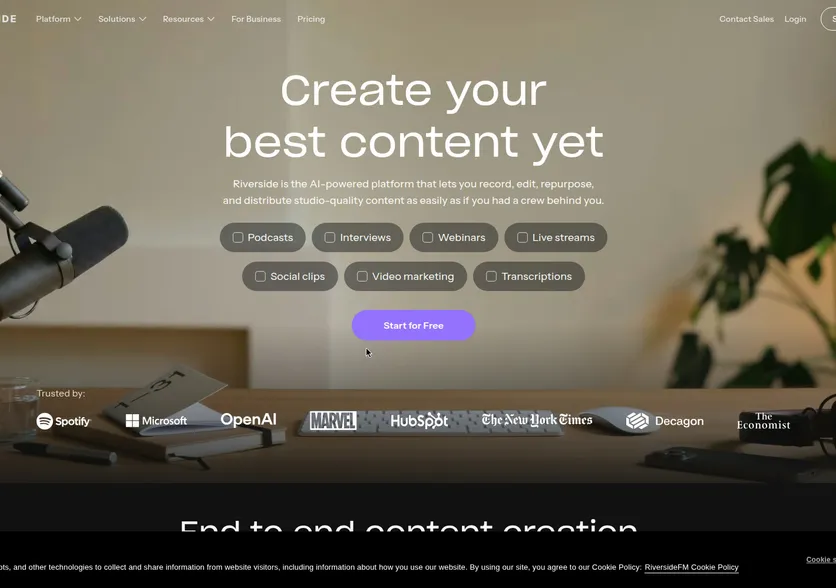
Riverside records studio-quality audio and video in the browser, even when the internet stutters. This Riverside Pro plan adds more recording hours, separate tracks, and AI editing for twenty-four dollars a month. It is the best recorder here, though it is not a full editor on its own.
What we like
- Best remote recording quality here
- Separate tracks for every guest
- Magic Clips for social promotion
Watch out for
- Not a full editor on its own
- Pro price is per account, not per team
How to try it
- Create a studio and invite your guests by link
- Record with separate tracks for each voice
- Export the tracks and edit in your editor of choice
3. Auphonic
Best for: Making any recording sound professional
Paid tool Starting price: $11/month · S plan billed annually; $13 a month on monthly billing
Free plan: Free plan with 2 hours of processing
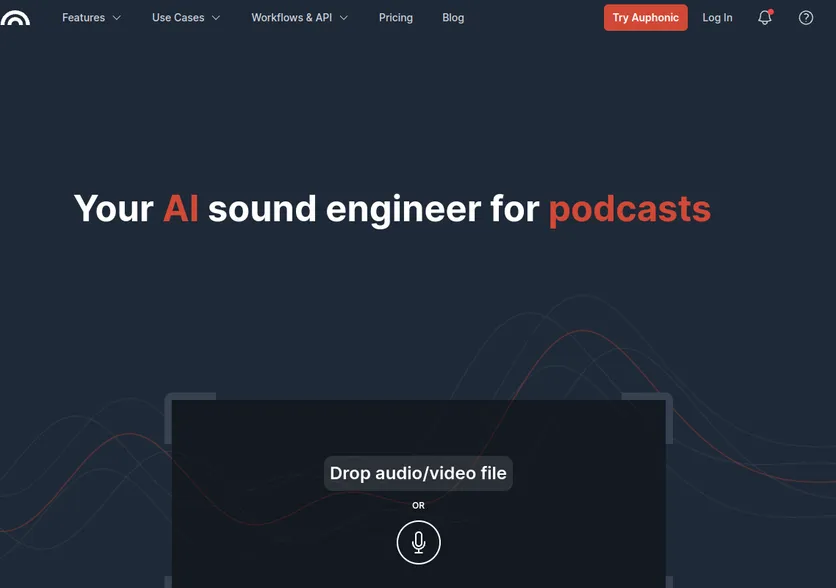
Auphonic is the quiet workhorse that makes any recording sound like it was made in a studio. This Auphonic S plan adds nine hours of audio processing a month for eleven dollars, with leveling, noise reduction, and loudness targets. It is the cheapest real upgrade to your sound, though it does no recording or editing at all.
What we like
- Cheapest real sound upgrade here
- Automatic leveling and noise reduction
- Loudness targets for every platform
Watch out for
- No recording or editing tools
- Hourly limits mean watching usage
How to try it
- Upload your finished recording to Auphonic
- Pick your loudness target and noise settings
- Download the polished file and publish it
4. Podcastle
Best for: All-in-one recording, editing, and AI voices
Paid tool Starting price: $11.99/month · Storyteller plan billed annually; $14.99 a month on monthly billing
Free plan: Free plan with limited recording hours
Podcastle packs recording, editing, and AI voices into one browser studio for a low monthly price. This Podcastle Storyteller plan adds more recording hours, AI voices, and video tools for eleven dollars and ninety-nine cents a month. It is the best all-in-one value here, though its editor is simpler than Descript.
What we like
- Best all-in-one value here
- Browser studio needs no install
- Good AI voices included
Watch out for
- Editor is simpler than Descript
- Video tools are basic
How to try it
- Record your episode in the browser studio
- Clean up the audio with Magic Dust
- Add an AI voice intro and export the episode
5. Castmagic
Best for: Turning episodes into show notes and clips
Paid tool Starting price: $19/month · Hobby plan billed annually
Free plan: Free trial, no free plan
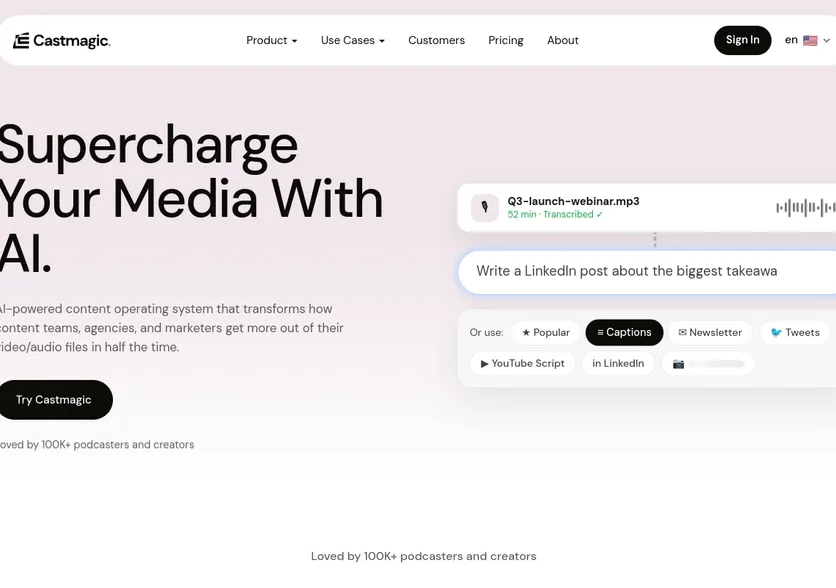
Castmagic turns a finished recording into show notes, clips, and social posts in minutes. This Castmagic Hobby plan adds more recording hours and AI content generation for nineteen dollars a month. It is the best tool here for turning one episode into a week of content, though it records nothing itself.
What we like
- Best content repurposing here
- Fast show notes and social clips
- Good transcript accuracy
Watch out for
- No recording tools at all
- No free plan, only a trial
How to try it
- Upload your finished episode to Castmagic
- Pick the content types you want from the transcript
- Copy the show notes and clips into your scheduler
6. Wondercraft
Best for: Scripted shows with AI voice hosts
Paid tool Starting price: $25/month · Creator plan billed annually; $35 a month on monthly billing
Free plan: Free plan with limited voice hours
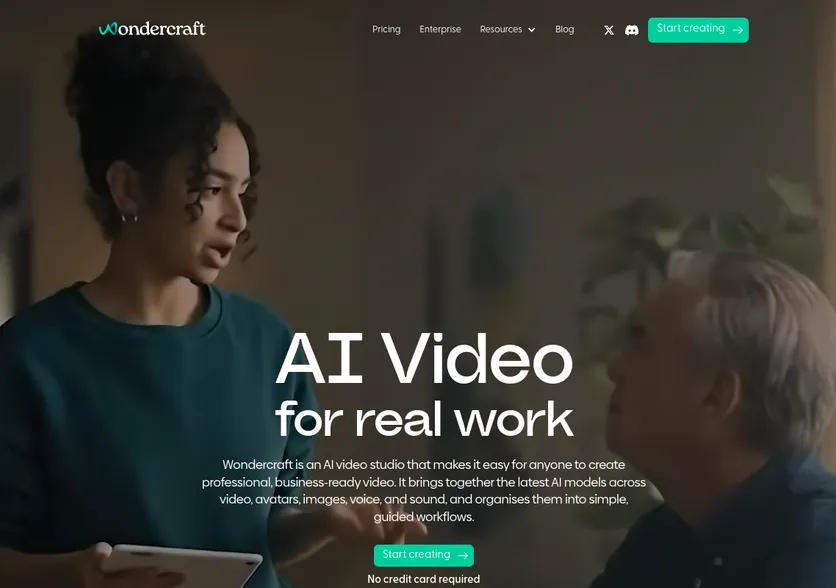
Wondercraft turns a script into a finished podcast with AI voices that sound surprisingly human. This Wondercraft Creator plan adds more voice hours, languages, and music for twenty-five dollars a month. It is the fastest way to launch a scripted show, though the voices still suit scripted content better than free conversation.
What we like
- Fastest way to launch a scripted show
- Voices sound surprisingly natural
- Music and sound effects included
Watch out for
- Voices suit scripts, not conversation
- Hourly limits on voice generation
How to try it
- Write or paste your script into the editor
- Pick voices for each speaker and generate the audio
- Add music and export the finished episode
7. Murf
Best for: AI narration and voiceovers
Paid tool Starting price: $19/month · Creator plan billed annually; $29 a month on monthly billing
Free plan: Free plan with limited voice generation
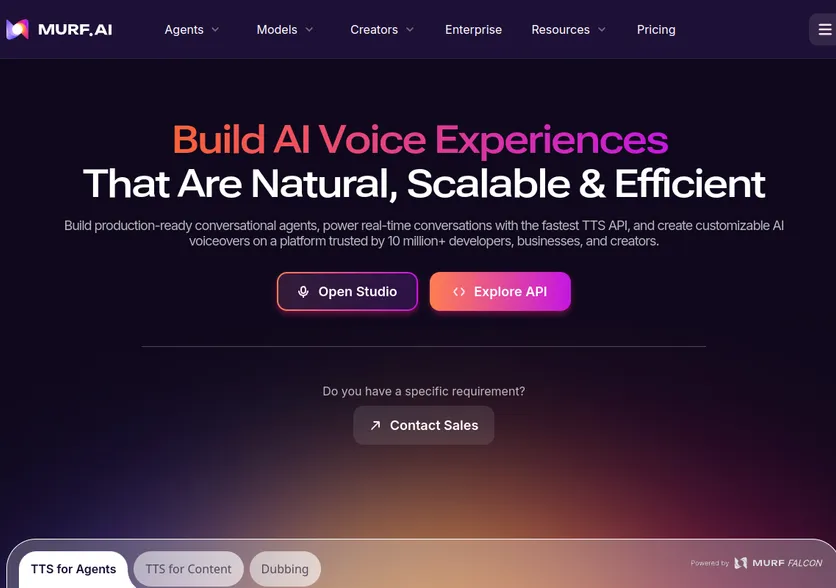
Murf is the AI voice studio that podcasters use when they need a narrator without hiring one. This Murf Creator plan adds more voice generation hours, more voices, and commercial rights for nineteen dollars a month. It is the best voice library here, though it is a voice tool first and a podcast tool second.
What we like
- Best voice library here
- Fine control over tone and pacing
- Commercial rights included
Watch out for
- Voice tool first, podcast tool second
- No recording or editing features
How to try it
- Paste your narration script into the studio
- Pick a voice and adjust tone and speed
- Export the audio and drop it into your episode
8. ElevenLabs
Best for: The most lifelike AI voices at the lowest price
Paid tool Starting price: $5/month · Starter plan billed annually; $6 a month on monthly billing
Free plan: Free plan with 10,000 credits
ElevenLabs makes the most lifelike AI voices available today, and podcasters use them for intros, ads, and narration. This ElevenLabs Starter plan adds thirty thousand credits a month for five dollars, enough for short voice segments on a regular show. It is the cheapest entry here and the best-sounding voice, though it does no recording or editing.
What we like
- Most lifelike voices available
- Cheapest entry price here
- Voice cloning for consistent intros
Watch out for
- No recording or editing tools
- Credit limits on the Starter plan
How to try it
- Pick a voice from the library or clone your own
- Generate your intro or ad read
- Download the audio and add it to your episode
Prices above were checked on each vendor’s own website on Nov 26, 2026 and can change — the vendor’s page is the final word. Vendor links are editorial: nobody paid to be listed or ranked here. Vendors who want a featured listing can see how it works on our Get listed page.
How to ship a polished episode every week
How to ship a polished episode every week
Record in the best room you have, not the best room you can buy. A quiet closet with soft walls beats a noisy studio, and Riverside or Podcastle will capture clean tracks from anywhere. Then let Auphonic or Descript do the polish, since the tools fix level and noise faster than any human with a waveform.
Then build the repurposing habit. Every episode should leave Castmagic as show notes, three clips, and a social post, because that is how new listeners find you. The recording is the hard part; the promotion should be the easy part.
Before you buy
- Does the tool record, edit, and publish, or does it cover only one step?
- Can it remove filler words and background noise without you touching a waveform?
- Do the AI voices sound human enough for your audience, or do they distract?
- Does the price grow per hour, per seat, or per episode, and which matches your schedule?
- Can it export show notes and clips, or does every episode end with more manual work?
Official websites
Official websites of the products reviewed above. Features and prices were checked against these sites when this guide was written, and they can change, so confirm on the vendor site before you buy.
Frequently asked questions
What is the best AI podcast tool?
Descript is the best all-round editor, since it turns audio editing into text editing and costs twenty-four dollars a person. Riverside is the best recorder at the same price, while Auphonic at eleven dollars is the cheapest way to make any recording sound professional. Most podcasters end up with two tools: one to record and one to edit.
Can AI edit my podcast for me?
AI can remove filler words, silences, and background noise, and Descript and Podcastle both do it well. It cannot yet judge which stories to cut or which jokes land, so a human still needs to review the edit. Treat AI as a fast first pass that saves hours, not as a replacement for your own ears.
Do I need a separate tool for recording and editing?
Not always. Podcastle records and edits in one browser studio for under twelve dollars a month, and Descript can record too. Riverside records the best audio but leaves editing to another tool, while Auphonic only polishes finished audio. Pick one tool that covers your weakest step and add a second only when the workflow demands it.
How much does AI podcast software cost?
ElevenLabs Starter costs five dollars a month for short voice segments, while Auphonic and Podcastle cost about eleven dollars each. Descript and Riverside cost twenty-four dollars a month, and Wondercraft costs twenty-five. Most solo podcasters spend between eleven and thirty dollars a month before they need a team plan.
Are AI voices good enough for a real podcast?
Yes, for intros, ads, and scripted narration, where ElevenLabs and Murf voices sound convincingly human. They work less well for free conversation, where the rhythm of real speech is hard to fake. Many shows now mix real hosts with AI voices for ads and announcements, and listeners rarely notice.
Record one short episode in the tool that fits your budget this week, then pay for the one that made the edit fastest.
Browse Audio Tools tools


