
On this page
Editing audio used to mean learning a timeline, but the beginner tools below hide most of that complexity and let you fix a recording in an afternoon. The seven editors here run from a free plan to a one-time purchase near two hundred dollars, and every price was checked on the vendor site on November 26, 2026. Most offer a free plan or a free trial, so you can clean up a real episode before paying anything. Descript is our first pick — it turns editing into word processing, and a beginner can cut a podcast by deleting sentences.
How we researched this
We started with the audio editors beginners actually buy, then read each price on the vendor pricing page on November 26, 2026 and noted the free plan or free trial each one carries. We judged them for a first-time podcaster or video creator who needs clean sound without learning a pro studio. We kept only tools with a published price, and we dropped any tool whose price we could not verify on the vendor site; WavePad was dropped because published figures conflict, and Podcastle was dropped because its pricing page shows no dollar figures.
Compare the tools
| Name | Best for | Starting price | Free plan | |
|---|---|---|---|---|
 Descript | Beginners who want to edit audio by editing words | $16/month | Free plan with text-based editing and AI tools to try | Visit |
 Adobe Audition | Beginners who want a pro studio they can grow into | $22.99/month | Seven-day free trial; no free plan | Visit |
 REAPER | Beginners on a budget who want a one-time purchase | $60 | Sixty-day free evaluation; no free plan | Visit |
 Logic Pro | Mac owners who make music as well as podcasts | $199.99 | Free trial available from Apple | Visit |
 Auphonic | Podcasters who want hands-off finishing | $11/month | Free plan with two hours a month | Visit |
 Hindenburg | Podcasters and journalists who edit spoken word | $99/year | No free plan published on the pricing page | Visit |
 Alitu | New podcasters who want the simplest path to publish | $38/month | Seven-day free trial; no free plan | Visit |
The audio editing software for beginners, compared
1. Descript
Best for: Beginners who want to edit audio by editing words
Paid tool Starting price: $16/month · Hobbyist plan, $16 a month billed annually ($24 monthly); Creator and Business tiers above; free plan available
Free plan: Free plan with text-based editing and AI tools to try
Editing audio by editing words sounds like a trick until you try it, and Descript makes that trick the whole workflow for beginners. This Descript Hobbyist plan lets you cut a podcast by deleting sentences from the transcript, then cleans the sound with Studio Sound and removes filler words automatically. A beginner can finish a first episode in an afternoon and never touch a waveform.

What we like
- Edit audio by editing the transcript
- Studio Sound cleans noisy recordings fast
- Free plan lets you try the full workflow
Watch out for
- Hobbyist costs sixteen dollars a month billed annually
- Heavy users hit the media hour limits fast
How to try it
- Open the Descript pricing page and start the free plan
- Record or import an episode and let it transcribe
- Delete a sentence from the transcript and export the audio
2. Adobe Audition
Best for: Beginners who want a pro studio they can grow into
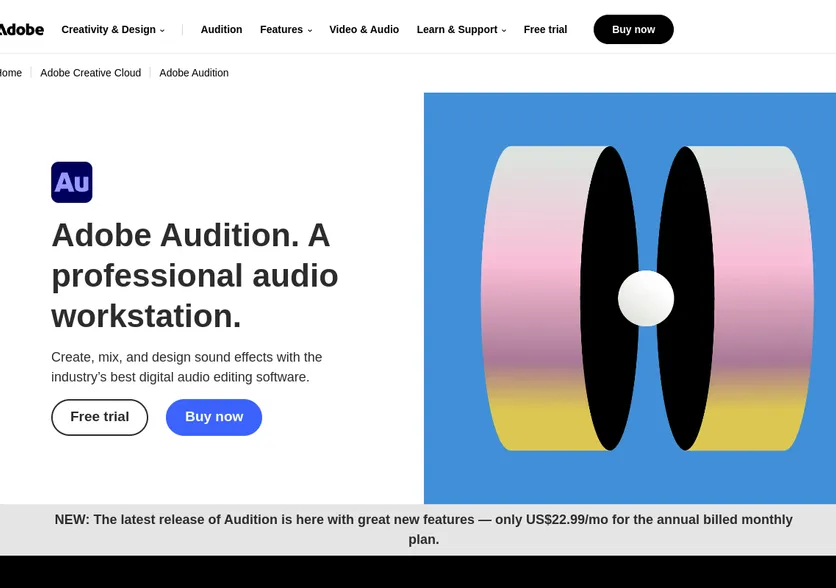
Paid tool Starting price: $22.99/month · Single app plan, $22.99 a month on the annual plan billed monthly ($34.49 monthly); seven-day free trial; also included in Creative Cloud Pro at $69.99 a month
Free plan: Seven-day free trial; no free plan
Audition is the pro studio in this list, and a beginner who plans to edit every week will grow into its multitrack timeline and cleanup tools. This Adobe Audition single app plan gives you noise reduction, multitrack mixing and mastering in the same editor the pros use. A podcaster who starts here will not outgrow the tool for years.
What we like
- Professional multitrack editing and mastering
- Strong noise reduction and cleanup tools
- Part of the Creative Cloud family
Watch out for
- Single app costs twenty two dollars ninety nine cents a month
- Steeper learning curve than the other beginners here
How to try it
- Open the Adobe Audition page and start the seven-day trial
- Import a recording and try the noise reduction
- Mix two tracks and export your first episode
3. REAPER
Best for: Beginners on a budget who want a one-time purchase
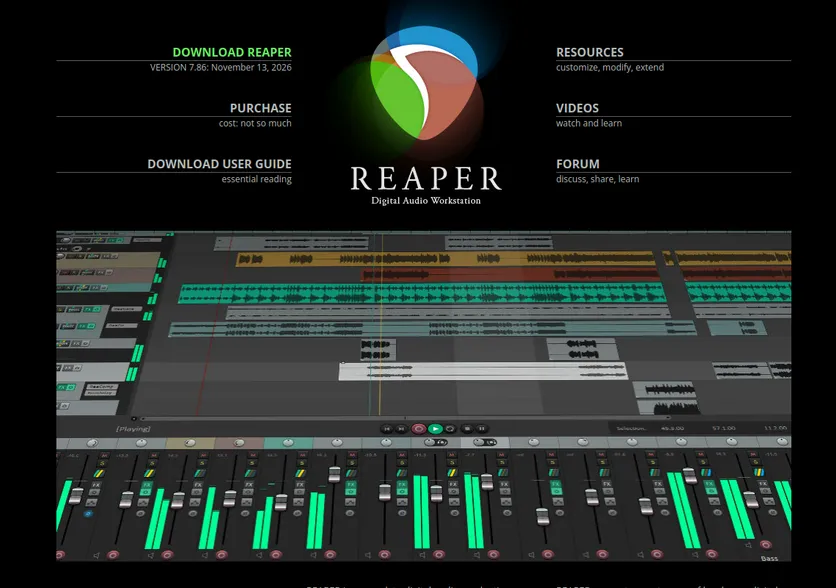
Paid tool Starting price: $60 · Discounted license, $60 one time; commercial license $225 one time; sixty-day free evaluation; license covers upgrades through version 8.99
Free plan: Sixty-day free evaluation; no free plan
REAPER asks a beginner to learn a deeper interface than the rest of this list, and in return it charges once and never asks again. This REAPER discounted license gives you full multitrack recording, editing and mixing for sixty dollars, with a generous evaluation period to learn it first. A creator on a tight budget gets a tool the pros respect without a monthly bill.
What we like
- One-time price with no subscription
- Full multitrack recording and mixing
- Huge community and free tutorials
Watch out for
- Interface takes longer to learn than Descript
- No built-in transcription or AI cleanup
How to try it
- Open the REAPER purchase page and download the evaluation
- Record a track and learn the basic editing shortcuts
- Buy the discounted license when the evaluation ends
4. Logic Pro
Best for: Mac owners who make music as well as podcasts
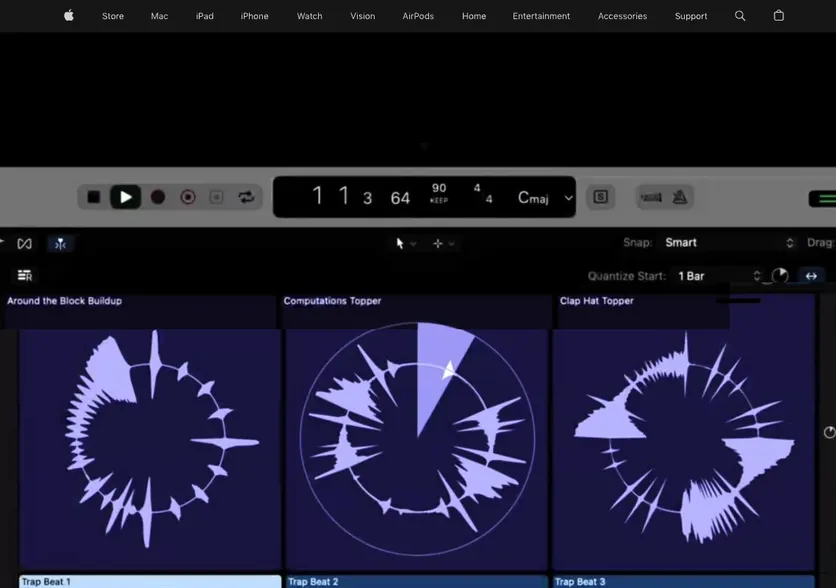
Paid tool Starting price: $199.99 · One-time purchase, $199.99 from the Mac App Store; Mac only; also in Apple Creator Studio at $12.99 a month
Free plan: Free trial available from Apple
Logic Pro turns a Mac into a full recording studio, and its one-time price buys a library of sounds that would cost far more anywhere else. This Logic Pro purchase from the Mac App Store includes thousands of loops and instruments plus pro mixing tools for music and podcasts. A Mac owner who makes music as well as voice will find nothing else this complete at this price.
What we like
- Huge library of sounds and loops included
- One-time price with no subscription
- Pro mixing tools for music and voice
Watch out for
- One-time price of a hundred ninety nine dollars ninety nine cents
- Mac only, so Windows users need another tool
How to try it
- Open the Logic Pro page on the Apple site and start the free trial
- Browse the loop library and start a new project
- Record a track and mix it with the built-in tools
5. Auphonic
Best for: Podcasters who want hands-off finishing
Paid tool Starting price: $11/month · S plan, $11 a month billed annually ($13 monthly) for nine hours a month; free plan with two hours a month; one-time credits from $12 for five hours
Free plan: Free plan with two hours a month
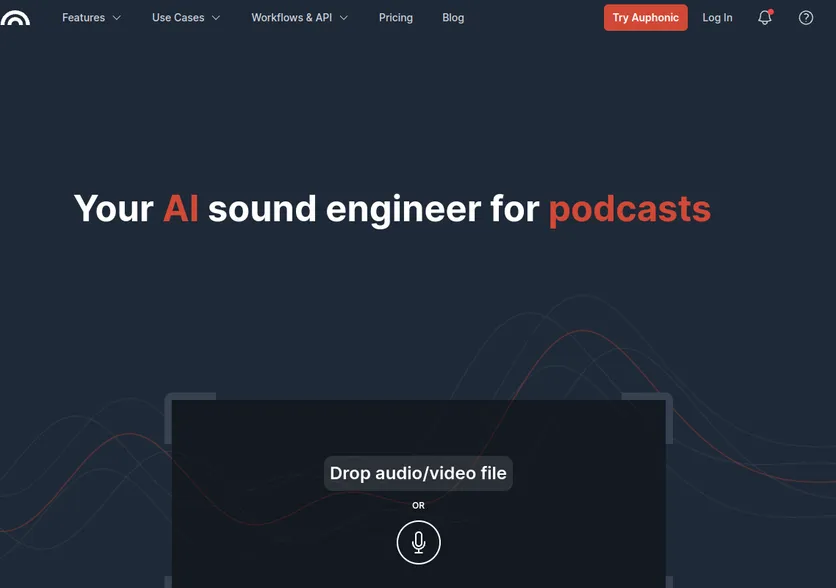
Auphonic does the boring finish work for you, leveling loudness and cleaning noise while you move on to the next episode. This Auphonic S plan takes a raw recording and returns a leveled, denoised master with one click, no timeline required. A podcaster who hates the technical side can publish consistent sound without learning an editor at all.
What we like
- One-click leveling, denoising and mastering
- Free plan covers two hours a month
- No timeline or editing skill needed
Watch out for
- S plan costs eleven dollars a month billed annually
- Nine hour monthly limit on the S plan
How to try it
- Open the Auphonic pricing page and start the free plan
- Upload a raw episode and let it level and denoise
- Download the finished master and publish it
6. Hindenburg
Best for: Podcasters and journalists who edit spoken word
Paid tool Starting price: $99/year · Hindenburg PRO, $99 a year subscription ($12 a month billed monthly); perpetual licence $399
Free plan: No free plan published on the pricing page
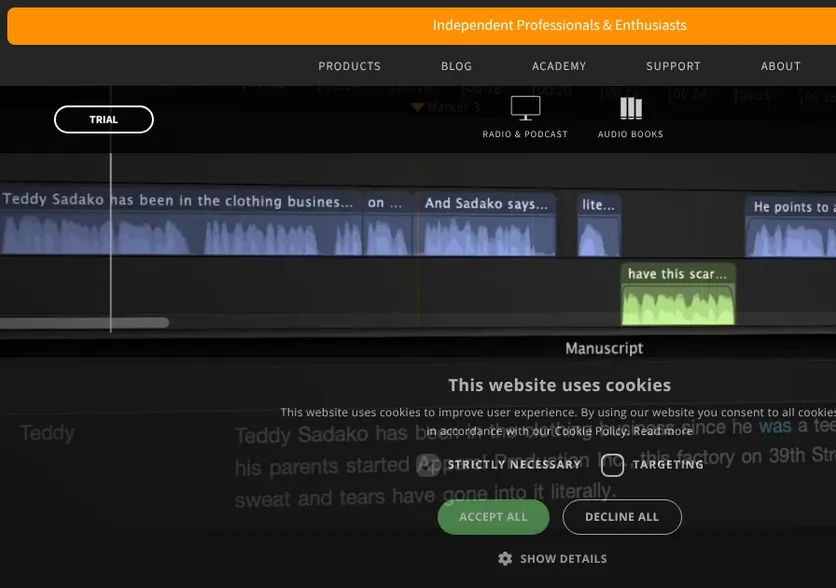
Hindenburg PRO is built for spoken word, so a podcaster or journalist gets a timeline that thinks in stories rather than music tracks. This Hindenburg PRO subscription offers a clean editing layout, loudness leveling and publishing tools tuned for voice. A storyteller who records interviews and narration will feel at home faster here than in a music studio.
What we like
- Built for spoken word and storytelling
- Clean timeline that beginners learn fast
- Loudness leveling built in
Watch out for
- PRO costs ninety nine dollars a year
- Weaker for music than Logic Pro or REAPER
How to try it
- Open the Hindenburg site and compare PRO with the perpetual licence
- Record an interview and arrange it on the story timeline
- Level the loudness and export for your podcast host
7. Alitu
Best for: New podcasters who want the simplest path to publish
Paid tool Starting price: $38/month · One flat plan, $38 a month billed monthly (about $32 a month billed annually); seven-day free trial; the vendor page currently shows a lower sale price which is not quoted here
Free plan: Seven-day free trial; no free plan
Alitu is the closest thing to an autopilot for podcasters, taking a raw recording and turning it into a finished episode with very little clicking. This Alitu flat plan cleans up the audio, adds music and publishes the episode to your host from one dashboard. A new podcaster can go from recording to published show without learning any editing software.
What we like
- Nearly hands-free episode production
- Built-in music and publishing
- One flat plan with no tiers to compare
Watch out for
- Flat plan costs thirty eight dollars a month
- Less control than a full editor like REAPER
How to try it
- Open the Alitu pricing page and start the seven-day trial
- Upload a recording and let Alitu clean it up
- Add music and publish to your podcast host
Prices above were checked on each vendor’s own website on Nov 26, 2026 and can change — the vendor’s page is the final word. Vendor links are editorial: nobody paid to be listed or ranked here. Vendors who want a featured listing can see how it works on our Get listed page.
What audio editing costs a beginner in 2026
The cheapest way to start is free, and three tools here cost nothing to try: Descript, Auphonic and Logic Pro all let a beginner finish a real episode before paying. After that the choice is between a small monthly fee and a one-time purchase, and the maths depends on how long you will keep editing. A monthly plan near sixteen dollars a month costs close to two hundred dollars a year, while a one-time purchase near sixty dollars pays for itself in a few months.
Pick the tool that matches the job you actually do. Descript and Alitu suit podcasters who want speed, REAPER and Logic Pro suit creators who want full control, and Auphonic suits anyone who would rather skip editing entirely. Try two free plans on the same recording and keep the one whose result you like best.
Before you buy
- Count the hours first, because plans with a monthly hour limit cost more once your episodes get longer.
- Check the free plan limits, because a free tier that covers two hours a month suits a weekly show and starves a daily one.
- Test two tools on the same recording, because the same voice sounds different after each cleanup engine.
- Ask whether you need music tools: Logic Pro and REAPER handle music well, while Alitu and Hindenburg focus on voice.
- Add up the yearly bill, because a small monthly fee passes two hundred dollars a year faster than you expect.
Official websites
Official websites of the products reviewed above. Features and prices were checked against these sites when this guide was written, and they can change, so confirm on the vendor site before you buy.
Frequently asked questions
Which audio editing software is best for beginners in 2026?
Descript is the safest default, because editing the transcript edits the audio, and the Hobbyist plan is sixteen dollars a month billed annually with a free plan to try first. REAPER is better when budget matters most, at sixty dollars once with no subscription. Auphonic wins when you want no editing at all, since it levels and masters a recording with one click.
What is the cheapest audio editing software for beginners?
REAPER is the cheapest long-term pick, at sixty dollars once for a full multitrack editor with a sixty-day free evaluation. Auphonic is the cheapest subscription, at eleven dollars a month billed annually with a free plan covering two hours a month. Descript also starts free, so a beginner can edit real episodes before paying anything at all.
Can I edit a podcast for free?
Yes, three tools here cost nothing to start. Descript has a free plan with text-based editing, Auphonic gives two hours of free processing a month, and Logic Pro offers a free trial on the Mac. For a first episode, any of them will clean up a recording well enough to publish, and you can upgrade only when the free limits start to pinch.
Do I need a pro editor like Audition as a beginner?
Not at first. Audition is the strongest tool here, but its learning curve is steeper and it costs twenty two dollars ninety nine cents a month, so it suits a creator who edits every week. Start with Descript or REAPER, and move to Audition when you need its noise reduction and mastering tools on every episode.
Which audio editor is best for podcasting?
Descript leads for podcasters, because transcript editing makes cutting filler fast and Studio Sound cleans noisy rooms. Alitu is the simplest route, turning a raw recording into a published episode with almost no clicks. Hindenburg PRO is the specialist pick for spoken-word storytelling, with a timeline built around interviews and narration.
Need everyday audio help too? Try Toolsvine's free audio tools for beginners right in your browser.
Browse Audio Tools tools


