
On this page
Secure software development best practices only work when the checks run on every commit, not once a quarter, and the eight tools below bring scanning, secrets detection and dependency checks into the pipeline where developers already work. Prices run from five dollars a contributor a month to a flat three hundred fifty dollars a month, and every figure was checked on the vendor site on November 26, 2026. Most tools here carry a free tier, so start free and pay when the team outgrows it. Snyk is our first pick — the broadest scanner for a small team.
How we researched this
We started with the scanners and platforms teams actually wire into continuous integration, then read each price on the vendor pricing page on November 26, 2026 and noted the free tier each one carries. We judged them for a team of up to ten developers who need code, dependency and secret scanning in one workflow, and we kept only tools with a published price.
Compare the tools
| Name | Best for | Starting price | Free plan | |
|---|---|---|---|---|
 Snyk | Small dev teams of five to ten that want SAST, SCA, container and IaC scanning in one tool | $25/contributing developer/month | Free plan with limited test volumes | Visit |
 Semgrep | Teams that want fast code and dependency scanning with rules they can write themselves | $30/contributor/month | Free Edition for up to 10 contributors | Visit |
 SonarQube Cloud | Teams that want code quality and security findings in one dashboard with strict quality gates | $34/month | Free tier for up to 50,000 lines of code | Visit |
 GitHub Advanced Security | Teams already on GitHub that want secret scanning and code scanning inside pull requests | $49/active committer/month | No free plan for private repositories; free on public repositories | Visit |
 GitLab | Teams that want code, CI and security scanning in one DevSecOps platform | $29/user/month | Free plan for up to 5 users in a top-level group | Visit |
 Burp Suite Professional | Security testers who need a full web proxy, scanner and repeater for manual penetration testing | $499/user/year | Free Community Edition for manual testing | Visit |
 Aikido Security | Small teams that want code, cloud and container scanning on one flat monthly price | $350/month | Free Developer plan for 2 users and 10 repositories | Visit |
 Qodana | JetBrains IDE teams that want the same inspections in CI that they already see in the editor | $5/active contributor/month | Free Community tier | Visit |
The secure software development tools, compared
1. Snyk
Best for: Small dev teams of five to ten that want SAST, SCA, container and IaC scanning in one tool
Paid tool Starting price: $25/contributing developer/month · Team plan, $25 per contributing developer a month; annual billing covers five developers for $1,375 a year; minimum 5 and maximum 10 contributing developers; Enterprise is quote-based
Free plan: Free plan with limited test volumes
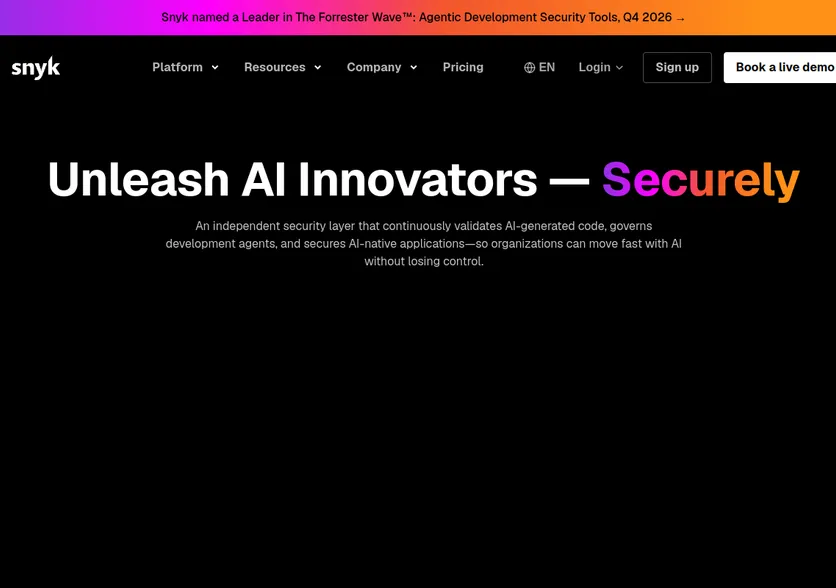
Snyk scans first-party code, open source dependencies, containers and infrastructure as code for known vulnerabilities, then opens fix pull requests that a developer can merge in one click. This Snyk Team plan lists at twenty-five dollars per contributing developer a month, with a discount on annual billing. A small team that wants one scanner for code, dependencies and containers gets the broadest coverage in this list without buying four separate tools.
What we like
- One scanner covers code, dependencies, containers and IaC
- Fix pull requests merge in one click
- Free plan covers all five products with test limits
Watch out for
- Team plan caps at ten contributing developers
- Larger teams must move to quote-based Enterprise pricing
How to try it
- Open the Snyk Team page and start on the free plan
- Connect one repository and run the first scan
- Turn on fix pull requests and invite the team when the scan looks clean
2. Semgrep
Best for: Teams that want fast code and dependency scanning with rules they can write themselves
Paid tool Starting price: $30/contributor/month · Teams Code $30 per contributor a month, Supply Chain $30, Secrets $15; Free Edition covers up to 10 contributors
Free plan: Free Edition for up to 10 contributors
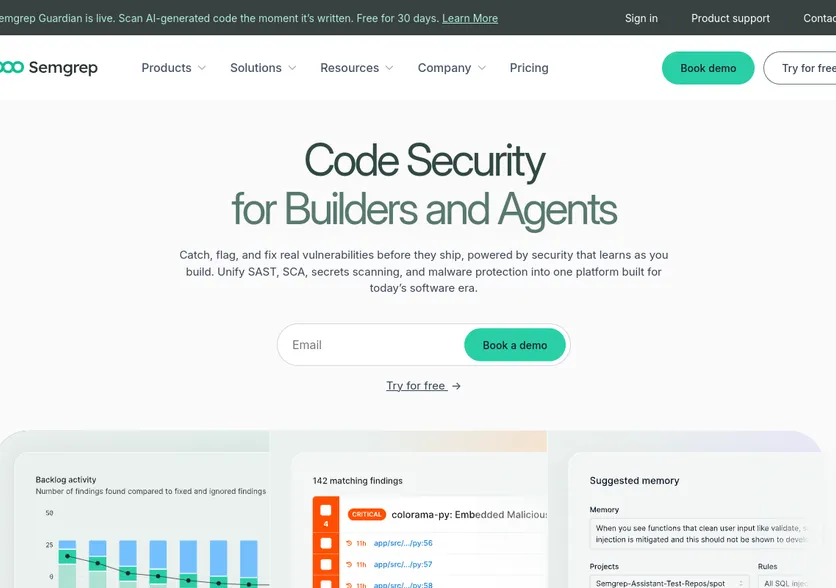
Semgrep scans code and dependencies with fast, readable rules that a team can write and tune without waiting on a vendor, so findings match the codebase instead of generic patterns. This Semgrep Teams Code plan costs thirty dollars per contributor a month, and the same price covers Supply Chain scanning while Secrets costs fifteen dollars. A team that outgrows the free edition gets serious scanning without the per-developer bill of the bigger platforms.
What we like
- Rules are readable and easy to customise
- Free edition covers code and dependency scanning
- Scans run fast enough for every pull request
Watch out for
- Code and Supply Chain are billed as separate products
- Secrets scanning costs extra per contributor
How to try it
- Start on the Free Edition and scan one repository
- Add a custom rule for a pattern your team keeps shipping
- Upgrade to Teams Code when the team passes ten contributors
3. SonarQube Cloud
Best for: Teams that want code quality and security findings in one dashboard with strict quality gates
Paid tool Starting price: $34/month · Team plan starts at $34 a month for up to 100,000 lines of code; free tier covers up to 50,000 lines of code; 14-day trial
Free plan: Free tier for up to 50,000 lines of code
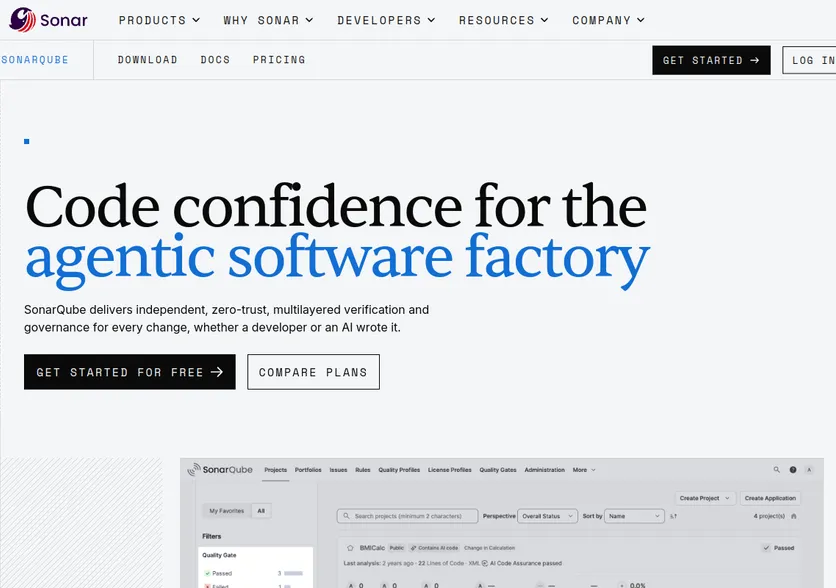
SonarQube Cloud analyses code for bugs, vulnerabilities and code smells, then blocks merges that fail a quality gate so bad code never reaches production. This SonarQube Cloud Team plan starts at thirty-four dollars a month for up to one hundred thousand lines of code, with a free tier below it. A team that wants one quality bar for every repository gets clear pass and fail signals on each pull request.
What we like
- Quality gates block bad merges automatically
- Findings cover bugs, vulnerabilities and code smells
- Free tier covers small projects with no card
Watch out for
- Price scales with lines of code, so large codebases cost more
- Team plan caps at one hundred thousand lines of code
How to try it
- Start on the free tier and connect one repository
- Set a quality gate that fails the build on new vulnerabilities
- Upgrade to Team when the codebase passes fifty thousand lines
4. GitHub Advanced Security
Best for: Teams already on GitHub that want secret scanning and code scanning inside pull requests
Paid tool Starting price: $49/active committer/month · GitHub Advanced Security costs $49 per active committer a month; GitHub Team is $4 per user a month and Enterprise starts at $21
Free plan: No free plan for private repositories; free on public repositories
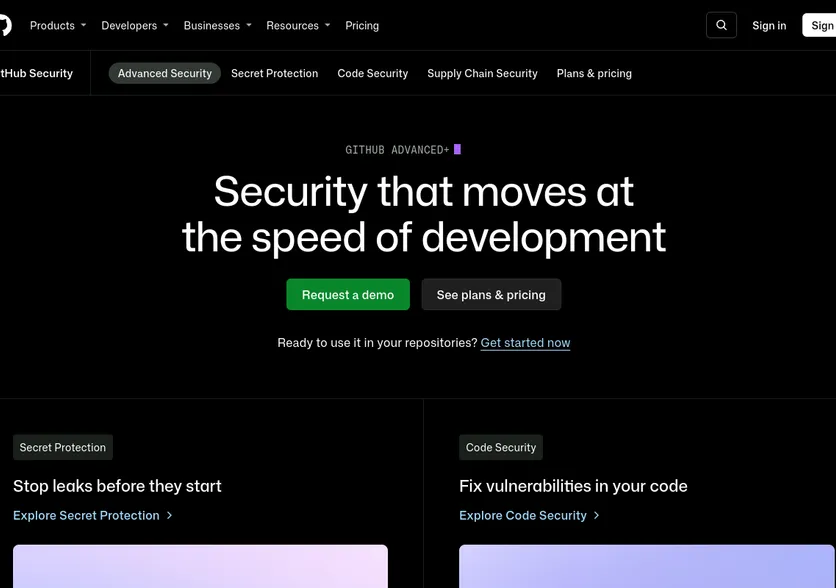
GitHub Advanced Security adds secret scanning, code scanning and dependency review to the repositories a team already uses, so findings appear in pull requests instead of a separate dashboard. This GitHub Advanced Security add-on costs forty-nine dollars per active committer a month on top of a GitHub plan. A team that lives in GitHub gets security checks where developers already review code, with no new tool to learn.
What we like
- Findings appear inside pull requests
- Secret scanning catches leaked credentials fast
- No new dashboard for GitHub teams to learn
Watch out for
- Billed per active committer, so occasional contributors count
- Needs a paid GitHub plan underneath
How to try it
- Turn on secret scanning for one repository
- Enable code scanning with the default CodeQL setup
- Add dependency review to block risky pull requests
5. GitLab
Best for: Teams that want code, CI and security scanning in one DevSecOps platform
Paid tool Starting price: $29/user/month · Premium plan, $29 per user a month billed annually with no monthly billing option; Ultimate is quote-based
Free plan: Free plan for up to 5 users in a top-level group
GitLab puts repositories, pipelines and security scanning in one platform, so a vulnerability found in a scan links straight to the merge request that fixes it. This GitLab Premium plan costs twenty-nine dollars per user a month billed annually and adds the security scans and compliance controls. A team that wants one login for code, CI and security avoids stitching three tools together.

What we like
- Code, CI and security live in one platform
- Scans link straight to the fixing merge request
- Premium includes compliance controls and approvals
Watch out for
- Premium is billed annually only, with no monthly option
- Ultimate tier needs a sales quote
How to try it
- Start on the free plan and import one repository
- Turn on the security scans in the CI pipeline
- Upgrade to Premium when compliance controls matter
6. Burp Suite Professional
Best for: Security testers who need a full web proxy, scanner and repeater for manual penetration testing
Paid tool Starting price: $499/user/year · Burp Suite Professional costs $499 per user a year; the free Community Edition covers manual testing basics
Free plan: Free Community Edition for manual testing
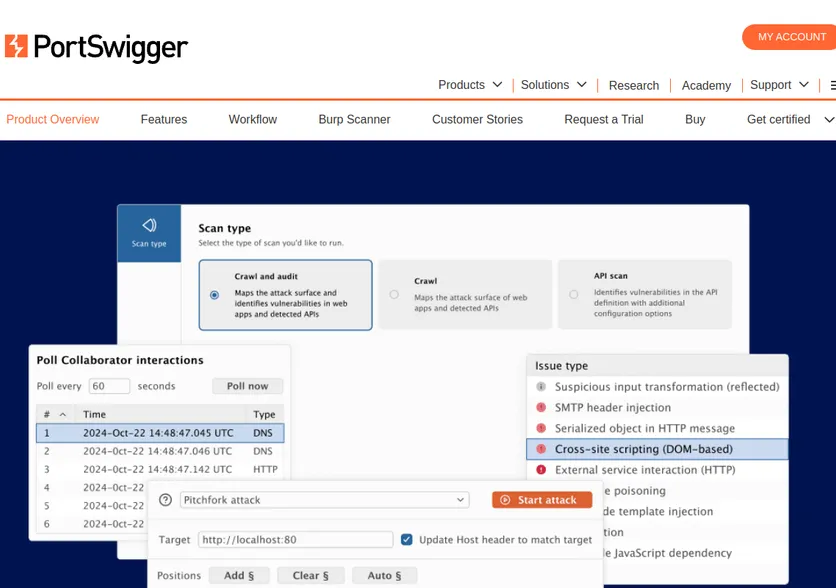
Burp Suite Professional is the standard toolkit for manual web security testing, with a proxy that intercepts traffic, a scanner that probes for flaws and a repeater for hand-crafted requests. This Burp Suite Professional licence costs four hundred ninety-nine dollars per user a year and adds the automated scanner and saved projects. A tester who probes web apps by hand gets the deepest manual toolkit in this list.
What we like
- Deepest manual testing toolkit for web apps
- Automated scanner finds flaws fast
- Huge extension library adds new checks
Watch out for
- Built for testers, not for automated CI pipelines
- One licence covers one user only
How to try it
- Download the free Community Edition and proxy one app
- Learn the repeater on a test target before live work
- Buy Professional when the automated scanner matters
7. Aikido Security
Best for: Small teams that want code, cloud and container scanning on one flat monthly price
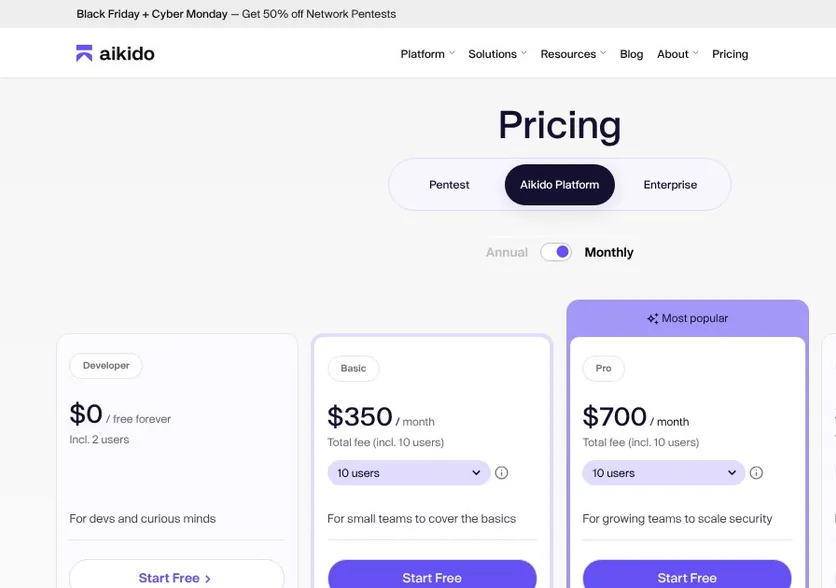
Paid tool Starting price: $350/month · Basic plan, $350 a month flat for up to 10 users, 100 repositories and unlimited AI AutoFixes; Pro $700 and Advanced $1,050 a month; 10 percent off on annual billing
Free plan: Free Developer plan for 2 users and 10 repositories
Aikido Security scans code, dependencies, secrets, containers and cloud setups from one dashboard, then opens AI-generated fixes as pull requests. This Aikido Security Basic plan costs three hundred fifty dollars a month flat for up to ten users and one hundred repositories. A small team that hates per-seat billing gets the whole platform for one predictable monthly number.
What we like
- One flat price covers up to ten users
- AI AutoFix opens fix pull requests automatically
- Code, cloud and containers in one dashboard
Watch out for
- Flat price is steep for a team of two or three
- Penetration testing is priced separately
How to try it
- Start on the free Developer plan with two users
- Connect the main repositories and review the first findings
- Move to Basic when the team passes two users
8. Qodana
Best for: JetBrains IDE teams that want the same inspections in CI that they already see in the editor
Paid tool Starting price: $5/active contributor/month · Ultimate plan, $5 per active contributor a month billed annually at $60 a year; minimum 3 active contributors; Ultimate Plus $15 a month
Free plan: Free Community tier
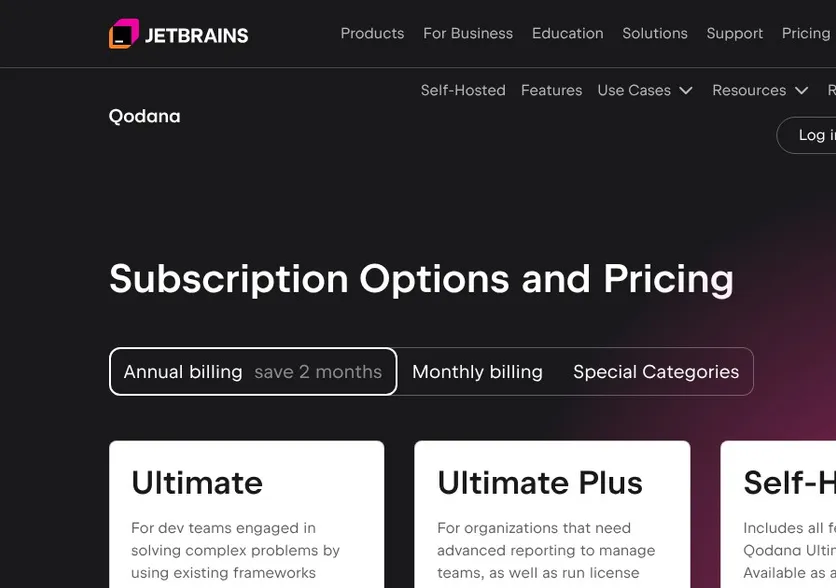
Qodana runs the same inspections in the pipeline that JetBrains IDEs show in the editor, so a finding in CI matches what the developer already saw while coding. This Qodana Ultimate plan costs five dollars per active contributor a month billed annually, with a three-contributor minimum. A JetBrains shop gets the cheapest paid analysis in this list with no second rule set to maintain.
What we like
- Same inspections in the IDE and in CI
- Cheapest paid plan in this comparison
- Priced per active contributor, not per seat
Watch out for
- Full security checks need Ultimate Plus at fifteen dollars
- Minimum of three active contributors applies
How to try it
- Start on the free Community tier with one project
- Wire Qodana into the CI pipeline for one repository
- Upgrade to Ultimate when the team needs the full inspection set
Prices above were checked on each vendor’s own website on Nov 26, 2026 and can change — the vendor’s page is the final word. Vendor links are editorial: nobody paid to be listed or ranked here. Vendors who want a featured listing can see how it works on our Get listed page.
How to put secure software development best practices into place
Pick one scanner and wire it into the pipeline before adding a second, because two scanners that nobody reads are worse than one that blocks bad merges. Start on a free tier, set the quality gate to fail on new critical findings only, and let the team fix those before tightening the rules. A gate that fails every build gets switched off, while a gate that catches real flaws earns trust fast.
Price the plan against the team, not the feature list. Per-contributor tools stay cheap for small teams and grow with headcount, while flat-rate plans suit teams of ten who all commit code. Check the free tier caps first, because a team that outgrows lines of code or contributor limits mid-project faces an unplanned upgrade.
Before you buy
- Count contributing developers first, because Snyk Team needs at least five and caps at ten.
- Check the lines of code cap, because SonarQube Cloud Team stops at one hundred thousand lines.
- Compare flat and per-seat pricing, because Aikido Basic costs three hundred fifty dollars a month for ten users.
- Test the free tier with real code, because Semgrep Free covers up to ten contributors and Qodana Community is free.
- Check what the entry plan excludes, because GitHub Advanced Security needs a paid GitHub plan underneath.
Official websites
Official websites of the products reviewed above. Features and prices were checked against these sites when this guide was written, and they can change, so confirm on the vendor site before you buy.
Frequently asked questions
Which tool is best for secure software development in 2026?
Snyk is the safest default for a small team, because one Team plan covers code, dependencies, containers and infrastructure as code for twenty-five dollars per contributing developer a month. Semgrep is the best free start with code and dependency scanning for up to ten contributors. Qodana is the cheapest paid option at five dollars a contributor a month for JetBrains teams.
How much does secure software development tooling cost?
Entry prices in this list run from five dollars a contributor a month on Qodana Ultimate to forty-nine dollars an active committer a month on GitHub Advanced Security, with Aikido Basic at a flat three hundred fifty dollars a month. Most tools carry a free tier, so a team of two or three can often run scanning free for months before paying anything.
Is there a free secure code scanning tool?
Yes, several tools here scan free. Semgrep Free covers code and dependency scanning for up to ten contributors, SonarQube Cloud Free covers up to fifty thousand lines of code, and Qodana Community is free with no card. Snyk Free covers all five products with limited test volumes, and GitLab Free includes basic scans for up to five users.
What is the difference between SAST and SCA?
SAST scans the code a team writes for bugs and vulnerabilities, while SCA scans the open source libraries that code depends on for known flaws. A secure pipeline needs both, because most breaches come through a library the team never wrote. Snyk, Semgrep and SonarQube Cloud all cover both kinds of scanning in one tool.
Do these tools work with GitHub and GitLab?
Yes, every tool here connects to GitHub, GitLab or both, and findings appear in pull requests or merge requests where developers already review code. GitHub Advanced Security only works on GitHub, while GitLab Premium only works on GitLab. Snyk, Semgrep, SonarQube Cloud, Aikido and Qodana all work across both platforms.
Want more security help? Try Toolsvine's free security tools to check passwords, hashes and encodings right in your browser.
Browse Security & Privacy tools


