On this page
A help desk lives or dies on routing: the right ticket to the right agent at the right speed, with the customer kept informed throughout. The eight tools below automate that work for IT support teams, from a full help desk with AI agents to a connector that links the ticket queue to everything else. Freshdesk leads because it turns every channel into one automated queue for nineteen dollars per agent a month, and the rest are ranked on how much of the triage they take off human hands.
How we researched this
We checked every price on the vendor pricing page on November 28, 2026, and only included tools with a published US dollar list price. The enterprise service platforms that sell by quote publish no flat starting price, so they are not in this list. Prices change, so confirm the current figure on the vendor site before you buy.
Compare the tools
| Name | Best for | Starting price | Free plan | |
|---|---|---|---|---|
 Freshdesk | Support teams that want one queue for every channel | $19/agent/month | No free plan; 14-day free trial | Visit |
 Zendesk | Teams that need chat, voice and AI beside ticketing | $55/agent/month | No free plan; 14-day free trial | Visit |
 Zoho Desk | Small teams that want full ticketing at the lowest price | $14/agent/month | Free plan (up to 3 agents) | Visit |
 Jira Service Management | IT teams already running Jira for development | $21.50/agent/month | Free plan (up to 3 agents) | Visit |
 HappyFox | Teams that want a tidy, organised ticket queue | $24/agent/month | No free plan; 14-day free trial | Visit |
 ManageEngine ServiceDesk Plus | IT teams that want a complete desk at the lowest price | $13/technician/month | Free plan (up to 5 technicians) | Visit |
 Zapier | Help desks that want the ticket queue connected to everything | $19.99/month | Free plan (100 tasks a month) | Visit |
 Make | Help desks that want ticket routing they can see | $9/month | Free plan (1,000 credits a month) | Visit |
The process automation software for IT help desk workflows, compared
1. Freshdesk
Best for: Support teams that want one queue for every channel
Paid tool Starting price: $19/agent/month · Nineteen dollars per agent a month billed annually on Growth (twenty-three dollars billed monthly); Pro is fifty-five dollars a month billed annually; Enterprise is eighty-nine dollars; the old free plan is gone, replaced by a time-limited zero-dollar offer for one or two agents for six months; Freddy AI Copilot is a twenty-nine dollar per agent a month add-on
Free plan: No free plan; 14-day free trial
A support team that answers customers across email, chat and phone from separate inboxes will find this Freshdesk plan costs nineteen dollars per agent a month billed annually, and it turns every channel into one ticket queue with automations that route, prioritise and escalate on their own. A new ticket can be assigned, tagged and answered from a template before an agent even opens it. It is the best value help desk in this list for a team that wants real automation without an enterprise price.

What we like
- One ticket queue for email, chat, phone and social channels
- Automations that route, prioritise and escalate tickets on their own
- AI agent and Copilot options that grow with the team
Watch out for
- The free plan is gone, so every seat is paid from day one
- AI Copilot costs twenty-nine dollars per agent extra
How to try it
- Connect the email, chat and phone channels to one queue
- Build the routing rules that assign and prioritise new tickets
- Switch on the canned replies and the self-service knowledge base
2. Zendesk
Best for: Teams that need chat, voice and AI beside ticketing
Paid tool Starting price: $55/agent/month · Fifty-five dollars per agent a month billed annually on Suite Team (sixty-nine dollars billed monthly); Support Team is nineteen dollars a month billed annually for email and ticketing only; Suite Professional is one hundred and fifteen dollars; Suite Enterprise is by quote
Free plan: No free plan; 14-day free trial
A support team that needs live chat beside email and ticketing will find this Zendesk plan costs fifty-five dollars per agent a month billed annually, and it brings AI agents that resolve routine issues end to end inside a full service suite. Tickets, chat, voice and self-service share one workspace, so an agent never switches apps mid-conversation. It is the broadest platform in this list, and the price reflects that breadth.

What we like
- AI agents resolve routine issues end to end
- Tickets, chat, voice and self-service in one workspace
- The largest integration library of any help desk here
Watch out for
- The cheapest tier is email and ticketing only, with no chat
- Costs climb fast once AI and extra channels are added
How to try it
- Connect the email and chat channels to the agent workspace
- Set up the AI agent for the most common routine questions
- Build the routing and escalation rules for the team
3. Zoho Desk
Best for: Small teams that want full ticketing at the lowest price
Paid tool Starting price: $14/agent/month · Fourteen dollars per agent a month billed annually on Standard (twenty dollars billed monthly); Express is seven dollars a month billed annually; Professional is twenty-three dollars; Enterprise is forty dollars; the free plan covers up to three agents
Free plan: Free plan (up to 3 agents)
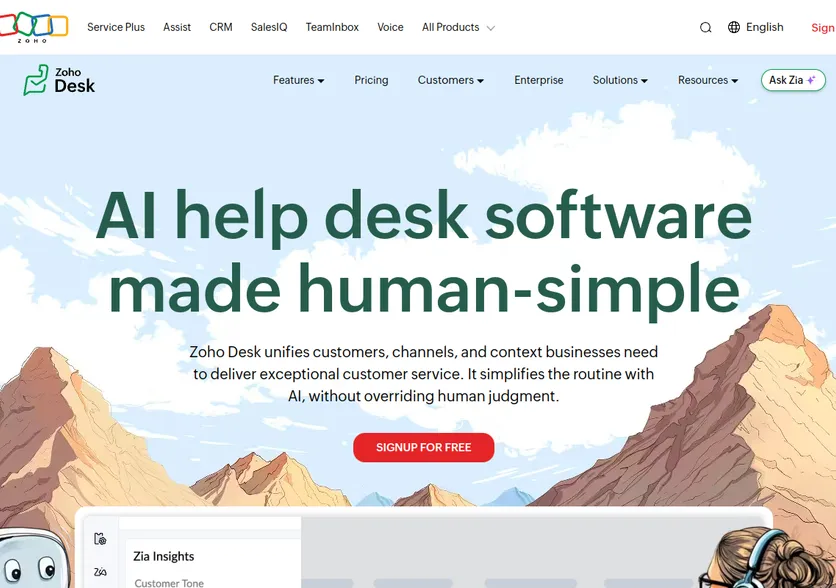
A small support team that should not pay enterprise money for a shared inbox will find this Zoho Desk plan costs fourteen dollars per agent a month billed annually, which makes it the cheapest full ticketing plan in this list. Tickets, a knowledge base and live chat sit in one system, and teams already running Zoho get their support record beside the sale. The free plan covers three agents, so a tiny team can start without paying at all.
What we like
- The cheapest full ticketing plan in this list
- Knowledge base, live chat and ticketing in one system
- Free for up to three agents
Watch out for
- The interface is busier than the simpler rivals
- Advanced AI and automation need the dearer plans
How to try it
- Connect the support email address to the ticket queue
- Build the knowledge base with answers to the top ten questions
- Set up the assignment rules and the live chat widget
4. Jira Service Management
Best for: IT teams already running Jira for development
Paid tool Starting price: $21.50/agent/month · Twenty-one dollars and fifty cents per agent a month on Standard at a seventy-five-agent team, billed monthly; the per-agent rate varies by band, with the first fifteen agents at twenty-six dollars and ninety cents a month; annual pricing for ten agents is twenty-two dollars and fifty cents per agent a month; free for up to three agents; now sold as part of the Service Collection
Free plan: Free plan (up to 3 agents)
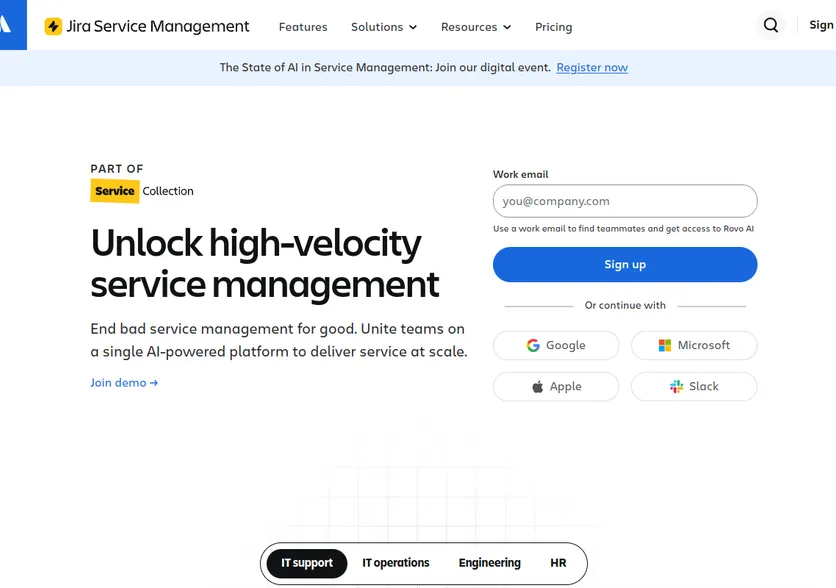
An IT team that already runs development work in Jira will find this Jira Service Management plan costs twenty-one dollars and fifty cents per agent a month on Standard at a seventy-five-agent team, and it runs requests, incidents and changes on the same platform the developers already use. Service requests, incident queues and change approvals share one system, and the per-agent rate varies by team size. It is the natural desk for a shop that already lives in Atlassian tools.
What we like
- Incidents, changes and requests on the platform developers already use
- Strong service catalogue and approval workflows
- Free for up to three agents
Watch out for
- The per-agent rate varies by team-size band, so budget carefully
- Setup is heavier than a simple shared-inbox desk
How to try it
- Create the service catalogue with the most common request types
- Connect the incident queue to the monitoring alerts
- Set up the approval rules for changes and access requests
5. HappyFox
Best for: Teams that want a tidy, organised ticket queue
Paid tool Starting price: $24/agent/month · Twenty-four dollars per agent a month billed annually on Basic; Team is forty-nine dollars; Pro is ninety-nine dollars; Enterprise Pro is by quote; unlimited-agent plans start at one thousand nine hundred and ninety-nine dollars a month; the older Mighty twenty-nine dollar ladder is superseded; HappyFox AI is a fourteen dollar per agent a month add-on and web messaging is nineteen dollars
Free plan: No free plan; 14-day free trial
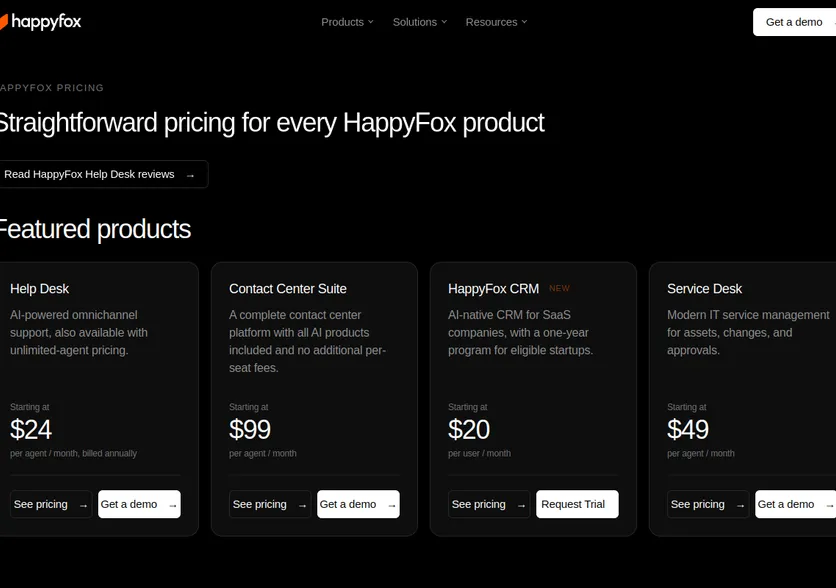
A support team that wants tickets organised by category with smart rules and a clean help centre will find this HappyFox plan costs twenty-four dollars per agent a month billed annually, and it gives unlimited tickets with SLA management, a knowledge base and automations that stay tidy on purpose. Agents work from a calm queue instead of a noisy inbox, and customers help themselves from the help centre first. It is the tidiest desk in this list for a team that values order over features.
What we like
- Unlimited tickets with SLA management and a knowledge base
- Smart rules that organise tickets by category on their own
- A calm agent view that stays tidy at volume
Watch out for
- AI and live chat are paid add-ons, not included
- Fewer native integrations than the bigger platforms
How to try it
- Create the ticket categories and the smart routing rules
- Build the help centre with the most asked questions
- Set the SLAs and the escalation rules for the team
6. ManageEngine ServiceDesk Plus
Best for: IT teams that want a complete desk at the lowest price
Paid tool Starting price: $13/technician/month · Thirteen dollars per technician a month on Standard cloud; Professional is twenty-seven dollars; Enterprise is sixty-seven dollars; free for up to five technicians; on-premises pricing differs, with Standard at one thousand one hundred and ninety-five dollars a year for ten technicians
Free plan: Free plan (up to 5 technicians)
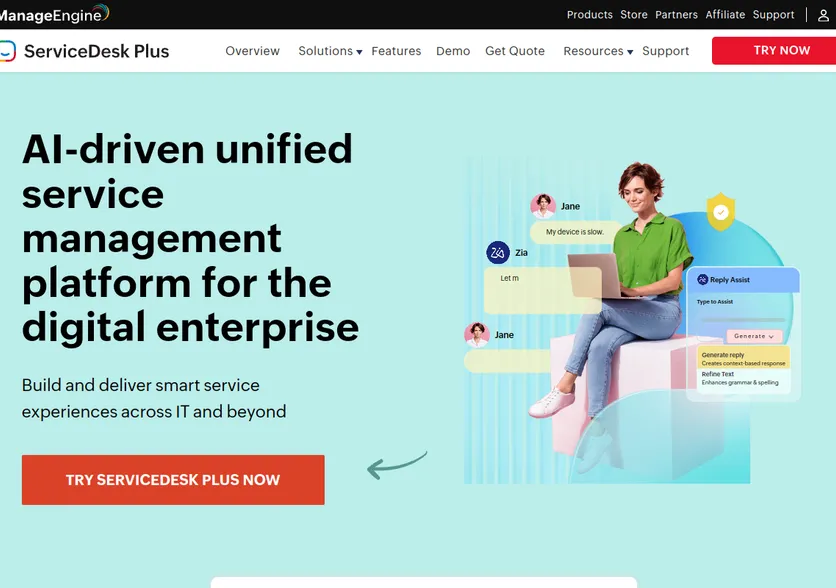
An IT team that needs a complete desk for the lowest per-technician price will find this ManageEngine ServiceDesk Plus plan costs thirteen dollars per technician a month on Standard cloud, and it covers ticketing, asset management and a self-service portal in one system. The free plan covers five technicians, so a small team can run the whole desk without paying. It is the budget pick here, with professional features that belie the price.
What we like
- Complete ticketing with asset management at thirteen dollars a technician
- Free for up to five technicians
- Self-service portal and knowledge base included
Watch out for
- The interface is functional rather than modern
- Cloud and on-premises prices differ, so check the right one
How to try it
- Import the asset list and connect the technician accounts
- Create the ticket categories and the self-service portal
- Set up the approval and escalation rules for the team
7. Zapier
Best for: Help desks that want the ticket queue connected to everything
Paid tool Starting price: $19.99/month · Nineteen dollars and ninety-nine cents a month billed annually on Professional (twenty-nine dollars and ninety-nine cents billed monthly); Team is sixty-nine dollars a month billed annually; the free plan covers one hundred tasks a month and two-step Zaps only
Free plan: Free plan (100 tasks a month)
A help desk that triages tickets by hand will move faster with this Zapier plan, which costs nineteen dollars and ninety-nine cents a month billed annually and links the ticket queue to chat, email and the status page. A new ticket can page the on-call engineer, post to the team channel and update the customer without a human in the middle. Multi-step workflows and premium apps arrive on this tier, while the free plan stays limited to two-step flows.

What we like
- Links the ticket queue to chat, email and the status page
- Multi-step workflows with filters and formatting
- Connects more apps than any other automation tool here
Watch out for
- Per-task pricing grows with ticket volume
- It automates around the desk rather than replacing it
How to try it
- Connect the help desk, the chat app and the status page
- Build the flow from new ticket to page to customer update
- Test the flow with a fake ticket, then switch it on
8. Make
Best for: Help desks that want ticket routing they can see
Paid tool Starting price: $9/month · Nine dollars a month billed annually on Core (ten dollars and fifty-nine cents billed monthly); Pro is sixteen dollars a month billed annually; Teams is twenty-nine dollars; the free plan includes one thousand credits a month
Free plan: Free plan (1,000 credits a month)
A help desk that routes tickets through three apps before anyone answers will find this Make plan costs nine dollars a month billed annually, and it builds the routing as a visual scenario where every step, branch and filter sits on one canvas. A critical ticket can page the engineer, create the incident record and notify the customer in a single run. Ten thousand credits a month is generous for a small desk, and the free tier covers one thousand credits for testing.

What we like
- Visual scenarios show every routing step on one canvas
- Ten thousand credits a month for less than ten dollars
- Routers handle priority, channel and team in one flow
Watch out for
- The visual builder takes longer to learn than a simple trigger list
- Credit counting is less obvious than a plain task count
How to try it
- Connect the help desk, the paging tool and the chat app
- Draw the routing scenario with branches for priority and channel
- Test it with a critical ticket, then switch it on
Prices above were checked on each vendor’s own website on Nov 28, 2026 and can change — the vendor’s page is the final word. Vendor links are editorial: nobody paid to be listed or ranked here. Vendors who want a featured listing can see how it works on our Get listed page.
How to automate a help desk without losing the customer
Start with the routing, because that is where most tickets waste time: a rule that reads the subject, assigns the agent and sets the priority before anyone opens the queue. Then automate the answers customers actually want, such as the acknowledgement, the status update and the resolution note, and let the knowledge base handle the questions that never needed a human. Keep a human in the loop for anything angry, confused or expensive, since an automated reply to a frustrated customer makes the problem worse. Finally, review the unassigned queue every morning, because a ticket no rule caught is a customer nobody helped.
Before you buy
- Confirm the tool covers every channel the team actually answers
- Check whether automations and AI are on the plan you would buy
- Make sure the knowledge base and self-service portal are included
- Ask if the per-agent rate changes with team size or billing term
- Test the routing rules on real tickets before paying for a year
Official websites
Official websites of the products reviewed above. Features and prices were checked against these sites when this guide was written, and they can change, so confirm on the vendor site before you buy.
Frequently asked questions
What is the best process automation software for IT help desk workflows?
Freshdesk is the best overall pick, at nineteen dollars per agent a month billed annually, because it turns email, chat and phone into one automated ticket queue. Zoho Desk is the budget pick at fourteen dollars per agent a month, with a free plan for three agents. Zapier is the best choice for connecting the desk to chat, paging and status pages.
How much does Freshdesk cost per agent?
Freshdesk Growth costs nineteen dollars per agent a month billed annually, or twenty-three dollars billed monthly. That plan includes omnichannel ticketing with automated workflows. Pro costs fifty-five dollars a month billed annually, and Enterprise costs eighty-nine dollars. The old free plan is gone, so every seat is paid, though a fourteen-day free trial is available.
Can I run a help desk for free?
Yes, for a tiny team. Zoho Desk offers a free plan for up to three agents, Jira Service Management is free for up to three agents, and ManageEngine ServiceDesk Plus is free for up to five technicians. Zapier and Make also have free plans for connecting the desk to other apps. Larger teams need a paid plan, with Zoho Desk the cheapest at fourteen dollars per agent a month.
Is Zendesk or Freshdesk better for a small IT team?
Freshdesk is better for a small IT team, at nineteen dollars per agent a month billed annually, because it includes omnichannel ticketing and automations at that price. Zendesk needs the fifty-five dollar Suite Team plan for live chat beside email, which more than doubles the cost. Zendesk is the better pick only when the team needs AI agents and the largest integration library.
Which tool is best for a team already using Jira?
Jira Service Management is the best pick for a team already using Jira, at twenty-one dollars and fifty cents per agent a month on Standard, because incidents, changes and requests run on the same platform the developers already use. It is free for up to three agents. Teams without Jira should look at Freshdesk or Zoho Desk instead.
Compare the eight tools above, then start with a free trial of the desk that matches how the team already works before paying for a full year.
Browse Business Tools tools