On this page
A product that never reaches Google Shopping or a marketplace never gets the chance to sell, however good the store looks. The seven tools below take one catalogue and push it to every channel that matters, keeping prices and stock in step. DataFeedWatch leads because it covers more than two thousand channels for sixty-four dollars a month, and the rest are ranked on how much of the feed work they automate for the price.
How we researched this
We checked every price on the vendor pricing page on November 28, 2026, and only included tools with a published US dollar list price. The enterprise platforms that sell by quote, including Salsify, Akeneo, Syndigo, Productsup, Feedonomics, Lengow and ChannelEngine, publish no starting price, so they are not in this list. Prices change, so confirm the current figure on the vendor site before you buy.
Compare the tools
| Name | Best for | Starting price | Free plan | |
|---|---|---|---|---|
| DataFeedWatch | Brands that want rule-based feeds on many channels | $64/month | No free plan; 15-day free trial | Visit |
| GoDataFeed | Budget brands that want PPC feeds first | $39/month | No free plan; 14-day free trial | Visit |
| AdNabu | Shopify brands that want AI feed optimisation | $29.99/month | Free plan | Visit |
 Sellbrite | Brands that want one dashboard for marketplaces | $29/month | Free plan (30 orders a month) | Visit |
| Webgility | Brands that need accounting sync with selling | $69/month | No free plan; 30-day free trial | Visit |
 Linnworks | High-volume brands that need one operations system | $449/month | No free plan; free demo | Visit |
| Plytix | Brands that want a PIM before they syndicate | $149/month | Free Standard plan (100 SKUs) | Visit |
The product content syndication software for brands, compared
1. DataFeedWatch
Best for: Brands that want rule-based feeds on many channels
Paid tool Starting price: $64/month · Sixty-four dollars a month on Shop for one thousand SKUs, one shop and up to three feeds; Merchant is $84 a month for five thousand SKUs and Agency is $239 a month; older directories still show $59, which is stale against the November 2026 vendor read
Free plan: No free plan; 15-day free trial
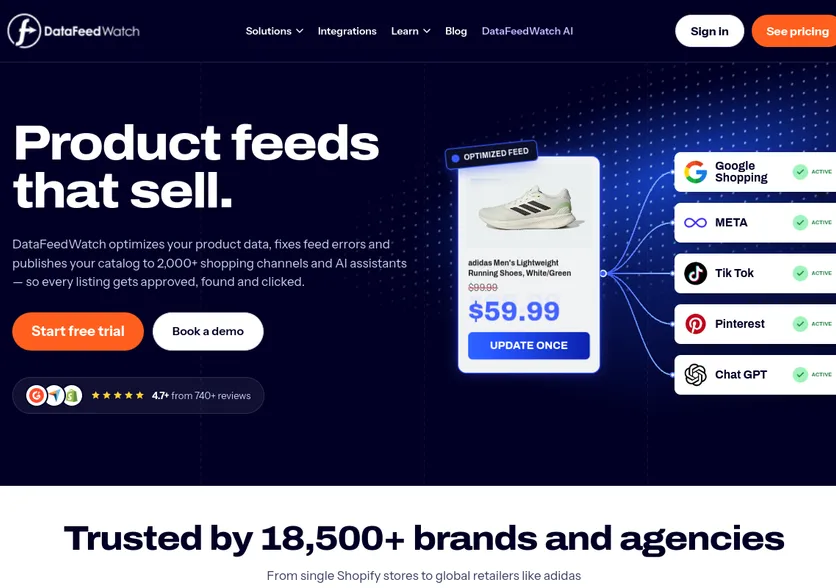
For a brand that wants its catalogue on Google Shopping and Meta without hand-building feeds, this DataFeedWatch plan costs sixty-four dollars a month, and it maps products to channel templates and watches feed quality across more than two thousand channels. DataFeedWatch maps a catalogue to channel templates, applies rules and watches feed quality across more than two thousand channels. AI titles come on every plan, and the feed review flags errors before they reach Google Shopping.
What we like
- Rule-based feed transforms across two thousand plus channels
- AI titles and feed review on every plan
- Fifteen-day free trial with no card needed
Watch out for
- Shop allows only one sync a day, so price changes lag
- No free plan, only a fifteen-day trial
How to try it
- Connect the store and import the product catalogue
- Map the catalogue fields to the channel template
- Run the feed review and fix the flagged errors
2. GoDataFeed
Best for: Budget brands that want PPC feeds first
Paid tool Starting price: $39/month · Thirty-nine dollars a month on Lite; Plus is $99 a month, Pro is $199 and Premium is $399; marketplace channels need Pro or higher, and extra SKUs cost $5 per additional one thousand
Free plan: No free plan; 14-day free trial
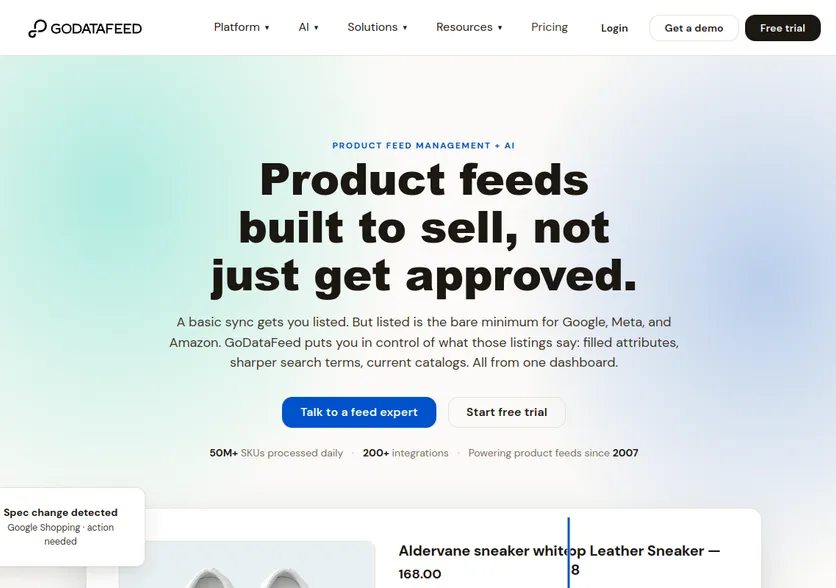
For a brand on a tight budget that still wants its products on Google and Meta, this GoDataFeed plan costs thirty-nine dollars a month, and it feeds optimised product data to more than two hundred channels without custom development. GoDataFeed feeds optimised product data to more than two hundred ecommerce channels without custom development. Lite and Plus cover PPC channels, while marketplace selling waits for the Pro plan, so the tier choice follows the channel list.
What we like
- Lowest entry price in this list at thirty-nine dollars a month
- Feeds more than two hundred channels
- Fourteen-day free trial on every plan
Watch out for
- Marketplace channels need the Pro plan at $199 a month
- Extra SKUs cost five dollars per additional thousand
How to try it
- Connect the store and pull in the catalogue
- Choose the PPC channels to feed first
- Optimise titles and descriptions with the built-in rules
3. AdNabu
Best for: Shopify brands that want AI feed optimisation
Paid tool Starting price: $29.99/month · Twenty-nine dollars and ninety-nine cents a month on Basic; Advanced is $79.99 a month and Ultimate is $249.99; a free plan is listed on the vendor comparison pages
Free plan: Free plan
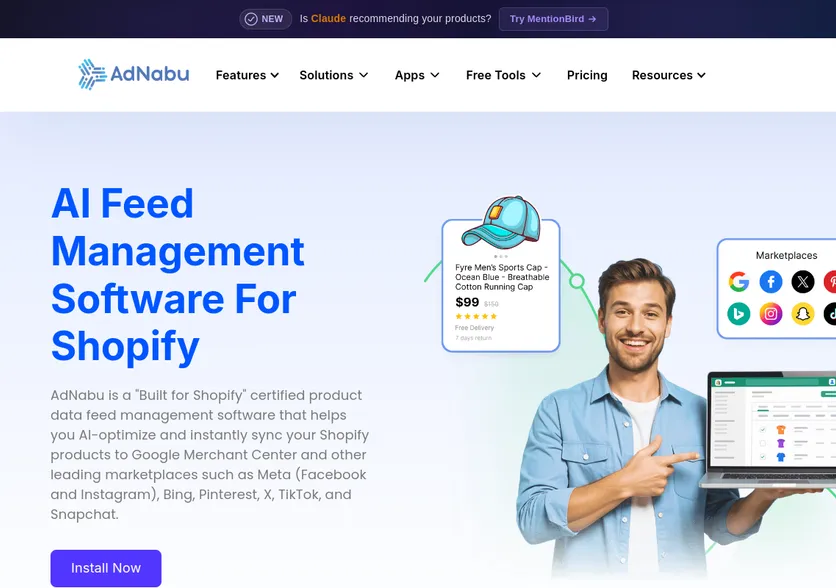
For a Shopify brand that wants AI to rewrite its Shopping titles and descriptions, this AdNabu plan costs twenty-nine dollars and ninety-nine cents a month, and it syncs the optimised feed straight to Google Merchant Center. AdNabu uses AI to optimise feed titles and descriptions for Google Shopping and Performance Max, and it syncs the feed to Google Merchant Center. It is the cheapest paid start in this list, and it is built for Shopify merchants first.
What we like
- AI feed optimisation for Google Shopping and Performance Max
- Cheapest paid start in this list
- Free plan listed for small catalogues
Watch out for
- Advanced features jump to $79.99 a month on the next tier
- Built for Shopify first, so other platforms get less
How to try it
- Install AdNabu and connect the Shopify store
- Let the AI rewrite titles and descriptions for Shopping
- Sync the optimised feed to Google Merchant Center
4. Sellbrite
Best for: Brands that want one dashboard for marketplaces
Paid tool Starting price: $29/month · Twenty-nine dollars a month on Pro 100 for up to one hundred orders a month; Pro 500 is $79 and Pro 2K is $179; annual billing drops Pro 100 to about $24 a month; the Shopify edition is cheaper at $19 a month for the same order limit
Free plan: Free plan (30 orders a month)
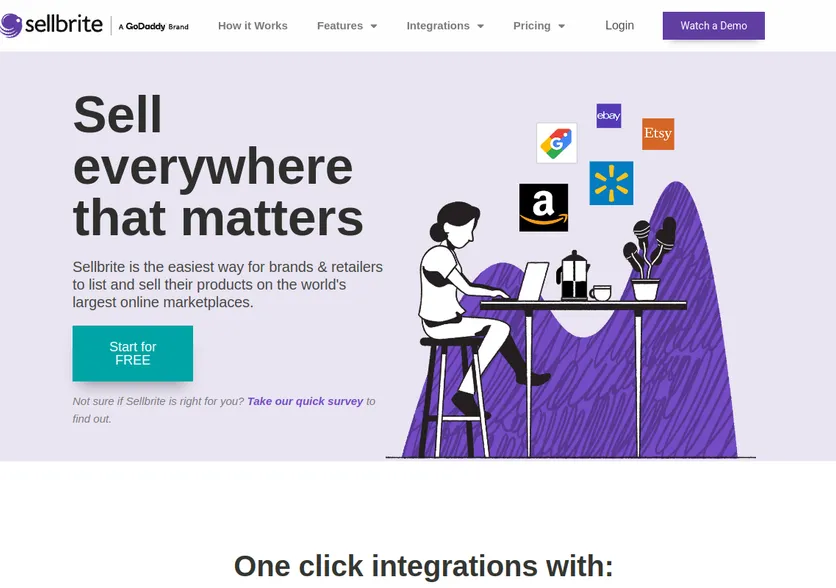
For a brand that wants to sell on Amazon, eBay, Etsy and Walmart from one dashboard, this Sellbrite plan costs twenty-nine dollars a month, and it keeps inventory and prices in sync across every channel it lists on. Sellbrite lists products on Amazon, eBay, Etsy and Walmart from one dashboard and keeps inventory and prices in sync across them. The free plan covers thirty orders a month, so a small seller can test multichannel selling before paying.
What we like
- One dashboard for Amazon, eBay, Etsy and Walmart
- Free plan covers thirty orders a month
- Unlimited channels, SKUs and users on every plan
Watch out for
- Order limits, not products, set the tier, so a busy month pushes the bill up
- The Amazon FBA integration is a nineteen-dollar add-on
How to try it
- Connect the sales channels to Sellbrite
- Import the catalogue and map listings to each channel
- Turn on inventory sync and watch the first orders land
5. Webgility
Best for: Brands that need accounting sync with selling
Paid tool Starting price: $69/month · Sixty-nine dollars a month on Pro billed annually; Desktop Plus at $109 a month is a different product, not the Pro plan; a thirty-day free trial is included
Free plan: No free plan; 30-day free trial
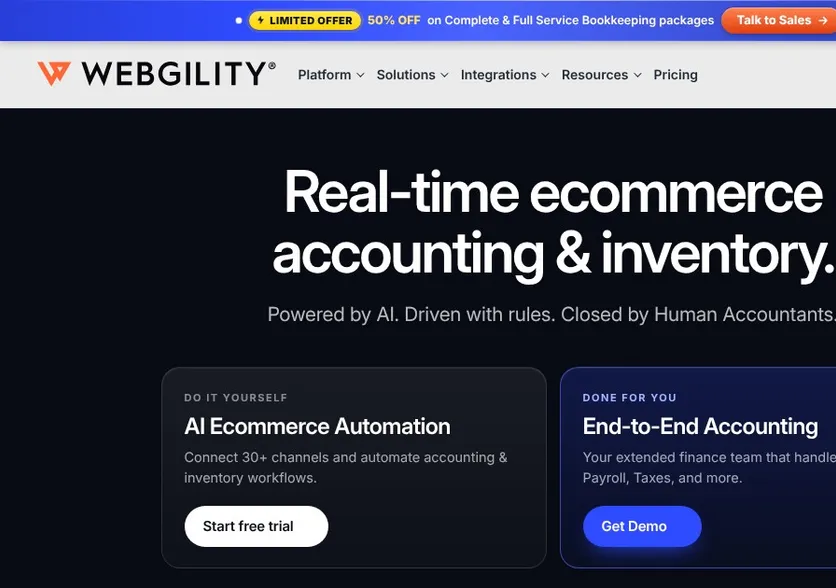
For a brand whose bookkeeping breaks first when orders come from five channels at once, this Webgility plan costs sixty-nine dollars a month billed annually, and it syncs orders, inventory and accounting between the store and QuickBooks or Xero. Webgility syncs orders, inventory and accounting between the store and QuickBooks or Xero, and it pushes listings out to marketplaces. It suits sellers whose bookkeeping breaks first when orders come from five channels at once.
What we like
- Order and inventory sync across marketplaces
- Accounting sync with QuickBooks and Xero
- Thirty-day free trial
Watch out for
- Pro is the online plan, while Desktop Plus is a separate product
- Pricing by volume means the bill grows with order count
How to try it
- Connect the store and the accounting software
- Map the marketplace channels to the catalogue
- Run the first order sync and reconcile it in QuickBooks
6. Linnworks
Best for: High-volume brands that need one operations system
Paid tool Starting price: $449/month · Four hundred and forty-nine dollars a month starting, per the vendor blog; the figure is a starting price and the final quote depends on order volume and channels; a free demo is offered instead of a trial
Free plan: No free plan; free demo
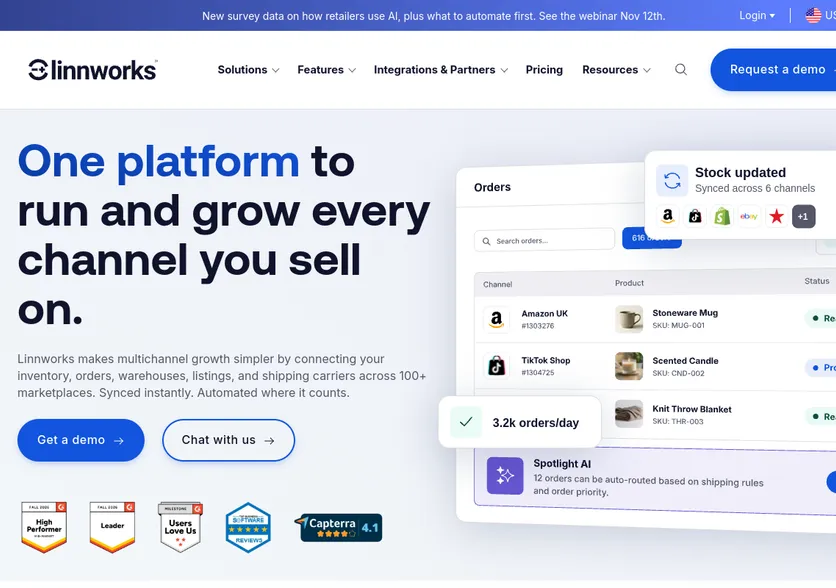
For a high-volume brand that needs listings, orders, inventory and shipping run from one system, this Linnworks plan costs four hundred and forty-nine dollars a month, and it scales to the order counts where spreadsheets stop working. Linnworks manages listings, orders, inventory and shipping across marketplaces from one system, and it scales to high-volume sellers. It is the most expensive tool in this list, and it only fits sellers whose order volume already justifies an operations platform.
What we like
- Listings, orders, inventory and shipping in one system
- Scales to high-volume multichannel sellers
- Wide marketplace and courier coverage
Watch out for
- Four hundred and forty-nine dollars a month is a starting price, not a cap
- No free trial, only a demo
How to try it
- Book the demo and map the current channel list
- Connect the marketplaces and import the catalogue
- Turn on inventory sync and test one order end to end
7. Plytix
Best for: Brands that want a PIM before they syndicate
Paid tool Starting price: $149/month · One hundred and forty-nine dollars a month on Pro at one hundred SKUs, rising with catalogue size to $499 at twenty-five thousand SKUs; Standard is free up to one hundred SKUs and Enterprise starts at $699; the Shopify App Store still shows Pro at $499 for fifty thousand SKUs, so confirm which ladder applies
Free plan: Free Standard plan (100 SKUs)
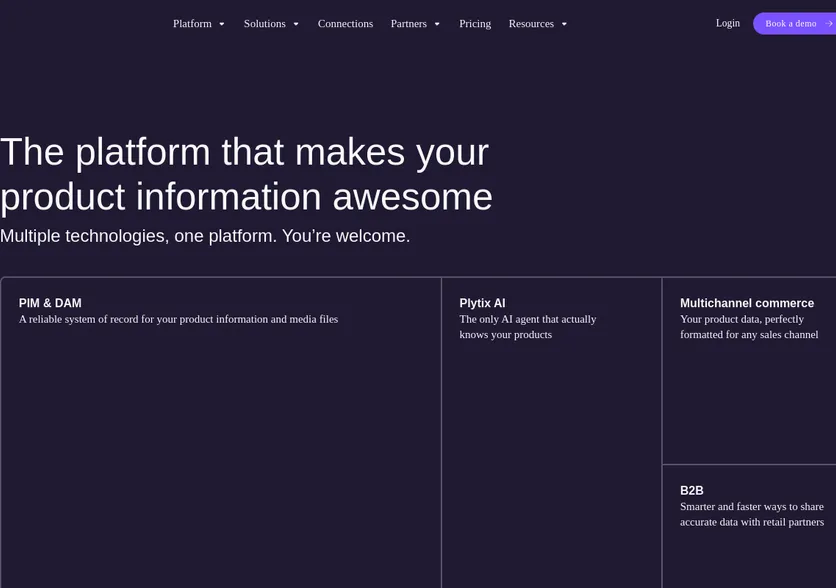
For a brand that wants one governed record of every product before it syndicates anything, this Plytix plan costs one hundred and forty-nine dollars a month, and it centralises product data, media and enrichment before pushing feeds to channels. Plytix is a product information manager that centralises product data, media and enrichment, then syndicates it to channels through feeds and connectors. The free Standard plan is genuine, and Pro adds automations, webhooks and advanced permissions.
What we like
- Real free plan with unlimited seats
- PIM, media and syndication in one workspace
- AI enrichment and scheduled imports included
Watch out for
- Pro pricing moves with SKU count, so the bill grows with the catalogue
- Feed management and connectors can be paid add-ons
How to try it
- Import the catalogue into Plytix and clean the attributes
- Set up the channel feeds for Google and the marketplaces
- Turn on scheduled imports so the catalogue stays current
Prices above were checked on each vendor’s own website on Nov 28, 2026 and can change — the vendor’s page is the final word. Vendor links are editorial: nobody paid to be listed or ranked here. Vendors who want a featured listing can see how it works on our Get listed page.
How a brand should start syndicating product content
Start with the two channels that already sell, usually Google Shopping and one marketplace, because a clean feed on two channels beats a messy feed on twenty. Fix the catalogue first: titles, images and prices must be right at the source, since every channel inherits the same mistakes. Map the fields once and let the tool do the rest, then check the feed review for errors before the first sync. Watch the first week of orders closely, because stock mismatches show up fast. A brand that does this will spend its time selling instead of copying product data between tabs.
Before you buy
- Check whether the tool covers the channels the brand already sells on, not just the ones it hopes to add
- Make sure the plan covers the full SKU count, since extra products cost more on most tools
- Ask how often feeds sync, because a daily sync lets prices and stock drift all day
- Confirm whether feed optimisation and marketplace listings are included or paid add-ons
- Test the tool on the real catalogue for two weeks before paying for a full year
Official websites
Official websites of the products reviewed above. Features and prices were checked against these sites when this guide was written, and they can change, so confirm on the vendor site before you buy.
Frequently asked questions
What is product content syndication software for brands?
It is software that takes one product catalogue and pushes it to every channel that sells, from Google Shopping and Meta to Amazon, eBay and Walmart, keeping titles, prices and stock in step. Without it, a brand updates each channel by hand and the listings drift apart. The tools below range from feed optimisers to full operations platforms.
How much does DataFeedWatch cost?
DataFeedWatch costs sixty-four dollars a month on the Shop plan, which covers one thousand SKUs, one shop and up to three feeds. Merchant costs eighty-four dollars a month for five thousand SKUs, and Agency costs two hundred and thirty-nine dollars a month. There is no free plan, but a fifteen-day free trial is included on every plan.
Can I syndicate product content for free?
Partly. Plytix offers a free Standard plan for up to one hundred SKUs, and Sellbrite has a free plan covering thirty orders a month, so a small brand can start on either without paying. AdNabu also lists a free plan. Free tiers cap SKUs or orders, so a growing catalogue will need a paid plan, but they are genuine free tiers rather than trials.
Which content syndication tool is best for a small brand?
DataFeedWatch is the best pick for a small brand, because it covers more than two thousand channels for sixty-four dollars a month and includes AI titles on every plan. GoDataFeed is the better choice on a tight budget, at thirty-nine dollars a month for the Lite plan. Start with a trial and pay only when the channel list grows.
Do I need a PIM to syndicate product content?
No, not to start. Feed tools such as DataFeedWatch and GoDataFeed take the catalogue straight from the store and push it to channels, which is enough for most small brands. A PIM such as Plytix earns its keep when the catalogue grows past a few thousand SKUs, or when several people edit product data and it needs one governed record.
Compare the seven tools above, then start with the free trial on the tool that covers the channels the brand already sells on before paying for a full year.
Browse Business Tools tools