On this page
A large catalogue breaks the tools that work for a small one, so this list focuses on software that stays fast and affordable as SKU counts climb. We verified eight tools with published prices, and Pimcore leads at eight hundred twenty-five dollars a month for Professional, with a free Community Edition for testing. The rest range from a four-dollar feed app to a nine-hundred-dollar headless platform, and several price by SKU band, so the right pick depends on how big your catalogue really is.
How we researched this
We only listed tools with a published dollar price verified in November 2026, which excludes the enterprise PIM suites that price by quote. Each tool was judged on how it handles large SKU counts, whether its pricing stays predictable as the catalogue grows, and whether it can publish clean feeds at scale. Prices below are headline list prices, with SKU-band pricing explained in each price note.
Compare the tools
| Name | Best for | Starting price | Free plan | |
|---|---|---|---|---|
| Pimcore | Large catalogues needing PIM, DAM and CMS together | $825/month | Free Community edition. | Visit |
| Plytix | Small and mid-size teams centralising product content | $149/month | Free Standard plan up to 100 SKUs. | Visit |
| Crystallize | Headless commerce teams that want PIM inside the platform | $949/month | Free Particle plan with metering | Visit |
| Apimio | Ecommerce teams that want PIM plus feed management in one | $199/month | No free plan; 14-day free trial. | Visit |
| DataFeedWatch | Agencies and shops managing many shopping feeds | $53/month | No free plan; 15-day free trial | Visit |
| Channable | Feeds and ads across marketplaces and shopping channels | $49/month | No free plan, free trial | Visit |
| GoDataFeed | Shopify stores pushing feeds to Google and social channels | $39/month | No free plan; 14-day free trial | Visit |
| Simprosys | Shopify stores that want a cheap Google Shopping feed | $4.99/month | No free plan; 21-day free trial | Visit |
The 8 best product data tools for large catalogs
1. Pimcore
Best for: Large catalogues needing PIM, DAM and CMS together
Paid tool Starting price: $825/month · Professional costs eight hundred twenty-five dollars a month, or nine thousand nine hundred dollars a year. The Community Edition is free and open source. Enterprise pricing is quoted.
Free plan: Free Community edition.
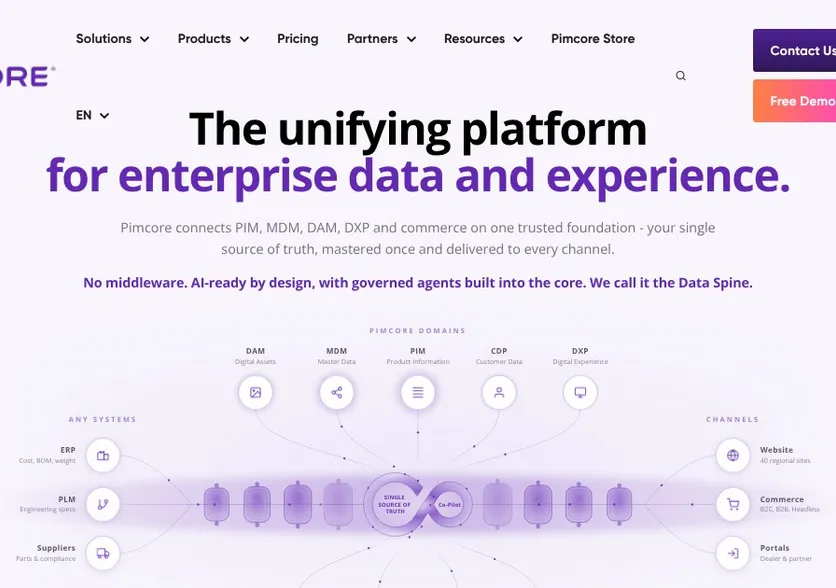
Pimcore costs eight hundred twenty-five dollars a month for Professional, and it is the heavy lifter in this list for very large catalogues. Its open platform handles millions of records across PIM, DAM and CMS, with a data model you can shape around any product type. Large teams with developers on staff get the most from it, especially when the catalogue outgrows simpler tools.
What we like
- Open-source core with a free Community Edition
- PIM, DAM, CMS and commerce in one platform
- Handles very large catalogues and complex data models
Watch out for
- Needs developers to set up and maintain
- Professional tier is a serious budget commitment
How to try it
- Install the Community Edition or start a Professional trial
- Model your product attributes and categories
- Import the catalogue and connect your channels
2. Plytix
Best for: Small and mid-size teams centralising product content
Paid tool Starting price: $149/month · Pro costs one hundred forty-nine dollars a month at one hundred SKUs. Prices rise with catalogue size: at two thousand SKUs Standard is one hundred nineteen dollars a month and Pro is two hundred sixty-nine dollars. Above twenty-five thousand SKUs pricing is quoted, and add-on modules cost seventy-nine to one hundred sixty-nine dollars each.
Free plan: Free Standard plan up to 100 SKUs.
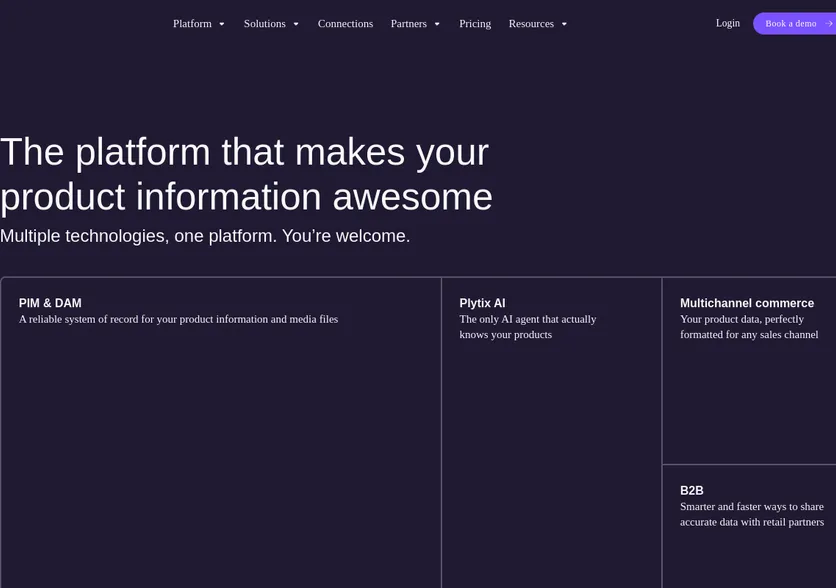
Plytix starts its Pro plan at one hundred forty-nine dollars a month, and it keeps large catalogues manageable with a clean, fast interface. The price rises with SKU count, so a team with two thousand products pays two hundred sixty-nine dollars a month for Pro. It suits catalogues that are big but still run by a small team.
What we like
- Clean interface that non-technical staff learn fast
- Built-in digital asset management
- Free Standard plan covers up to one hundred SKUs
Watch out for
- Price climbs steeply as SKU count grows
- Fewer enterprise connectors than the big PIM suites
How to try it
- Import your catalogue from a spreadsheet or feed
- Enrich products with attributes, images and copy
- Publish the finished feed to your sales channels
3. Crystallize
Best for: Headless commerce teams that want PIM inside the platform
Paid tool Starting price: $949/month · Atom costs nine hundred forty-nine dollars a month plus usage metering, covering one tenant, five hundred orders, five thousand items, fifty gigabytes of storage and five hundred thousand API calls. Particle is free plus metering. Crystal is quoted.
Free plan: Free Particle plan with metering
Crystallize charges nine hundred forty-nine dollars a month for Atom plus usage metering, and it is built for catalogues served through an API to custom storefronts. Product shapes, variants and rich content are first-class, so a large catalogue can carry real storytelling alongside its specs. It fits headless teams whose catalogue is also their content.

What we like
- PIM built into a headless commerce platform
- Flexible content modelling for rich product stories
- Free Particle plan for trying the platform
Watch out for
- Metering adds cost on top of the monthly fee
- Smaller ecosystem than the biggest PIM suites
How to try it
- Create a tenant and define your product shapes
- Import items and enrich them with media and copy
- Serve the catalogue through the API to your storefront
4. Apimio
Best for: Ecommerce teams that want PIM plus feed management in one
Paid tool Starting price: $199/month · Basic costs one hundred ninety-nine dollars a month for one store and ten thousand SKUs. Advanced PIM tiers cost more for larger catalogues and more users. A fourteen-day free trial is included.
Free plan: No free plan; 14-day free trial.
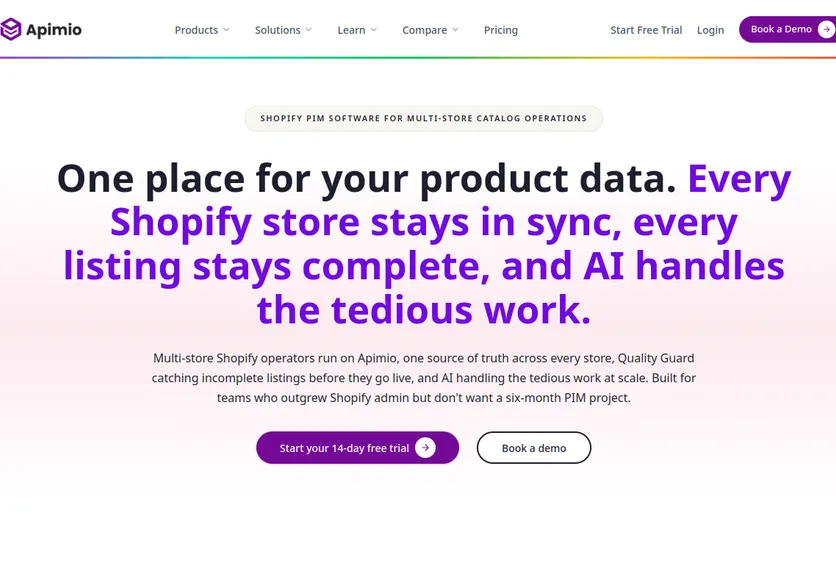
Apimio starts at one hundred ninety-nine dollars a month for Basic, covering one store and ten thousand SKUs, and it scales to larger catalogues on its Advanced tiers. The same account enriches products and pushes feeds to shopping channels, which keeps a big catalogue moving without extra tools. It is a practical middle ground between cheap feed apps and enterprise PIM.
What we like
- PIM and shopping feeds in a single tool
- Straightforward setup for Shopify and WooCommerce
- Unlimited users on paid plans
Watch out for
- No free plan, only a fourteen-day trial
- Fewer marketplace connectors than feed-only tools
How to try it
- Connect your store and import the catalogue
- Enrich products with attributes and media
- Sync the finished feed to your sales channels
5. DataFeedWatch
Best for: Agencies and shops managing many shopping feeds
Paid tool Starting price: $53/month · Shop costs fifty-three dollars a month when billed annually, or sixty-four dollars month to month. Merchant is seventy dollars a month on annual billing. Agency costs one hundred ninety-eight dollars a month on annual billing, and Enterprise is quoted.
Free plan: No free plan; 15-day free trial
DataFeedWatch charges fifty-three dollars a month on annual billing for Shop, and it earns its place on large catalogues through feed rules that scale. One set of mapping rules can reshape tens of thousands of products for each channel, from Google to Amazon. It is best when the catalogue is already clean and the feed is the bottleneck.

What we like
- Powerful feed mapping and optimisation rules
- Covers Google, Meta, Amazon and dozens more channels
- Clear per-plan feed limits
Watch out for
- No free plan, only a fifteen-day trial
- Advanced rules take time to learn
How to try it
- Connect your store and import the product feed
- Map fields and add optimisation rules
- Push the feed to your chosen shopping channels
6. Channable
Best for: Feeds and ads across marketplaces and shopping channels
Paid tool Starting price: $49/month · Core Standard costs forty-nine dollars a month for up to five hundred items, per vendor-supplied listing data. The vendor page prices in euros from thirty-nine euros a month for five hundred items, and its app-store listing shows Core Plus at eighty-nine dollars a month, so confirm the dollar figure at checkout.
Free plan: No free plan, free trial
Channable costs forty-nine dollars a month for Core Standard, and it handles large catalogues by charging per item band rather than per user. Feed rules, PPC and marketplace listings share one account, so a big catalogue can be tuned for every channel in the same place. It works well when the team sells the same products across many shopping surfaces.
What we like
- Strong feed rules for cleaning up product data
- PPC and marketplace tools in the same account
- Good support for smaller catalogues
Watch out for
- Dollar pricing is not published on the vendor site
- Item limits mean costs rise with catalogue size
How to try it
- Connect your shop or import a product feed
- Build rules to fix titles, prices and categories
- Send the finished feed to Google, Meta or a marketplace
7. GoDataFeed
Best for: Shopify stores pushing feeds to Google and social channels
Paid tool Starting price: $39/month · Lite costs thirty-nine dollars a month for over one thousand SKUs, one daily sync and one PPC channel. Plus is ninety-nine dollars a month, Pro is one hundred ninety-nine dollars, and Premium is three hundred ninety-nine dollars. A fourteen-day free trial is included.
Free plan: No free plan; 14-day free trial
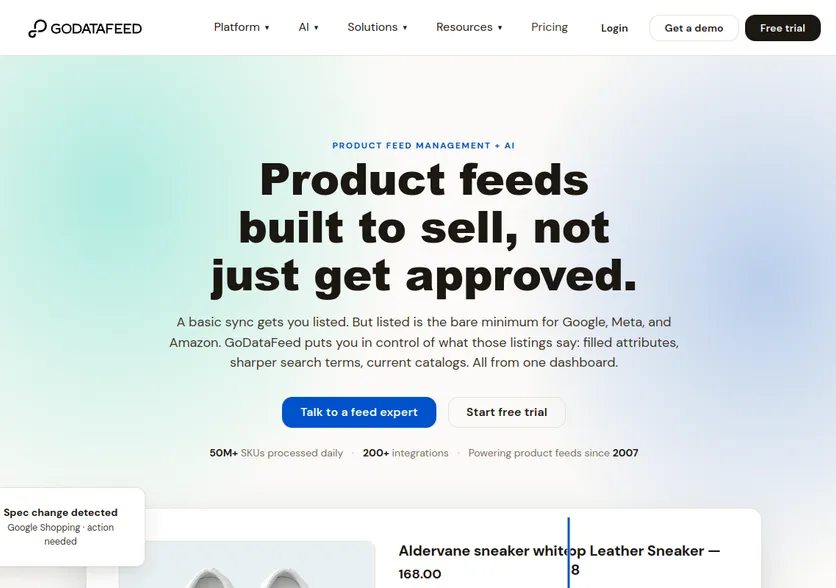
GoDataFeed starts at thirty-nine dollars a month for Lite, and it grows with catalogue size through Plus, Pro and Premium tiers up to three hundred ninety-nine dollars a month. Daily syncs and channel mappings keep a large Shopify catalogue fresh on Google and social without manual exports. It suits stores whose catalogue keeps growing but whose team stays small.
What we like
- Deep Shopify integration with quick setup
- Scheduled syncs keep feeds fresh automatically
- Clear tier ladder as catalogue and channels grow
Watch out for
- Lite allows only one daily sync and one PPC channel
- Best suited to Shopify rather than other platforms
How to try it
- Install the app from the Shopify App Store
- Map your products to Google Shopping fields
- Turn on the sync schedule for your channels
8. Simprosys
Best for: Shopify stores that want a cheap Google Shopping feed
Paid tool Starting price: $4.99/month · Pricing starts at four dollars and ninety-nine cents a month for up to five hundred products. It rises to eight dollars and ninety-nine cents for one thousand products, thirteen dollars and ninety-nine cents for five thousand, and seventeen dollars and ninety-nine cents for ten thousand. Annual billing saves ten percent, and a twenty-one-day free trial is included.
Free plan: No free plan; 21-day free trial
Simprosys starts at four dollars and ninety-nine cents a month, and its tiered pricing follows catalogue size up to ten thousand products at seventeen dollars and ninety-nine cents a month. The feed stays synced with Shopify, so a growing catalogue does not need a new tool every time it doubles. It is the budget route for large catalogues that only need Google Shopping.

What we like
- Very low starting price for small catalogues
- One-click feed setup for Google Shopping
- Twenty-one-day free trial with no card needed
Watch out for
- Focused on Google feeds rather than full PIM
- Price steps up quickly as products grow
How to try it
- Install the app from the Shopify App Store
- Connect your Google Merchant Center account
- Generate the feed and check it for errors
Prices above were checked on each vendor’s own website on Nov 28, 2026 and can change — the vendor’s page is the final word. Vendor links are editorial: nobody paid to be listed or ranked here. Vendors who want a featured listing can see how it works on our Get listed page.
How to choose software for a large catalogue
Count your SKUs honestly before you compare prices, because most tools in this list charge by catalogue size. A tool that costs forty-nine dollars a month at five hundred items can cost several times more at fifty thousand, so model the price at your real count and at double that count. Check import and bulk-edit speed too: a catalogue of twenty thousand products needs bulk rules, not one-by-one editing. Finally, test the feed output at scale. A feed that validates cleanly for a hundred products can fail on ten thousand, so run a full export on the trial before you sign an annual plan.
Before you buy
- Model the price at your real SKU count and at double that count
- Test bulk import and bulk editing speed with a full catalogue sample
- Check feed validation at scale, not just on a handful of products
- Confirm the tool handles variants, attributes and images for every product type
- Ask whether the price includes support, or whether help costs extra
Official websites
Official websites of the products reviewed above. Features and prices were checked against these sites when this guide was written, and they can change, so confirm on the vendor site before you buy.
Frequently asked questions
What counts as a large catalogue?
Most teams call a catalogue large once it passes a few thousand SKUs, and the tools in this list are priced around that line. Plytix, Channable and Simprosys all change price at one thousand, two thousand or five thousand products, while Pimcore and Crystallize are built for catalogues in the tens or hundreds of thousands. If your catalogue is under five hundred products, the cheaper tools in this list will cover you easily.
How much does software for large catalogues cost?
Prices here run from four dollars and ninety-nine cents a month for Simprosys to nine hundred forty-nine dollars a month for Crystallize Atom. Most tools price by SKU band, so the same tool can cost very different amounts depending on catalogue size. Pimcore Professional is eight hundred twenty-five dollars a month flat, while Plytix Pro rises from one hundred forty-nine dollars at one hundred SKUs to two hundred sixty-nine dollars at two thousand.
Is there a free option for large catalogues?
Pimcore Community Edition is free and open source, and it handles very large catalogues if you have developers to run it. Plytix is free up to one hundred SKUs, which suits testing but not a large live catalogue. For a big catalogue without a development team, the paid plans from Apimio or DataFeedWatch are the realistic starting points.
Which tool is best for a large catalogue?
Pimcore is the best overall pick for very large catalogues, with an open platform and a data model that scales. Plytix is the best choice when a small team runs a big catalogue and wants a clean interface. Crystallize is the best headless pick, putting the catalogue and rich product content behind one API for custom storefronts.
Do I need PIM or just feed software?
If your product records are messy, duplicated or scattered across spreadsheets, you need PIM first, and Pimcore, Plytix or Apimio will fix the root problem. If the records are already clean and the pain is getting them into Google, Meta and marketplaces, feed software like DataFeedWatch or Channable is enough. Many large teams end up with both: PIM for the records and a feed tool for the channels.
Pick one of the 8 tools above, test it with your full catalogue on the trial, and check the price at double your SKU count.
Browse Business Tools tools