On this page
Enrichment software fills in the gaps in your product and customer data, turning a bare email or company name into a full record you can act on. We checked eight tools with published prices, and Apollo.io leads the list at forty-nine dollars a seat a month on annual billing, with the biggest database and built-in outreach. The rest range from a twenty-nine-dollar starter to a full API platform, so whether you enrich a few hundred contacts or tens of thousands, there is a priced option here that fits.
How we researched this
We only listed tools with a published dollar price we could verify in November 2026, which is why the big enterprise suites that price by quote are absent. Each tool was judged on data coverage, enrichment quality, ease of use and whether a free plan or trial lets you test it first. Prices below are the headline list price on annual billing, with monthly figures noted where they differ.
Compare the tools
| Name | Best for | Starting price | Free plan | |
|---|---|---|---|---|
 Apollo.io | Sales teams enriching contacts and company records at scale | $49/seat/month | Free plan | Visit |
 Lusha | Finding verified work emails and direct dials fast | $37.45/month | Free plan with 40 credits a month | Visit |
| People Data Labs | Developers building enrichment into their own product | $98/month | Free plan with up to 100 records a month | Visit |
 Hunter | Finding and verifying emails on any company domain | $34/month | Free plan | Visit |
 Snov.io | Small teams combining finding, verifying and emailing | $29.25/month | Free plan with 50 credits a month | Visit |
| Seamless.AI | Sales teams who want contact data inside their workflow | $147/user/month | Free plan (50 credits, one-time) | Visit |
 Clay | Building automated enrichment workflows with many data sources | $134/month | Free plan | Visit |
 RocketReach | Quick lookups of emails and phone numbers for named people | $33/month | Free plan with limited lookups | Visit |
The 8 best product data enrichment tools for ecommerce
1. Apollo.io
Best for: Sales teams enriching contacts and company records at scale
Paid tool Starting price: $49/seat/month · Basic costs forty-nine dollars a seat a month when billed annually, or sixty-five dollars month to month. Professional is seventy-nine dollars a seat a month on annual billing, or ninety-nine dollars monthly. Organisation starts at one hundred nineteen dollars a seat a month with a three-seat minimum.
Free plan: Free plan
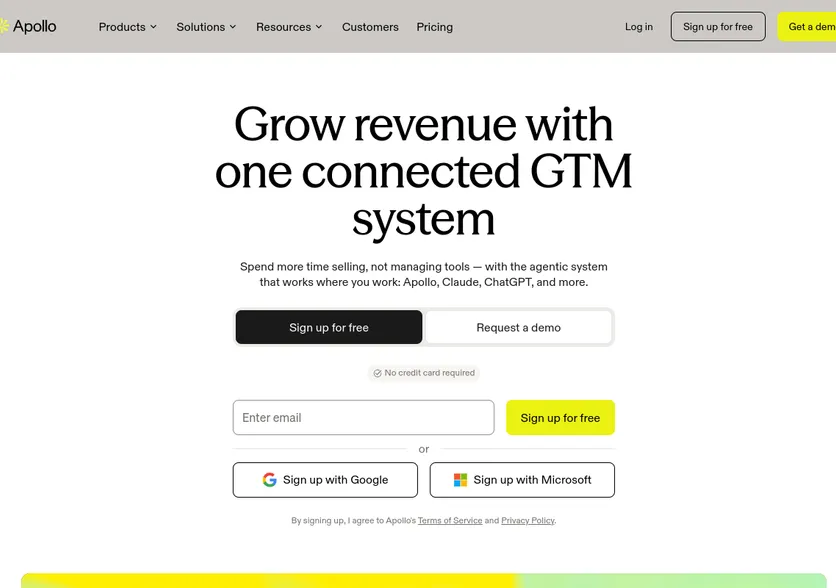
Apollo starts at forty-nine dollars a seat a month on annual billing, and it pairs a huge contact database with outreach tools in the same workspace. You can search for buyers, enrich their records and run sequences without switching apps. It suits ecommerce teams that sell wholesale or to other businesses and need a steady pipeline of verified contacts.
What we like
- Huge contact and company database with live enrichment
- Built-in sequences and dialer keep outreach in one place
- Credit-based pricing scales with how much you enrich
Watch out for
- Per-seat billing adds up fast on larger teams
- Data accuracy varies by region and industry
How to try it
- Create a free account and connect your CRM
- Build a list with the search filters for your ideal buyers
- Enrich the list and push it straight into your CRM
2. Lusha
Best for: Finding verified work emails and direct dials fast
Paid tool Starting price: $37.45/month · Starter costs thirty-seven dollars and forty-five cents a month when billed annually, or forty-nine dollars and ninety cents month to month. Pro is fifty-two dollars and forty-five cents a month on annual billing. Premium starts at two hundred ninety-nine dollars and ninety-five cents a month.
Free plan: Free plan with 40 credits a month
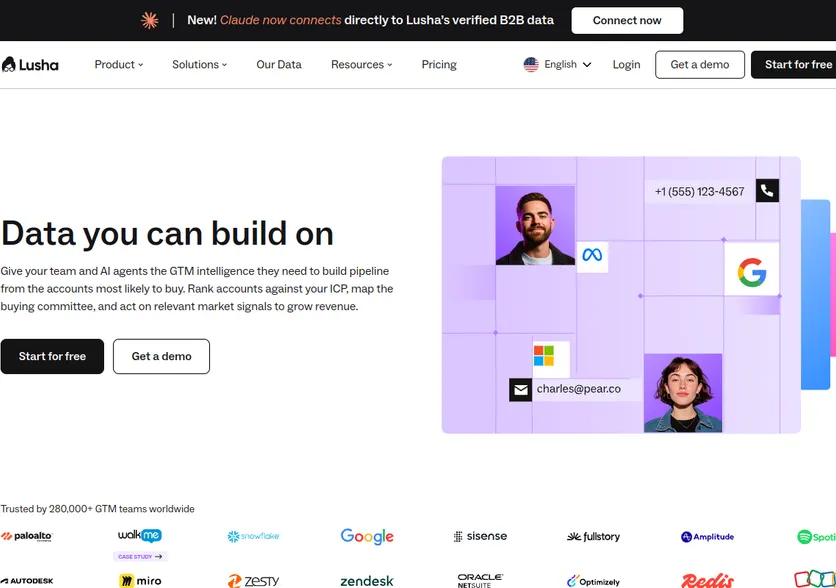
Lusha costs thirty-seven dollars and forty-five cents a month on annual billing, and it focuses on one job: finding accurate contact details fast. The browser extension reveals emails and direct dials while you browse LinkedIn or a company site. It is a good fit when you already have a target list and just need reliable details for each person on it.
What we like
- Accurate direct dials and work emails
- Browser extension enriches profiles on LinkedIn
- Simple credit system with no per-seat surprises
Watch out for
- Credits expire if you do not use them
- Smaller database than the biggest enrichment platforms
How to try it
- Install the Lusha extension in your browser
- Open a LinkedIn profile and reveal the contact details
- Export the enriched contacts to your CRM
3. People Data Labs
Best for: Developers building enrichment into their own product
Paid tool Starting price: $98/month · Pro person data starts at ninety-eight dollars a month for three hundred fifty records, and company data starts at one hundred dollars a month for one thousand records. Annual billing saves twenty percent. The free tier covers up to one hundred records a month with contact data masked.
Free plan: Free plan with up to 100 records a month
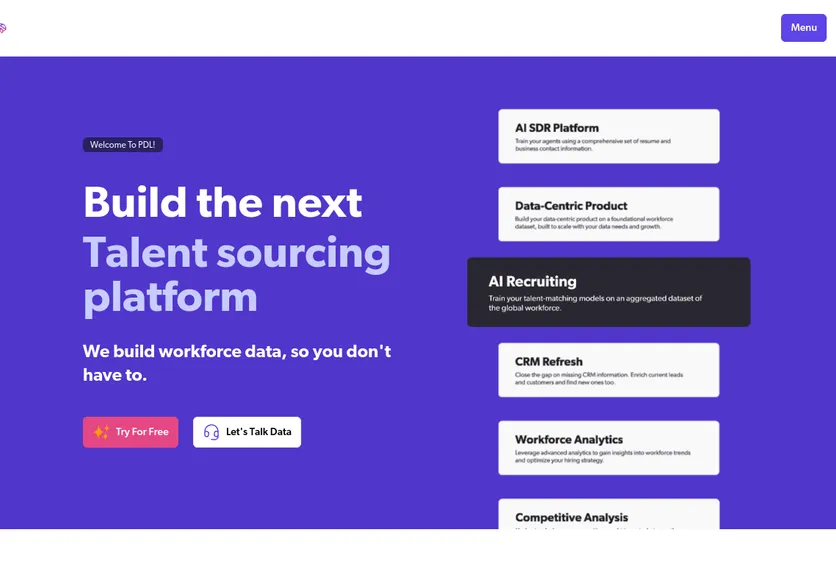
People Data Labs charges from ninety-eight dollars a month for person data, and it delivers enrichment through a clean API rather than a dashboard. Developers can look up people and companies by name, email or domain and store the structured results in their own systems. It works best when your store or app needs fresh company data built into the product itself.
What we like
- Clean structured data over a simple API
- Separate person and company datasets
- Free tier lets you test the data before paying
Watch out for
- No self-serve interface for non-developers
- Contact details are masked on the free tier
How to try it
- Sign up and generate an API key
- Send a name or email to the enrichment endpoint
- Store the returned records in your own database
4. Hunter
Best for: Finding and verifying emails on any company domain
Paid tool Starting price: $34/month · Starter costs thirty-four dollars a month when billed annually, or forty-nine dollars month to month. Higher tiers add more searches and verifications. The free plan covers a small number of searches each month.
Free plan: Free plan
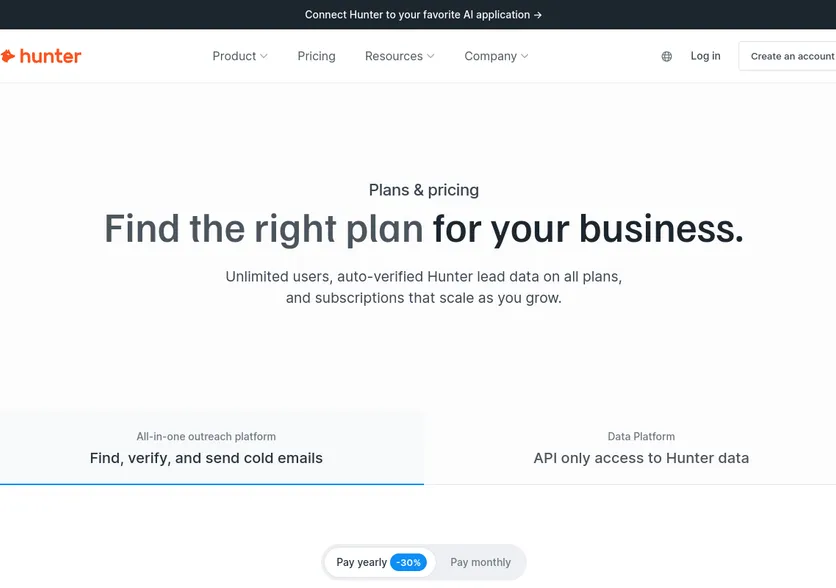
Hunter starts at thirty-four dollars a month on annual billing, and it finds and verifies email addresses on any company domain. A domain search returns the public addresses for a business, and the built-in verifier weeds out the ones that would bounce. It is the simplest pick here when email finding is the whole job.
What we like
- Domain search finds every public email fast
- Built-in verification cuts bounce rates
- Simple pricing with a genuinely usable free plan
Watch out for
- Smaller database than full enrichment suites
- No company firmographics beyond the basics
How to try it
- Type a company domain into the search bar
- Verify the addresses you want to contact
- Export the list as a CSV or push it to your CRM
5. Snov.io
Best for: Small teams combining finding, verifying and emailing
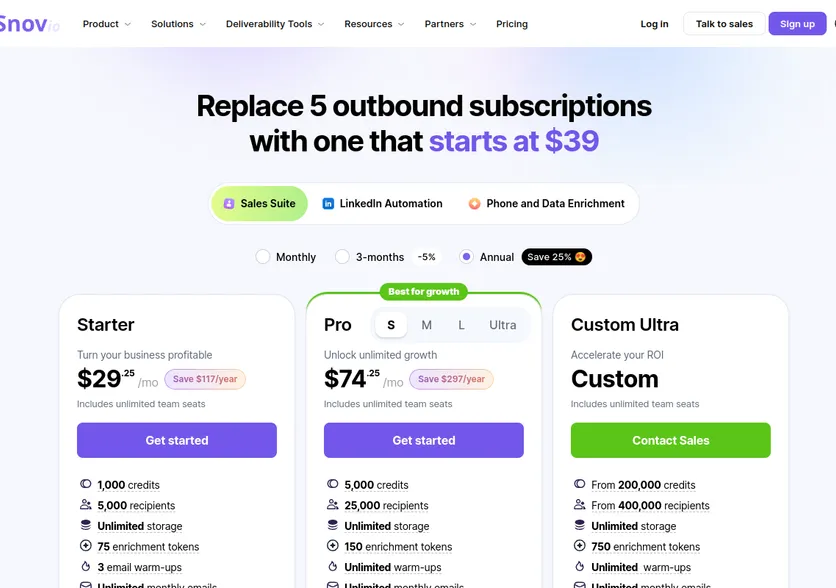
Paid tool Starting price: $29.25/month · Starter costs twenty-nine dollars and twenty-five cents a month when billed annually, or thirty-nine dollars month to month. It includes one thousand credits and five thousand email recipients. Higher tiers add more credits and team seats.
Free plan: Free plan with 50 credits a month
Snov costs twenty-nine dollars and twenty-five cents a month on annual billing, and it combines an email finder, a verifier and drip campaigns in one account. The extension collects addresses from LinkedIn and company sites, then the same tool sends the follow-up sequence. It fits small teams that want finding and outreach handled together.
What we like
- Finder, verifier and campaigns in one tool
- Chrome extension works on LinkedIn and company sites
- Generous free plan for trying it out
Watch out for
- Credit limits bite on large lists
- Email deliverability needs your own warm-up work
How to try it
- Install the extension and open a prospect profile
- Collect emails into a list and verify them
- Launch a drip campaign from the same dashboard
6. Seamless.AI
Best for: Sales teams who want contact data inside their workflow
Paid tool Starting price: $147/user/month · Basic costs one hundred forty-seven dollars a user a month, shown inside the product after you sign up. The vendor no longer publishes prices on its public pricing page, so confirm the figure at checkout. The free plan includes fifty credits as a one-time allowance.
Free plan: Free plan (50 credits, one-time)
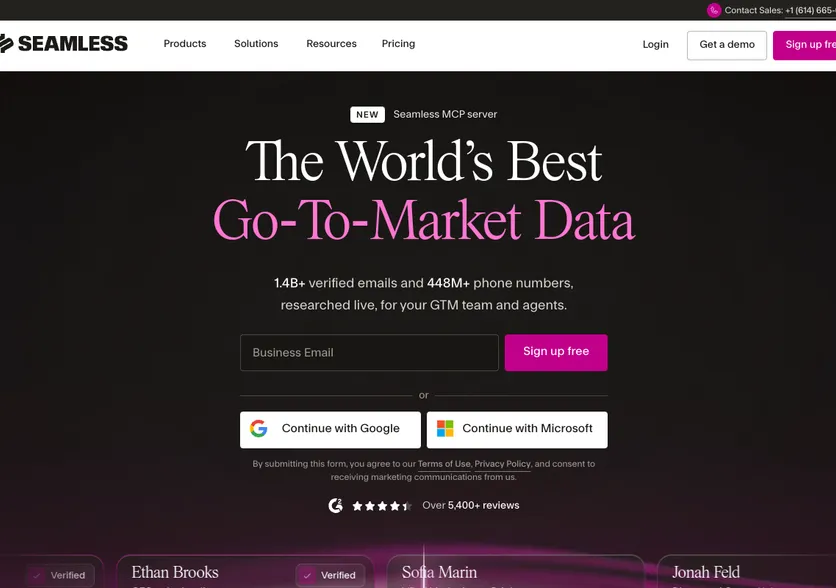
Seamless charges one hundred forty-seven dollars a user a month, and it searches a large contact database in real time as you work. The Chrome extension pulls emails and phone numbers straight from LinkedIn profiles and company pages. It suits sales teams that enrich leads all day and want the data inside the browser.
What we like
- Real-time search across a large contact database
- Chrome extension enriches leads where you work
- CRM integrations keep records in sync
Watch out for
- Price is only shown in-app, not on the public site
- Per-user pricing gets expensive on big teams
How to try it
- Sign up and install the Chrome extension
- Search for contacts by company, title or industry
- Push the verified contacts into your CRM
7. Clay
Best for: Building automated enrichment workflows with many data sources
Paid tool Starting price: $134/month · Starter costs one hundred thirty-four dollars a month when billed annually, or one hundred forty-nine dollars month to month, with two thousand credits. Some 2026 reads list the renamed Launch tier from one hundred sixty-seven dollars a month, and vendor-supplied listing data shows one hundred forty-three dollars, so confirm the current figure at checkout.
Free plan: Free plan
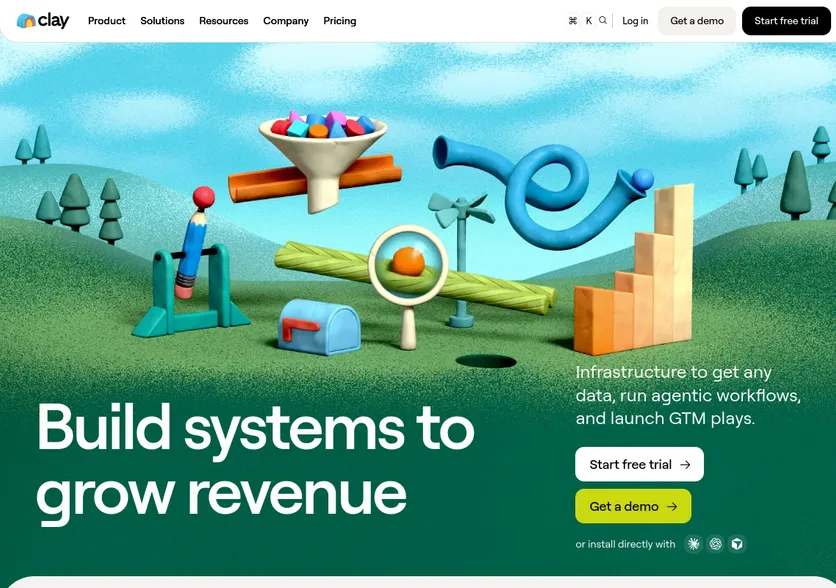
Clay starts at one hundred thirty-four dollars a month on annual billing, and it turns enrichment into a workflow you can build like a spreadsheet. Waterfall columns pull data from dozens of providers in order, so a missing field falls through to the next source. It is the pick for teams that want custom enrichment logic rather than a fixed database search.
What we like
- Waterfall enrichment pulls from dozens of providers
- Flexible tables and formulas for custom workflows
- Strong integrations with CRMs and outreach tools
Watch out for
- Steep learning curve for new users
- Published prices vary across sources, so check before buying
How to try it
- Create a table and add your list of companies or people
- Add enrichment columns from the providers you need
- Send the finished rows to your CRM or outreach tool
8. RocketReach
Best for: Quick lookups of emails and phone numbers for named people
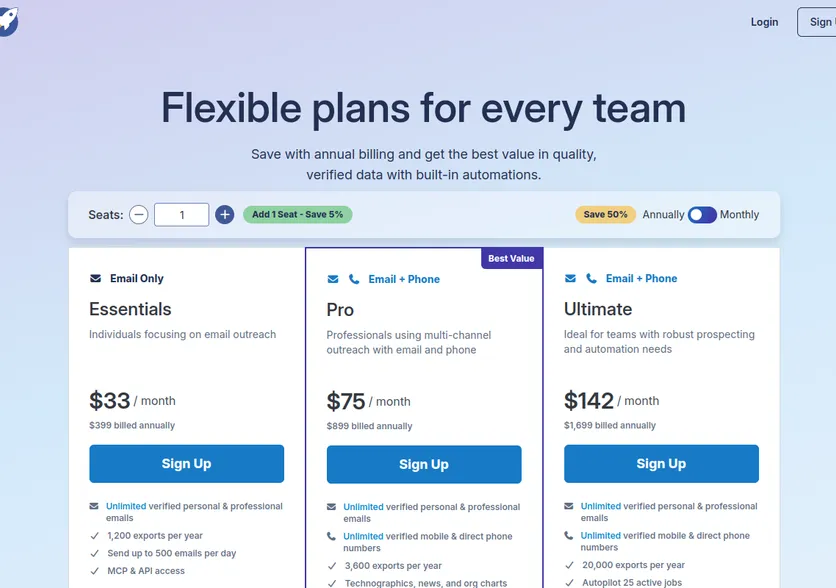
Paid tool Starting price: $33/month · Essentials costs thirty-three dollars a month when billed annually, or sixty-nine dollars month to month. Pro is seventy-five dollars a month on annual billing. Annual billing works out at three hundred ninety-nine dollars a year for Essentials.
Free plan: Free plan with limited lookups
RocketReach costs thirty-three dollars a month on annual billing, and it is built for fast lookups of named people. Search by name, company or title, reveal the email and phone details, and export the results to a spreadsheet or CRM. It is the cheapest way here to look up individual contacts one at a time.
What we like
- Large database with strong coverage of professionals
- Chrome extension for one-click lookups
- Simple monthly plans with no seat minimums
Watch out for
- Bulk enrichment costs extra on lower tiers
- Phone numbers are less complete than emails
How to try it
- Search by name, company or job title
- Reveal the email and phone details you need
- Export the results to a CSV or your CRM
Prices above were checked on each vendor’s own website on Nov 28, 2026 and can change — the vendor’s page is the final word. Vendor links are editorial: nobody paid to be listed or ranked here. Vendors who want a featured listing can see how it works on our Get listed page.
How to pick an enrichment tool for your store
Start with the data you actually need. If you enrich product records for a catalogue, an API like People Data Labs matters more than a sales dashboard, while a wholesale team chasing buyers will get more from Apollo or Lusha. Check the free tier first: most tools here let you test a small batch before paying, and the quality of the results tells you more than any sales page. Watch the billing model too. Per-seat pricing suits a small team, credit pricing suits spiky volumes, and per-record pricing suits a product that enriches data in the background. Finally, confirm the data covers your market: accuracy varies by country and industry, so run a test list of your own customers before committing to an annual plan.
Before you buy
- Confirm the tool covers your market, since accuracy varies by country and industry
- Test a sample of your own records on the free plan before paying anything
- Compare per-seat, per-credit and per-record pricing against your real monthly volume
- Check whether the tool verifies emails, since unverified data wastes outreach effort
- Make sure exports and integrations fit your CRM, store or spreadsheet workflow
Official websites
Official websites of the products reviewed above. Features and prices were checked against these sites when this guide was written, and they can change, so confirm on the vendor site before you buy.
Frequently asked questions
What is product data enrichment software?
Product data enrichment software fills in missing details on the records you already hold. For an ecommerce business that can mean adding company size, industry and verified contact details to a buyer record, or adding attributes, categories and descriptions to a product record. The tools in this list focus on contact and company enrichment, which is what most stores use when they talk about enrichment. They take a name, email or domain and return a fuller, verified record.
How much does enrichment software cost?
The tools here start at twenty-nine dollars and twenty-five cents a month for Snov and run to one hundred forty-seven dollars a user a month for Seamless. Most charge per seat or per credit, so the real cost depends on how many people use the tool and how many records you enrich each month. Free plans cover small volumes, and annual billing usually saves around twenty percent against monthly billing.
Is there a free enrichment tool?
Yes. Apollo, Hunter, Snov, Clay and RocketReach all offer free plans, and People Data Labs gives up to one hundred records a month free. Free tiers are limited by credits or lookups, so they suit testing and small lists rather than large-scale enrichment. Start on a free plan, check the data quality on your own records, and only upgrade when the results earn it.
Which enrichment tool is best for ecommerce?
Apollo is the best overall pick, with the largest database and outreach built in for forty-nine dollars a seat a month. Lusha is the best value for straightforward contact lookups, and People Data Labs is the best choice when you need enrichment inside your own product through an API. The right pick depends on whether you enrich for sales outreach, for product records, or for an app you are building.
Do I need an API or a dashboard?
A dashboard suits a team that enriches lists by hand, since you can search, review and export without writing code. An API suits a store or app that enriches records automatically, for example when a new customer signs up or a new product is added. People Data Labs is the API-first option here, while the other tools are built around a dashboard with optional API access on higher tiers.
Pick one of the 8 enrichment tools above, test it on your own records, and start with the free plan before you pay.
Browse Business Tools tools