On this page
Remote teams need one shared home for product data, or the catalogue drifts apart across time zones and spreadsheets. We verified eight tools with published prices, and Plytix leads at one hundred forty-nine dollars a month for Pro, with a free Standard plan up to one hundred SKUs. The list runs from a four-dollar feed app to an eight-hundred-dollar open platform, so a scattered team of any size can find a priced option that keeps everyone working on the same records.
How we researched this
We only included tools with a published dollar price verified in November 2026, so the enterprise PIM suites that price by quote are not in this list. Each tool was judged on how well it centralises product data, how easily a remote team can collaborate in it, and whether its feed and channel tools keep the catalogue in sync. Prices below are headline list prices on annual billing where the vendor offers it.
Compare the tools
| Name | Best for | Starting price | Free plan | |
|---|---|---|---|---|
| Plytix | Small and mid-size teams centralising product content | $149/month | Free Standard plan up to 100 SKUs. | Visit |
| Channable | Feeds and ads across marketplaces and shopping channels | $49/month | No free plan, free trial | Visit |
| DataFeedWatch | Agencies and shops managing many shopping feeds | $53/month | No free plan; 15-day free trial | Visit |
| GoDataFeed | Shopify stores pushing feeds to Google and social channels | $39/month | No free plan; 14-day free trial | Visit |
| Apimio | Ecommerce teams that want PIM plus feed management in one | $199/month | No free plan; 14-day free trial. | Visit |
| Pimcore | Large catalogues needing PIM, DAM and CMS together | $825/month | Free Community edition. | Visit |
| Crystallize | Headless commerce teams that want PIM inside the platform | $949/month | Free Particle plan with metering | Visit |
| Simprosys | Shopify stores that want a cheap Google Shopping feed | $4.99/month | No free plan; 21-day free trial | Visit |
The 8 best product data management tools for remote teams
1. Plytix
Best for: Small and mid-size teams centralising product content
Paid tool Starting price: $149/month · Pro costs one hundred forty-nine dollars a month at one hundred SKUs. Prices rise with catalogue size: at two thousand SKUs Standard is one hundred nineteen dollars a month and Pro is two hundred sixty-nine dollars. Above twenty-five thousand SKUs pricing is quoted, and add-on modules cost seventy-nine to one hundred sixty-nine dollars each.
Free plan: Free Standard plan up to 100 SKUs.
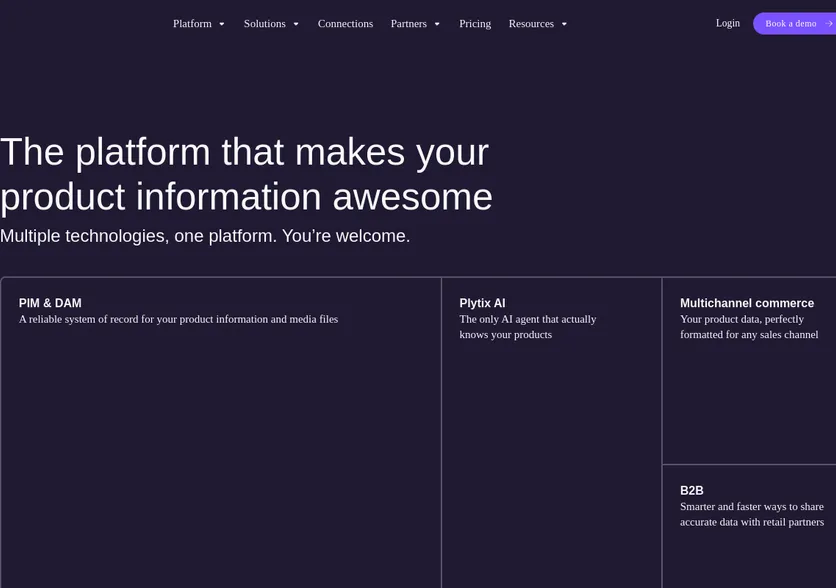
Plytix charges one hundred forty-nine dollars a month for its Pro plan at one hundred SKUs, and it gives remote teams one shared home for product content. Attributes, images and copy live in the same place, so a teammate in another time zone can pick up exactly where you left off. It suits small and mid-size stores that want PIM without an enterprise rollout.
What we like
- Clean interface that non-technical staff learn fast
- Built-in digital asset management
- Free Standard plan covers up to one hundred SKUs
Watch out for
- Price climbs steeply as SKU count grows
- Fewer enterprise connectors than the big PIM suites
How to try it
- Import your catalogue from a spreadsheet or feed
- Enrich products with attributes, images and copy
- Publish the finished feed to your sales channels
2. Channable
Best for: Feeds and ads across marketplaces and shopping channels
Paid tool Starting price: $49/month · Core Standard costs forty-nine dollars a month for up to five hundred items, per vendor-supplied listing data. The vendor page prices in euros from thirty-nine euros a month for five hundred items, and its app-store listing shows Core Plus at eighty-nine dollars a month, so confirm the dollar figure at checkout.
Free plan: No free plan, free trial
Channable starts at forty-nine dollars a month for its Core Standard plan, and it is strongest at turning raw product data into clean shopping feeds. Rules fix titles, prices and categories before the feed reaches Google, Meta or a marketplace. It fits remote teams that sell across many channels and need one feed pipeline for all of them.
What we like
- Strong feed rules for cleaning up product data
- PPC and marketplace tools in the same account
- Good support for smaller catalogues
Watch out for
- Dollar pricing is not published on the vendor site
- Item limits mean costs rise with catalogue size
How to try it
- Connect your shop or import a product feed
- Build rules to fix titles, prices and categories
- Send the finished feed to Google, Meta or a marketplace
3. DataFeedWatch
Best for: Agencies and shops managing many shopping feeds
Paid tool Starting price: $53/month · Shop costs fifty-three dollars a month when billed annually, or sixty-four dollars month to month. Merchant is seventy dollars a month on annual billing. Agency costs one hundred ninety-eight dollars a month on annual billing, and Enterprise is quoted.
Free plan: No free plan; 15-day free trial
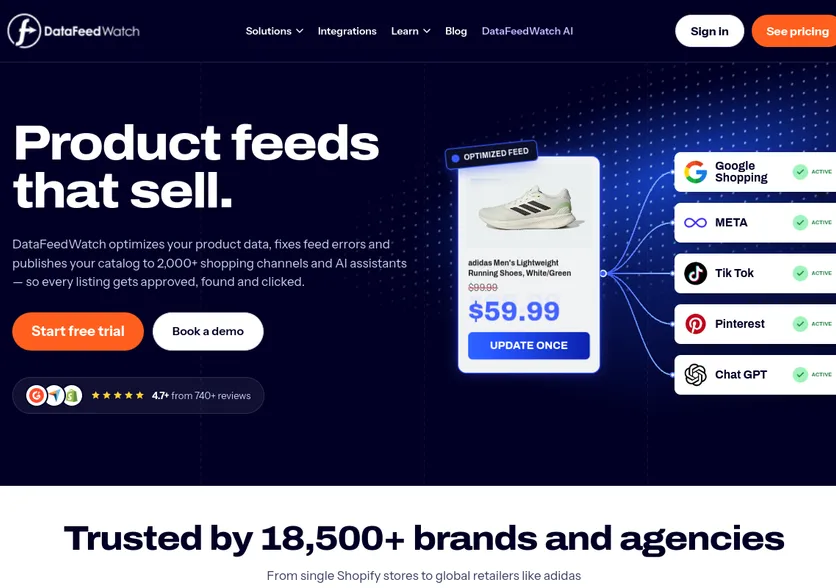
DataFeedWatch costs fifty-three dollars a month on annual billing for its Shop plan, and it specialises in mapping and optimising feeds for dozens of channels. You can reshape the same catalogue for Google Shopping, Meta, Amazon and more without touching the source data. It is a solid choice when feed quality, not catalogue editing, is the daily work.
What we like
- Powerful feed mapping and optimisation rules
- Covers Google, Meta, Amazon and dozens more channels
- Clear per-plan feed limits
Watch out for
- No free plan, only a fifteen-day trial
- Advanced rules take time to learn
How to try it
- Connect your store and import the product feed
- Map fields and add optimisation rules
- Push the feed to your chosen shopping channels
4. GoDataFeed
Best for: Shopify stores pushing feeds to Google and social channels
Paid tool Starting price: $39/month · Lite costs thirty-nine dollars a month for over one thousand SKUs, one daily sync and one PPC channel. Plus is ninety-nine dollars a month, Pro is one hundred ninety-nine dollars, and Premium is three hundred ninety-nine dollars. A fourteen-day free trial is included.
Free plan: No free plan; 14-day free trial
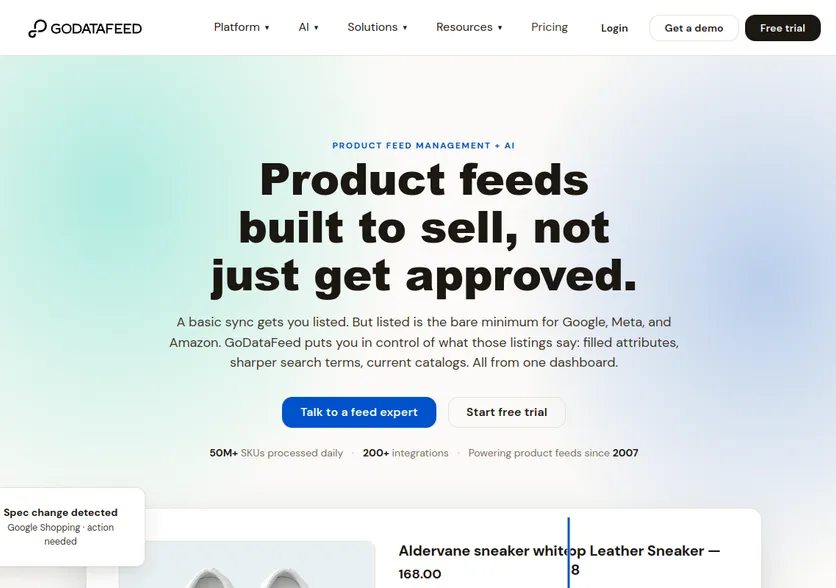
GoDataFeed starts at thirty-nine dollars a month for its Lite plan, and it is built around Shopify stores that need feeds kept fresh automatically. Connect the shop, map the fields once, and the scheduled sync pushes updates to Google and social channels. It fits teams that want feed management handled with minimal daily attention.
What we like
- Deep Shopify integration with quick setup
- Scheduled syncs keep feeds fresh automatically
- Clear tier ladder as catalogue and channels grow
Watch out for
- Lite allows only one daily sync and one PPC channel
- Best suited to Shopify rather than other platforms
How to try it
- Install the app from the Shopify App Store
- Map your products to Google Shopping fields
- Turn on the sync schedule for your channels
5. Apimio
Best for: Ecommerce teams that want PIM plus feed management in one
Paid tool Starting price: $199/month · Basic costs one hundred ninety-nine dollars a month for one store and ten thousand SKUs. Advanced PIM tiers cost more for larger catalogues and more users. A fourteen-day free trial is included.
Free plan: No free plan; 14-day free trial.
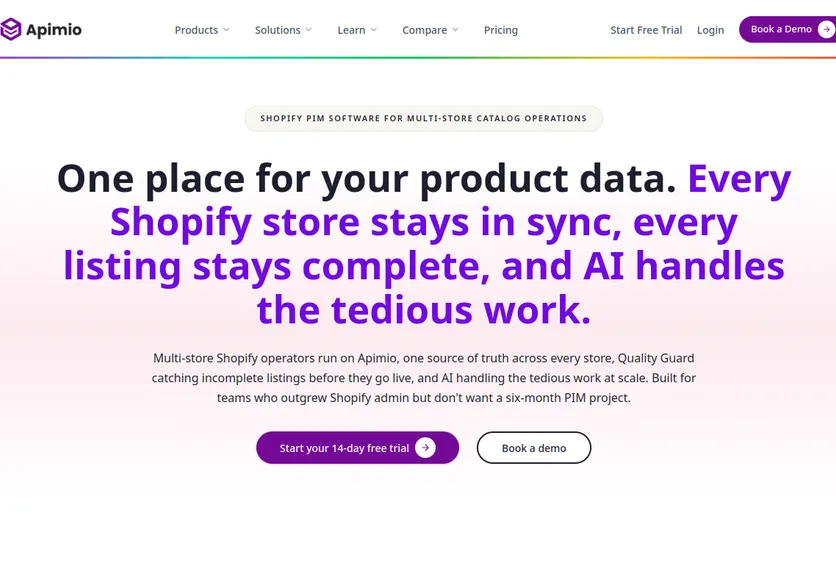
Apimio costs one hundred ninety-nine dollars a month for its Basic plan, and it combines a product information manager with shopping feed tools in one account. Remote teammates can enrich the same catalogue and publish it to sales channels without handing files back and forth. It works well for stores that want PIM and feeds together rather than two separate tools.
What we like
- PIM and shopping feeds in a single tool
- Straightforward setup for Shopify and WooCommerce
- Unlimited users on paid plans
Watch out for
- No free plan, only a fourteen-day trial
- Fewer marketplace connectors than feed-only tools
How to try it
- Connect your store and import the catalogue
- Enrich products with attributes and media
- Sync the finished feed to your sales channels
6. Pimcore
Best for: Large catalogues needing PIM, DAM and CMS together
Paid tool Starting price: $825/month · Professional costs eight hundred twenty-five dollars a month, or nine thousand nine hundred dollars a year. The Community Edition is free and open source. Enterprise pricing is quoted.
Free plan: Free Community edition.
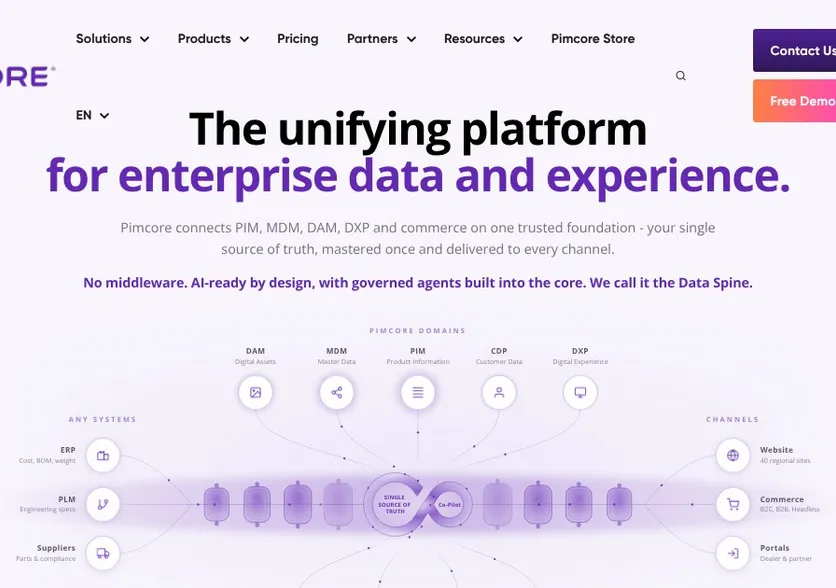
Pimcore charges eight hundred twenty-five dollars a month for its Professional plan, and it brings PIM, digital asset management and content management into a single open platform. The free Community Edition lets a team test the data model before committing to the paid tier. It suits larger remote teams with complex catalogues and developers on staff.
What we like
- Open-source core with a free Community Edition
- PIM, DAM, CMS and commerce in one platform
- Handles very large catalogues and complex data models
Watch out for
- Needs developers to set up and maintain
- Professional tier is a serious budget commitment
How to try it
- Install the Community Edition or start a Professional trial
- Model your product attributes and categories
- Import the catalogue and connect your channels
7. Crystallize
Best for: Headless commerce teams that want PIM inside the platform
Paid tool Starting price: $949/month · Atom costs nine hundred forty-nine dollars a month plus usage metering, covering one tenant, five hundred orders, five thousand items, fifty gigabytes of storage and five hundred thousand API calls. Particle is free plus metering. Crystal is quoted.
Free plan: Free Particle plan with metering
Crystallize starts at nine hundred forty-nine dollars a month for its Atom plan, and it puts product information inside a headless commerce platform. Rich product stories, variants and media are modelled as content and served through an API to any storefront. It fits teams building a custom storefront who want the catalogue and the shop to share one system.

What we like
- PIM built into a headless commerce platform
- Flexible content modelling for rich product stories
- Free Particle plan for trying the platform
Watch out for
- Metering adds cost on top of the monthly fee
- Smaller ecosystem than the biggest PIM suites
How to try it
- Create a tenant and define your product shapes
- Import items and enrich them with media and copy
- Serve the catalogue through the API to your storefront
8. Simprosys
Best for: Shopify stores that want a cheap Google Shopping feed
Paid tool Starting price: $4.99/month · Pricing starts at four dollars and ninety-nine cents a month for up to five hundred products. It rises to eight dollars and ninety-nine cents for one thousand products, thirteen dollars and ninety-nine cents for five thousand, and seventeen dollars and ninety-nine cents for ten thousand. Annual billing saves ten percent, and a twenty-one-day free trial is included.
Free plan: No free plan; 21-day free trial
Simprosys costs four dollars and ninety-nine cents a month for up to five hundred products, and it does one job well: building a Google Shopping feed for Shopify stores. Setup is close to one click, and the feed stays in sync with the shop automatically. It is the cheapest entry point here for a small store that only needs Google feeds.

What we like
- Very low starting price for small catalogues
- One-click feed setup for Google Shopping
- Twenty-one-day free trial with no card needed
Watch out for
- Focused on Google feeds rather than full PIM
- Price steps up quickly as products grow
How to try it
- Install the app from the Shopify App Store
- Connect your Google Merchant Center account
- Generate the feed and check it for errors
Prices above were checked on each vendor’s own website on Nov 28, 2026 and can change — the vendor’s page is the final word. Vendor links are editorial: nobody paid to be listed or ranked here. Vendors who want a featured listing can see how it works on our Get listed page.
How to run product data with a remote team
Pick one system of record and make everything else feed from it. When product data lives in spreadsheets, chat threads and three different apps, a remote team spends its week reconciling versions instead of improving the catalogue. A shared PIM fixes that, and the free plans from Plytix and Pimcore let you prove the workflow before paying. Agree on who owns each field: titles, prices, images and attributes each need an owner, or nobody updates them. Finally, check the feed tools before you buy: a PIM that cannot publish cleanly to Google, Meta and your marketplaces still leaves the team exporting spreadsheets by hand.
Before you buy
- Choose one system of record so the whole team works on the same product data
- Check the free plan or trial covers enough SKUs to test with your real catalogue
- Confirm the tool publishes clean feeds to Google, Meta and your marketplaces
- Assign an owner to each field so titles, prices and images stay up to date
- Check per-user or per-item pricing against your team size and catalogue size
Official websites
Official websites of the products reviewed above. Features and prices were checked against these sites when this guide was written, and they can change, so confirm on the vendor site before you buy.
Frequently asked questions
What is product data management software?
Product data management software, usually called PIM, keeps every detail about your products in one place: titles, descriptions, attributes, prices, images and variants. Instead of editing spreadsheets and passing files around, the team works on shared records and publishes the finished data to the store, marketplaces and shopping feeds. For a remote team it also acts as the single source of truth, so nobody works from an outdated copy.
How much does PIM software cost?
The tools here range from four dollars and ninety-nine cents a month for Simprosys to eight hundred twenty-five dollars a month for Pimcore Professional. Most charge by catalogue size or by plan, so a store with a few hundred products pays far less than one with tens of thousands. Plytix and Pimcore both offer free tiers, and the feed-only tools start under sixty dollars a month.
Can a small remote team use PIM software?
Yes, and the free plans make it easy to start. Plytix is free up to one hundred SKUs, Pimcore Community Edition is free and open source, and Simprosys costs under five dollars a month for small catalogues. A team of two or three can run the whole catalogue in one of these tools without an enterprise budget or an IT project.
What is the difference between PIM and feed management?
PIM software manages the product records themselves: attributes, images, copy and variants. Feed management takes those records and reshapes them for each sales channel, fixing titles, prices and categories so Google Shopping or Meta accepts them. Some tools do both, like Apimio and Plytix, while others specialise in feeds, like DataFeedWatch and Channable.
Which PIM tool is best for remote teams?
Plytix is the best overall pick for remote teams, with a clean shared workspace and a free plan up to one hundred SKUs. Apimio is the best all-in-one choice when you also need feed management, and Simprosys is the cheapest route when the team only needs a Google Shopping feed. Large catalogues with developers on staff should look at Pimcore instead.
Pick one of the 8 tools above, import your catalogue on the free plan, and give your remote team one source of truth.
Browse Business Tools tools