On this page
Grant-funded work lives or dies on proof: every milestone, dollar and report must be traceable when the funder asks. The eight tools below cover that job for teams of every size, from a flat-priced workspace for a small nonprofit to a spreadsheet-style system that turns project data into funder-ready reports. Smartsheet leads because its grids and live reports fit grant tracking so naturally for nine dollars per member a month, and the rest are ranked on how well they handle reporting, budgets and deadlines for the price.
How we researched this
We checked every price on the vendor pricing page on November 28, 2026, and only included tools with a published US dollar list price. Quote-only platforms and grant-specific systems that publish no prices, including Fluxx, Submittable and Blackbaud Grantmaking, are not in this list. Prices change, so confirm the current figure on the vendor site before you buy.
Compare the tools
| Name | Best for | Starting price | Free plan | |
|---|---|---|---|---|
 Smartsheet | Teams that think in spreadsheets and need real project controls | $9/member/month | No free plan; 30-day free trial | Visit |
 Asana | Teams that need timelines, goals and portfolios in one place | $10.99/user/month | Free plan (up to 2 users) | Visit |
 Monday.com | Teams that want visual boards and no-code automations | $9/seat/month | Free plan (up to 2 seats) | Visit |
 ClickUp | Teams that want every view and tool in one workspace | $9/user/month | Free plan | Visit |
 Airtable | Teams that track structured data behind their projects | $20/user/month | Free plan | Visit |
 Basecamp | Small teams that want calm, flat-priced project tracking | $29/month | Free plan | Visit |
 ProofHub | Growing teams that hate per-seat pricing | $45/month | No free plan; 14-day free trial | Visit |
 Zoho Projects | Budget-conscious teams that want the core done well | $4/user/month | Free plan (up to 3 users) | Visit |
The project management software for grant funded teams, compared
1. Smartsheet
Best for: Teams that think in spreadsheets and need real project controls
Paid tool Starting price: $9/member/month · Nine dollars per member a month billed annually on Pro ($12 billed monthly); Business is $19 a member a month billed annually ($24 monthly); Enterprise is quoted; Pro caps at ten members and the free plan is closed to new sign-ups
Free plan: No free plan; 30-day free trial
Grant teams that must show a funder exactly where every dollar went find that audit trail in this Smartsheet plan, which costs nine dollars per member a month billed annually, with grid reports that turn milestones into funder-ready updates. Grids, Gantt charts and dashboards feel familiar to anyone who lives in spreadsheets, with automations and approvals layered on top. Reports pull live data from many sheets, so status updates write themselves.

What we like
- Grids, Gantt charts and dashboards feel familiar to spreadsheet users
- Reports pull live data from many sheets at once
- Automations and approvals run on top of the familiar grid
Watch out for
- Pro caps at ten members, so growing teams must move to Business
- Only paid members can edit, which can surprise new buyers
How to try it
- Build a sheet for the project with columns for owner, status and due date
- Add a Gantt view and set dependencies between key milestones
- Create a report that pulls live status from every project sheet
2. Asana
Best for: Teams that need timelines, goals and portfolios in one place
Paid tool Starting price: $10.99/user/month · Ten dollars and ninety-nine cents per user a month billed annually ($13.49 billed monthly); Advanced is $24.99 a user a month billed annually ($30.49 monthly); Enterprise is quoted
Free plan: Free plan (up to 2 users)
When a grant has five workstreams and one reporting deadline, this Asana plan costs ten dollars and ninety-nine cents per user a month billed annually and keeps every deliverable, owner and due date on a single timeline. Timeline and Gantt views keep every workstream visible, while custom fields and forms capture the details each project needs. Automations move routine updates off the team so people spend their time on the work itself.

What we like
- Timeline and Gantt views keep every workstream visible
- Unlimited automations and forms on the Starter plan
- Goals and portfolios connect daily work to strategy
Watch out for
- The free Personal plan now covers only two users
- Portfolios and workload need the dearer Advanced plan
How to try it
- Create a project from a template and add every task with an owner and due date
- Switch to Timeline view and link dependencies between tasks
- Set up a dashboard that reports progress to stakeholders each week
3. Monday.com
Best for: Teams that want visual boards and no-code automations
Paid tool Starting price: $9/seat/month · Nine dollars per seat a month billed annually on Basic ($12 billed monthly); Standard is $12 a seat a month billed annually ($14 monthly); Pro is $19 ($24 monthly); paid plans start at three seats
Free plan: Free plan (up to 2 seats)
A grant-funded team juggling several awards at once gets one board per funder in this Monday.com plan, which costs nine dollars per seat a month billed annually, with automations that chase overdue tasks. Colourful boards and timeline views make the whole workload visible at a glance, and automations handle status changes and reminders without manual chasing. Dashboards roll every project into one view for managers who need the big picture.

What we like
- Colourful boards make the whole workload visible at a glance
- Automations handle status changes and reminders without chasing
- Dashboards roll every project into one view for managers
Watch out for
- Basic has no timeline view and almost no automations
- Paid plans sell in seat blocks with a three-seat minimum
How to try it
- Build a board with groups for each project phase and columns for status and owner
- Add an automation that moves items and notifies owners when dates slip
- Create a dashboard that shows progress across all boards at once
4. ClickUp
Best for: Teams that want every view and tool in one workspace
Paid tool Starting price: $9/user/month · Nine dollars per user a month billed annually on Core ($12 billed monthly); Business is $17 a user a month billed annually; Enterprise is quoted; the old Unlimited tier name was retired in the October to November 2026 ladder rebuild
Free plan: Free plan
Grant managers who track budgets, reports and fieldwork in separate spreadsheets can merge them in this ClickUp plan, which costs nine dollars per user a month billed annually, with docs and goals beside the tasks. Views span lists, boards, calendars and Gantt charts, so each person works in the layout that suits them best. Docs, goals and time tracking sit inside the same workspace, which keeps the tool count down.

What we like
- List, board, calendar and Gantt views in the same workspace
- Docs, goals and time tracking included without extra tools
- Deep customisation suits almost any workflow
Watch out for
- The breadth of features takes real time to set up well
- Some teams find the interface busy compared with simpler boards
How to try it
- Set up a Space for each project and pick the view that suits the work
- Add custom fields for the details the team tracks every week
- Turn on time tracking and goals so progress reports itself
5. Airtable
Best for: Teams that track structured data behind their projects
Paid tool Starting price: $20/user/month · Twenty dollars per user a month billed annually on Team ($24 billed monthly); Business is $45 a user a month billed annually; Enterprise Scale is quoted; the free plan covers up to five users
Free plan: Free plan
For a grant team that tracks awards, subrecipients and reporting dates as structured data, this Airtable plan costs twenty dollars per user a month billed annually and turns those records into calendars and Kanban boards. Grid, calendar, Kanban and gallery views turn the same records into whatever the team needs to see. Automations and interfaces connect the data to the people who use it, without a separate database tool.

What we like
- Grid, calendar, Kanban and gallery views of the same records
- Automations connect the data to the people who use it
- Interfaces give each role a clean view without extra tools
Watch out for
- The entry paid tier is dearer than most rivals here
- Heavy relational set-ups need someone who enjoys databases
How to try it
- Build a base with one table per workstream and link the records
- Add a Kanban view for daily work and a calendar view for deadlines
- Create an interface that shows stakeholders only what they need
6. Basecamp
Best for: Small teams that want calm, flat-priced project tracking
Paid tool Starting price: $29/month · Twenty-nine dollars a month flat on Freelancer; Pro is $79 a month flat; Pro Plus is $99 a month flat; Pro Unlimited is $199 a month billed annually ($329 billed monthly); only Pro Unlimited has annual billing; the old fifteen-dollar-per-user Plus plan was retired around October 2026
Free plan: Free plan
Small grant teams that want one calm place for the whole award choose this Basecamp plan, which costs twenty-nine dollars a month flat, with message boards and to-do lists that replace status emails. Message boards, to-do lists, schedules and file storage live in one calm place, with no per-seat pricing to track. Clients get their own view of a project, which keeps status emails to a minimum.

What we like
- Flat monthly pricing covers the whole team with no per-seat math
- Message boards, to-dos, schedules and files in one calm place
- Clients get their own view of a project without extra seats
Watch out for
- No Gantt chart or time tracking in the core product
- The Freelancer plan suits one person, not a growing team
How to try it
- Create a project and invite the team plus any clients who need access
- Break the work into to-do lists with owners and due dates
- Post updates on the message board instead of sending status emails
7. ProofHub
Best for: Growing teams that hate per-seat pricing
Paid tool Starting price: $45/month · Forty-five dollars a month flat billed annually on Essential ($50 billed monthly) for unlimited users and forty projects; Ultimate Control is $89 a month billed annually for the first three months, then $135 a month billed annually ($99 then $150 monthly)
Free plan: No free plan; 14-day free trial
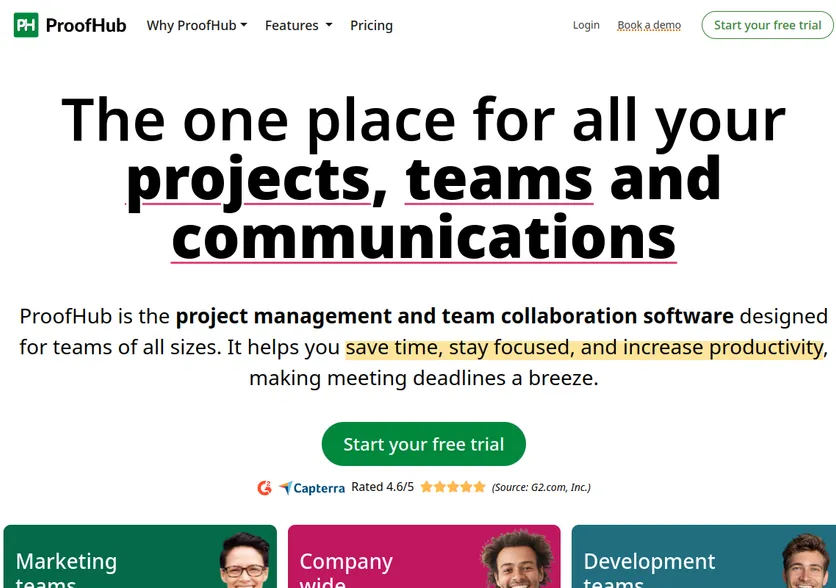
A grant-funded team that keeps adding partners and reviewers without raising the bill fits this ProofHub plan, which costs forty-five dollars a month flat billed annually for unlimited users. Flat monthly pricing covers unlimited users, so adding people never raises the bill. Tasks, Gantt charts, discussions, proofing and time tracking live in one workspace built for client work.
What we like
- Flat monthly pricing covers unlimited users at one price
- Tasks, Gantt, discussions, proofing and time tracking in one place
- Custom roles and workflows come with the higher tier
Watch out for
- Essential caps at forty projects, which busy teams hit fast
- The advertised Ultimate Control price is a three-month offer only
How to try it
- Create a project for each client or workstream and add the whole team
- Break the work into task lists with owners, dates and files
- Use the proofing tool to approve deliverables inside the project
8. Zoho Projects
Best for: Budget-conscious teams that want the core done well
Paid tool Starting price: $4/user/month · Four dollars per user a month billed annually on Premium ($5 billed monthly); Enterprise is $9 a user a month billed annually ($10 monthly); Projects Plus is quoted
Free plan: Free plan (up to 3 users)
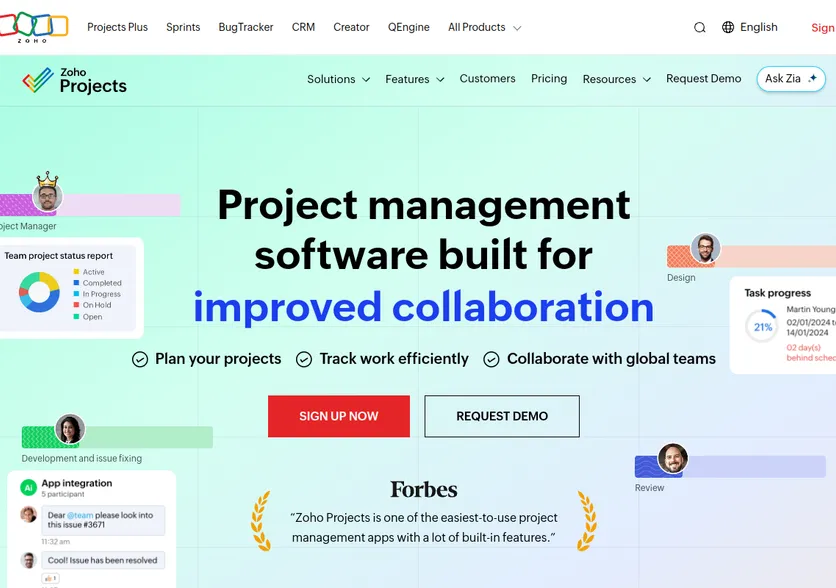
Grant teams on a tight indirect-cost budget get the core of project tracking in this Zoho Projects plan, which costs four dollars per user a month billed annually, with Gantt charts and timesheets included. Gantt charts, Kanban boards and timesheets cover the core of project work at a price most small teams can afford. The Zoho integrations connect projects to CRM, mail and finance when the wider suite is in use.
What we like
- Gantt charts, Kanban boards and timesheets at a low price
- Zoho integrations connect projects to CRM, mail and finance
- The free plan lets a tiny team start without paying
Watch out for
- The free plan covers only three users and two projects
- Some advanced features sit on the Enterprise tier
How to try it
- Create a project and add milestones with owners and due dates
- Switch to the Gantt view to check dependencies and deadlines
- Log time on tasks and export a report for the client or manager
Prices above were checked on each vendor’s own website on Nov 28, 2026 and can change — the vendor’s page is the final word. Vendor links are editorial: nobody paid to be listed or ranked here. Vendors who want a featured listing can see how it works on our Get listed page.
How to run a grant on project software without losing the audit trail
Start by building one project per award, not one project per team, because the funder cares about the grant, not your org chart. Put every milestone, budget line and reporting deadline in the tool on day one, and attach the award letter and budget to the project so nobody hunts for them later. Log time and spending against the grant as the work happens, not at quarter end, since a funder report written from memory is where errors creep in. Review the dashboard every week with the whole team, and keep a single owner for each deliverable so nothing falls between two people.
Before you buy
- Confirm the tool can report spending and milestones by award, not just by project
- Check whether reports export cleanly enough to send straight to a funder
- Make sure the free plan or trial covers the whole team, not just two users
- Ask if the tool keeps an audit trail of who changed a deadline or budget line
- Test the tool on a real grant file before paying, including a quarterly report
Official websites
Official websites of the products reviewed above. Features and prices were checked against these sites when this guide was written, and they can change, so confirm on the vendor site before you buy.
Frequently asked questions
What is project management software for grant funded teams?
It is software that tracks the milestones, budgets, deliverables and reporting deadlines of a grant in one place, so the team can show a funder exactly what was done and what it cost. Good tools separate work by award, keep an audit trail of changes, and export reports that need little editing before they go to the funder.
How much does Smartsheet cost for grant tracking?
Smartsheet costs nine dollars per member a month billed annually on Pro, or twelve dollars billed monthly. Business is nineteen dollars per member a month billed annually and adds unlimited automations and workload tracking. There is no free plan for new sign-ups, only a thirty-day free trial, and Pro caps at ten members.
Can I manage a grant for free?
Yes, with Asana, which offers a free plan for up to two users, Monday.com with a free plan for up to two seats, and Zoho Projects with a free plan for up to three users. Those free tiers suit a tiny grant team, but a team of three or more will need a paid plan, and the cheapest paid seats here are Zoho Projects at four dollars a user a month.
Which tool is best for a small grant-funded team?
Zoho Projects is the cheapest capable option for a small grant team, at four dollars a user a month billed annually, with Gantt charts and timesheets included. Smartsheet is the better pick if funder reporting is the main job, since its live reports pull data from every project sheet without manual copying.
What should grant teams look for in project management software?
Look for reporting by award, an audit trail, budget tracking and clean exports first, because those are what a funder actually checks. Then weigh the per-seat price against the team size, since a ten-dollar seat is cheap for three people and expensive for thirty. Finally, test the tool on a real grant file before committing to a year.
Compare the eight tools above, then start with a free trial or the free plan on the tool that matches how the grant team already tracks awards and reports before paying for a full year.
Browse Business Tools tools