On this page
A nonprofit runs grants, events, volunteers and donors on a budget that never stretches far enough, so the project tool has to be cheap and easy for everyone to use. The eight tools below cover that work at prices a small charity can afford, with free plans and flat fees where they count. Asana leads because its free plan covers two users, the paid plan costs ten dollars and ninety-nine cents a user a month, and volunteers can join as free guests.
How we researched this
We checked every price on the vendor pricing page on November 28, 2026, and only included tools with a published US dollar list price. The quote-only platforms, including Kantata, LiquidPlanner, Accelo and Blackbaud (quote-only), publish no prices, so they are not in this list. Prices change, so confirm the current figure on the vendor site before you buy.
Compare the tools
| Name | Best for | Starting price | Free plan | |
|---|---|---|---|---|
 Asana | Teams that want a shared view of every deadline | $10.99/user/month | Free plan (up to 2 users) | Visit |
 monday.com | Teams that want a visual, colour-coded workspace | $9/seat/month | Free plan (up to 2 seats) | Visit |
 ClickUp | Teams that want every view in one cheap seat | $9/user/month | Free plan | Visit |
 Trello | Teams that want the simplest Kanban board | $5/user/month | Free plan (10 boards) | Visit |
 Basecamp | Teams that want one flat bill for everyone | $29/month | Free plan | Visit |
 Todoist | Small teams that live on task lists | $4/user/month | Free plan (5 projects) | Visit |
 ProofHub | Teams that want proofing inside the project tool | $45/month | No free plan; 14-day free trial | Visit |
 Zoho Projects | Budget teams that want full tracking for four dollars | $4/user/month | Free plan (up to 3 users) | Visit |
The project management software for nonprofit organizations, compared
1. Asana
Best for: Teams that want a shared view of every deadline
Paid tool Starting price: $10.99/user/month · Ten dollars and ninety-nine cents per user a month billed annually ($13.49 billed monthly); Advanced is $24.99 a user a month billed annually ($30.49 monthly); Personal is free for up to two users
Free plan: Free plan (up to 2 users)
For a nonprofit stretching a small budget across grants, events and volunteers, this Asana plan costs ten dollars and ninety-nine cents a user a month billed annually, and it keeps every deadline visible in one shared workspace. Timeline and Gantt views, unlimited automations, custom fields and dashboards come with the Starter plan, and unlimited free guests keep outside collaborators off the paid seat count. It suits a nonprofit that need one shared view of every project without a long setup.

What we like
- Timeline and Gantt views included from the first paid plan
- Unlimited free guests keep clients off the paid seat count
- Unlimited automations and custom fields on Starter
Watch out for
- Seats are sold in blocks, so the bill can jump at thresholds
- Workload and portfolios need the pricier Advanced plan
How to try it
- Create a project and add its tasks with owners and due dates
- Switch to the Timeline view and set dependencies between tasks
- Invite guests free and track progress on the project dashboard
2. monday.com
Best for: Teams that want a visual, colour-coded workspace
Paid tool Starting price: $9/seat/month · Nine dollars per seat a month billed annually ($12 billed monthly) with a three-seat minimum; Standard is $12 a seat a month billed annually ($14 monthly) and Pro is $19 ($24 monthly)
Free plan: Free plan (up to 2 seats)
For a nonprofit stretching a small budget across grants, events and volunteers, this monday.com plan costs nine dollars a seat a month billed annually, and it puts the whole workload on one visual board. Colour-coded boards, timeline and Gantt views, automations and integrations sit on one visual workspace, and the Standard tier adds calendar views and guest access. It suits a nonprofit that want a visual board the whole team can read at a glance.

What we like
- Visual boards that anyone can read without training
- Automations and integrations from the Standard plan
- Timeline, Gantt and calendar views for planning
Watch out for
- Paid plans start at three seats, so a solo user overpays
- Time tracking and private boards need the Pro plan
How to try it
- Pick a board template and add the columns the work needs
- Add items, owners and due dates, then switch on automations
- Share the board with guests and watch the timeline view
3. ClickUp
Best for: Teams that want every view in one cheap seat
Paid tool Starting price: $9/user/month · Nine dollars per user a month billed annually ($12 billed monthly) on Core; Business is $17 a user a month billed annually; the ladder was rebuilt in October and November 2026
Free plan: Free plan
For a nonprofit stretching a small budget across grants, events and volunteers, this ClickUp plan costs nine dollars a user a month billed annually, and it packs tasks, docs and goals into a single workspace. Tasks, docs, whiteboards, goals and time tracking share one workspace, with unlimited storage and custom views from the Core plan. It suits a nonprofit that want every kind of work view in one cheap seat.

What we like
- Fifteen-plus views including Gantt, board and calendar
- Docs, whiteboards and goals in the same workspace
- Core is nine dollars, among the cheapest paid seats here
Watch out for
- So many features that new users can feel lost
- Some views and automations need the Business plan
How to try it
- Create a space and add lists for each project
- Switch views to see the same work as a board or Gantt chart
- Set a goal and link tasks to it for progress tracking
4. Trello
Best for: Teams that want the simplest Kanban board
Paid tool Starting price: $5/user/month · Five dollars per user a month billed annually ($6 billed monthly); Premium is $10 a user a month billed annually ($12.50 monthly) and Enterprise starts at $17.50
Free plan: Free plan (10 boards)
For a nonprofit stretching a small budget across grants, events and volunteers, this Trello plan costs five dollars a user a month billed annually, and it gives the team a board anyone can use on day one. Boards, lists and cards stay simple enough for anyone to learn in an afternoon, with Butler automation, custom fields and advanced checklists on the Standard plan. It suits a nonprofit that want the simplest possible board and nothing they have to learn.

What we like
- The easiest board in this list to learn and use
- Butler automation and custom fields from Standard
- Free plan covers ten boards and ten collaborators
Watch out for
- No native time tracking or task dependencies
- Timeline and dashboard views need the Premium plan
How to try it
- Create a board and add lists for each stage of the work
- Add cards with owners, due dates and checklists
- Set up a Butler rule to move finished cards automatically
5. Basecamp
Best for: Teams that want one flat bill for everyone
Paid tool Starting price: $29/month · Twenty-nine dollars a month flat for Freelancer; Pro is $79 a month flat, Pro Plus is $99 a month flat and Pro Unlimited is $199 a month billed annually ($329 billed monthly); only Pro Unlimited has annual billing; the old $15 per user Plus tier was retired around October 2026
Free plan: Free plan
For a nonprofit stretching a small budget across grants, events and volunteers, this Basecamp plan costs twenty-nine dollars a month flat, and it covers the whole team for one flat monthly fee. Message boards, to-do lists, schedules, documents and group chat live in one flat-priced workspace, with no per-seat maths at all. It suits a nonprofit that want one flat bill whatever the headcount.

What we like
- One flat monthly fee, no matter how many people join
- Message boards, to-dos, schedules and chat in one place
- Simple enough that the whole team actually uses it
Watch out for
- No Gantt chart or native time tracking
- Reporting is lighter than Asana or Smartsheet
How to try it
- Create a project and add its to-do lists and owners
- Post updates on the message board instead of email
- Check the schedule view for upcoming milestones
6. Todoist
Best for: Small teams that live on task lists
Paid tool Starting price: $4/user/month · Four dollars per user a month billed annually ($5 billed monthly) on Pro; Business is $6 a user a month billed annually ($8 monthly)
Free plan: Free plan (5 projects)
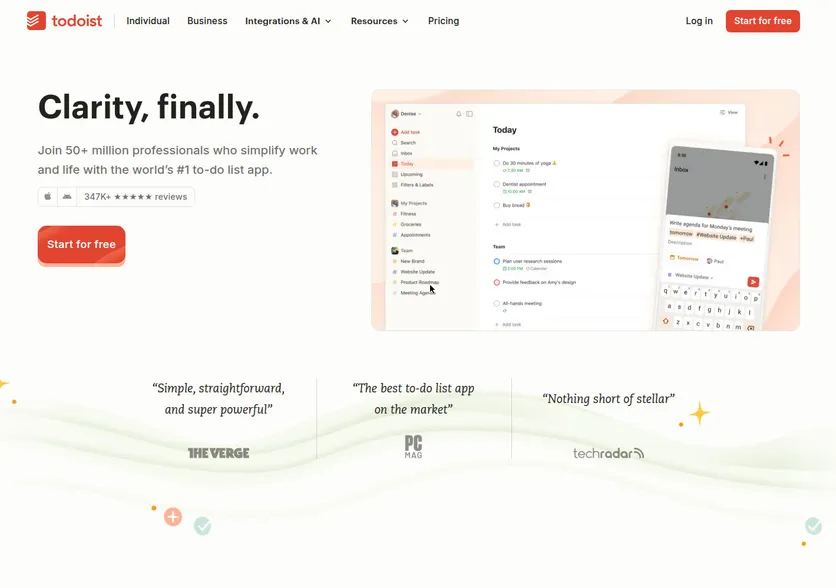
For a nonprofit stretching a small budget across grants, events and volunteers, this Todoist plan costs four dollars a user a month billed annually, and it clears the daily task list faster than any board. Natural-language task entry, reminders, filters, labels and calendar layout make it the fastest way to capture and clear small jobs. It suits a nonprofit that need fast personal task lists rather than heavy project plans.
What we like
- Natural-language entry makes adding tasks instant
- Four dollars is the cheapest paid plan in this list
- Reminders, filters and calendar layout on Pro
Watch out for
- No Gantt chart or workload view for planning
- Team workspaces and roles need the Business plan
How to try it
- Add tasks by typing them with dates in plain language
- Set priorities and reminders for the important ones
- Share a project and assign tasks to teammates
7. ProofHub
Best for: Teams that want proofing inside the project tool
Paid tool Starting price: $45/month · Forty-five dollars a month flat billed annually ($50 billed monthly) on Essential for unlimited users and forty projects; Ultimate Control is $89 a month for the first three months, then $135 a month billed annually ($150 monthly)
Free plan: No free plan; 14-day free trial
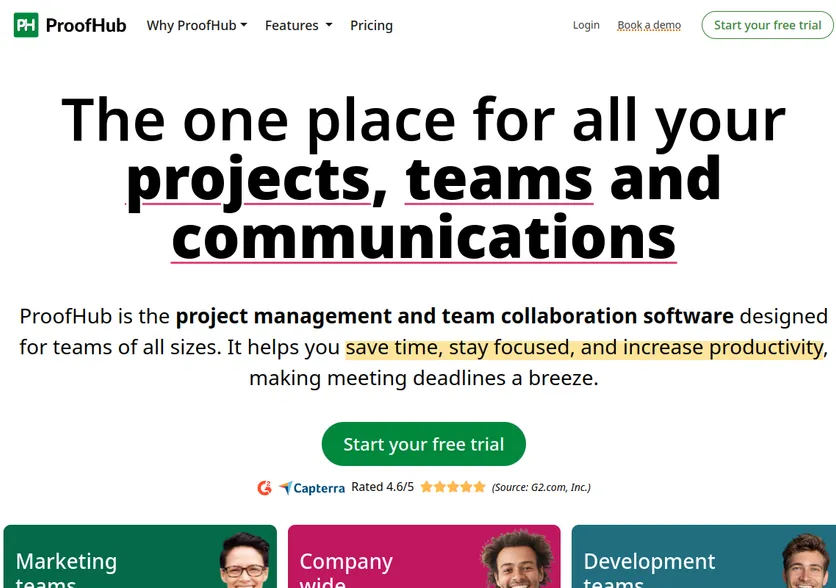
For a nonprofit stretching a small budget across grants, events and volunteers, this ProofHub plan costs forty-five dollars a month flat billed annually, and it covers unlimited users for one flat monthly fee. Tasks, boards, Gantt charts, time tracking, proofing and chat share one flat-priced account, and unlimited users never raise the bill. It suits a nonprofit that want proofing and chat inside the project tool.
What we like
- Flat pricing with unlimited users at every tier
- Proofing and file approval built into projects
- Chat, time tracking and Gantt in one account
Watch out for
- No free plan, only a fourteen-day trial
- Essential caps at forty projects and fifteen gigabytes
How to try it
- Create a project and add its task lists and owners
- Upload a file and start a proofing round for approval
- Track time on tasks and check the project report
8. Zoho Projects
Best for: Budget teams that want full tracking for four dollars
Paid tool Starting price: $4/user/month · Four dollars per user a month billed annually ($5 billed monthly) on Premium; Enterprise is $9 a user a month billed annually ($10 monthly)
Free plan: Free plan (up to 3 users)
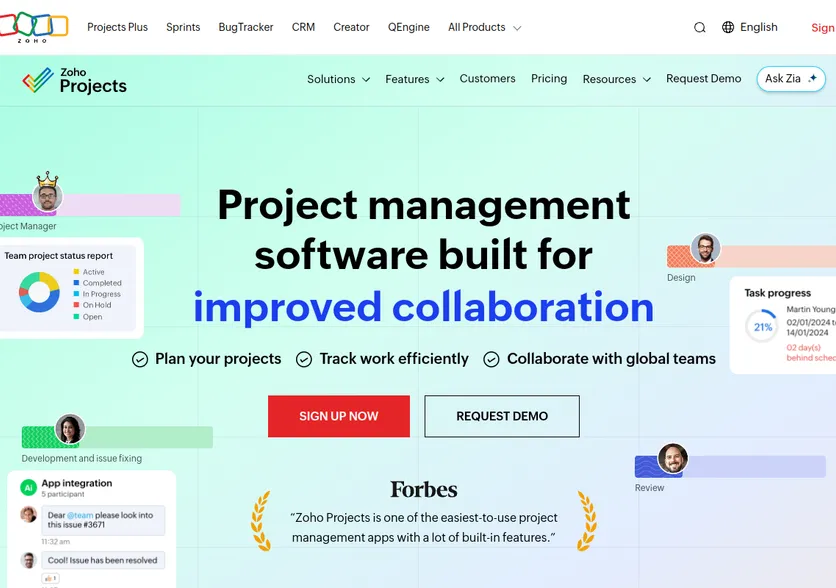
For a nonprofit stretching a small budget across grants, events and volunteers, this Zoho Projects plan costs four dollars a user a month billed annually, and it delivers full project tracking at the lowest price here. Gantt charts, Kanban boards, time tracking, blueprints and Zoho app integrations come with Premium at the lowest paid price in this list. It suits a nonprofit that want the cheapest credible paid plan in this list.
What we like
- Four dollars is the joint cheapest paid plan here
- Gantt charts and time tracking included on Premium
- Deep integration with the rest of Zoho
Watch out for
- Free plan caps at three users and two projects
- Interface feels busier than Asana or Trello
How to try it
- Create a project and add milestones and task lists
- Switch to the Gantt view to check the schedule
- Log time on tasks and export a project report
Prices above were checked on each vendor’s own website on Nov 28, 2026 and can change — the vendor’s page is the final word. Vendor links are editorial: nobody paid to be listed or ranked here. Vendors who want a featured listing can see how it works on our Get listed page.
How a nonprofit runs grants, events and volunteers on one board
Give every grant its own project, with milestones for the application, the award and each report deadline, so nothing is due without an owner. Run events as a separate board with tasks for venue, volunteers and publicity, and keep a simple donor list beside it. Use free guest seats for volunteers so they see only their own tasks, and keep the paid seats for staff. Review the grant calendar every month, because a missed report deadline can cost the next year of funding. Keep one person responsible for the grant calendar, so no deadline depends on memory.
Before you buy
- Check that volunteers can join as free guests without taking a paid seat
- Confirm grants can carry milestones for applications, awards and report deadlines
- Make sure the free plan or flat fee fits a budget that cannot grow
- Ask whether donors and board members can view progress without editing it
- Test the tool on one grant cycle before moving the whole organisation
Official websites
Official websites of the products reviewed above. Features and prices were checked against these sites when this guide was written, and they can change, so confirm on the vendor site before you buy.
Frequently asked questions
What is the best project management software for a nonprofit organization?
Asana leads this list for nonprofit organizations because it is the easiest of the eight to roll out. It costs ten dollars and ninety-nine cents a user a month billed annually, and Advanced is twenty-four dollars and ninety-nine cents a user a month billed annually, so a team can start cheap and move up only when it needs to. A free plan is available too, so a small team can start without paying.
How much does Asana cost?
Asana costs ten dollars and ninety-nine cents a user a month billed annually. Advanced is twenty-four dollars and ninety-nine cents a user a month billed annually. A free plan is available too, so a small team can start without paying. Prices are list prices checked on November 28, 2026, so confirm the current figure on the vendor site before you buy, since vendors change prices without notice.
Is there a free project management tool for nonprofit organizations?
Yes. Asana, monday.com, ClickUp, Trello, Basecamp, Todoist and Zoho Projects all offer free plans, so a nonprofit can start without paying. The free tiers cap projects or users, so a growing team will outgrow them, but they are genuine free plans rather than trials. The cheapest paid plan in this list is Todoist at four dollars a user a month billed annually, which is the next step when the free tier runs out.
Can volunteers use project software without a paid seat?
Yes, on most tools in this list. Asana gives unlimited free guests, monday.com includes free viewers, and Basecamp charges one flat fee whatever the headcount. Give volunteers guest access to their own tasks only, keep paid seats for staff, and check the guest limits before inviting a large volunteer group, since some tools cap free guests on lower plans.
Which tool is best for a small nonprofit?
Todoist is the best value for a small nonprofit, at four dollars a user a month billed annually, with the fastest task lists. Asana is the better pick if the team wants timeline views and unlimited automations, since it grows further without a switch. Start on the free plan or trial of either, and move up only when the free limits start to bite.
Compare the eight tools above, then start with a free trial or the free plan on the tool that matches how the nonprofit already runs its projects before paying for a full year.
Browse Business Tools tools