On this page
A writer's last read is the difference between a clean draft and a correction after publication, so the proofreading tool has to catch more than spelling. The eight tools below cover that job for writers of every kind, from a free browser check for a quick email to a deep style editor for a whole novel. Grammarly leads because it checks grammar, spelling and tone in every app a writer uses for twelve dollars per member a month, and the rest are ranked on how much writing help they give for the price.
How we researched this
We checked every price on the vendor pricing page on November 28, 2026, and only included tools with a published US dollar list price. The enterprise writing platforms that sell by quote, including Acrolinx and Writer's enterprise tier, publish no entry price, so they are not in this list. Prices change, so confirm the current figure on the vendor site before you buy.
Compare the tools
| Name | Best for | Starting price | Free plan | |
|---|---|---|---|---|
 Grammarly | Writers who want grammar help in every app | $12/member/month | Free plan (100 AI prompts a month) | Visit |
 ProWritingAid | Writers who want deep style reports on long drafts | $10/month | Free plan (500 words per check) | Visit |
 Hemingway Editor | Writers who want shorter, clearer sentences | $19.99 one-time | Free web editor | Visit |
 Ginger | Writers learning English who want rephrasing help | $6.99/month | Free plan (basic checks) | Visit |
 LanguageTool | Writers working in more than one language | $4.99/month | Free plan (10,000 characters per check) | Visit |
 Wordtune | Writers who rewrite the same sentence five times | $6.99/month | Free Basic plan (10 rewrites a day) | Visit |
 Writer | Writing teams that need one brand voice | $18/user/month | Free trial | Visit |
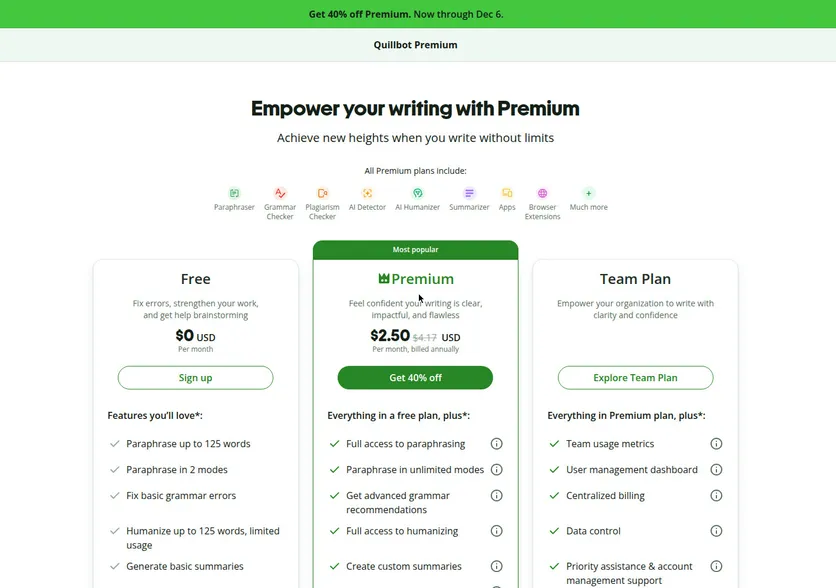
 QuillBot | Writers who paraphrase source material daily | $4.17/month | Free plan | Visit |
The proofreading software for writers, compared
1. Grammarly
Best for: Writers who want grammar help in every app
Paid tool Starting price: $12/member/month · Twelve dollars per member a month billed annually on Pro, or one hundred and forty-four dollars a year; quarterly billing is twenty dollars a month and monthly billing is thirty dollars; the free plan covers one hundred AI prompts a month; the Premium name is retired and the paid plan is now called Pro
Free plan: Free plan (100 AI prompts a month)
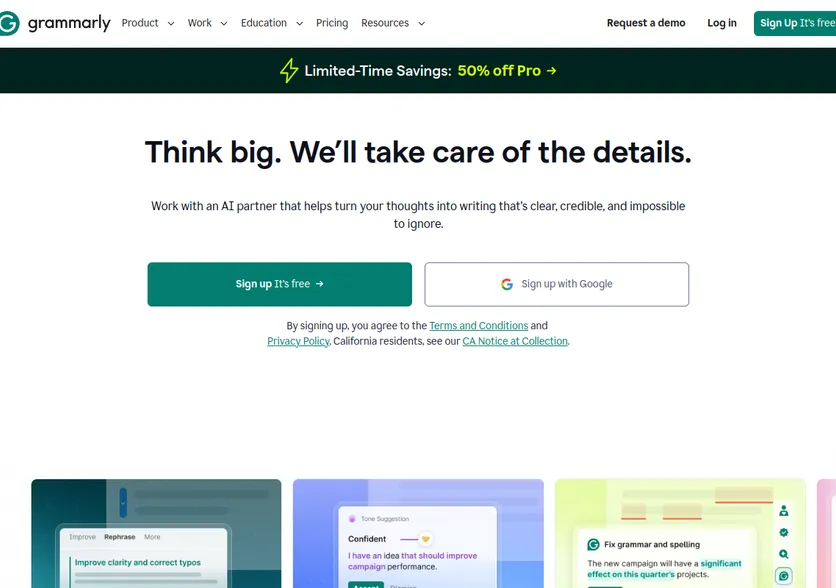
Writers who draft in email, docs and browsers alike will meet this tool everywhere, since this Grammarly plan costs twelve dollars per member a month billed annually. It catches grammar, spelling and tone as you type, and the plagiarism and AI checks sit beside the writing suggestions. The free plan covers one hundred AI prompts a month, so a writer can test the premium suggestions before paying.
What we like
- Catches grammar, spelling and tone in every app you write in
- Plagiarism and AI checks sit beside the writing suggestions
- Team admin controls and style guides on the Pro plan
Watch out for
- The cheapest annual rate needs a full year paid up front
- Heavy AI use can push a team toward the dearer tiers
How to try it
- Install the browser extension or desktop app
- Write as usual and review the suggestions in the sidebar
- Accept the fixes and check the tone score before sending
2. ProWritingAid
Best for: Writers who want deep style reports on long drafts
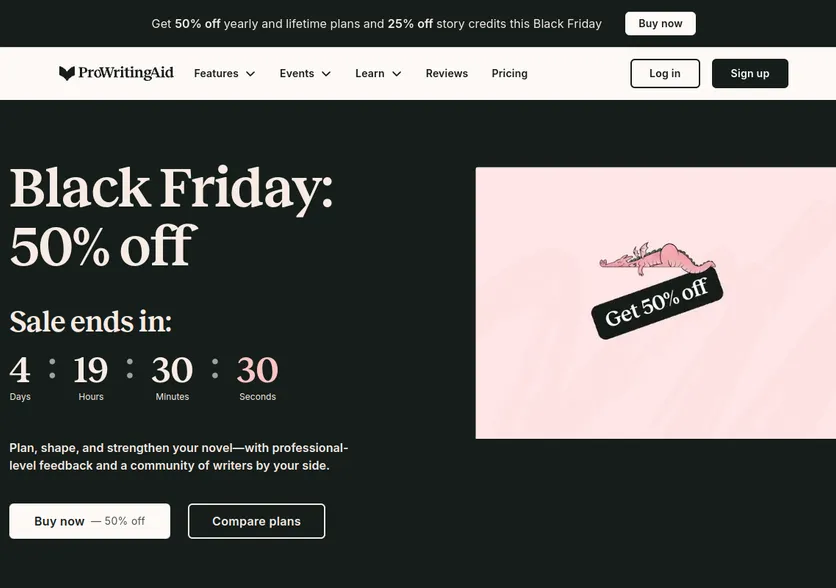
Paid tool Starting price: $10/month · Ten dollars a month billed annually on Premium, or one hundred and twenty dollars a year; monthly billing is thirty dollars; Premium Pro is twelve dollars a month billed annually, or one hundred and forty-four dollars a year, and adds more AI features; lifetime licences are three hundred and ninety-nine dollars for Premium and six hundred and ninety-nine dollars for Premium Pro; a Black Friday discount of fifty percent on yearly and lifetime plans runs through November twenty-ninth and is not the list price
Free plan: Free plan (500 words per check)
A novelist or long-form writer who wants more than spellcheck will find it here, because this ProWritingAid plan costs ten dollars a month billed annually. Its reports cover pacing, repetition, sentence variety and overused words, and it works inside Word, Google Docs, Scrivener and the browser. The free plan caps each check at five hundred words, so a book-length draft needs the paid plan.
What we like
- Deep style reports for pacing, repetition and sentence variety
- Works in Word, Google Docs, Scrivener and the browser
- Lifetime licence option for writers who hate subscriptions
Watch out for
- The free plan caps each check at five hundred words
- The interface packs in more reports than a casual writer needs
How to try it
- Open the document in the editor or the browser extension
- Run the summary report to find the biggest style issues
- Work through the suggestions and re-check the final draft
3. Hemingway Editor
Best for: Writers who want shorter, clearer sentences
Paid tool Starting price: $19.99 one-time · Nineteen dollars and ninety-nine cents one time for the Classic desktop app on Mac or Windows, with no subscription and no AI; Plus Individual 5K is eight dollars and thirty-three cents a month billed annually, or one hundred dollars a year, and twenty-five dollars month to month; Individual 10K is twelve dollars and fifty cents billed annually; Team 10K is twelve dollars and fifty cents per user a month billed annually
Free plan: Free web editor
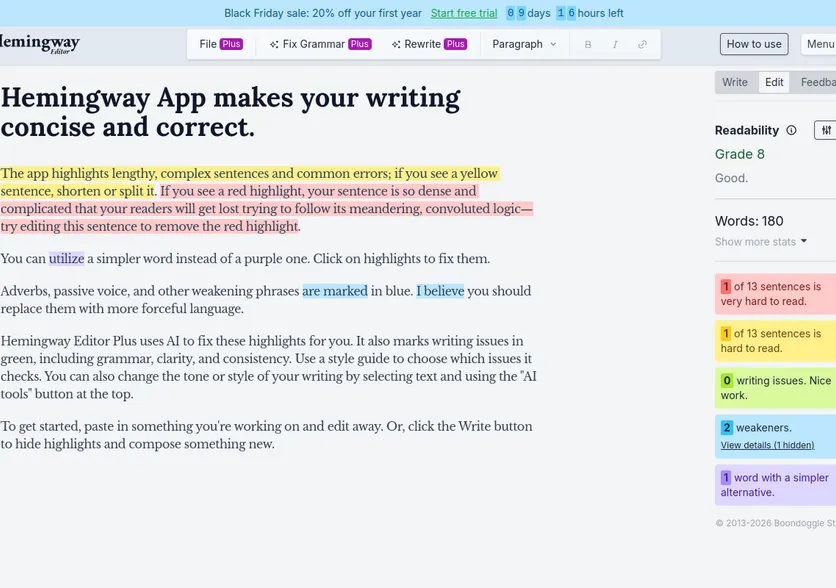
Writers who want shorter, clearer sentences get a tool with no subscription at all, since this Hemingway Editor plan costs nineteen dollars and ninety-nine cents one time for the Classic desktop app. It highlights dense sentences and passive voice in plain colours and gives every draft a grade level. The free web editor handles a quick check, while the paid Plus plans add AI rewriting for writers who want it.
What we like
- One-time price with no subscription for the Classic app
- Flags dense sentences and passive voice in plain colours
- Free web editor for a quick readability check
Watch out for
- The nineteen-dollar Classic app has no AI features at all
- Plus pricing climbs fast for teams that need many words
How to try it
- Paste the draft into the editor and read the colour highlights
- Split the yellow and red sentences into shorter ones
- Check the grade level, then export the cleaned draft
4. Ginger
Best for: Writers learning English who want rephrasing help
Paid tool Starting price: $6.99/month · Six dollars and ninety-nine cents a month billed annually on Premium, or eighty-four dollars a year; monthly billing is thirteen dollars and ninety-nine cents and quarterly billing is eleven dollars and nineteen cents; a two-year plan is four dollars and ninety-nine cents a month; Business is nine dollars and ninety-nine cents per user a month with a three-user minimum and no published annual rate
Free plan: Free plan (basic checks)
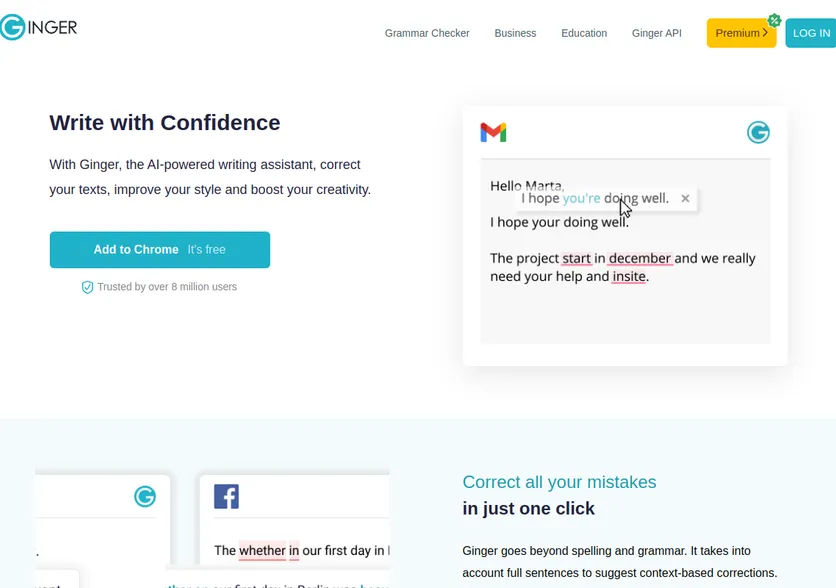
Writers learning English will get the most from the rephrasing here, because this Ginger plan costs six dollars and ninety-nine cents a month billed annually. It suggests rewrites that keep the writer's meaning intact, and it works across the browser, Word and mobile keyboards. A personal trainer mode drills the weak spots, which suits a writer building confidence in English.
What we like
- Rephrasing suggestions that keep the writer's meaning intact
- Works across the browser, Word and mobile keyboards
- Personal trainer exercises for writers learning English
Watch out for
- The cheapest rate needs a two-year commitment
- Fewer deep style reports than the bigger writing editors
How to try it
- Install the extension and write in any app as usual
- Review the grammar fixes and rephrase suggestions
- Use the personal trainer to practise the weak spots
5. LanguageTool
Best for: Writers working in more than one language
Paid tool Starting price: $4.99/month · Four dollars and ninety-nine cents a month billed annually on Premium, or fifty-nine dollars and ninety cents a year; monthly billing is nineteen dollars and ninety cents and quarterly billing is thirteen dollars; Business starts at nine dollars and forty-eight cents a month for two users; the free plan covers ten thousand characters per check
Free plan: Free plan (10,000 characters per check)
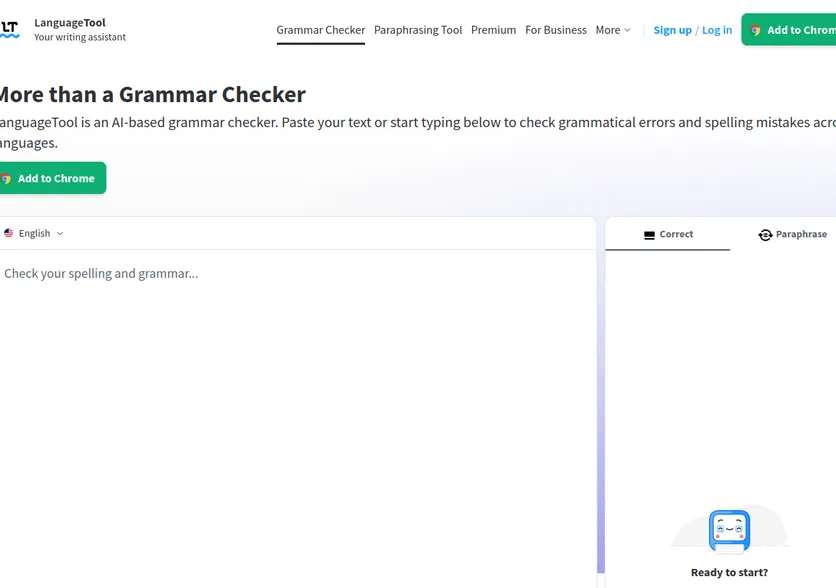
Writers working in more than one language get the best value here, since this LanguageTool plan costs four dollars and ninety-nine cents a month billed annually. It checks grammar, style and tone in more than thirty languages, so a bilingual writer needs only one login. The free plan covers ten thousand characters per check, which is enough for a short article but not a chapter.
What we like
- Supports more than thirty languages in one tool
- Cheapest paid plan in this list at under five dollars a month
- Style, tone and punctuation checks beside grammar
Watch out for
- The browser extension became Premium-only during 2026, with a fourteen-day trial
- The free plan caps each check at ten thousand characters
How to try it
- Paste the text into the editor or install the extension
- Review the grammar and style suggestions in order
- Accept the fixes and check the text in a second language if needed
6. Wordtune
Best for: Writers who rewrite the same sentence five times
Paid tool Starting price: $6.99/month · Six dollars and ninety-nine cents a month billed annually on Advanced, or thirteen dollars and ninety-nine cents month to month; Unlimited is nine dollars and ninety-nine cents billed annually, or nineteen dollars and ninety-nine cents monthly; the free Basic plan covers ten rewrites a day and three summaries a month; some listings still show the older Plus name at nine dollars and ninety-nine cents
Free plan: Free Basic plan (10 rewrites a day)
Writers who rewrite the same sentence five times will save hours here, because this Wordtune plan costs six dollars and ninety-nine cents a month billed annually. It rewrites a highlighted sentence in several tones, from casual to formal, and it can summarise long passages for a first draft. The free Basic plan covers ten rewrites a day, so a writer can test the tones before paying.

What we like
- Rewrites sentences in several tones with one click
- Summarises long passages for a quick first draft
- Works in Google Docs, Gmail and the browser
Watch out for
- Advanced caps rewrites at thirty a day and summaries at fifteen a month
- Focused on rewriting, so it is not a full grammar checker
How to try it
- Highlight a sentence and ask Wordtune to rewrite it
- Pick the tone that fits the piece, casual or formal
- Use the summary tool to condense long source material
7. Writer
Best for: Writing teams that need one brand voice
Paid tool Starting price: $18/user/month · Eighteen dollars per user a month billed annually on Team, with a five-user minimum reported on the vendor page, so the entry bill is ninety dollars a month; some listings report a three-user minimum, which the vendor page does not confirm; Enterprise is quoted and reported around one hundred and fifty thousand dollars a year
Free plan: Free trial
Writing teams that need one brand voice across every writer will like the guardrails here, since this Writer plan costs eighteen dollars per user a month billed annually. Team style guides keep every draft on the same voice, and the AI checks facts, claims and terminology as you write. The five-user minimum sets the entry bill at ninety dollars a month, so it suits a team rather than a solo writer.
What we like
- Team style guides keep every writer on the same voice
- AI guardrails check facts, claims and terminology as you write
- Integrations with the docs and chat tools teams already use
Watch out for
- The five-user minimum makes the entry bill ninety dollars a month
- Enterprise pricing is quoted and far above the Team plan
How to try it
- Set up the team style guide with the brand voice rules
- Write in the editor and review the guardrail flags
- Approve the draft and share it with the team
8. QuillBot
Best for: Writers who paraphrase source material daily
Paid tool Starting price: $4.17/month · Four dollars and seventeen cents a month billed annually on Premium, or forty-nine dollars and ninety-nine cents a year; monthly billing is eight dollars and thirty-three cents; the price is disclosed as a rounded annual figure, so confirm the exact yearly total at checkout
Free plan: Free plan
Writers who paraphrase source material daily get the cheapest annual rate in this list, because this QuillBot plan costs four dollars and seventeen cents a month billed annually. It paraphrases in several modes, from fluency to creative, and adds a grammar checker, a summariser and a citation generator in the same login. The free plan limits paraphrasing words and modes, so heavy users will need the paid plan.
What we like
- Paraphrasing with several modes, from fluency to creative
- Grammar checker, summariser and citation generator in one login
- Cheapest annual rate in this list alongside LanguageTool
Watch out for
- The free plan limits paraphrasing words and modes
- Paraphrasing can drift from the original meaning if unchecked
How to try it
- Paste the passage into the paraphraser and pick a mode
- Compare the rewrite with the original for accuracy
- Run the grammar checker over the final version
Prices above were checked on each vendor’s own website on Nov 28, 2026 and can change — the vendor’s page is the final word. Vendor links are editorial: nobody paid to be listed or ranked here. Vendors who want a featured listing can see how it works on our Get listed page.
How to proofread a draft without losing your voice
Run the automatic check first, then read the draft aloud yourself, since no tool catches every wrong word in context. Accept the grammar fixes and question the style suggestions, because a tool that rewrites every sentence will flatten a writer's voice. Check the same draft in a second tool if the piece matters, since each checker misses different errors. Keep a personal list of the mistakes the tool finds most often, and watch for them in the first draft next time. Finally, save the last pass for a fresh day, because tired eyes miss the errors a rested reader spots at once.
Before you buy
- Confirm the tool checks grammar and style, not only spelling
- Check whether it works in the apps the writer actually uses, such as Word or Google Docs
- Test the free plan on a real draft before paying for a year
- Make sure the style suggestions can be turned off or tuned per project
- Ask whether the tool stores the text, and where that data lives
Official websites
Official websites of the products reviewed above. Features and prices were checked against these sites when this guide was written, and they can change, so confirm on the vendor site before you buy.
Frequently asked questions
What is the best proofreading software for writers?
Grammarly is the best overall, at twelve dollars per member a month billed annually, with grammar, spelling, tone, plagiarism and AI checks in every app a writer uses. ProWritingAid is the better pick for long-form writers, at ten dollars a month, with deep style reports for pacing and repetition. LanguageTool is the best value, at four dollars and ninety-nine cents a month, with more than thirty languages.
How much does Grammarly Pro cost?
Grammarly Pro costs twelve dollars per member a month billed annually, or one hundred and forty-four dollars a year. Quarterly billing is twenty dollars a month and monthly billing is thirty dollars. The free plan covers one hundred AI prompts a month, so a writer can test the premium suggestions before paying for the full year.
Can I proofread for free?
Yes, with Grammarly, which offers a free plan with one hundred AI prompts a month, and LanguageTool, which offers a free plan covering ten thousand characters per check. Hemingway Editor offers a free web editor for a quick readability check. All three are genuine free tiers, so a writer can proofread short pieces without paying, though long drafts need a paid plan.
Is Hemingway Editor still worth buying?
Yes, if the writer wants a one-time price with no subscription, since the Classic desktop app costs nineteen dollars and ninety-nine cents once. It highlights dense sentences and passive voice and gives every draft a grade level. Writers who want AI rewriting should look at the Plus plans instead, since the Classic app has no AI features at all.
Which tool is best for a novelist?
ProWritingAid is the best pick for a novelist, at ten dollars a month billed annually, with deep style reports for pacing, repetition and sentence variety. It works inside Word, Google Docs and Scrivener, which covers the tools most novelists already use. Grammarly is the better pick if the novelist also writes email and short pieces in the browser.
Compare the eight tools above, then start with a free plan or trial on the tool that matches how the writer already drafts before paying for a full year.
Browse Business Tools tools