On this page
A patent application with a wrong claim number or a missing antecedent basis costs the client money and the firm its reputation, so proofreading has to catch those errors before the draft goes to the USPTO. The seven tools below cover that job, from a Word add-in that checks claims locally to AI platforms that draft and proofread in one pass. ClaimMaster leads because it checks antecedent basis, claim support and part numbers inside Word for twenty dollars per user a month.
How we researched this
We checked every price on vendor pricing pages or multiple agreeing November 2026 reads of vendor pages, and only included tools with a published US dollar list price. The big platforms that sell proofreading by quote, including LexisNexis PatentOptimizer, Rowan Patents, Solve Intelligence, DeepIP and PatentPal, publish no prices, so they are not in this list. Prices change, so confirm the current figure on the vendor site before you buy.
Compare the tools
| Name | Best for | Starting price | Free plan | |
|---|---|---|---|---|
| ClaimMaster | Word-based firms that proofread US patent drafts | $20/user/month | No free plan; 30-day free trial | Visit |
| Patent Bots | US firms that want proofreading plus examiner statistics | $702/person/year | No free plan; 14-day free trial | Visit |
| PatentAssist | Solo practitioners who want low-cost drafting across four formats | $29/month | No free plan; 7-day free trial | Visit |
| IP Author | Corporate patent groups filing in the US and Europe | $4,800/year | No free plan; 14-day free trial | Visit |
| PatSnap | Teams that want AI search and drafting over a huge patent database | $100/month | Free plan (Eureka Basic, with daily limits) | Visit |
| Patenta | Firms that want a published rate card for AI patent work | $299/month | No free plan; 7-day free trial | Visit |
 PowerPatent | Firms that want a first draft priced per invention, not per seat | $199 one-time | Free starter pack (30 tokens) | Visit |
The patent proofreading software for law firms, compared
1. ClaimMaster
Best for: Word-based firms that proofread US patent drafts
Paid tool Starting price: $20/user/month · Twenty dollars per user a month billed annually on the entry edition, or twenty-four dollars billed monthly; the top Pro with Draft and Shells edition is seventy-five dollars billed annually or ninety dollars billed monthly, but other November 2026 reads list thirty dollars and thirty-six dollars a month, so confirm the edition at checkout
Free plan: No free plan; 30-day free trial
For a Word-based firm that proofreads US patent drafts every week, this ClaimMaster plan costs twenty dollars per user a month. It is a long-running Microsoft Word add-in built for patent proofreading, claim automation, office action shells and USPTO forms. It checks antecedent basis, claim support, part numbers and amendment status inside the document, and it builds claim trees and renumbers figures and parts.
What we like
- Checks antecedent basis, claim support and part numbers inside Word
- Runs locally in Word with a model the firm configures
- Builds claim trees and renumbers figures and parts
Watch out for
- Built around USPTO practice, with no European drafting format
- The price depends on the edition and add-ons chosen
How to try it
- Install the Word add-in and open a draft application
- Run the proofreading checks and work through the flagged errors
- Generate the claim tree and renumber the figures before filing
2. Patent Bots
Best for: US firms that want proofreading plus examiner statistics
Paid tool Starting price: $702/person/year · Seven hundred and two dollars per person a year for an individual registered practitioner at a law firm; law firm pricing starts at one thousand four hundred and four dollars a year with a one hundred dollar a month or four hundred dollar a year minimum, set by a calculator rather than a flat list
Free plan: No free plan; 14-day free trial
For a US firm that wants proofreading beside examiner statistics, this Patent Bots plan costs seven hundred and two dollars per person a year. It began as patent proofreading software and now covers preparation and prosecution in Microsoft Word and on the web. Its proofreading checks claims for numbering, dependency and antecedent basis errors, and it adds office action shells, IDS work, USPTO forms and examiner statistics built from USPTO data.
What we like
- Proofreading for numbering, dependency and antecedent basis errors
- Examiner statistics and art unit predictor included
- Office action shells, IDS work and USPTO forms in one tool
Watch out for
- US-focused, with no European drafting format
- Law firm pricing is set by a calculator, not a flat list
How to try it
- Start the trial and install the Word add-in
- Run the proofreading checks on a pending application
- Review the examiner statistics before drafting the response
3. PatentAssist
Best for: Solo practitioners who want low-cost drafting across four formats
Paid tool Starting price: $29/month · Twenty-nine dollars a month on Lite with 300 credits, or ninety dollars a month on Pro with 1,500 credits; every feature is on both plans, and a year costs two hundred and ninety dollars on Lite or nine hundred dollars on Pro
Free plan: No free plan; 7-day free trial
For a solo practitioner who wants low-cost drafting across four formats, this PatentAssist plan costs twenty-nine dollars a month. It is a web app that drafts US, European, German and Indian applications from one invention disclosure, with rendered drawings and reference numerals. Every feature is available on both plans, so the choice is about volume and credits rather than locked features.
What we like
- Lite at twenty-nine dollars a month with every feature included
- Drafts in USPTO, EPO, DPMA and IP India formats
- Seven-day self-serve trial with 300 credits
Watch out for
- USPTO office action support is still in development
- IP India first examination report responses are in beta
How to try it
- Create an account and upload an invention disclosure
- Pick the filing format and generate the first draft
- Review the claims and drawings before exporting to Word
4. IP Author
Best for: Corporate patent groups filing in the US and Europe
Paid tool Starting price: $4,800/year · Four thousand eight hundred dollars a year per tool for drafting, or nine thousand five hundred and ninety dollars a year for drafting plus office actions, both on 12-month terms; the drafting tool covers USPTO and EPO formats only
Free plan: No free plan; 14-day free trial
For a corporate patent group filing in the US and Europe, this IP Author plan costs four thousand eight hundred dollars a year. It drafts claims and the specification from a disclosure, with editable flowcharts and block diagrams, and drafts first-pass office action responses for USPTO and EPO actions. European customers have their data stored in European AWS regions, and the vendor states SOC 2 Type II certification.
What we like
- Published annual price with USPTO and EPO office action responses
- European customer data stored in European AWS regions
- SOC 2 Type II stated, with a zero-training guarantee
Watch out for
- Four thousand eight hundred dollars a year buys one tool, not the suite
- Only flowcharts and block diagrams for figures, no full drawing set
How to try it
- Start the trial and upload an invention disclosure
- Generate the draft claims and specification for review
- Run the office action response tool on a pending action
5. PatSnap
Best for: Teams that want AI search and drafting over a huge patent database
Paid tool Starting price: $100/month · One hundred dollars a month for Eureka Pro Frequent with 40,000 credits; lighter Pro tiers start at twenty-five dollars a month, and the full Analytics platform is quote-only with directory figures from roughly three thousand to thirty thousand dollars a year
Free plan: Free plan (Eureka Basic, with daily limits)
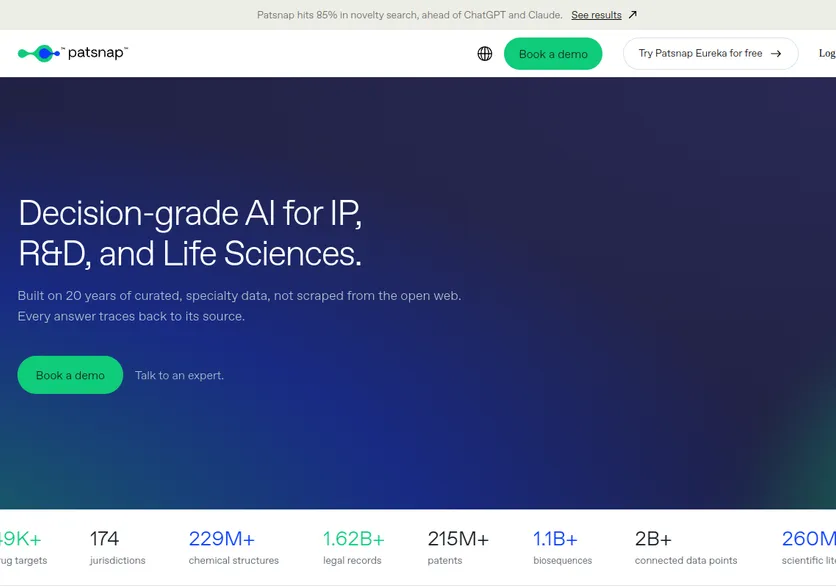
For a team that wants AI search and drafting over a huge patent database, this PatSnap plan costs one hundred dollars a month. It is a large commercial patent search and analytics platform covering more than two hundred million patents, and its Eureka product adds AI drafting assistance and plain-language answers with citations. The free Basic tier has daily limits, so a firm can test the search before paying.
What we like
- More than 200 million patents with AI search and analytics
- Eureka answers questions with citations and drafts with source material in view
- Free Basic tier with daily limits for testing
Watch out for
- The one hundred dollar entry price does not buy the full Analytics platform
- The broad feature set needs real onboarding time
How to try it
- Start with the free Basic tier and run a prior art search
- Ask Eureka to draft a first-pass claim set from the results
- Check the citations against the source documents before relying on the draft
6. Patenta
Best for: Firms that want a published rate card for AI patent work
Paid tool Starting price: $299/month · Two hundred and ninety-nine dollars a month per account on Solo with 1,000 credits, or four hundred and ninety-nine dollars a month on Pro with 2,500 credits; Enterprise is by quote, and the full rate card is published on the vendor pricing page
Free plan: No free plan; 7-day free trial
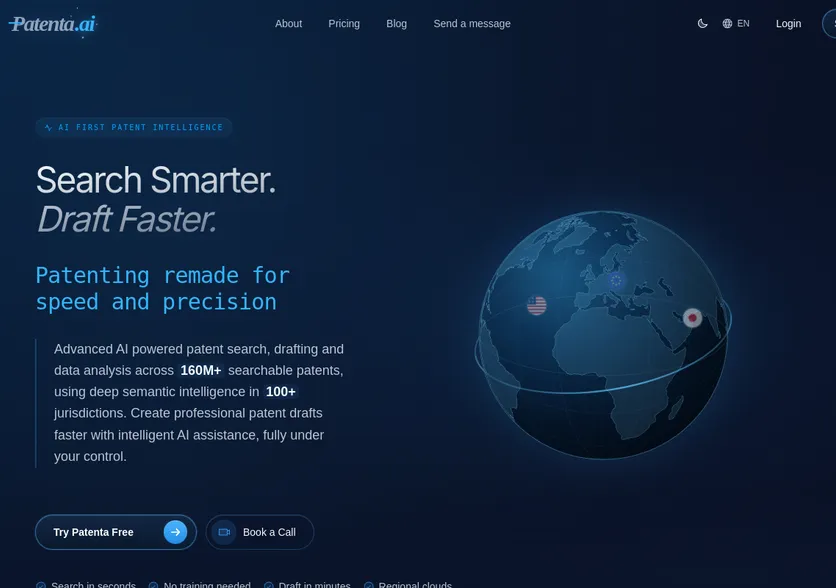
For a firm that wants a published rate card for AI patent work, this Patenta plan costs two hundred and ninety-nine dollars a month. It publishes a complete rate card, which is rare among AI patent platforms, and covers semantic search, novelty scoring, freedom to operate risk scoring, prior art analysis and AI drafting with iteration. Drafting output covers USPTO, EPO and PCT formats, with figure generation included.
What we like
- Full published rate card with no sales call needed
- Search, novelty scoring, freedom to operate and drafting in one tool
- Drafting output for USPTO, EPO and PCT formats
Watch out for
- Two hundred and ninety-nine dollars a month is per account, not per user
- Credits cap the monthly volume, so heavy months need the Pro tier
How to try it
- Start the trial and run a semantic prior art search
- Score the novelty of the invention disclosure against the results
- Generate the draft and iterate on the claims inside the tool
7. PowerPatent
Best for: Firms that want a first draft priced per invention, not per seat
Paid tool Starting price: $199 one-time · One hundred and ninety-nine dollars one time for 200 tokens, which the vendor says covers a standard patent application; extra tokens cost one dollar each and expire six months after purchase. A free starter pack includes 30 tokens. A Professional plan is listed at four hundred and ninety-nine dollars per user a month and Enterprise is quoted.
Free plan: Free starter pack (30 tokens)
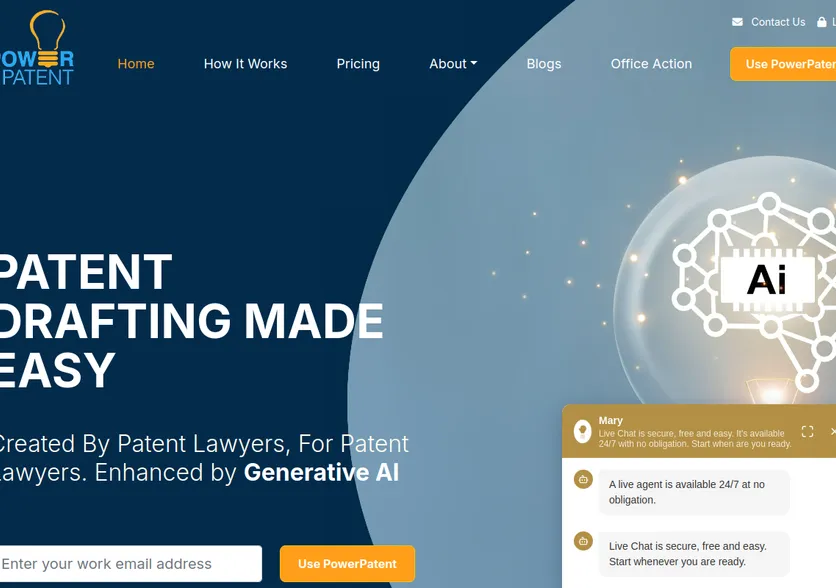
A firm that wants a first draft without paying a per-seat subscription will find the token model here, since this PowerPatent plan costs one hundred and ninety-nine dollars one time for 200 tokens. It turns an invention disclosure or claim tree into a full first draft in minutes, with graphical claim drafting and diagnostic checks for quality and consistency. Most standard applications use fewer than 200 tokens, so one pack usually covers a whole filing.
What we like
- One $199 token pack usually covers a whole application
- Graphical claim drafting with diagnostic quality checks
- Free starter pack with 30 tokens to test the workflow
Watch out for
- Tokens expire six months after purchase
- A first-draft tool, not a full prosecution platform
How to try it
- Create an account and claim the free 30-token starter pack
- Upload an invention disclosure or build a claim tree
- Generate the first draft and run the diagnostic checks before exporting
Prices above were checked on each vendor’s own website on Nov 28, 2026 and can change — the vendor’s page is the final word. Vendor links are editorial: nobody paid to be listed or ranked here. Vendors who want a featured listing can see how it works on our Get listed page.
How to proofread a patent draft before it goes to the USPTO
Run the automatic checks first, then read the claims yourself, because no tool catches every antecedent basis error in a long specification. Check the claim numbering and dependencies by hand after any amendment, since renumbering is where most errors creep in. Compare the part numbers in the drawings against the specification, and keep the proofreading report with the file so the record shows the draft was checked before filing, and a second pair of eyes on the claims catches the errors that any single reviewer, human or machine, is bound to miss.
Before you buy
- Confirm the tool checks antecedent basis, claim dependencies and part numbers, not just spelling
- Check whether the tool covers the filing formats the firm uses, including European formats
- Ask where the draft is processed and whether the vendor stores it or trains on it
- Make sure the tool works inside Word or the drafting environment the firm already uses
- Test the tool on a real pending application before paying for a full year
Official websites
Official websites of the products reviewed above. Features and prices were checked against these sites when this guide was written, and they can change, so confirm on the vendor site before you buy.
Frequently asked questions
What is patent proofreading software for law firms?
It is software that checks a patent application draft for errors before filing, such as wrong claim numbering, broken dependencies, missing antecedent basis, inconsistent part numbers and wrong amendment status. Good tools work inside Word or the drafting environment, build claim trees, and produce a report the firm can keep with the file.
How much does ClaimMaster cost for a law firm?
ClaimMaster starts at twenty dollars per user a month billed annually on the entry edition, or twenty-four dollars billed monthly. The top Pro with Draft and Shells edition is seventy-five dollars billed annually. Other November 2026 reads list thirty and thirty-six dollars a month, so confirm the edition at checkout.
Can I proofread patent applications for free?
PatSnap offers a free Eureka Basic tier with daily limits, so a firm can test AI search and drafting without paying. The other tools here offer free trials rather than free plans: ClaimMaster for 30 days, Patent Bots for 14 days, PatentAssist for 7 days and IP Author for 14 days.
Is AI patent drafting safe for confidential client drafts?
It depends on the vendor. Rowan Proofreading states that it stores nothing processed through its servers, and IP Author stores European customer data in European AWS regions with a zero-training guarantee. ClaimMaster runs locally in Word with a model the firm configures. Check the vendor security page before uploading a client draft.
Which tool is best for a small patent firm?
ClaimMaster is the best pick for most small firms, because it checks claims inside Word for twenty dollars per user a month with a 30-day trial. PatentAssist is the cheapest entry at twenty-nine dollars a month for drafting across four formats. Patent Bots suits a firm that also wants examiner statistics.
Compare the seven tools above, then start with a free trial on the tool that matches how the firm already drafts before paying for a full year.
Browse Business Tools tools